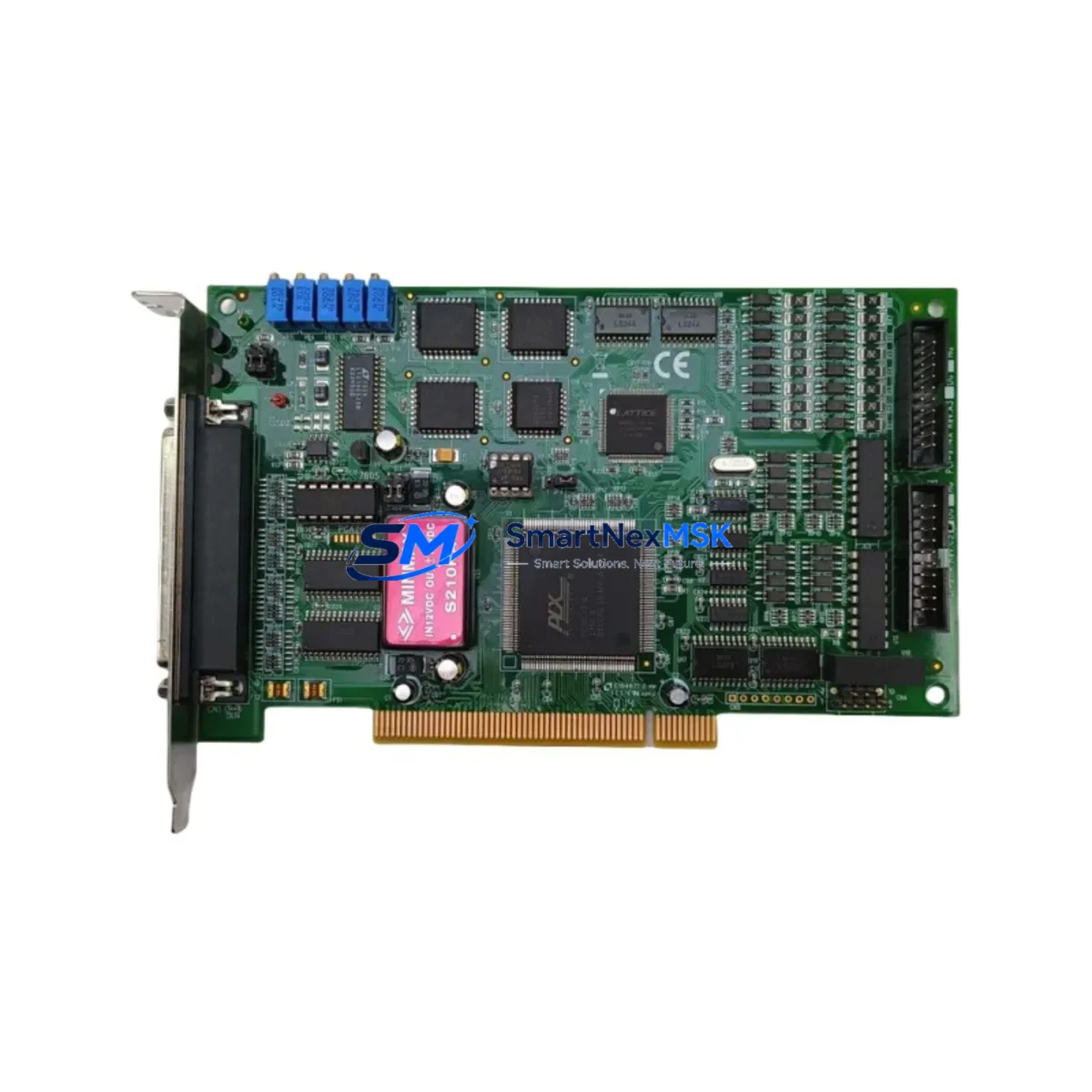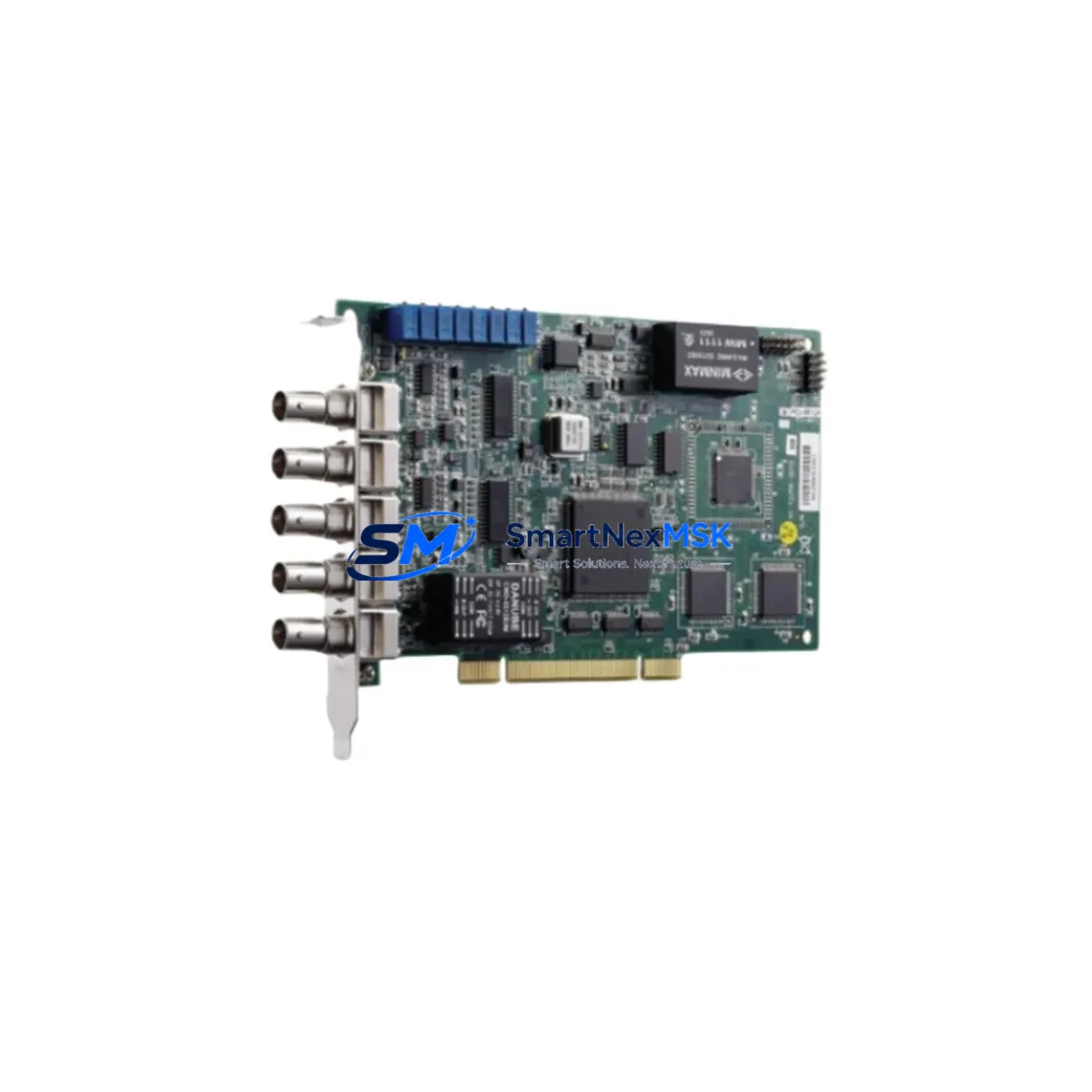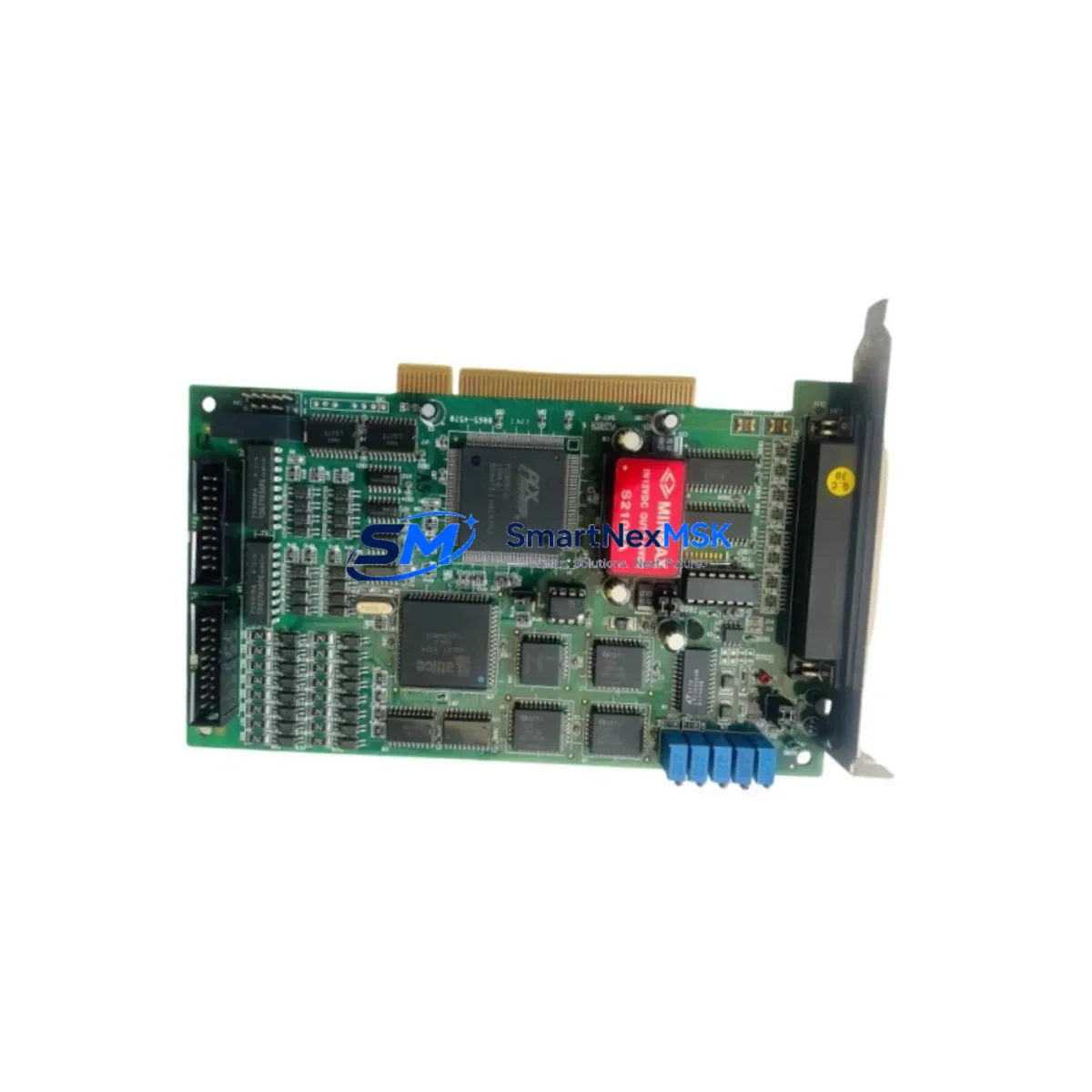
ADLINK PCI-9114A-DG Retrofit-Ready DAQ for PCI-9114 Series Control Systems
The ADLINK PCI-9114A-DG is a high-performance, retrofit-ready multifunction data acquisition card engineered as a direct upgrade and compatible replacement for the legacy PCI-9114 Series. Designed for industrial automation environments where aging DAQ infrastructure must be modernized without disrupting active production lines, the PCI-9114A-DG delivers 16 single-ended or 8 differential analog input channels, 12-bit resolution, and a maximum sampling rate of 110 kS/s — preserving the measurement architecture of the original PCI-9114 while adding enhanced signal integrity and improved driver compatibility for modern operating systems.
For system integrators and maintenance engineers managing legacy control cabinets, the PCI-9114A-DG addresses one of the most common retrofit challenges: replacing a discontinued DAQ card without rewriting the entire application layer. The card maintains pin-compatible I/O assignments with the PCI-9114 family, allowing existing terminal block wiring and SCSI-68 cable assemblies to remain in place during the transition. This significantly reduces rewiring labor and minimizes the risk of field wiring errors during changeover.
When planning a retrofit around the PCI-9114A-DG, engineers should verify the host PC’s available PCI slot count and bus bandwidth, particularly in older industrial PCs where slots may already be occupied by communication cards such as the ADLINK PCI-7841 CAN bus interface or legacy serial communication modules. Power budget verification at the backplane level is equally critical — the PCI-9114A-DG draws standard 5V PCI bus power, but shared-slot configurations with high-current motion control cards or ADLINK PCI-8164 four-axis motion controllers should be audited before installation.
Upgrade Compatibility Table
| Parameter | PCI-9114 (Legacy) | PCI-9114A-DG (Retrofit) |
|---|---|---|
| Analog Input Channels | 16 SE / 8 DIFF | 16 SE / 8 DIFF |
| Resolution | 12-bit | 12-bit |
| Max Sampling Rate | 100 kS/s | 110 kS/s |
| Input Range | ±10V, ±5V, ±2.5V, ±1.25V | ±10V, ±5V, ±2.5V, ±1.25V |
| Bus Interface | 32-bit PCI | 32-bit PCI |
| Connector | SCSI-68 | SCSI-68 |
| OS Compatibility | Windows XP/7 | Windows 7/10/11, Linux |
| Driver Support | DAQPilot (legacy) | DAQPilot / PCIS-DASK |
| Terminal Block | ADLINK DIN-68S compatible | ADLINK DIN-68S compatible |
| Retrofit Recommendation | — | Direct drop-in replacement |
| Commissioning Focus | — | Driver reinstall, channel mapping verification |
| Warranty | — | 12-Month Warranty |
Retrofit Planning for Existing Automation Systems
A successful PCI-9114A-DG retrofit begins well before the card is physically installed. Engineers should document the existing channel-to-signal mapping from the legacy PCI-9114 configuration, including analog input ranges, scan sequence, and any hardware triggering assignments tied to the ADLINK ACL-8112 or similar predecessor cards in the same control cabinet. If the system uses an ADLINK DIN-68S terminal block or equivalent SCSI-68 breakout board, these accessories are fully reusable with the PCI-9114A-DG, eliminating the need for new field wiring.
In multi-card configurations — for example, systems combining the PCI-9114A-DG with an ADLINK PCI-7296 96-channel digital I/O card or an ADLINK PCI-9118HG high-speed analog input card — slot assignment and IRQ allocation must be reviewed in the host PC’s BIOS and device manager before the new card is seated. Legacy industrial PCs running Windows XP embedded may require a driver migration step to PCIS-DASK before the PCI-9114A-DG is recognized correctly.
For systems where the DAQ card interfaces with an HMI panel — such as configurations using Weintek or Advantech HMI terminals reading process values via OPC or DDE — the tag database and channel address mapping should be exported and backed up before the retrofit. After the PCI-9114A-DG is installed and the driver is confirmed active, channel addresses should be verified against the original HMI screen bindings to ensure no display offsets or scaling errors are introduced. Communication links to upstream SCADA systems or DCS platforms, including those using Modbus RTU over RS-485 or Ethernet/IP, should be tested under live signal conditions before the system is returned to production.
Where the control system includes programmable logic controllers managing interlocks or safety shutdowns based on analog thresholds read through the DAQ card, the PLC program logic — whether running on a Siemens S7-300, Mitsubishi Q Series, or Omron CJ2 platform — should be placed in a safe hold state during the card swap to prevent nuisance trips caused by momentary signal loss during the changeover window.
Downtime Control During System Migration
Minimizing production downtime during a PCI-9114A-DG retrofit requires a structured changeover plan. The recommended approach is to prepare the replacement card in a bench environment first: install the PCIS-DASK driver on a test PC, configure the channel scan list to match the production system’s parameters, and verify all analog input ranges using a calibrated signal source before the card is brought to the field.
On the day of changeover, the original PCI-9114 card’s driver configuration file and DAQPilot project settings should be exported and archived. The host PC should be powered down cleanly — not hard-reset — to protect the integrity of any on-disk data buffers. After the PCI-9114A-DG is seated and the system is powered on, the driver installation should be completed before any field wiring is reconnected, allowing a clean device enumeration. Once the card is confirmed active in Device Manager, the SCSI-68 cable from the DIN-68S terminal block can be reconnected and channel continuity verified with a multimeter before the application software is restarted.
For critical processes where even a brief interruption is unacceptable, a parallel-run strategy is recommended: install the PCI-9114A-DG in a second PCI slot alongside the original PCI-9114, run both cards simultaneously under the PCIS-DASK multi-device configuration, and validate signal parity across all channels before decommissioning the legacy card. This approach preserves full control continuity and allows the original program logic to remain active throughout the validation period. All units supplied by SMARTNEXMSK are pre-tested prior to shipment and covered by a 12-month warranty, supporting rapid field replacement with confidence.
Retrofit Support FAQ
Q: Is the PCI-9114A-DG a direct drop-in replacement for the PCI-9114?
A: Yes. The PCI-9114A-DG uses the same SCSI-68 connector, identical channel count, and compatible input range settings. Existing DIN-68S terminal block wiring can be reused without modification. A driver update to PCIS-DASK is required if the host system was previously running the legacy DAQPilot driver.
Q: What commissioning steps are required after installation?
A: After seating the card and installing the PCIS-DASK driver, verify channel mapping in the DAQ configuration utility, confirm analog input range settings match the original PCI-9114 configuration, and perform a live signal check on all active channels before restarting the application. HMI tag bindings and SCADA channel addresses should also be validated.
Q: Can the PCI-9114A-DG operate alongside other ADLINK cards in the same chassis?
A: Yes, provided the host PC has sufficient PCI slots and the system power budget supports the combined card load. Multi-card configurations with ADLINK PCI-7296 digital I/O or PCI-9118HG high-speed analog cards are supported under PCIS-DASK’s multi-device management framework. IRQ conflicts should be checked in Device Manager after installation.
Q: What warranty and testing does SMARTNEXMSK provide?
A: Every PCI-9114A-DG unit is functionally tested prior to shipment. A 12-month warranty is included, covering manufacturing defects and functional failures under normal operating conditions. Expedited shipping options are available to support urgent retrofit and system recovery requirements.
© 2026 SMARTNEXMSK. All rights reserved.
Original Source: https://smartnexmsk.com
Contact: [email protected] | +86 18259474341