
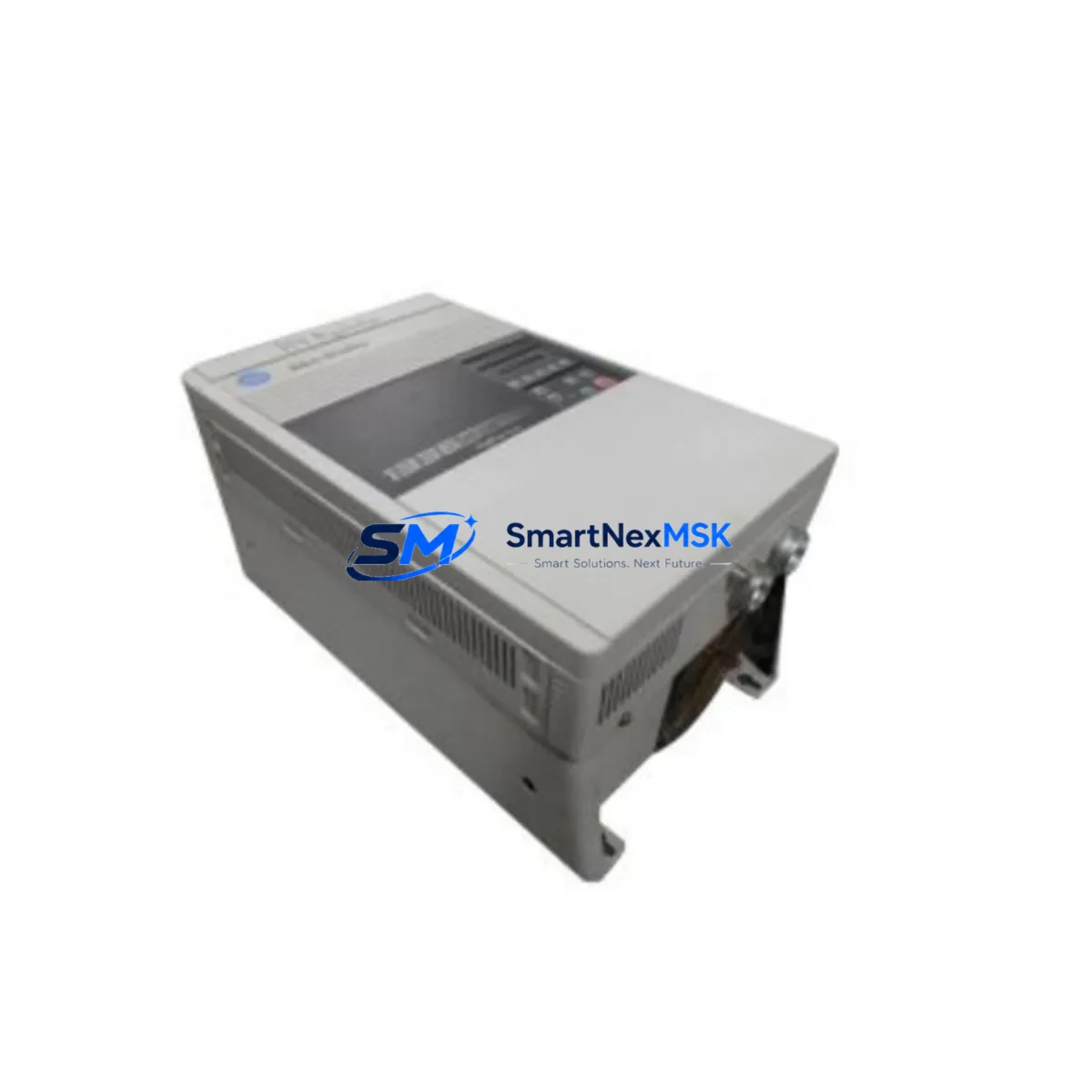
Allen-Bradley 1336S-B010-AN-EN Retrofit-Ready AC Drive for 1336 PLUS II Control Systems
The Allen-Bradley 1336S-B010-AN-EN is a 240V, 1HP sensorless vector AC drive engineered for seamless integration into legacy 1336 PLUS II control architectures. As industrial facilities face increasing pressure to modernize aging automation infrastructure without full system overhauls, this drive delivers a proven, cost-effective retrofit path that preserves existing wiring topologies, terminal block layouts, and PLC program logic. Whether you are replacing a failed unit on a production line, upgrading a control cabinet to meet current safety standards, or migrating from an end-of-life drive platform, the 1336S-B010-AN-EN provides the compatibility and reliability that maintenance engineers and system integrators demand.
Sourced directly from authorized distribution channels and rigorously tested prior to shipment, every unit is backed by a 12-month warranty covering manufacturing defects and functional performance. Stock is maintained on-hand to support urgent replacement scenarios, minimizing unplanned downtime and keeping your production schedule intact.
Upgrade Compatibility Table
| Parameter | Detail |
|---|---|
| SKU / Part Number | 1336S-B010-AN-EN |
| Series | Allen-Bradley 1336 PLUS II |
| Input Voltage | 240V AC, Single or Three Phase |
| Output Rating | 1HP (0.75 kW) |
| Control Mode | Sensorless Vector |
| Communication Option | EN (EtherNet/IP compatible frame) |
| Terminal Compatibility | Compatible with standard 1336 PLUS II terminal block wiring; verify TB1 and TB2 assignments before installation |
| Mounting / Backplane | Panel-mount chassis; no backplane slot required |
| Replacement Scope | Direct replacement for 1336S-B010-AN-EN; functional equivalent for select 1336 PLUS and 1336 IMPACT variants at same HP rating |
| Communication Protocol | EtherNet/IP, DeviceNet (with optional 1336-GM6 adapter); verify existing network topology before swap |
| Commissioning Requirement | Parameter restore via DriveExplorer or Studio 5000 Logix Designer; confirm motor nameplate data entry |
| Warranty | 12 Months from date of shipment |
| Pre-Shipment Testing | Full functional test performed; FAT documentation available on request |
Retrofit Planning for Existing Automation Systems
Successful retrofit of the 1336S-B010-AN-EN into an existing control system begins well before the physical swap. Maintenance teams should start by auditing the control cabinet layout to confirm available panel space, ventilation clearances, and DIN rail or back-panel mounting provisions. The existing 1336 PLUS II drive’s parameter file should be exported using DriveExplorer software and archived before removal — this file becomes the baseline for restoring motor tuning data, accel/decel ramps, current limits, and fault response configurations on the replacement unit.
Terminal wiring is a critical checkpoint. The 1336S-B010-AN-EN uses the standard 1336 PLUS II terminal block arrangement, but engineers should verify the TB1 control wiring assignments — particularly analog reference inputs (0–10V or 4–20mA), digital I/O for run/stop/fault commands, and relay output connections for external fault annunciation. If the existing system uses a 1336-GM6 DeviceNet communication adapter or a 1336-GM1 Remote I/O adapter, confirm that the adapter firmware version is compatible with the replacement drive’s firmware revision before reconnecting.
For facilities running a broader 1336 PLUS II installation, the retrofit often occurs alongside related component work. Power supply modules feeding the control cabinet — such as the 1606-XLP series or legacy 1336 internal power supply boards — should be load-tested to confirm they can sustain the replacement drive’s inrush and steady-state current draw. If the control system includes a 1747-L553 SLC 5/05 or a 1756-L63 ControlLogix processor managing drive speed references via EtherNet/IP, the drive’s IP address and EDS file registration in RSLinx Classic or Studio 5000 must be updated to reflect the replacement unit’s MAC address and firmware version.
I/O expansion modules connected to the same rack — such as 1756-IB16 digital input modules or 1756-OF8 analog output modules — typically require no reconfiguration, as the drive interface is handled at the controller level through Add-On Instructions (AOIs) or legacy ladder rungs. However, if the HMI — whether a PanelView 800, PanelView Plus 7, or legacy PanelView 550 — displays drive status tags sourced from the drive’s EtherNet/IP data table, the tag addresses should be verified against the replacement drive’s parameter mapping to ensure fault codes, speed feedback, and output current values display correctly on operator screens.
Programming cables such as the 1203-USB or 1203-SSS serial adapter may be needed for initial parameter entry if EtherNet/IP connectivity is not yet established at the time of commissioning. Having these tools on-site before the maintenance window begins is essential for keeping the retrofit on schedule.
Downtime Control During System Migration
Minimizing production downtime during a drive replacement requires a structured pre-outage preparation protocol. Before the scheduled maintenance window, the replacement 1336S-B010-AN-EN should be bench-tested with a test motor to verify basic run/stop function, direction control, and fault-free operation under no-load conditions. Parameter files from the failed unit — or from a known-good sister machine — should be pre-loaded and verified so that on-site commissioning is reduced to motor nameplate confirmation and a brief autotune sequence.
During the outage, the sequence should follow a defined order: isolate and lock out the incoming power feed, document and photograph all existing terminal wiring before disconnection, remove the failed drive, install the 1336S-B010-AN-EN, reconnect terminals in reverse order of removal, restore power, and perform a controlled jog test before returning the machine to automatic mode. This disciplined approach protects the original program logic in the upstream PLC — no changes to the SLC or ControlLogix program are required if the drive’s network address and parameter structure are correctly restored.
For systems where continuous operation is critical, a hot-standby strategy using a pre-configured spare drive stored in the control room can reduce mean time to repair (MTTR) to under 30 minutes. Maintaining one pre-configured 1336S-B010-AN-EN as a shelf spare — with parameters pre-loaded and tested — is a best practice for facilities running 24/7 production schedules. All units shipped by SMARTNEXMSK are pre-tested and include a 12-month warranty, making them suitable for immediate deployment as shelf spares without additional incoming inspection overhead.
Retrofit Support FAQ
Q: Is the 1336S-B010-AN-EN a direct drop-in replacement for my existing 1336 PLUS II drive at the same HP rating?
A: Yes. The 1336S-B010-AN-EN is designed as a direct replacement within the 1336 PLUS II family at the 1HP / 240V rating. Terminal block layouts and mounting dimensions are consistent with the original series. Parameter restoration from a previously exported DriveExplorer file will recover motor tuning and application-specific settings. Verify communication adapter compatibility (DeviceNet, EtherNet/IP, or Remote I/O) before installation.
Q: What commissioning steps are required after installation?
A: After physical installation and terminal reconnection, restore the parameter file using DriveExplorer or Studio 5000. Enter motor nameplate data (voltage, FLA, RPM, Hz) and run the drive’s autotune routine to optimize sensorless vector performance. Verify analog reference scaling, digital I/O logic, and communication link status before returning to automatic operation. A controlled jog test at reduced speed is recommended before full-load commissioning.
Q: Can I reuse the existing DeviceNet or EtherNet/IP wiring and network configuration?
A: In most cases, yes. The existing network wiring can be reused. For DeviceNet, confirm the 1336-GM6 adapter node address matches the original configuration. For EtherNet/IP, update the drive’s IP address to match the original unit and re-register the EDS file in RSLinx Classic or Studio 5000 to restore controller-to-drive communication without PLC program changes.
Q: What does the 12-month warranty cover, and is pre-shipment testing performed?
A: Every 1336S-B010-AN-EN shipped by SMARTNEXMSK undergoes a full functional test prior to dispatch, verifying power-up, run/stop operation, and fault-free performance. The 12-month warranty covers manufacturing defects and functional failures under normal operating conditions from the date of shipment. Warranty claims are supported by our technical team with rapid replacement or repair turnaround to minimize your production impact.
© 2026 SMARTNEXMSK. All rights reserved.
Original Source: https://smartnexmsk.com
Contact: [email protected] | +86 18259474341



