
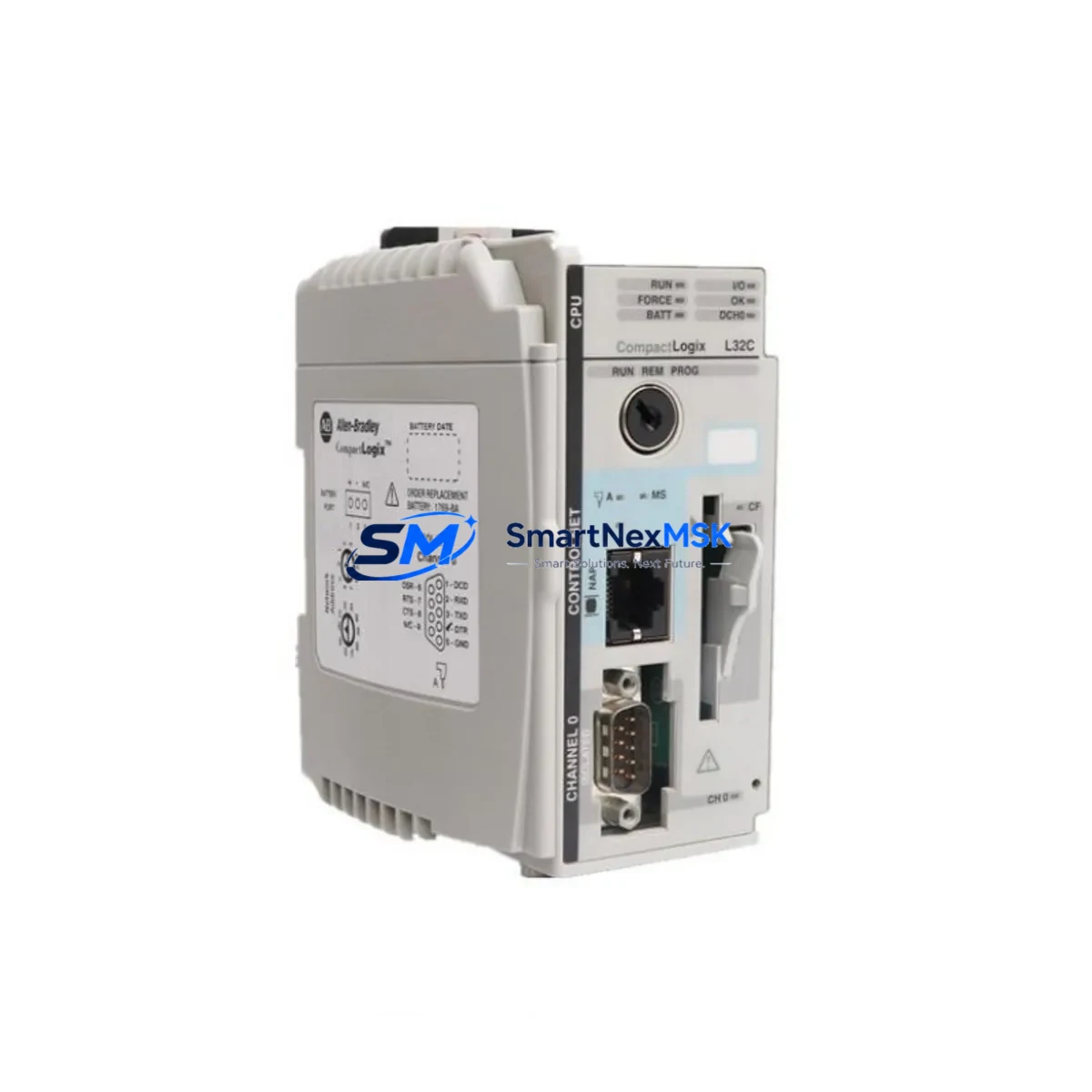
Allen-Bradley 1361-NO61-2-5 Maintenance-Ready Spare for 1361 Automation
The Allen-Bradley 1361-NO61-2-5 is a single-phase AC Variable Frequency Drive (VFD) module from the Rockwell Automation 1361 Series. Designed for legacy and active industrial control systems, this unit serves as a critical maintenance spare for facilities operating continuous production lines, packaging equipment, HVAC-integrated motor control centers, and process automation panels. Sourced as an original component, the 1361-NO61-2-5 is tested prior to shipment and backed by a 12-month warranty, ensuring your maintenance team can restore operations with confidence and minimal downtime.
For maintenance engineers managing aging Allen-Bradley drive infrastructure, the 1361-NO61-2-5 represents a direct, drop-in replacement that eliminates the need for costly panel redesigns or firmware reconfiguration. Procurement engineers will appreciate the long-term supply commitment: SMARTNEXMSK maintains dedicated stock of 1361 Series components to support planned shutdowns, emergency callouts, and annual spare parts budget cycles alike.
Spare Maintenance Table
| Parameter | Specification / Detail |
|---|---|
| Part Number (SKU) | 1361-NO61-2-5 |
| Brand / Manufacturer | Allen-Bradley (Rockwell Automation) |
| Series | 1361 Series Single-Phase AC VFD |
| Product Type | AC Variable Frequency Drive |
| Input Phase | Single-Phase AC |
| Origin | United States (US) |
| Compatibility | 1361 Series control panels; legacy Rockwell Automation VFD installations |
| Application Environment | Industrial automation, motor control centers, process control, HVAC integration |
| Installation | Direct replacement; panel-mount; refer to 1361 Series wiring diagram |
| Condition | Original spare; pre-shipment tested |
| Warranty | 12 Months |
| Shipping | Tested and inspected before dispatch; global shipping available |
| Maintenance Recommendation | Inspect input wiring, output terminals, and cooling vents at each planned maintenance interval |
Maintenance Planning for Continuous Operation
When scheduling a replacement of the 1361-NO61-2-5, experienced maintenance engineers know that a single-component swap rarely tells the full story of a drive panel’s health. A thorough inspection of the surrounding electrical circuit is essential to prevent repeat failures and ensure the replacement unit operates within its rated parameters from day one.
Begin with the input power supply module feeding the 1361 drive. Verify that incoming voltage is stable and within the drive’s rated input range — voltage sags or transients are a leading cause of premature VFD failure. Check the line reactor or EMC filter upstream of the drive for signs of overheating or insulation degradation. If the panel uses a 1606 Series power supply or equivalent 24 VDC control power rail, confirm output voltage stability under load before energizing the replacement drive.
Inspect all terminal blocks and wiring lugs connected to the drive’s input (R/L1, S/L2) and output (U/T1, V/T2, W/T3) terminals. Loose or corroded connections are a common root cause of intermittent drive faults and should be re-torqued to specification. If the panel includes a 1492 Series terminal block assembly, check for discoloration or heat damage that may indicate sustained overcurrent conditions.
For systems using 1756 ControlLogix or 1769 CompactLogix PLCs to command the drive via analog or digital I/O, verify that the I/O module’s output signal levels are within the drive’s accepted reference range. A faulty 1756-OF8 analog output module or degraded signal cable can cause erratic speed control even after a drive replacement. Similarly, if the drive communicates over DeviceNet or EtherNet/IP using a 1203-USB or 22-COMM-E communication adapter, confirm adapter firmware compatibility with the replacement unit before going live.
Don’t overlook the motor protection relay or overload relay in series with the drive output. Units such as the 193-EC Series electronic overload relay should be inspected and reset, with trip history reviewed to understand whether the previous drive failure was caused by a sustained motor overload condition. If the motor itself shows signs of insulation breakdown (measurable via megger test), address this before commissioning the 1361-NO61-2-5 replacement.
Finally, for panels with PanelView HMI terminals displaying drive status, confirm that the HMI program’s drive fault codes and speed reference tags are correctly mapped to the replacement unit’s parameter set. A brief functional test — including a ramp-up, steady-state run, and controlled stop — should be completed and logged before returning the system to production.
Site Replacement Workflow
Step 1 — Isolation and Lockout/Tagout: De-energize the panel and apply LOTO per site safety procedures. Allow the drive’s DC bus capacitors to fully discharge (minimum 5 minutes after power removal) before opening the enclosure.
Step 2 — Documentation: Photograph existing wiring, parameter settings (if accessible via keypad or connected HMI), and any fault codes displayed at the time of failure. This record supports root cause analysis and future maintenance planning.
Step 3 — Removal: Disconnect input power wiring, motor output wiring, control signal wiring, and any communication cables. Remove the failed 1361-NO61-2-5 unit from its mounting position, noting any mechanical wear or heat damage to the enclosure.
Step 4 — Installation of Replacement: Mount the new 1361-NO61-2-5 in the same position. Reconnect all wiring per the original documentation and the 1361 Series installation manual. Verify terminal torque values.
Step 5 — Parameter Restore: Re-enter drive parameters from your documented backup. If no backup exists, configure from the 1361 Series default parameter table and adjust for your motor nameplate data (voltage, current, frequency, speed).
Step 6 — Functional Test: Re-energize under controlled conditions. Run the motor at low speed first, confirm direction of rotation, then perform a full-speed ramp test. Log results and confirm no fault codes are active before returning to automatic/production mode.
This structured workflow minimizes unplanned downtime, ensures system compatibility, and creates an auditable maintenance record — all critical for facilities operating under ISO 9001 or similar quality management frameworks.
Spare Parts Support FAQ
Q1: Is the 1361-NO61-2-5 a direct replacement for the original unit in my 1361 Series panel?
Yes. The 1361-NO61-2-5 is an original Allen-Bradley component and is a direct, form-fit-function replacement for the same part number in any 1361 Series installation. No panel modifications or firmware changes are required for a like-for-like swap.
Q2: How is the unit tested before shipment?
Every 1361-NO61-2-5 unit dispatched by SMARTNEXMSK undergoes pre-shipment functional testing to verify power-on operation, output integrity, and communication response where applicable. Units that do not pass testing are not shipped. A 12-month warranty covers any defects arising after installation under normal operating conditions.
Q3: Can I use this spare to support multiple sites or hold it in a regional spare parts depot?
Absolutely. The 1361-NO61-2-5 is well-suited for regional spare parts inventory strategies. Its compact form factor and original packaging make it easy to store in a controlled environment. We recommend storing in a dry, temperature-stable location (5–40°C) away from direct sunlight and electromagnetic interference sources. Shelf life under proper storage conditions exceeds 3 years.
Q4: What if my system uses a slightly different 1361 Series variant — will this part still be compatible?
The 1361 Series encompasses several variants differentiated by power rating and input configuration. Please confirm your panel’s existing part number and electrical specifications before ordering. Our technical team at [email protected] can assist with compatibility verification based on your nameplate data or system documentation.
© 2026 SMARTNEXMSK. All rights reserved.
Original Source: https://smartnexmsk.com
Contact: [email protected] | +86 18259474341



