
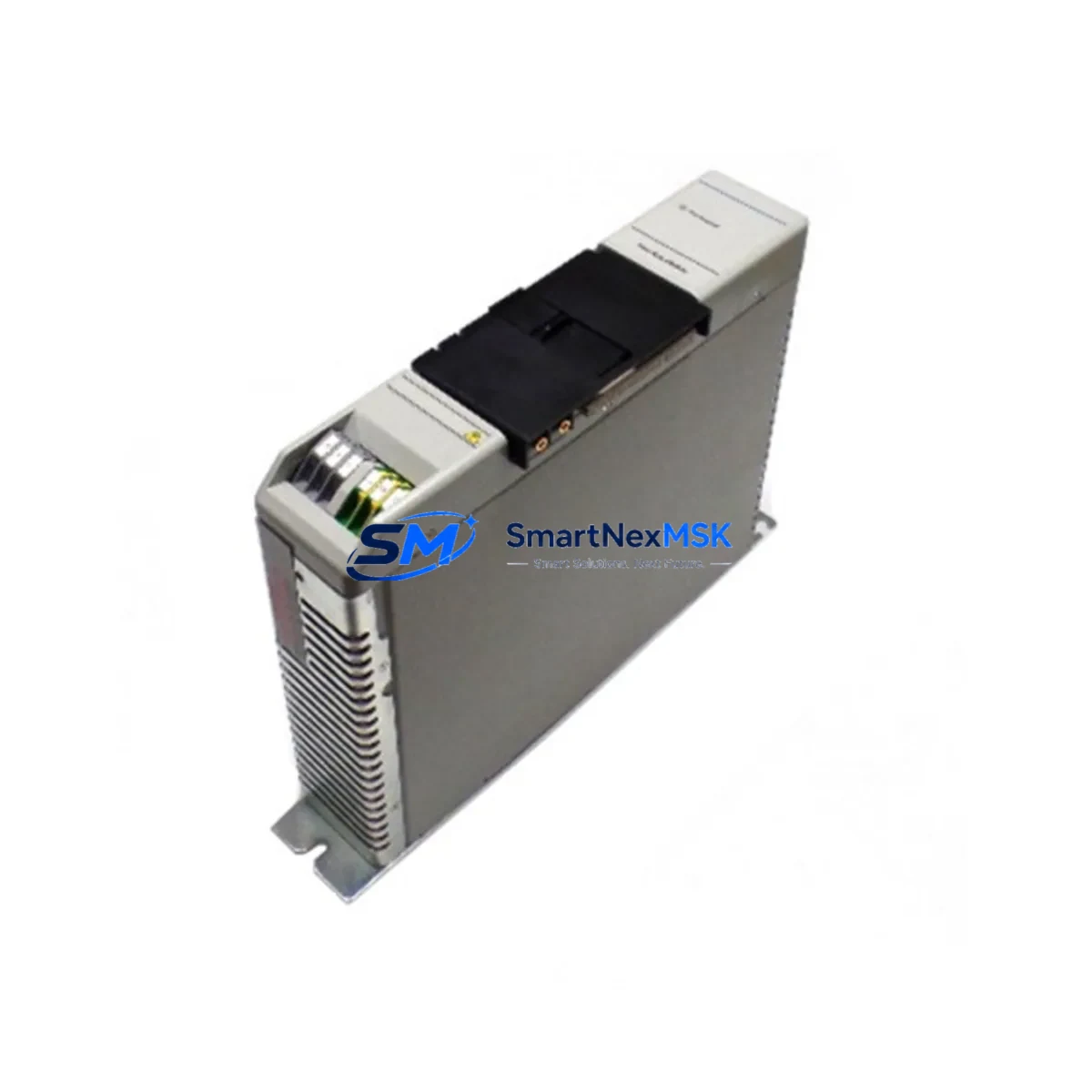
Allen-Bradley 1394C-AM75-IH Spare for 1394 Automation: Servo Drive Replacement & Downtime Recovery
The Allen-Bradley 1394C-AM75-IH is a 7.5kW multi-axis AC servo drive module from Rockwell Automation’s 1394 Series — a platform widely deployed in high-cycle manufacturing, packaging lines, CNC machining centers, and material handling systems. When this drive fails or reaches end-of-service life, the impact on production is immediate. SMARTNEXMSK maintains verified original stock of the 1394C-AM75-IH to support maintenance engineers and procurement teams who need a reliable, tested replacement with minimal lead time.
Whether you are executing a planned shutdown, responding to an unscheduled fault, or building a strategic spare parts buffer for aging Rockwell systems, the 1394C-AM75-IH is a critical line item. This unit ships fully tested, with a 12-month warranty, and is supported by our technical team for compatibility verification before dispatch.
Spare Maintenance Table
| Parameter | Specification |
|---|---|
| Part Number / SKU | 1394C-AM75-IH |
| Brand | Allen-Bradley (Rockwell Automation) |
| Series | 1394 Multi-Axis Servo Drive System |
| Product Type | AC Servo Drive Module |
| Rated Output Power | 7.5 kW |
| Drive Configuration | Multi-Axis (Axis Module) |
| Input Voltage | AC 230V / 460V (system bus dependent) |
| Communication Interface | Compatible with 1394 System Interface Module (SIM) |
| Compatibility | 1394 Series GMC / GMCSE / C-Series system configurations |
| Mounting | Rack/panel mount within 1394 multi-axis chassis |
| Application Environment | Industrial automation, CNC, packaging, material handling |
| Condition | Original, unused or refurbished-to-spec |
| Pre-shipment Testing | Yes — functional and electrical verification |
| Warranty | 12 Months |
| Origin | USA |
| Weight | 7.6 kg |
Maintenance Planning for Continuous Operation
Replacing the 1394C-AM75-IH in a live production environment requires more than a direct module swap. Maintenance engineers should treat this event as an opportunity to audit the surrounding drive system and control cabinet for latent faults that may have contributed to the failure or that could cause the next unplanned stop.
Begin with the 1394 System Interface Module (SIM) — the communication backbone that coordinates axis modules within the 1394 chassis. A degraded SIM can cause erratic axis behavior that is often misdiagnosed as a drive fault. Inspect the SIM firmware version and verify it is compatible with your ControlLogix or SLC 500 controller revision.
Check the 1394 power rail and DC bus capacitors. Capacitor degradation is a leading cause of drive module failure in systems older than seven years. If the 1394C-AM75-IH failed due to overvoltage or bus fault codes, the shared DC bus components should be inspected before the replacement module is energized.
Inspect all feedback cables and encoder connectors between the servo motor and the axis module. Damaged or intermittently connected feedback signals are a common root cause of drive faults in high-vibration environments. Replace any cables showing abrasion, connector corrosion, or shield continuity loss.
Review the 1394 I/O interface wiring at the terminal block level. Loose or oxidized connections on enable signals, fault reset lines, and analog reference inputs can cause nuisance faults that damage replacement drives prematurely. Torque all terminals to specification and apply contact enhancer where appropriate.
If your system uses a 1336 PLUS II or PowerFlex 700 series drive on adjacent axes or auxiliary functions, verify that their fault states are not propagating fault conditions into the 1394 system through shared I/O or interlock wiring. Cross-axis fault propagation is a frequently overlooked failure mode in multi-drive control cabinets.
For systems integrated with a ControlLogix L-series controller via a 1756-M02AE or similar servo module, confirm that the axis configuration parameters in Studio 5000 match the replacement drive’s rated current and encoder resolution. A mismatch here will cause immediate faults on first enable.
Inspect the 24VDC control power supply feeding the 1394 system’s logic circuits. Voltage sag or ripple on the control bus is a silent killer of servo drive electronics. Use a calibrated meter to verify voltage under load before and after the replacement.
Check line reactors and EMC filters upstream of the 1394 system. These components protect the drive from line transients and harmonic disturbances. A failed or bypassed line reactor significantly shortens drive service life and may void warranty claims.
Finally, review the thermal management of the control cabinet. Verify that cabinet cooling fans are operational, air filters are clean, and that the 1394C-AM75-IH’s heatsink area has adequate airflow clearance. Thermal stress is the single largest contributor to premature servo drive failure in enclosed panel installations.
Site Replacement Workflow
Step 1 — Fault Documentation: Before removing the failed 1394C-AM75-IH, record all active and historical fault codes from the drive display and the controller’s fault log. This data is essential for root cause analysis and for configuring the replacement unit correctly.
Step 2 — Safe Isolation: De-energize the 1394 system following your site LOTO procedure. Verify DC bus discharge (typically 5 minutes minimum after AC removal) before touching any drive module or wiring.
Step 3 — Module Removal: Disconnect the motor power cable, feedback cable, and any I/O connectors from the axis module. Label all connectors before removal. Slide the 1394C-AM75-IH out of the chassis rail.
Step 4 — Replacement Installation: Seat the new 1394C-AM75-IH into the chassis. Reconnect all cables in reverse order. Verify that the axis module address (if DIP-switch configured) matches the original unit’s setting.
Step 5 — Parameter Restore: Upload the axis configuration from your controller backup or re-enter parameters manually. Verify motor nameplate data, encoder type, current limits, and velocity/position loop tuning values.
Step 6 — Commissioning Test: Perform a low-speed jog test before returning the axis to full production speed. Monitor drive temperature, current draw, and fault status for the first 30 minutes of operation.
This workflow minimizes re-fault risk and ensures the replacement 1394C-AM75-IH is commissioned to the same performance standard as the original installation.
Spare Parts Support FAQ
Q1: Is the 1394C-AM75-IH still available as a new original part, or only as refurbished stock?
The 1394 Series has been discontinued by Rockwell Automation, meaning new factory-sealed units are sourced from authorized distributor overstock and original equipment surplus. SMARTNEXMSK supplies both new-in-box and professionally refurbished units that have been electrically tested and restored to original specification. Each unit is individually verified before shipment.
Q2: How do I confirm compatibility before ordering?
Provide your full system configuration — including the 1394 chassis model, SIM part number, controller type, and motor catalog number — to our technical team at [email protected]. We will verify axis module compatibility and confirm the correct firmware baseline before dispatch. Compatibility confirmation is provided in writing with every order.
Q3: What does the 12-month warranty cover, and what is the claims process?
The 12-month warranty covers electrical and functional failure under normal operating conditions. It does not cover damage caused by incorrect installation, overvoltage events beyond rated specification, or physical impact. To initiate a warranty claim, contact [email protected] with your order number, fault description, and fault code log. Replacement or repair is processed within 5 business days of fault confirmation.
Q4: Can SMARTNEXMSK support long-term supply for fleet maintenance programs?
Yes. For customers managing multiple 1394-based systems or planning a multi-year maintenance program, SMARTNEXMSK offers reserved stock agreements and priority allocation. Contact our procurement team to discuss volume pricing, lead time guarantees, and consignment stock options tailored to your maintenance schedule.
—
© 2026 SMARTNEXMSK. All rights reserved.
Original Source: https://smartnexmsk.com
Contact: [email protected] | +86 18259474341



