
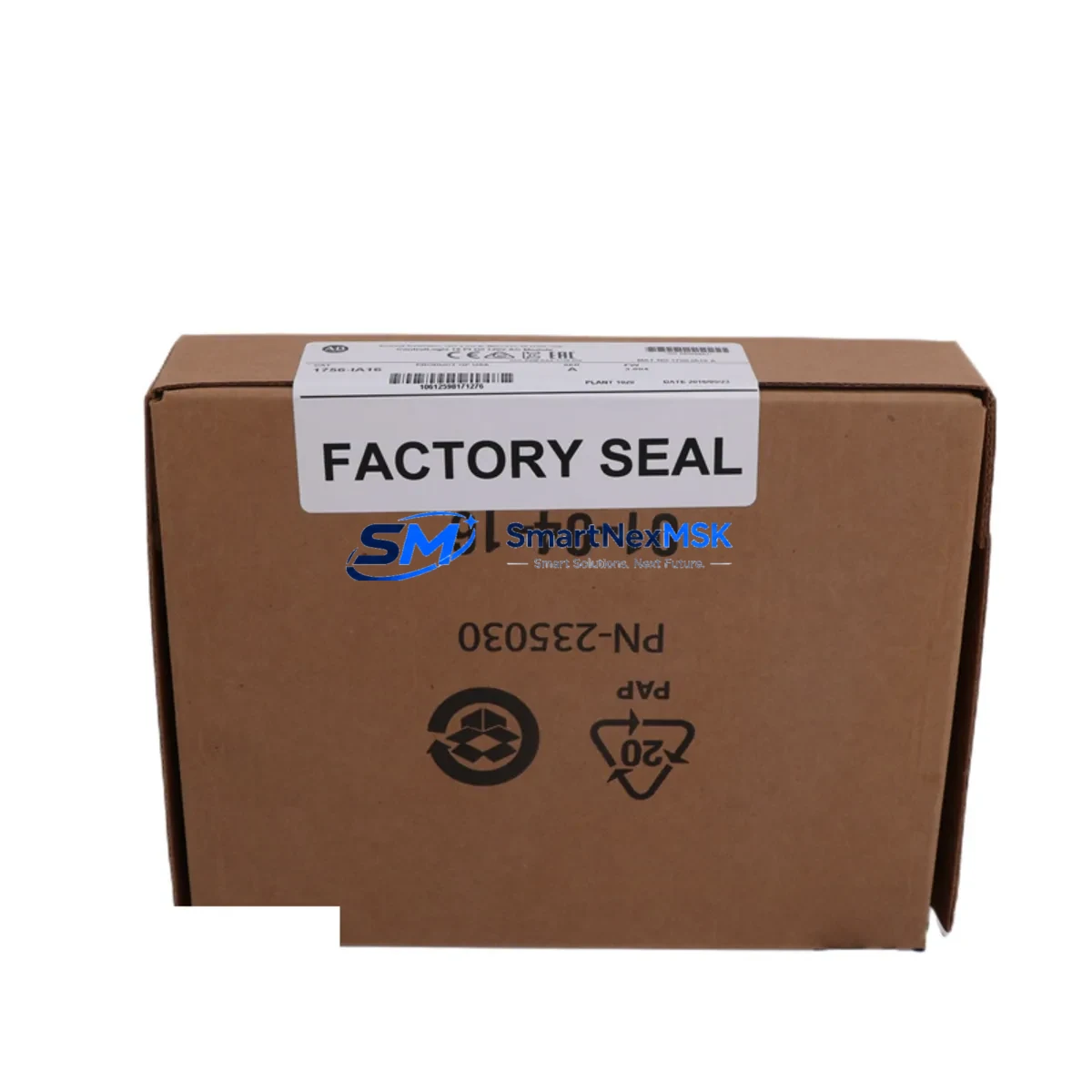
Allen-Bradley 1756-IA16 Retrofit-Ready AC Input for ControlLogix Systems
The Allen-Bradley 1756-IA16 is a 16-point, 120V AC digital input module engineered for the ControlLogix 1756 chassis platform. As legacy automation systems approach end-of-life or require capacity expansion, the 1756-IA16 serves as a direct retrofit replacement for discontinued or worn input modules within existing 1756-series control cabinets. Whether you are upgrading a mid-2000s manufacturing line, recovering from an unplanned module failure, or migrating I/O infrastructure to a modernized control architecture, the 1756-IA16 delivers verified compatibility with minimal re-engineering effort.
This module slots directly into any 1756 backplane — including the 1756-A4, 1756-A7, 1756-A10, and 1756-A17 chassis — and communicates natively over the ControlBus backplane without additional configuration bridges. Engineers replacing older 1771 PLC-5 I/O systems or 1746 SLC 500 field wiring panels will find the 1756-IA16 a practical migration endpoint, particularly when field wiring is already rated for 120V AC signals and re-termination costs must be minimized.
Upgrade Compatibility Table
| Parameter | 1756-IA16 Specification | Retrofit Notes |
|---|---|---|
| Input Points | 16 points, single group | Direct replacement for 16-pt AC input slots |
| Input Voltage | 74–132V AC, 47–63 Hz | Verify field device voltage before swap |
| Backplane Interface | 1756 ControlBus (native) | Compatible with all 1756-Axxx chassis generations |
| Installation | Keyed, hot-swap capable | Confirm chassis power budget before hot-swap |
| Communication | ControlLogix backplane protocol | No gateway required; works with 1756-EN2T, 1756-ENBT |
| Replacement Targets | 1756-IA16 (same), 1771-IAD, 1746-IA16 | Wiring adapter may be needed for 1771/1746 terminals |
| Programming | Studio 5000 / RSLogix 5000 | Import existing .ACD tag definitions; verify I/O tree mapping |
| Commissioning | Module Properties → Connection tab | Set RPI, inhibit mode, and fault action before going online |
| Warranty | 12 Months | Covered from date of shipment; includes DOA replacement |
Retrofit Planning for Existing Automation Systems
A successful 1756-IA16 retrofit begins well before the module arrives on-site. Start by auditing the existing 1756 chassis for available slot positions and confirming the 1756-PA72 or 1756-PB72 power supply has sufficient current headroom — each additional I/O module draws from the chassis power budget, and an undersized supply is a common cause of intermittent faults after expansion. If the chassis is already at capacity, a second 1756-A7 or 1756-A10 chassis connected via a 1756-RM or 1756-CN2R communication module may be required.
Field wiring termination is the next critical checkpoint. The 1756-IA16 uses a 1756-TBCH or 1756-TBS6H removable terminal block. If the existing installation uses a different terminal block style, pre-order the correct block to avoid delays. For sites migrating from 1771 PLC-5 systems, a 1492-IFM wiring interface module can bridge legacy field wiring to the 1756 terminal format, preserving existing cable runs and reducing re-termination labor significantly.
Once the module is physically installed, open Studio 5000 Logix Designer and navigate to the I/O Configuration tree. Add the 1756-IA16 under the local chassis, assign the correct slot number, and configure the Requested Packet Interval (RPI) to match your scan cycle requirements — typically 10–20 ms for discrete AC input applications. Verify that all 16 input tags are correctly mapped in the controller tag database before downloading the updated program. If the project was originally developed in RSLogix 5000 v16 or earlier, confirm firmware compatibility with the 1756-L7x or 1756-L8x controller currently in service.
For systems that also include a 1756-OA16 AC output module, a 1756-IF8 analog input module, or a 1756-OF8 analog output module in the same chassis, verify that the total backplane current draw remains within the power supply rating after adding the 1756-IA16. Mixed I/O chassis configurations are common in process control and packaging line applications, and power budget overruns are a leading cause of nuisance trips during commissioning.
Sites running EtherNet/IP communications via a 1756-EN2T or 1756-ENBT communication module should confirm that the module firmware is current and that the network topology supports the additional I/O data traffic. For legacy installations still using ControlNet via a 1756-CNB or 1756-CN2 bridge module, verify that the network schedule has been updated to include the new module’s connection before going live. HMI screens built in FactoryTalk View SE or ME that reference the replaced input tags should be reviewed and updated to reflect any tag path changes introduced during the retrofit.
Downtime Control During System Migration
Minimizing production downtime during a 1756-IA16 swap requires a structured pre-outage preparation plan. Before the maintenance window opens, export the current controller program as a verified .ACD backup and store it on an isolated engineering workstation. Document all 16 input terminal assignments, field device addresses, and current signal states using a point-to-point wiring diagram or I/O schedule extracted from the existing project.
During the outage, inhibit the module connection in Studio 5000 before physically removing the old module — this prevents the controller from faulting and triggering downstream safety interlocks or HMI alarms. Install the 1756-IA16, reconnect the terminal block, and restore the module connection in the I/O tree. Force individual input points to verify field wiring continuity before releasing the controller to automatic mode. This approach keeps the control program logic intact and avoids the need to re-download or re-initialize the controller, which is particularly important in systems where the 1756-L73 or 1756-L75 controller manages multiple process areas simultaneously.
For critical applications where even a brief interruption is unacceptable, a parallel commissioning approach — installing the new module in an adjacent slot, mapping shadow tags, and cutting over at a defined process hold point — can reduce live exposure to under five minutes. This technique is especially effective in food and beverage, pharmaceutical, and continuous process environments where a hard stop carries significant restart costs.
Retrofit Support FAQ
Q: Is the 1756-IA16 a direct drop-in replacement for a failed 1756-IA16 in an existing ControlLogix chassis?
A: Yes. The 1756-IA16 is slot-compatible with all 1756-series chassis. No firmware changes or program modifications are required for a like-for-like replacement. Simply inhibit the module connection, swap the module, restore the connection, and verify input states online.
Q: Can the 1756-IA16 replace a 1746-IA16 from an SLC 500 system during a platform migration?
A: Functionally yes, but the physical form factor and terminal block are different. Field wiring will need to be re-terminated to the 1756-TBCH terminal block. The control program must be converted from RSLogix 500 to Studio 5000 format, and all I/O addresses must be remapped to ControlLogix tag-based addressing. A 1492-IFM interface module can simplify the wiring transition.
Q: What commissioning steps are required after installing the 1756-IA16?
A: After physical installation, add the module to the I/O Configuration tree in Studio 5000, set the RPI and fault/program mode actions, download the updated project to the controller, and go online to verify all 16 input tags are reading correctly. Force each point individually to confirm field wiring continuity before releasing to production.
Q: What does the 12-month warranty cover?
A: The 12-month warranty covers manufacturing defects and dead-on-arrival (DOA) failures from the date of shipment. Each unit undergoes functional testing prior to dispatch. Warranty claims are processed via [email protected] with proof of purchase and a fault description. Replacement units are shipped within 3–5 business days upon claim approval.
© 2026 SMARTNEXMSK. All rights reserved.
Original Source: https://smartnexmsk.com
Contact: [email protected] | +86 18259474341



