
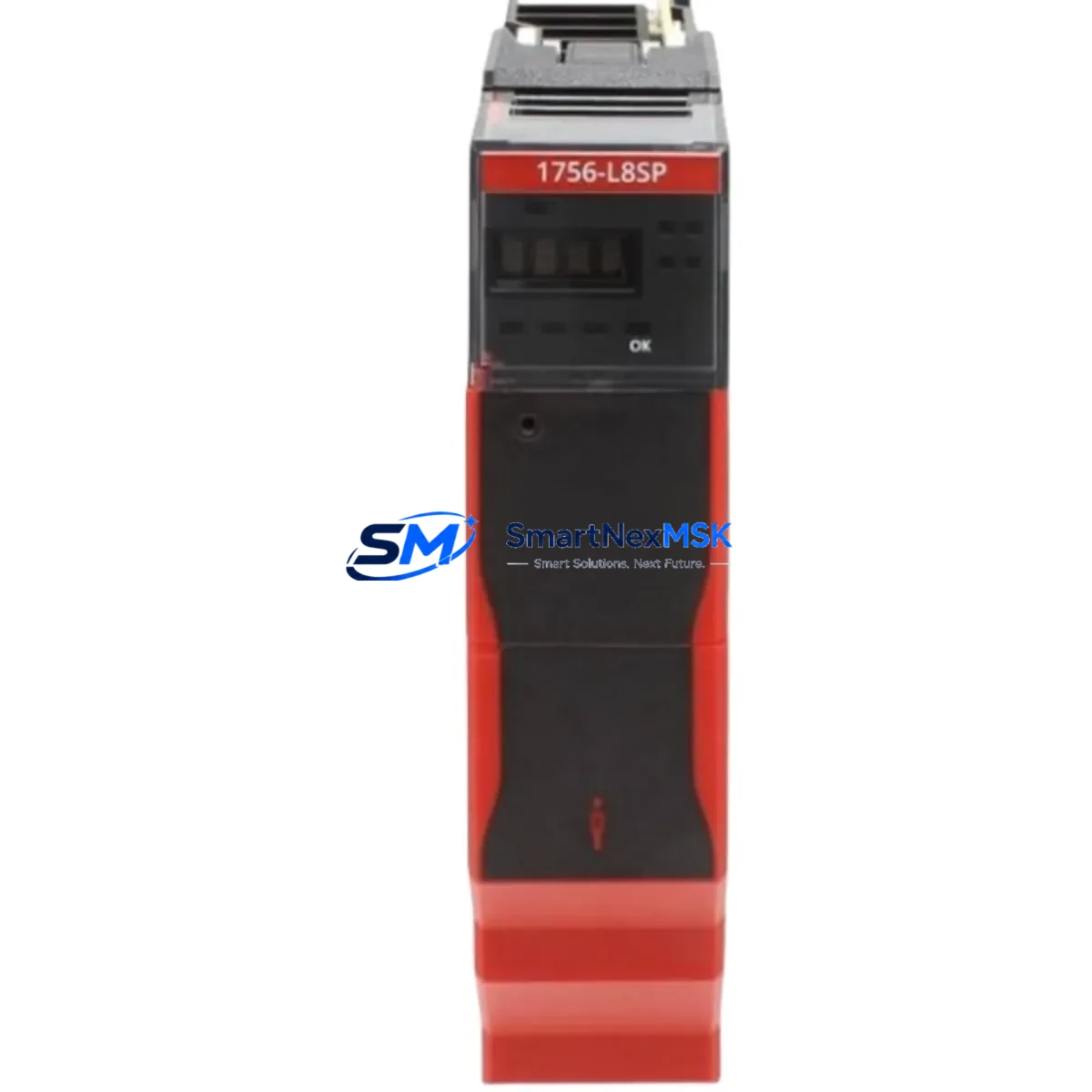
Allen-Bradley 1756-L8SP Spare for ControlLogix Automation: Spare Replacement & Industrial Downtime Risk Control
The Allen-Bradley 1756-L8SP is a ControlLogix Safety Partner Co-Processor designed to work in tandem with standard ControlLogix controllers to deliver IEC 61508 SIL 2-certified safety logic execution. In industrial facilities running continuous processes — chemical plants, oil & gas terminals, automotive assembly lines, and power generation sites — the 1756-L8SP is a mission-critical component whose failure can trigger an unplanned safety system shutdown. Maintaining a verified original spare on the shelf is not optional; it is a fundamental element of any responsible maintenance strategy.
This listing provides an original, tested 1756-L8SP unit sourced through authorized industrial channels. Each unit undergoes pre-shipment functional verification and ships with a 12-month warranty covering manufacturing defects and operational failures under normal service conditions. Fast dispatch is available to minimize the window between fault detection and system restoration.
Spare Maintenance Table
| Parameter | Specification / Detail |
|---|---|
| Part Number (SKU) | 1756-L8SP |
| Brand | Allen-Bradley (Rockwell Automation) |
| Series | ControlLogix 5580 / GuardLogix 5580 |
| Module Type | Safety Partner Co-Processor |
| Safety Rating | IEC 61508 SIL 2 (as part of GuardLogix system) |
| Compatible Controllers | 1756-L8xS GuardLogix 5580 Safety Controllers |
| Backplane Interface | ControlLogix 1756 chassis backplane |
| Power Consumption | Supplied via chassis backplane (no external power required) |
| Operating Temperature | 0 °C to 60 °C (32 °F to 140 °F) |
| Relative Humidity | 5% to 95% non-condensing |
| Mounting | 1756 ControlLogix chassis slot (dedicated safety partner slot) |
| Firmware Compatibility | Must match paired GuardLogix controller firmware revision |
| Origin | USA (Rockwell Automation) |
| Condition | Original / New-surplus / Tested |
| Warranty | 12 Months — covers manufacturing defects and operational failure |
| Pre-shipment Test | Power-on functional verification performed before dispatch |
| Shipping | Anti-static packaging; expedited options available |
Maintenance Planning for Continuous Operation
When a GuardLogix safety system requires the replacement of a 1756-L8SP Safety Partner Co-Processor, the maintenance window should be treated as an opportunity to inspect the entire safety control cabinet. The 1756-L8SP operates as a tightly coupled partner to the primary GuardLogix controller — typically a 1756-L8xS series unit — and any fault in the co-processor will immediately affect the safety task execution of the paired controller. Before declaring the co-processor as the root cause, maintenance engineers should verify the health of the 1756-PA75 or 1756-PB75 chassis power supply, as undervoltage or ripple on the backplane rail is a common trigger for co-processor communication faults.
The chassis itself — a 1756-A7, 1756-A10, or 1756-A13 depending on the installation — should be inspected for backplane connector wear, slot damage, and proper grounding. I/O modules sharing the same chassis, such as 1756-IB16 digital input modules or 1756-OB16E digital output modules, should be checked for blown fuses, wiring termination integrity, and LED fault indicators. Safety I/O modules like the 1791DS-IB12 or 1791DS-IB8XOBV4 connected via DeviceNet or EtherNet/IP should also be verified for communication health, as a safety I/O fault can sometimes be misdiagnosed as a co-processor failure.
Communication infrastructure deserves equal attention. The 1756-EN2T or 1756-EN2TR EtherNet/IP communication modules in the chassis should be checked for link status, IP configuration, and CIP connection counts. If the system uses a 1756-DNB DeviceNet Bridge for legacy field device integration, inspect the network for node conflicts or cable faults that may have contributed to the safety system event. For systems with remote I/O racks connected via 1756-RM or 1756-RM2 redundancy modules, confirm that the redundancy link is healthy before restoring the safety task.
Terminal blocks and wiring within the control cabinet — particularly Allen-Bradley 1492-series terminal blocks — should be torque-checked and inspected for corrosion or loose connections, especially in high-vibration or high-humidity environments. Signal isolators protecting analog inputs from field instruments should be tested for output accuracy. Finally, the PanelView Plus 7 HMI or equivalent operator interface should be checked to confirm that safety alarm acknowledgment and reset sequences are functioning correctly after the co-processor replacement, as some safety systems require a manual reset from the HMI before the safety task can re-enter run mode.
Site Replacement Workflow
Step 1 — Pre-replacement documentation: Before removing the 1756-L8SP, record the current firmware revision of both the GuardLogix primary controller and the safety partner co-processor using Studio 5000 Logix Designer or RSLogix 5000. The replacement unit must be loaded with a matching or compatible firmware version. Mismatched firmware between the primary controller and the 1756-L8SP will prevent the safety task from entering run mode.
Step 2 — Safe state confirmation: Coordinate with the process control team to place the safety system in a safe state or bypass mode per your site’s Management of Change (MOC) procedure. Do not remove the 1756-L8SP while the safety task is active without proper authorization and process isolation.
Step 3 — Physical replacement: Power down the chassis or follow the hot-swap procedure if supported by your chassis revision. Remove the faulty 1756-L8SP and install the replacement unit in the same dedicated safety partner slot. Verify that the module is fully seated on the backplane connector.
Step 4 — Firmware update: Using ControlFLASH or Studio 5000, update the replacement 1756-L8SP firmware to match the primary controller. Allow the firmware update to complete fully before proceeding.
Step 5 — Safety task validation: Download the verified safety project to the controller and perform a safety signature verification. Confirm that the safety task transitions to run mode and that all safety I/O modules report healthy status. Log the replacement in your maintenance management system (CMMS) and update the spare parts inventory accordingly.
This workflow is applicable to both planned maintenance replacements and emergency fault recovery scenarios. Keeping a pre-configured and firmware-matched spare 1756-L8SP in your local inventory eliminates the firmware update step during emergency recovery, reducing mean time to repair (MTTR) significantly.
Spare Parts Support FAQ
Q1: What is the expected service life of the 1756-L8SP, and when should I plan for replacement?
The 1756-L8SP does not have a fixed published end-of-life date, but Rockwell Automation periodically issues Product Discontinuation Notices (PDNs) for ControlLogix components. For safety-critical systems, we recommend maintaining at least one verified spare unit per installed chassis. Systems operating in harsh environments (high temperature, high vibration, or corrosive atmospheres) should consider a proactive replacement cycle of 7–10 years or upon any indication of intermittent co-processor faults.
Q2: How do I verify compatibility between the 1756-L8SP and my existing GuardLogix controller?
The 1756-L8SP is designed exclusively for use with 1756-L8xS GuardLogix 5580 Safety Controllers. Compatibility is confirmed by matching the catalog number suffix (L8SP pairs with L8xS primary controllers) and verifying firmware revision alignment. The Rockwell Automation Compatibility and Downloads (PCDC) portal provides the definitive firmware compatibility matrix. Our team can assist with compatibility verification before shipment upon request.
Q3: What pre-shipment testing is performed on each 1756-L8SP unit?
Each unit is powered on and subjected to a functional verification test prior to dispatch. This includes backplane communication check, module self-diagnostic pass confirmation, and visual inspection for physical damage. Units that do not pass all checks are not shipped. A test report is available upon request for quality-critical procurement processes.
Q4: What does the 12-month warranty cover, and how is a warranty claim processed?
The 12-month warranty covers manufacturing defects and operational failures occurring under normal operating conditions as specified in the Rockwell Automation product documentation. It does not cover damage resulting from incorrect installation, overvoltage events, physical impact, or unauthorized modification. To initiate a warranty claim, contact our support team with the order reference, a description of the fault, and any available diagnostic data from Studio 5000 or the controller fault log. Replacement or repair will be arranged promptly.
© 2026 SMARTNEXMSK. All rights reserved.
Original Source: https://smartnexmsk.com
Contact: [email protected] | +86 18259474341



