
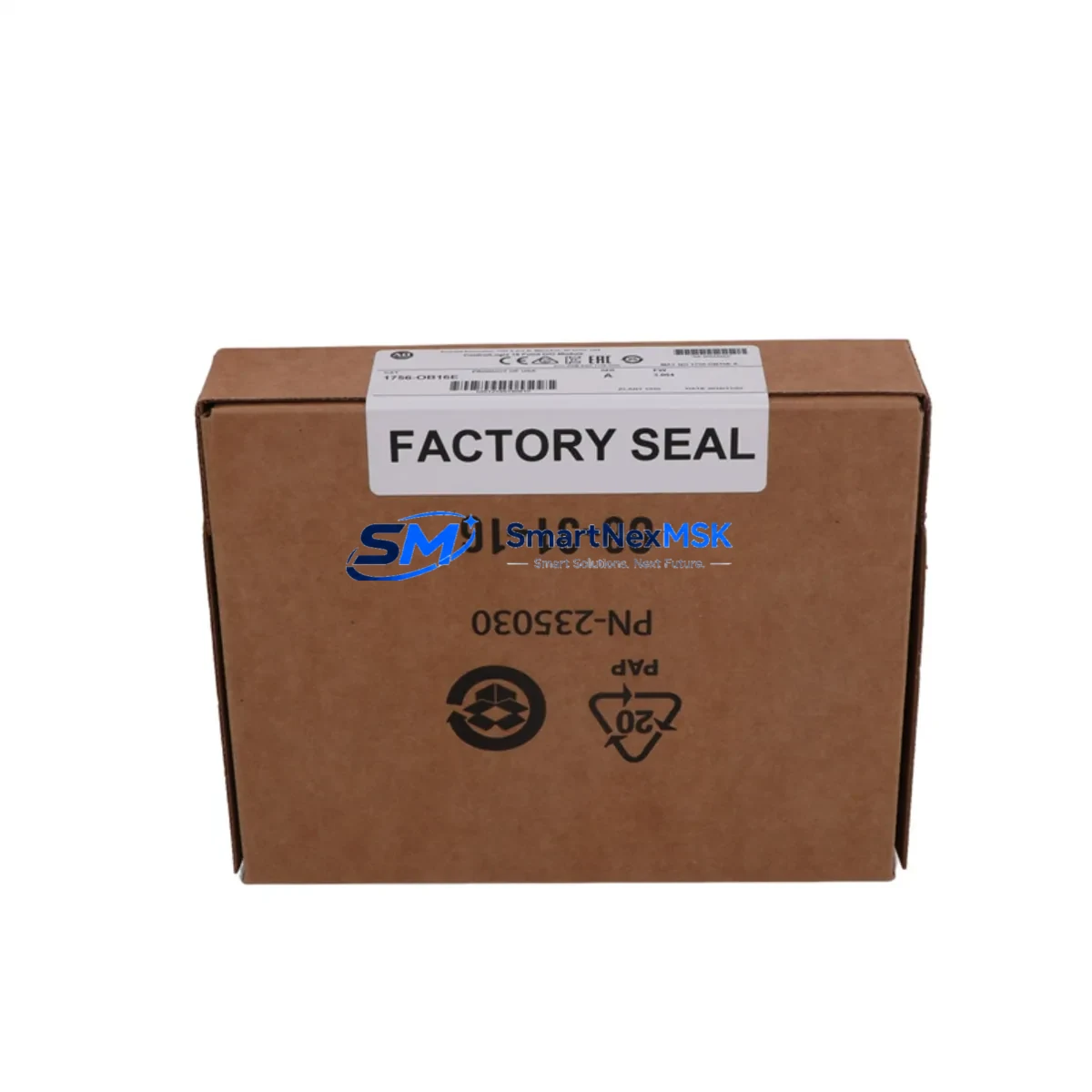
Allen-Bradley 1756-OB16E Retrofit-Ready Digital Output Module: Compatible Modernization for ControlLogix Control Systems
The Allen-Bradley 1756-OB16E is a 16-point, 24VDC sourcing (PNP) digital output module designed for the ControlLogix 1756 chassis platform. As legacy automation infrastructure ages and OEM support windows close, the 1756-OB16E has become one of the most sought-after retrofit components for engineers managing aging control cabinets, upgrading discontinued I/O racks, and restoring production continuity without full system replacement. This listing provides a verified, tested, and warranty-backed unit suitable for direct installation into existing ControlLogix backplanes.
Whether you are replacing a failed module in a running production line, sourcing a spare for a critical standby system, or executing a phased migration from an older PLC-5 or SLC 500 platform to ControlLogix, the 1756-OB16E delivers the output density, current capacity, and diagnostic transparency required for demanding industrial environments. Each unit is pre-tested against Rockwell Automation firmware compatibility benchmarks and ships with a 12-month warranty covering manufacturing defects and functional failures under normal operating conditions.
Upgrade Compatibility Table
| Parameter | 1756-OB16E Specification | Retrofit Notes |
|---|---|---|
| Output Points | 16 points, sourcing (PNP), 24VDC | Direct replacement for 1756-OB16 and 1756-OB16D in same slot |
| Current per Point | 1A per output, 8A per module | Verify field device load; derate for high-cycle applications |
| Backplane Interface | 1756 ControlLogix chassis (any slot) | Compatible with 1756-A4, 1756-A7, 1756-A10, 1756-A13, 1756-A17 chassis |
| Communication | ControlBus backplane (implicit messaging) | No additional EtherNet/IP or ControlNet configuration required for local I/O |
| Module Address | Slot-based addressing in RSLogix 5000 / Studio 5000 | Preserve original slot assignment to avoid tag remapping in existing ladder logic |
| Wiring Compatibility | 1756-TBCH or 1756-TBS6H removable terminal block | Existing field wiring can be retained if terminal block is undamaged |
| Firmware Compatibility | Compatible with ControlLogix firmware v16 through v35+ | Confirm controller firmware revision before installation; update if below v20 |
| Replacement Path | Replaces 1756-OB16, 1756-OB16D (discontinued) | Functional equivalent; electronic fusing adds diagnostic advantage |
| Installation Requirement | Hot-swap capable with chassis power on | Inhibit module in software before removal to prevent output faults |
| Warranty | 12-Month Warranty | Covers manufacturing defects and functional failure under normal use |
Retrofit Planning for Existing Automation Systems
Successful integration of the 1756-OB16E into a legacy or mixed-generation control system requires a structured pre-installation review. Begin by auditing the existing 1756 chassis configuration. Identify the chassis model — whether a 1756-A7 or 1756-A10 — and confirm available slot positions. If the chassis is fully populated, evaluate whether a 1756-A13 or 1756-A17 expansion chassis can be added to the existing rack, connected via a 1756-RM or 1756-RM2 redundancy module if the system runs in redundant mode.
Power budget verification is critical. The 1756-PA72 or 1756-PB72 power supply feeding the chassis must have sufficient reserve capacity to support the 1756-OB16E’s backplane current draw (typically 3mA at 5VDC and 3mA at 24VDC) in addition to all other installed modules. If the system includes a 1756-EN2T or 1756-EN3TR EtherNet/IP communication module, a 1756-DNB DeviceNet bridge, or a 1756-CN2 ControlNet module, their combined backplane loads must be recalculated before adding new I/O.
On the field wiring side, the 1756-OB16E uses a 1756-TBCH 36-pin removable terminal block. If the existing installation used a 1756-TBS6H spring-clamp terminal block, it is directly interchangeable. Inspect all field wiring for insulation integrity, correct gauge (typically 14–22 AWG), and proper grounding before reconnecting. For systems migrating from PLC-5 or SLC 500 platforms, field wiring will require re-termination to match the ControlLogix terminal block pinout — a wiring conversion table should be prepared during the engineering phase.
In Studio 5000 Logix Designer, add the 1756-OB16E to the I/O tree under the correct chassis and slot number. If replacing a 1756-OB16D, the module profile may differ slightly; select the correct catalog number from the module library to ensure accurate tag generation. Output tags (e.g., Local:4:O.Data) will be automatically created and can be mapped to existing rungs without logic modification if the slot number is preserved. For systems using produced/consumed tags or Add-On Instructions referencing the output module, verify that the data type structure remains compatible.
HMI screens built on FactoryTalk View SE or FactoryTalk View ME that reference output status bits from the original module will continue to function without modification, provided the tag paths remain unchanged. If the HMI communicates via a 1756-ENBT or 1756-EN2T bridge, confirm that the communication path in RSLinx Classic or FactoryTalk Linx is correctly configured to reach the updated I/O module.
Downtime Control During System Migration
Minimizing unplanned downtime during a module swap or system migration is the primary operational concern for any maintenance or engineering team. For the 1756-OB16E, the following sequence is recommended to protect program logic and maintain field control continuity.
First, place all affected outputs in a known safe state using the controller’s I/O inhibit function in Studio 5000. This prevents unintended output activation during the physical swap. If the process cannot tolerate any output interruption, coordinate with operations to schedule the swap during a planned maintenance window or shift changeover.
Before removing the existing module, export the current controller project from Studio 5000 and save a timestamped backup to a secure network location. If the system uses a 1784-SD1 or 1784-SD2 SD card in the 1756-L7x or 1756-L8x controller, verify that the on-board backup is current. For redundant systems using a 1756-RM2 redundancy module, perform a manual switchover to the secondary chassis before beginning work on the primary.
After installing the 1756-OB16E, download the project to the controller and go online to verify module status. Check the module’s diagnostic indicators — the green RUN LED should illuminate, and no fault codes should appear in the controller’s I/O fault log. Perform a point-by-point output verification using the controller’s manual output test function before returning the system to automatic mode. Document the commissioning results, including firmware revision, slot assignment, and terminal block torque values, for the site maintenance record.
For multi-chassis or distributed I/O systems where the 1756-OB16E is installed in a remote rack connected via 1756-EN2T EtherNet/IP, confirm that the remote rack’s IP address and connection parameters are correctly configured in the local controller’s I/O tree. Connection timeouts should be reviewed and set appropriately to prevent nuisance faults during the commissioning phase.
Retrofit Support FAQ
Q: Is the 1756-OB16E a direct drop-in replacement for the discontinued 1756-OB16D?
A: Yes. The 1756-OB16E is functionally equivalent to the 1756-OB16D and occupies the same chassis slot. The primary difference is the addition of electronic fusing and enhanced diagnostics on the OB16E. In Studio 5000, you will need to update the module catalog number in the I/O tree from 1756-OB16D to 1756-OB16E; output tags and logic rungs do not require modification if the slot number is unchanged.
Q: What wiring changes are required when installing the 1756-OB16E in a system previously using the 1756-OB16?
A: If the existing terminal block (1756-TBCH or 1756-TBS6H) is in good condition, no wiring changes are required. The terminal block detaches from the module and can be transferred directly to the replacement unit. Inspect all terminals for corrosion, loose connections, and correct wire gauge before reattaching. If the terminal block is damaged, a new 1756-TBCH must be sourced and field wiring re-terminated.
Q: How is the 1756-OB16E commissioned and tested before shipment?
A: Each unit undergoes functional output testing across all 16 points under rated load conditions. Backplane communication integrity and diagnostic reporting are verified using a ControlLogix test chassis. Units that pass all test criteria are assigned a test record and shipped with a 12-month warranty. Customers may request a copy of the test report at the time of order.
Q: What should I verify for compatibility if my controller is running an older firmware revision?
A: The 1756-OB16E is compatible with ControlLogix controller firmware from v16 onward. If your 1756-L6x or 1756-L7x controller is running firmware below v20, we recommend updating to the latest compatible revision using ControlFLASH or ControlFLASH Plus before installing the module. Firmware updates should be performed with the system in a safe, de-energized state and with a full project backup completed beforehand.
© 2026 SMARTNEXMSK. All rights reserved.
Original Source: https://smartnexmsk.com
Contact: [email protected] | +86 18259474341



