
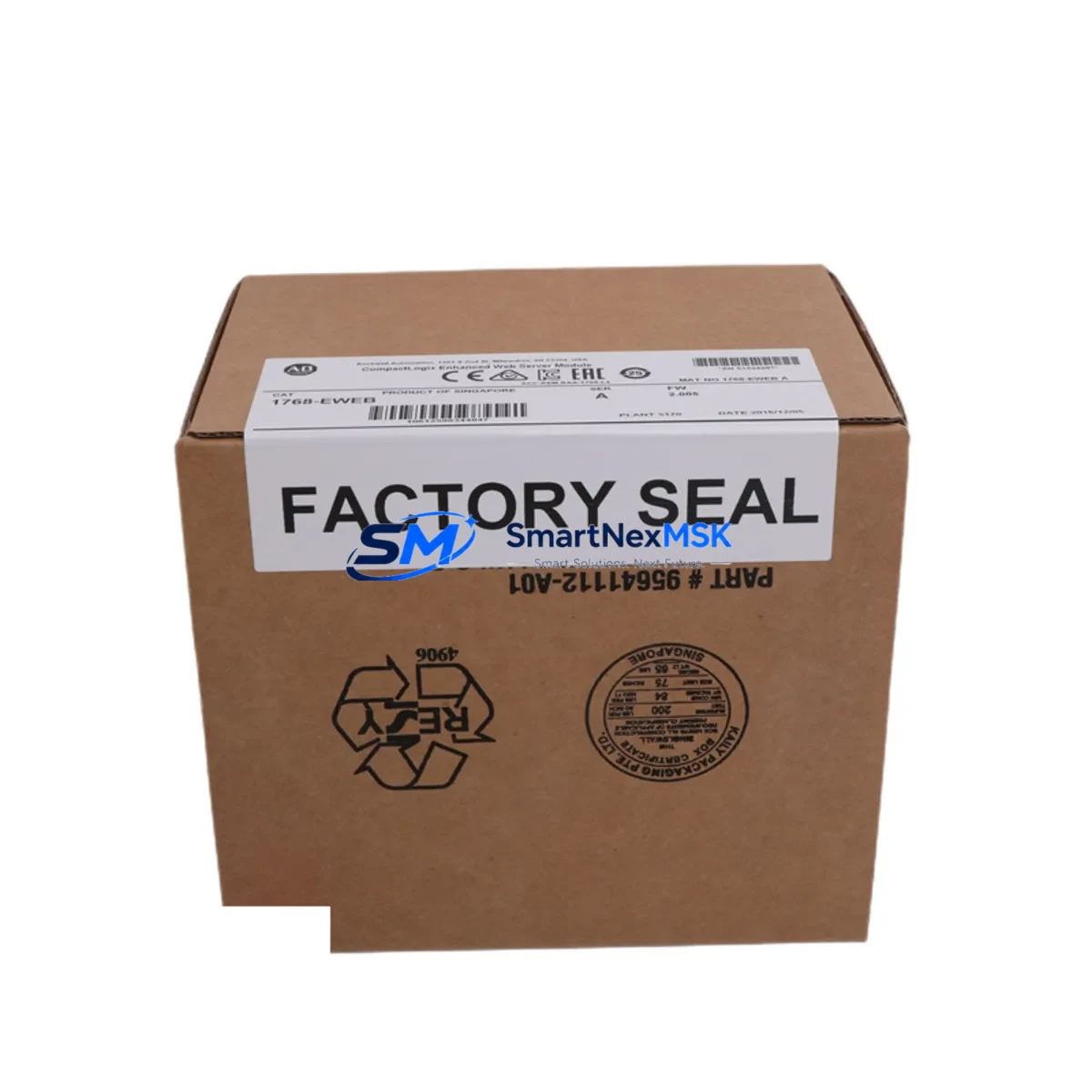
Allen-Bradley 1768-EWEB Spare for CompactLogix Automation: Minimizing Downtime with Maintenance-Ready Replacement
The Allen-Bradley 1768-EWEB Enhanced Web Server Module is a critical communication and remote-access component within the CompactLogix 1768 control platform. When this module fails or reaches end-of-service life, the consequences extend beyond lost connectivity — engineers lose real-time diagnostics, remote tag browsing, and web-based HMI access that modern maintenance workflows depend on. Sourcing a verified original spare of the 1768-EWEB is the fastest path to restoring full system visibility and resuming normal operations.
At SMARTNEXMSK, every 1768-EWEB unit is sourced from authorized supply chains, individually inspected, and function-tested prior to shipment. Our inventory is maintained specifically to support maintenance engineers and procurement teams who cannot afford extended lead times on critical automation spares. With a 12-month warranty on every unit and same-day dispatch capability, the 1768-EWEB spare from SMARTNEXMSK is engineered for industrial uptime.
Spare Maintenance Table
| Parameter | Specification |
|---|---|
| SKU / Part Number | 1768-EWEB |
| Brand | Allen-Bradley (Rockwell Automation) |
| Series | CompactLogix 1768 |
| Module Type | Enhanced Web Server / EtherNet/IP Communication Module |
| Communication Protocol | EtherNet/IP, HTTP, FTP, SMTP |
| Network Interface | 10/100 Mbps Ethernet (RJ-45) |
| Backplane Compatibility | 1768 CompactLogix backplane (local chassis only) |
| Power Consumption | Supplied via 1768 backplane |
| Operating Temperature | 0 °C to 60 °C |
| Relative Humidity | 5% to 95% non-condensing |
| Mounting | DIN rail / panel mount via CompactLogix chassis |
| Certifications | UL, CE, cUL |
| Country of Origin | United States |
| Compatibility | 1768-L43, 1768-L45, 1768-L43S, 1768-L45S controllers |
| Maintenance Recommendation | Inspect Ethernet port, firmware version, and IP configuration at each planned shutdown |
| Warranty | 12 Months — Tested & Verified Before Shipment |
Maintenance Planning for Continuous Operation
When a maintenance or procurement engineer schedules replacement of the 1768-EWEB, the surrounding system components should be evaluated simultaneously to prevent repeat unplanned downtime. The 1768-EWEB sits at the intersection of the control network and the CompactLogix backplane, meaning its failure often masks or is masked by adjacent component degradation.
Begin with the 1768-PA3 or 1768-PB3 power supply module — an aging or undersized power supply is a leading cause of intermittent web server faults and module resets. Verify output voltage stability under load before commissioning the replacement 1768-EWEB. Next, inspect the 1768-L43 or 1768-L45 CompactLogix controller itself: confirm firmware is current and that the controller’s EtherNet/IP scanner list correctly references the new module’s IP address.
On the I/O side, check any 1769-IQ16 digital input modules or 1769-OB16 digital output modules sharing the local chassis — backplane communication errors from a failing web server module can generate spurious I/O faults that persist even after the root cause is resolved. Similarly, review the 1769-IF4 analog input module configuration if the system uses web-based trend monitoring, as tag mapping may need to be re-verified after module swap.
For systems using remote I/O over EtherNet/IP, inspect the 1734-AENT POINT I/O adapter or 1756-EN2T ControlLogix Ethernet bridge if the CompactLogix system is integrated into a larger network. Confirm that the replacement 1768-EWEB is assigned a unique, non-conflicting IP address before going live. If the control cabinet includes a 2711P-T10C21D8S PanelView Plus HMI, re-validate the Ethernet connection path and tag subscriptions after the module replacement — HMI communication paths referencing the old module configuration may require a manual update.
Finally, check any 1492-AIFM analog interface modules or terminal block assemblies connected to the I/O modules in the same chassis. Loose terminal connections are frequently disturbed during module swap procedures and should be re-torqued to specification. If the cabinet uses signal isolators between field instruments and the PLC I/O, verify isolator output levels are within the expected range after power restoration.
Site Replacement Workflow
Step 1 — Pre-Replacement Verification: Before removing the existing 1768-EWEB, document the current IP address, subnet mask, gateway, and any custom web page or FTP configurations stored on the module. Export the RSLogix 5000 / Studio 5000 project file as a backup. Confirm the replacement unit’s firmware version matches or is compatible with the controller firmware in use.
Step 2 — Safe Removal: Place the CompactLogix controller in Program mode via the keyswitch or RSLogix 5000 before removing the module. The 1768-EWEB can be removed with the chassis powered in most configurations, but consult the system’s safety plan before hot-swapping in safety-rated 1768-L43S/L45S installations.
Step 3 — Module Installation: Insert the replacement 1768-EWEB into the same slot position. The module is keyed to prevent incorrect installation. Apply power and observe the module status LEDs — the OK LED should illuminate solid green within 30 seconds of a successful boot sequence.
Step 4 — Network Reconfiguration: Using RSLogix 5000 or the module’s built-in web interface (accessed via the temporary default IP), restore the documented network settings. Update the controller’s I/O configuration tree if the module was re-added as a new device. Verify EtherNet/IP connection status in the controller’s connection manager.
Step 5 — Functional Test: Access the module’s web interface from the engineering workstation to confirm tag browsing, data logging, and any custom web pages are operational. Run a full I/O force test on critical outputs before returning the system to Auto mode. Log the replacement date, firmware version, and technician ID in the maintenance record.
Spare Parts Support FAQ
Q1: Is the 1768-EWEB from SMARTNEXMSK an original Allen-Bradley unit?
Yes. All 1768-EWEB units supplied by SMARTNEXMSK are sourced from authorized distribution channels and are original Allen-Bradley / Rockwell Automation manufactured components. Each unit is individually inspected and function-tested before shipment. A 12-month warranty is included with every order.
Q2: How do I confirm compatibility with my existing CompactLogix system before ordering?
The 1768-EWEB is compatible with the CompactLogix 1768 chassis and controllers including the 1768-L43, 1768-L45, 1768-L43S, and 1768-L45S. Compatibility is determined by chassis series, not firmware version — the module’s firmware can be updated after installation. If you are unsure, share your controller catalog number and current firmware version with our technical team at [email protected] for pre-order confirmation.
Q3: What is included in the 12-month warranty and what does the pre-shipment test cover?
Every 1768-EWEB undergoes a pre-shipment functional test that verifies power-on boot sequence, LED status indication, Ethernet port integrity, and basic EtherNet/IP communication response. The 12-month warranty covers manufacturing defects and functional failures under normal operating conditions. It does not cover damage resulting from incorrect installation, overvoltage, or environmental conditions outside the rated specification.
Q4: Can SMARTNEXMSK support long-term or recurring spare parts procurement for the 1768 series?
Yes. SMARTNEXMSK maintains standing inventory of CompactLogix 1768 series components to support planned maintenance schedules, annual spare parts budgets, and emergency replacement needs. We offer volume pricing for procurement teams managing multi-site or multi-unit installations. Contact us to establish a preferred supplier arrangement with reserved stock allocation.
© 2026 SMARTNEXMSK. All rights reserved.
Original Source: https://smartnexmsk.com
Contact: [email protected] | +86 18259474341



