
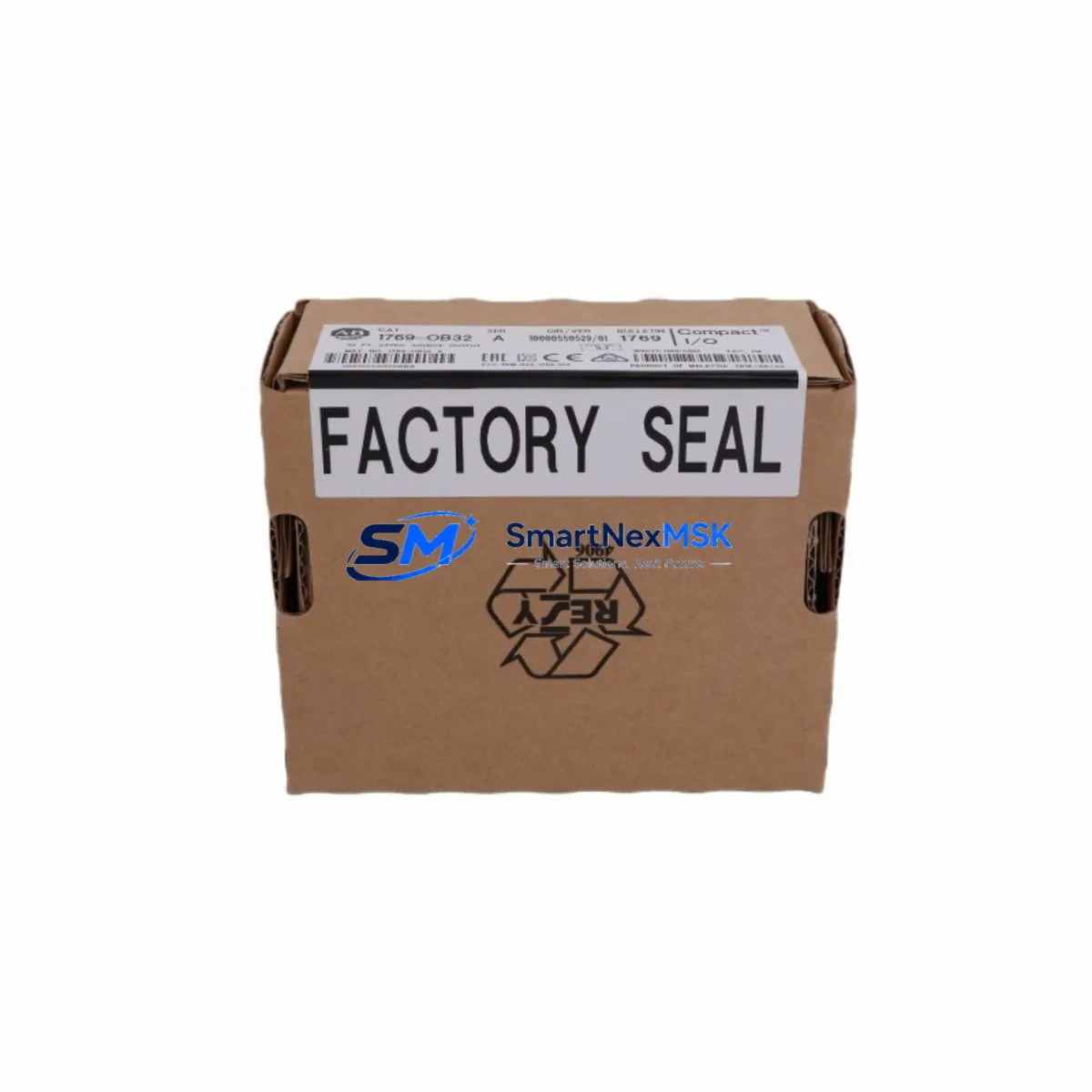
Allen-Bradley 1769-OB32 Maintenance-Ready Spare for CompactLogix Automation
The Allen-Bradley 1769-OB32 is a 32-point, 24VDC sourcing digital output module designed for the CompactLogix 1769 Series platform. As a maintenance-ready original spare, it is engineered to support rapid field replacement, minimize unplanned downtime, and sustain continuous operation in demanding industrial environments. Whether you are managing a scheduled shutdown, responding to an emergency fault, or building a proactive spare parts inventory, the 1769-OB32 delivers the compatibility, reliability, and traceability that maintenance and procurement engineers require.
Spare Maintenance Table
| Parameter | Specification |
|---|---|
| SKU / Part Number | 1769-OB32 |
| Brand | Allen-Bradley (Rockwell Automation) |
| Series | CompactLogix 1769 |
| Module Type | Digital Output Module (Sourcing) |
| Output Points | 32 Points |
| Output Voltage | 24VDC |
| Output Current (per point) | 0.5A max |
| Backplane Current Draw | 120mA @ 5VDC |
| Operating Temperature | 0°C to 60°C (32°F to 140°F) |
| Compatibility | CompactLogix 1769-L16, L18, L24, L27, L30, L32, L35, L43, L45 controllers; right-side bank expansion |
| Installation | DIN rail or panel mount; right-side bank of 1769 bus |
| Certifications | UL, CE, CSA |
| Origin | United States |
| Warranty | 12 Months |
| Condition | Original, tested before shipment |
| Maintenance Recommendation | Inspect output wiring and field device loads annually; verify LED status indicators during commissioning; replace if output fault LED is persistent |
Maintenance Planning for Continuous Operation
When a 1769-OB32 output module is flagged for replacement during a fault isolation or planned inspection cycle, experienced maintenance engineers know that the module itself is rarely the only component requiring attention. A thorough site assessment should include the following associated components to ensure full system restoration and prevent repeat failures:
- 1769-PA2 / 1769-PB2 Power Supply: Verify output voltage stability and current capacity. A degraded power supply is a common root cause of intermittent output faults on the 1769-OB32.
- 1769-L30ER / 1769-L33ER CompactLogix Controller: Confirm firmware version compatibility and check for any I/O fault codes logged in the controller’s fault table before swapping the output module.
- 1769-IQ32 Digital Input Module: In paired I/O architectures, inspect the corresponding input module for wiring integrity and signal consistency, particularly in feedback-controlled output circuits.
- 1492-CABLE010X I/O Wiring System / Terminal Blocks: Inspect field-side terminal blocks and pre-wired cables for loose connections, corrosion, or insulation damage that may have caused the original output fault.
- 1769-ECR / 1769-ECL End Cap: Confirm the bus end cap is properly seated; a missing or damaged end cap can cause bus communication errors that mimic output module faults.
- 700-HLT2U24 / 700-CF400 Control Relays: For output circuits driving relay coils, inspect relay contacts for wear, coil resistance, and arc damage — especially in high-cycle applications.
- 1769-SDN DeviceNet Scanner / 1769-ASCII Communication Module: If the 1769-OB32 is part of a networked I/O bank, verify communication module status and network health after module replacement.
- Signal Isolators (e.g., MTL or Phoenix Contact MACX series): In mixed-voltage or long-cable installations, check signal isolators between the PLC output and field devices for drift or failure.
- Fuse Blocks and Branch Circuit Protection: Inspect field-side fusing for each output group. A blown fuse on a single output group can be misdiagnosed as a module failure.
- PanelView Plus HMI (e.g., 2711P-T10C4D8): After restoring the output module, confirm HMI alarm acknowledgment and verify that all output status tags are correctly mapped and displayed.
Stocking a 1769-OB32 alongside these complementary components in your spare parts cabinet significantly reduces mean time to repair (MTTR) and supports a structured preventive maintenance program aligned with ISA-18.2 and IEC 62443 best practices.
Site Replacement Workflow
Replacing the 1769-OB32 in the field is a straightforward procedure when the correct spare is on hand and the replacement workflow is followed systematically:
- Isolate and de-energize: Place the CompactLogix controller in Program mode via RSLogix 5000 / Studio 5000. De-energize the 24VDC field power supply feeding the output module’s load circuits. Follow site LOTO procedures.
- Document wiring: Photograph or record all field-side wiring connections on the 1769-OB32 terminal block before disconnection. Reference the existing I/O address mapping in the controller project file.
- Remove the module: Slide the 1769-OB32 out of the 1769 bus. Inspect the bus connector pins for damage or contamination.
- Install the replacement: Seat the new 1769-OB32 firmly into the bus. Reconnect all field wiring per the documented layout. Confirm terminal torque specifications (typically 0.5–0.6 N·m).
- Power-up and verify: Restore field power and return the controller to Run mode. Monitor the module’s output status LEDs and verify all 32 output points in the I/O tree within Studio 5000. Confirm HMI status tags update correctly.
- Log the replacement: Record the replacement in your CMMS (Computerized Maintenance Management System) with the date, technician, and new module serial number for warranty tracking and lifecycle management.
The 1769-OB32 is a direct form-fit-function replacement for earlier revisions of the same part number. No firmware changes or controller re-configuration are required in standard installations, making it one of the most efficient spare parts investments for CompactLogix-based automation systems.
Spare Parts Support FAQ
Q1: Is this 1769-OB32 an original Allen-Bradley module or a compatible substitute?
This is an original Allen-Bradley (Rockwell Automation) 1769-OB32 module — not a third-party compatible or rebranded substitute. Each unit is sourced from authorized supply chains and undergoes functional testing prior to shipment to confirm output integrity and bus communication performance.
Q2: What is the warranty coverage and how does it apply to field replacements?
All 1769-OB32 units supplied by SMARTNEXMSK carry a 12-month warranty from the date of shipment. The warranty covers manufacturing defects and functional failures under normal operating conditions. For field replacements, retain the original packaging and test report documentation to support any warranty claim.
Q3: Can this module replace older revisions of the 1769-OB32 without controller reconfiguration?
Yes. The 1769-OB32 is backward-compatible across all standard CompactLogix 1769 Series installations. No changes to the RSLogix 5000 / Studio 5000 project file, I/O configuration, or controller firmware are required when replacing an older revision with a current-revision module in the same slot position.
Q4: How should I manage long-term spare parts inventory for the 1769-OB32?
For facilities running multiple CompactLogix systems, we recommend maintaining a minimum of one 1769-OB32 per control panel as a hot spare. Store modules in anti-static packaging in a climate-controlled environment (10°C–40°C, <85% RH non-condensing). SMARTNEXMSK supports long-term supply agreements and can provide scheduled replenishment to align with your annual maintenance budget cycles.
© 2026 SMARTNEXMSK. All rights reserved.
Original Source: https://smartnexmsk.com
Contact: [email protected] | +86 18259474341



