
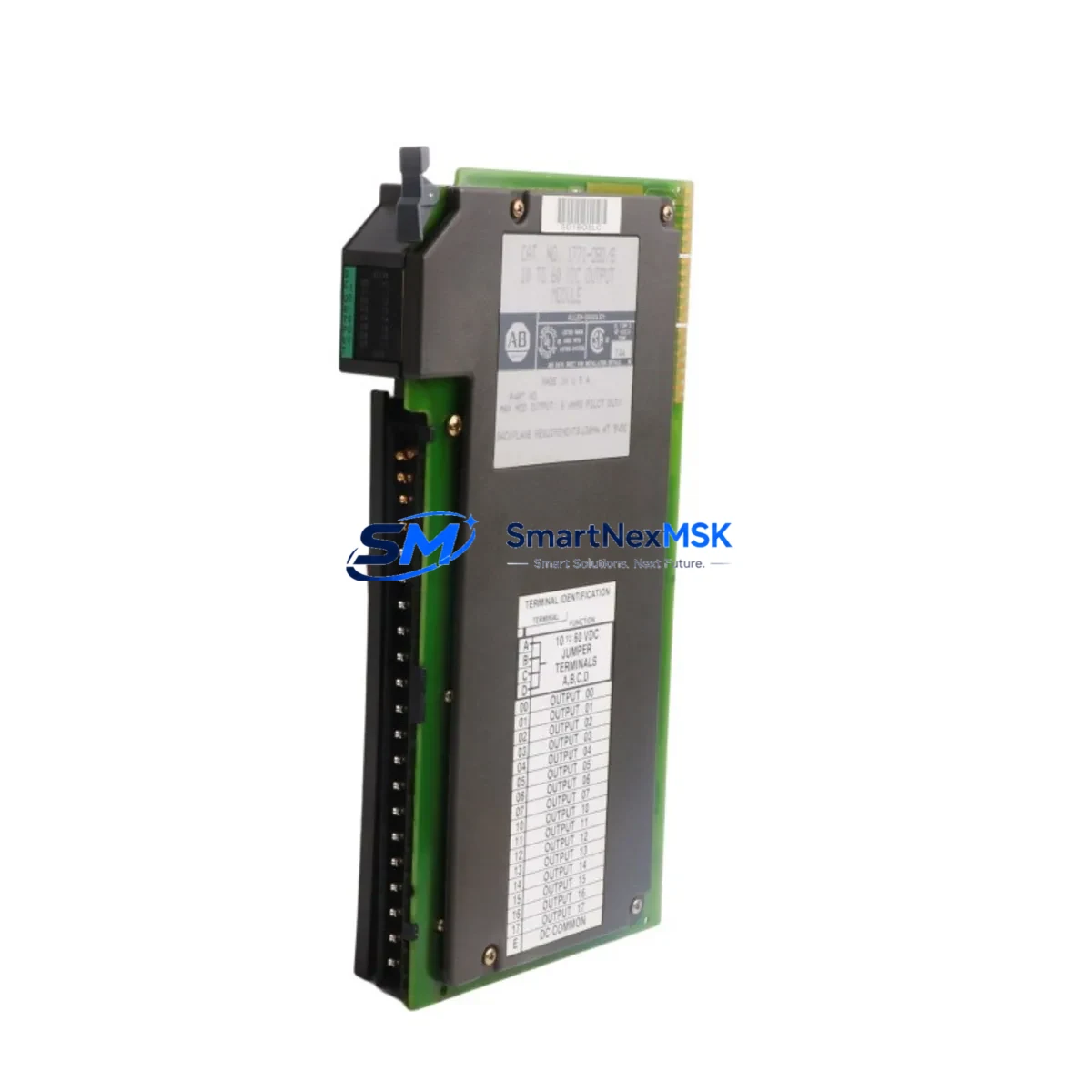
Allen-Bradley 1771-OBD Retrofit-Ready Output Module for PLC-5: Compatible Modernization & Smooth System Upgrade
The Allen-Bradley 1771-OBD is a 16-point, 24VDC sourcing discrete output module designed for the Allen-Bradley PLC-5 control platform. As legacy PLC-5 systems approach end-of-life and original 1771-OBD units become increasingly difficult to source through standard distribution channels, this module remains a critical component for facilities that must maintain operational continuity without committing to a full ControlLogix or CompactLogix migration. Whether you are managing a brownfield retrofit, replacing a failed output card in an aging control cabinet, or building a spare-parts inventory for a multi-line production facility, the 1771-OBD delivers the electrical and mechanical compatibility your system demands.
This module installs directly into the 1771 I/O chassis — including the 1771-A1B, 1771-A2B, 1771-A3B, and 1771-A4B rack configurations — and interfaces with the PLC-5 processor via the standard 1771 backplane. No adapter plates, no custom wiring harnesses, and no firmware patches are required for a direct slot-for-slot replacement. The 24VDC sourcing output architecture is compatible with the field wiring conventions used across the majority of PLC-5 installations built between the 1980s and early 2000s, making it a reliable drop-in solution for plants that cannot afford extended downtime for re-engineering.
Upgrade Compatibility Table
| Parameter | 1771-OBD Specification | Retrofit Notes |
|---|---|---|
| Output Points | 16 points, sourcing (PNP) | Verify field device polarity before wiring |
| Output Voltage | 24VDC nominal | Confirm cabinet power supply capacity (1771-P4S or equivalent) |
| Backplane Interface | 1771 I/O chassis backplane | Compatible with 1771-A1B through 1771-A4B racks |
| Module Addressing | 1/4, 1/2, or full slot addressing | Match address mode to existing PLC-5 program configuration |
| Communication Protocol | 1771 parallel I/O bus | No protocol migration required for same-platform replacement |
| Wiring Connector | 40-pin wiring arm (1771-WN or 1771-WB) | Reuse existing wiring arm if undamaged; inspect terminal screws |
| Replacement Compatibility | Direct replacement for 1771-OBD | Also evaluable as functional replacement for 1771-OB and 1771-OBN with wiring review |
| Commissioning Requirement | Module key setting + I/O tree verification | Force outputs OFF before hot-swap; verify in RSLogix 5 |
| Warranty | 12-Month Warranty | Covers manufacturing defects; includes pre-shipment functional test |
Retrofit Planning for Existing Automation Systems
A successful 1771-OBD retrofit begins well before the module arrives on-site. The first step is a thorough audit of the existing control cabinet: confirm that the 1771 power supply — typically a 1771-P4S or 1771-P7 — can support the current draw of the replacement module alongside all other installed I/O cards. Overloaded backplane power is one of the most common causes of intermittent output faults in aging PLC-5 systems, and a new module will not resolve a power budget deficit.
Next, review the wiring arm. The 1771-OBD uses a 40-pin wiring arm, most commonly the 1771-WN or 1771-WB. If the existing arm shows signs of heat stress, cracked insulation, or corroded terminal screws, replace it concurrently with the module. Reusing a degraded wiring arm on a new output card is a frequent source of post-retrofit field faults that are difficult to diagnose remotely.
Module addressing must be verified against the active PLC-5 program before installation. Open the project in RSLogix 5 and confirm the slot address, addressing mode (1/4, 1/2, or full), and the output image table mapping for the affected slot. If the replacement module is installed in a different physical slot than the original — for example, due to chassis damage — the program must be updated accordingly before the processor is placed back in Run mode.
For facilities that are simultaneously upgrading their HMI layer, note that any Panelview or Panelview Plus terminal configured with DH+ or Remote I/O links to the PLC-5 processor will require tag remapping if output addresses change. The 1771-SDN DeviceNet Scanner and 1771-ASB Remote I/O Adapter are commonly found in the same cabinets as 1771-OBD modules; confirm that these communication modules remain properly configured and that their network node addresses are undisturbed during the physical swap.
In multi-rack systems, the 1771-ACN15 ControlNet Adapter or 1771-ACNR15 redundant adapter may be present as the backplane communication bridge. Verify that the I/O tree in the PLC-5 processor reflects the correct rack and group assignments for the replaced module, particularly in systems where the chassis houses a mix of analog modules such as the 1771-IFE or 1771-OFE alongside discrete I/O.
Downtime Control During System Migration
Minimizing unplanned downtime during a 1771-OBD replacement requires a structured pre-swap procedure. Before removing the failed module, use RSLogix 5 to force all 16 output bits associated with the affected slot to the OFF state. This prevents uncontrolled actuator movement during the physical swap and protects both field devices and personnel. Document the current force table and output status before clearing forces.
If the system cannot be taken offline, coordinate with the process team to identify a safe window — typically a scheduled maintenance interval or a natural production break. For critical continuous-process applications, consider staging the replacement module in an adjacent spare slot with a temporary wiring arm, verifying its function in Program mode before cutting over the field wiring. This parallel-staging approach keeps the original output circuit active until the replacement is confirmed functional.
After physical installation, restore the processor to Program mode, clear all forces, and perform a controlled I/O scan before returning to Run mode. Verify each output point individually using the RSLogix 5 data monitor, and confirm that field devices — solenoids, motor starters, indicator lamps, or variable frequency drives connected downstream — respond correctly. Log the commissioning results and retain them as part of the site maintenance record. All units supplied by SMARTNEXMSK are pre-tested prior to shipment, reducing the risk of DOA modules and shortening on-site commissioning time.
Retrofit Support FAQ
Q1: Is the 1771-OBD a direct drop-in replacement for the 1771-OB or 1771-OBN?
The 1771-OBD is electrically and mechanically similar to the 1771-OB and 1771-OBN but differs in output sourcing configuration and current ratings. A functional substitution is possible in many applications, but you must review the field wiring polarity, load current per point, and the module key setting before installation. Contact our technical team with your existing module label information for a confirmed compatibility assessment.
Q2: What commissioning steps are required after installing a replacement 1771-OBD?
After seating the module and securing the wiring arm, place the PLC-5 processor in Program mode and perform an I/O configuration scan in RSLogix 5. Verify that the module appears correctly in the I/O tree at the expected slot address. Force each output point individually to confirm field device response before returning the processor to Run mode. Record all commissioning steps in the site maintenance log.
Q3: How do I verify wiring compatibility before installing the replacement module?
Compare the terminal layout of the existing 1771-WN or 1771-WB wiring arm against the 1771-OBD wiring diagram. Confirm that field device commons are connected to the correct terminal groups and that the 24VDC supply feeding the output commons is within the module’s rated voltage range. If the original wiring documentation is unavailable, use a multimeter to trace each terminal before powering the new module.
Q4: What does the 12-month warranty cover, and what is the return process?
All 1771-OBD units supplied by SMARTNEXMSK carry a 12-month warranty covering manufacturing defects and functional failures under normal operating conditions. Each unit undergoes a pre-shipment functional test. If a warranty claim is required, contact [email protected] with your order number and a description of the fault. Our team will arrange a replacement or repair within the warranty period without additional charge.
© 2026 SMARTNEXMSK. All rights reserved.
Original Source: https://smartnexmsk.com
Contact: [email protected] | +86 18259474341



