
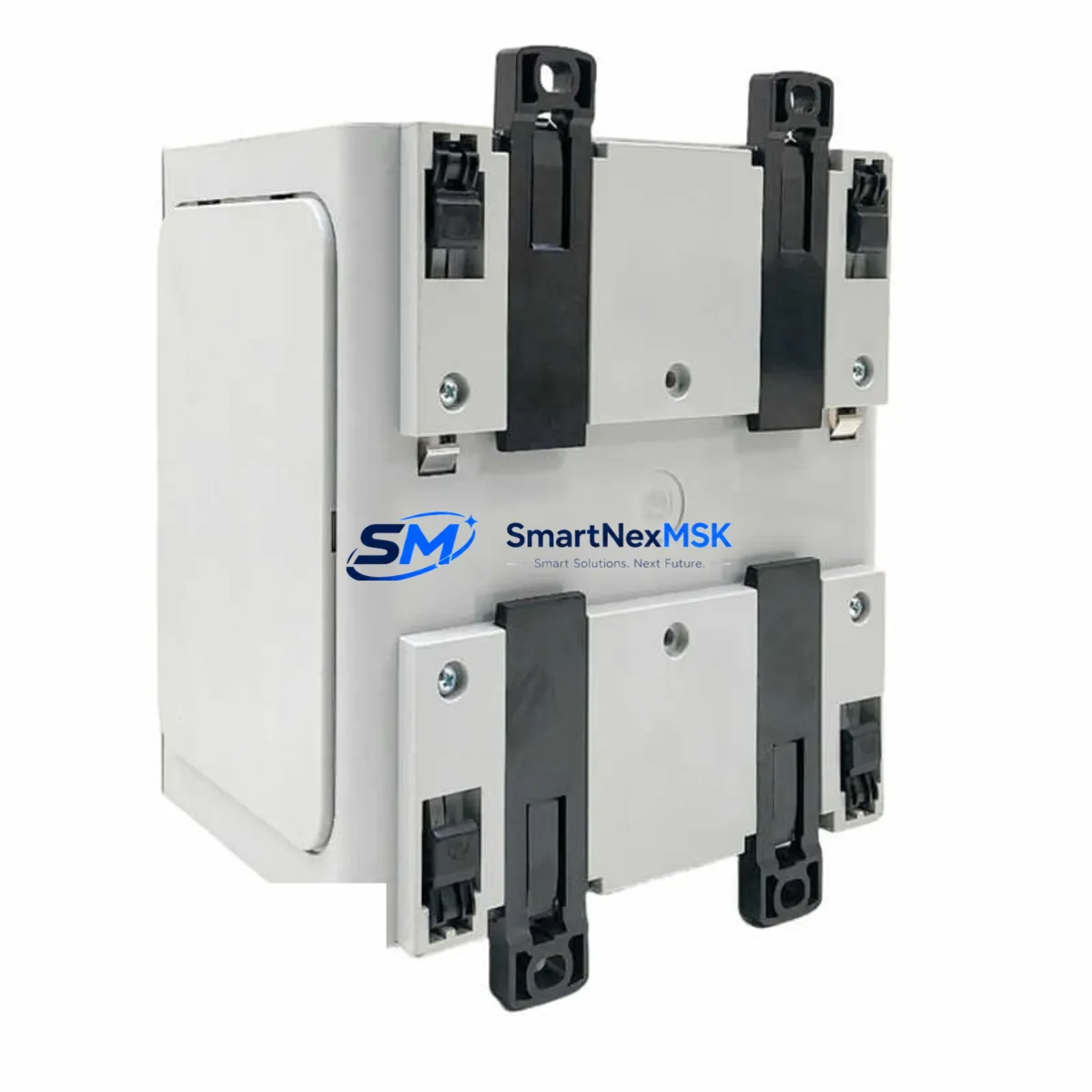
Allen-Bradley 1783-MS06T Retrofit-Ready Switch for Stratix 2000 Control Systems
The Allen-Bradley 1783-MS06T is a 6-port unmanaged industrial Ethernet switch purpose-built for Stratix 2000 network architectures. As legacy Stratix 2000 infrastructure reaches end-of-life, the 1783-MS06T provides a direct, retrofit-ready replacement that preserves existing EtherNet/IP topology, minimizes re-engineering effort, and restores network integrity without requiring PLC program modifications or HMI screen redesign. Whether you are upgrading a single control cabinet or modernizing an entire production line, the 1783-MS06T is the proven drop-in solution for Rockwell Automation environments.
Designed for DIN-rail mounting inside standard control enclosures, the 1783-MS06T supports 10/100 Mbps auto-negotiation on all six RJ45 ports and operates across the full industrial temperature range. Its unmanaged architecture eliminates configuration overhead, making it ideal for retrofit projects where speed of deployment and compatibility with existing ControlLogix, CompactLogix, or MicroLogix controller platforms is the primary concern.
Upgrade Compatibility Table
| Parameter | Detail |
|---|---|
| SKU / Part Number | 1783-MS06T |
| Brand / Manufacturer | Allen-Bradley (Rockwell Automation) |
| Series | Stratix 2000 |
| Port Configuration | 6 × RJ45, 10/100 Mbps Auto-Negotiation |
| Mounting | DIN-Rail (35 mm) |
| Power Input | 24 VDC (18–30 VDC range) |
| Communication Protocol | EtherNet/IP, IEEE 802.3 |
| Replacement Compatibility | Direct drop-in for legacy Stratix 2000 unmanaged switch positions |
| Controller Compatibility | ControlLogix, CompactLogix, MicroLogix, SoftLogix |
| HMI Compatibility | PanelView Plus, PanelView 800 series (no screen redesign required) |
| Installation Requirement | Match existing terminal wiring; verify 24 VDC supply capacity |
| Commissioning Note | No IP configuration required; verify EtherNet/IP node addresses post-swap |
| Warranty | 12 Months — covers hardware defects, DOA replacement, and functional verification |
Retrofit Planning for Existing Automation Systems
Successful retrofit of the 1783-MS06T into an existing Stratix 2000 network begins with a thorough audit of the control cabinet. Before removing the legacy switch, engineers should document all port assignments, cable labels, and IP node addresses of connected devices. In a typical ControlLogix system, the 1783-MS06T sits between the 1756-EN2T EtherNet/IP communication module and downstream I/O adapters or remote panels. Verifying that the 24 VDC power supply — often a 1606-XLP or equivalent — has sufficient current headroom for the replacement unit is a critical first step that is frequently overlooked during rapid retrofit projects.
Terminal wiring on the power input connector of the 1783-MS06T follows the same two-terminal 24 VDC convention as earlier Stratix 2000 models, so existing wiring harnesses can typically be reused without modification. Once the unit is seated on the DIN rail and powered, all six ports auto-negotiate, eliminating the need for manual duplex configuration. In systems where a 1756-ENBT or 1756-EN2TR module manages the EtherNet/IP scanner list, no changes to the I/O tree in Studio 5000 Logix Designer are required as long as device IP addresses remain unchanged.
For installations that also involve I/O expansion — such as adding a 1734-AENT Point I/O adapter or a 1769-L33ER CompactLogix controller to an existing rack — the 1783-MS06T provides the additional port capacity needed without requiring a managed switch upgrade. Similarly, when migrating communication from legacy DeviceNet or ControlNet segments to EtherNet/IP, the 1783-MS06T serves as the backbone switch for the new IP-based segment, working alongside a 1788-EN2DN linking device or a 1203-USB programming cable during transition commissioning.
In multi-cabinet installations, the 1783-MS06T is commonly deployed in satellite control panels that feed back to a central 1783-MX08F Stratix 5700 managed switch at the supervisory level. This star topology preserves network segmentation while allowing the unmanaged 1783-MS06T to handle local device connectivity at the machine level. PanelView Plus 7 HMI terminals connected through the 1783-MS06T continue to communicate with the ControlLogix backplane via standard EtherNet/IP without any Ethernet driver reconfiguration.
Downtime Control During System Migration
Minimizing unplanned downtime is the central concern of any retrofit project involving network infrastructure. For the 1783-MS06T swap-out, the recommended approach is a hot-standby preparation strategy: pre-configure all cable labels and verify port assignments on the bench before the maintenance window begins. Because the 1783-MS06T is unmanaged, there is no firmware to load and no configuration file to restore — the unit is operational within seconds of power-up.
During the switchover, the sequence should be: power down the control cabinet, remove the legacy switch, seat the 1783-MS06T on the DIN rail, reconnect all Ethernet cables in the documented port order, restore 24 VDC power, and verify EtherNet/IP communication from the ControlLogix controller within Studio 5000. In most installations, the entire physical swap takes under 15 minutes. The PLC program logic stored in the 1756-L85E or CompactLogix processor is unaffected, and no program download is required.
To protect original program logic throughout the migration, a full project backup using RSLogix 5000 or Studio 5000 Logix Designer should be completed before any hardware changes. If the system includes a 1783-MX08F or 1783-BMS10CA managed switch upstream, IGMP snooping and multicast settings on those devices should be verified post-swap to ensure EtherNet/IP implicit messaging resumes correctly. Field commissioning should include a live I/O status check from the controller’s I/O tree and a PanelView communication status confirmation before returning the line to production.
Retrofit Support FAQ
Q1: Is the 1783-MS06T a direct replacement for all Stratix 2000 unmanaged switch variants?
The 1783-MS06T is the standard 6-port copper variant of the Stratix 2000 family and is a direct physical and functional replacement for other 6-port unmanaged Stratix 2000 models in the same form factor. For fiber-uplink or 8-port variants, confirm port count and media type before ordering. All units ship pre-tested and are verified for EtherNet/IP compatibility prior to dispatch.
Q2: Do I need to reconfigure my ControlLogix I/O tree after replacing the switch?
No. Because the 1783-MS06T is an unmanaged switch, it is transparent to the EtherNet/IP network. As long as all connected devices retain their existing IP addresses, the ControlLogix scanner — whether using a 1756-EN2T or 1756-EN2TR module — will resume communication automatically after power-up. No changes to the Studio 5000 project are required.
Q3: What should I verify regarding terminal wiring and power supply before installation?
Confirm that the existing 24 VDC supply (typically a 1606-XLP72E or equivalent) can deliver the rated current for the 1783-MS06T in addition to other cabinet loads. The power input uses a standard 2-pin removable terminal block; existing wiring can be reused. Verify polarity before energizing. All units supplied by SMARTNEXMSK are tested for correct power-up behavior and port link activity before shipment.
Q4: What does the 12-month warranty cover, and how is it handled?
The 12-month warranty covers all hardware defects, dead-on-arrival (DOA) failures, and functional anomalies identified during installation or operation. If a unit fails within the warranty period, SMARTNEXMSK will arrange replacement or repair with priority handling. Each unit undergoes outgoing quality inspection including power-on test, port link verification, and visual inspection before dispatch. Contact [email protected] with your order reference to initiate a warranty claim.
© 2026 SMARTNEXMSK. All rights reserved.
Original Source: https://smartnexmsk.com
Contact: [email protected] | +86 18259474341



