
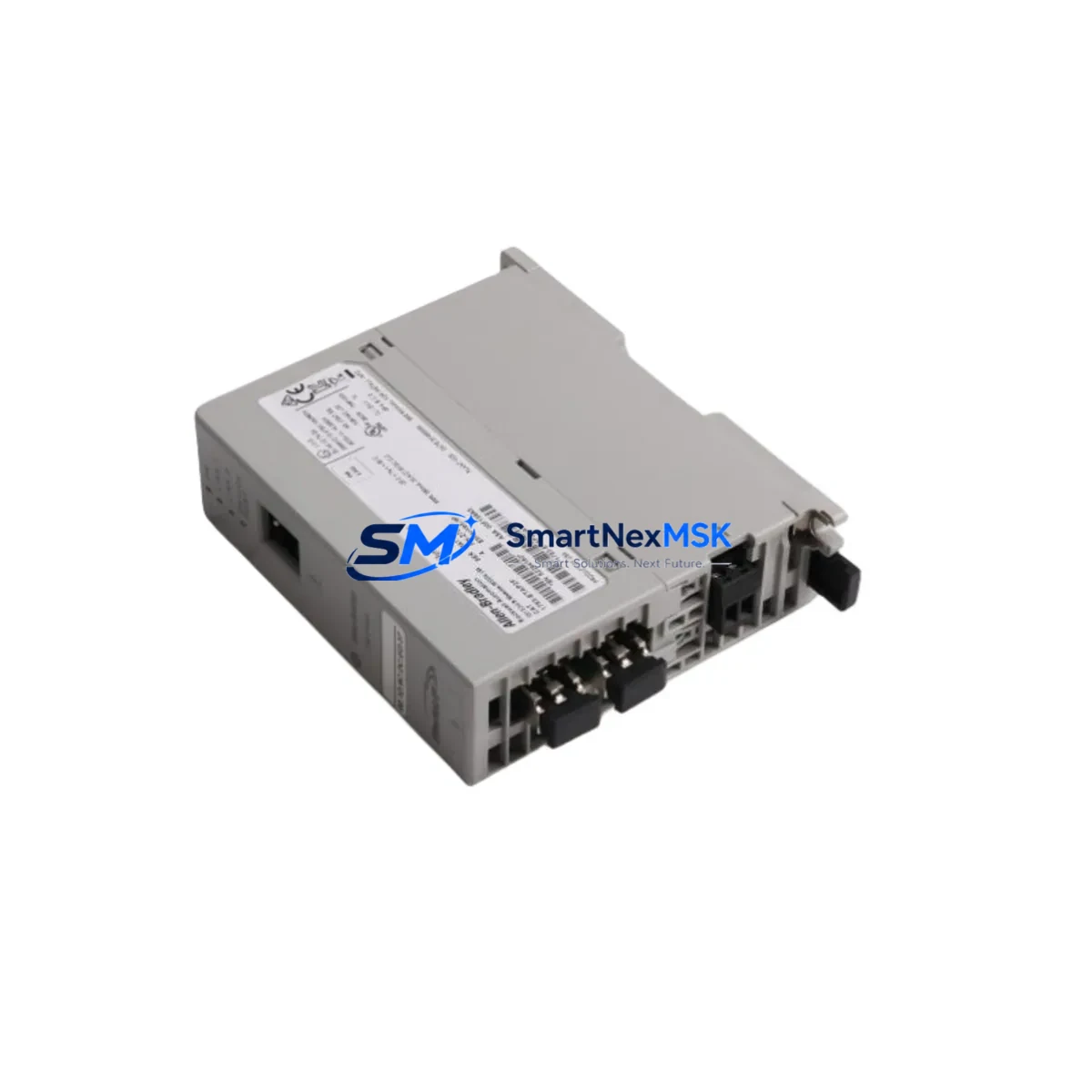
Allen-Bradley 1783-NATR Spare for Stratix Automation: Spare Replacement & Industrial Downtime Risk Control
The Allen-Bradley 1783-NATR is a dedicated EtherNet/IP NAT (Network Address Translation) Router designed for Rockwell Automation Stratix network architectures. In industrial environments where unplanned downtime translates directly into production loss, maintaining a verified, tested spare of the 1783-NATR is a critical element of any proactive maintenance strategy. This original spare unit is sourced, inspected, and shipped with a 12-month warranty, ensuring your control network can be restored rapidly following a fault event.
Maintenance engineers and procurement teams managing Rockwell-based control systems — including ControlLogix, CompactLogix, and GuardLogix platforms — rely on the 1783-NATR to segment and translate IP addresses between plant-floor device networks and enterprise or supervisory networks. When this component fails or degrades, EtherNet/IP communication between PLCs, HMIs, and SCADA systems can be interrupted entirely, triggering a full line stoppage. Having a pre-tested replacement on the shelf eliminates the lead-time risk associated with emergency procurement.
Spare Maintenance Table
| Parameter | Specification |
|---|---|
| Part Number / SKU | 1783-NATR |
| Brand | Allen-Bradley / Rockwell Automation |
| Series | Stratix EtherNet/IP |
| Product Type | NAT Router / Industrial Network Router |
| Protocol | EtherNet/IP, TCP/IP |
| NAT Function | 1:1 Static NAT, Port Address Translation (PAT) |
| Ports | 2 × RJ45 10/100 Mbps Ethernet |
| Power Supply | 24 VDC (nominal), 18–30 VDC range |
| Power Consumption | ≤ 3.5 W typical |
| Operating Temperature | 0°C to 60°C (32°F to 140°F) |
| Mounting | DIN Rail |
| Enclosure Rating | IP20 |
| Compatibility | ControlLogix, CompactLogix, GuardLogix, Stratix 5700, Stratix 5400, Stratix 2000 |
| Configuration Tool | Rockwell Studio 5000, RSLinx Classic, Device Manager |
| Origin | USA |
| Condition | Original Spare, Tested Before Shipment |
| Warranty | 12 Months |
Maintenance Planning for Continuous Operation
When a 1783-NATR fault is identified during routine control cabinet inspection or triggered by a network alarm in your SCADA or DCS system, the replacement workflow should extend beyond the router itself. A thorough site assessment by the maintenance engineer should include verification of the 24 VDC panel power supply feeding the router — a degraded or undersized power supply is a common root cause of intermittent NAT router faults. The 1783-NATR shares its power rail with other DIN-rail mounted devices, so checking the 1606-XLP or similar Rockwell 24 VDC power supply module for output voltage stability under load is a recommended first step.
Downstream of the router, the EtherNet/IP network topology typically includes a Stratix 5700 or Stratix 5400 managed switch, which should be inspected for port errors, STP topology changes, or IGMP snooping misconfigurations that may have contributed to the communication fault. If the 1783-NATR is used to isolate a machine-level network from the plant backbone, the CompactLogix or ControlLogix processor’s Ethernet port configuration and IP address scheme should be validated post-replacement to confirm NAT translation tables are correctly re-established.
For systems integrating safety functions, the GuardLogix safety controller’s EtherNet/IP safety connections should be verified after any network component replacement. Additionally, if the control cabinet includes a PanelView Plus HMI communicating through the NAT boundary, the HMI’s configured PLC IP address (translated address) must be confirmed against the new router’s NAT mapping. Signal isolators and I/O modules on the device-side network — such as 1734 POINT I/O or 1756 ControlLogix I/O — should be checked for connection status in RSLinx or Studio 5000 after the router is restored.
Procurement engineers building a spare parts inventory for Stratix-based systems should consider stocking the 1783-NATR alongside complementary components: terminal blocks and DIN rail connectors for cabinet reassembly, replacement Ethernet patch cables rated for industrial environments, and a spare 1783-US5T or similar unmanaged switch for device-level segments. For sites with aging Stratix 2000 infrastructure, maintaining a parallel spare of the 1783-NATR ensures backward compatibility during phased network upgrades.
Site Replacement Workflow
Step 1 — Isolation & Documentation: Before removing the faulty 1783-NATR, document the existing NAT configuration using the router’s web interface or exported configuration file. Record all static NAT mappings, port forwarding rules, and VLAN assignments. This configuration backup is essential for rapid restoration and eliminates manual reconfiguration errors during an emergency replacement.
Step 2 — Power Down & Physical Swap: De-energize the 24 VDC supply to the router segment. Remove the faulty unit from the DIN rail, disconnect the two Ethernet cables (labeling them Inside/Outside), and install the replacement 1783-NATR. Reconnect cables in the correct orientation — the Inside port connects to the machine/device network; the Outside port connects to the plant or enterprise network.
Step 3 — Configuration Restore: Apply the saved configuration via the web interface or Rockwell Device Manager. Verify NAT translation tables, confirm IP address assignments, and validate that EtherNet/IP connections are re-established in Studio 5000 or RSLinx Classic. Check that all I/O modules, HMI panels, and safety controllers report healthy connection status.
Step 4 — Functional Test & Handover: Perform a live communication test across the NAT boundary — ping translated addresses, verify HMI data refresh, and confirm PLC I/O scan times are within normal range. Log the replacement event in the site maintenance record and initiate procurement of a new spare to replenish the inventory buffer.
This workflow is applicable as a direct replacement for legacy NAT solutions previously implemented with third-party routers or older Stratix firmware versions, reducing integration risk and maintaining full compatibility with Rockwell’s EtherNet/IP ecosystem.
Spare Parts Support FAQ
Q1: Is this 1783-NATR an original Allen-Bradley unit or a compatible replacement?
This is an original Allen-Bradley 1783-NATR spare part, not a third-party compatible. Each unit is sourced from authorized supply channels, inspected for physical integrity, and tested for basic power-on and port functionality before shipment. The 12-month warranty covers manufacturing defects and functional failures under normal operating conditions.
Q2: How do I verify compatibility with my existing Stratix network before ordering?
The 1783-NATR is compatible with all Stratix EtherNet/IP architectures including Stratix 5700, Stratix 5400, and Stratix 2000 series switches, as well as ControlLogix, CompactLogix, and GuardLogix controllers. Confirm your panel’s 24 VDC power availability and DIN rail space. If your system uses a specific firmware version of Studio 5000 or RSLinx, contact our technical team with your catalog number and firmware revision for pre-shipment compatibility confirmation.
Q3: What is included in the pre-shipment testing process?
Each 1783-NATR spare undergoes power-on verification, port link-up testing on both Inside and Outside Ethernet interfaces, and a basic NAT function check. Units that fail any test stage are quarantined and not shipped. A test report summary is available upon request for quality-critical procurement processes.
Q4: What is the recommended spare inventory strategy for the 1783-NATR?
For facilities operating a single Stratix network segment with one 1783-NATR installed, a minimum of one cold spare is recommended. For multi-line or multi-cell facilities with three or more NAT routers deployed, a 1:3 spare ratio (one spare per three installed units) is a practical starting point. Given the 1783-NATR’s role as a network boundary device, its failure impact is high — prioritize it in your critical spare classification alongside power supplies and communication modules.
© 2026 SMARTNEXMSK. All rights reserved.
Original Source: https://smartnexmsk.com
Contact: [email protected] | +86 18259474341



