
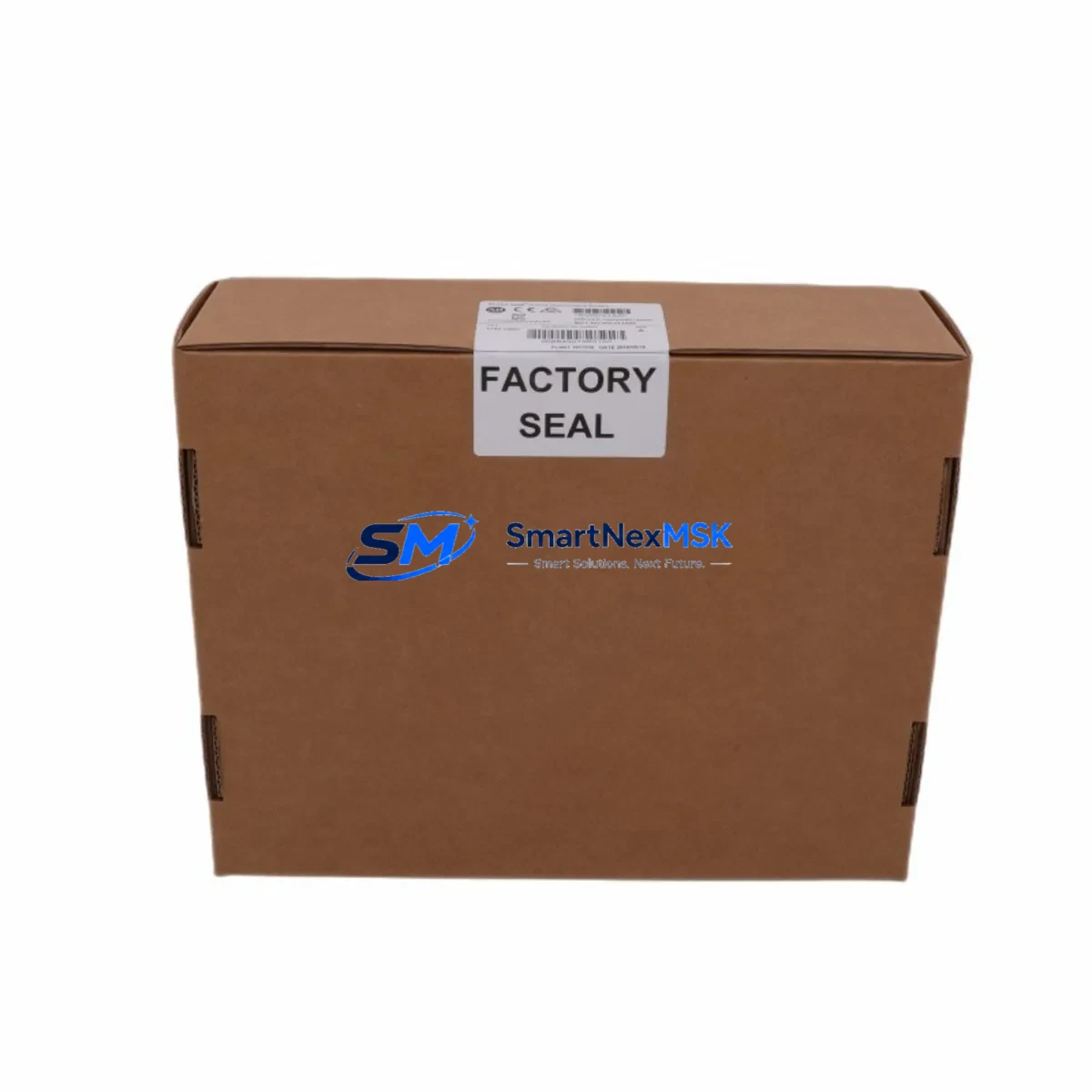
Allen-Bradley 1783-US5T Maintenance-Ready Spare Stratix 2000: Spare Replacement & Industrial Downtime Risk Control
The Allen-Bradley 1783-US5T is a 5-port unmanaged industrial Ethernet switch from the Stratix 2000 series, designed for EtherNet/IP device-level networking in manufacturing and process automation environments. As a maintenance-ready spare, the 1783-US5T enables rapid drop-in replacement of failed or degraded network infrastructure components within Rockwell Automation control architectures — minimizing unplanned downtime and restoring production continuity with minimal configuration overhead.
For maintenance engineers managing aging control cabinets, the 1783-US5T is a critical line-replaceable unit. Its unmanaged design means no IP configuration is required upon swap-out, making it ideal for emergency replacement scenarios where speed of recovery is paramount. Procurement engineers sourcing long-term spare parts inventory will find the 1783-US5T a reliable stocking item: it is compatible across a wide range of Rockwell Automation PLC and drive systems, including ControlLogix, CompactLogix, and PowerFlex drive networks that rely on EtherNet/IP for real-time I/O and peer-to-peer communication.
When planning a replacement of the 1783-US5T in the field, maintenance teams should treat the switch swap as an opportunity for a broader control cabinet inspection. The Ethernet network segment served by this switch typically interconnects multiple downstream devices — including remote I/O adapters such as the 1734-AENT or 1756-EN2T communication modules, variable frequency drives with EtherNet/IP ports, and HMI panels running FactoryTalk View. Each of these nodes should be verified for link status and communication health after the switch is replaced.
Beyond the switch itself, a thorough site inspection should include the 24 VDC power supply feeding the switch (commonly a 1606-XLP or equivalent), the DIN rail terminal blocks and grounding continuity within the cabinet, and the integrity of Cat5e or Cat6 patch cables connecting field devices. Corroded RJ45 connectors or damaged cable jackets are a frequent root cause of intermittent Ethernet faults that are misdiagnosed as switch failures. Signal isolation barriers and surge protection devices on I/O lines adjacent to the Ethernet segment should also be checked, particularly in environments with high electromagnetic interference from motor drives or welding equipment.
For facilities running older Stratix 2000 infrastructure alongside newer Stratix 5700 or Stratix 8000 managed switches, the 1783-US5T serves as a cost-effective edge-layer device for connecting clusters of simple EtherNet/IP devices that do not require VLAN segmentation or QoS management. Stocking one or two units of the 1783-US5T alongside related spares — such as the 1783-US8T (8-port variant), 1783-US5T power connectors, and compatible 24V DIN rail power supplies — provides a complete rapid-response kit for Ethernet infrastructure failures at the device level.
From a planned maintenance perspective, the 1783-US5T should be included in annual control cabinet inspection checklists. Inspect for dust accumulation on the housing vents, verify LED link/activity indicators on all active ports, and confirm that no ports are operating in a degraded half-duplex state due to cable or connector issues. Proactive replacement of switches showing intermittent port failures — before a full failure occurs — is a best practice for high-availability production lines where network downtime directly impacts OEE metrics.
Spare Maintenance Table
| Parameter | Specification |
|---|---|
| SKU / Part Number | 1783-US5T |
| Brand | Allen-Bradley (Rockwell Automation) |
| Series | Stratix 2000 |
| Product Type | Unmanaged Industrial Ethernet Switch |
| Number of Ports | 5 × RJ45 (10/100 Mbps) |
| Protocol | EtherNet/IP, IEEE 802.3 |
| Supply Voltage | 24 VDC (nominal), 18–30 VDC range |
| Power Consumption | ≤ 3.5 W (typical) |
| Operating Temperature | 0°C to +60°C |
| Mounting | DIN Rail (35 mm) |
| Protection Rating | IP20 |
| Certifications | UL, CE, cUL |
| Compatibility | ControlLogix, CompactLogix, PowerFlex, 1734-AENT, 1756-EN2T, FactoryTalk HMI |
| Origin | United States |
| Condition | Original Spare — New or Refurbished (tested) |
| Warranty | 12 Months from date of shipment |
| Pre-shipment Testing | Power-on, port link, and communication verification |
| Typical Application | Device-level EtherNet/IP networking, control cabinet Ethernet distribution |
Maintenance Planning for Continuous Operation
Effective spare parts planning for the 1783-US5T extends beyond stocking the switch itself. A complete maintenance kit for an EtherNet/IP device-level network segment should include the following components, which are commonly found in the same control cabinet or electrical circuit as the 1783-US5T:
- 1783-US8T — 8-port Stratix 2000 unmanaged switch, direct scale-up replacement for larger device clusters
- 1606-XLP30E / 1606-XLP60E — 24 VDC DIN rail power supplies that feed the switch and adjacent I/O devices; verify output voltage and ripple during inspection
- 1734-AENT / 1734-AENTR — POINT I/O EtherNet/IP adapter modules connected downstream of the switch; check for communication faults after switch replacement
- 1756-EN2T / 1756-EN2TR — ControlLogix EtherNet/IP communication modules at the controller backplane level; confirm module status and connection counts post-swap
- PowerFlex 525 / PowerFlex 755 — Variable frequency drives with embedded EtherNet/IP ports; verify drive-to-controller communication after network restoration
- 2711P-T7C22D9P (PanelView Plus 7) — HMI terminals connected via EtherNet/IP; confirm HMI-to-PLC communication path is restored after switch replacement
- DIN rail terminal blocks and grounding bars — Inspect for corrosion, loose connections, and proper PE grounding continuity throughout the cabinet
- RJ45 patch cables (Cat5e/Cat6, industrial rated) — Replace any cables with damaged jackets, bent pins, or intermittent connectivity; use shielded cables in high-EMI environments
- Signal isolators / surge protection devices — Check 24V I/O signal isolators and Ethernet surge protectors (e.g., Phoenix Contact TRABTECH series) for proper operation
- Fuse holders and miniature circuit breakers — Verify 24V supply fusing for the switch and downstream I/O rail; replace any blown or degraded fuses
Stocking these components alongside the 1783-US5T as a coordinated spare parts kit reduces mean time to repair (MTTR) and supports a proactive maintenance posture rather than a reactive break-fix approach.
Site Replacement Workflow
Step 1 — Isolation and documentation: Before removing the failed 1783-US5T, photograph the existing cable connections and port assignments. Label each RJ45 cable with its destination device to ensure accurate reconnection. Notify the control system operator and confirm a safe window for network interruption.
Step 2 — Power down and removal: De-energize the 24 VDC supply to the switch using the upstream circuit breaker or fuse. Disconnect all RJ45 patch cables and the power connector. Release the DIN rail locking tab and remove the switch from the rail.
Step 3 — Inspection of adjacent components: With the switch removed, inspect the DIN rail segment, terminal blocks, and cable routing for signs of heat damage, moisture ingress, or mechanical wear. This is the optimal moment to replace any degraded patch cables or corroded connectors.
Step 4 — Installation of 1783-US5T spare: Clip the replacement 1783-US5T onto the DIN rail. Reconnect the 24 VDC power connector and all RJ45 cables per the documented port assignments. The unmanaged design requires no IP configuration — the switch is operational immediately upon power-up.
Step 5 — Verification: Restore 24 VDC power and observe the LED indicators on all active ports. Confirm link and activity LEDs are illuminated for each connected device. From the PLC programming terminal, verify that all EtherNet/IP connections are re-established and no I/O faults are present in the controller diagnostics. Confirm HMI communication and drive status displays are normal.
Step 6 — Documentation and spare replenishment: Log the replacement in the maintenance management system (CMMS) with date, technician, and failure mode. Immediately initiate a purchase order to replenish the consumed spare, maintaining minimum stock levels for continuous operational readiness.
Spare Parts Support FAQ
Q1: Is the 1783-US5T compatible with my existing Stratix 2000 installation without any configuration changes?
Yes. The 1783-US5T is an unmanaged switch with no configurable parameters. It is a direct plug-and-play replacement for any existing 1783-US5T unit in a Stratix 2000 installation. No IP address assignment, VLAN configuration, or firmware update is required. Simply reconnect cables and restore power.
Q2: What is the warranty coverage and what does pre-shipment testing include?
All 1783-US5T units supplied by SMARTNEXMSK carry a 12-month warranty from the date of shipment. Pre-shipment testing includes power-on verification, port link-up testing on all 5 RJ45 ports, and basic EtherNet/IP frame forwarding validation. Units that do not pass testing are not shipped. Warranty claims are supported with direct technical assistance and expedited replacement.
Q3: How should I manage long-term spare parts inventory for the 1783-US5T given its end-of-life status?
The Stratix 2000 series has reached end-of-life with Rockwell Automation, meaning new production units are no longer manufactured. SMARTNEXMSK maintains a dedicated inventory of original spare units sourced from authorized channels and decommissioned systems. For facilities with multiple 1783-US5T installations, we recommend stocking a minimum of 2–3 units per site and establishing a scheduled replenishment agreement to ensure long-term supply continuity for the remaining service life of your control system.
Q4: Can the 1783-US5T be used as a temporary replacement while a managed switch upgrade is planned?
Yes. The 1783-US5T is fully compatible as a temporary bridge solution while a migration to a managed Stratix 5700 or Stratix 8000 switch is being planned and budgeted. Its unmanaged operation ensures zero disruption to existing EtherNet/IP device communication during the interim period. SMARTNEXMSK can also assist with sourcing managed switch spares for the upgrade phase.
© 2026 SMARTNEXMSK. All rights reserved.
Original Source: https://smartnexmsk.com
Contact: [email protected] | +86 18259474341



