
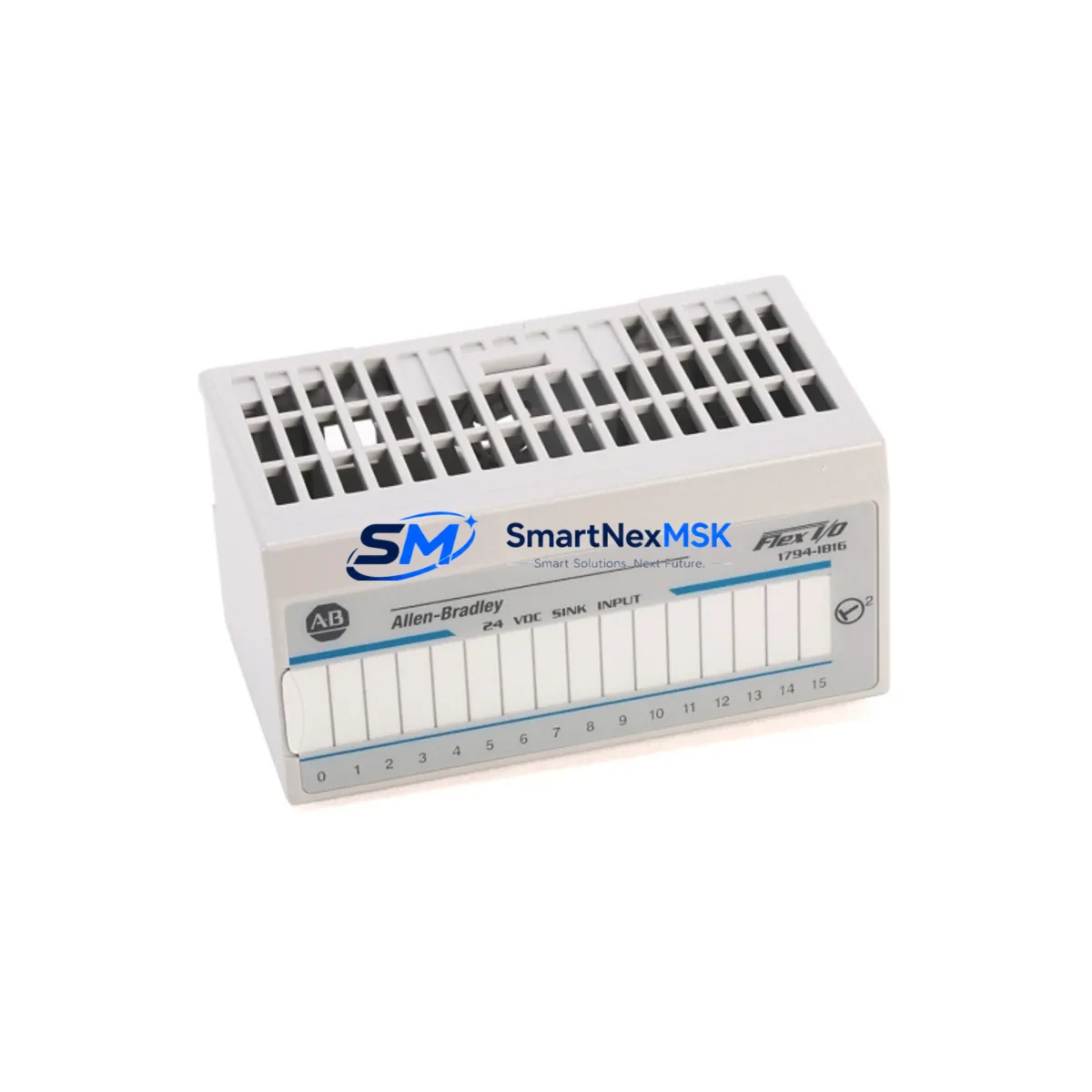
Allen-Bradley 1794-IF2XOF2I Spare for FLEX I/O Automation: Minimizing Downtime in Analog I/O Replacement
The Allen-Bradley 1794-IF2XOF2I is a combination analog I/O module within the Rockwell Automation 1794 FLEX I/O platform, providing 2 differential analog input channels and 2 analog output channels in a single compact module. Designed for process control and machine automation environments, this module is a critical component in PLC-based control cabinets where precise signal conditioning and analog loop integrity are essential for continuous production. When this module fails or degrades, the impact on process visibility and actuator control can be immediate — making a verified, ready-to-ship spare a non-negotiable element of any serious maintenance strategy.
At SMARTNEXMSK, every 1794-IF2XOF2I unit is sourced as an original Rockwell Automation component, electrically tested prior to shipment, and backed by a 12-month warranty. Our inventory is maintained to support both planned maintenance cycles and emergency replacement scenarios, with fast global dispatch to minimize production downtime.
Spare Maintenance Table
| Parameter | Specification |
|---|---|
| Part Number | 1794-IF2XOF2I |
| Brand / Manufacturer | Allen-Bradley / Rockwell Automation |
| Series | 1794 FLEX I/O |
| Module Type | Combination Analog Input / Output |
| Analog Input Channels | 2 Differential (Voltage or Current) |
| Analog Output Channels | 2 (Voltage or Current) |
| Input Signal Range | ±10 V DC / 0–20 mA / 4–20 mA |
| Output Signal Range | ±10 V DC / 0–20 mA / 4–20 mA |
| Resolution | 12-bit (Input & Output) |
| Backplane Communication | FLEX I/O Adapter (e.g. 1794-AENT, 1794-ADN) |
| Power Consumption | Supplied via FLEX I/O backplane |
| Operating Temperature | 0 °C to 60 °C |
| Mounting | FLEX I/O Terminal Base (1794-TB3 / 1794-TB3S) |
| Origin | United States |
| Compatibility | Rockwell 1794 FLEX I/O System; ControlLogix, CompactLogix, SLC 500 via adapter |
| Condition | Original, Tested Before Shipment |
| Warranty | 12 Months |
Maintenance Planning for Continuous Operation
Replacing the 1794-IF2XOF2I in a live control cabinet is rarely an isolated task. Maintenance engineers and procurement teams should treat this replacement as an opportunity to audit the surrounding analog signal chain and backplane infrastructure to prevent repeat failures and unplanned stoppages.
Begin with the 1794-TB3 or 1794-TB3S terminal base — the module’s physical mounting point. Corroded or loose terminal connections on the base are a common root cause of intermittent analog signal errors that are often misdiagnosed as module failure. Inspect and replace the terminal base if contact resistance is elevated or if the locking mechanism shows wear.
Next, verify the 1794-AENT EtherNet/IP adapter or the 1794-ADN DeviceNet adapter that manages backplane communication for the FLEX I/O rack. A degraded adapter can cause the replacement 1794-IF2XOF2I to appear faulted even when the module itself is fully functional. Confirm firmware compatibility and check for adapter diagnostic LEDs indicating communication errors.
On the field wiring side, inspect the 4–20 mA signal loops feeding the input channels. Loop-powered transmitters — such as pressure, temperature, or flow sensors — should be verified for correct supply voltage and loop resistance. A failing 24 VDC field power supply or an undersized rail can introduce noise or offset errors into the analog readings. If signal quality issues persist after module replacement, consider installing a signal isolator or loop conditioner between the field transmitter and the module input to eliminate ground loops.
For the output channels driving control valves or variable-speed drives, confirm that the output load impedance is within the module’s rated range. Excessive load or a shorted actuator wiring run can damage the output DAC circuitry. Check the associated fuse or circuit protection on the output loop — a blown fuse on the field side is often overlooked during a module swap.
If the 1794-IF2XOF2I is part of a larger FLEX I/O rack, also inspect adjacent modules such as the 1794-IB16 digital input module or 1794-OB16 digital output module for signs of thermal stress or connector fatigue, particularly in high-vibration or high-temperature environments. Backplane power distribution should be confirmed via the 1794-PS13 power supply or equivalent, ensuring adequate current capacity for the full rack configuration.
Finally, if the system uses an RSLogix 5000 / Studio 5000 project, verify that the module configuration tag — including channel scaling, filter frequency, and fault/program mode output values — is correctly restored after the replacement. A misconfigured module tag can cause process upsets even when the hardware is fully functional.
Site Replacement Workflow
Step 1 — Pre-replacement verification: Confirm the replacement unit’s catalog number matches exactly: 1794-IF2XOF2I. Note the firmware revision of the existing module if accessible via the controller’s I/O tree in Studio 5000. Document the current channel configuration (input/output ranges, filter settings, fault mode values) before powering down.
Step 2 — Safe isolation: Place the controller in Program mode to inhibit output commands. De-energize the FLEX I/O rack segment or the specific terminal base if hot-swap is supported by your system configuration. Disconnect field wiring from the terminal base, labeling each conductor.
Step 3 — Module removal and installation: Release the module from the terminal base by pressing the locking tab and sliding the module out. Insert the replacement 1794-IF2XOF2I into the same terminal base, ensuring the backplane connector is fully seated. Reconnect field wiring per the original labeling.
Step 4 — Configuration restore: Power up the rack and allow the adapter to re-establish communication. In Studio 5000, verify the module appears online without faults. Restore channel configuration parameters if the controller does not automatically push the stored configuration. Run a loop check on each analog channel against a known reference signal before returning the system to Run mode.
Step 5 — Functional validation: Confirm live process values on the HMI — such as a PanelView Plus 7 or equivalent — match field instrument readings within acceptable tolerance. Log the replacement in the maintenance management system and update the spare parts inventory record.
This workflow is designed to minimize mean time to repair (MTTR) and ensure the replacement module is fully validated before resuming production, reducing the risk of a secondary fault event.
Spare Parts Support FAQ
Q1: Is the 1794-IF2XOF2I compatible with both ControlLogix and CompactLogix systems?
Yes. The 1794-IF2XOF2I operates within the FLEX I/O backplane and communicates through a FLEX I/O adapter (such as the 1794-AENT for EtherNet/IP or 1794-ADN for DeviceNet). This adapter bridges the FLEX I/O rack to the controller backplane, making the module compatible with ControlLogix, CompactLogix, SLC 500, and other Rockwell platforms that support the corresponding network adapter.
Q2: How is each unit tested before shipment?
Every 1794-IF2XOF2I supplied by SMARTNEXMSK undergoes electrical continuity testing and functional verification of analog input and output channels prior to dispatch. Units are inspected for physical damage, connector integrity, and correct catalog number labeling. A test report is available upon request for critical maintenance applications.
Q3: What is the recommended spare parts stocking strategy for FLEX I/O analog modules?
For facilities running continuous processes, we recommend maintaining at least one 1794-IF2XOF2I per FLEX I/O rack that uses this module type, alongside a spare terminal base (1794-TB3) and a spare adapter (1794-AENT or 1794-ADN). For high-criticality loops — such as those controlling safety-instrumented systems or primary process variables — a two-unit buffer is advisable to cover both immediate replacement and the replenishment lead time.
Q4: What does the 12-month warranty cover?
The 12-month warranty covers manufacturing defects and functional failures under normal operating conditions as specified in the Rockwell Automation 1794-IF2XOF2I product documentation. It does not cover damage resulting from incorrect installation, overvoltage, reverse polarity, or environmental conditions outside the module’s rated operating range. Warranty claims are processed with priority dispatch of a replacement unit to minimize site downtime.
© 2026 SMARTNEXMSK. All rights reserved.
Original Source: https://smartnexmsk.com
Contact: [email protected] | +86 18259474341



