
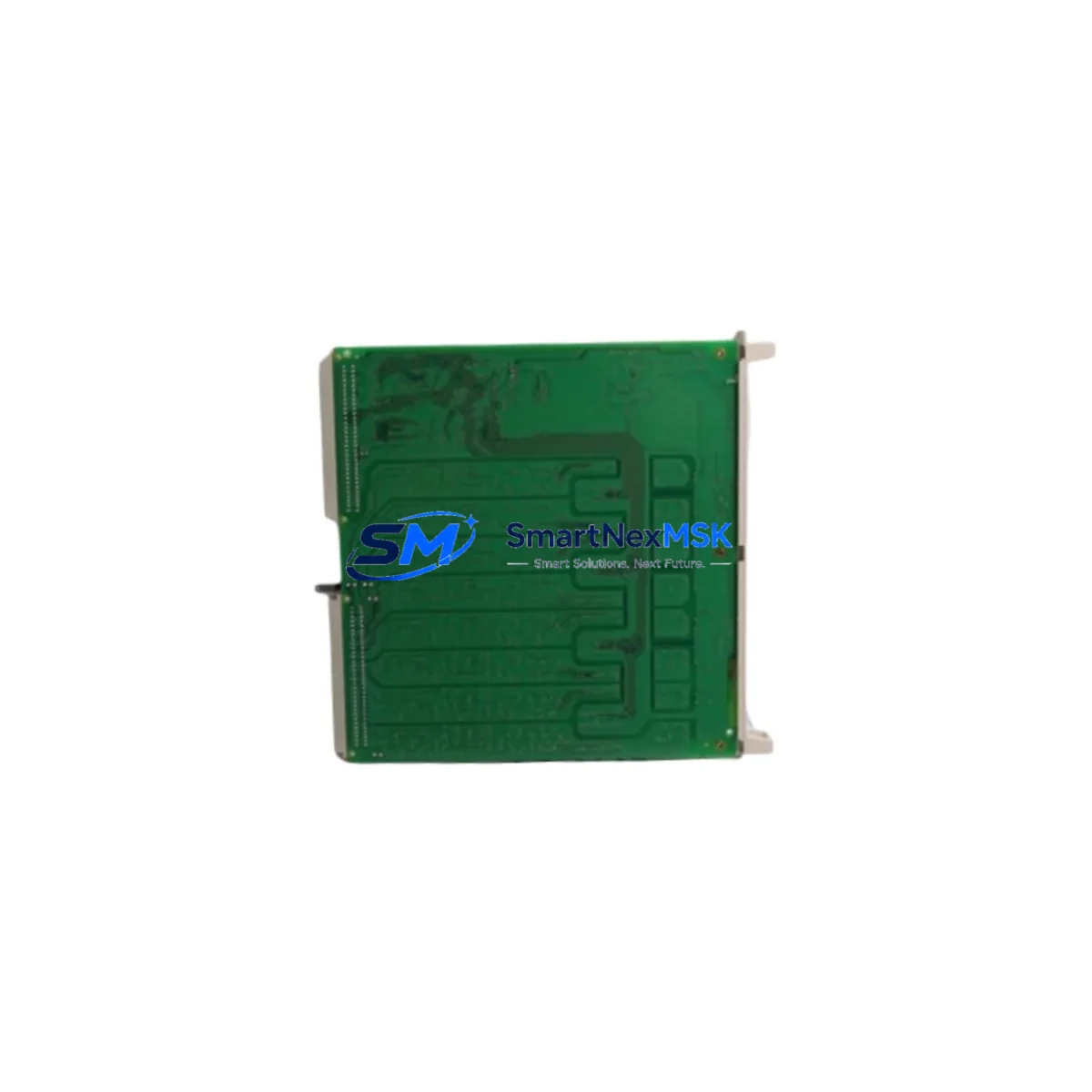
Allen-Bradley 2080-OB4 Retrofit-Ready Output Module for Micro800 Control Systems
The Allen-Bradley 2080-OB4 is a 4-point 24VDC sourcing digital output module designed for the Micro800 controller platform. As legacy Micro800 installations age and original spare parts become increasingly difficult to source, the 2080-OB4 serves as a direct retrofit-ready replacement that maintains full electrical and mechanical compatibility with existing control cabinet wiring, backplane connections, and PLC program logic. Whether you are restoring a failed output channel, upgrading a deteriorating control panel, or executing a planned modernization of an older Micro810 or Micro820 system, this module provides a reliable, tested, and immediately deployable solution.
Each unit shipped by SMARTNEXMSK undergoes pre-shipment functional verification, including output channel switching tests, terminal continuity checks, and backplane communication validation. The module is covered by a 12-month warranty from the date of delivery, giving procurement engineers and maintenance teams confidence in both quality and supply continuity.
Upgrade Compatibility Table
| Parameter | 2080-OB4 Specification | Retrofit Notes |
|---|---|---|
| Output Points | 4 x 24VDC Sourcing | Direct replacement for failed 4-pt output modules in Micro800 racks |
| Compatible Controllers | Micro810, Micro820, Micro830, Micro850 | Plug-and-play on all standard Micro800 backplanes; no firmware change required |
| Backplane Interface | Micro800 plug-in module slot | Fits standard plug-in slot positions 1–3 depending on controller model |
| Terminal Wiring | Screw-terminal, 24VDC load side | Existing field wiring reusable; verify load current per channel ≤ 0.5A |
| Communication Compatibility | Backplane bus (no separate comms module required) | No protocol migration needed; module address auto-assigned by controller |
| Program Compatibility | CCW (Connected Components Workbench) | Existing ladder logic and function block programs remain valid after swap |
| HMI Compatibility | PanelView 800 series via Micro800 EtherNet/IP | HMI tag mapping unchanged; no screen rebuild required |
| Replacement for Discontinued Models | Older 2080-OB4 revisions (Series A/B) | Current revision is backward-compatible; verify revision label on existing unit |
| Warranty | 12 Months from delivery | Covers manufacturing defects; includes pre-shipment functional test report |
Retrofit Planning for Existing Automation Systems
Replacing the 2080-OB4 in an operational Micro800 system requires a structured approach to avoid unplanned downtime and protect existing program logic. Before beginning the swap, maintenance engineers should document the current module slot position within the Micro820 or Micro830 controller chassis, photograph the existing terminal wiring layout, and export a backup of the CCW project file from the programming workstation.
Power supply capacity is a critical first checkpoint. The 2080-OB4 draws its logic power from the Micro800 controller’s internal bus. Verify that the 2080-PS120 or 2080-PS24 power supply module currently installed in the panel has sufficient headroom to support the replacement module alongside any co-installed plug-in modules such as the 2080-SERIALISOL serial communication module or the 2080-IQ4OB4 combination I/O module. If the control cabinet also houses a 2080-LC50-24QBB or similar Micro850 controller with expanded I/O, confirm that the total plug-in module current draw remains within the controller’s rated plug-in power budget.
Terminal block wiring on the 2080-OB4 uses a standard screw-terminal format. Field cables connected to output loads — such as solenoid valves, relay coils, indicator lamps, or motor starter contactors — can be transferred directly to the replacement module without re-crimping, provided wire gauge and terminal torque specifications are observed. If the existing installation uses a 2080-WIRING-KIT terminal adapter, confirm that the adapter revision is compatible with the current module housing.
For systems that also incorporate a 2080-MEMBAK-RTC memory backup and real-time clock module, ensure the RTC battery is functional before powering down the controller, as some Micro800 variants reset time-stamped data logs on cold restart. After physical installation of the replacement 2080-OB4, reconnect the programming cable — typically a 1203-USB or USB-to-serial adapter — and perform an online comparison in CCW to confirm that the I/O configuration matches the restored project file. Output channel forcing should be used during initial commissioning to verify each field device responds correctly before returning the system to automatic mode.
In multi-rack or distributed I/O configurations where the Micro850 controller communicates with remote I/O nodes over EtherNet/IP, the 2080-OB4 replacement does not affect network topology or IP addressing. However, if the control system also includes a 2080-DNET20 DeviceNet scanner module for legacy field device communication, verify that the DeviceNet node list and I/O mapping tables remain intact after the controller restart.
Downtime Control During System Migration
Minimizing production interruption during a 2080-OB4 replacement requires pre-staging the replacement module, tools, and documentation before the maintenance window begins. The physical swap of a Micro800 plug-in module takes under five minutes when the controller is de-energized and field wiring is pre-labeled. The critical time investment lies in pre-shutdown preparation: backing up the CCW project, printing the I/O wiring diagram, and staging the replacement unit at the panel.
For processes where even brief output interruptions are unacceptable — such as continuous conveyor control or temperature-regulated processes — consider using the Micro850’s built-in EtherNet/IP messaging capability to transfer control temporarily to a redundant logic path or a supervisory SCADA system during the swap window. If the system uses a PanelView 800 HMI for operator interaction, pre-configure a maintenance mode screen that alerts operators to the planned output interruption and suppresses nuisance alarms during the module exchange.
After reinstalling and powering up, the Micro800 controller will automatically detect the 2080-OB4 in its plug-in slot and restore the I/O configuration from the onboard project. No re-download is required if the CCW project was not modified. Perform a full output channel test using the CCW online monitor before releasing the system to production. Total controlled downtime for a prepared swap is typically 15–30 minutes, including functional verification.
Retrofit Support FAQ
Q: Is the 2080-OB4 a direct drop-in replacement for an older Series A unit?
A: Yes. The current production revision of the 2080-OB4 is backward-compatible with all prior series revisions. Terminal pinout, backplane connector, and CCW I/O configuration tags are identical. No program modification is required.
Q: Do I need to re-download my CCW program after replacing the module?
A: Not in most cases. If the controller project is stored onboard the Micro800 controller (not solely on the programming workstation), the controller will automatically load the existing configuration after power-up. We recommend performing an online comparison in CCW to confirm configuration integrity before returning to production.
Q: What wiring checks should I perform before powering up the replacement module?
A: Verify terminal screw torque (typically 0.5–0.6 N·m), confirm correct polarity on 24VDC load circuits, and check that no field wiring is cross-connected between output channels. Use a multimeter to verify continuity from each output terminal to its corresponding field device before energizing.
Q: What does the 12-month warranty cover, and is a test report included?
A: The 12-month warranty covers all manufacturing defects and premature component failures under normal operating conditions. Each 2080-OB4 unit shipped by SMARTNEXMSK includes a pre-shipment functional test confirming output channel switching, terminal integrity, and backplane communication. Test documentation is available upon request.
© 2026 SMARTNEXMSK. All rights reserved.
Original Source: https://smartnexmsk.com
Contact: [email protected] | +86 18259474341



