
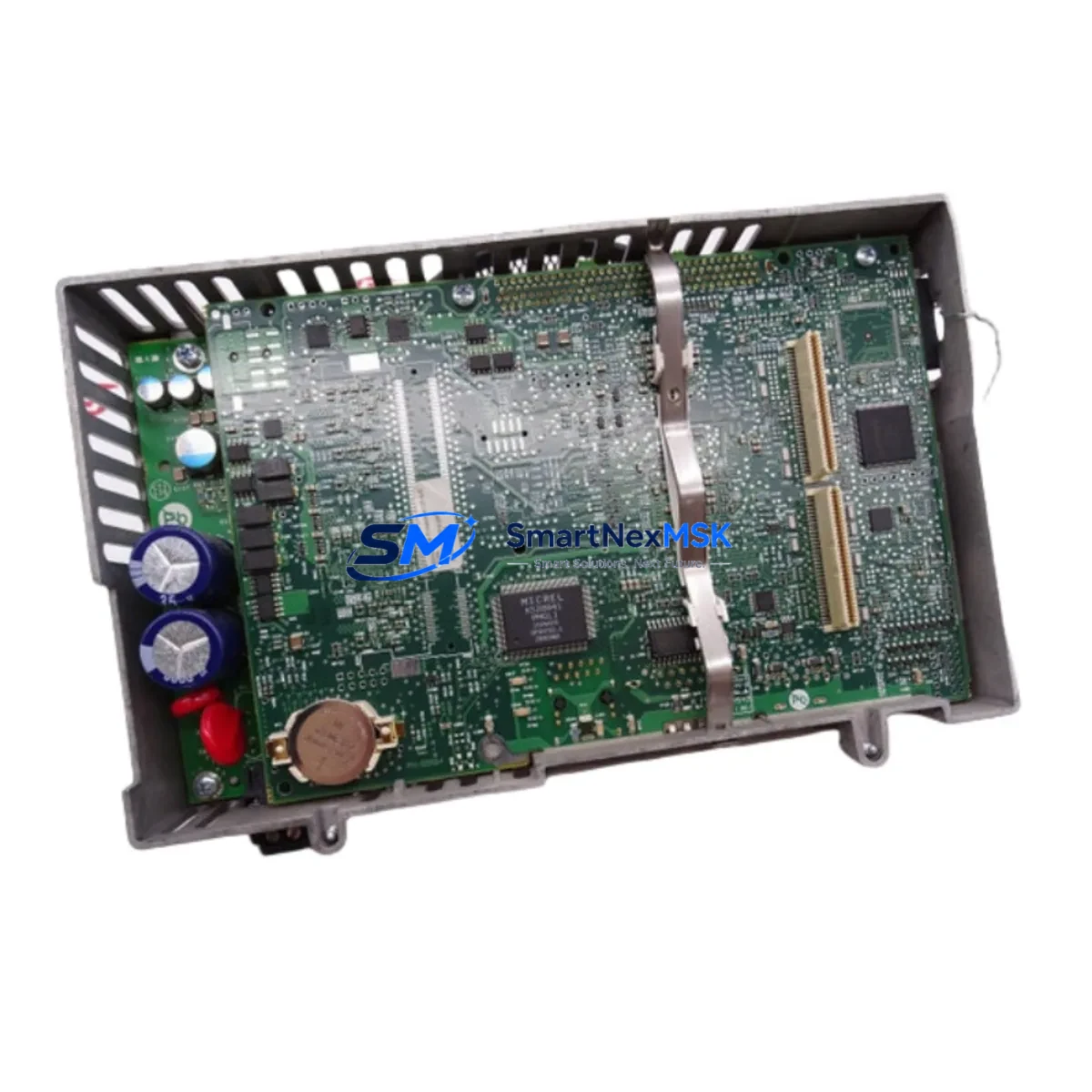
Allen-Bradley 2711-PCRP8D Retrofit-Ready HMI Logic Module for PanelView Plus Control Systems
The Allen-Bradley 2711-PCRP8D is a logic module designed for the PanelView Plus family of operator interface terminals. As legacy PanelView Plus installations age and original spare parts become increasingly difficult to source, the 2711-PCRP8D has become a critical retrofit component for plant engineers and system integrators managing aging HMI infrastructure. This module supports smooth migration from discontinued PanelView Standard and early PanelView Plus configurations to current-generation operator interface platforms, while preserving existing panel cutouts, terminal wiring, and application logic wherever possible.
The 2711-PCRP8D logic module is compatible with PanelView Plus 8-inch terminal housings and supports both EtherNet/IP and DH+ communication protocols, making it suitable for facilities that operate mixed-generation control architectures. In environments where ControlLogix L6x or CompactLogix L3x controllers communicate over EtherNet/IP, the module integrates directly without requiring protocol conversion hardware. For older installations still running Data Highway Plus networks connected to PLC-5 or SLC 500 processors, the DH+ port on the 2711-PCRP8D allows continued operation without disrupting the existing communication backbone.
Upgrade Compatibility Table
| Parameter | Details |
|---|---|
| SKU / Part Number | 2711-PCRP8D |
| Compatible Terminal Series | PanelView Plus 8″ (2711P-RDB8C, 2711P-RDT8C housings) |
| Communication Interfaces | EtherNet/IP (RJ-45), DH+ (RS-485), RS-232 Serial |
| Replaces / Upgrades From | 2711-PCRP8, 2711-PCRP8C, PanelView Standard 8″ logic modules |
| Controller Compatibility | ControlLogix, CompactLogix, PLC-5, SLC 500, MicroLogix 1100/1400 |
| Programming Software | FactoryTalk View ME (v4.0 and above) |
| Installation Interface | Rear-mount logic module slot; no additional backplane required |
| Power Supply Requirement | Supplied via display module; verify 24VDC input capacity before swap |
| Retrofit Recommendation | Direct drop-in for compatible 8″ PanelView Plus housings; verify firmware version |
| Commissioning Notes | Reload .MER application file; verify IP address and tag database mapping |
| Warranty | 12-Month Warranty included |
Retrofit Planning for Existing Automation Systems
Successful integration of the 2711-PCRP8D into an existing control system requires a structured pre-installation assessment. Before removing the original logic module, engineers should document the current IP address configuration, subnet mask, gateway settings, and any static tag address assignments used in the FactoryTalk View ME application. If the existing installation uses a 2711P-RDB8C display module paired with an older logic module revision, the 2711-PCRP8D can be installed into the same housing without modifying the display assembly or front-panel bezel.
For sites running ControlLogix systems with a 1756-EN2T or 1756-ENBT EtherNet/IP communication module, the 2711-PCRP8D connects directly to the plant Ethernet switch and communicates with the controller over standard EtherNet/IP messaging. No additional communication bridge or protocol converter is required. In DH+ environments, the module’s built-in DH+ port connects to the existing network using a standard 1770-CD cable, maintaining compatibility with PLC-5/40 or SLC 5/04 processors without requiring a 1761-NET-AIC or similar adapter.
When the control cabinet also houses a 1756-PA72 or 1756-PB72 power supply module feeding the ControlLogix chassis, engineers should verify that the total current draw after adding the HMI logic module does not exceed the rated output. In compact panel designs where a 1606-XLP power supply provides 24VDC to the PanelView Plus terminal, confirm the supply’s current headroom before commissioning. For I/O-intensive retrofits involving 1734 POINT I/O modules or 1769 CompactLogix I/O expansion racks, the HMI tag database should be reviewed to ensure all I/O addresses remain valid after the module swap.
Sites that use a 1747-UIC USB-to-DH+ interface cable for programming SLC 500 controllers should retain this cable for post-retrofit diagnostics. Similarly, if the panel includes a 1761-CBL-PM02 programming cable for MicroLogix communication, it should remain accessible during commissioning. For facilities where the HMI application references alarm banners or trend displays tied to specific controller tags, a full tag cross-reference audit is recommended before going live. FactoryTalk View ME’s tag import utility can assist in validating that all referenced tags resolve correctly against the updated controller program.
Downtime Control During System Migration
Minimizing unplanned downtime during an HMI logic module replacement is a primary concern for production environments. The recommended approach is to pre-configure the replacement 2711-PCRP8D off-line using a laptop running FactoryTalk View ME Studio before the scheduled maintenance window. Load the existing .MER application file onto the new module, verify the IP address settings, and confirm that the application launches correctly in emulation mode before bringing the module to the plant floor.
During the physical swap, the display module and terminal housing remain in place — only the logic module is removed and replaced. This approach preserves the front-panel wiring, conduit entries, and panel cutout, reducing the physical installation time to under 30 minutes in most cases. Once the 2711-PCRP8D is seated and powered, the .MER file loads automatically from the module’s internal storage, and the HMI returns to its normal operating screen without requiring operator intervention at the controller level.
For critical processes where even brief HMI unavailability is unacceptable, a parallel commissioning strategy is recommended: install and configure the new module on a bench test rig connected to a spare ControlLogix or CompactLogix controller running a copy of the production program. Validate all screen navigation, alarm acknowledgment, and data entry functions before scheduling the live cutover. This approach ensures that the replacement module is fully validated and that the production control logic remains uninterrupted throughout the migration process.
Retrofit Support FAQ
Q: Is the 2711-PCRP8D a direct replacement for the 2711-PCRP8C?
A: Yes. The 2711-PCRP8D is the current-revision logic module for 8-inch PanelView Plus terminals and is backward compatible with housings previously fitted with the 2711-PCRP8C. The existing .MER application file and IP configuration can be transferred directly. Verify that the FactoryTalk View ME runtime version on the replacement module matches or exceeds the version used to compile the original application.
Q: What wiring changes are required when installing the 2711-PCRP8D?
A: No wiring changes are required to the display module or terminal housing. The logic module connects to the display assembly via an internal interface — all external wiring, including the 24VDC power input, EtherNet/IP cable, and any DH+ or serial connections, attaches to the logic module’s rear connectors, which use the same pinout as previous revisions.
Q: How is the module tested before shipment?
A: Each 2711-PCRP8D unit undergoes functional power-on testing and communication port verification prior to shipment. Units are inspected for physical integrity, connector condition, and firmware operability. A test report is available upon request. All units are covered by a 12-month warranty against manufacturing defects and functional failure under normal operating conditions.
Q: Can this module communicate with both EtherNet/IP and DH+ simultaneously?
A: The 2711-PCRP8D supports EtherNet/IP and DH+ communication, but the active protocol is determined by the FactoryTalk View ME application configuration. In most retrofit scenarios, one primary communication path is configured per application. Consult your FactoryTalk View ME project settings and controller network topology to confirm the appropriate protocol selection for your installation.
© 2026 SMARTNEXMSK. All rights reserved.
Original Source: https://smartnexmsk.com
Contact: [email protected] | +86 18259474341



