
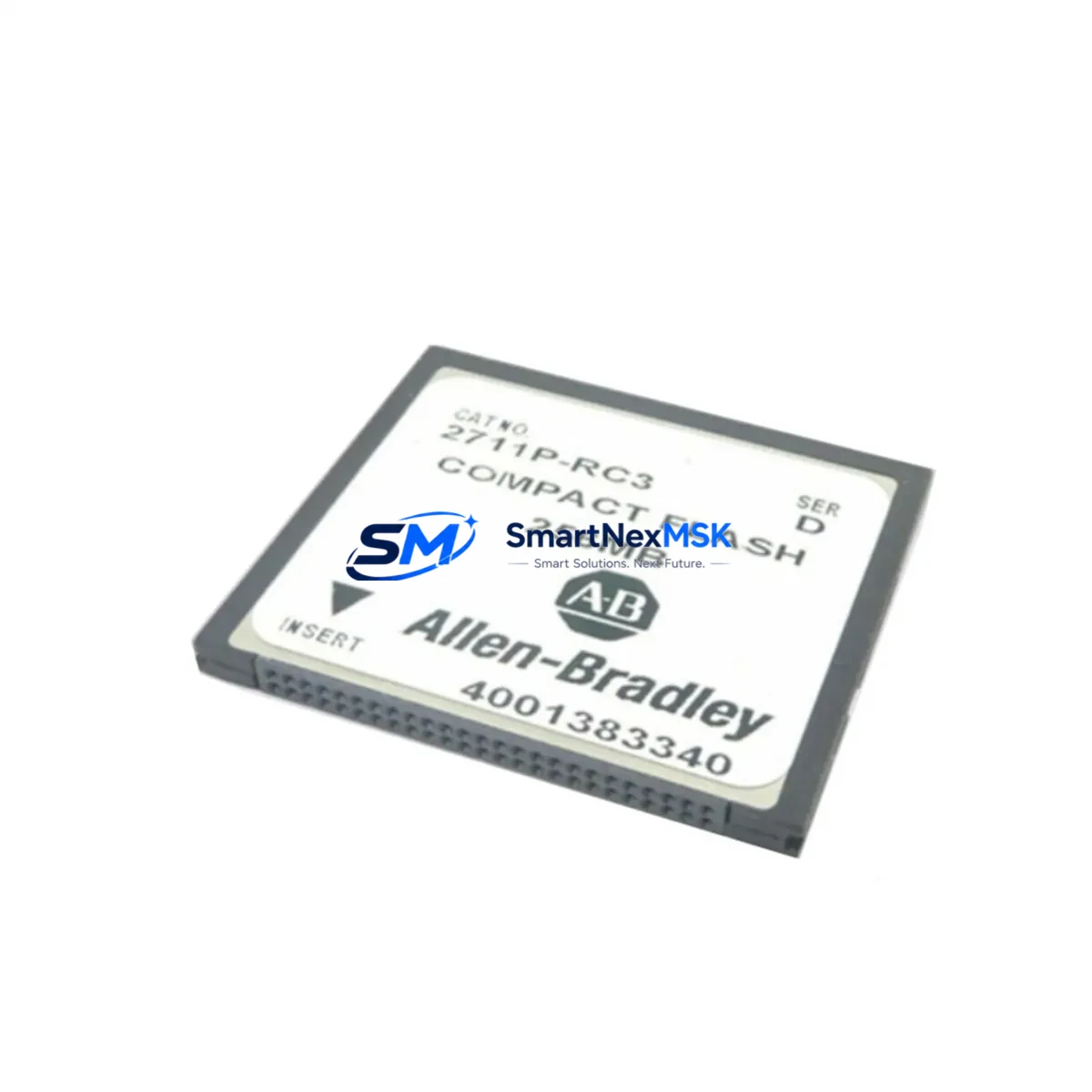
Allen-Bradley 2711P-RC3 Spare for PanelView Plus Automation
The Allen-Bradley 2711P-RC3 is an original CompactFlash (CF) storage card designed for the PanelView Plus HMI terminal family. In industrial maintenance environments, this module serves as a critical spare for rapid restoration of operator interface functionality following storage media failure, firmware corruption, or planned system upgrades. Sourced directly from authorized supply channels, each 2711P-RC3 unit is verified for compatibility with PanelView Plus 6, PanelView Plus 7 Standard, and legacy PanelView Plus 700–1500 series terminals.
For maintenance engineers managing Rockwell Automation control systems, the 2711P-RC3 is a non-negotiable line item in any HMI spare parts kit. Storage card failure is among the most common causes of unplanned HMI downtime — a single corrupted CF card can halt an entire production line. Stocking a verified replacement eliminates the risk of extended lead times during a critical outage. Each unit ships with a 12-month warranty and undergoes pre-shipment functional testing to confirm read/write integrity and correct capacity specification.
When replacing the 2711P-RC3 in the field, a thorough maintenance workflow extends beyond the card itself. Procurement and maintenance teams should simultaneously audit the broader PanelView Plus assembly and associated control cabinet components to prevent repeat failures and ensure system stability.
Spare Maintenance Table
| Parameter | Specification / Detail |
|---|---|
| SKU / Part Number | 2711P-RC3 |
| Brand | Allen-Bradley (Rockwell Automation) |
| Series | PanelView Plus / PanelView Plus 6 / PanelView Plus 7 Standard |
| Product Type | CompactFlash (CF) Storage Card |
| Compatible Terminals | 2711P-T7Cxx, 2711P-T10Cxx, 2711P-T12Wxx, 2711P-T15Cxx series and variants |
| Storage Interface | CompactFlash Type I/II slot (internal) |
| Application | HMI application storage, firmware image, recipe data, alarm history |
| Operating Temperature | 0°C to 55°C (32°F to 131°F) |
| Installation | Internal CF slot — requires terminal rear panel access; ESD precautions required |
| Origin | United States |
| Warranty | 12 Months — covers manufacturing defects and read/write failure |
| Pre-Shipment Test | Functional read/write verification and capacity check performed before dispatch |
| Shipping | Worldwide express; anti-static packaging; tracked |
Maintenance Planning for Continuous Operation
A 2711P-RC3 replacement event is an ideal trigger for a broader PanelView Plus health audit. Maintenance engineers should inspect the 2711P-RW1 SD card module if installed as a secondary storage option, and verify that the 2711P-RP8A or 2711P-RP9 logic module shows no fault indicators — logic module degradation often accelerates storage media wear. The 24 VDC power supply feeding the HMI panel (commonly a 1606-XLP or equivalent Allen-Bradley power supply) should be load-tested; undervoltage conditions are a leading cause of CF card write errors and data corruption.
Within the same control cabinet, inspect the 1756-PA75 or 1756-PB75 ControlLogix power supply and confirm that the 1756-L7x or 1756-L8x ControlLogix processor is communicating cleanly with the HMI via EtherNet/IP. A degraded 1783-US5T or 1783-US8T Stratix unmanaged switch can introduce intermittent communication faults that manifest as HMI application crashes — often misdiagnosed as storage card failure. Check all 1492-J terminal blocks in the HMI power and signal wiring circuit for signs of oxidation or loose terminations.
For systems using 1734 POINT I/O or 1769 CompactLogix I/O modules connected to the same network segment, verify module status LEDs and confirm no I/O faults are logged in the controller. If the PanelView Plus is used for alarm management, ensure the 2711P-RN15S EtherNet/IP communication module (if fitted externally) is seated correctly and firmware is current. Fuse holders and 1492-FB3C30 fuse blocks in the 24 VDC distribution circuit should also be inspected during any HMI maintenance window.
Site Replacement Workflow
Step 1 — Backup: Before removing the existing 2711P-RC3, use FactoryTalk View ME Station to export the current application (.MER file) to an external USB drive or network share. Confirm the backup is complete and readable.
Step 2 — Power Down: Follow site LOTO (Lockout/Tagout) procedures. Remove the HMI terminal from the panel cutout if required for rear-panel CF slot access. Observe ESD precautions throughout.
Step 3 — Card Swap: Remove the failed 2711P-RC3 and install the replacement unit. Ensure the card is fully seated in the CF slot. Reassemble the terminal and restore power.
Step 4 — Application Restore: On first boot, the terminal will prompt for application loading. Restore the .MER file from backup. Verify all screens, tags, and alarm configurations load correctly.
Step 5 — Functional Test: Confirm HMI-to-PLC communication is active, all I/O tags are updating, and alarm history is logging. Document the replacement in the site maintenance log with date, part number, and technician ID.
This workflow minimizes downtime to under 30 minutes for a prepared maintenance team and ensures full system compatibility without requiring PLC program changes or network reconfiguration.
Spare Parts Support FAQ
Q1: Is the 2711P-RC3 compatible with all PanelView Plus terminal sizes?
The 2711P-RC3 is compatible with PanelView Plus terminals in the 700, 1000, 1250, and 1500 display size variants across the PanelView Plus, PanelView Plus 6, and PanelView Plus 7 Standard series. Always confirm the terminal catalog number against the Rockwell Automation compatibility matrix before installation. If your terminal uses an SD card slot instead of CF, the 2711P-RW1 is the correct spare.
Q2: What is included in the 12-month warranty?
The warranty covers manufacturing defects, read/write failure under normal operating conditions, and capacity non-conformance. Each unit is tested prior to shipment. Warranty claims are processed with proof of purchase; replacement units are dispatched within 3 business days of claim approval.
Q3: How should the 2711P-RC3 be stored as a long-term spare?
Store in original anti-static packaging in a dry environment between -25°C and +85°C, away from magnetic fields and direct sunlight. Avoid storing in high-humidity environments without desiccant. For long-term inventory (12+ months), perform a read/write verification test annually using a CF card reader before committing the unit to a live replacement.
Q4: Can the replacement card be pre-loaded with the application before site installation?
Yes. Using FactoryTalk View ME Station on a programming workstation, the .MER application file can be loaded onto the 2711P-RC3 via a CF card reader before the card is installed in the terminal. This approach further reduces on-site downtime and is recommended for emergency spare kits in remote or unmanned installations.
© 2026 SMARTNEXMSK. All rights reserved.
Original Source: https://smartnexmsk.com
Contact: [email protected] | +86 18259474341



