
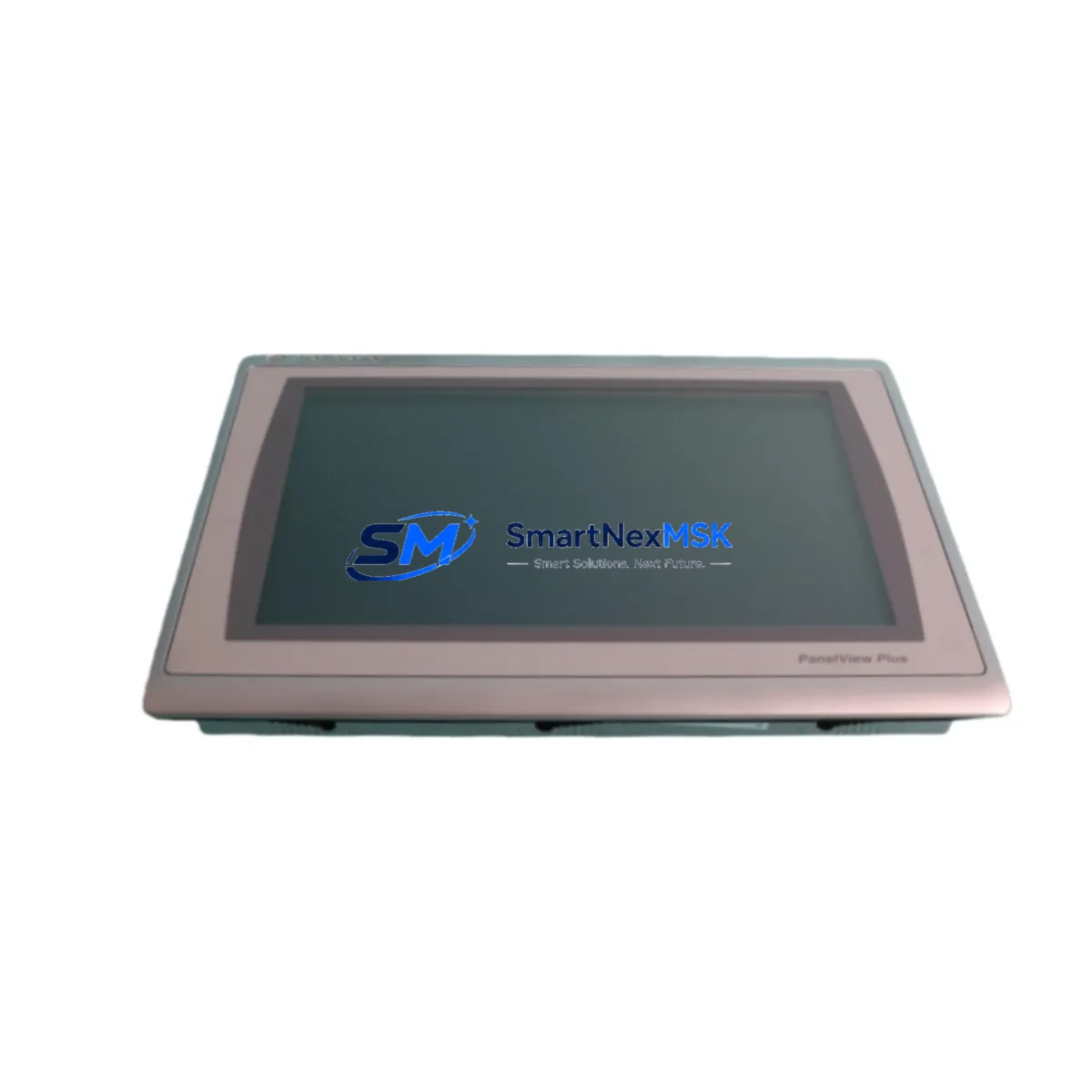
Allen-Bradley 2711P-T12W22D9P-B Spare PanelView Plus 7: Downtime Control for Industrial HMI Systems
The Allen-Bradley 2711P-T12W22D9P-B SER B is a 12-inch widescreen PanelView Plus 7 HMI terminal designed for mission-critical operator interface applications across Logix-based control architectures. In industrial maintenance environments where unplanned HMI failure can halt an entire production line, having a verified, original spare unit on hand is not optional — it is a core element of any responsible maintenance strategy. This listing provides a maintenance-ready, original Allen-Bradley 2711P-T12W22D9P-B SER B spare, pre-tested before shipment and backed by a 12-month warranty.
Maintenance engineers and procurement teams working with Allen-Bradley PanelView Plus 7 platforms understand that HMI downtime is rarely isolated. A failed 2711P-T12W22D9P-B typically signals the need for a broader inspection of the surrounding control cabinet — including the EtherNet/IP communication path, the ControlLogix or CompactLogix processor it interfaces with, and the 24VDC power supply feeding the panel. Before completing a field replacement, technicians should verify that the 1756-EN2T or 1756-EN3TR EtherNet/IP communication module is functioning correctly, as a degraded network card can cause repeated HMI faults even after a terminal swap.
Spare Maintenance Table
| Parameter | Specification |
|---|---|
| SKU / Part Number | 2711P-T12W22D9P-B SER B |
| Series | PanelView Plus 7 |
| Brand | Allen-Bradley (Rockwell Automation) |
| Display Size | 12-inch Widescreen TFT LCD |
| Communication | EtherNet/IP, USB |
| Operating Voltage | 24VDC (18–32VDC range) |
| Operating Temperature | 0°C to 55°C |
| Protection Rating | NEMA 4/4X, IP65 (front panel) |
| Compatibility | ControlLogix, CompactLogix, Studio 5000 Logix Designer |
| Mounting | Panel cutout, rear-mount hardware included |
| Application Environment | Industrial automation, process control, machine HMI |
| Maintenance Recommendation | Inspect power supply, EtherNet/IP cabling, and backplane connections during replacement |
| Warranty | 12 Months |
| Condition | Original, pre-shipment tested |
Maintenance Planning for Continuous Operation
A structured spare parts strategy for PanelView Plus 7 installations should extend beyond the HMI terminal itself. During a planned or emergency replacement of the 2711P-T12W22D9P-B, maintenance teams should simultaneously inspect the following components to prevent secondary failures and reduce the risk of repeat downtime events:
The 1606-XLP95E or equivalent 24VDC power supply feeding the HMI panel should be load-tested and checked for output ripple — an aging power supply is a common root cause of intermittent HMI resets. The 1756-L73 or 1756-L83E ControlLogix processor communicating with the terminal should be verified for firmware compatibility with the replacement unit’s FactoryTalk View ME runtime version. EtherNet/IP patch cables and managed switch ports (such as those on a Stratix 5700 or Stratix 2000 industrial switch) should be inspected for physical damage, port errors, and VLAN configuration integrity.
I/O modules in the same control cabinet — particularly 1756-IB16 digital input modules and 1756-OB16E digital output modules — should be checked for blown fuses, loose terminal block connections, and LED fault indicators. If the system includes analog signal conditioning, 1756-IF8 analog input modules and associated signal isolators should be verified for calibration drift. For installations using DeviceNet or ControlNet alongside EtherNet/IP, the 1756-DNB DeviceNet bridge module and associated trunk cable termination resistors should be inspected as part of the same maintenance window.
Terminal blocks and DIN rail wiring within the control cabinet — particularly those connected to the HMI’s 24VDC input and USB peripheral ports — should be re-torqued and inspected for oxidation or thermal discoloration. Fuse holders protecting the HMI power circuit should be replaced as a precautionary measure during any planned HMI swap. If the installation includes a 2711P-RDK12C remote display kit or external keypad module, these accessories should also be tested for compatibility with the replacement terminal before the cabinet is closed and returned to service.
Site Replacement Workflow
Replacing the 2711P-T12W22D9P-B SER B in the field follows a structured sequence designed to minimize downtime and ensure system compatibility. Begin by backing up the existing FactoryTalk View ME application from the terminal using a USB drive or network path — this preserves operator screen configurations, alarm setups, and tag mappings that would otherwise need to be rebuilt from scratch.
Power down the control cabinet following your site’s lockout/tagout (LOTO) procedure. Remove the failed terminal by releasing the rear-mount clamps and disconnecting the EtherNet/IP cable, USB peripherals, and 24VDC power connector. Install the replacement 2711P-T12W22D9P-B SER B into the same panel cutout — the SER B revision maintains dimensional and electrical compatibility with earlier SER A units, allowing direct substitution without panel modification.
Restore power and verify that the terminal boots to the FactoryTalk View ME runtime. Load the backed-up application via USB or network transfer. Confirm EtherNet/IP communication with the ControlLogix or CompactLogix processor by checking the RSLinx or Studio 5000 connection status. Perform a full I/O status check from the HMI operator screen before returning the system to production. Document the replacement in your maintenance log, including the serial number of the removed unit and the installation date of the replacement, to support warranty tracking and future lifecycle planning.
For aging systems where the 2711P-T12W22D9P-B is approaching end-of-life or where Rockwell Automation has issued a product discontinuation notice, this spare provides a direct, compatible replacement that extends system life without requiring a full HMI platform migration — a significant cost and engineering advantage for facilities managing legacy Logix installations.
Spare Parts Support FAQ
Q: Is this 2711P-T12W22D9P-B SER B compatible with my existing FactoryTalk View ME application?
A: Yes. The SER B revision is fully compatible with FactoryTalk View ME applications developed for the PanelView Plus 7 platform. No application rewrite is required. Simply restore your existing application backup to the replacement terminal via USB or network path.
Q: What pre-shipment testing is performed on this spare?
A: Each unit undergoes power-on verification, display function testing, EtherNet/IP port check, and USB interface validation before shipment. Units that do not pass all checks are not shipped. A test report is available upon request.
Q: What does the 12-month warranty cover?
A: The 12-month warranty covers manufacturing defects and functional failures under normal operating conditions. It does not cover physical damage caused by incorrect installation, overvoltage, or environmental exposure beyond the rated operating range. Warranty claims are processed within 5 business days of receipt of the returned unit.
Q: Can this unit replace an older SER A variant without panel modification?
A: Yes. The 2711P-T12W22D9P-B SER B maintains the same panel cutout dimensions, mounting hardware pattern, and electrical interface as the SER A revision. Direct substitution is supported without mechanical or wiring changes.
© 2026 SMARTNEXMSK. All rights reserved.
Original Source: https://smartnexmsk.com
Contact: [email protected] | +86 18259474341



