
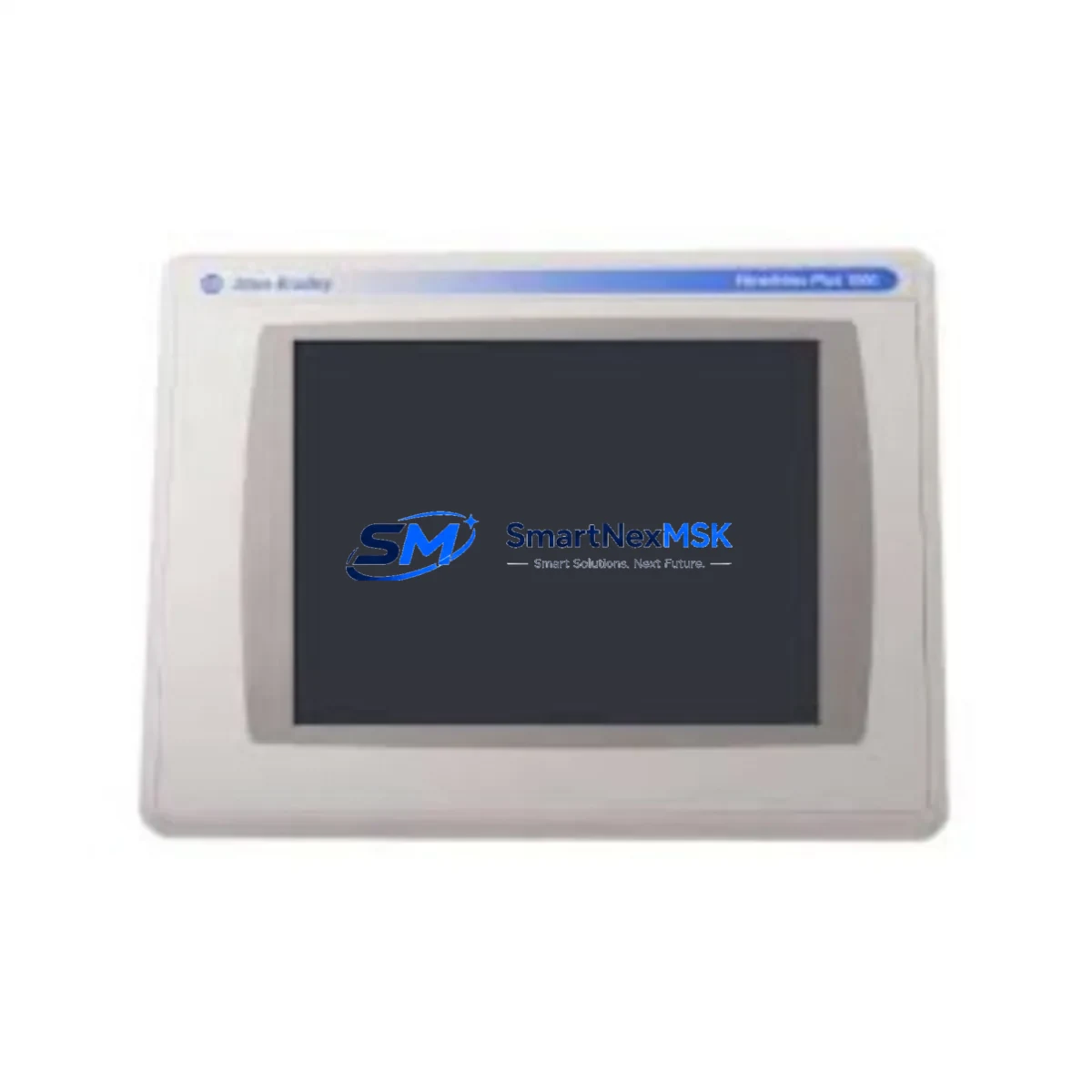
Allen-Bradley 2711PC-T10C4D1 Spare PanelView Compact HMI: Rapid Replacement for Industrial Downtime Control
The Allen-Bradley 2711PC-T10C4D1 is a 10-inch color touch-screen HMI terminal from the PanelView Plus Compact 1000 series, designed for seamless integration with Rockwell Automation ControlLogix, CompactLogix, and MicroLogix control platforms. In industrial environments where operator interface continuity is critical — from automotive assembly lines to food processing facilities and water treatment plants — a failed HMI terminal can halt production within minutes. Stocking the 2711PC-T10C4D1 as a maintenance-ready spare is a proven strategy for minimizing unplanned downtime and protecting operational continuity.
Maintenance engineers and procurement teams managing aging Rockwell Automation control systems recognize that the PanelView Plus Compact series remains widely deployed across global facilities. When a 2711PC-T10C4D1 unit fails — whether due to touchscreen degradation, backlight failure, or communication faults — the replacement process must be fast, verified, and compatible. This unit ships fully tested, with firmware integrity confirmed, and is backed by a 12-month warranty covering manufacturing defects and functional performance.
Spare Maintenance Table
| Parameter | Specification |
|---|---|
| SKU / Part Number | 2711PC-T10C4D1 |
| Series | PanelView Plus Compact 1000 |
| Brand | Allen-Bradley (Rockwell Automation) |
| Display Size | 10.4″ Color TFT Touch Screen |
| Resolution | 640 × 480 (VGA) |
| Supply Voltage | 24V DC (18–32V DC operating range) |
| Communication Ports | Ethernet (RJ-45), RS-232, USB |
| Compatible Controllers | ControlLogix, CompactLogix, MicroLogix, SLC 500 |
| Operating Temperature | 0°C to 55°C (32°F to 131°F) |
| Protection Rating | NEMA 4/4X, IP65 (front panel) |
| Memory | 512 MB Flash Application Memory |
| Weight | Approx. 1.2 kg |
| Country of Origin | United States |
| Warranty | 12 Months — Covers manufacturing defects and functional performance |
| Shipping Condition | Tested before dispatch; ESD-safe packaging |
| Application Environment | Industrial control panels, SCADA operator stations, machine HMI |
Maintenance Planning for Continuous Operation
When planning a replacement of the 2711PC-T10C4D1, experienced maintenance engineers treat the HMI swap as part of a broader control cabinet inspection. The HMI terminal does not operate in isolation — it depends on a stable 24V DC power supply, reliable Ethernet or serial communication, and a healthy PLC backplane to function correctly after replacement.
Begin by verifying the 24V DC power supply feeding the HMI. Units such as the Allen-Bradley 1606-XLP power supply series are commonly used in PanelView installations; confirm output voltage is within the 18–32V DC operating range before connecting the replacement terminal. A marginal power supply that caused the original unit’s failure will damage the replacement if left unchecked.
Next, inspect the Ethernet communication path. The 2711PC-T10C4D1 communicates with ControlLogix or CompactLogix processors via EtherNet/IP. Check the managed switch port, patch cable, and any 1783-series Stratix switch configuration for VLAN or QoS settings that may affect HMI polling. If the installation uses a serial RS-232 connection to a MicroLogix 1100 or SLC 5/05 processor, inspect the 1761-CBL-PM02 or equivalent serial cable for continuity and connector integrity.
During the cabinet inspection, also assess the condition of the 1492-series terminal blocks used for I/O wiring near the HMI mounting cutout. Loose or corroded terminals can introduce ground noise that manifests as touchscreen erratic behavior — a symptom often misdiagnosed as HMI hardware failure. Similarly, check any 700-series Allen-Bradley control relays in the same panel for contact wear, as relay coil noise can couple into the HMI power rail.
For facilities running FactoryTalk View ME software on the 2711PC-T10C4D1, ensure the replacement unit is loaded with the correct application version before installation. Maintain a USB backup of the .MER runtime file as part of your spare parts kit. If the system includes a 1769-L33ER or similar CompactLogix processor, verify the EtherNet/IP connection path and module slot configuration in RSLogix 5000 / Studio 5000 after the HMI is online.
Procurement engineers should also consider stocking the 2711PC-T6C20D8 or 2711PC-T7C4D1 as complementary HMI spares for smaller operator stations within the same facility, ensuring coverage across multiple panel sizes without duplicating the full PanelView Plus 6 inventory. For facilities with legacy PanelView 550 or 600 installations, a migration path to the PanelView Plus Compact series should be documented in the maintenance plan to support long-term system life extension.
Site Replacement Workflow
Step 1 — Isolate and document. Before removing the failed 2711PC-T10C4D1, photograph the wiring connections, note the firmware version displayed on the unit (if accessible), and record the IP address or node number from the network configuration. This documentation prevents configuration errors during reinstallation.
Step 2 — Power down safely. De-energize the 24V DC supply to the HMI circuit. Do not rely solely on the HMI’s internal power-off; isolate at the panel disconnect or fuse block feeding the terminal.
Step 3 — Remove and inspect the mounting cutout. After removing the failed unit, inspect the panel cutout gasket for compression set or damage. A degraded gasket compromises the NEMA 4/4X seal of the replacement unit. Replace the gasket if necessary before installing the new terminal.
Step 4 — Install and connect the replacement unit. Mount the 2711PC-T10C4D1 replacement, reconnect the 24V DC power leads and Ethernet/serial cables, and torque the panel mounting clamps to specification. Restore power and confirm the unit boots to the FactoryTalk View ME runtime without fault codes.
Step 5 — Verify communication and functionality. Confirm EtherNet/IP communication with the target ControlLogix or CompactLogix processor. Test all operator touchscreen functions, alarm acknowledgment, and trend displays. Log the replacement in the facility’s maintenance management system (CMMS) with the new unit’s serial number and installation date.
This workflow reduces average HMI replacement time to under 60 minutes for trained maintenance personnel, minimizing production impact and ensuring the control system returns to full operational status with verified compatibility.
Spare Parts Support FAQ
Q1: Is the 2711PC-T10C4D1 still available as a new original spare, or only as a refurbished unit?
We supply original Allen-Bradley 2711PC-T10C4D1 units sourced from authorized distribution channels. Each unit is tested for functional performance prior to shipment and is covered by a 12-month warranty. Refurbished units are clearly identified separately; if you require new original stock, please confirm at the time of inquiry.
Q2: How do I verify compatibility with my existing ControlLogix or CompactLogix system before ordering?
Compatibility is confirmed by the PLC processor model, RSLogix/Studio 5000 project version, and the FactoryTalk View ME application version currently in use. Provide your processor catalog number (e.g., 1769-L33ER) and ME application version, and our technical team will confirm compatibility before shipment.
Q3: What is included in the 12-month warranty, and what does it cover?
The 12-month warranty covers manufacturing defects, display failures, communication port faults, and functional performance under normal industrial operating conditions. It does not cover physical damage from improper installation, overvoltage, or environmental exposure beyond the rated IP65/NEMA 4 specification. Warranty claims are processed with return shipping support.
Q4: Can you support long-term supply for facilities with multiple PanelView Plus Compact installations?
Yes. We maintain ongoing inventory of the 2711PC-T10C4D1 and related PanelView Plus Compact models to support facilities with planned maintenance schedules and emergency spare requirements. Long-term supply agreements with reserved stock allocation are available for procurement teams managing multi-site operations.
© 2026 SMARTNEXMSK. All rights reserved.
Original Source: https://smartnexmsk.com
Contact: [email protected] | +86 18259474341



