
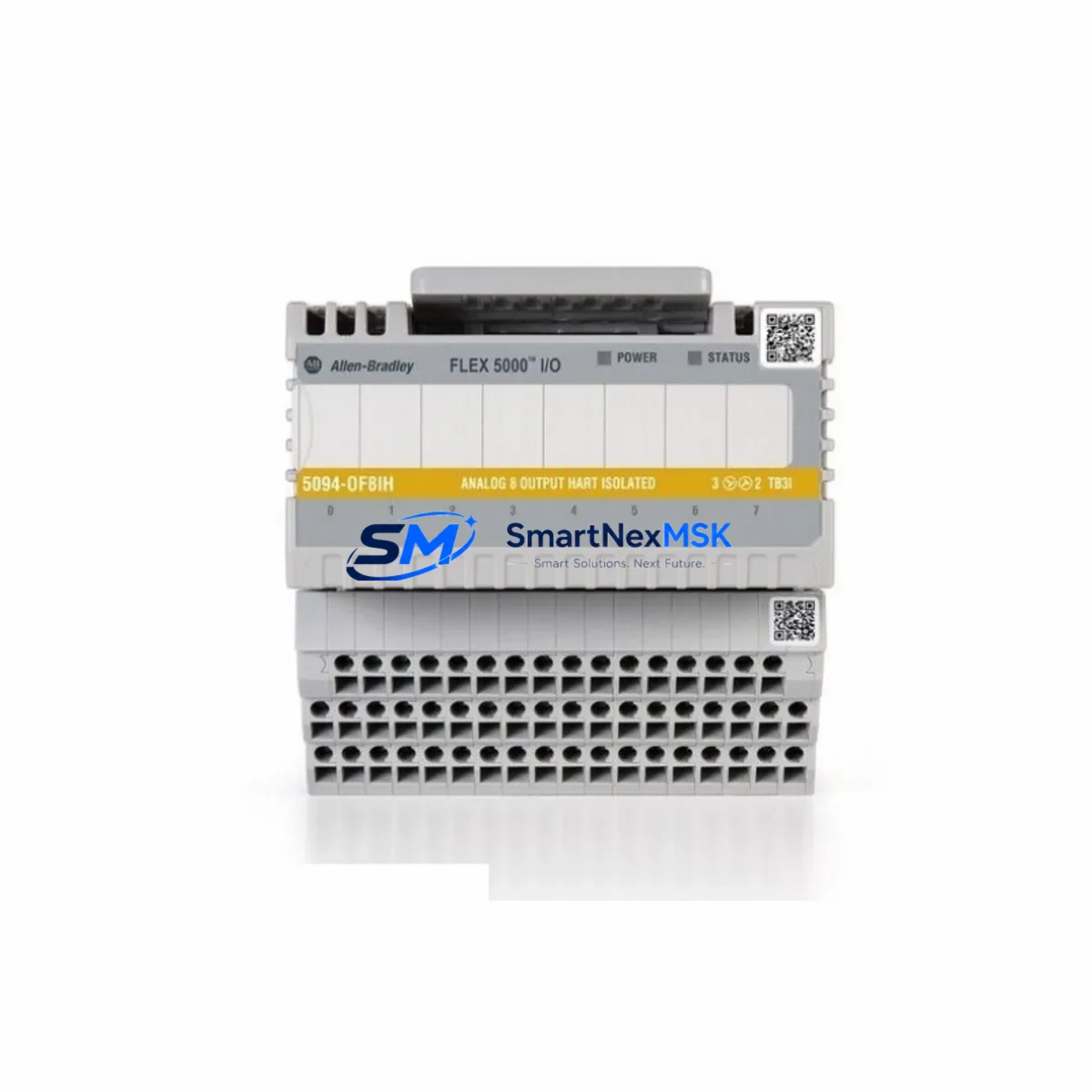
Allen-Bradley 5094-IY8 Retrofit-Ready Analog Safety Input for FLEX 5000 Control Systems
The Allen-Bradley 5094-IY8 is an 8-channel analog safety input module designed for the FLEX 5000 I/O platform, fully compliant with IEC 61508 SIL 2 safety integrity requirements. This module serves as a direct retrofit solution for aging or discontinued analog safety input hardware across Rockwell Automation control architectures, enabling engineers to modernize legacy safety loops without redesigning the entire control cabinet or rewriting validated safety programs.
In industrial environments where production continuity is paramount, the 5094-IY8 is frequently deployed as a replacement for end-of-life analog input modules in safety-rated applications including emergency shutdown systems, process interlocks, and machine guarding circuits. Its compatibility with the FLEX 5000 backplane and EtherNet/IP communication protocol makes it a natural fit for facilities already running Studio 5000 Logix Designer and ControlLogix or CompactLogix safety controllers.
Upgrade Compatibility Table
| Parameter | Details |
|---|---|
| SKU / Part Number | 5094-IY8 |
| Series / Platform | Allen-Bradley FLEX 5000 |
| Channels | 8-Channel Analog Safety Input |
| Safety Rating | SIL 2 (IEC 61508), CAT 3 / PLd (ISO 13849) |
| Communication Interface | EtherNet/IP via FLEX 5000 Adapter (e.g., 5094-AENSFR) |
| Backplane Compatibility | FLEX 5000 I/O Bases (4-slot, 8-slot, 12-slot) |
| Input Signal Types | 4–20 mA, 0–10 V (field-configurable per channel) |
| Power Supply Requirement | 24 VDC via backplane; verify field-side power budget |
| Wiring Compatibility | Compatible with standard IEC terminal blocks; verify existing field wiring gauge |
| Installation Requirement | DIN rail mount via FLEX 5000 base; no additional mounting hardware required |
| Common Replacement Targets | 1794-IE8, 1794-IY8, legacy FLEX I/O analog safety modules |
| Commissioning Notes | Module address auto-assigned by adapter; verify slot configuration in Studio 5000 |
| Warranty | 12 Months — covers hardware defects, DOA replacement, and functional verification |
Retrofit Planning for Existing Automation Systems
When planning a retrofit involving the 5094-IY8, the first step is a thorough audit of the existing control cabinet. Engineers replacing legacy FLEX I/O modules such as the 1794-IE8 or 1794-IY8 must verify that the new FLEX 5000 base is mechanically compatible with the existing DIN rail spacing and that the 5094-AENSFR EtherNet/IP adapter is correctly configured with a static IP address matching the Studio 5000 project topology.
Power budget verification is critical. The FLEX 5000 backplane distributes 24 VDC across all installed modules, and adding the 5094-IY8 alongside other modules — such as the 5094-OB16 digital output module, the 5094-IB16 digital input module, or the 5094-OF8 analog output module — requires confirming that the total current draw does not exceed the adapter’s rated backplane power capacity. In multi-rack configurations, each 5094-AENSFR adapter must be independently powered and addressed.
Field wiring adaptation is another key consideration. The 5094-IY8 uses a removable terminal block design, which simplifies hot-swap replacement during planned maintenance windows. However, engineers must confirm that existing field cables — typically 4–20 mA transmitter loops from pressure, temperature, or flow instruments — are correctly landed on the new terminal block, with proper shielding and grounding practices maintained to prevent signal noise in safety-critical loops.
For facilities migrating from older ControlLogix L6x or L7x safety controllers to the newer GuardLogix 5580 or Compact GuardLogix 5380 platforms, the 5094-IY8 integrates natively via EtherNet/IP, eliminating the need for legacy DeviceNet or ControlNet communication adapters. This protocol migration simplifies network topology and reduces the number of communication modules required in the control cabinet. In mixed environments, the 5094-IY8 can coexist on the same EtherNet/IP network as 1756-EN2T or 1756-EN3TR communication modules without conflict.
HMI integration should also be validated during the retrofit. If the facility uses FactoryTalk View SE or PanelView Plus terminals, tag addresses referencing the old module’s slot position must be updated in the HMI project to reflect the new 5094-IY8 slot assignment. This is particularly important in safety applications where HMI alarm displays are tied to specific analog input tags. Programming cables such as the 1756-USB or standard USB-to-Ethernet adapters are sufficient for online edits in Studio 5000 during commissioning.
Downtime Control During System Migration
Minimizing unplanned downtime is the primary concern in any safety system retrofit. For the 5094-IY8, the recommended approach is to pre-configure the replacement module offline using Studio 5000 Logix Designer before the scheduled maintenance window. The module’s configuration — including channel scaling, engineering units, fault actions, and safety task assignments — can be fully defined and verified in the offline project file, then downloaded to the controller during the cutover window.
Where process conditions allow, a parallel wiring strategy can be employed: the new FLEX 5000 base and 5094-IY8 are installed and wired in parallel with the existing system, with field signals temporarily looped to both the old and new modules. This allows functional verification of all 8 analog input channels under live process conditions before the old module is decommissioned, significantly reducing the risk of commissioning failures during the cutover.
Safety program logic should be preserved by exporting the existing safety task from the original controller project and importing it into the new project with updated I/O tag references. Rockwell Automation’s safety signature mechanism ensures that any unintended modification to the safety program is detected before the system is returned to service. After the 5094-IY8 is installed and the safety task is re-signed, a full functional test of all safety loops — including proof tests of connected SIL 2 instruments — should be completed and documented before resuming normal production.
All units supplied by SMARTNEXMSK are subject to pre-shipment functional testing and are covered by a 12-month warranty against hardware defects. Replacement or repair is provided at no charge for confirmed manufacturing defects within the warranty period.
Retrofit Support FAQ
Q1: Is the 5094-IY8 a direct drop-in replacement for the 1794-IY8 or 1794-IE8?
The 5094-IY8 is not a direct pin-for-pin replacement for FLEX I/O 1794-series modules, as the FLEX 5000 platform uses a different backplane and base design. However, it is the correct functional successor for analog safety input applications within the Rockwell Automation ecosystem. Migration requires installing a FLEX 5000 base and adapter, updating the Studio 5000 project, and re-landing field wiring on the new terminal block. SMARTNEXMSK can supply the complete bill of materials for the migration, including the 5094-AENSFR adapter and compatible bases.
Q2: What commissioning steps are required after installing the 5094-IY8?
After physical installation, the module must be recognized by the 5094-AENSFR adapter and added to the Studio 5000 I/O tree at the correct slot position. Channel configuration — including input range, filter frequency, and fault mode — must be downloaded to the module. A safety task re-sign is required before the controller can enter Run mode. Finally, a channel-by-channel functional test using calibrated signal sources should be performed to verify scaling and alarm setpoints.
Q3: Can the 5094-IY8 be used in a non-safety (standard) application?
Yes. While the 5094-IY8 is SIL 2 certified, it can be used in standard (non-safety) analog input applications within a FLEX 5000 system. In this configuration, the module operates under the standard task rather than the safety task, and the SIL 2 diagnostic functions are not required to be enabled. This makes it a versatile choice for facilities that anticipate future safety upgrades.
Q4: What does the 12-month warranty cover, and how is a claim processed?
The 12-month warranty covers hardware defects, dead-on-arrival (DOA) units, and functional failures under normal operating conditions. To initiate a claim, contact SMARTNEXMSK at [email protected] with the order number, a description of the fault, and any available diagnostic data from Studio 5000. Replacement units are dispatched after fault confirmation, and defective units must be returned within 30 days of receiving the replacement.
© 2026 SMARTNEXMSK. All rights reserved.
Original Source: https://smartnexmsk.com
Contact: [email protected] | +86 18259474341



