
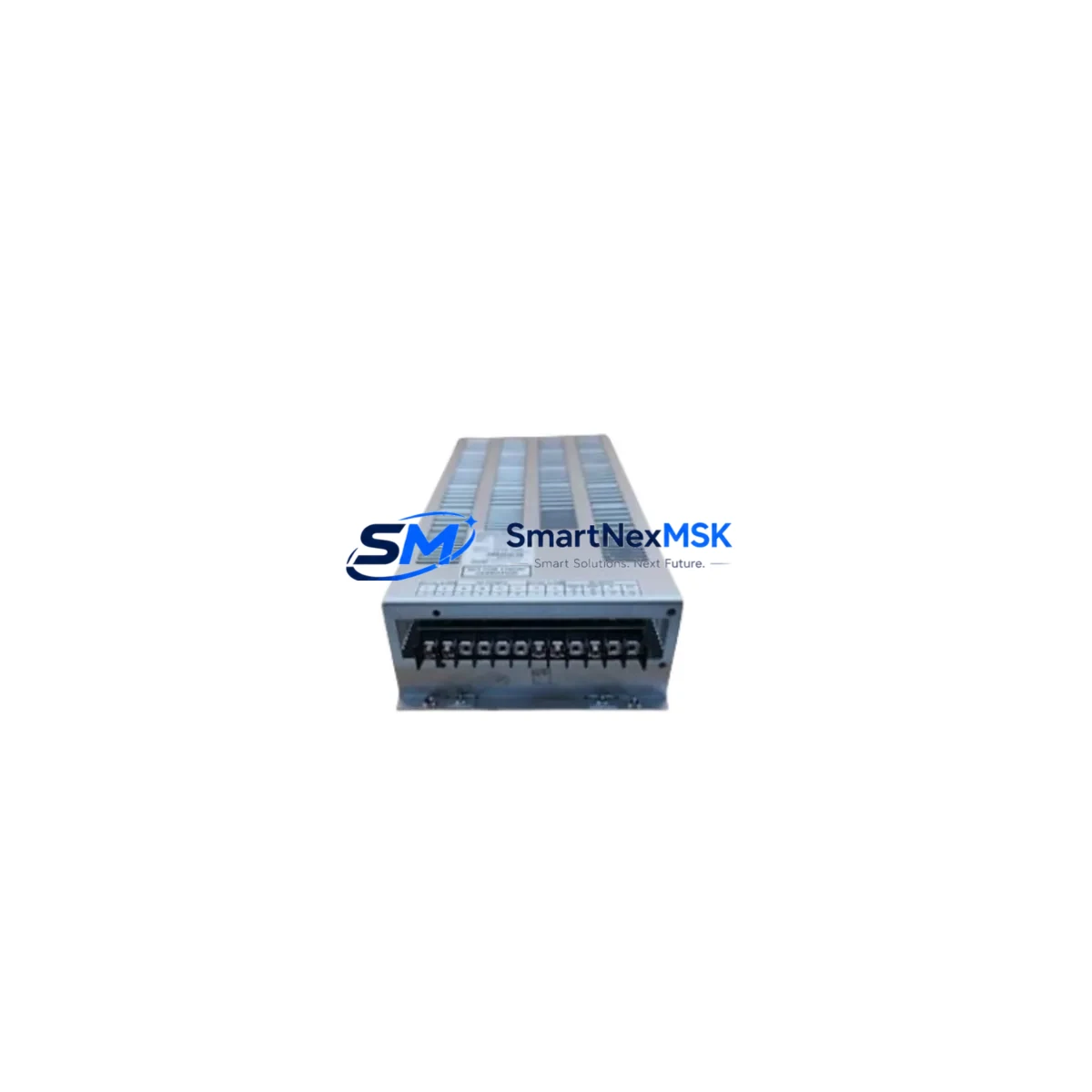
Allen-Bradley 80026-088-01-R Maintenance-Ready Spare for 80026 Automation
The Allen-Bradley 80026-088-01-R is an original OEM power supply module designed for the 80026 series industrial automation platform by Rockwell Automation. For maintenance engineers managing aging control systems, unplanned power supply failures represent one of the highest-risk downtime events on the plant floor. Stocking a verified, tested replacement unit of the 80026-088-01-R is a fundamental step in any proactive spare parts strategy — enabling rapid swap-out, minimizing mean time to repair (MTTR), and protecting production continuity.
This unit ships fully tested and inspected, backed by a 12-month warranty, and is sourced to meet the compatibility requirements of Rockwell Automation’s 80026 series control architecture. Whether you are executing a planned shutdown replacement, responding to an emergency fault, or building out your control cabinet spare inventory, the 80026-088-01-R delivers the reliability and traceability that industrial procurement teams require.
Spare Maintenance Table
| Parameter | Specification / Detail |
|---|---|
| Part Number / SKU | 80026-088-01-R |
| Brand | Allen-Bradley (Rockwell Automation) |
| Series | 80026 |
| Product Type | PLC Power Supply Module |
| Origin | United States |
| Compatibility | 80026 Series Industrial Automation Systems |
| Application Environment | Industrial control cabinets, PLC/DCS panels, manufacturing automation |
| Installation | Direct replacement; refer to OEM documentation for rail/slot mounting |
| Condition | Original spare, fully tested prior to shipment |
| Maintenance Recommendation | Inspect input/output wiring, verify bus voltage, check adjacent I/O modules on replacement |
| Warranty | 12 Months from date of shipment |
| Lead Time | In stock — ships within 1–3 business days |
Maintenance Planning for Continuous Operation
When replacing the 80026-088-01-R in a live control cabinet, experienced maintenance engineers know that a power supply fault rarely occurs in isolation. A thorough site inspection should accompany every power supply swap to prevent repeat failures and ensure system stability after restart.
Begin by verifying the incoming AC supply voltage and checking the upstream circuit breaker or fuse block — a blown fuse or undersized breaker is a common root cause of premature power supply failure. Inspect the DC bus output connections and terminal blocks for signs of overheating, loose crimps, or corrosion, as poor terminations can cause intermittent faults that damage replacement units.
Next, audit the I/O modules drawing power from the 80026 backplane. Overloaded or shorted digital output modules — such as the 1746-OB16 or 1746-OA16 in SLC 500 adjacent racks — can place excessive load on the power supply rail. Similarly, analog I/O modules like the 1746-NI8 should be checked for correct configuration and signal integrity, as wiring faults on analog inputs can create ground loops that stress the power supply.
Communication modules, including DeviceNet scanners and EtherNet/IP adapters, should be inspected for firmware status and connection health after power restoration. If the system includes a PanelView HMI terminal, verify that the HMI communication link re-establishes correctly following the power cycle — a failed HMI reconnection is a common post-maintenance call-back issue.
For systems using signal isolators or safety relays in the same cabinet, confirm that 24VDC auxiliary power rails are stable before returning the system to automatic mode. Relay output modules and interposing relays should be visually inspected for contact wear, especially in high-cycle applications. Terminal blocks and DIN rail grounding should also be verified as part of any planned power supply replacement procedure.
Procurement engineers building a spare parts list around the 80026-088-01-R should consider stocking complementary components: a spare backplane fuse set, a replacement 24VDC power supply for auxiliary circuits, and at least one spare digital I/O module from the same rack family. This approach ensures that a single maintenance event does not cascade into a multi-day parts sourcing delay.
Site Replacement Workflow
Step 1 — Isolation & Lockout: Follow site LOTO procedures. Isolate the control cabinet from mains supply and verify zero energy state before opening the enclosure.
Step 2 — Document Current Configuration: Photograph wiring, note DIP switch settings, and record any LED fault codes displayed on the existing 80026-088-01-R before removal. This documentation is critical for restoring the replacement unit to the correct operating state.
Step 3 — Remove Failed Unit: Disconnect all power and signal wiring from the module. Release the DIN rail or rack mounting clips and extract the unit carefully to avoid disturbing adjacent modules.
Step 4 — Inspect & Prepare Replacement: Verify the replacement 80026-088-01-R part number matches exactly. Confirm that any jumper or switch settings on the new unit match the documented configuration of the removed unit.
Step 5 — Install & Reconnect: Seat the replacement module firmly in the rack or on the DIN rail. Reconnect all wiring per the original documentation, ensuring correct torque on terminal screws to prevent loose connections.
Step 6 — Power-Up & Verify: Restore power and observe the module’s status LEDs. Confirm that the PLC CPU re-establishes communication with all I/O modules and that the HMI displays normal system status. Run a functional test of all outputs before returning the system to production.
Step 7 — Update Maintenance Records: Log the replacement date, new unit serial number, and any observations from the inspection. Update your spare parts inventory to trigger reorder of a replacement stock unit.
Spare Parts Support FAQ
Q: Is the 80026-088-01-R a direct drop-in replacement for the original unit?
A: Yes. The 80026-088-01-R is an original Allen-Bradley part designed for the 80026 series platform. It is a direct replacement that requires no firmware changes or hardware modifications, provided the installation environment matches the original specification.
Q: What testing is performed before shipment?
A: Every 80026-088-01-R unit undergoes functional testing prior to dispatch. We verify power output, module communication readiness, and physical integrity. A test report is available upon request for quality-critical applications.
Q: How should I manage long-term spare parts inventory for aging 80026 series systems?
A: For systems beyond their standard product lifecycle, we recommend maintaining a minimum of one cold-spare 80026-088-01-R on-site at all times. Given the extended lead times that can affect legacy Allen-Bradley components, proactive stocking significantly reduces the risk of extended unplanned downtime. Contact our team to discuss volume pricing for multi-unit spare kits.
Q: What does the 12-month warranty cover?
A: The 12-month warranty covers manufacturing defects and functional failures under normal operating conditions. It does not cover damage resulting from incorrect installation, overvoltage events, or physical mishandling. Our support team is available to assist with compatibility verification and installation guidance before and after purchase.
© 2026 SMARTNEXMSK. All rights reserved.
Original Source: https://smartnexmsk.com
Contact: [email protected] | +86 18259474341



