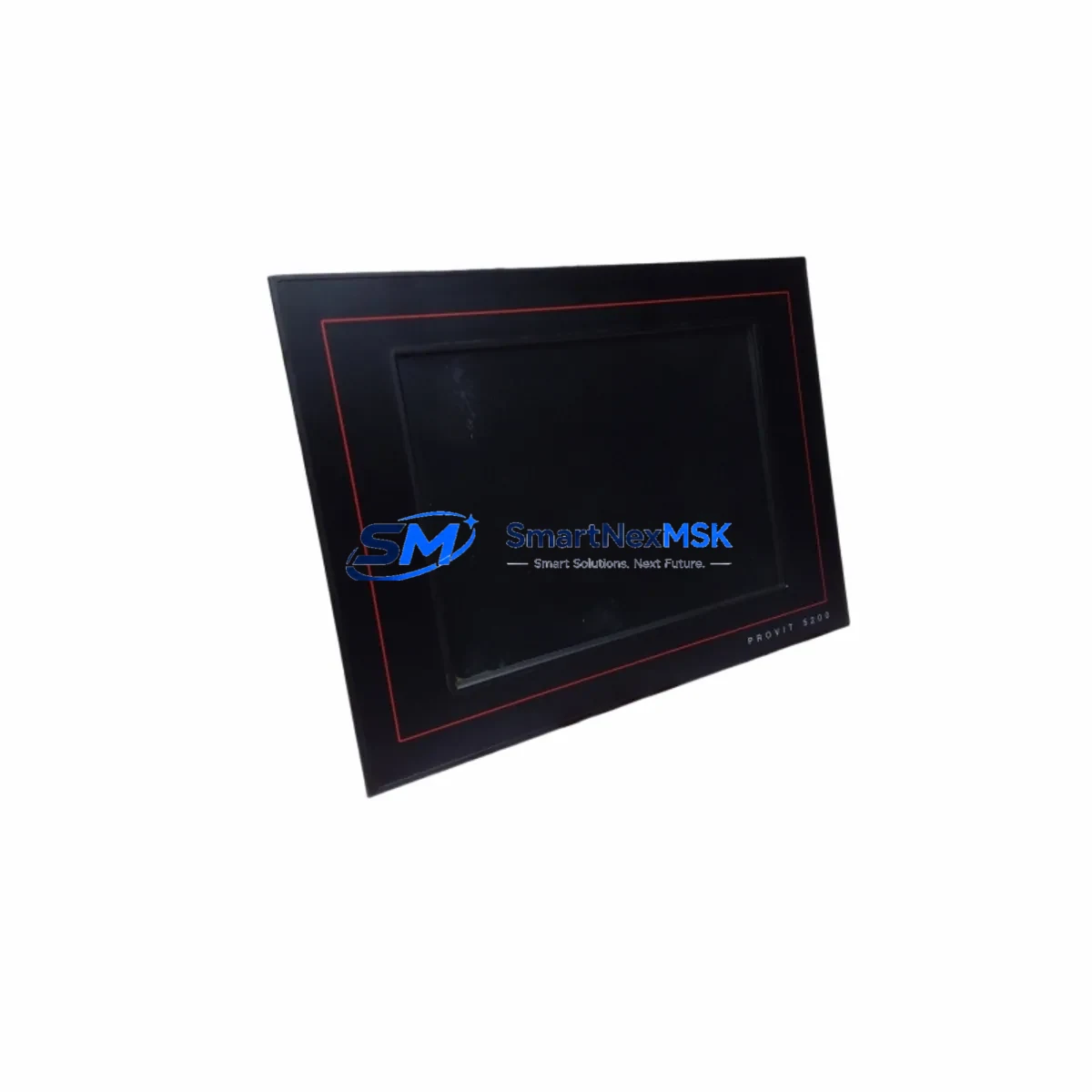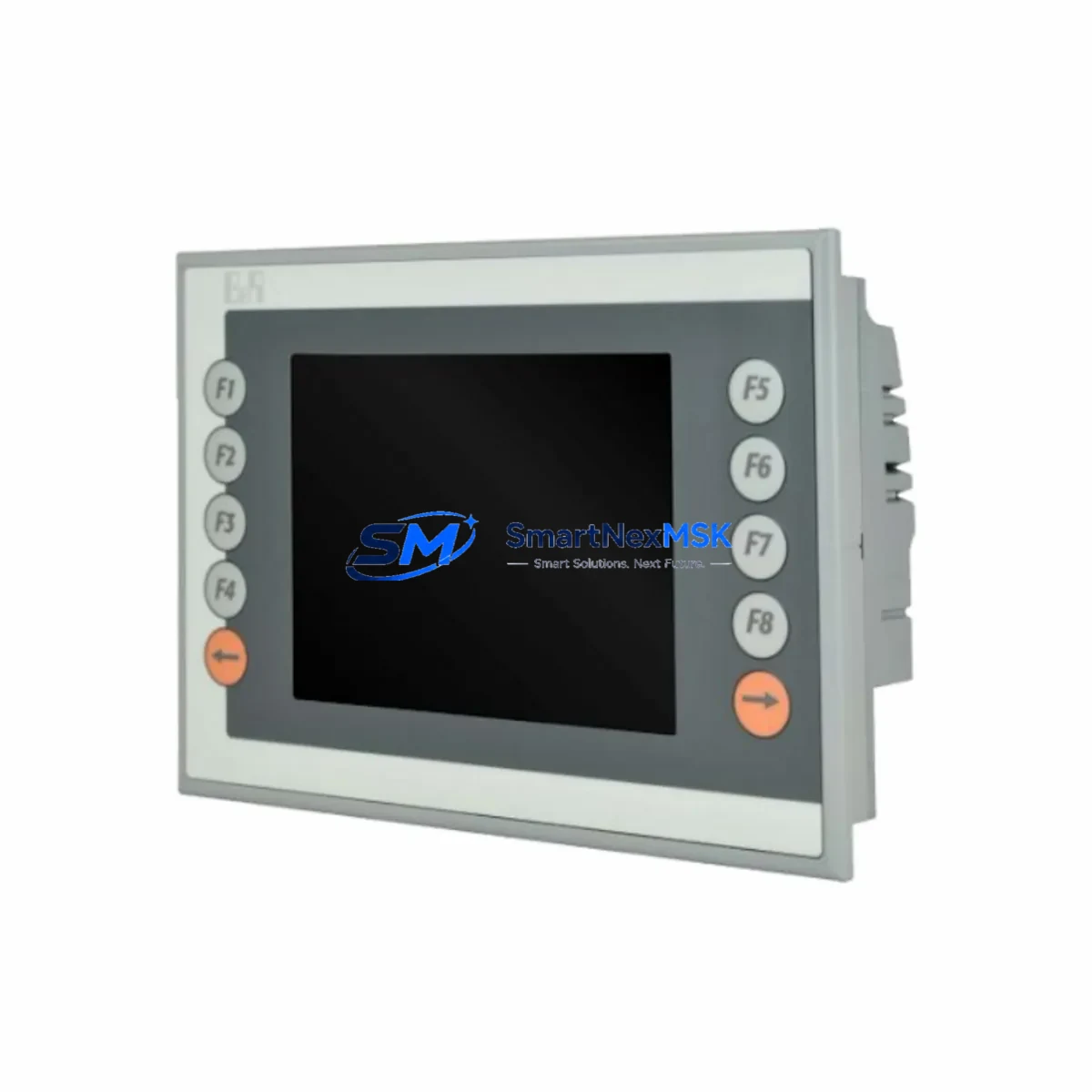
B&R 4PP045.0571-062 Retrofit-Ready HMI for Power Panel Systems: Compatible Upgrade for Legacy Control Environments
The B&R 4PP045.0571-062 is a 5.7-inch Power Panel HMI controller designed for seamless integration into existing B&R automation architectures. As legacy B&R Power Panel units reach end-of-life or become increasingly difficult to source, the 4PP045.0571-062 serves as a proven retrofit solution for production lines, control cabinets, and machine-level HMI applications that require continuity without full system redesign. Operating on 24VDC with an IP65-rated front panel, this unit is engineered to withstand demanding industrial environments while maintaining compatibility with established B&R programming and communication frameworks.
Whether you are replacing a failed 4PP045.0571-042 or migrating from an older 4PP120 or 4PP220 series panel, the 4PP045.0571-062 provides a reliable upgrade path that minimizes engineering rework. Its compact form factor fits standard cutout dimensions used across multiple generations of B&R control cabinet installations, reducing mechanical adaptation time during retrofit projects.
Upgrade Compatibility Table
| Parameter | Details |
|---|---|
| SKU / Model | 4PP045.0571-062 |
| Brand / Series | B&R Industrial Automation / Power Panel |
| Display | 5.7″ STN Color LCD |
| Power Supply | 24VDC (±20%) |
| Protection Rating | IP65 (front panel) |
| Communication Interface | CAN, RS232, RS485, Ethernet (model-dependent) |
| Backplane / Rack Compatibility | Compatible with standard B&R Power Panel mounting cutouts |
| Common Replacement Models | 4PP045.0571-042, 4PP045.0571-052, 4PP120.0702-K01, 4PP220.1043-K01 |
| Programming Environment | B&R Automation Studio (compatible versions) |
| Terminal / Wiring Compatibility | Standard B&R 24VDC terminal block; verify existing cable harness pinout |
| Commissioning Notes | Verify node address, CAN baud rate, and HMI project file version before power-on |
| Warranty | 12 Months |
Retrofit Planning for Existing Automation Systems
A successful retrofit with the 4PP045.0571-062 begins well before the unit arrives on-site. Engineers should start by auditing the existing control cabinet layout to confirm available panel cutout dimensions, DIN rail space, and 24VDC power supply capacity. The existing power supply — often a B&R PS3100 or equivalent third-party 24VDC rail-mount unit — must be verified to deliver sufficient current for the new HMI alongside co-installed I/O modules and communication components.
Terminal wiring is a critical checkpoint. The original cable harness connected to the legacy panel should be documented pin-by-pin before removal. The 4PP045.0571-062 uses a standard B&R 24VDC terminal block arrangement, but connector orientation and signal assignments should be cross-referenced against the original wiring diagram to avoid miswiring during installation. If the existing harness uses older ferrule crimps or non-standard connectors, plan for re-termination before the maintenance window begins.
For systems using B&R X20 I/O modules or X67 field I/O connected via POWERLINK or CAN, the 4PP045.0571-062 must be configured with the correct node address and communication baud rate to match the existing network topology. If the legacy system used a B&R 2005 series CPU or an older Ethernet Powerlink controller, verify that the HMI project file compiled in Automation Studio is compatible with the firmware version supported by the 4PP045.0571-062. In some cases, a firmware update or project recompilation may be required before the unit can communicate with co-installed X20CP series controllers or remote I/O racks.
HMI visualization screens built in Automation Studio’s VC4 or mapp View environment should be tested in simulation mode before deployment. If the original project was developed for a lower-resolution panel such as the 4PP045.0571-042, screen layouts may require minor scaling adjustments to render correctly on the 4PP045.0571-062. Operators should also verify that alarm lists, trend displays, and recipe management screens function as expected after the project transfer.
Communication link integrity is another key consideration. If the control system relies on a B&R IF661 or IF671 communication module for serial or fieldbus connectivity, confirm that the module’s slot assignment and address configuration remain unchanged after the HMI swap. For systems with Modbus RTU or PROFIBUS DP segments, re-test the communication link after power-on to confirm that all slave devices — including variable frequency drives, servo drives, and remote terminal units — respond correctly to the new HMI’s polling cycles.
Downtime Control During System Migration
Minimizing unplanned downtime is the primary concern in any HMI retrofit project. Before beginning the physical swap, create a full backup of the existing Automation Studio project, including all HMI pages, PLC logic, variable tables, and communication configurations. Store this backup on an external drive and a secondary network location to ensure recovery options are available if the migration encounters unexpected issues.
Where possible, pre-configure the 4PP045.0571-062 offline using a laptop running Automation Studio before the maintenance window opens. Load the HMI project, set the correct node address, configure the CAN or Ethernet interface parameters, and verify that the unit boots correctly and displays the expected startup screen. This pre-commissioning step can reduce on-site installation time from several hours to under 30 minutes in straightforward replacement scenarios.
During the physical swap, label all terminal connections before disconnection and photograph the existing wiring layout. Power down the control cabinet in the correct sequence — typically disabling field outputs before removing 24VDC supply to the HMI — to protect connected actuators and sensors from uncontrolled state changes. After installing the 4PP045.0571-062, restore power in reverse sequence and monitor the system startup carefully, checking that all I/O modules, communication links, and HMI screens initialize without fault codes.
If the system cannot tolerate a full shutdown, consider a staged migration approach: install the new HMI in parallel with the existing panel using a temporary mounting bracket, verify all communication links and screen functionality while the old unit remains active, then perform the final cutover during a scheduled micro-stoppage. This approach is particularly effective in continuous process environments where even brief interruptions carry significant production cost.
Every unit supplied by SMARTNEXMSK undergoes pre-shipment functional testing to verify power-on behavior, display integrity, and communication port operation. This reduces the risk of receiving a non-functional unit and helps ensure that the on-site installation proceeds without hardware-related delays.
Retrofit Support FAQ
Q1: Is the 4PP045.0571-062 a direct drop-in replacement for the 4PP045.0571-042 or 4PP045.0571-052?
In most installations, yes. The 4PP045.0571-062 shares the same panel cutout dimensions and 24VDC terminal block arrangement as earlier 4PP045 variants. However, you should verify the display resolution and firmware version compatibility with your existing Automation Studio project before installation, as minor screen layout adjustments may be required.
Q2: What commissioning steps are required after installing the 4PP045.0571-062?
After physical installation and wiring, set the correct node address and communication parameters (CAN baud rate or Ethernet IP address as applicable), load the HMI project via Automation Studio or USB transfer, and perform a full I/O and communication link check. Confirm that all connected X20 I/O modules, servo drives, and remote devices respond correctly before returning the system to production.
Q3: Can the 4PP045.0571-062 communicate with older B&R 2005 series PLCs or X20CP controllers?
The 4PP045.0571-062 supports CAN, RS232, RS485, and Ethernet interfaces depending on the specific hardware configuration. Compatibility with B&R 2005 series or X20CP controllers depends on the communication protocol and Automation Studio project version in use. We recommend providing your existing project version and PLC model when inquiring, so our technical team can confirm compatibility before shipment.
Q4: What does the 12-month warranty cover, and what is the pre-shipment testing process?
All units supplied by SMARTNEXMSK carry a 12-month warranty covering hardware defects and functional failures under normal operating conditions. Prior to shipment, each 4PP045.0571-062 undergoes functional testing including power-on verification, display check, and communication port inspection. If a unit develops a covered fault within the warranty period, we provide replacement or repair support with priority handling to minimize your system downtime.
© 2026 SMARTNEXMSK. All rights reserved.
Original Source: https://smartnexmsk.com
Contact: [email protected] | +86 18259474341