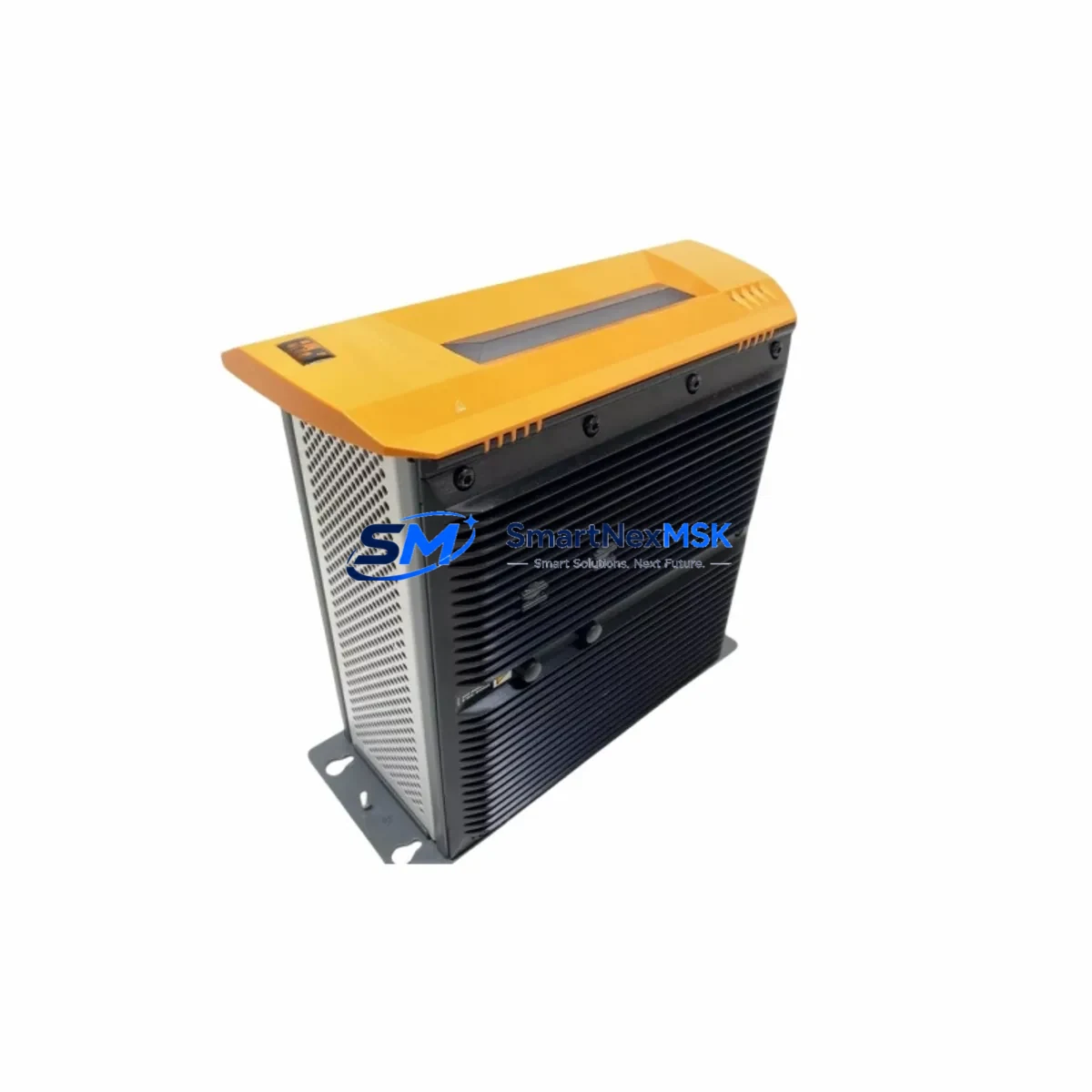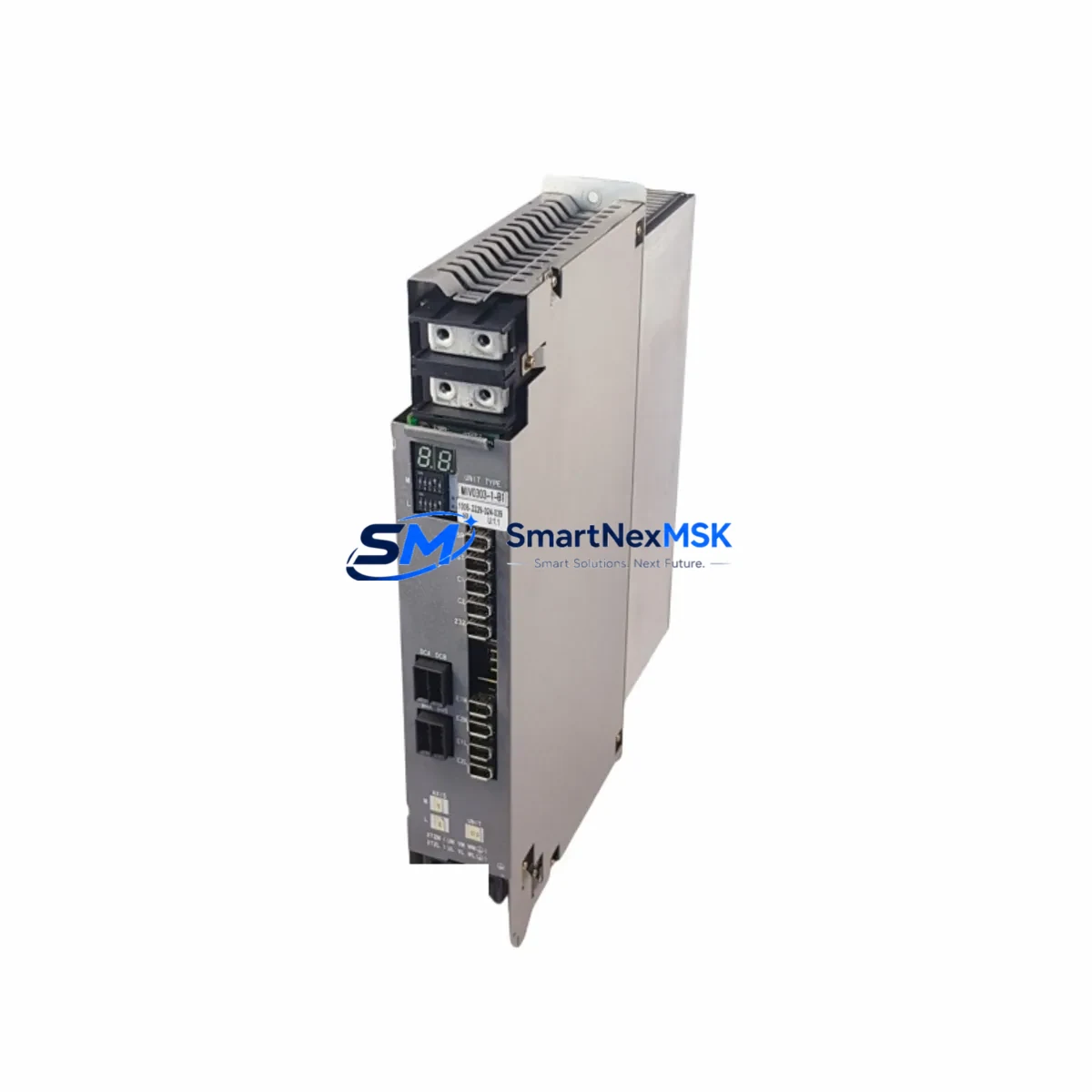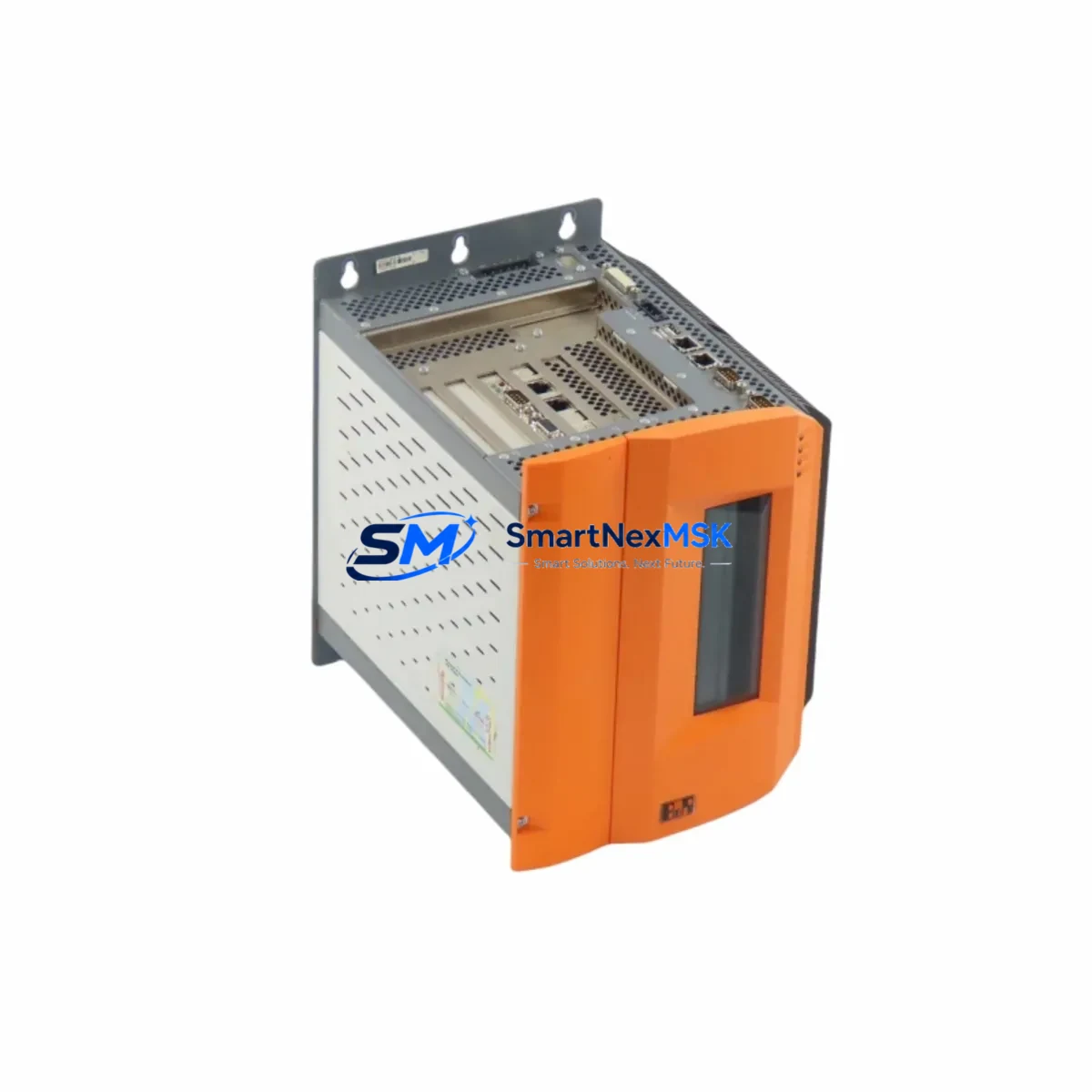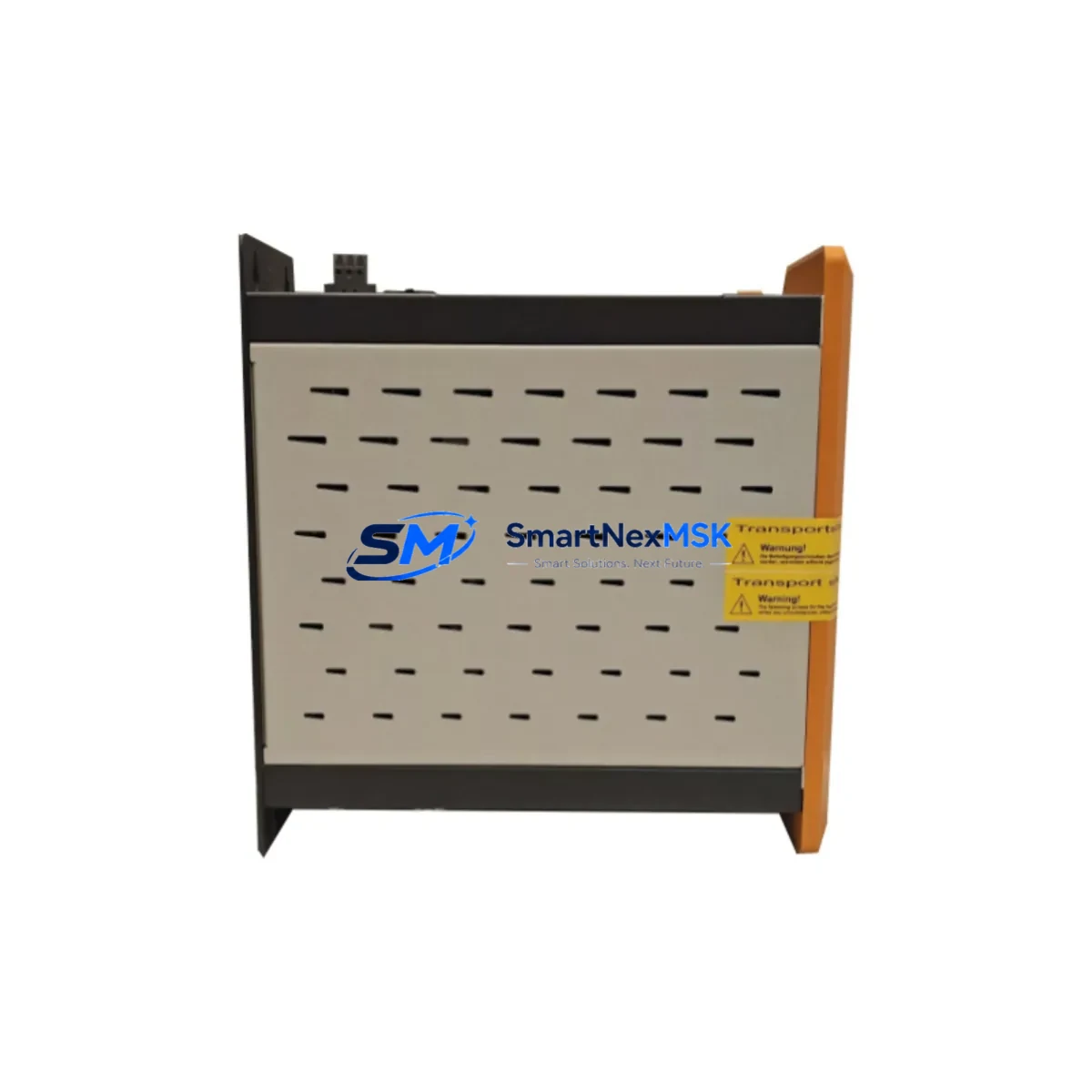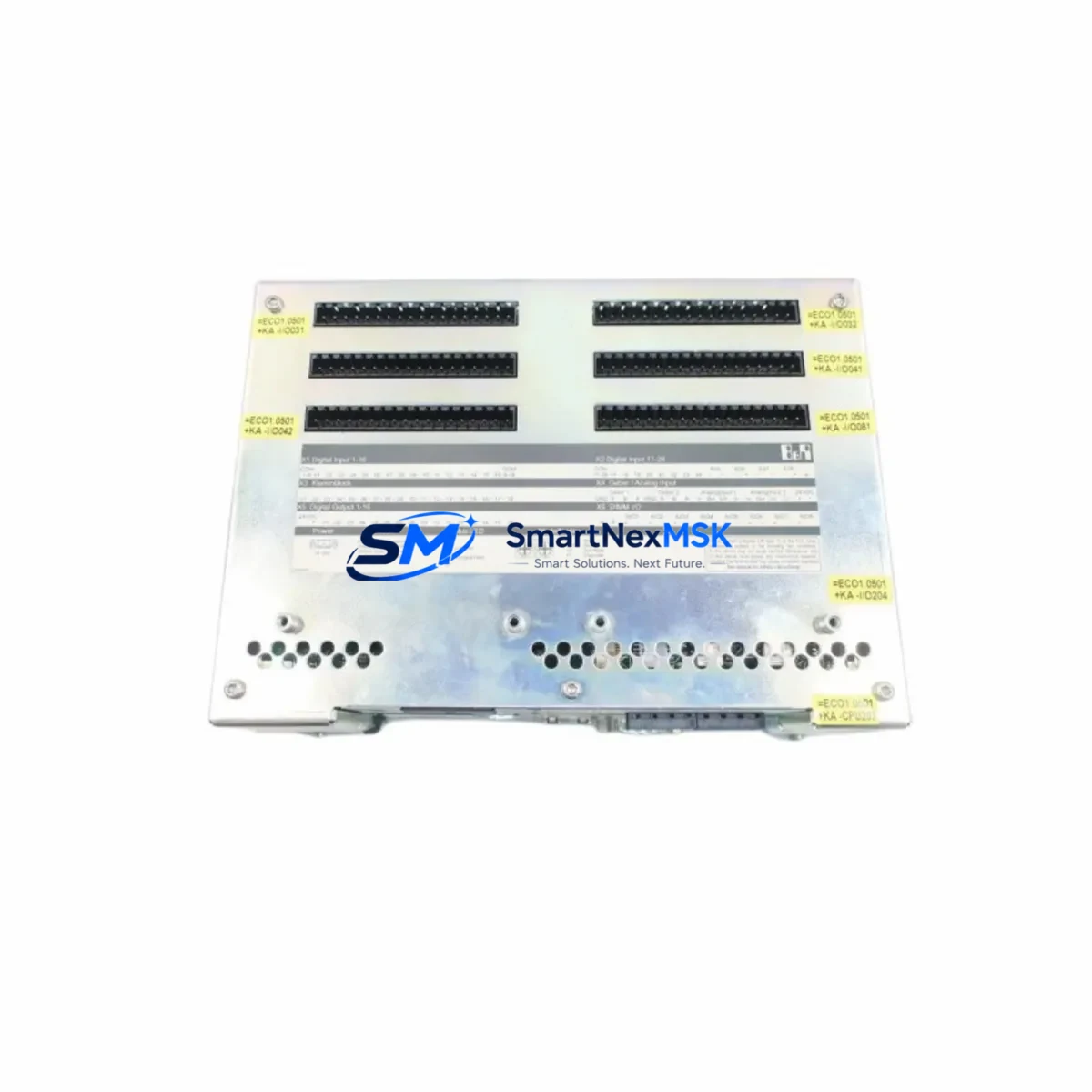
B&R 4PP210.0000-K20 Retrofit-Ready HMI for Power Panel Control Systems
The B&R 4PP210.0000-K20 is a compact, high-performance Human Machine Interface (HMI) panel designed for seamless integration into B&R Power Panel control architectures. As legacy Power Panel units reach end-of-life or become increasingly difficult to source, the 4PP210.0000-K20 serves as a proven retrofit-ready replacement that preserves existing control logic, operator screen layouts, and communication infrastructure with minimal re-engineering effort.
Whether you are managing a planned system upgrade, responding to an unexpected hardware failure, or executing a phased modernization of an aging production line, the 4PP210.0000-K20 delivers the compatibility, reliability, and industrial-grade durability required for mission-critical automation environments. Its integrated processing capability, touch-panel interface, and support for standard B&R communication protocols make it a preferred choice for system integrators and maintenance engineers working across food & beverage, packaging, plastics, and discrete manufacturing sectors.
Upgrade Compatibility Table
| Parameter | Details |
|---|---|
| SKU / Part Number | 4PP210.0000-K20 |
| Brand | B&R Industrial Automation |
| Series | Power Panel |
| Display Size | 5.7″ STN Color Touch Panel |
| Processor | Integrated ARM-based controller |
| Communication Interfaces | RS232, RS485, CAN, Ethernet (POWERLINK compatible) |
| Installation Type | Panel cutout mount, DIN rail compatible backplane |
| Typical Replacement Targets | 4PP120, 4PP220, 4PP320 series legacy panels |
| Programming Environment | B&R Automation Studio (AS 3.x / AS 4.x) |
| HMI Software Compatibility | Visual Components / mapp View migration supported |
| Power Supply Requirement | 24 VDC ±10%, verify existing PSU capacity before swap |
| Commissioning Tool | USB programming cable + Automation Studio project transfer |
| Warranty | 12 Months — covers hardware defects, DOA replacement |
| Origin | Austria (AT) |
Retrofit Planning for Existing Automation Systems
Successful retrofit of the 4PP210.0000-K20 into an existing Power Panel installation requires a structured pre-replacement assessment. Before removing the legacy panel, engineers should document the current backplane slot assignments, verify the 24 VDC power supply output capacity (minimum 3A dedicated rail recommended), and photograph all terminal wiring on the rear connector block. The 4PP210.0000-K20 uses a standardized 15-pin D-Sub serial interface and an RJ45 Ethernet port, which in most cases aligns directly with existing cabinet wiring harnesses designed for earlier 4PP120 or 4PP220 units.
When the control cabinet also houses a B&R X20 I/O system — including modules such as the X20AI4622 analog input module, X20DO9322 digital output module, or X20PS9400 power supply module — the 4PP210.0000-K20 can be configured as the local operator interface while a separate B&R X20CP1586 or X20CP3586 controller manages the I/O bus. This distributed architecture is common in retrofit projects where the original system combined HMI and control functions in a single legacy Power Panel unit, and the upgrade path separates these roles for improved modularity and future scalability.
For systems that rely on POWERLINK as the real-time Ethernet fieldbus, the 4PP210.0000-K20 supports POWERLINK V2 as a Managing Node (MN) or Controlled Node (CN), enabling direct integration with existing B&R ACOPOS servo drives, ACOPOSmulti drive systems, and third-party POWERLINK-compatible I/O nodes without requiring protocol converters. Where legacy installations use RS485 Modbus RTU for communication with variable frequency drives or remote I/O panels, the onboard RS485 port supports standard Modbus RTU master/slave configurations, preserving existing wiring and device addressing schemes.
Projects involving migration from older B&R 2003 or 2005 system controllers to the current Power Panel platform should also account for the programming cable transition — the legacy serial programming interface is replaced by USB-to-Automation Studio connectivity, and the project archive must be re-compiled under the target Automation Studio version before transfer. Retaining a backup of the original .apj project file and all associated Automation Basic task files is strongly recommended before initiating any firmware or software migration.
Downtime Control During System Migration
Minimizing unplanned downtime is the primary operational concern during any HMI or controller swap in a live production environment. For the 4PP210.0000-K20 retrofit, the recommended approach is a parallel preparation strategy: configure and test the replacement panel on a bench setup using a mirrored Automation Studio project before the scheduled maintenance window. This allows full validation of HMI screen navigation, alarm handling, and I/O response without interrupting production.
During the actual swap, the sequence should follow: (1) export and archive the current runtime project from the legacy panel via Automation Studio online connection; (2) power down the cabinet and label all terminal connections before disconnecting; (3) install the 4PP210.0000-K20 into the panel cutout, reconnect all wiring per the documented terminal layout; (4) power up and transfer the pre-validated project via USB; (5) perform a cold start and verify all I/O signals, communication links, and HMI page transitions before releasing the line to production.
Where the system includes safety-rated I/O or a B&R SafeLOGIC controller, the safety program must be re-validated and re-commissioned by a qualified safety engineer following the hardware replacement, in accordance with IEC 62061 or ISO 13849 requirements. All commissioning records, including I/O test sheets and communication link verification logs, should be retained as part of the machine technical file. Our team provides pre-shipment functional testing on all 4PP210.0000-K20 units, and each unit ships with a test report confirming power-on, display, and communication port functionality.
Retrofit Support FAQ
Q1: Is the 4PP210.0000-K20 a direct drop-in replacement for the 4PP120.0000-K06 or 4PP220.0000-K20?
The 4PP210.0000-K20 shares the same panel cutout dimensions and 24 VDC power input as most 4PP120 and 4PP220 variants, making it mechanically compatible in the majority of installations. However, the communication port layout and connector pinout should be verified against the original wiring diagram before installation. In most cases, existing RS232 and RS485 wiring can be reused directly.
Q2: Can I reuse my existing Automation Studio project without rewriting the HMI screens?
Yes, in most cases. If the original project was developed in Automation Studio 3.x or 4.x, the project can be re-targeted to the 4PP210.0000-K20 hardware configuration with minimal modification. Visual Components HMI pages are generally portable across Power Panel generations. mapp View projects may require a version compatibility check depending on the AS build used.
Q3: What should I verify regarding terminal wiring and backplane connections before the swap?
Document and photograph all rear terminal connections on the legacy panel before removal. Verify the 24 VDC supply rail can deliver the required current for the 4PP210.0000-K20 (typically 2.5–3A). Check that the Ethernet cable (if used for POWERLINK or standard TCP/IP) is Cat5e or better. Confirm the RS485 termination resistor setting matches the bus topology of the existing network.
Q4: What does the 12-month warranty cover, and what is the process for a warranty claim?
The 12-month warranty covers all hardware defects and DOA (dead-on-arrival) units from the date of shipment. Each unit undergoes pre-shipment functional testing covering power-on, display integrity, touch calibration, and communication port verification. In the event of a warranty claim, contact [email protected] with the order reference and a description of the fault. Replacement units are dispatched within 3–5 business days upon fault confirmation.
© 2026 SMARTNEXMSK. All rights reserved.
Original Source: https://smartnexmsk.com
Contact: [email protected] | +86 18259474341