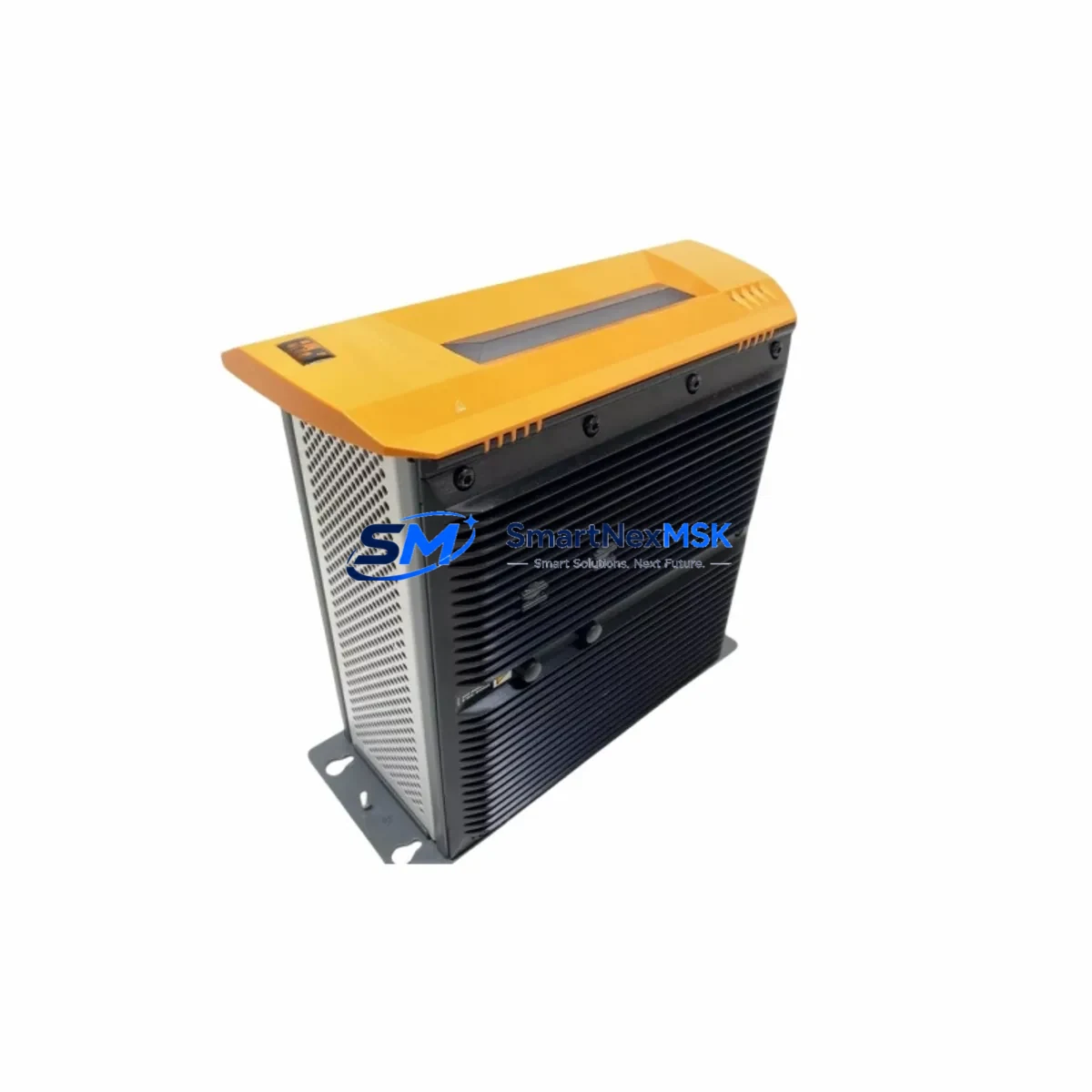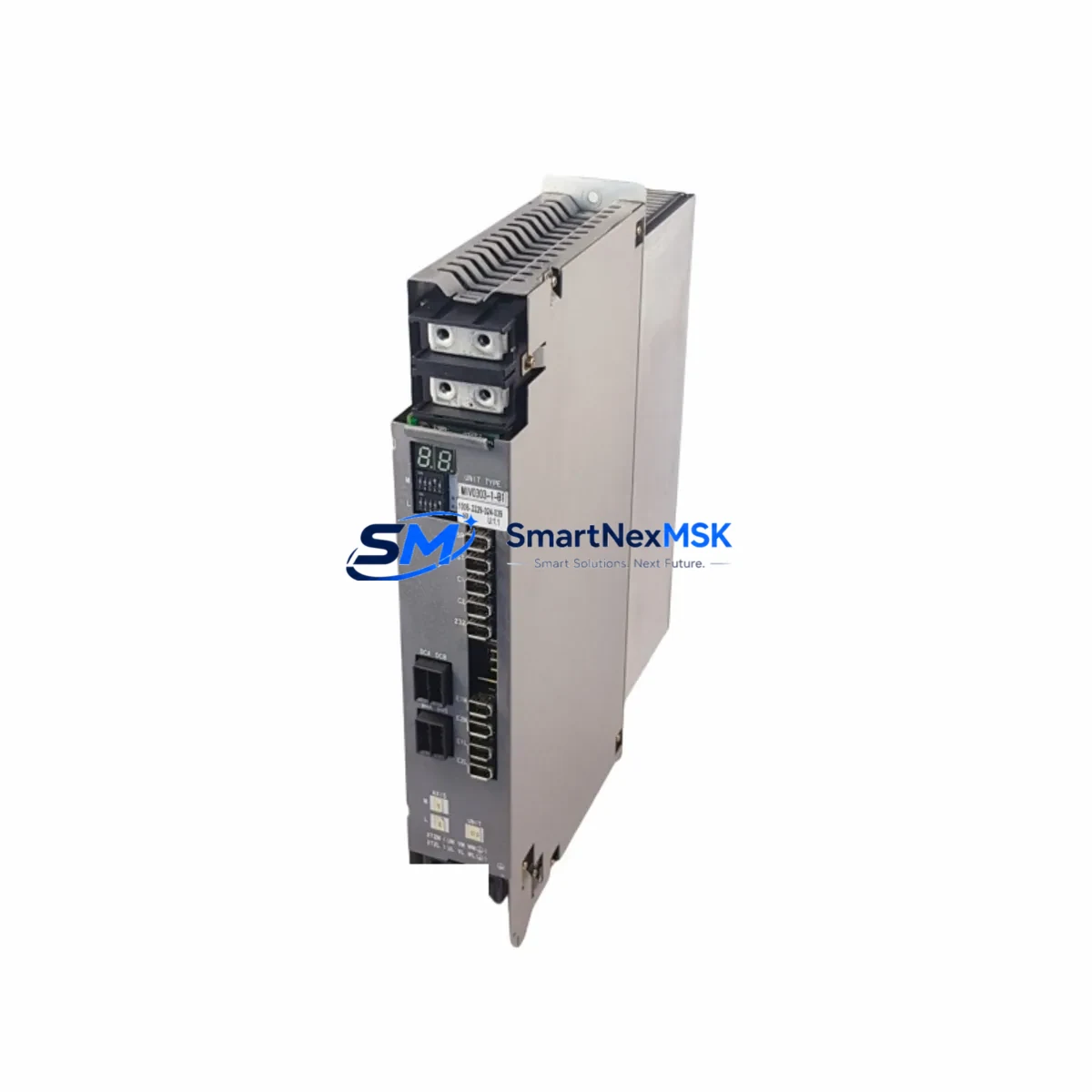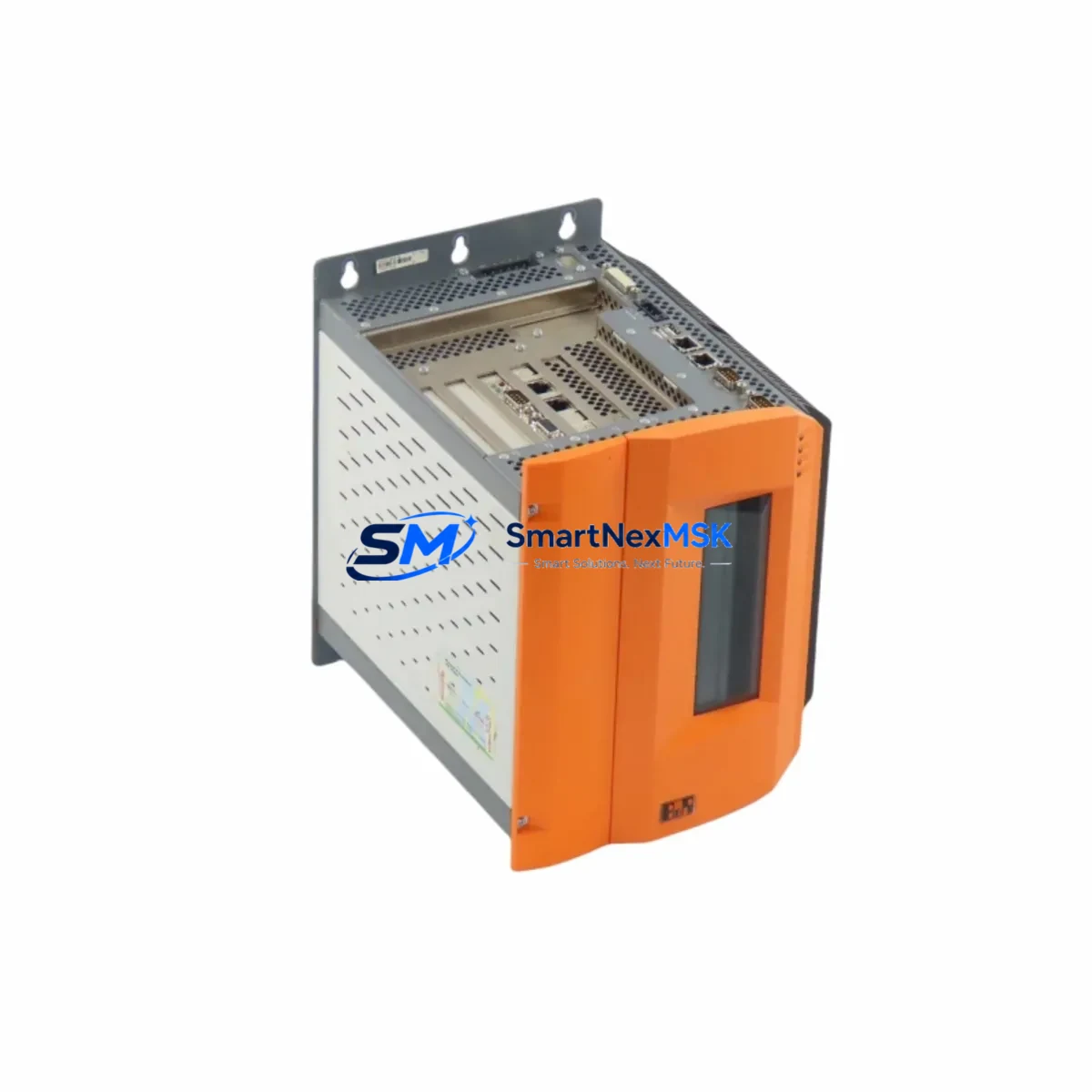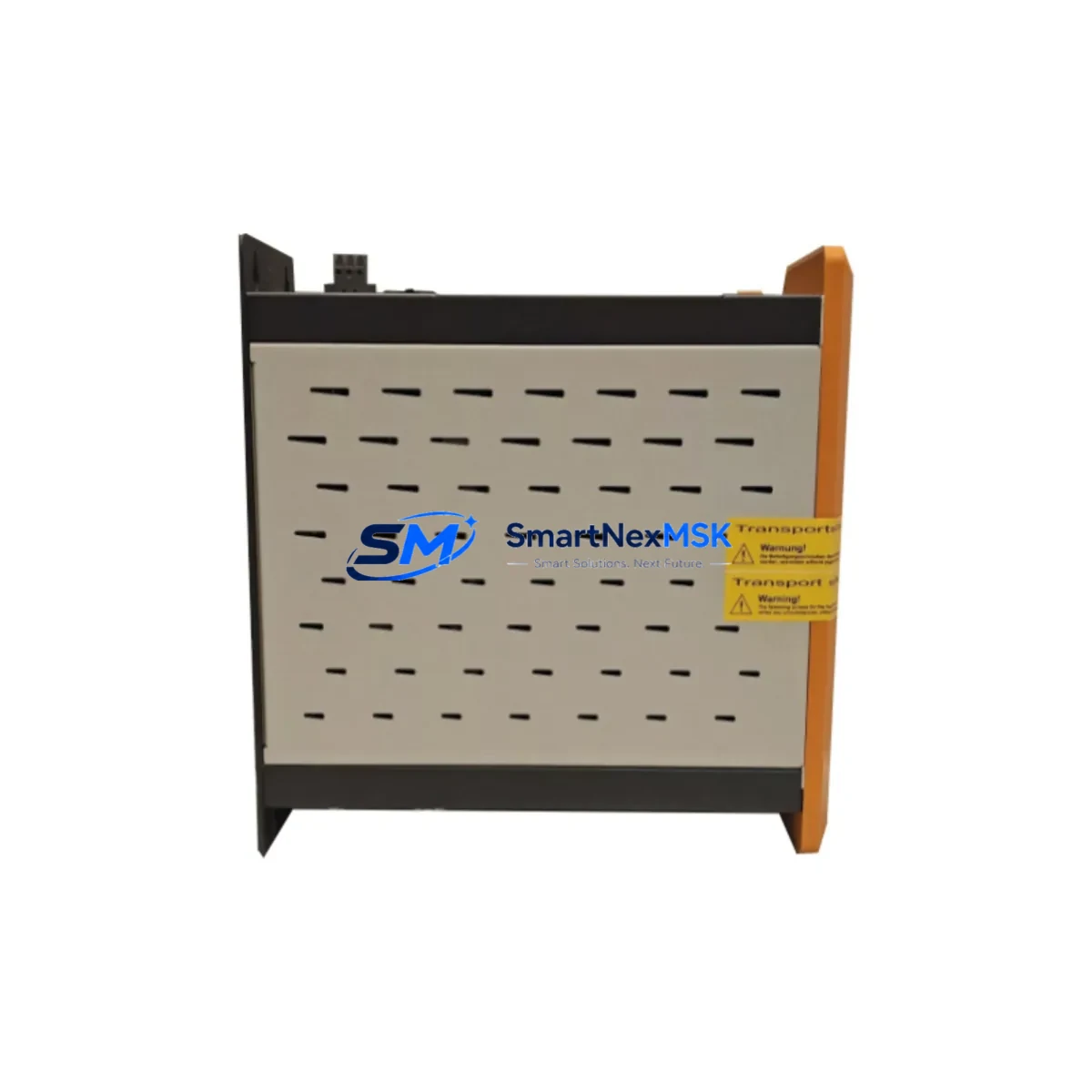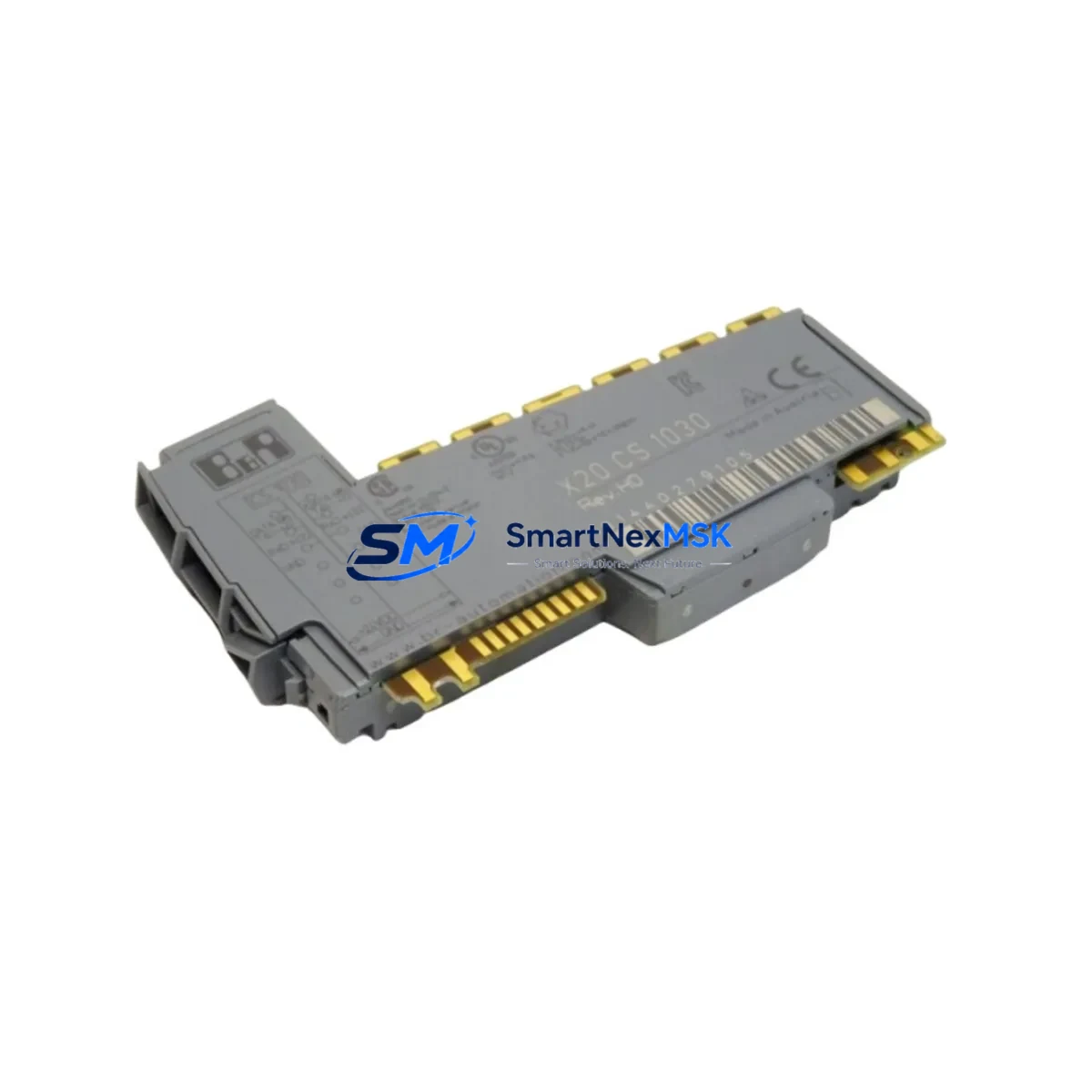
B&R X20 CS 1030 Maintenance-Ready Spare for X20 Automation
The B&R X20 CS 1030 is an original POWERLINK communication module designed for the B&R X20 Series modular PLC platform. In industrial automation environments where continuous operation is non-negotiable, maintaining a verified spare of the X20 CS 1030 is a fundamental element of any proactive maintenance strategy. Whether you are managing a high-cycle packaging line, a precision motion control system, or a distributed process automation network, the X20 CS 1030 serves as the real-time Ethernet backbone that keeps your field devices, drives, and I/O nodes synchronized with the controller.
For maintenance engineers and spare parts procurement teams, sourcing a pre-tested, original X20 CS 1030 from a reliable supplier eliminates the risk of extended downtime caused by counterfeit or incompatible modules. Each unit we supply is inspected, function-tested prior to dispatch, and backed by a 12-month warranty — giving your team the confidence to execute rapid replacements without extended commissioning delays.
Spare Maintenance Table
| Parameter | Specification |
|---|---|
| SKU / Part Number | X20 CS 1030 |
| Brand | B&R Industrial Automation |
| Series | X20 Series |
| Module Type | POWERLINK Communication Module |
| Communication Protocol | POWERLINK (Real-Time Ethernet, IEC 61158) |
| Cycle Time | From 200 µs (POWERLINK isochronous mode) |
| Supply Voltage | 24 VDC (via X20 backplane bus) |
| Mounting | X20 backplane / bus base module |
| Compatible Controllers | B&R X20 CP series, X20 BC series |
| Operating Temperature | 0 °C to +55 °C |
| Protection Class | IP20 |
| Origin | Austria |
| Condition | Original, New / Refurbished-Tested |
| Pre-shipment Test | Function-tested before dispatch |
| Warranty | 12 Months |
| Typical Application | Motion control, packaging, process automation, robotics |
| Maintenance Recommendation | Replace every 5–8 years or upon POWERLINK sync loss / LED fault indication |
Maintenance Planning for Continuous Operation
When a POWERLINK communication fault is traced to the X20 CS 1030, experienced maintenance engineers know that the module itself is rarely the only component requiring attention. A systematic inspection of the surrounding control cabinet is essential to prevent repeat failures and ensure a clean restart after replacement.
Begin by verifying the X20 PS 9400 or X20 PS 3300 power supply module — voltage instability or ripple on the 24 VDC bus is a common root cause of POWERLINK synchronization errors that are incorrectly attributed to the communication module. Inspect the X20 BM 01 bus module and backplane connectors for oxidation, mechanical stress, or micro-cracks that can cause intermittent bus faults. Check the X20 BC 0083 or X20 BC 0063 bus controller firmware version to confirm compatibility with the replacement X20 CS 1030 and the current Automation Studio project version.
On the field side, inspect the POWERLINK RJ45 patch cables and managed Ethernet switches — degraded cables or misconfigured switch ports are a frequent source of cycle-time violations that stress the communication module. If the system includes servo drives connected via POWERLINK, verify the ACOPOSmulti or ACOPOS P3 drive node addresses and confirm that no address conflicts exist after module replacement.
For I/O integrity, audit the X20 DI 9371 digital input modules and X20 DO 9322 digital output modules on the same backplane segment. A shorted output channel can generate bus load spikes that degrade POWERLINK cycle performance. If signal isolation is required between the PLC bus and field instruments, check the condition of any installed X20 AI 4622 analog input modules and associated signal isolators or barriers in the marshalling cabinet.
Finally, confirm that the X20 CP 1586 or X20 CP 3586 CPU module has adequate memory and processing headroom after the POWERLINK topology is restored. Log the replacement event in your CMMS and schedule a follow-up inspection at 30 days to verify stable cycle times and zero error counters in the Automation Studio logger.
Site Replacement Workflow
Step 1 — Isolation & Safety: Follow your site LOTO procedure. De-energize the X20 backplane segment containing the faulty X20 CS 1030. Document the current POWERLINK node map and cable connections before removal.
Step 2 — Module Removal: Release the X20 CS 1030 from its bus base by pressing the release lever and sliding the module upward. Inspect the bus connector pins on both the module and the base for damage or contamination.
Step 3 — Replacement Installation: Seat the new X20 CS 1030 onto the bus base until it clicks into position. Reconnect POWERLINK cables to the correct ports (CN1 / CN2 for daisy-chain or star topology as per your network diagram).
Step 4 — Power-Up & Verification: Re-energize the backplane. Observe the POWERLINK status LEDs — a solid green RUN LED and flashing green LINK LEDs confirm successful network initialization. Open Automation Studio and verify that all POWERLINK nodes are online with zero error counters.
Step 5 — Functional Test: Execute a controlled I/O test cycle to confirm all field devices are responding correctly. Check cycle time statistics in the Automation Studio logger and confirm they are within the configured limits.
Step 6 — Documentation: Record the replacement in your maintenance log, including the old module serial number, replacement date, and post-replacement test results. Update your spare parts inventory to trigger reorder of a replacement X20 CS 1030 for your buffer stock.
Spare Parts Support FAQ
Q1: Is this X20 CS 1030 an original B&R module or a compatible replacement?
A: We supply original B&R X20 CS 1030 modules. Each unit is sourced from authorized channels or verified surplus stock, inspected, and function-tested before shipment. We do not supply counterfeit or reverse-engineered alternatives.
Q2: What is the warranty coverage and what does it include?
A: All X20 CS 1030 units carry a 12-month warranty from the date of delivery. The warranty covers functional failure under normal operating conditions. It does not cover damage caused by incorrect installation, overvoltage, or physical impact. Our technical team provides post-sale support for installation verification.
Q3: How do I confirm compatibility with my existing X20 system before ordering?
A: Provide your current Automation Studio project version, CPU module part number (e.g., X20 CP 1586), and POWERLINK network topology. Our engineering team will verify compatibility and advise on any firmware update requirements before dispatch.
Q4: What is your lead time and do you maintain buffer stock for emergency orders?
A: We maintain buffer stock of the X20 CS 1030 for emergency dispatch. Standard orders ship within 1–3 business days after payment confirmation. For urgent plant-down situations, contact us directly for same-day or next-flight shipping options.
© 2026 SMARTNEXMSK. All rights reserved.
Original Source: https://smartnexmsk.com
Contact: [email protected] | +86 18259474341