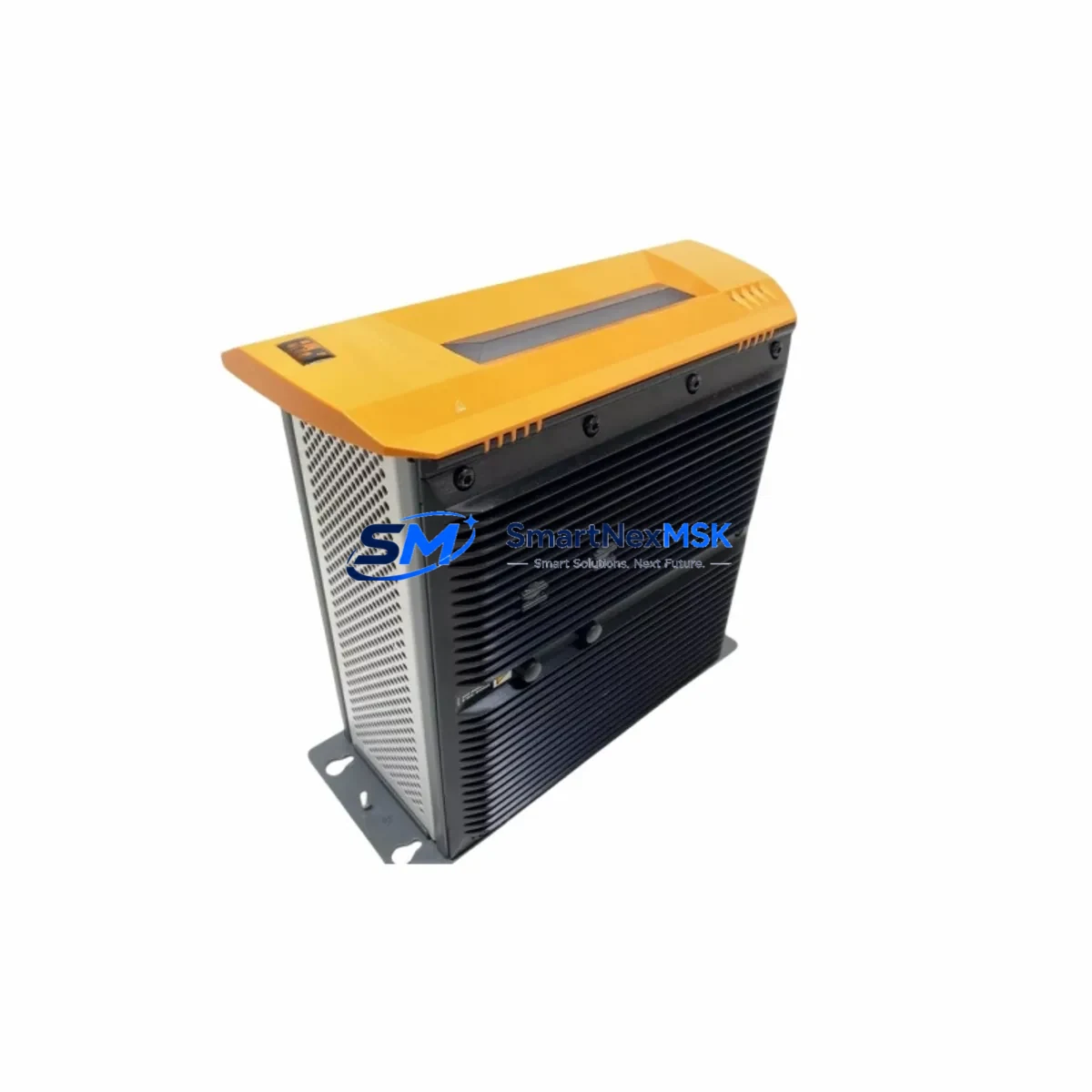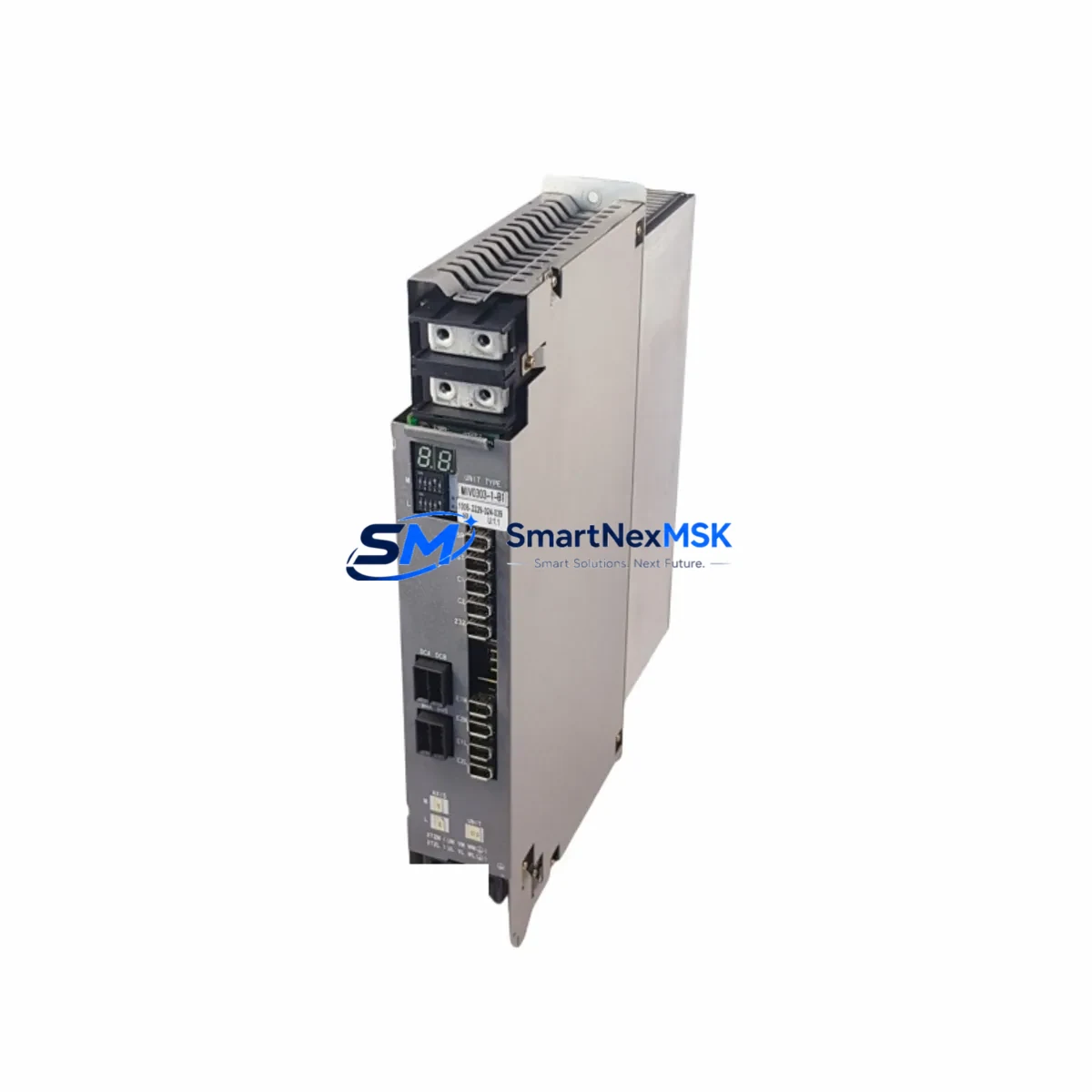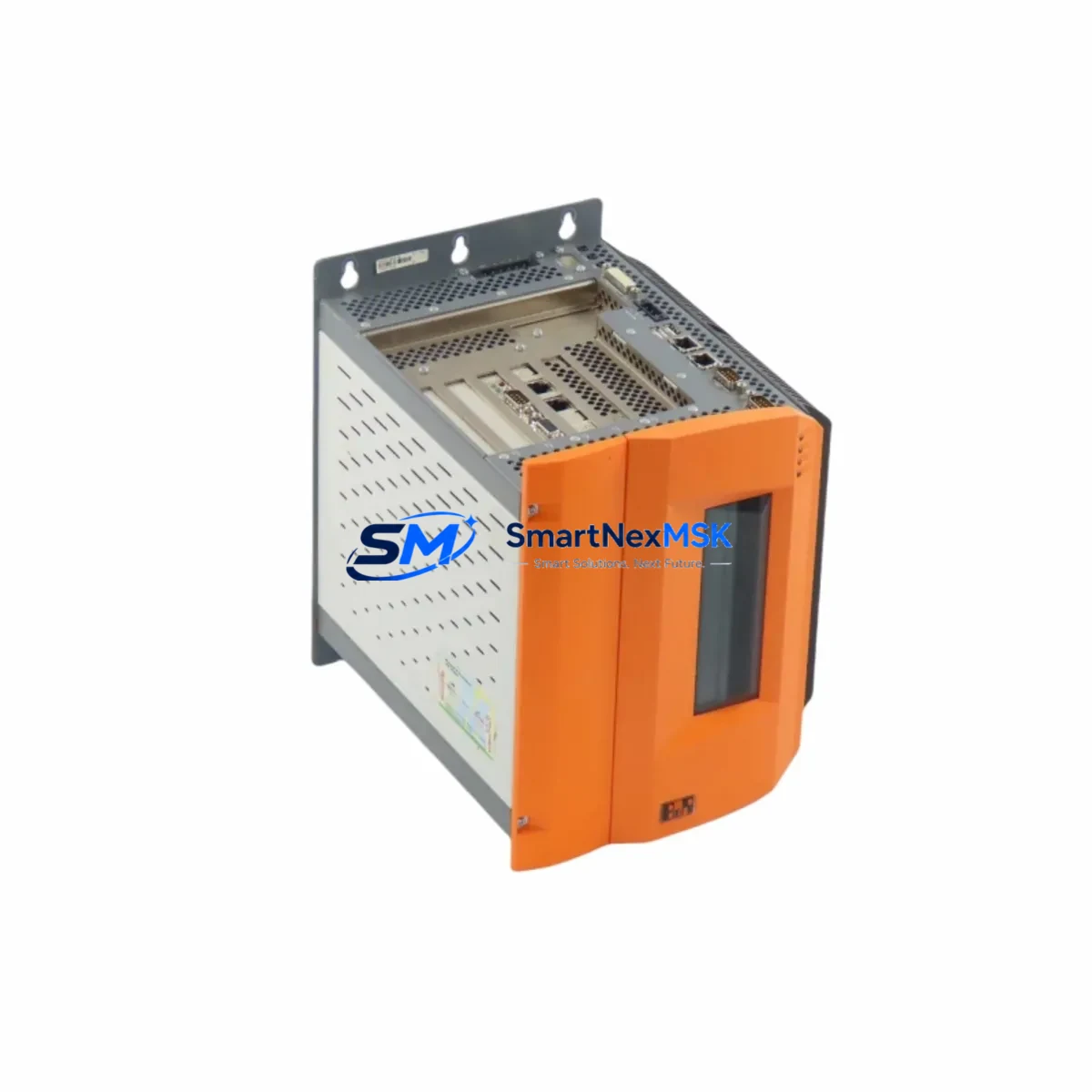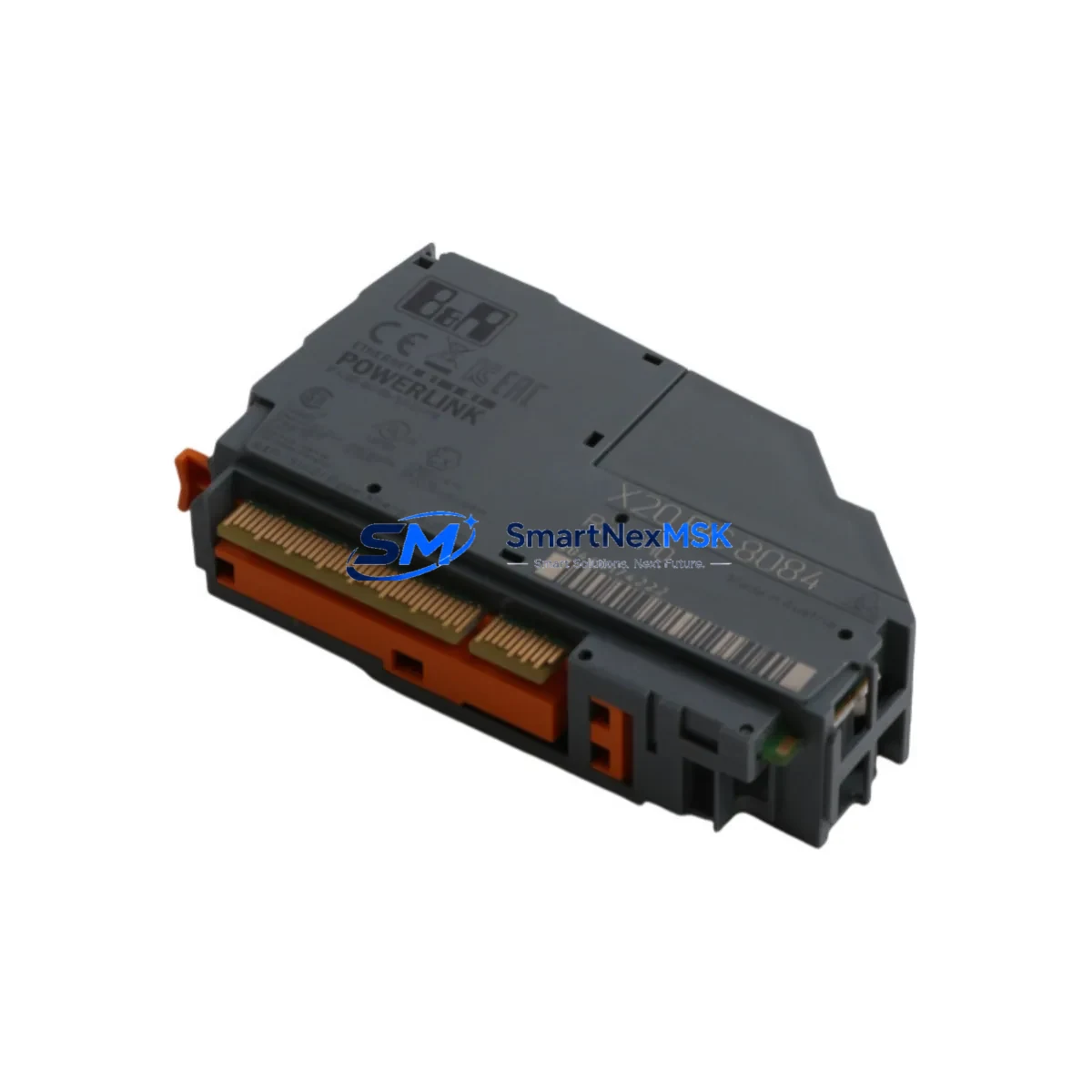
B&R X20BC8084 Retrofit-Ready Bus Controller for X20 Series Control Systems
The B&R X20BC8084 is a high-performance bus controller module engineered for seamless integration into B&R X20 Series automation platforms. Designed with retrofit compatibility at its core, this module addresses the growing demand for reliable replacement solutions in aging industrial control systems — particularly in facilities where legacy X20 backplane architectures remain the backbone of production operations. Whether you are replacing a failed unit, upgrading a discontinued component, or modernizing a multi-rack control cabinet, the X20BC8084 delivers the electrical and functional compatibility required to restore system integrity with minimal disruption.
Industrial facilities operating B&R X20 Series PLCs frequently encounter the challenge of sourcing verified replacement bus controllers as original procurement channels become constrained. The X20BC8084 fills this gap as a retrofit-ready solution, supporting the full X20 backplane communication protocol and maintaining backward compatibility with existing I/O configurations. Engineers can install this module into an existing X20 base (such as the X20BB80 or X20BB28 bus base) without requiring structural changes to the control cabinet or rewiring of field terminals.
Upgrade Compatibility Table
| Parameter | X20BC8084 Specification | Retrofit Notes |
|---|---|---|
| Backplane Interface | X20 System Bus (POWERLINK) | Direct drop-in for X20 Series racks; no adapter required |
| Communication Protocol | POWERLINK V2 / Ethernet | Compatible with existing POWERLINK network topology; verify node address before commissioning |
| Power Supply Compatibility | 24 VDC (via X20 bus base) | Confirm X20PS9400 or X20PS9402 power supply output capacity before installation |
| Installation Form Factor | X20 DIN-rail module | Mounts directly on existing DIN rail; no mechanical modification needed |
| I/O Expansion | Supports up to 64 I/O modules per segment | Verify I/O module addressing in Automation Studio project before hot-swap |
| HMI Compatibility | Compatible with B&R Power Panel and VC4 HMI | HMI screen mapping remains valid; no display reconfiguration required |
| Programming Environment | B&R Automation Studio 4.x / 3.x | Existing project files are compatible; re-download program after module replacement |
| Replacement Target | Discontinued X20BC8083 / X20BC8082 | Functional superset; verify firmware version compatibility in Automation Studio |
| Warranty | 12-Month Warranty | Covers manufacturing defects; includes pre-shipment functional test report |
Retrofit Planning for Existing Automation Systems
A successful X20BC8084 retrofit begins well before the module arrives on-site. The first step is a thorough audit of the existing control cabinet. Engineers should document the current bus controller’s node address, POWERLINK cycle time settings, and the number of connected I/O modules — including any X20AI4622 analog input modules, X20DI9371 digital input modules, or X20DO9322 digital output modules that form the field I/O layer. Each of these modules communicates with the bus controller via the X20 backplane, and their logical addresses must be preserved in the replacement configuration.
Power budget verification is a critical pre-installation step. The X20BC8084 draws its operating power from the X20 bus base, which is typically fed by a dedicated X20PS9400 or X20PS9402 power supply module. Before installation, confirm that the existing power supply has sufficient headroom to support the bus controller alongside all connected I/O modules. Overloaded power supplies are a common root cause of intermittent communication faults in retrofitted systems.
Terminal wiring on the X20 bus base does not require modification when replacing a like-for-like bus controller. However, if the retrofit involves migrating from an older X20BC8082 or X20BC8083 to the X20BC8084, engineers should review the terminal assignment documentation to confirm that any external POWERLINK Ethernet connections — typically routed through RJ45 ports on the front face of the module — are correctly re-terminated. Communication cables connecting to upstream controllers such as the X20CP1584 or X20CP3586 CPU modules should be inspected for integrity before recommissioning.
For systems that include a X20IF10D1-1 PROFIBUS interface module or a X20IF1072-1 CANopen interface module in the same rack, the bus controller replacement does not affect these communication channels, as they operate independently on the X20 backplane. However, the Automation Studio project should be re-downloaded to the CPU after the bus controller swap to ensure all module configurations are correctly synchronized. HMI screens running on a connected B&R Power Panel PP65 or PP100 will resume normal operation once the POWERLINK network is re-established.
Downtime Control During System Migration
Minimizing production downtime during a bus controller replacement requires a structured approach. The recommended procedure begins with a full backup of the Automation Studio project, including all task configurations, I/O mappings, and communication parameters. This backup serves as the recovery baseline if any unexpected compatibility issues arise during commissioning.
Before powering down the control cabinet, document the current state of all process variables — particularly any setpoints, PID parameters, or recipe values stored in the CPU’s retain memory. The X20BC8084 does not retain application data; all persistent values are stored in the CPU module (such as the X20CP1584) and will be preserved across the bus controller swap as long as the CPU remains powered or retain memory is intact.
The physical replacement procedure is straightforward: power down the X20 segment, remove the failed bus controller from the bus base, insert the X20BC8084, and restore power. The module will initialize automatically and begin communicating with the CPU once the POWERLINK network is re-established. In most cases, the entire hardware swap can be completed in under 15 minutes. The remaining commissioning time — typically 30 to 60 minutes — is spent re-downloading the Automation Studio project, verifying I/O module status LEDs, and confirming field signal integrity through the HMI or engineering workstation.
For facilities with strict change management requirements, a parallel commissioning approach is recommended: configure and test the replacement module on a bench setup using a spare X20 bus base and a laptop running Automation Studio before bringing the module to the production floor. This approach eliminates on-site programming time and reduces the risk of configuration errors during the live cutover. Pre-shipment functional testing is performed on every X20BC8084 unit prior to dispatch, and a test report is included with each shipment.
Retrofit Support FAQ
Q1: Is the X20BC8084 a direct replacement for the X20BC8083 and X20BC8082?
Yes. The X20BC8084 is functionally compatible with the X20BC8083 and X20BC8082 and can be installed into the same X20 bus base without mechanical modification. The X20BC8084 is the current production variant and includes enhanced diagnostic capabilities. Verify that your Automation Studio project references the correct hardware configuration after replacement.
Q2: Do I need to re-wire the terminal block when installing the X20BC8084?
No terminal rewiring is required for a like-for-like bus controller replacement. The X20BC8084 uses the same X20 bus base connector as its predecessors. External POWERLINK Ethernet cables should be re-connected to the RJ45 ports on the front of the new module. Confirm cable integrity and connector seating before powering up the segment.
Q3: Will my existing Automation Studio program run without modification after the swap?
In most cases, yes. The existing Automation Studio project is compatible with the X20BC8084. After installing the module, re-download the project from the CPU or engineering workstation to synchronize the hardware configuration. If the project references the older module variant by hardware ID, update the hardware configuration in Automation Studio before downloading. No changes to application logic or I/O mappings are typically required.
Q4: What warranty and pre-shipment testing is included?
Every X20BC8084 unit supplied by SMARTNEXMSK is covered by a 12-month warranty against manufacturing defects from the date of shipment. Each unit undergoes functional testing prior to dispatch, and a test report is included with the shipment. Units are packaged in anti-static protective packaging to prevent ESD damage during transit. For urgent retrofit requirements, expedited shipping options are available — contact our sales team for lead time confirmation.
© 2026 SMARTNEXMSK. All rights reserved.
Original Source: https://smartnexmsk.com
Contact: [email protected] | +86 18259474341