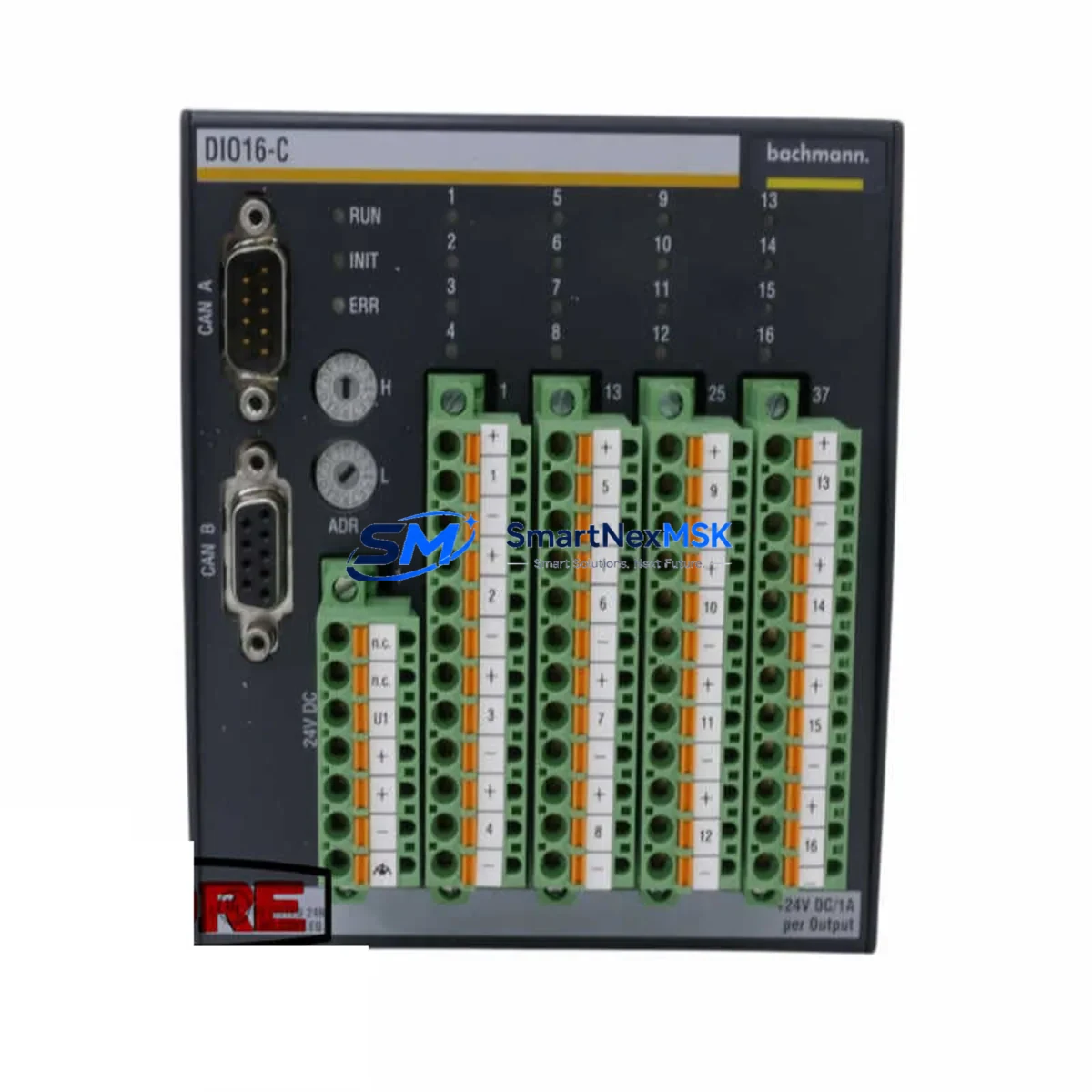
BACHMANN DIO16-C Spare for MX Series Automation: Spare Replacement & Industrial Downtime Risk Control
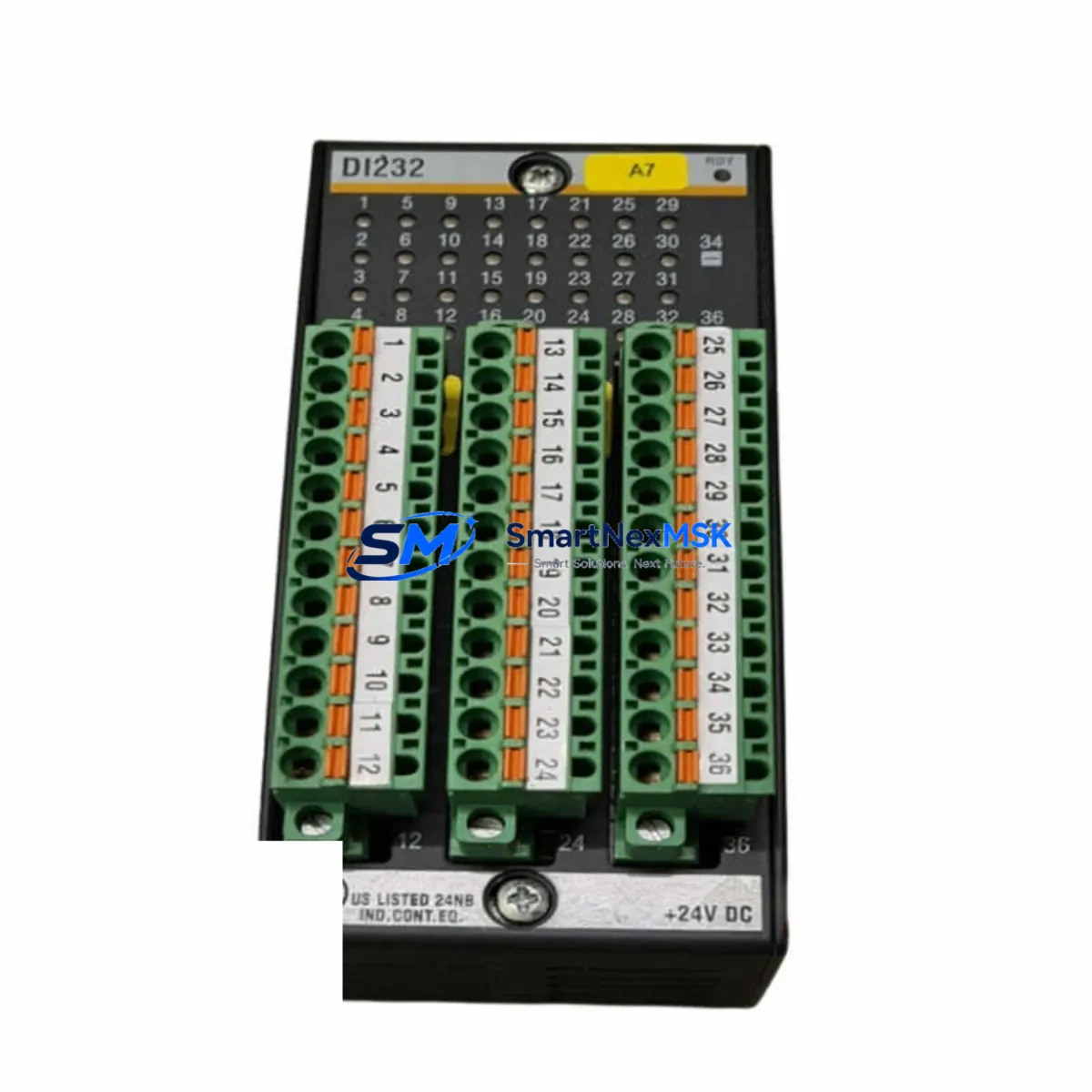
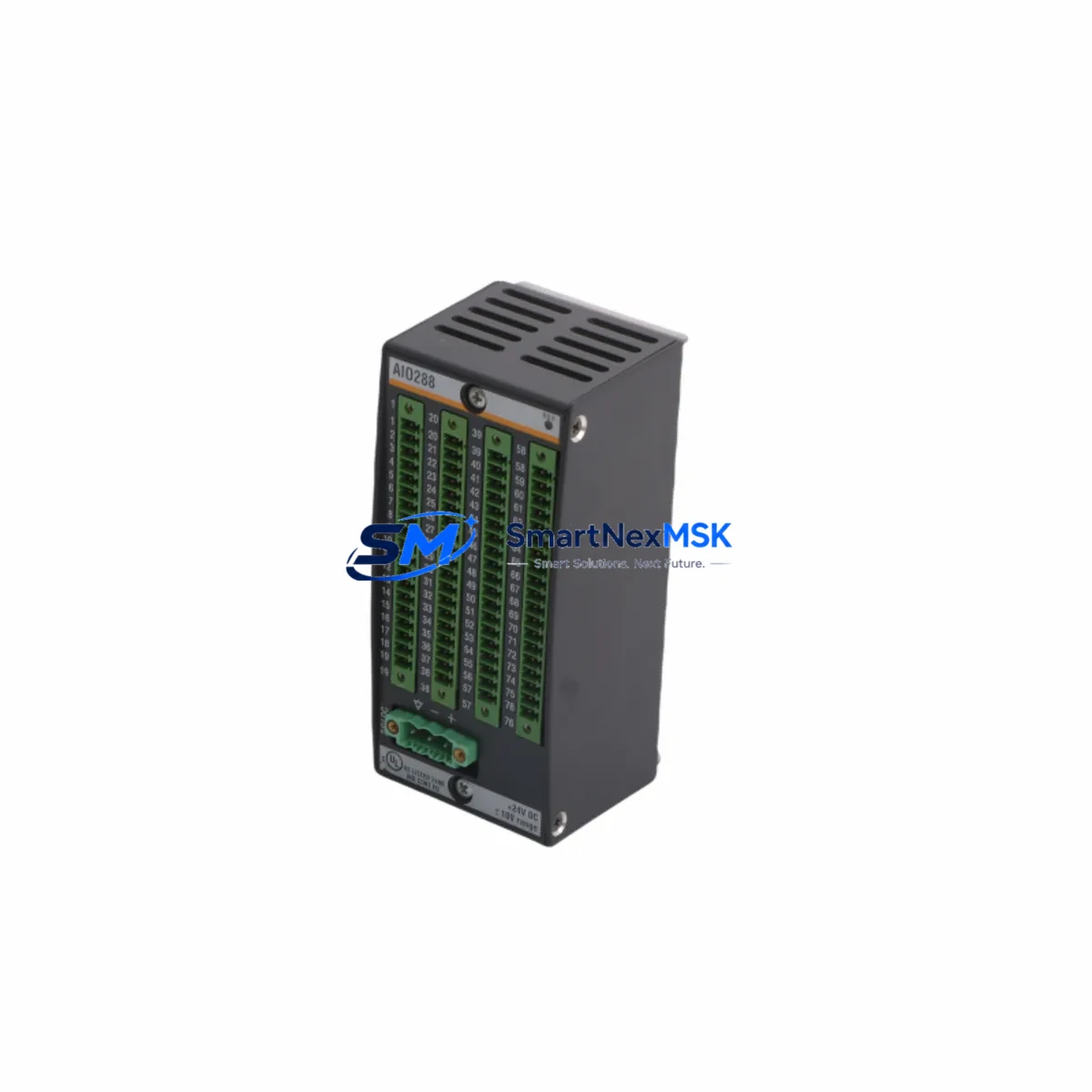
The BACHMANN DIO16-C is a 16-channel digital I/O module engineered for the BACHMANN MX Series modular automation platform. In industrial facilities where continuous operation is non-negotiable, maintaining a verified spare of the DIO16-C on the shelf is a frontline strategy against unplanned downtime. Whether you are managing a wind turbine control cabinet, a process automation rack, or a machine safety system, the DIO16-C handles discrete signal acquisition and output switching with the deterministic reliability that BACHMANN systems are known for. This listing provides a tested, original-specification replacement unit backed by a 12-month warranty and pre-shipment functional verification.
Spare Maintenance Table
| Parameter | Specification |
|---|---|
| Part Number / SKU | DIO16-C |
| Manufacturer | BACHMANN electronic GmbH |
| Series | MX Series Modular Automation System |
| Module Type | 16-Channel Digital I/O Module |
| Digital Inputs | 8 x 24 VDC digital inputs |
| Digital Outputs | 8 x 24 VDC digital outputs (transistor) |
| Supply Voltage | 24 VDC (via MX backplane) |
| Communication Interface | MX Series internal backplane bus |
| Compatibility | BACHMANN MX Series CPU modules (MC200, MC206, MC210 and compatible) |
| Mounting | MX Series rack / backplane slot |
| Operating Temperature | 0 °C to +55 °C |
| Protection Class | IP20 |
| Country of Origin | Germany |
| Weight | 520 g (approx.) |
| Warranty | 12 Months — covers manufacturing defects and functional failure under normal operating conditions |
| Pre-Shipment Test | Full functional verification performed before dispatch |
| Condition | Original spare — new or refurbished to OEM specification |
Maintenance Planning for Continuous Operation
When a DIO16-C fails or is flagged during a scheduled inspection, the replacement scope rarely ends at the module itself. Experienced maintenance engineers know that a digital I/O fault can cascade from or into adjacent components in the same control cabinet. Before returning the system to service, a thorough site assessment should cover the following areas:
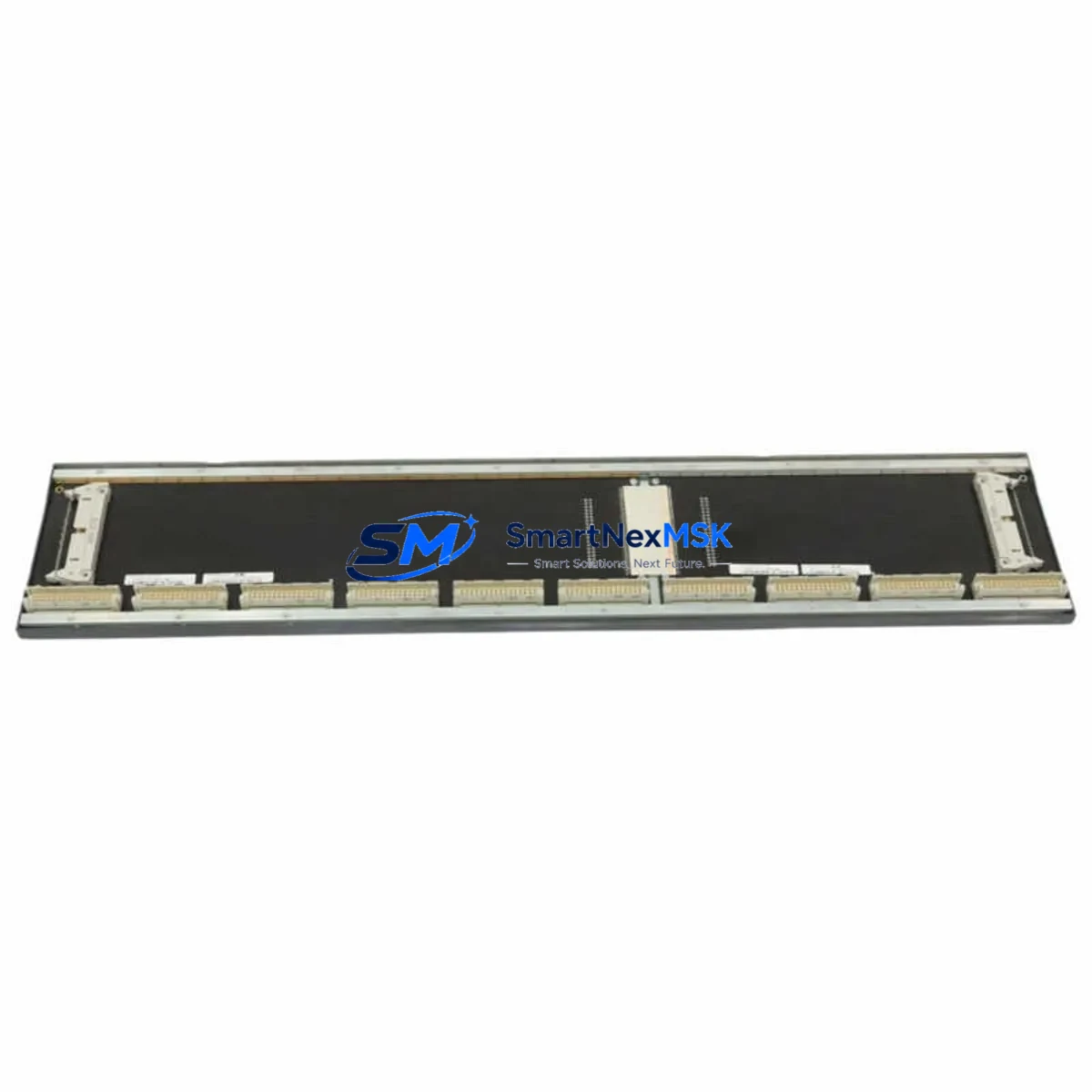
Backplane and Rack Integrity: The MX Series backplane carries both power and communication signals to every installed module. Inspect the MX backplane connector pins for oxidation or mechanical damage. A faulty backplane segment can cause intermittent I/O faults that are misdiagnosed as module failure. If the DIO16-C slot shows burn marks or connector wear, the MX rack chassis itself may need replacement.
CPU and Communication Modules: The BACHMANN MC200 or MC206 CPU module coordinates all I/O polling across the MX rack. After replacing the DIO16-C, verify that the CPU firmware recognizes the new module and that no configuration mismatch alarms are active. If the system uses a BACHMANN MX communication module (such as the CM202 or PROFIBUS interface card) for fieldbus connectivity, confirm that the I/O map has not shifted due to slot reassignment.
Power Supply Module: The MX Series PS204 or equivalent 24 VDC power supply module feeds the backplane rail. A degraded power supply delivering low or ripple-affected voltage is a common root cause of digital I/O module failures. Measure the backplane supply voltage under load before commissioning the replacement DIO16-C. Replace the power supply module if output voltage deviates more than ±5% from nominal.
Terminal Blocks and Field Wiring: Each DIO16-C channel connects to field devices through terminal blocks. Inspect all 16 I/O terminal connections for loose screws, corroded contacts, or undersized wire ferrules. Re-torque all terminals to the manufacturer’s specified value. Damaged terminal blocks should be replaced before the new module is energized.
Signal Isolators and Protective Relays: In applications where the DIO16-C interfaces with high-voltage field devices or long cable runs, signal isolators protect the module inputs from transient overvoltage. Check any installed signal isolation barriers or relay output modules in the same I/O circuit. A failed isolator can destroy a replacement module within hours of installation if not identified beforehand.
Fuses and Circuit Protection: Verify that all fuse holders in the 24 VDC I/O supply circuit are intact and that fuse ratings match the original design. Blown fuses are a symptom, not a cause — trace the overcurrent event before replacing the DIO16-C.
HMI and SCADA Confirmation: After module replacement, confirm that the BACHMANN SolutionCenter or connected SCADA/HMI system correctly reflects the restored I/O status. Force-test each digital input and output channel from the HMI to verify end-to-end signal integrity before releasing the system to production.
Maintaining a coordinated spare kit — including the DIO16-C, a backup CPU module, a power supply module, and a set of pre-crimped terminal wiring harnesses — reduces mean time to repair (MTTR) from hours to minutes in emergency scenarios.
Site Replacement Workflow
Step 1 — Isolate and Document: Before removing the failed DIO16-C, capture the current I/O configuration from the BACHMANN SolutionCenter project file. Note the slot position, module address, and any custom channel assignments. This documentation prevents configuration errors during recommissioning.
Step 2 — Safe De-energization: Follow your site’s lockout/tagout (LOTO) procedure. De-energize the MX rack power supply and confirm zero voltage on the backplane rail before extracting the module. The DIO16-C is a hot-swap-capable module on supported firmware versions — verify your CPU firmware version before attempting live replacement.
Step 3 — Physical Replacement: Slide the replacement DIO16-C into the correct rack slot. Ensure the backplane connector is fully seated. Secure the module retention latch. Reconnect all field wiring terminals in the correct channel order, referencing the documented wiring schedule.
Step 4 — Configuration Restore: Power up the rack and allow the CPU to perform its boot sequence. In BACHMANN SolutionCenter, download the project configuration to the CPU and verify that the DIO16-C is recognized at the correct address with no hardware fault codes.
Step 5 — Functional Test: Perform a channel-by-channel I/O test. Activate each digital input from the field device side and confirm the corresponding status bit in the CPU. Trigger each digital output from the CPU and confirm the field device response. Log all test results before returning the system to automatic operation.
This workflow is compatible with legacy MX Series installations and supports system life extension without requiring a full platform migration. Sourcing a verified DIO16-C spare from a specialist supplier ensures OEM-equivalent performance and avoids the compatibility risks associated with counterfeit or non-original components.
Spare Parts Support FAQ
Q1: Is this DIO16-C compatible with all BACHMANN MX Series CPU versions?
The DIO16-C is designed for the BACHMANN MX Series modular platform and is compatible with MC200, MC206, MC210, and other MX-family CPU modules. Compatibility with specific firmware versions should be confirmed against your SolutionCenter project version. Contact us with your CPU part number and firmware version for pre-purchase compatibility verification.
Q2: What does the 12-month warranty cover?
The 12-month warranty covers manufacturing defects and functional failure under normal operating conditions from the date of shipment. It does not cover damage resulting from incorrect installation, overvoltage events, or physical mishandling. All units undergo pre-shipment functional testing, and test records are available upon request.
Q3: How quickly can the DIO16-C be shipped for emergency downtime recovery?
In-stock units are dispatched within 1–2 business days. Express international shipping options are available for critical downtime situations. Contact [email protected] or call +86 18259474341 to confirm stock availability and arrange priority dispatch.
Q4: Can I return a DIO16-C if it does not resolve my system fault?
Yes. If the replacement module does not resolve the diagnosed fault and the unit is returned in its original condition within 30 days of shipment, a full refund or exchange will be arranged. We recommend performing a root-cause analysis before replacement to confirm the DIO16-C is the failed component. Our technical team can assist with fault isolation guidance prior to purchase.
© 2026 SMARTNEXMSK. All rights reserved.
Original Source: https://smartnexmsk.com
Contact: [email protected] | +86 18259474341