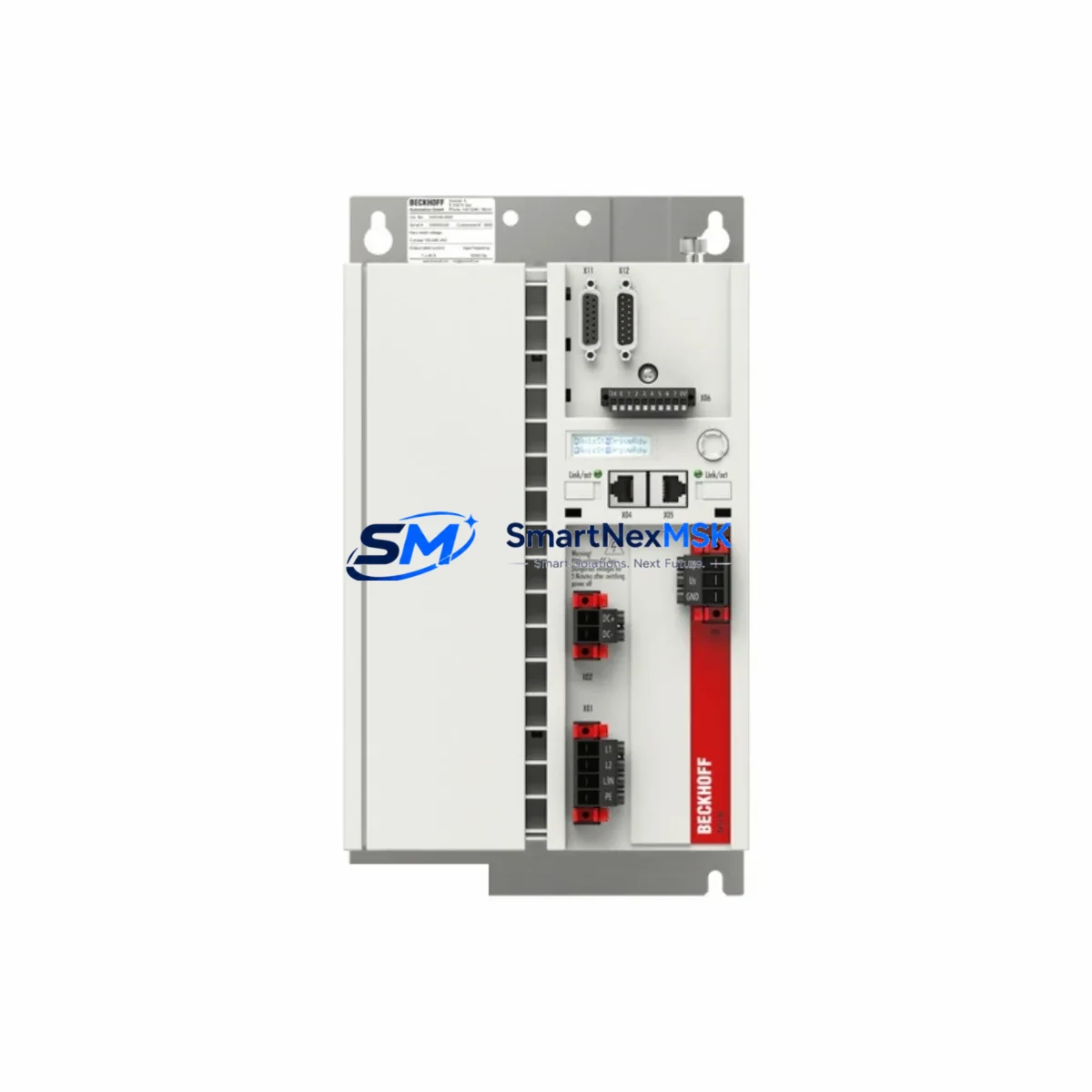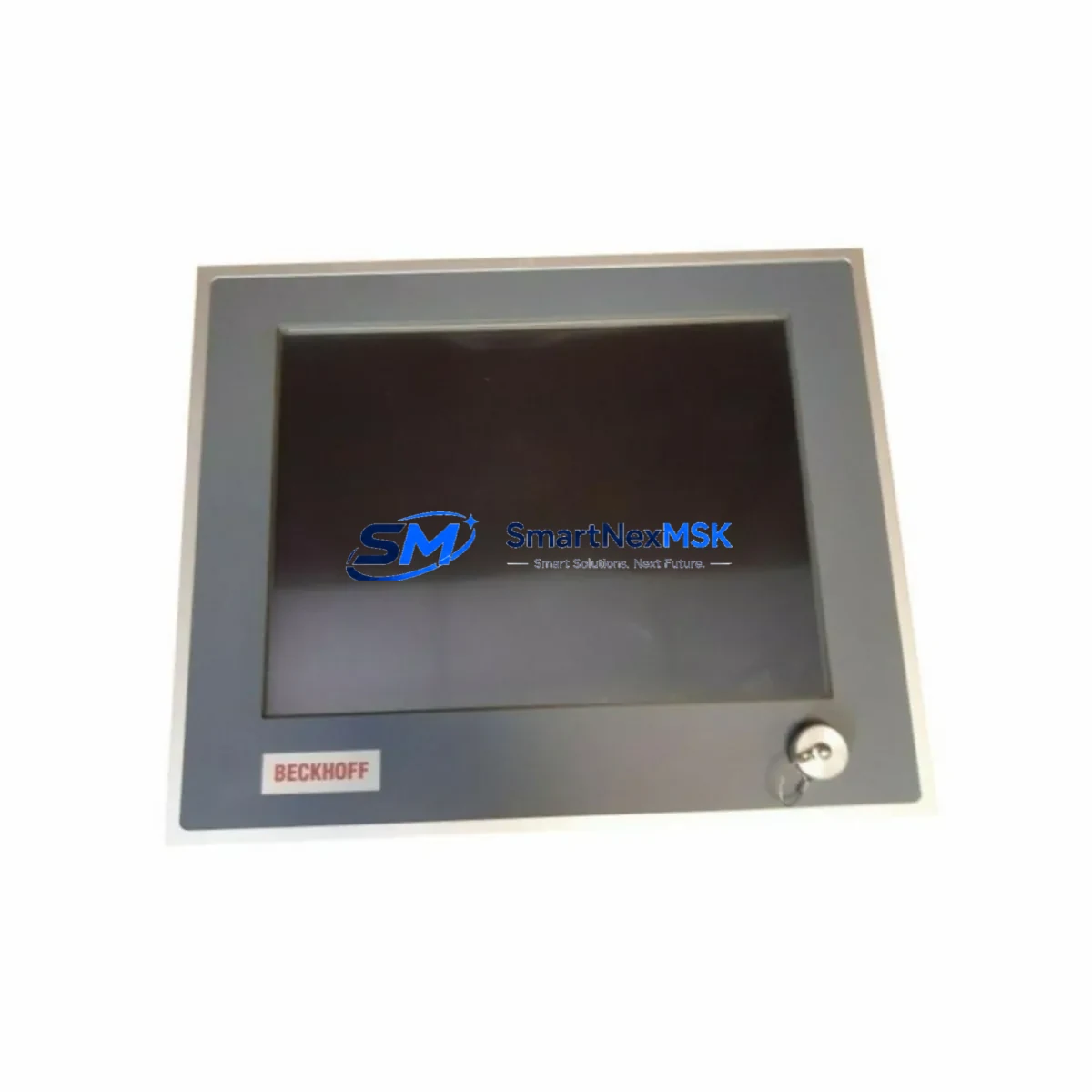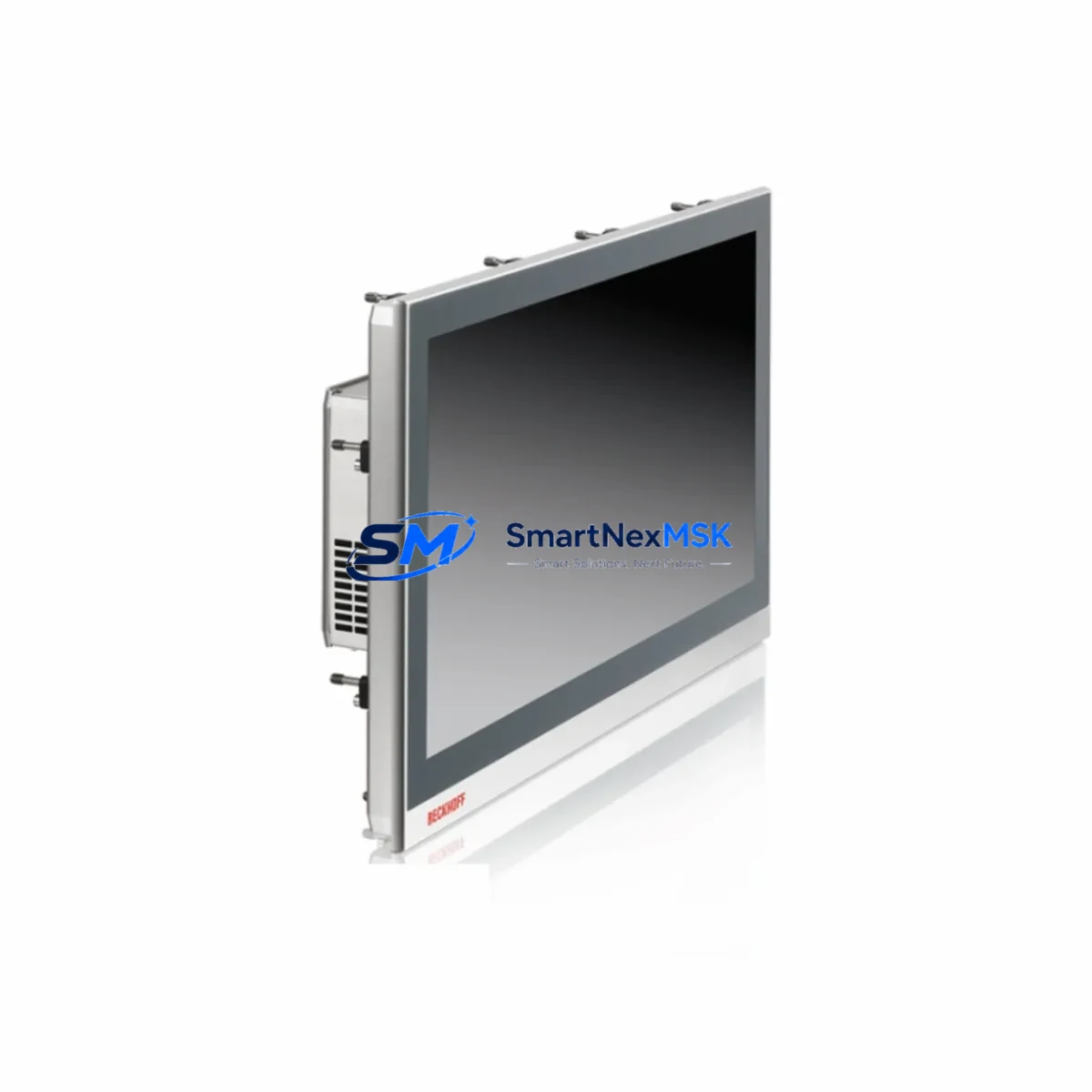
Beckhoff CP2215-0000 Retrofit-Ready Panel PC for CP22xx Series: Compatible Modernization and Smooth Legacy System Upgrade
The Beckhoff CP2215-0000 is a 15-inch multi-touch Panel PC designed for demanding industrial environments and is widely deployed across CP22xx Series control cabinets in manufacturing, process automation, and machine tool applications. As legacy CP22xx installations approach end-of-life or require hardware refresh, the CP2215-0000 serves as a proven retrofit-ready replacement that preserves existing control logic, HMI screen layouts, and communication architectures while delivering modern processing performance and long-term parts availability.
SMARTNEXMSK maintains verified stock of the CP2215-0000 and supports customers through the full retrofit lifecycle — from pre-shipment compatibility testing and terminal wiring documentation to on-site commissioning guidance and post-installation support. Every unit ships with a 12-month warranty and passes functional burn-in testing before dispatch.
Upgrade Compatibility Table
| Parameter | CP2215-0000 (Replacement) | Legacy CP22xx Models | Notes |
|---|---|---|---|
| Display Size | 15.1″ TFT Multi-Touch | 15″ TFT (resistive/capacitive) | Verify touch protocol in TwinCAT HMI config |
| Mounting Interface | VESA / Panel cutout | Panel cutout (standard) | Cutout dimensions compatible; confirm depth clearance |
| Communication | EtherCAT, PROFINET, Ethernet | EtherCAT, Ethernet | PROFINET expansion may require CX8093 or EL6631 |
| Backplane Interface | PCIe / USB internal | PCIe / USB internal | Confirm slot assignments before swapping |
| Power Supply | 24 VDC (typical) | 24 VDC | Verify PSU capacity; recommend CL6031 or PS2000 series |
| OS Compatibility | Windows 10 IoT / TwinCAT 3 | Windows CE / TwinCAT 2 or 3 | TwinCAT 2 projects may require migration to TC3 |
| Module Address | Configurable via TwinCAT | Fixed or configurable | Re-map I/O addresses after installation |
| Commissioning Tool | TwinCAT XAE / XAR | TwinCAT XAE / System Manager | Use same engineering PC with updated runtime |
| Warranty | 12 Months — All units tested prior to shipment | Covers hardware defects and DOA replacement | |
Retrofit Planning for Existing Automation Systems
Successful integration of the CP2215-0000 into an existing CP22xx control cabinet begins well before the physical swap. Engineers should start by auditing the current power distribution rail — the CP2215-0000 draws 24 VDC and the existing cabinet power supply, often a Beckhoff PS2000 or equivalent DIN-rail PSU, must have sufficient headroom to support the replacement unit alongside active I/O modules such as the EL1008 digital input terminal, EL2008 digital output terminal, and any analog modules like the EL3062 or EL4002 already installed on the EtherCAT backplane.
Terminal wiring is the next critical checkpoint. The CP2215-0000 uses standard M12 and RJ45 connectors for field communication, and existing cable harnesses from the legacy CP22xx installation are typically reusable without modification. However, engineers should verify that the EK1100 EtherCAT coupler or EK1101 coupler with ID switch is correctly addressed, as module addressing may shift when the Panel PC is replaced and the TwinCAT runtime reinitializes the I/O tree.
For systems running TwinCAT 2 on the legacy CP22xx hardware, a runtime migration to TwinCAT 3 on the CP2215-0000 is strongly recommended. This process involves exporting the existing PLC project from the TwinCAT 2 System Manager, importing it into TwinCAT XAE, resolving any deprecated function blocks, and re-linking I/O variables to the updated hardware configuration. HMI screens built in TwinCAT 2 OP or third-party SCADA platforms should be validated against the new display resolution and touch input method — the CP2215-0000’s capacitive multi-touch panel may require gesture calibration if the original system used a resistive single-touch interface.
Communication link integrity is equally important. If the existing line uses a Beckhoff CX8090 or CX8093 embedded PC as a secondary controller or gateway, the EtherCAT topology must be re-verified after the Panel PC swap to ensure all slave devices — including distributed I/O nodes, servo drives, and safety modules — are correctly enumerated. PROFINET integrations using the EL6631 PROFINET slave terminal should be re-commissioned with updated GSD files if the TwinCAT runtime version changes.
Downtime Control During System Migration
Minimizing production downtime during a CP22xx to CP2215-0000 migration requires a structured cutover plan. The recommended approach is to pre-configure the replacement CP2215-0000 offline using a TwinCAT XAE engineering station before the scheduled maintenance window. Load the migrated PLC project, configure all I/O mappings, and perform a full simulation run to validate program logic without connecting to live field devices.
During the physical swap, retain the original CP22xx unit as a cold standby until the CP2215-0000 has completed at least one full production cycle. This allows rapid rollback if an unexpected compatibility issue surfaces — for example, a legacy function block that behaves differently under TwinCAT 3 runtime, or an HMI alarm that references a renamed variable. Document all terminal connections with photographs before disconnecting any wiring, and use labeled cable ties to preserve the original harness routing.
Once the CP2215-0000 is installed and powered, perform a structured commissioning sequence: verify 24 VDC supply voltage at the panel connector, confirm EtherCAT link status on all downstream EK1100 couplers and I/O terminals, validate PLC program execution in TwinCAT XAR, and run a full I/O force test to confirm field device responses. HMI screen navigation, alarm acknowledgment, and trend historian connectivity should all be verified before returning the line to production. Total planned downtime for a well-prepared migration is typically 2–4 hours.
Retrofit Support FAQ
Q1: Is the CP2215-0000 a direct drop-in replacement for all CP22xx Series Panel PCs?
The CP2215-0000 is dimensionally and electrically compatible with the majority of CP22xx Series installations sharing the same 15-inch panel cutout and 24 VDC power input. Minor differences in connector pinout or OS version may require wiring adapter cables or a TwinCAT runtime upgrade. SMARTNEXMSK provides a pre-shipment compatibility check based on your existing model number and cabinet drawings.
Q2: Can I reuse my existing TwinCAT 2 PLC program on the CP2215-0000?
Yes, with migration. TwinCAT 2 projects can be imported into TwinCAT XAE and converted for TwinCAT 3 runtime. Most standard IEC 61131-3 function blocks migrate cleanly; proprietary or deprecated libraries may require manual adaptation. SMARTNEXMSK can advise on common migration issues based on your project structure.
Q3: What wiring changes are needed when replacing a CP22xx with the CP2215-0000?
In most cases, existing 24 VDC power cables, EtherCAT patch cables, and field I/O harnesses can be reused directly. If the legacy unit used a proprietary display connector or a non-standard backplane interface, an adapter may be required. Always photograph and document terminal assignments before beginning the swap.
Q4: What does the 12-month warranty cover, and how is it handled?
Every CP2215-0000 shipped by SMARTNEXMSK carries a 12-month warranty covering hardware defects and dead-on-arrival (DOA) failures. Units are functionally tested and burn-in verified before dispatch. In the event of a warranty claim, SMARTNEXMSK arranges advance replacement shipment to minimize your downtime, with return logistics coordinated by our support team.
© 2026 SMARTNEXMSK. All rights reserved.
Original Source: https://smartnexmsk.com
Contact: [email protected] | +86 18259474341