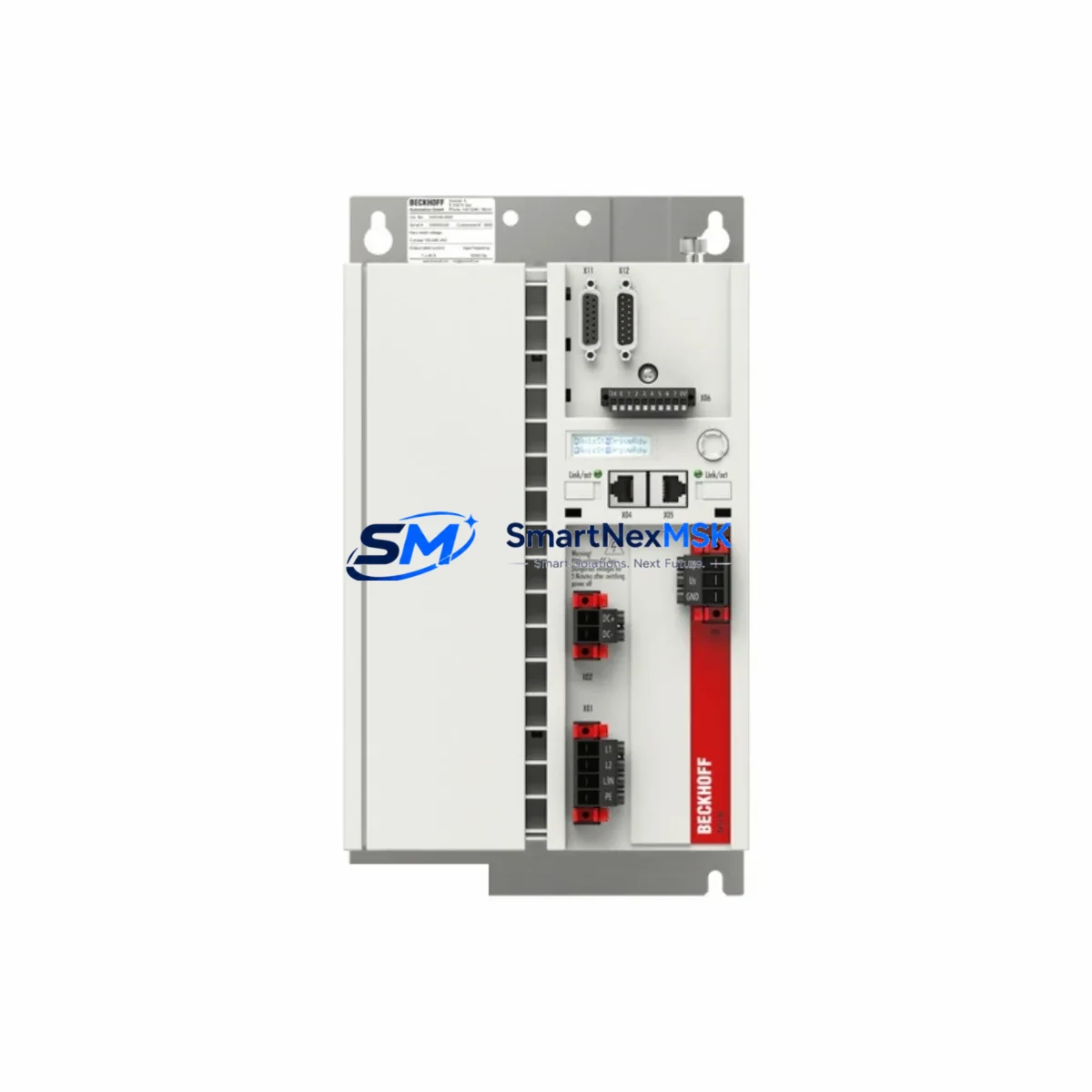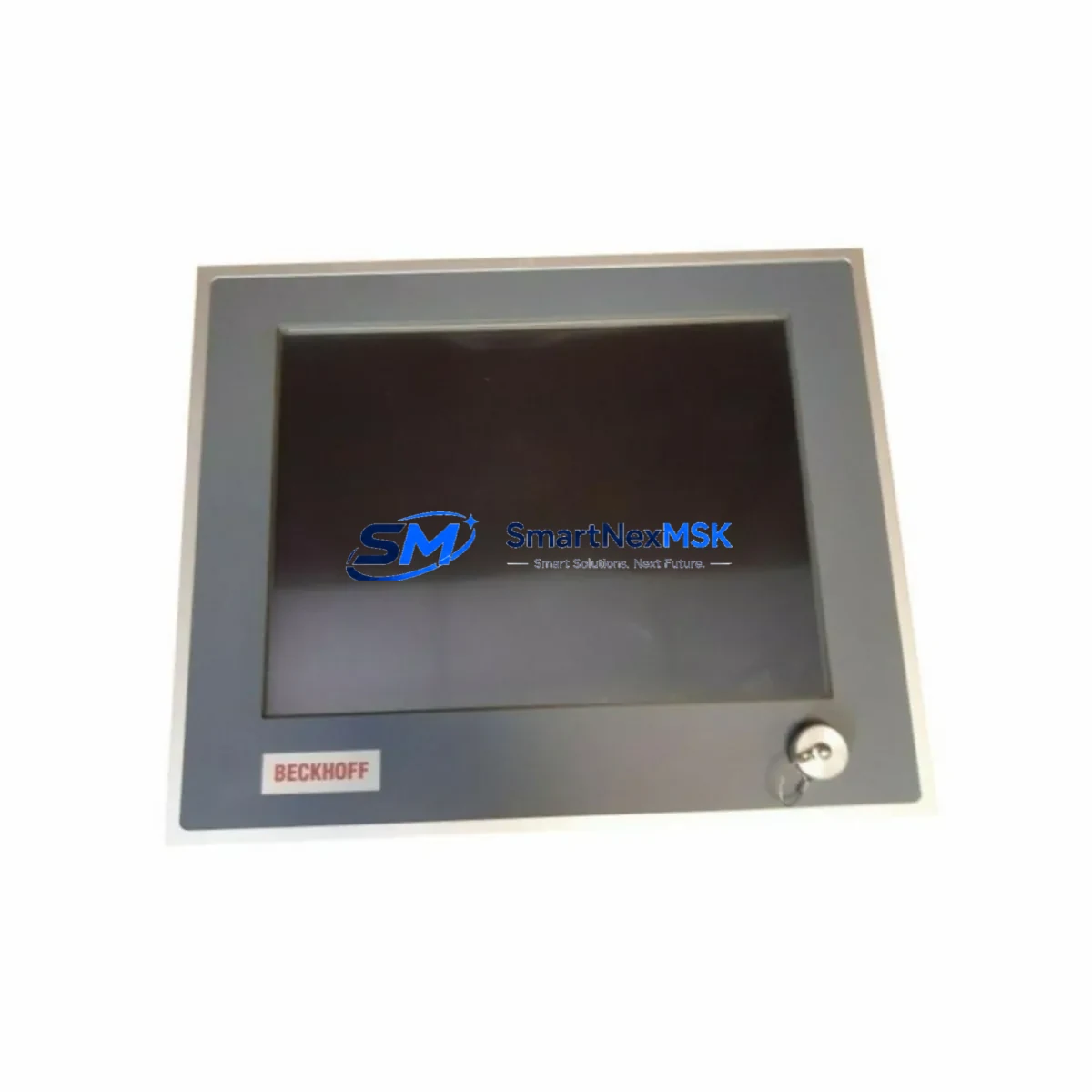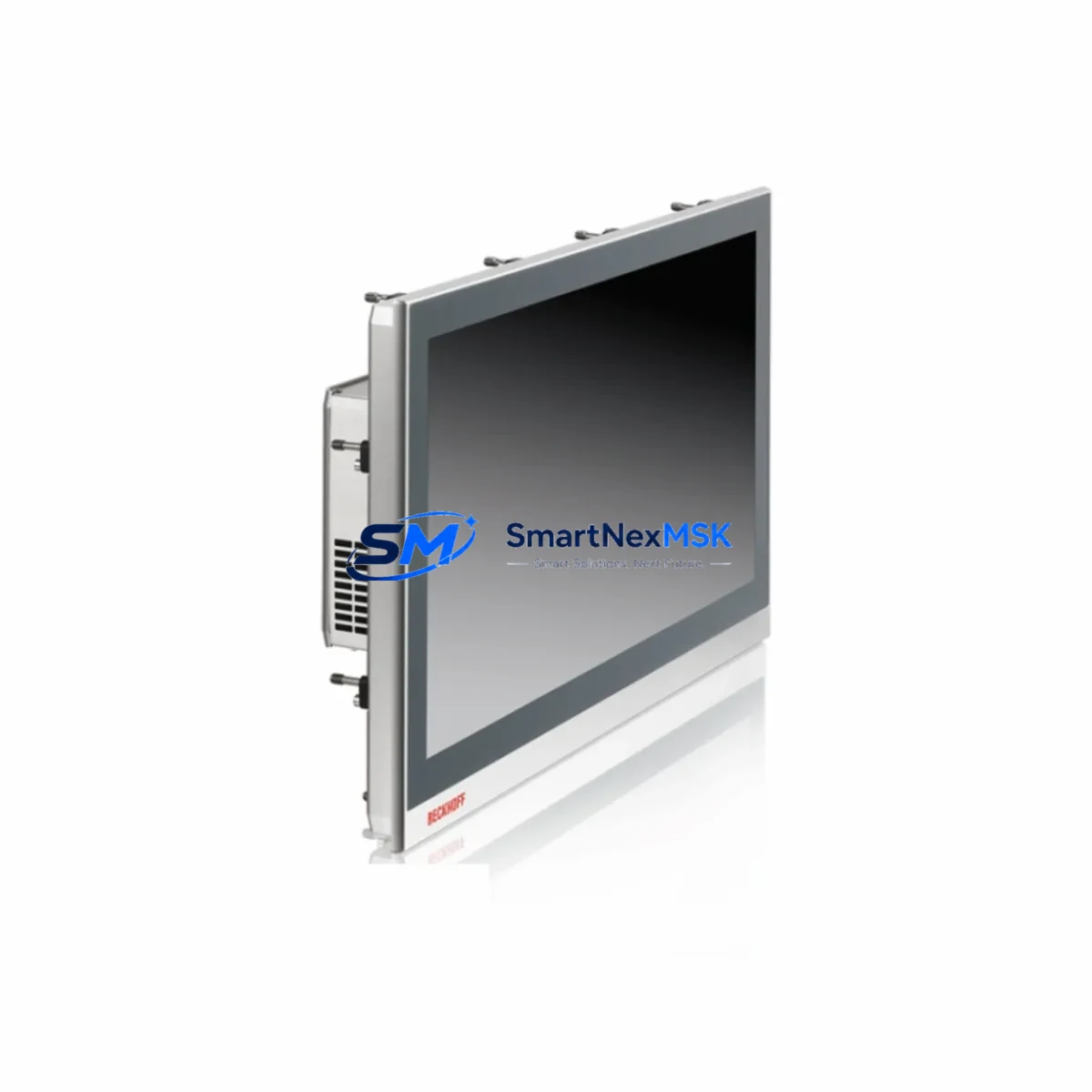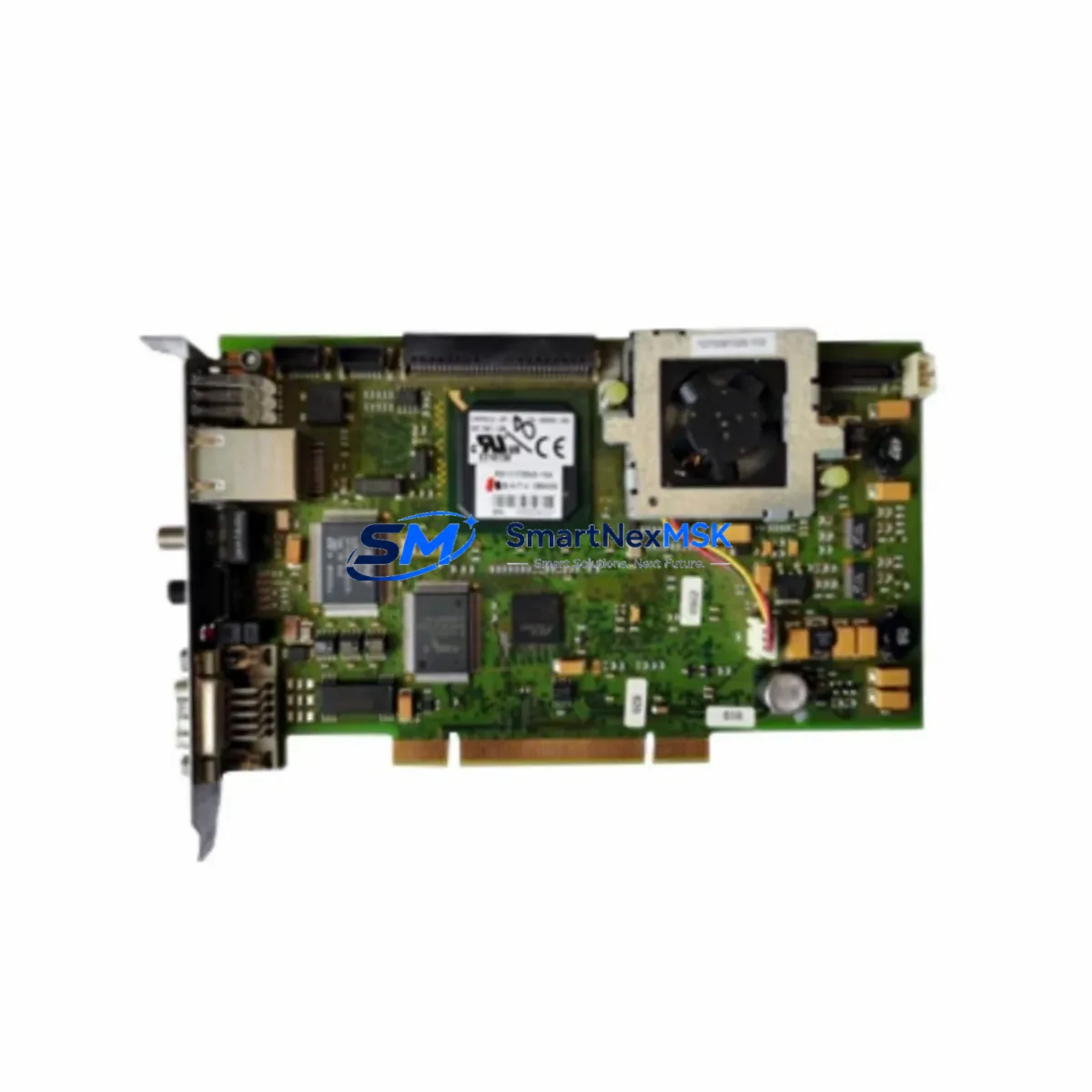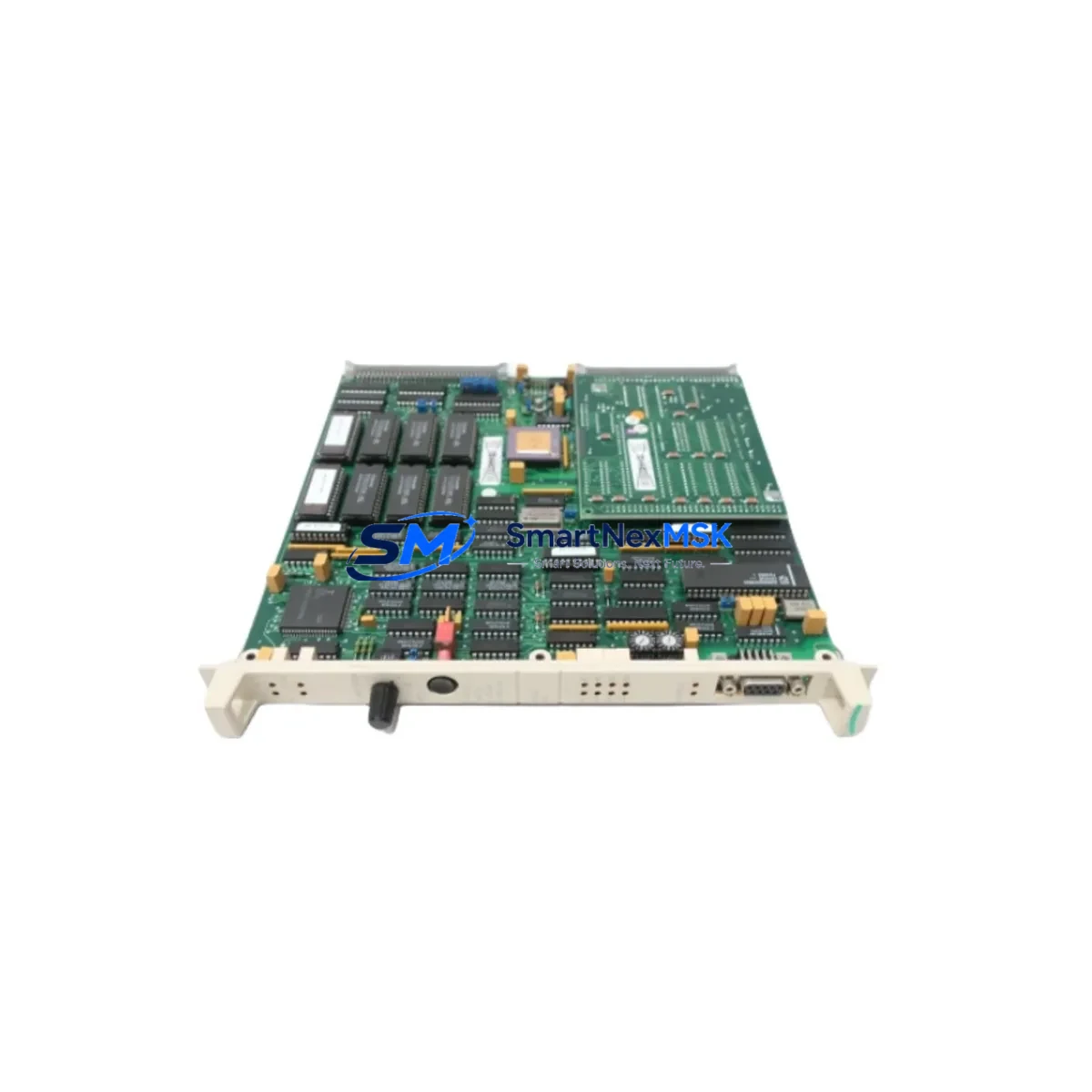
Beckhoff CX1020-0000 Spare for CX1020 Automation: Spare Replacement & Industrial Downtime Risk Control
The Beckhoff CX1020-0000 is the base CPU module of the CX1020 embedded PC series — a compact, DIN-rail-mounted industrial controller widely deployed in machine automation, process control, and building management systems. When this module fails or reaches end-of-service life, the entire control node goes offline. Sourcing a verified, original-specification replacement unit is the fastest path to restoring production continuity. SMARTNEXMSK maintains ready stock of the CX1020-0000 to support maintenance engineers and procurement teams who cannot afford extended lead times from standard distribution channels.
The CX1020-0000 runs on an Intel Pentium M processor and is designed to operate with Beckhoff’s TwinCAT automation software environment. It mounts directly on the CX1020 system bus and interfaces with CX1020-N0xx power supply units, CX1020-N010 or CX1020-N030 fieldbus connection modules, and the full range of EtherCAT or K-Bus I/O terminals. Understanding the complete system architecture around this CPU module is essential before any field replacement — a failed CPU is often accompanied by secondary faults in adjacent components that must be inspected simultaneously.
Spare Maintenance Table
| Parameter | Specification |
|---|---|
| Part Number / SKU | CX1020-0000 |
| Brand | Beckhoff |
| Series | CX1020 Embedded PC |
| Product Type | Embedded PC / Industrial CPU Module |
| Processor | Intel Pentium M, 1.0 GHz (inferred from CX1020 series spec) |
| Operating System | Windows XP Embedded / Windows CE (TwinCAT compatible) |
| Automation Software | Beckhoff TwinCAT 2 / TwinCAT 3 (version dependent) |
| Mounting | DIN rail, CX1020 system bus |
| Power Supply Interface | Via CX1020-N0xx power supply module |
| Fieldbus / Communication | EtherCAT, K-Bus, optional via CX1020-N0xx fieldbus modules |
| Operating Temperature | 0°C to +55°C |
| Origin | Germany |
| Compatibility | CX1020 series system bus; compatible with CX1020-N010, CX1020-N030, CX1020-N0x0 modules |
| Installation | Slot into CX1020 system bus rail; configure via TwinCAT System Manager |
| Application Environment | Machine automation, process control, HVAC/BMS, factory floor PLC replacement |
| Maintenance Recommendation | Inspect power supply module, CF card, and fieldbus connections on every replacement |
| Warranty | 12 Months — SMARTNEXMSK tested and verified before shipment |
Maintenance Planning for Continuous Operation
When a CX1020-0000 CPU module is flagged for replacement during a scheduled inspection or emergency fault response, experienced maintenance engineers know that the CPU itself is rarely the only component requiring attention. A systematic review of the surrounding control cabinet is essential to prevent repeat failures and ensure the replacement unit operates reliably from day one.
Begin with the CX1020-N0xx power supply module — an aging or under-rated power supply is one of the most common root causes of CPU instability in the CX1020 platform. Verify input voltage stability and check for capacitor bulge or thermal discoloration. Next, inspect the CompactFlash (CF) card seated in the CX1020-0000 itself; the CF card holds the TwinCAT runtime and project files, and a failing card will prevent the replacement CPU from booting correctly. Always clone or back up the CF card image before swapping the CPU module.
Review the CX1020-N010 or CX1020-N030 fieldbus connection module for secure seating and connector integrity. These modules handle PROFIBUS, CANopen, or DeviceNet communication depending on configuration, and a loose connection can cause intermittent I/O faults that are misdiagnosed as CPU failures. Similarly, inspect the EtherCAT or K-Bus I/O terminal blocks connected downstream — terminal corrosion, broken spring contacts, or failed EL1008 digital input or EL2008 digital output terminals can generate fault states that cascade to the CPU.
Check all 24 VDC wiring and terminal strips in the control cabinet for loose connections, especially on the power distribution rail feeding the CX1020 system. Inspect any installed signal isolators or loop-powered transmitters on analog I/O channels — a shorted 4–20 mA loop can damage I/O modules and stress the CPU’s internal bus. If the system uses a CP6xxx or CP7xxx HMI panel connected via Ethernet to the CX1020, verify the HMI’s ADS communication configuration matches the replacement CPU’s AMS Net ID before going live. Finally, check any installed EL6601 or EL6614 EtherCAT fiber optic junction modules for link status, as these are often overlooked during CPU replacement but are critical for distributed I/O integrity.
Maintaining a minimum spare inventory of one CX1020-0000 CPU module, one CX1020-N0xx power supply, and a pre-imaged CF card significantly reduces mean time to repair (MTTR) for CX1020-based control nodes. SMARTNEXMSK supports long-term supply agreements for facilities managing multiple CX1020 installations.
Site Replacement Workflow
Step 1 — Isolate and document: Place the machine in a safe state, lock out energy sources, and photograph the existing CX1020-0000 installation including all cable routing, module positions, and DIP switch settings before disassembly.
Step 2 — Back up the CF card: Remove the CompactFlash card from the existing CPU and create a sector-level image backup using a CF duplicator or PC-based imaging tool. This preserves the TwinCAT project, PLC program, and network configuration.
Step 3 — Transfer the CF card to the replacement unit: Insert the backed-up CF card (or a pre-cloned card) into the new CX1020-0000. This eliminates the need to re-commission TwinCAT from scratch and dramatically reduces downtime.
Step 4 — Seat the replacement module: Slide the new CX1020-0000 onto the CX1020 system bus rail, ensuring the bus connector is fully engaged. Reconnect the CX1020-N0xx power supply module and all fieldbus/communication modules in their original positions.
Step 5 — Power-on and verify: Apply power and confirm TwinCAT boots to RUN mode. Verify all I/O terminal states in TwinCAT System Manager, check EtherCAT topology for missing slaves, and confirm HMI communication is restored. Run a functional test cycle before returning the machine to production.
This workflow is compatible with both direct like-for-like replacement of a failed CX1020-0000 and planned upgrades from older CX1010 or CX1000 series controllers, where the CX1020 platform offers improved processing performance and extended OS support life.
Spare Parts Support FAQ
Q1: Is the CX1020-0000 still available as a new original spare, or only as refurbished stock?
SMARTNEXMSK supplies original-specification CX1020-0000 units sourced from authorized industrial channels. Each unit undergoes functional testing and power-on verification before shipment. Units are supplied with a 12-month warranty covering manufacturing defects and operational failures under normal industrial use conditions.
Q2: How do I confirm compatibility between a replacement CX1020-0000 and my existing CX1020 system bus configuration?
Compatibility is determined by the CX1020 system bus revision and the TwinCAT version in use. Provide your existing module’s hardware revision label (visible on the side of the unit) and your TwinCAT version when placing your order. Our technical team will confirm compatibility and advise on any firmware or configuration considerations before shipment.
Q3: What is the recommended spare parts inventory strategy for a facility running multiple CX1020-based control nodes?
For facilities with three or more CX1020 nodes, we recommend maintaining at least one CX1020-0000 CPU module and one CX1020-N0xx power supply as on-site cold spares, with pre-imaged CF cards for each unique machine configuration. SMARTNEXMSK offers long-term supply agreements and priority stock reservation for B2B customers managing large installed bases of Beckhoff CX-series controllers.
Q4: What pre-shipment testing does SMARTNEXMSK perform on the CX1020-0000?
Every CX1020-0000 unit is powered on, booted through the POST sequence, and verified for system bus communication integrity before packaging. Units that fail any stage of testing are quarantined and not shipped. A test report is available upon request for customers requiring documented quality verification as part of their incoming inspection process.
© 2026 SMARTNEXMSK. All rights reserved.
Original Source: https://smartnexmsk.com
Contact: [email protected] | +86 18259474341