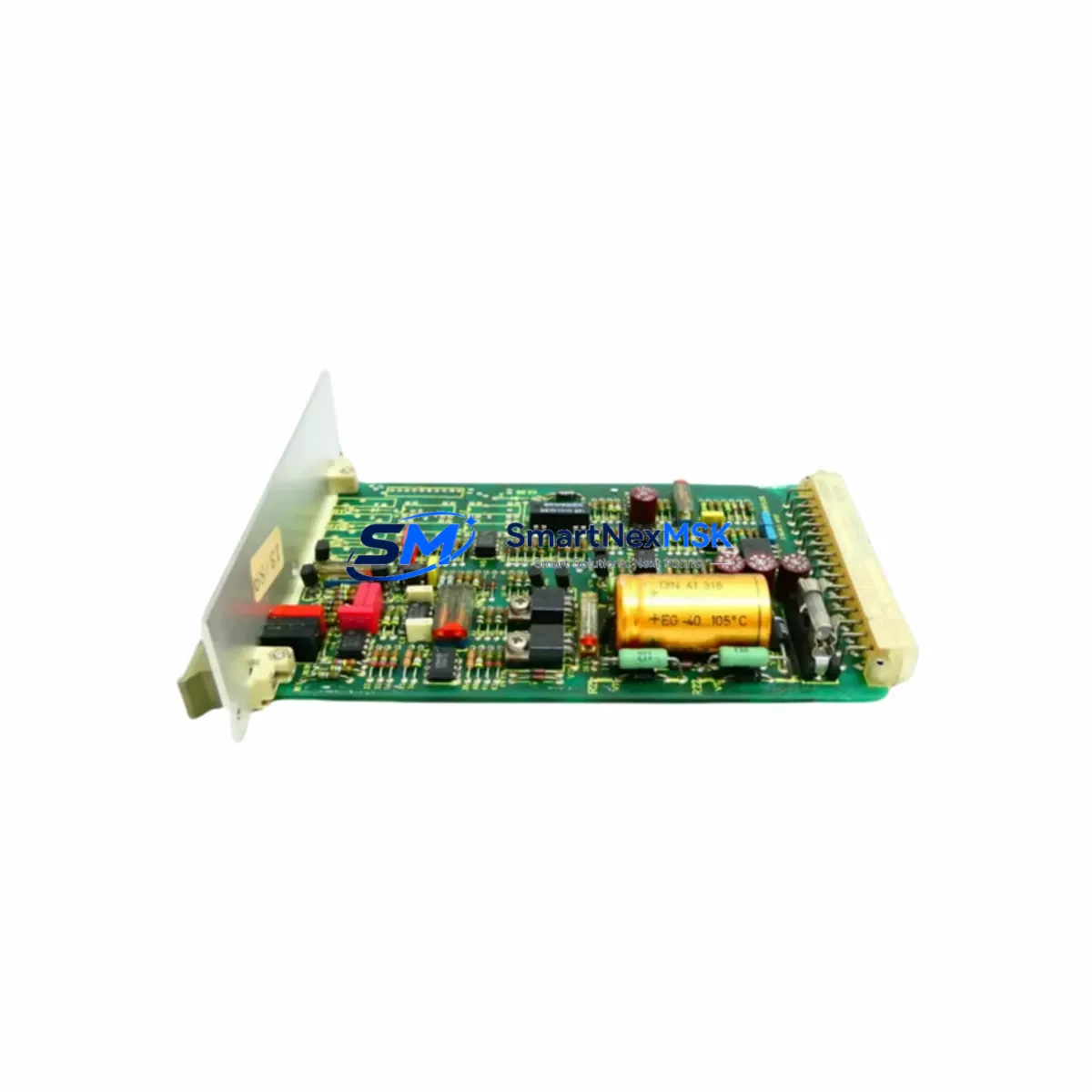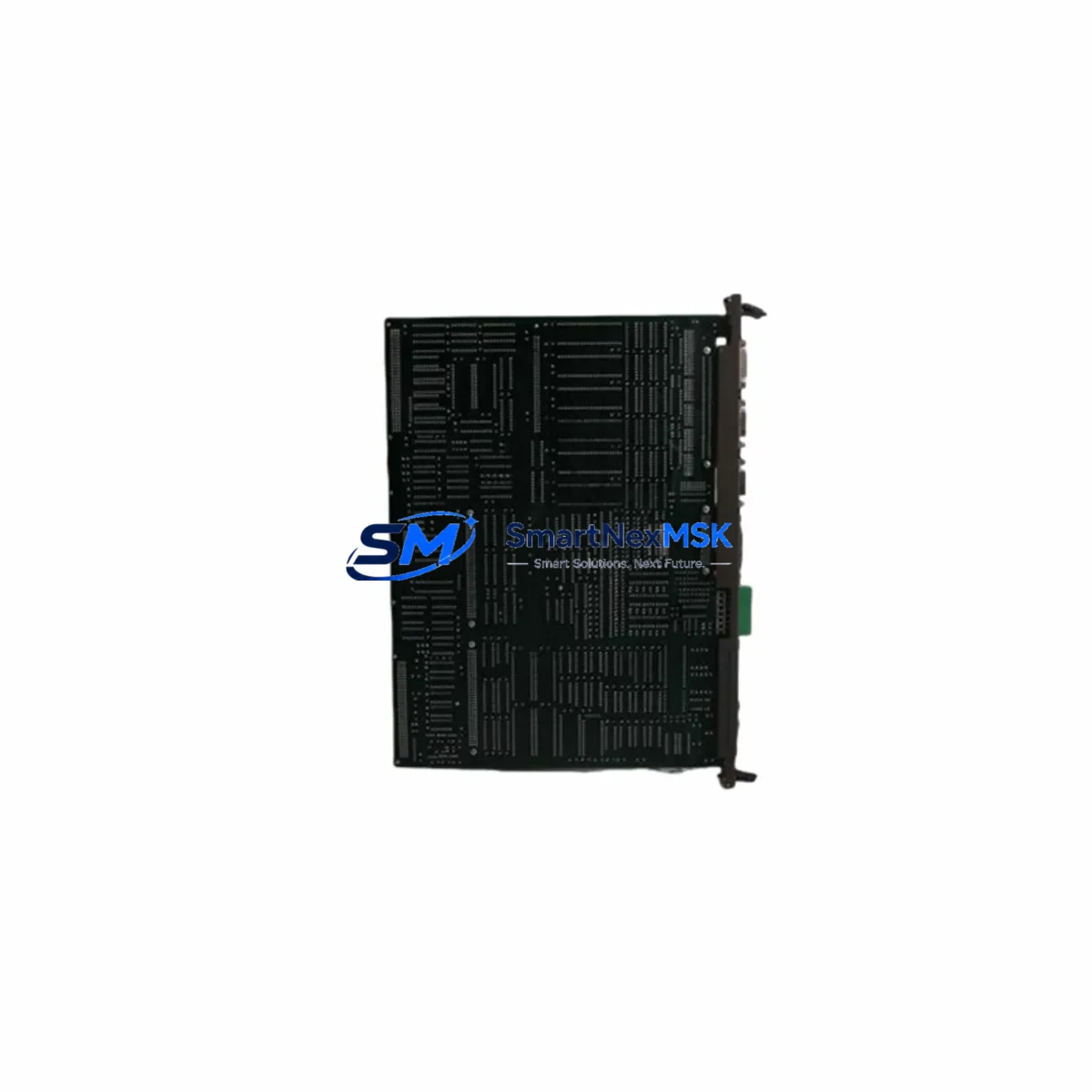
BOSCH Rexroth 1070068007-102 Retrofit-Ready Terminating Module for DC102/MK Control Systems
The BOSCH Rexroth 1070068007-102 (also referenced under part designation D-64711) is a terminating module engineered for the DC102/MK series control platform. As legacy DC102 systems approach end-of-life and spare parts become increasingly scarce, this module serves as a critical retrofit component for engineers tasked with sustaining, upgrading, or migrating aging automation infrastructure. Whether you are replacing a failed terminating module on an active production line or executing a planned control cabinet modernization, the 1070068007-102 provides a verified, drop-in compatible solution that preserves existing backplane architecture and minimizes re-engineering effort.
Sourced from authorized distribution channels and subject to pre-shipment functional testing, each unit is dispatched with a 12-month warranty covering manufacturing defects and operational failures under normal industrial conditions. Stock is maintained to support urgent replacement orders, with global logistics coverage and expedited shipping options available for critical downtime scenarios.
Upgrade Compatibility Table
| Parameter | Details |
|---|---|
| Part Number | 1070068007-102 / D-64711 |
| Compatible Series | BOSCH Rexroth DC102/MK Control Platform |
| Module Type | Terminating Module (Bus Terminator) |
| Backplane Interface | DC102/MK series rack — direct slot insertion, no adapter required |
| Installation Requirement | Must be installed in the last slot of the DC102/MK rack to terminate the internal bus; no DIP switch or address configuration required |
| Communication Compatibility | Compatible with SERCOS, PROFIBUS-DP, and proprietary BOSCH Rexroth internal bus protocols used in DC102/MK systems |
| Replacement Recommendation | Direct replacement for failed or discontinued 1070068007-102 units; no firmware update required for like-for-like swap |
| Commissioning Notes | Verify rack slot assignment, confirm bus termination status in IndraWorks or equivalent engineering software, and perform a cold-start cycle after installation |
| Origin | Germany (DE) |
| Warranty | 12 Months — covers manufacturing defects and operational failure under standard industrial conditions |
Retrofit Planning for Existing Automation Systems
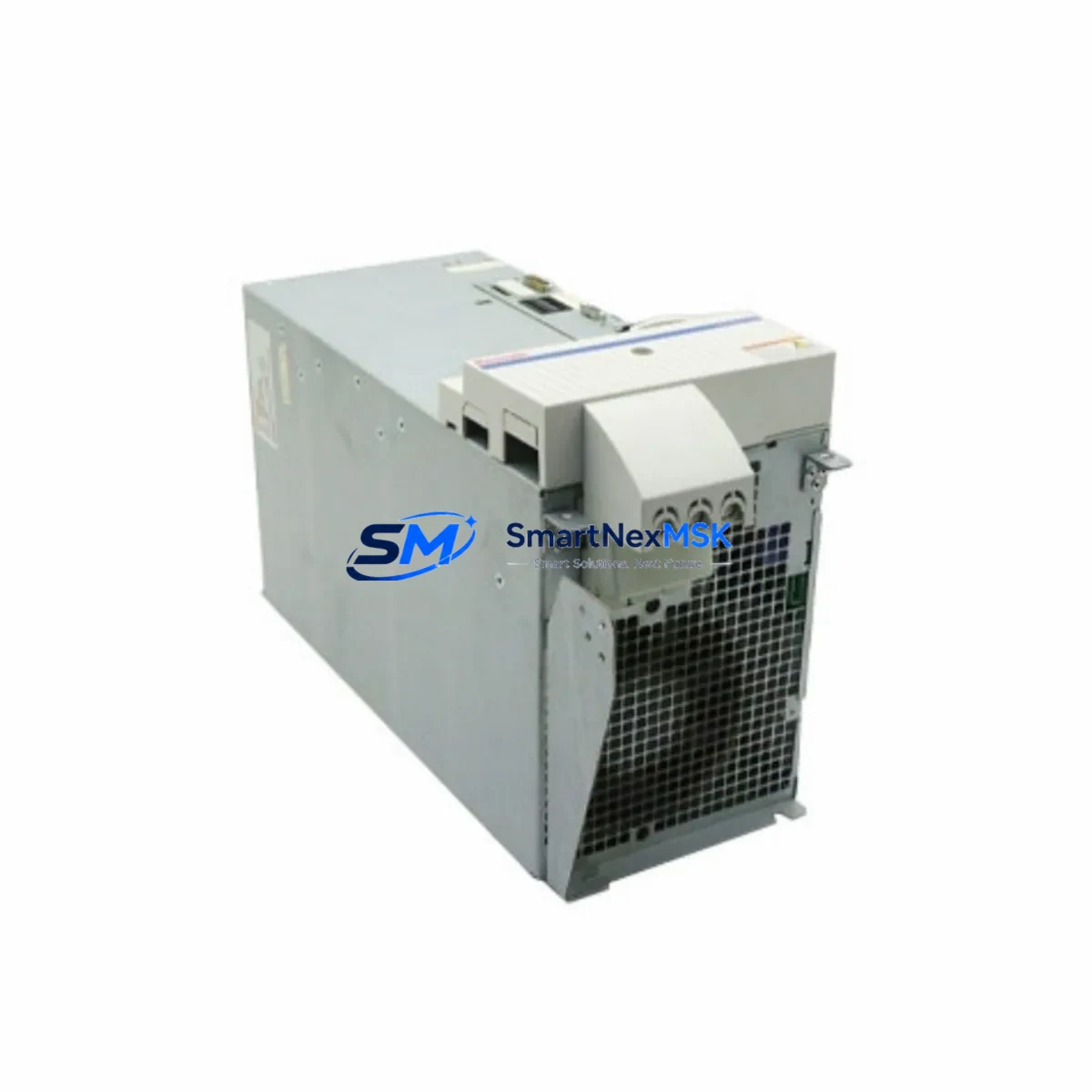
Successful integration of the 1070068007-102 into an existing DC102/MK system requires a structured retrofit assessment. Begin by auditing the current rack configuration: identify the active slots occupied by the DC102/MK CPU module, any installed BOSCH Rexroth DIO modules (digital I/O expansion), and the DC102 power supply module that feeds the backplane. The terminating module must always occupy the final physical slot — failure to seat it correctly will result in bus communication errors across all downstream modules.
For systems that also incorporate BOSCH Rexroth SERCOS interface cards or PROFIBUS-DP communication modules, confirm that the bus termination resistor network within the 1070068007-102 matches the impedance requirements of the installed fieldbus topology. In mixed-protocol environments — particularly those combining SERCOS ring topology with PROFIBUS-DP segments — incorrect termination can introduce signal reflections that degrade drive response and trigger fault codes on connected BOSCH Rexroth IndraDrive servo drives.
When the retrofit scope extends beyond a single module swap to a full control cabinet upgrade, engineers should simultaneously evaluate the condition of the DC102/MK rack chassis and its backplane connectors. Oxidized or mechanically stressed backplane pins are a common root cause of intermittent communication faults that are often misdiagnosed as module failures. Replacing the terminating module in isolation without inspecting the rack chassis may not fully resolve recurring bus errors.
For projects involving migration from the DC102/MK platform to a newer BOSCH Rexroth architecture — such as the IndraControl L or IndraControl XM series — the 1070068007-102 can serve as a bridge component during phased migration, keeping the legacy rack operational while new control hardware is commissioned in parallel. This approach is particularly effective in multi-axis CNC or press-control environments where simultaneous cutover of all axes is operationally impractical.
Wiring adaptation is typically minimal for like-for-like terminating module replacements, as the 1070068007-102 carries no field-wiring terminals. However, if the retrofit involves repositioning modules within the rack to accommodate a new BOSCH Rexroth analog input/output module or an additional encoder interface module, re-verify module address assignments in the PLC configuration file before powering up. Address conflicts between I/O modules and the CPU will prevent the controller from entering RUN mode.
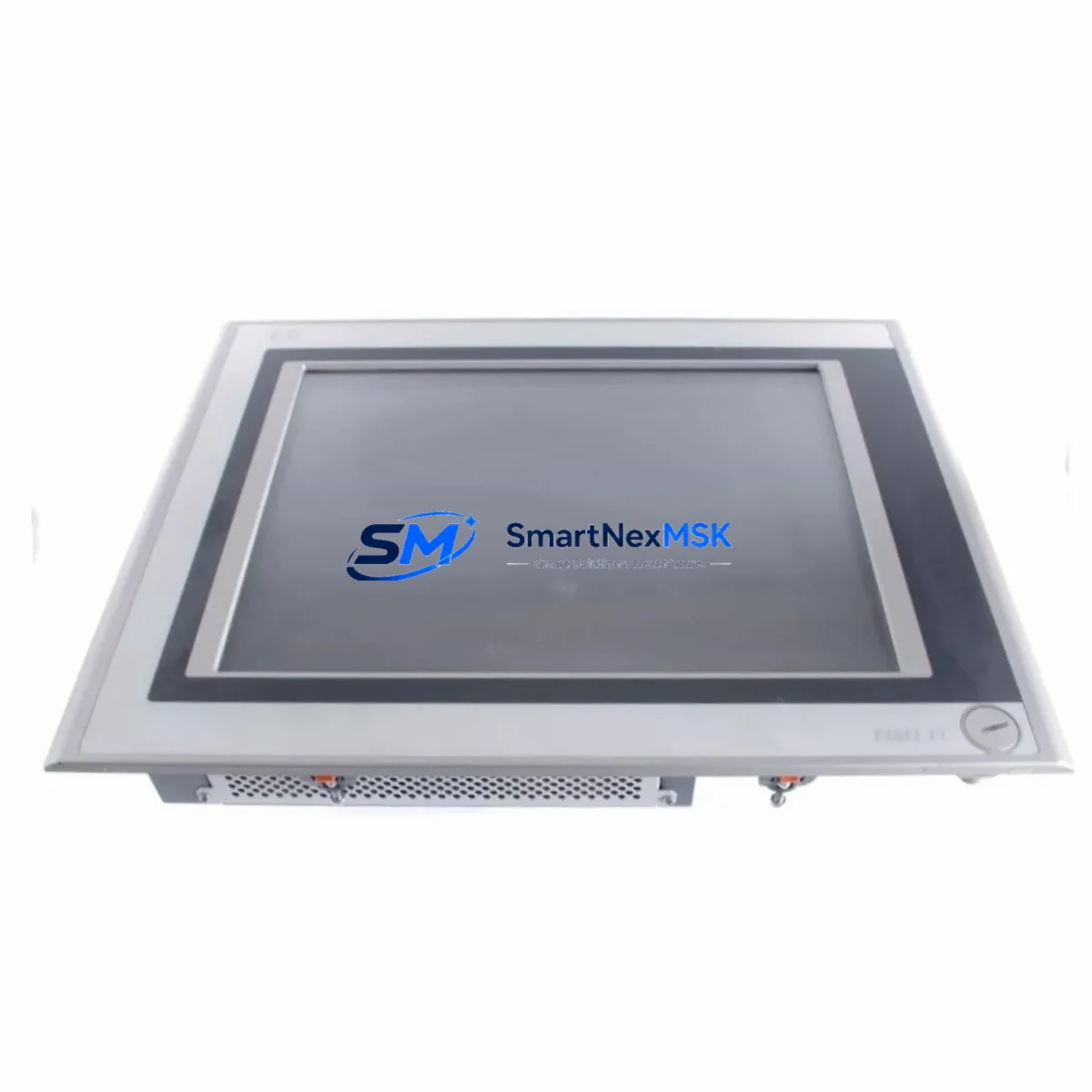
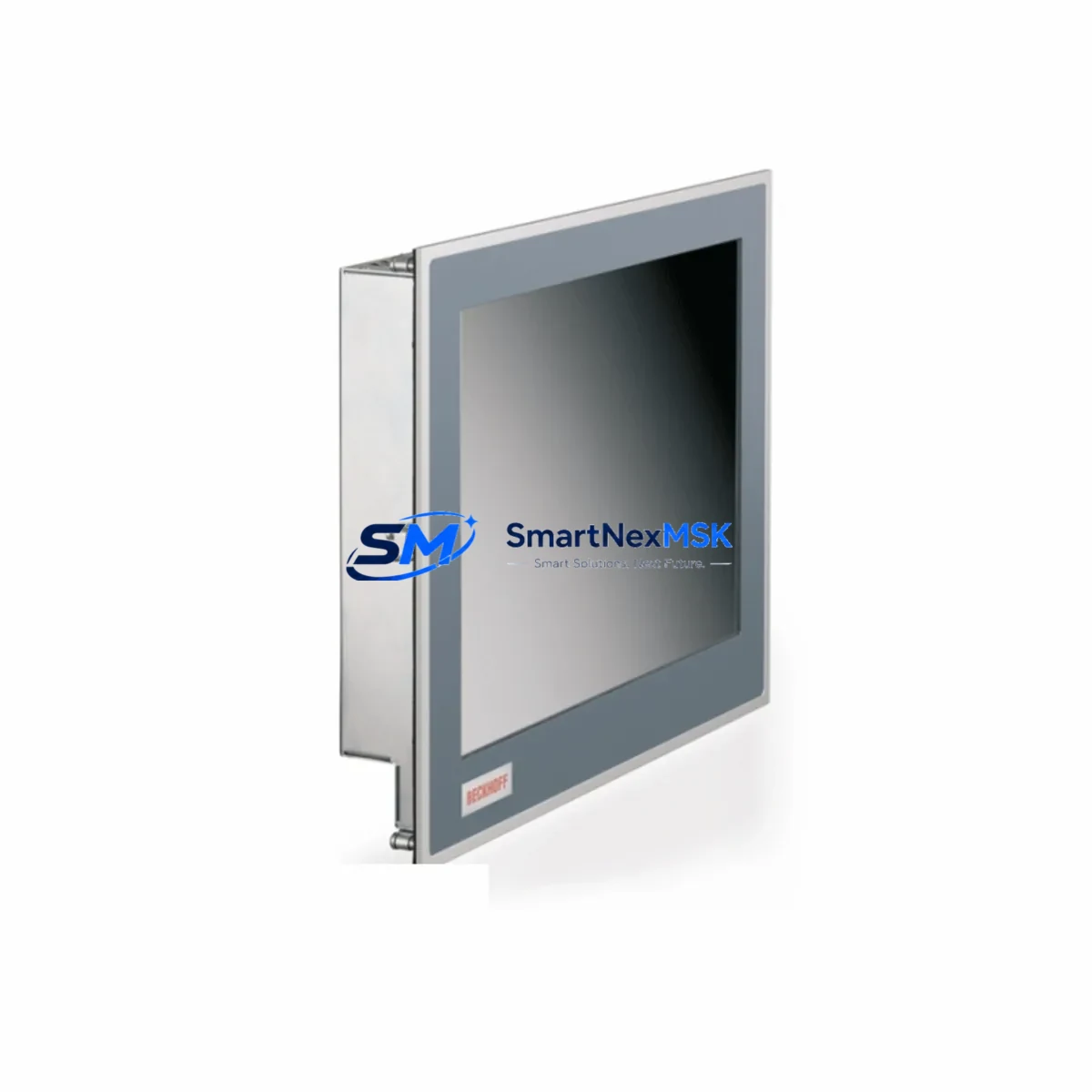
HMI integration should also be reviewed during any DC102/MK retrofit. If the system communicates with a BOSCH Rexroth BTV or IndraControl V HMI panel via the internal bus, confirm that the HMI project file references the correct rack slot addresses post-retrofit. Slot address changes — even minor ones — can cause HMI variable mapping errors that manifest as blank displays or incorrect process value readouts during initial startup.
Downtime Control During System Migration
Minimizing production downtime during a DC102/MK terminating module replacement requires preparation before the maintenance window opens. Prior to shutdown, use IndraWorks or the applicable BOSCH Rexroth engineering tool to export a full backup of the current PLC project, including all I/O configurations, axis parameters, and communication settings. Store this backup on an isolated engineering laptop — not on the machine’s local HMI — to ensure it remains accessible if the HMI itself requires a restart during the swap.
During the physical replacement, power down the control cabinet completely and discharge any residual voltage in the DC102 power supply module before handling the rack. The 1070068007-102 is a passive terminating module with no active components, so the swap itself takes under five minutes for a trained technician. After re-seating the module, restore power and observe the CPU status LEDs: a solid green RUN indicator without any BUS FAULT or COM ERROR LEDs confirms correct termination and successful bus initialization.
If the system fails to enter RUN mode after the swap, the most common causes are an incorrectly seated module (re-seat and check backplane connector alignment), a residual fault latch in the CPU (perform a cold restart via the CPU front panel or engineering software), or a pre-existing rack chassis fault that was masked by the previous module. In all cases, avoid forcing the CPU into RUN mode via software override until the root cause is confirmed — doing so on a machine with active tooling or hydraulic actuators presents a safety risk.
For planned migrations where the DC102/MK system will be decommissioned entirely, retain the 1070068007-102 as a documented spare in your maintenance inventory. Legacy BOSCH Rexroth DC102 systems remain in active service across many press, injection molding, and machine tool installations, and the availability of verified terminating modules directly impacts the speed of future emergency recoveries.
Retrofit Support FAQ
Q1: Is the 1070068007-102 a direct drop-in replacement for the original DC102/MK terminating module?
Yes. The 1070068007-102 is a direct, like-for-like replacement for the original BOSCH Rexroth DC102/MK terminating module. No firmware changes, address configuration, or wiring modifications are required. Simply remove the failed unit, insert the replacement into the same rack slot, and perform a cold-start cycle to restore normal bus operation.
Q2: What commissioning steps are required after installation?
After physical installation, power up the control cabinet and verify that the DC102/MK CPU enters RUN mode without BUS FAULT or COM ERROR indicators. Open IndraWorks (or the applicable engineering tool) and confirm that all rack modules are recognized and reporting correctly. If any module shows a communication fault, re-seat the terminating module and repeat the cold-start sequence. No parameter download is required for a like-for-like terminating module swap.
Q3: Can this module be used in a DC102/MK rack that also contains PROFIBUS-DP or SERCOS communication modules?
Yes. The 1070068007-102 terminates the DC102/MK internal backplane bus and is independent of the fieldbus communication modules installed in the same rack. PROFIBUS-DP and SERCOS modules have their own external bus termination requirements (typically managed via DIP switches or external terminating resistors at the cable ends) and are not affected by the backplane terminating module.
Q4: What does the 12-month warranty cover, and what is the return process?
The 12-month warranty covers manufacturing defects and operational failures under normal industrial operating conditions. It does not cover damage resulting from incorrect installation, overvoltage events, or physical mishandling. To initiate a warranty claim, contact our sales team with the order reference number and a description of the fault. We will arrange return shipping and either repair or replace the unit, subject to technical inspection. Pre-shipment functional testing is performed on all units prior to dispatch to minimize the risk of DOA (dead-on-arrival) failures.
© 2026 SMARTNEXMSK. All rights reserved.
Original Source: https://smartnexmsk.com
Contact: [email protected] | +86 18259474341