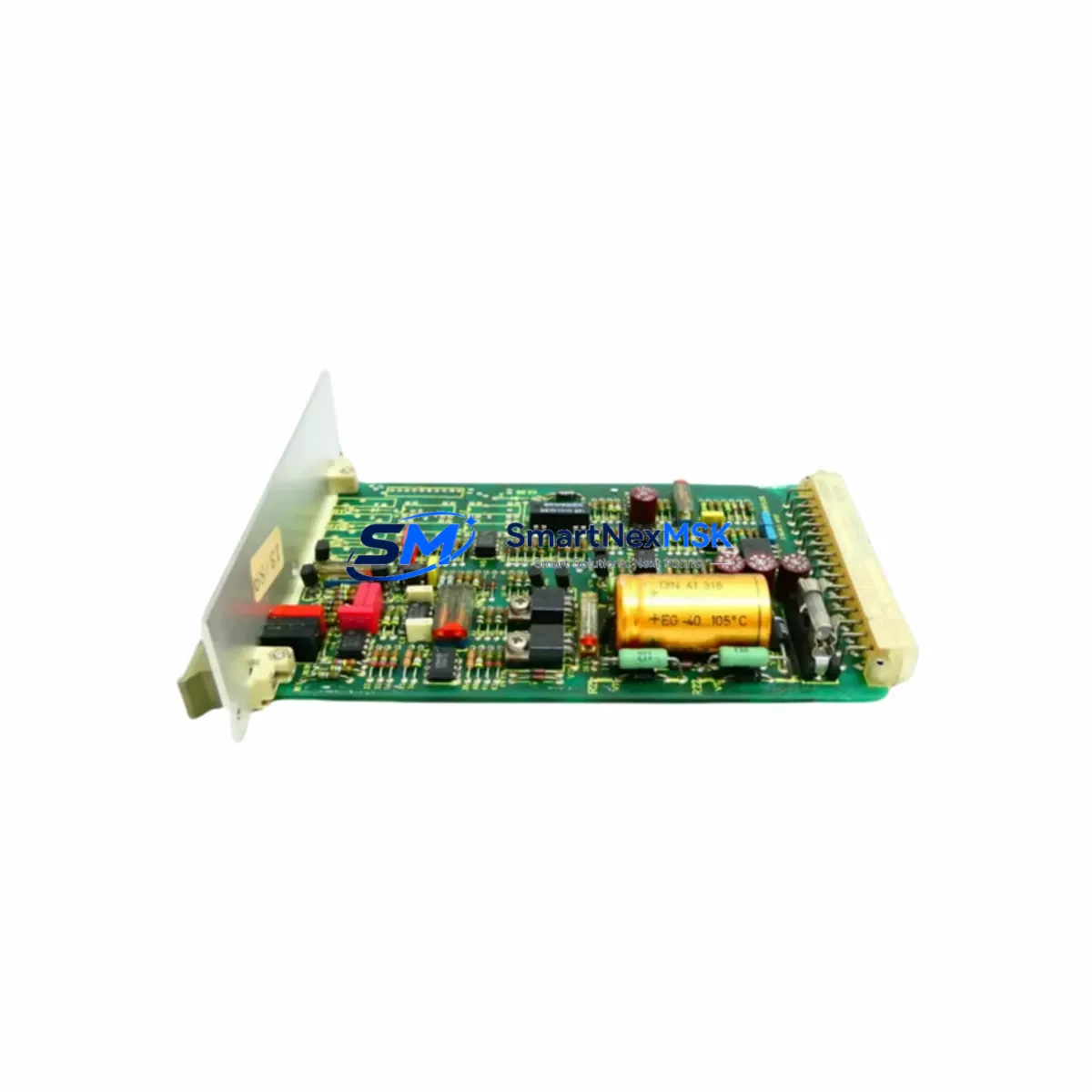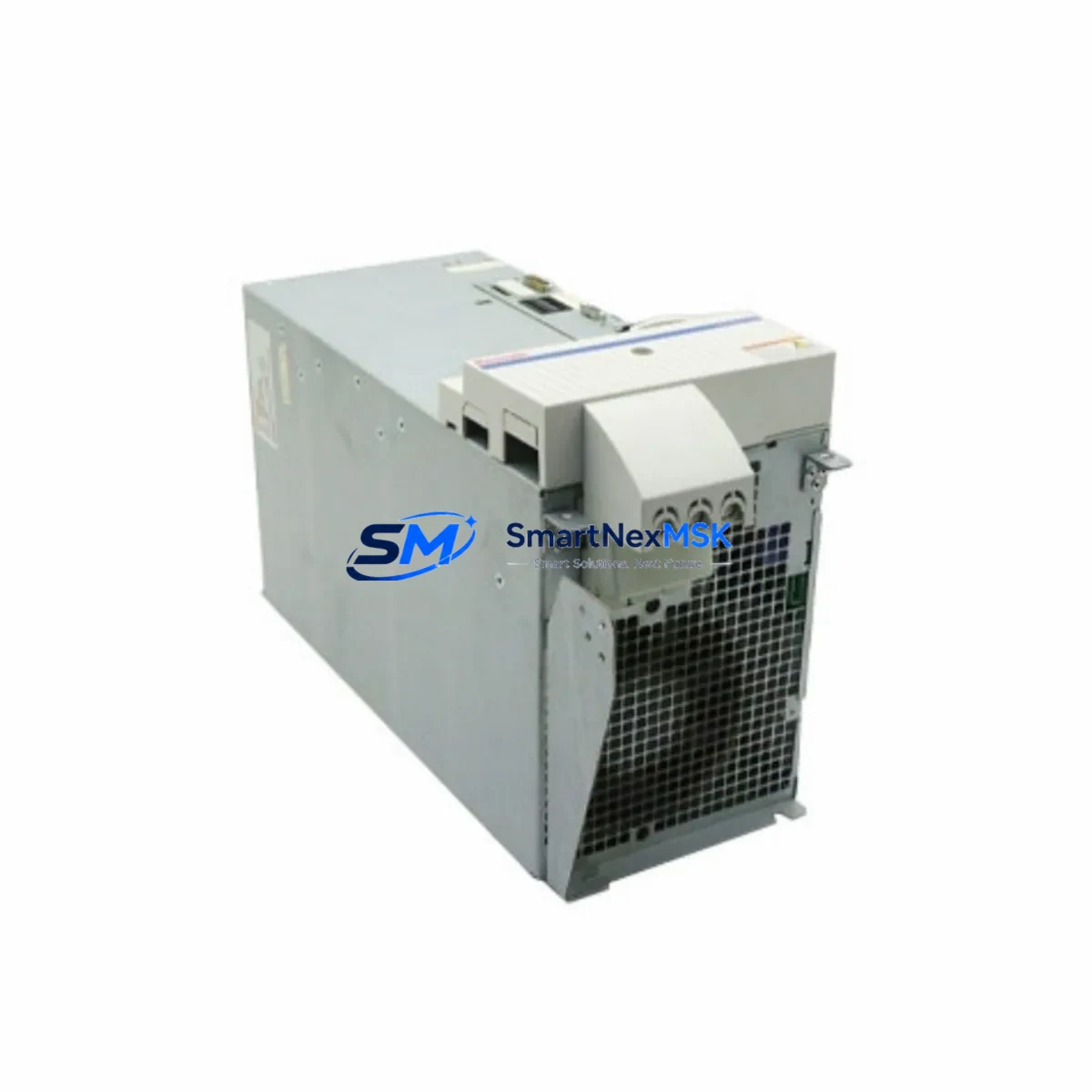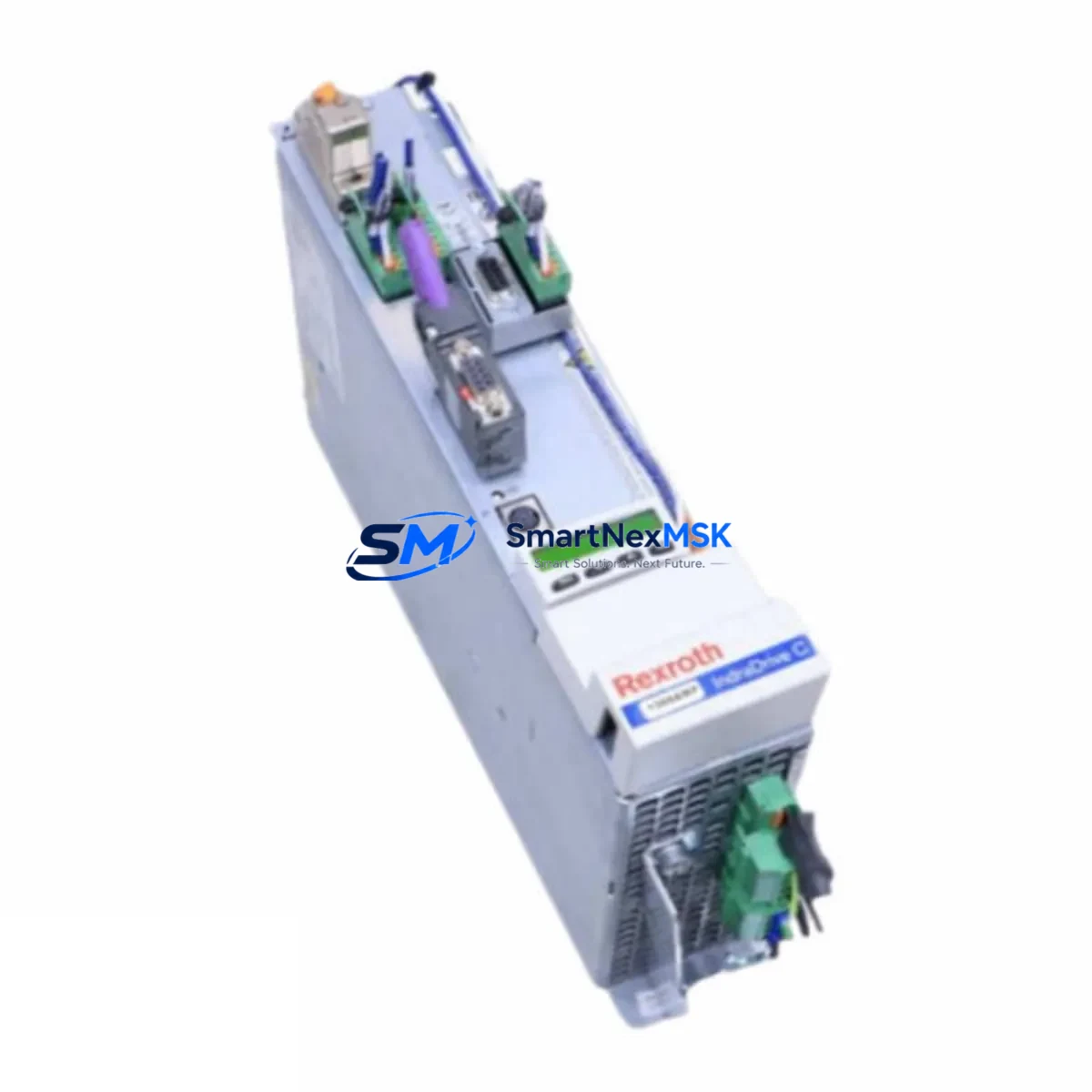
Bosch Rexroth HCS02-1E-W0012-A-03-NNNN IndraDrive Cs Maintenance-Ready Spare for Servo Automation
The Bosch Rexroth HCS02-1E-W0012-A-03-NNNN is a compact servo drive from the IndraDrive Cs series, engineered for precision motion control in industrial automation environments. As a maintenance-ready spare, this unit is sourced, inspected, and dispatched to support rapid replacement in servo-driven machinery, packaging lines, CNC machining centers, and multi-axis motion platforms. Whether you are managing a planned shutdown, responding to an unscheduled fault, or building a strategic spare parts inventory, the HCS02-1E-W0012-A-03-NNNN delivers the compatibility and reliability that maintenance and procurement engineers depend on.
Downtime caused by a failed servo drive can cascade across an entire production cell. The HCS02-1E-W0012-A-03-NNNN is stocked to minimize that exposure. Each unit undergoes pre-shipment functional verification and ships with a 12-month warranty, giving your maintenance team confidence from the moment it arrives on site.
Spare Maintenance Table
| Parameter | Specification |
|---|---|
| Part Number / SKU | HCS02-1E-W0012-A-03-NNNN |
| Brand | Bosch Rexroth |
| Series | IndraDrive Cs (Compact Servo Drive) |
| Product Type | AC Servo Drive / Compact Drive Controller |
| Rated Output Current | 12 A (continuous) |
| Supply Voltage | 3 × AC 200–480 V, 50/60 Hz |
| Communication Interface | SERCOS III / PROFIBUS / EtherCAT (firmware-dependent) |
| Cooling Method | Forced air cooling (internal fan) |
| Protection Class | IP20 |
| Mounting | DIN rail / panel mount, control cabinet installation |
| Origin | Germany |
| Compatibility | Rexroth IndraDrive Cs / Cs+ systems; MSK, MKD, MHD servo motor families |
| Application Environment | Industrial automation, CNC, packaging, robotics, material handling |
| Maintenance Recommendation | Replace fan assembly every 3–5 years; inspect DC bus capacitors annually; verify firmware version on installation |
| Pre-Shipment Testing | Yes — functional verification performed before dispatch |
| Warranty | 12 Months |
Maintenance Planning for Continuous Operation
When a servo drive fault is isolated to the HCS02-1E-W0012-A-03-NNNN, experienced maintenance engineers know that the drive itself is rarely the only component that warrants inspection. A thorough site replacement procedure should extend to the surrounding electrical circuit and control architecture to prevent repeat failures and confirm system integrity before resuming production.
Begin with the 24 VDC control power supply feeding the IndraDrive Cs bus. A degraded or undersized supply can cause intermittent drive faults that mimic hardware failure. Verify output voltage stability under load before commissioning the replacement drive. Next, inspect the HNS02 or HNF01 mains filter and choke upstream of the drive — these components protect the DC bus from line transients and their condition directly affects drive longevity.
Check the HLB01 braking resistor or external braking chopper if the application involves frequent deceleration cycles. An aged or undersized braking resistor is a common root cause of DC bus overvoltage faults that can damage the drive. Alongside this, verify the condition of the motor power cable and feedback cable connecting to the MSK or MKD servo motor. Insulation breakdown or connector corrosion at the motor end is frequently overlooked during drive replacement and can cause immediate re-faults.
At the control cabinet level, inspect the terminal blocks and DIN rail bus connectors for signs of thermal stress, loose terminations, or oxidation — particularly on the STO (Safe Torque Off) wiring and enable signal lines. If the system uses a Rexroth IndraControl L or XM controller as the motion master, confirm that the axis parameters and firmware version are compatible with the replacement drive before going live. For multi-axis systems, also check the SERCOS III or EtherCAT ring topology — a single bad connector or damaged fiber cable can prevent the new drive from joining the network.
Where signal isolators or I/O expansion modules are used between the PLC and the drive’s analog or digital inputs, verify signal integrity with a multimeter before and after replacement. Finally, review the 24 VDC fuse and circuit breaker protecting the drive’s control circuit — a nuisance trip that preceded the drive fault may indicate an upstream wiring issue rather than a drive failure.
Site Replacement Workflow
Replacing the HCS02-1E-W0012-A-03-NNNN on-site follows a structured sequence designed to minimize downtime and eliminate re-faults. Before removing the failed unit, document the existing parameter set using the IndraWorks DS engineering tool or export the drive parameters via the operator panel if accessible. This backup is critical for restoring axis tuning, homing offsets, and safety configurations on the replacement unit.
Isolate the drive from mains power and allow the DC bus capacitors to discharge fully — typically 5 minutes after power-off, confirmed by the DC bus voltage indicator dropping below 50 V. Disconnect the motor power connector (X9), feedback connector (X8), and control wiring at the X1 and X2 terminals. Label all connections before removal to prevent wiring errors during reinstallation.
Mount the replacement HCS02-1E-W0012-A-03-NNNN in the same cabinet position, reconnect all cables in reverse order, and restore the parameter backup via IndraWorks DS. Perform a no-load test run at reduced speed before returning the axis to full production speed. Confirm that the drive’s firmware version matches the system requirements — if a firmware update is needed, perform it before the test run to avoid compatibility faults.
This workflow is compatible with legacy IndraDrive Cs installations and supports system life extension without requiring controller or motor replacement, making it a cost-effective alternative to full drive system upgrades.
Spare Parts Support FAQ
Q1: Is the HCS02-1E-W0012-A-03-NNNN a direct drop-in replacement for my existing IndraDrive Cs unit?
Yes. The HCS02-1E-W0012-A-03-NNNN is a form-fit-function replacement for the same part number in IndraDrive Cs installations. Verify the firmware version and axis parameters match your system configuration before commissioning. No mechanical or wiring modifications are required for same-SKU replacement.
Q2: What testing is performed before shipment?
Each unit undergoes functional verification prior to dispatch, including power-on testing and basic drive response checks. Units are inspected for physical damage, connector integrity, and firmware readability. A 12-month warranty covers defects in materials and workmanship from the date of shipment.
Q3: How should I manage spare inventory for IndraDrive Cs systems?
For production lines with three or more IndraDrive Cs axes, maintaining at least one spare HCS02 drive of each current rating on-site is recommended. Pair this with a spare MSK motor feedback cable, a set of terminal block connectors, and a backup parameter file stored offline. This inventory strategy supports same-shift fault recovery without waiting for expedited freight.
Q4: Can this drive be used to replace an older or discontinued IndraDrive Cs variant?
In many cases, yes — provided the output current rating, supply voltage, and communication interface match the original specification. Compatibility should be confirmed against the Rexroth IndraDrive Cs system documentation or by consulting your maintenance engineering team. We recommend verifying the firmware baseline and axis parameter compatibility before installation in a legacy system.
© 2026 SMARTNEXMSK. All rights reserved.
Original Source: https://smartnexmsk.com
Contact: [email protected] | +86 18259474341