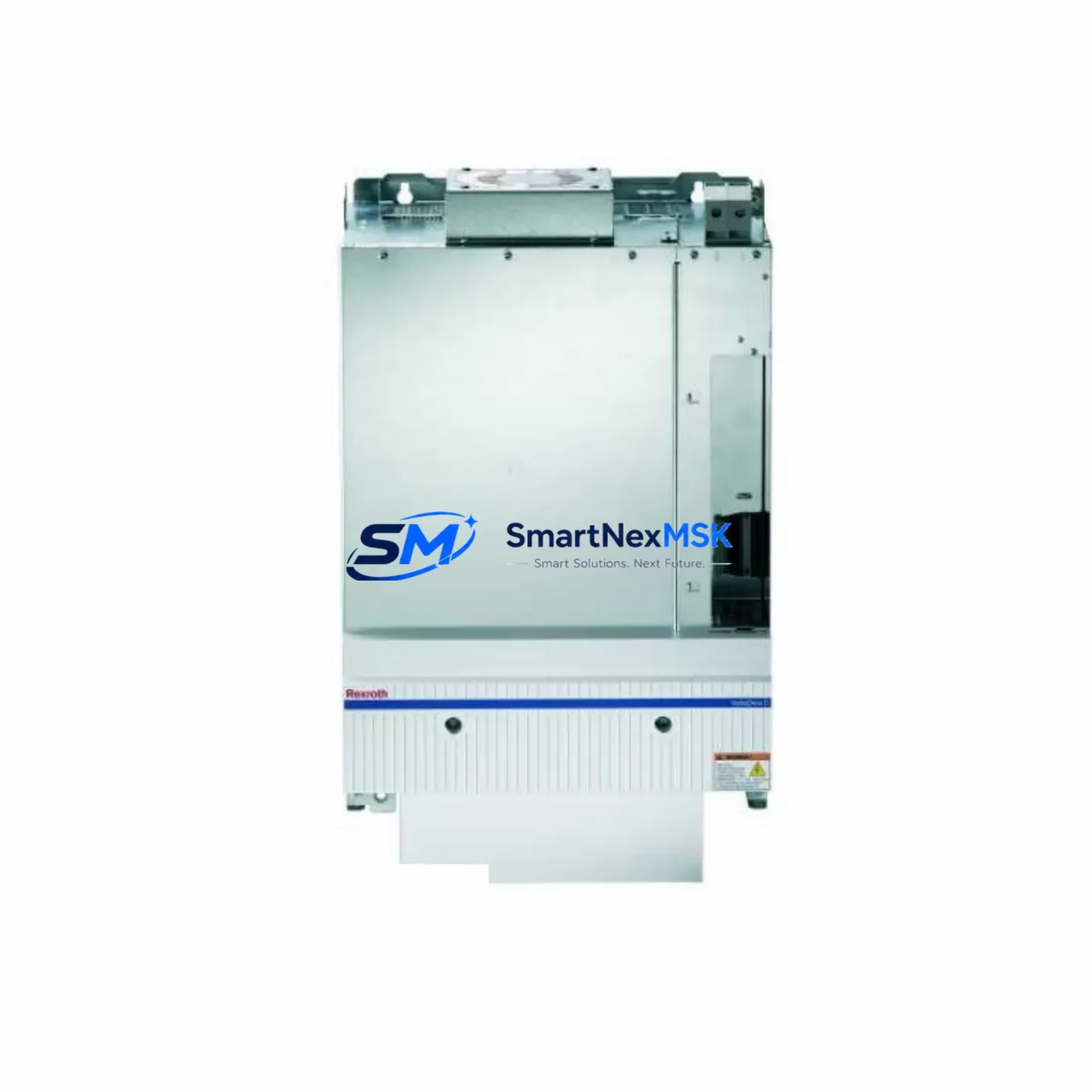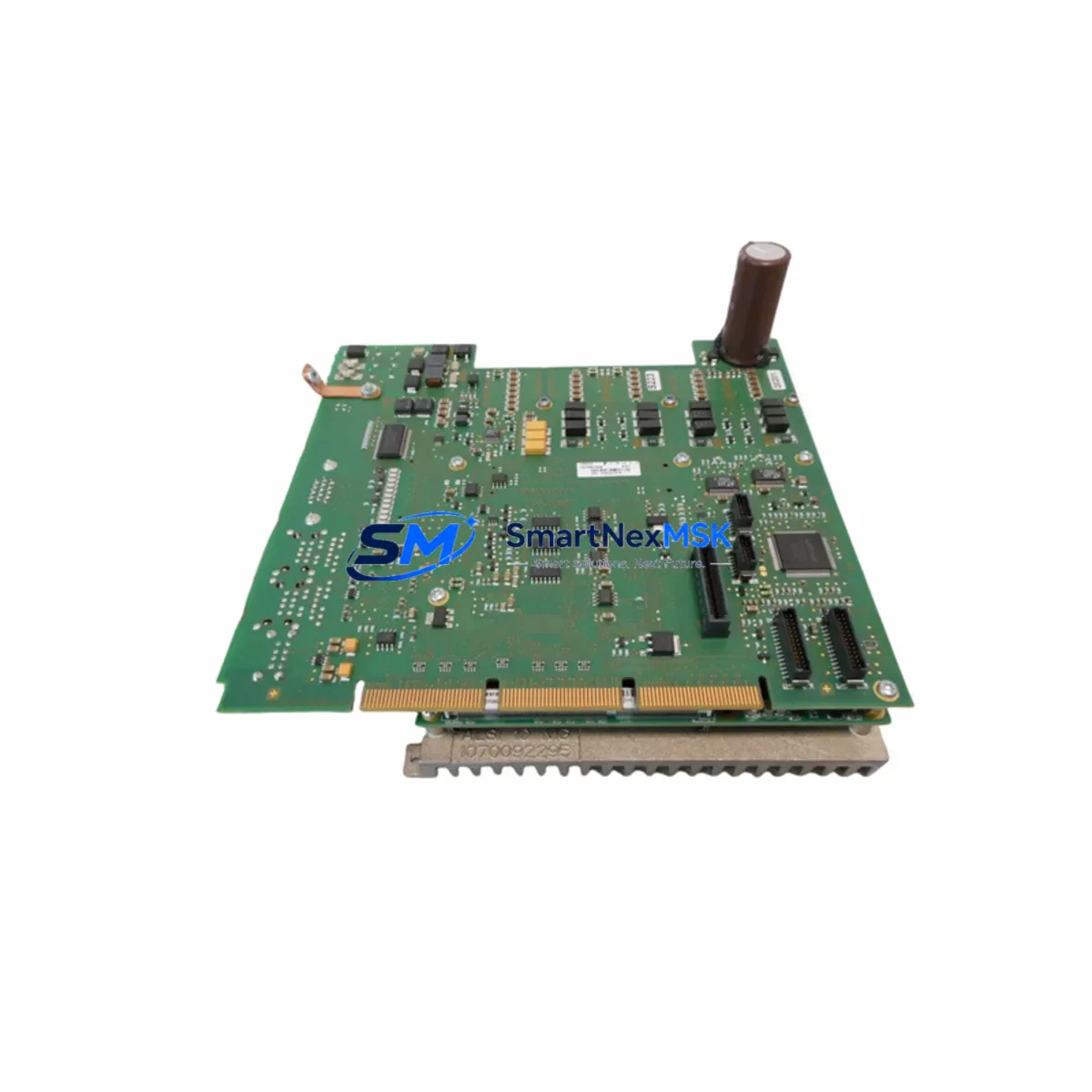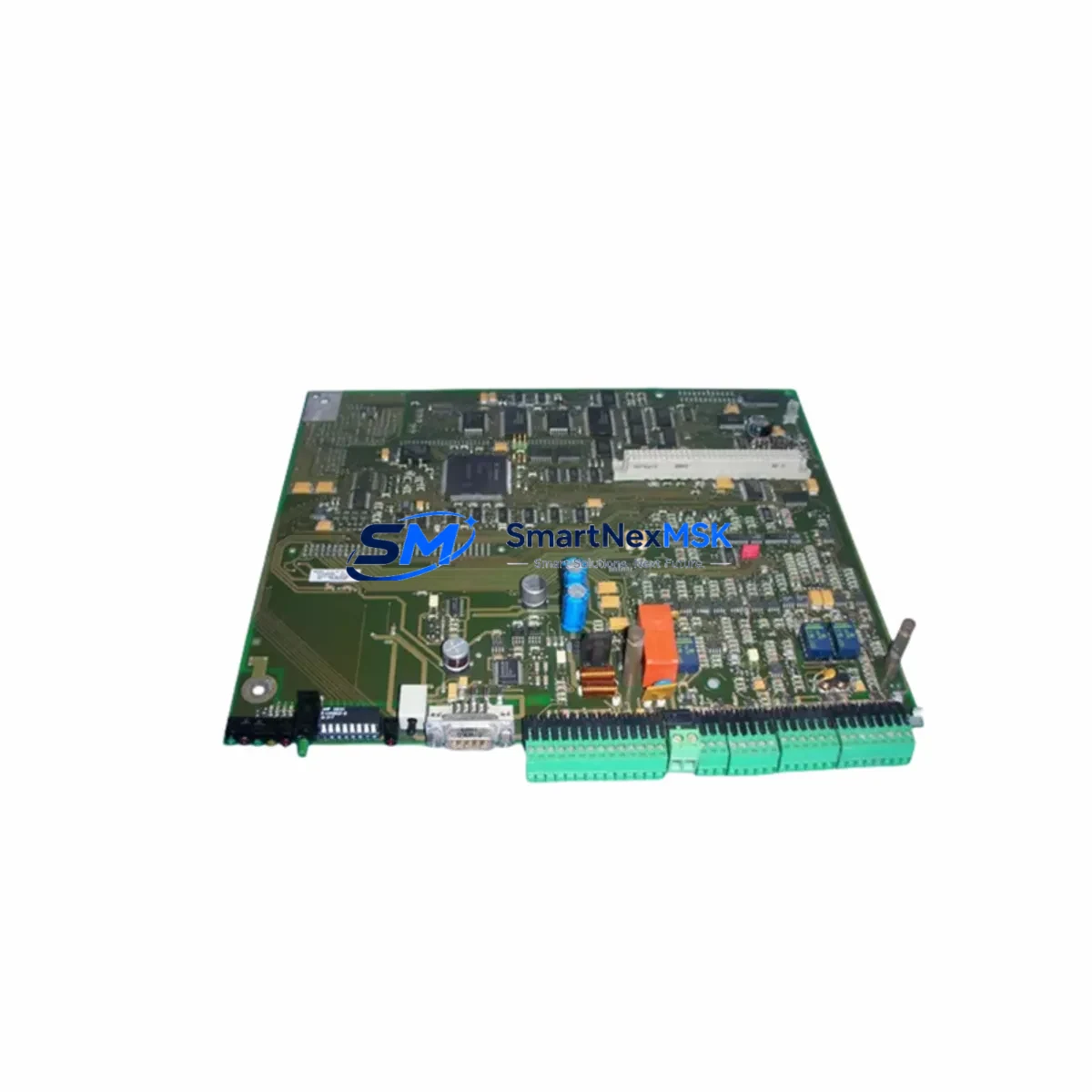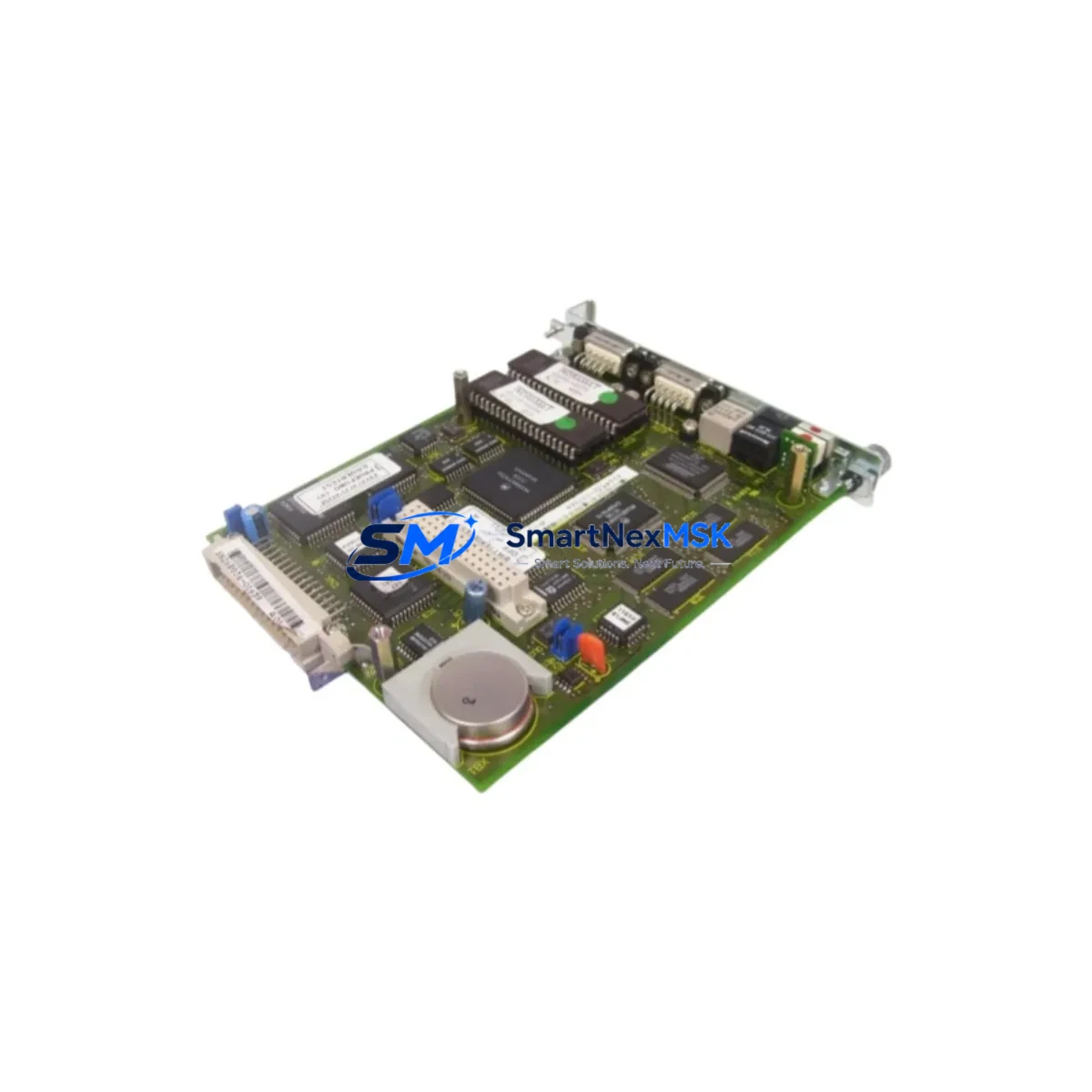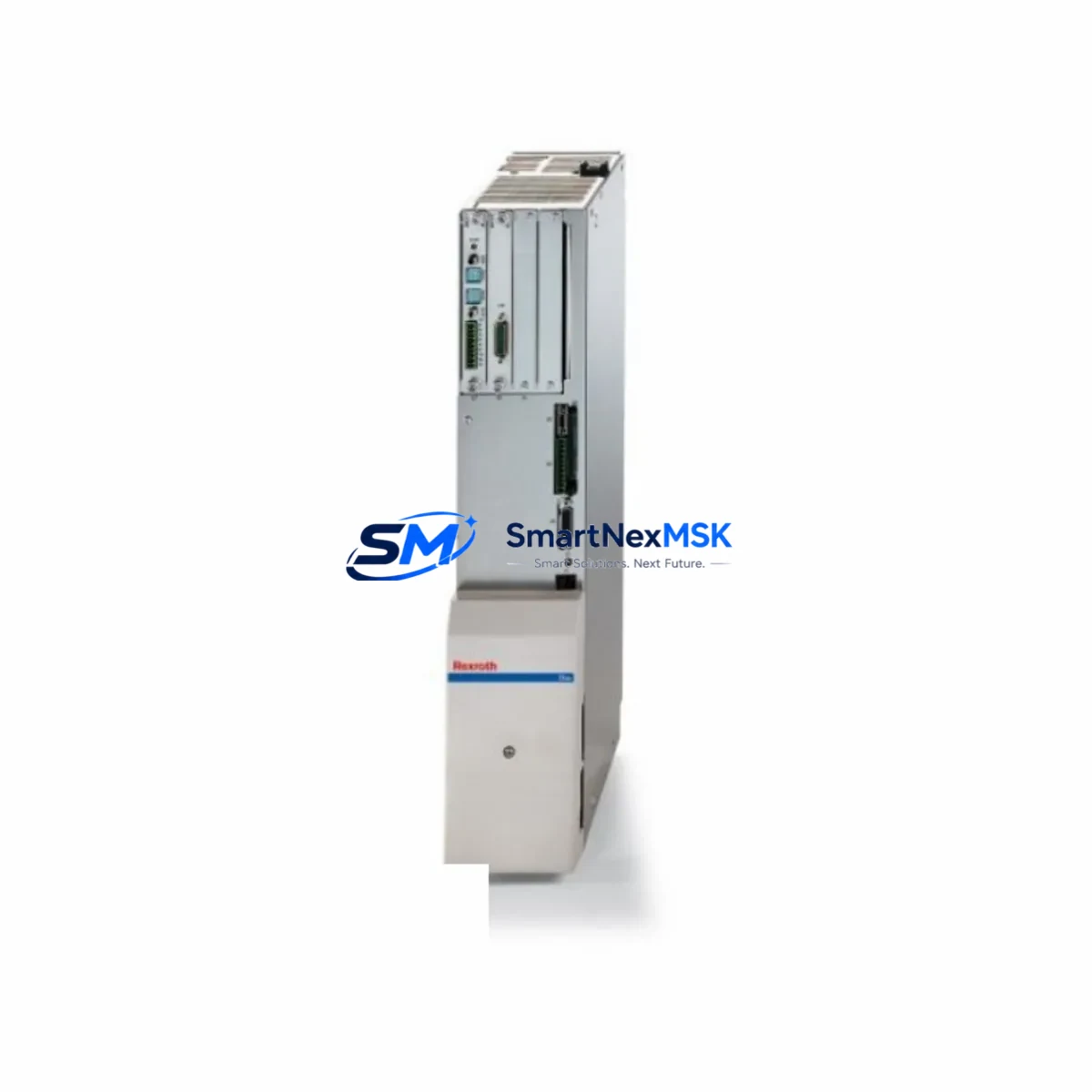
Bosch Rexroth HDS03.2-W075N-HS56-01-FW Retrofit-Ready AC Servo Drive for HDS Series Control Systems
The Bosch Rexroth HDS03.2-W075N-HS56-01-FW is a high-performance AC servo drive engineered for demanding industrial motion control applications. As legacy HDS Series installations age and original spare parts become increasingly difficult to source, this unit serves as a verified retrofit-ready replacement that preserves existing wiring layouts, communication interfaces, and program logic — minimizing engineering rework and unplanned downtime during system migration.
Designed for compatibility with Bosch Rexroth’s HDS drive family, the HDS03.2-W075N-HS56-01-FW supports both SERCOS fiber-optic ring communication and analog command interfaces, making it suitable for integration into existing IndraControl or third-party CNC and motion controller platforms without requiring a full system overhaul. Whether you are replacing a failed unit on a production line or executing a planned upgrade of an aging control cabinet, this drive delivers the electrical and mechanical compatibility needed for a smooth transition.
Upgrade Compatibility Table
| Parameter | Details |
|---|---|
| SKU / Part Number | HDS03.2-W075N-HS56-01-FW |
| Series | Bosch Rexroth HDS Series |
| Drive Type | AC Servo Drive |
| Rated Output Current | 75 A |
| Communication Interface | SERCOS (fiber optic) / Analog ±10V |
| Installation Format | Rack-mount, compatible with HDS Series drive rails and mounting hardware |
| Backplane / Bus Compatibility | Compatible with Rexroth HDS/HDD drive bus architecture |
| Replacement Compatibility | Direct retrofit for HDS03.2-W075N-HS56-01-FW and functionally equivalent HDS03 variants |
| Commissioning Notes | Firmware parameter backup recommended; drive address and axis assignment must be verified in IndraWorks or equivalent engineering tool |
| Warranty | 12 Months — covers manufacturing defects and functional failure under normal operating conditions |
Retrofit Planning for Existing Automation Systems
Replacing an HDS03.2-W075N-HS56-01-FW in a live production environment requires careful pre-migration planning. Before removing the existing drive, engineers should document the current parameter set using Bosch Rexroth IndraWorks DS or the legacy DriveTop software, capturing axis-specific motion parameters, encoder feedback settings, and current loop tuning values. These parameters must be transferred to the replacement unit prior to commissioning.
On the hardware side, verify that the HDS03.2 power supply module — typically a Rexroth HVR or HVE series regenerative power supply — is rated to support the combined DC bus load of all connected drives in the cabinet. If the existing HVR02.2 or HVE02.2 supply is already operating near capacity, the retrofit is an appropriate moment to evaluate a supply upgrade in parallel.
Terminal wiring on the HDS03.2-W075N-HS56-01-FW follows the standard Rexroth X1 (motor power), X2 (motor feedback/encoder), and X3 (control signal) connector layout. Technicians should cross-reference the existing cabinet wiring diagram against the replacement unit’s terminal assignment to confirm pin-for-pin compatibility, particularly for the MSK Series servo motor feedback cable and the resolver or EnDat encoder interface.
For systems using SERCOS communication, the fiber optic ring must be re-terminated at the new drive’s SERCOS IN/OUT ports. The drive’s SERCOS node address — typically set via DIP switch or parameter — must match the address previously assigned in the IndraControl L or IndraControl V CNC controller configuration. Failure to match the node address will prevent the controller from recognizing the axis during startup.
In cabinets where I/O expansion is handled by a Rexroth Inline or Interbus I/O terminal block system, confirm that the I/O mapping in the PLC or CNC program remains consistent after the drive swap. If the system uses a Profibus DP or PROFINET gateway module alongside the SERCOS ring, verify that the gateway’s GSD or GSDML configuration file still reflects the correct drive parameters after replacement.
HMI screens — whether running on a Rexroth VCP Series operator panel or a third-party SCADA interface — should be reviewed to confirm that axis status displays, fault code mappings, and manual jog functions remain correctly linked to the replaced drive’s diagnostic outputs. In some legacy installations, HMI variable bindings are address-specific and may require minor remapping if the replacement drive’s internal register layout differs from the original firmware revision.
Downtime Control During System Migration
Minimizing production interruption during an HDS03.2-W075N-HS56-01-FW replacement begins with advance preparation. Before the scheduled maintenance window, complete a full parameter backup of the existing drive, prepare the replacement unit with pre-loaded parameters where possible, and stage all required tools, connectors, and fiber optic patch cables at the work site.
During the swap, follow a structured sequence: de-energize the DC bus via the HVR/HVE power supply E-stop circuit, discharge the bus capacitors (minimum 5-minute wait after power-off), disconnect motor power and feedback cables, remove the drive from the rail, install the replacement, reconnect all cables in reverse order, and restore power in stages — control voltage first, then DC bus enable.
After power restoration, perform a controlled axis enable sequence from the IndraControl or connected CNC controller before returning the machine to automatic mode. Run a low-speed jog cycle to verify encoder feedback direction, velocity loop response, and position accuracy before resuming production. This structured approach typically allows a complete drive swap and recommissioning within a 2–4 hour maintenance window, preserving the original program logic and keeping field control continuity intact.
All units supplied by SMARTNEXMSK are pre-tested under load conditions prior to shipment, reducing the risk of commissioning failures caused by transit damage or latent defects. In-stock availability ensures that emergency replacement orders can be dispatched within 24 hours, further reducing unplanned downtime exposure.
Retrofit Support FAQ
Q: Is the HDS03.2-W075N-HS56-01-FW a direct drop-in replacement for my existing HDS03.2 drive?
A: In most cases, yes. The HDS03.2-W075N-HS56-01-FW shares the same mechanical form factor, DC bus connector, motor power terminals, and SERCOS/analog interface as other HDS03.2 variants. However, you should verify the firmware revision and encoder interface type (resolver vs. EnDat) against your motor and controller specifications before installation.
Q: What commissioning steps are required after installing the replacement drive?
A: After physical installation, restore the parameter backup from the original drive using IndraWorks DS or DriveTop. Verify the SERCOS node address, confirm encoder feedback polarity, and perform a low-speed jog test before enabling automatic operation. If the original parameter file is unavailable, our technical team can assist with parameter reconstruction based on the motor nameplate and axis application data.
Q: How do I confirm wiring compatibility before removing the old drive?
A: Document all terminal connections on the existing drive using the cabinet wiring diagram and photograph the connector layout before disconnection. Cross-reference against the HDS03.2-W075N-HS56-01-FW terminal assignment sheet. Pay particular attention to the X2 encoder feedback connector pinout, as resolver and EnDat cables use different pin assignments.
Q: What does the 12-month warranty cover?
A: The 12-month warranty covers manufacturing defects and functional failures under normal operating conditions from the date of shipment. Each unit undergoes pre-shipment load testing. Warranty claims are supported by our technical team — contact [email protected] or call +86 18259474341 for assistance.
© 2026 SMARTNEXMSK. All rights reserved.
Original Source: https://smartnexmsk.com
Contact: [email protected] | +86 18259474341