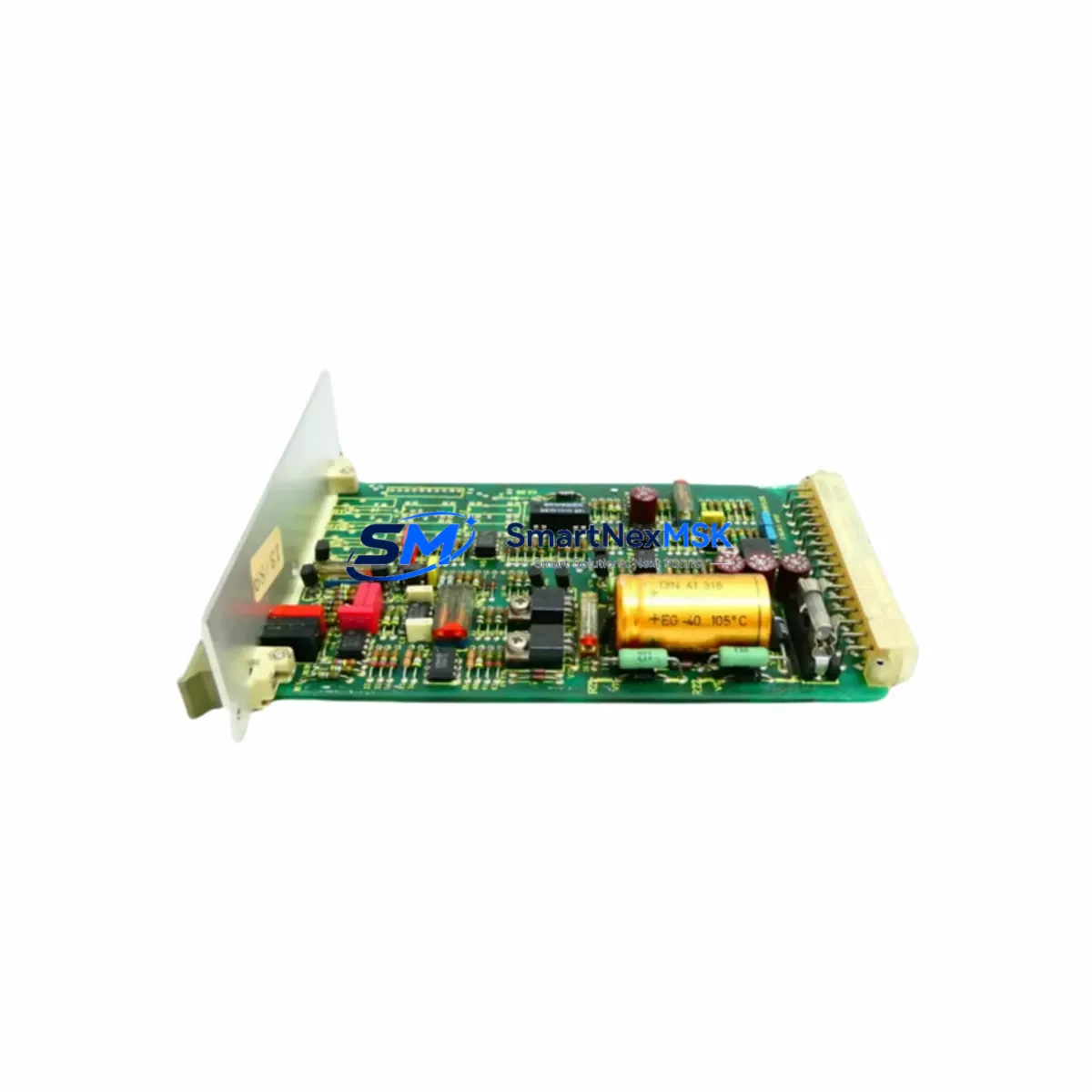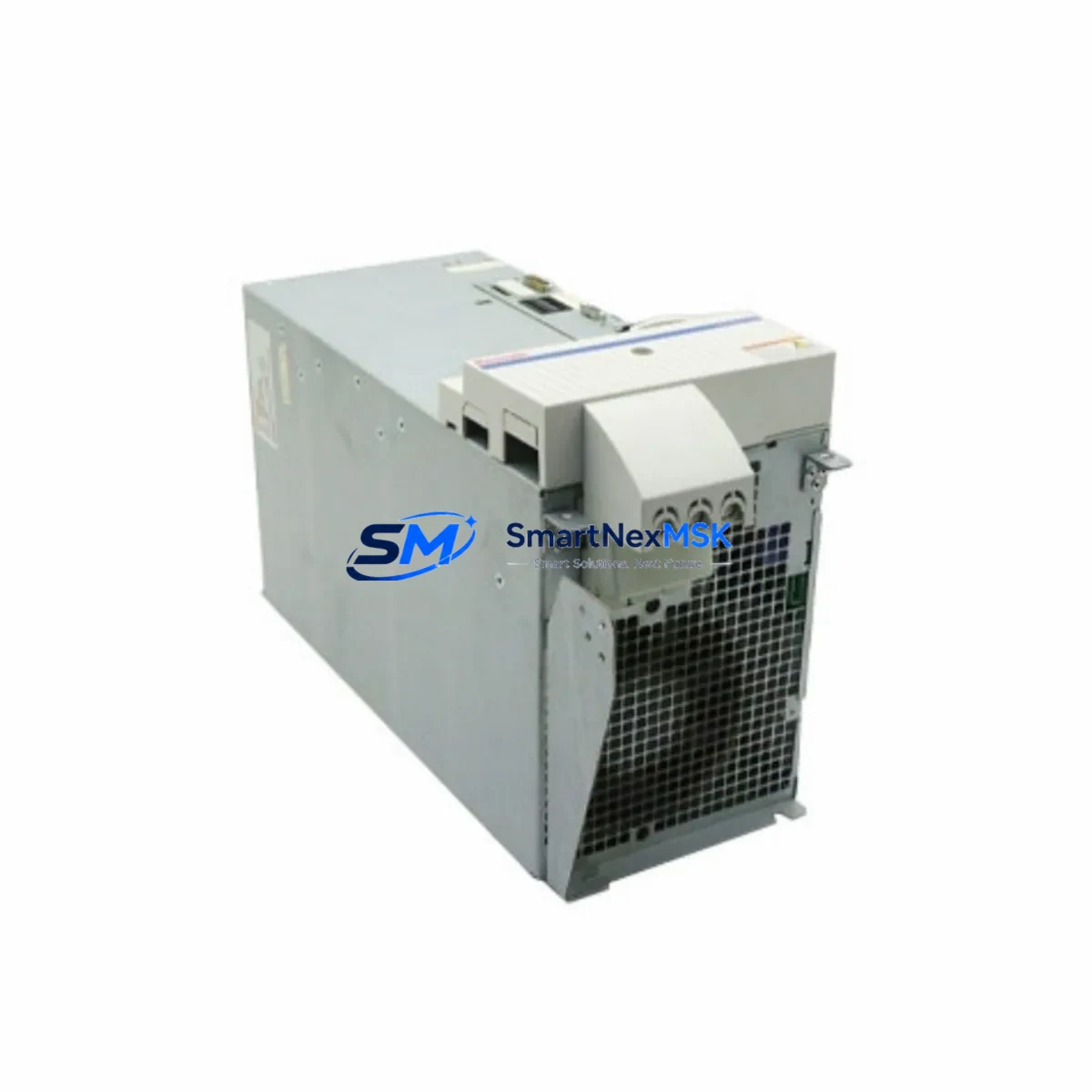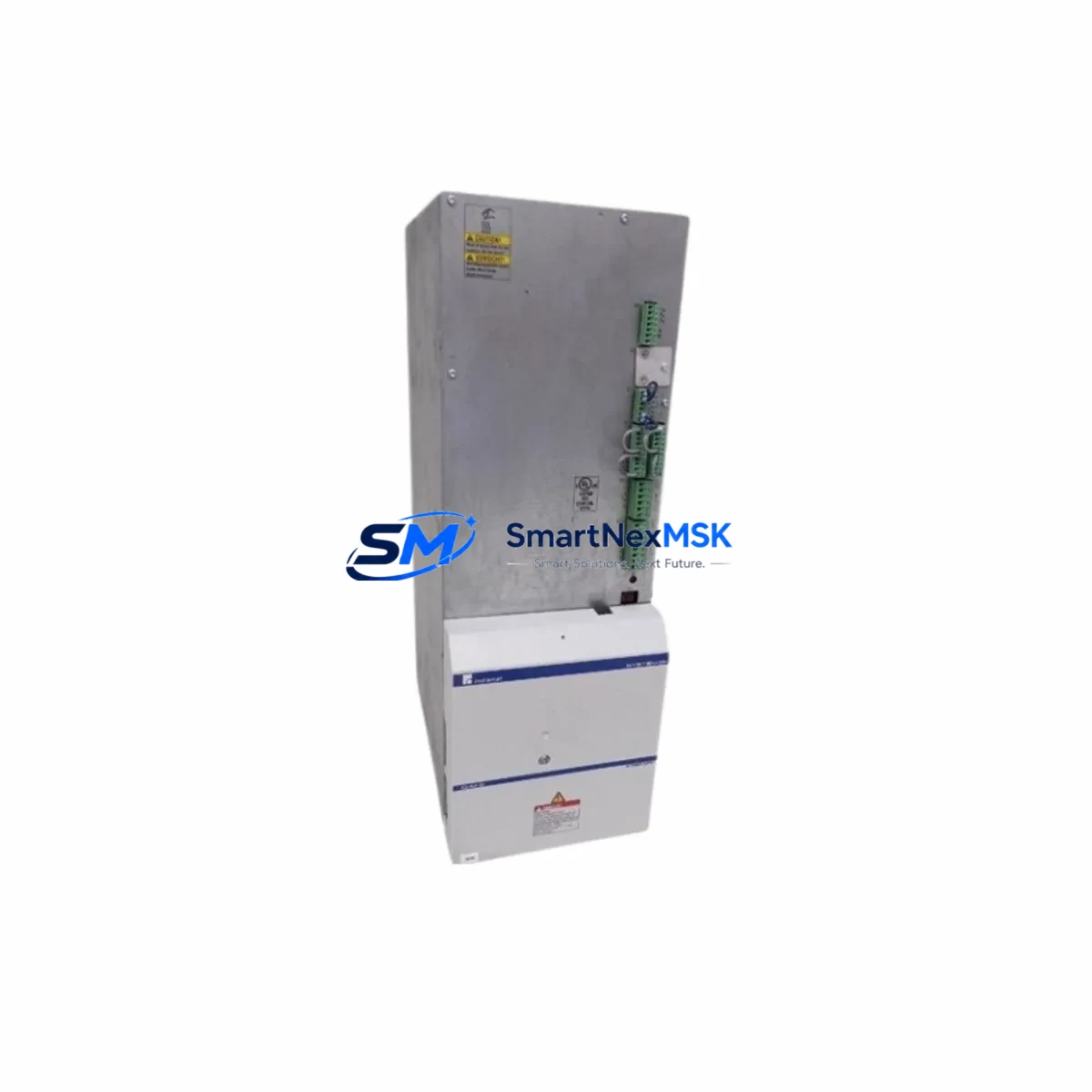
Bosch Rexroth HMS01.1N-W0020-A-07-NNNN Maintenance-Ready Spare for IndraDrive M Automation
The Bosch Rexroth HMS01.1N-W0020-A-07-NNNN is a single-axis AC servo drive from the IndraDrive M series, rated at 2.0 kW continuous output power with SERCOS III digital communication interface. Designed for high-dynamic motion control in industrial automation environments, this unit is widely deployed in CNC machining centers, packaging lines, press automation, and material handling systems. As legacy IndraDrive M installations age beyond their original service life, sourcing a verified original spare becomes critical to avoiding extended unplanned downtime. SMARTNEXMSK maintains ready stock of the HMS01.1N-W0020-A-07-NNNN to support maintenance engineers and procurement teams requiring fast, reliable replacement with full compatibility assurance.
Spare Maintenance Table
| SKU / Part Number | HMS01.1N-W0020-A-07-NNNN |
| Brand | Bosch Rexroth |
| Series | IndraDrive M |
| Drive Type | Single-Axis AC Servo Drive |
| Continuous Output Power | 2.0 kW |
| Communication Interface | SERCOS III |
| Supply Voltage | 3 × AC 200–480 V, 50/60 Hz |
| Cooling Method | Forced air (internal fan) |
| Protection Rating | IP20 (cabinet-mounted) |
| Ambient Operating Temperature | 0 °C to +40 °C |
| Mounting | DIN rail / panel mount, standard IndraDrive M footprint |
| Compatibility | IndraDrive M HMD, HMS, HCS supply units; MSK, MKD, MHD servo motors |
| Firmware | Compatible with IndraWorks DS / IndraWorks Engineering |
| Origin | Germany |
| Condition | Original, tested before shipment |
| Warranty | 12 Months |
| Typical Application | CNC, packaging, press automation, material handling |
Maintenance Planning for Continuous Operation
When replacing the HMS01.1N-W0020-A-07-NNNN in a live production environment, a structured inspection of the surrounding control cabinet is essential to prevent repeat failures and ensure system stability. Maintenance engineers should begin by verifying the HCS02 or HCS03 supply unit that powers the IndraDrive M axis group — a degraded supply module can cause premature drive faults even after a new axis drive is installed. Check DC bus voltage levels and capacitor health on the supply unit before commissioning the replacement drive.
The SERCOS III fiber optic ring connecting the drive to the CNC controller (typically a Bosch Rexroth IndraMotion MTX or Siemens SINUMERIK) should be inspected for connector contamination, bend radius violations, and signal integrity. A faulty fiber link is a common root cause of drive communication errors that are misdiagnosed as drive hardware failures. Alongside the drive, inspect the MSK050 or MSK070 servo motor feedback cable and power cable for insulation damage, connector corrosion, or intermittent contact — these are frequent contributors to encoder fault codes on IndraDrive M systems.
Within the control cabinet, review the 24 VDC auxiliary power supply feeding the drive’s control electronics. Voltage ripple or brownout conditions on the 24 V rail can cause erratic drive behavior that mimics hardware failure. Check the terminal block wiring on the drive’s X1 and X2 connectors for loose terminations, especially in high-vibration environments. If the system uses an HNF01 mains filter or HNL01 line choke, verify their condition and connection integrity as part of the same maintenance event.
For systems with safety functions, confirm that the safety relay module (such as an HAS02 or external safety PLC) is correctly wired to the drive’s STO (Safe Torque Off) input. A misconfigured or degraded safety circuit will prevent the drive from enabling even after a successful hardware replacement. Additionally, inspect any braking resistor connected to the DC bus — an open-circuit or thermally degraded resistor can trigger overvoltage faults during deceleration cycles.
Procurement engineers building a spare parts inventory for IndraDrive M installations should consider stocking the HMS01.1N-W0020-A-07-NNNN alongside compatible HCS02.1E supply units, DAE01.1 SERCOS III communication cards, and MSK servo motor feedback connectors. Maintaining at least one cold spare of the axis drive and supply unit significantly reduces mean time to repair (MTTR) for critical production lines.
Site Replacement Workflow
Before removing the failed HMS01.1N-W0020-A-07-NNNN, document the existing parameter set using IndraWorks DS or a direct drive backup via the service interface. Bosch Rexroth IndraDrive M drives store axis parameters, motor data, and application-specific settings in non-volatile memory — a parameter backup eliminates the need for full recommissioning and dramatically reduces downtime. If the original drive is non-responsive, reference the machine builder’s parameter archive or the last known-good backup stored in the plant’s maintenance management system.
Power down the cabinet following the correct sequence: disable the axis enable signal, then remove the AC mains supply to the HCS supply unit, and finally disconnect the 24 VDC control supply. Allow the DC bus capacitors to discharge fully (typically 5–10 minutes) before handling the drive. Verify zero voltage on the DC bus terminals before proceeding.
Install the replacement HMS01.1N-W0020-A-07-NNNN in the same slot position, reconnect all power, feedback, and communication cables, and restore the parameter backup. Perform a controlled test cycle at reduced speed before returning the axis to full production speed. Verify SERCOS III ring closure, check for active fault codes, and confirm encoder feedback signal quality before sign-off. This workflow is compatible with direct replacement of older HMS01.1N-W0020 variants and supports system continuity without controller-side reconfiguration in most standard installations.
Spare Parts Support FAQ
Q1: Is the HMS01.1N-W0020-A-07-NNNN still available as a new original spare?
Yes. SMARTNEXMSK maintains stock of original Bosch Rexroth HMS01.1N-W0020-A-07-NNNN units sourced through authorized industrial channels. Each unit is inspected and function-tested prior to shipment. Contact [email protected] for real-time stock confirmation and lead time.
Q2: What is covered under the 12-month warranty?
All HMS01.1N-W0020-A-07-NNNN units supplied by SMARTNEXMSK carry a 12-month warranty covering manufacturing defects and functional failures under normal operating conditions. Units are tested before dispatch. Warranty claims are supported with replacement or repair at no additional cost within the warranty period.
Q3: Can this drive replace an older HMS01.1N-W0020 variant without reprogramming?
In most cases, yes. The HMS01.1N-W0020-A-07-NNNN is parameter-compatible with earlier HMS01.1N-W0020 variants within the IndraDrive M family. A parameter restore from backup is sufficient for most standard axis configurations. Application-specific tuning should be verified during commissioning, particularly for high-dynamic or safety-rated axes.
Q4: How do you verify compatibility before shipment?
SMARTNEXMSK performs a pre-shipment functional test on each unit, including power-on self-test, communication interface verification, and output stage check. Compatibility with the customer’s motor type and controller interface is confirmed at the order stage based on the provided system configuration. Customers are encouraged to share their existing drive label data and motor type for pre-order compatibility verification.
© 2026 SMARTNEXMSK. All rights reserved.
Original Source: https://smartnexmsk.com
Contact: [email protected] | +86 18259474341