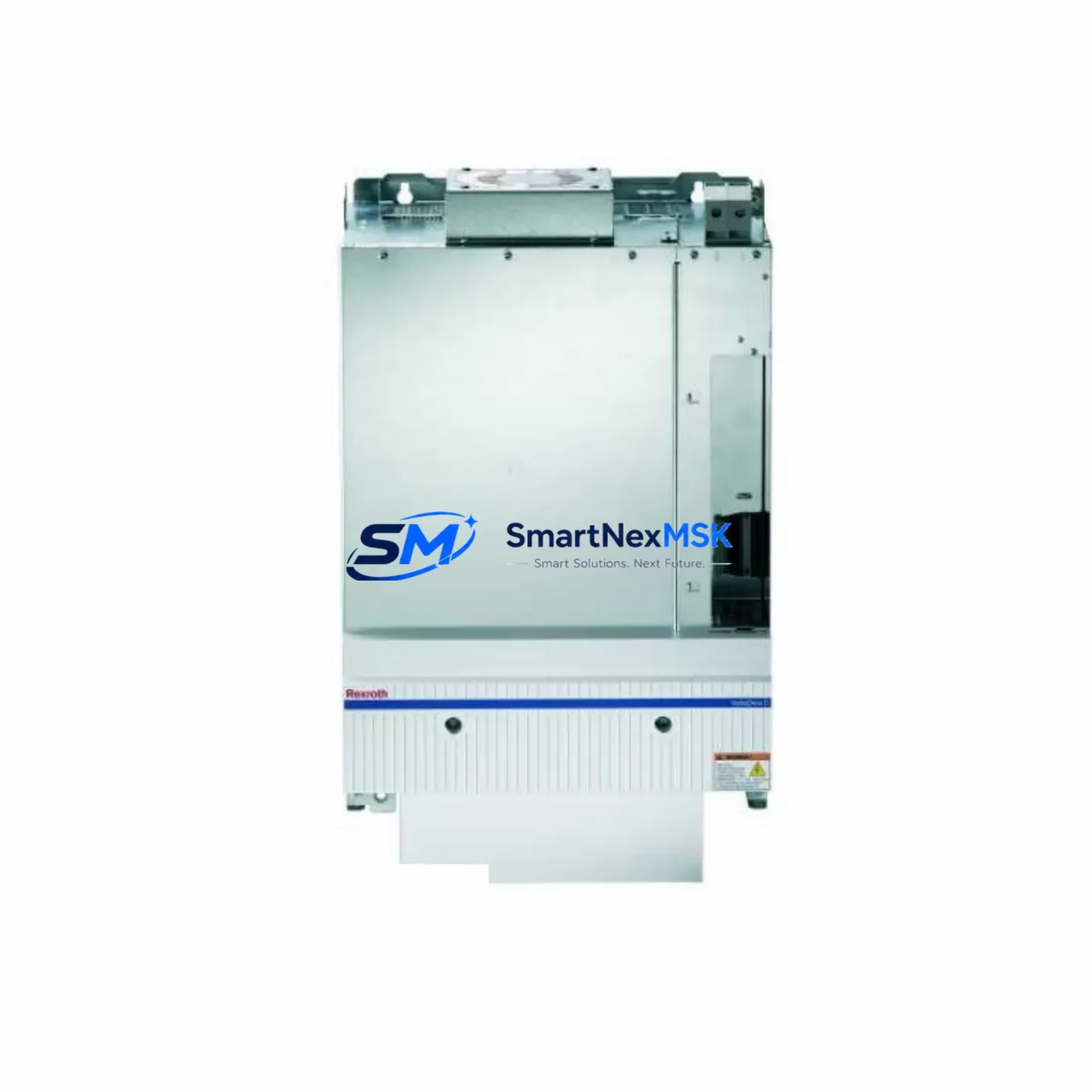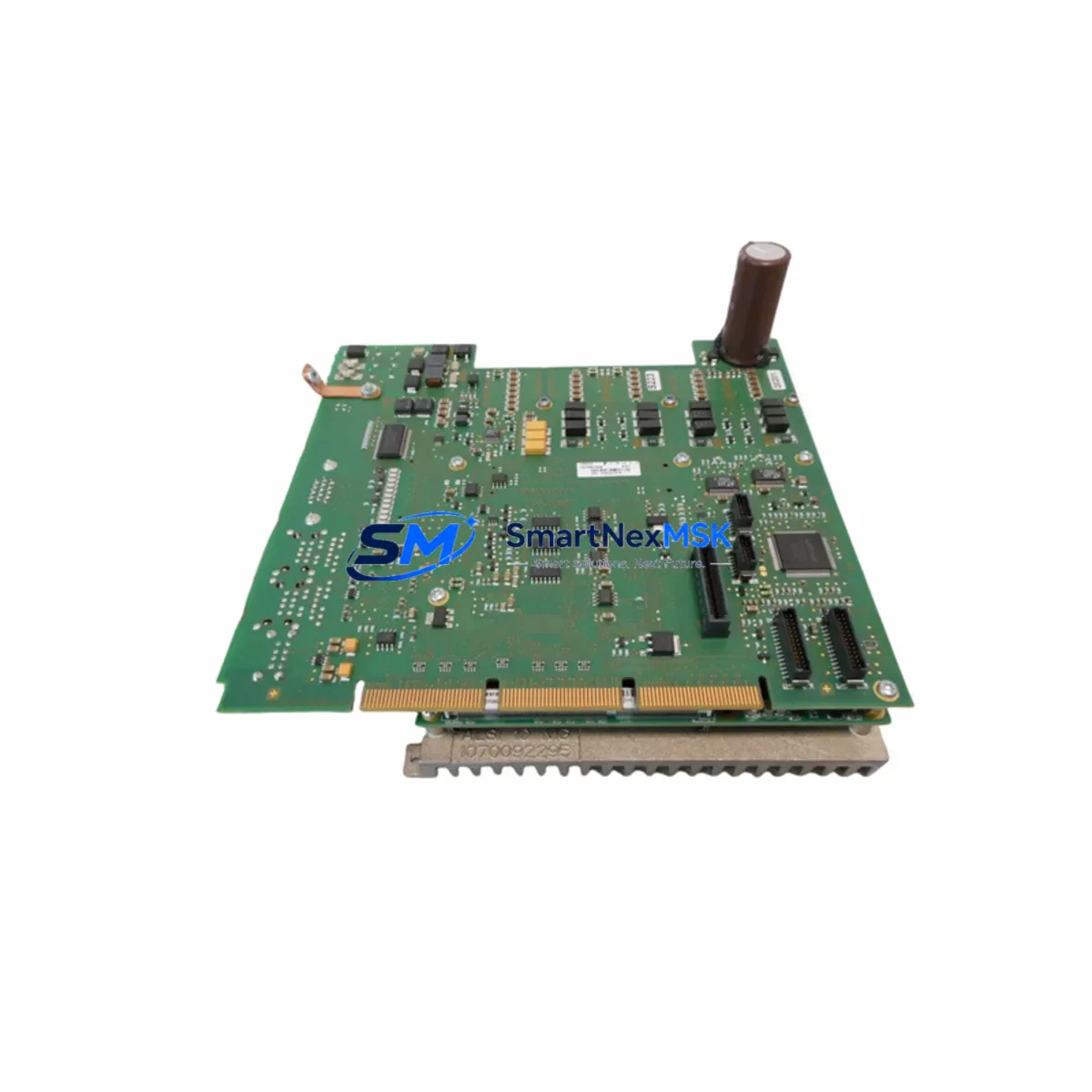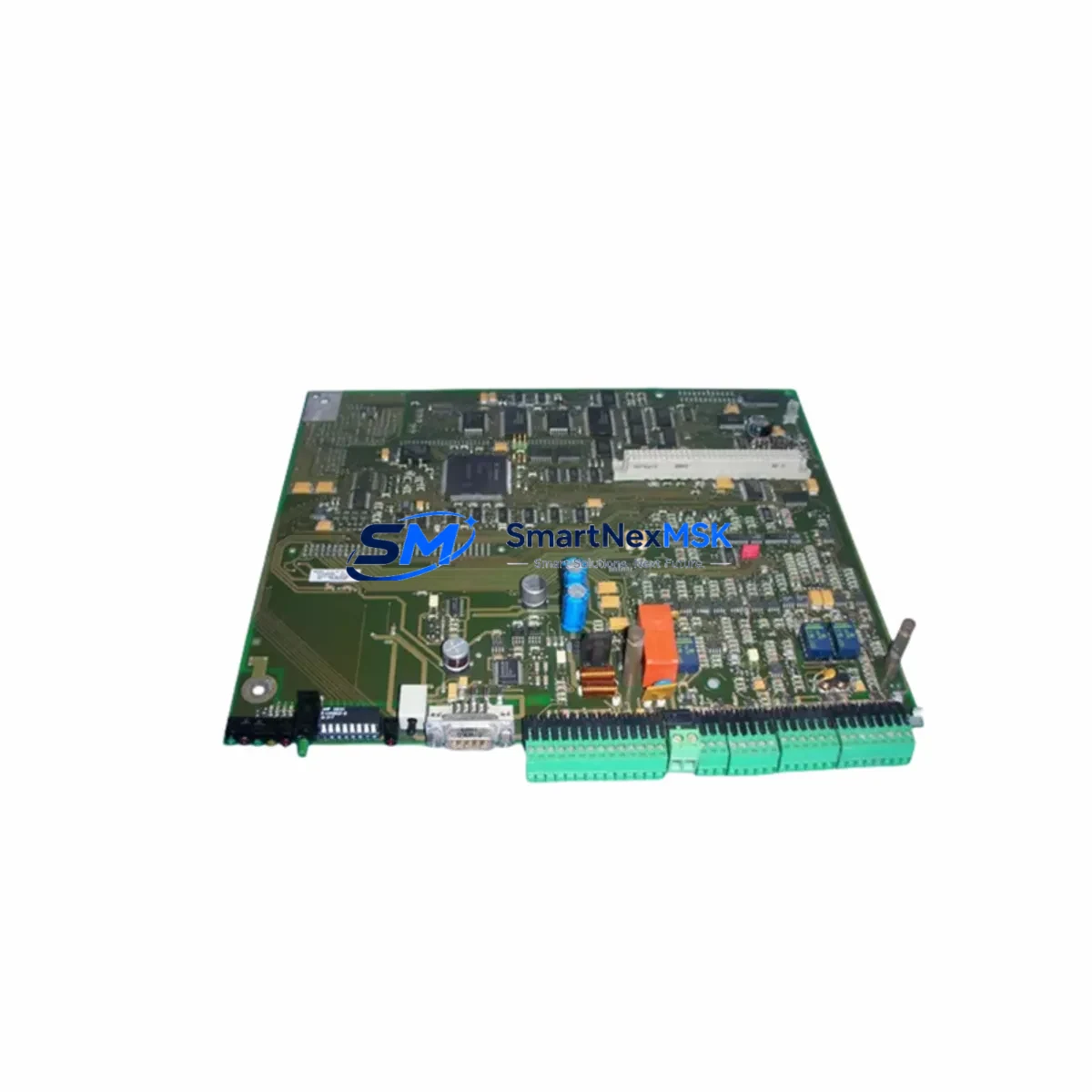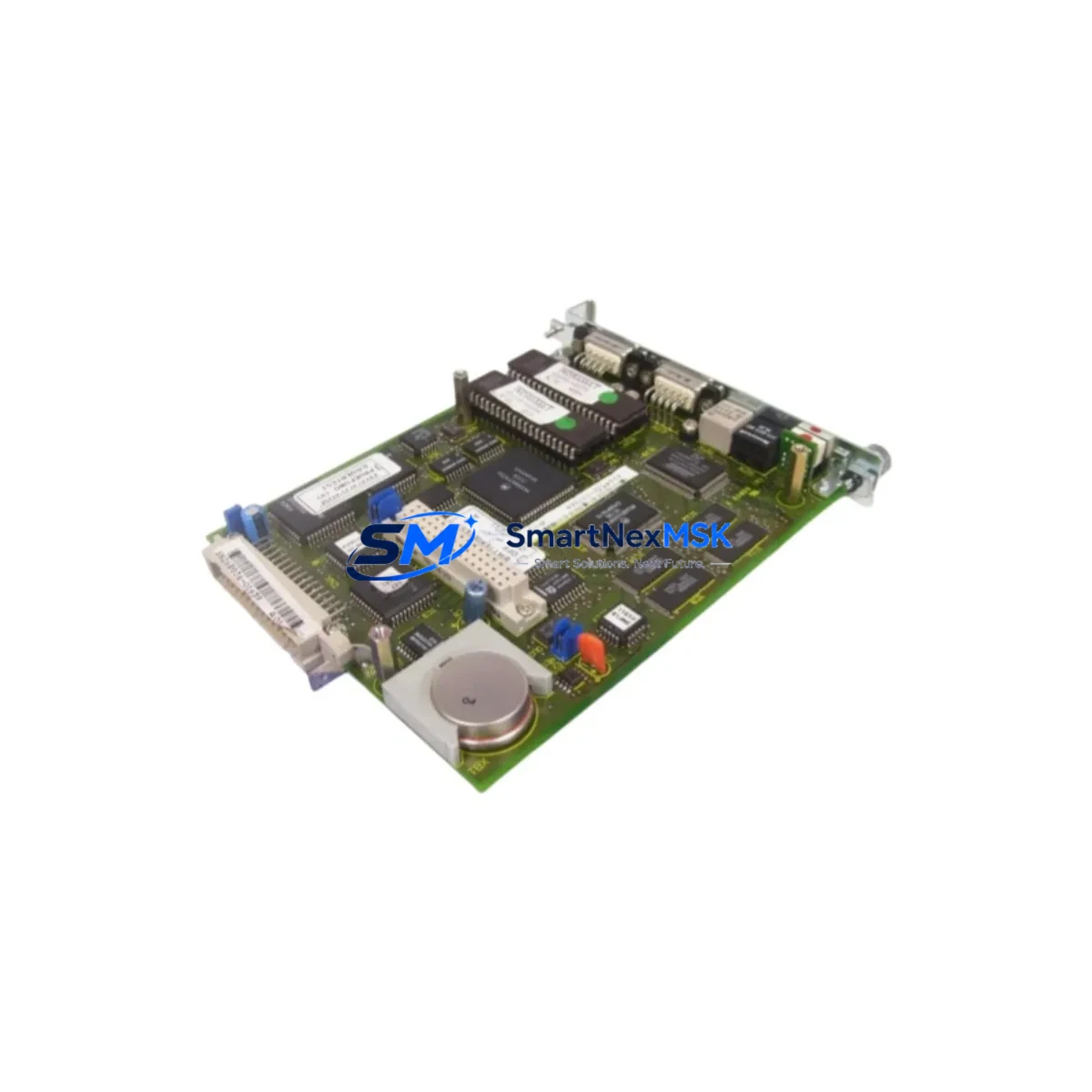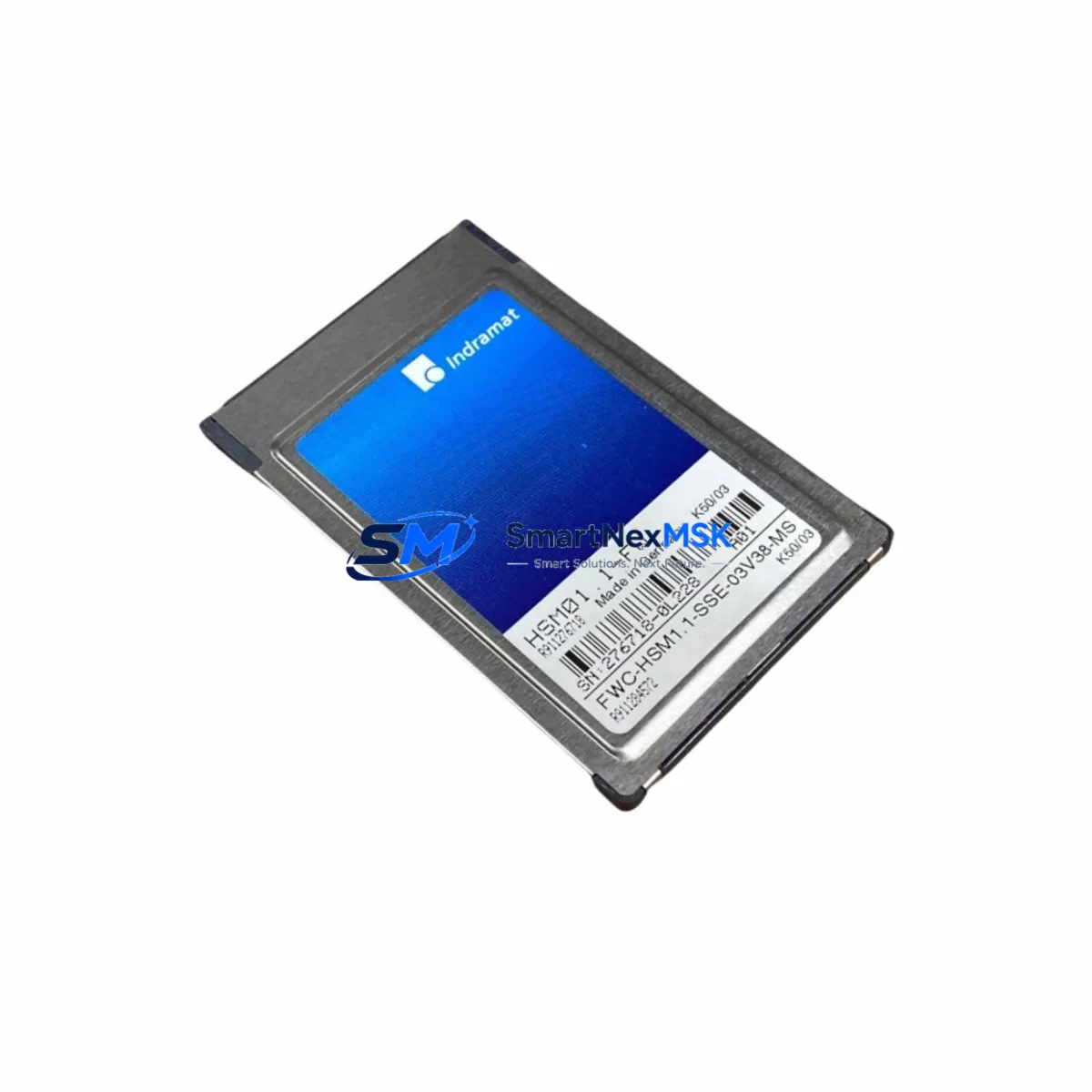
Bosch Rexroth HSM01.1-FW Maintenance-Ready Spare for IndraDrive Automation
The Bosch Rexroth HSM01.1-FW is an original firmware memory module designed for the IndraDrive series of intelligent servo drive systems. In industrial automation environments where servo drives control precision motion, conveyor systems, CNC axes, and robotic joints, the firmware memory module is a mission-critical component. A corrupted or failed HSM01.1-FW can render an entire IndraDrive unit non-functional, triggering unplanned downtime that cascades across production lines. Maintaining a verified spare of the HSM01.1-FW in your on-site parts inventory is one of the most cost-effective strategies for minimizing mean time to repair (MTTR) in IndraDrive-based control architectures.
This listing provides a genuine, original Bosch Rexroth HSM01.1-FW sourced through authorized industrial supply channels. Each unit undergoes functional verification prior to shipment and is covered by a 12-month warranty. Whether you are a maintenance engineer managing a fleet of IndraDrive HCS or HMS drive controllers, or a procurement engineer building a strategic spare parts buffer for a multi-axis servo system, this module ships ready for immediate field installation.
Spare Maintenance Table
| Parameter | Specification / Detail |
|---|---|
| Part Number / SKU | HSM01.1-FW |
| Brand | Bosch Rexroth |
| Series | IndraDrive (HCS / HMS / HMD) |
| Component Type | Firmware Memory Module |
| Function | Stores drive firmware; enables IndraDrive controller boot and operation |
| Compatibility | IndraDrive HCS02, HCS03, HMS01, HMS02, HMD01 series drive controllers |
| Origin | Germany (Original Bosch Rexroth manufacture) |
| Installation | Direct plug-in replacement; no special tooling required |
| Firmware | Pre-loaded with compatible IndraDrive firmware version (confirm version with drive type before ordering) |
| Application Environment | Industrial servo drive cabinets, CNC control panels, motion control systems, automated assembly lines |
| Maintenance Role | Emergency replacement, planned overhaul, firmware recovery, drive refurbishment |
| Pre-Shipment Testing | Functional verification performed on every unit |
| Warranty | 12 Months |
| Condition | Original / Genuine Spare |
Maintenance Planning for Continuous Operation
When an IndraDrive unit fails to boot or displays firmware-related fault codes, the HSM01.1-FW is typically the first component to inspect and replace. However, experienced maintenance engineers know that a drive fault rarely occurs in isolation. A thorough site inspection should accompany any HSM01.1-FW replacement to prevent repeat failures and ensure the restored drive operates reliably within its control cabinet environment.
Begin by inspecting the IndraDrive power supply module (such as the HNF01 or HNS02 mains filter and supply unit) for voltage irregularities or blown fuses, as power transients are a leading cause of firmware memory corruption. Check the 24 VDC control voltage supply feeding the drive’s logic board — an unstable control voltage can corrupt memory modules during write cycles. Inspect all signal cables and encoder feedback lines connecting the drive to the motor; damaged shielding or loose connectors on the MSK or MKD motor encoder cables can introduce noise that destabilizes drive operation after firmware reload.
Review the PROFIBUS DP or SERCOS III communication module (CSB01 or CSE02) installed in the drive for physical damage or loose seating, as communication faults can trigger repeated firmware reloads that stress the memory module. If the drive is part of a multi-axis system, inspect the DC bus capacitor bank and the braking resistor module for signs of thermal stress. Check the I/O extension module (such as the DEA4.1 or DEA5.1) for correct addressing and wiring integrity. Verify that the control panel HMI — whether an IndraControl L or a third-party operator panel — is communicating correctly with the drive after firmware restoration.
For older IndraDrive installations approaching end-of-life, consider stocking additional wear-prone components alongside the HSM01.1-FW: fan assemblies for drive cooling, terminal block connectors for I/O wiring, and signal isolators for analog reference inputs. A proactive spare parts kit built around the HSM01.1-FW significantly reduces the risk of extended downtime during emergency maintenance windows.
Site Replacement Workflow
Step 1 — Isolate and de-energize: Follow your site’s lockout/tagout (LOTO) procedure. Disconnect AC mains and allow the DC bus to fully discharge before opening the drive cabinet. Confirm zero voltage on the DC bus terminals using a calibrated meter.
Step 2 — Document current configuration: Before removing the faulty HSM01.1-FW, record the drive’s parameter set using the IndraDrive commissioning software (IndraWorks DS or IndraWorks Engineering) if the drive is still partially functional. This preserves axis parameters, application data, and communication settings for restoration after the module swap.
Step 3 — Remove and replace: Locate the HSM01.1-FW slot on the IndraDrive controller front panel. Remove the existing module by releasing the retention latch and pulling straight out. Insert the replacement HSM01.1-FW firmly until the latch clicks. Verify the firmware version label matches the drive’s required firmware revision.
Step 4 — Power-up and verify: Re-energize the drive in a controlled sequence — control voltage first, then mains power. Monitor the drive’s status display for successful boot. Use IndraWorks to confirm firmware version, restore saved parameters, and run a no-load axis test before returning the machine to production.
Step 5 — Update maintenance records: Log the replacement date, firmware version installed, and any associated fault history. Schedule a follow-up inspection at the next planned maintenance interval to verify stable operation.
This workflow applies equally to legacy IndraDrive C (HCS) and IndraDrive M (HMS/HMD) platforms, making the HSM01.1-FW a versatile spare across mixed IndraDrive fleets. Sourcing a verified original spare from a reliable supplier with pre-shipment testing eliminates the risk of installing a counterfeit or incompatible module — a common cause of repeat drive failures in the field.
Spare Parts Support FAQ
Q1: Is the HSM01.1-FW compatible with all IndraDrive variants?
The HSM01.1-FW is designed for the IndraDrive family, including HCS02, HCS03, HMS01, HMS02, and HMD01 series controllers. However, firmware versions vary by drive type and application. Always confirm the required firmware revision with your drive’s nameplate data or IndraDrive documentation before installation. We recommend providing your drive’s full model number when ordering to ensure version compatibility.
Q2: How is each HSM01.1-FW tested before shipment?
Every HSM01.1-FW unit undergoes functional verification prior to dispatch. This includes module integrity checks and firmware readability confirmation. Units that do not pass verification are not shipped. All shipped units are covered by a 12-month warranty against manufacturing defects and functional failure under normal operating conditions.
Q3: Can I use this module to replace an older firmware version in a legacy IndraDrive system?
Yes, in most cases the HSM01.1-FW can be used to update or restore firmware in legacy IndraDrive installations. However, firmware upgrades may require corresponding parameter migration using IndraWorks software. For systems running highly customized application programs, we recommend consulting your Bosch Rexroth documentation or a qualified drive commissioning engineer before performing a firmware version change.
Q4: What is your lead time and long-term supply availability for the HSM01.1-FW?
We maintain stock of the HSM01.1-FW to support both emergency replacement and planned maintenance procurement. Standard orders ship within 1–3 business days. For customers managing multi-site IndraDrive fleets or building strategic spare parts inventories, we offer volume pricing and reserved stock arrangements. Contact our sales team to discuss long-term supply agreements tailored to your maintenance schedule.
© 2026 SMARTNEXMSK. All rights reserved.
Original Source: https://smartnexmsk.com
Contact: [email protected] | +86 18259474341