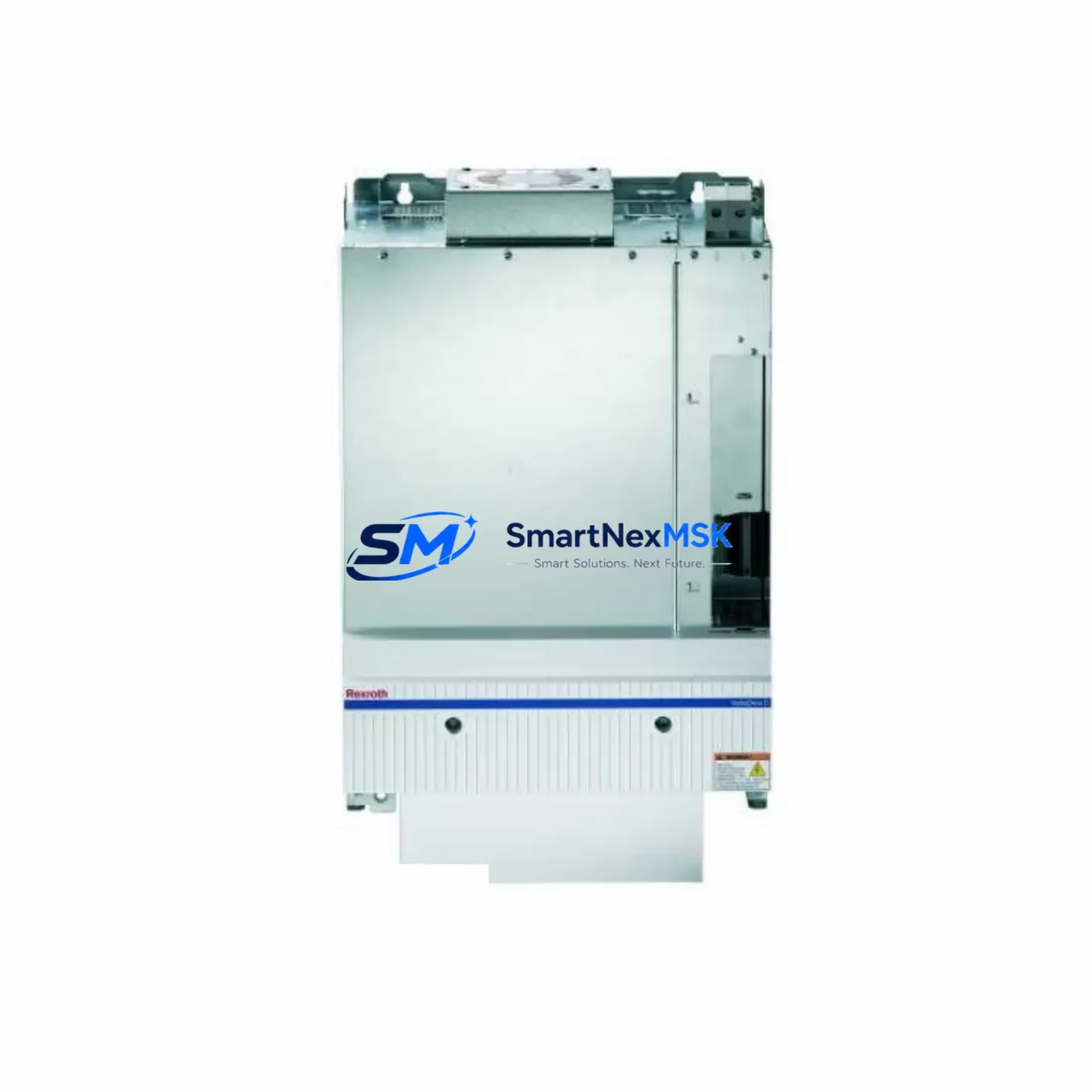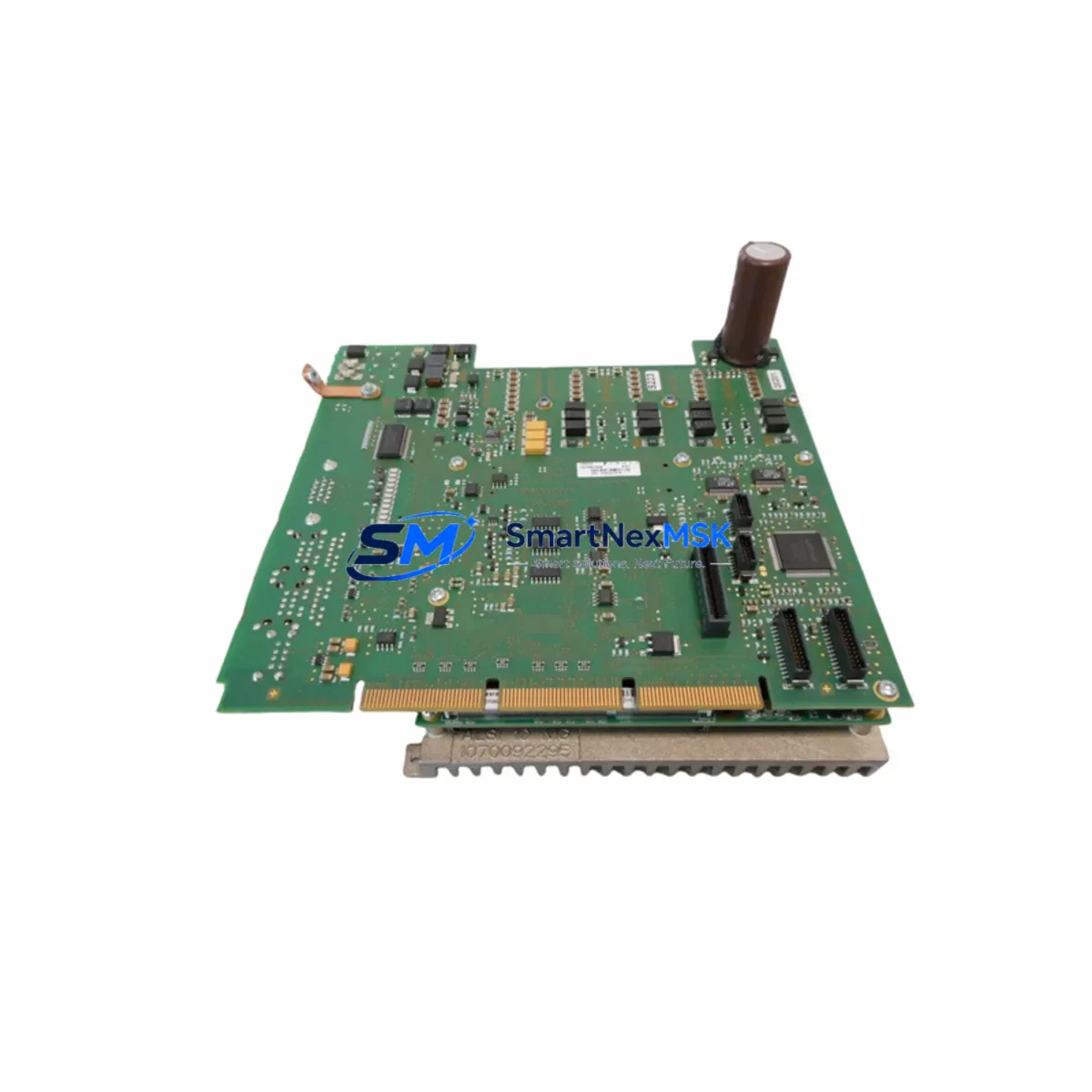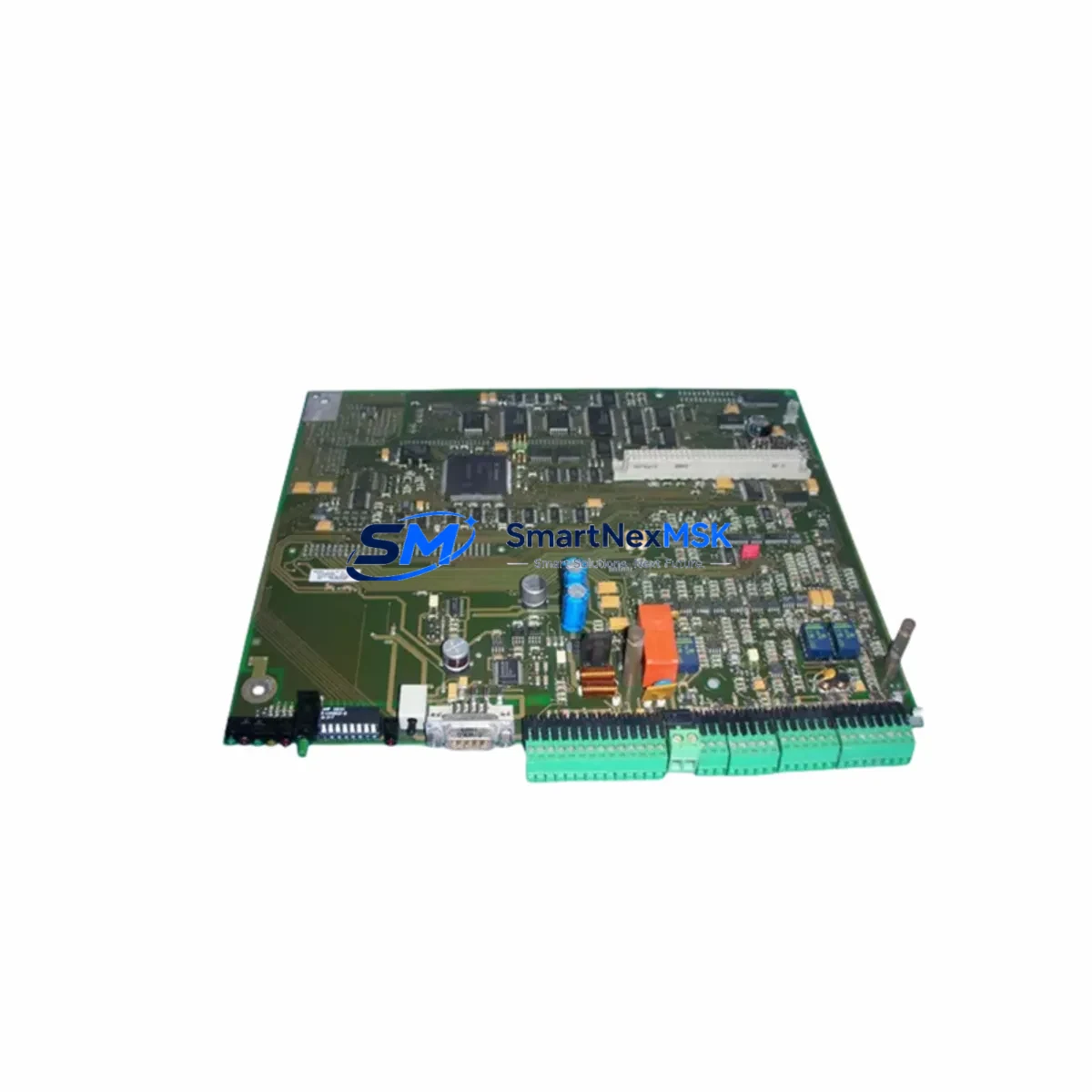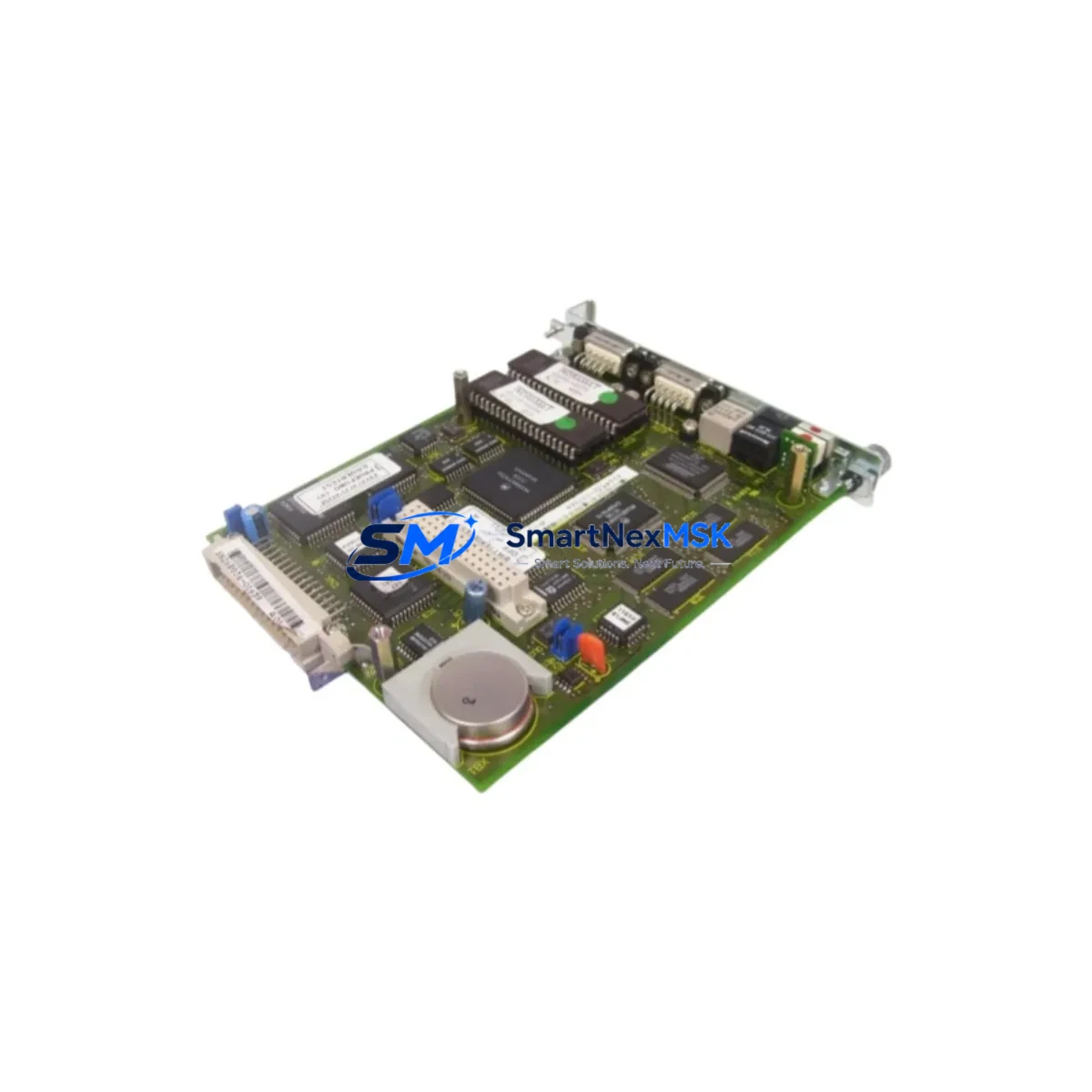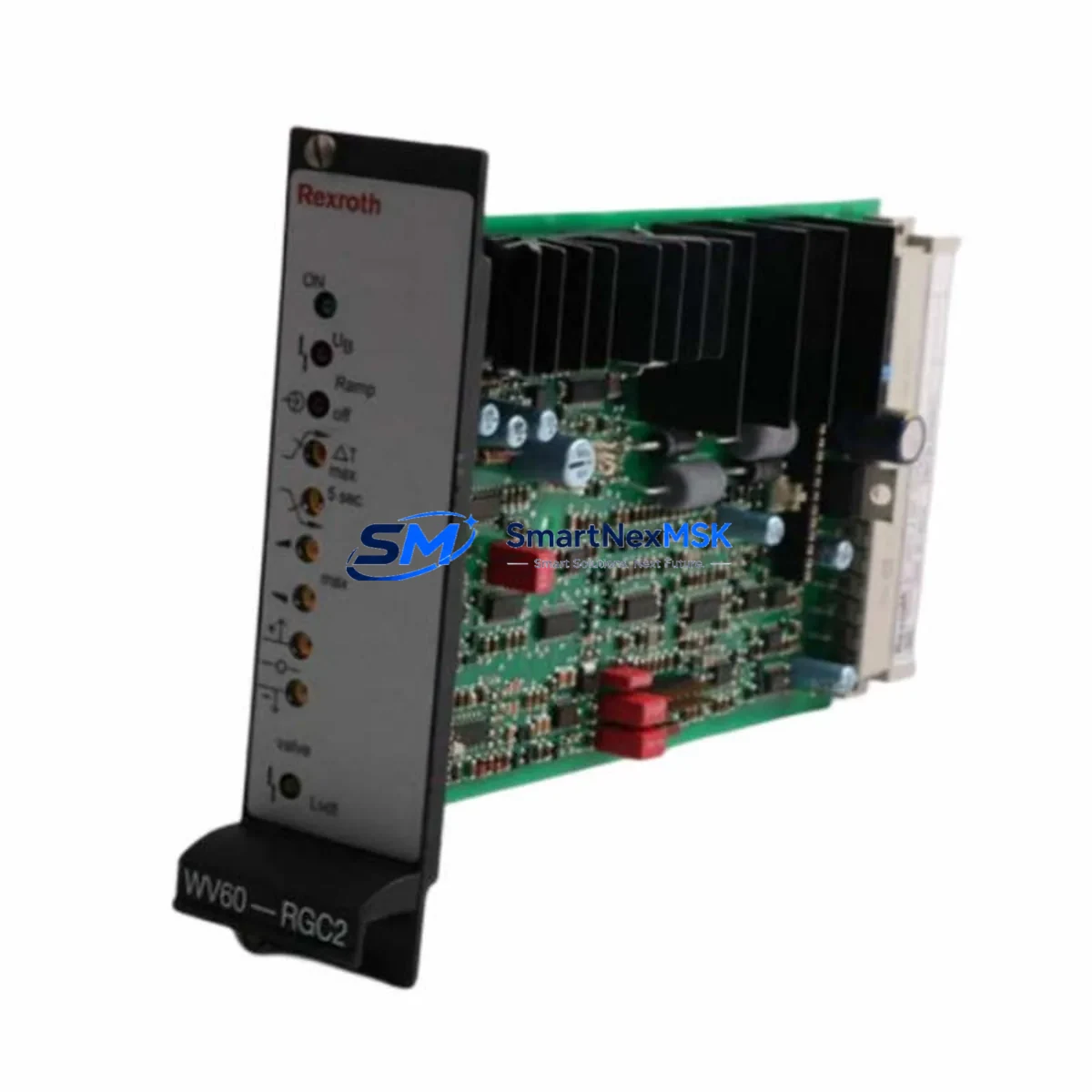
Bosch Rexroth VCP05.1BSN.PB-NN-PW Retrofit HMI Terminal: Seamless VCP05 Series Upgrade for Legacy Control Systems
The Bosch Rexroth VCP05.1BSN.PB-NN-PW is a compact operator panel terminal from the VCP05 Series, purpose-built for integration into IndraControl and DIAX-era control architectures. As legacy HMI units reach end-of-life or suffer field failures, this unit serves as the definitive retrofit-ready replacement — enabling engineers to restore full operator interface functionality without redesigning the control cabinet or rewriting PLC logic from scratch.
Designed for PROFIBUS-DP communication, the VCP05.1BSN.PB-NN-PW connects directly into existing PROFIBUS networks, making it a natural fit for control systems built around Bosch Rexroth IndraControl L, IndraControl V, or earlier DIAX03/DIAX04 drive platforms. When replacing a failed or discontinued VCP05 panel, engineers must verify the PROFIBUS node address, baud rate settings, and GSD file compatibility before commissioning. In most cases, the original HMI project file — developed in WinStudio or IndraWorks — can be transferred to the replacement unit with minimal modification, significantly reducing downtime during the swap.
Before installation, it is essential to confirm the 24 VDC power supply capacity at the control cabinet. The VCP05.1BSN.PB-NN-PW draws power from the panel’s 24V rail, and if the existing Bosch Rexroth power supply module — such as a CML65 or HMV01 supply unit — is already operating near capacity due to additional I/O modules or drive components, a supply audit is recommended. Terminal wiring follows the standard VCP05 pinout, and in most retrofit scenarios, the existing cable harness can be reused without modification, provided connector condition is verified.
Upgrade Compatibility Table
| Parameter | Specification / Retrofit Guidance |
|---|---|
| SKU / Part Number | VCP05.1BSN.PB-NN-PW |
| Series | VCP05 (Bosch Rexroth Operator Panel Series) |
| Communication Interface | PROFIBUS-DP (DP-V0/V1 compatible) |
| Power Supply | 24 VDC (±20%), verify cabinet rail capacity before installation |
| Display Type | Monochrome / STN LCD (VCP05 standard) |
| Mounting | Panel cut-out mount; compatible with original VCP05 cabinet cutout |
| HMI Software Compatibility | WinStudio, IndraWorks HMI — existing project files transferable |
| Replacement For | VCP05.1BSN.PB-NN-PW (same SKU, direct drop-in) |
| Retrofit Commissioning | Verify PROFIBUS node address, GSD file, baud rate, and 24V supply |
| Origin | Germany |
| Condition | New / Refurbished — fully tested prior to shipment |
| Warranty | 12-Month Warranty — covers hardware defects and functional failure |
Retrofit Planning for Existing Automation Systems
A successful retrofit of the VCP05.1BSN.PB-NN-PW into an existing control system requires a structured approach that accounts for every layer of the automation architecture. In a typical Bosch Rexroth control cabinet, the HMI panel sits at the top of the operator interface chain, communicating with the PLC or motion controller via PROFIBUS-DP. The controller itself — often an IndraControl L40 or IndraControl L65 — manages the drive and I/O layers below, including digital and analog I/O modules from the Rexroth Inline or IndraControl I/O families.
When planning the retrofit, engineers should document the existing PROFIBUS segment topology. If the VCP05 panel was the only PROFIBUS master on the segment, the replacement unit must be configured as master with identical settings. If it operated as a slave — for example, in a system where an IndraControl V controller served as the PROFIBUS master — then the GSD file for the VCP05.1BSN.PB-NN-PW must be loaded into the master’s configuration tool and the node address must match the original assignment exactly.
Beyond the HMI itself, the retrofit often surfaces adjacent components that require attention. The PROFIBUS cable termination resistors at both ends of the segment must be verified, particularly if the original panel was at a segment endpoint. In systems using Bosch Rexroth DIAX04 drives — such as the HDS04 or HDD04 series — the drive’s PROFIBUS interface card must remain correctly addressed to avoid communication faults after the HMI swap. Similarly, if the control cabinet includes a Rexroth CSH01 or CSB02 controller module, its parameter set should be backed up before any panel replacement to protect against accidental data loss during power cycling.
For systems that include a Rexroth BTV06 or BTV16 operator station alongside the VCP05 panel, the retrofit plan should clarify which device holds the active HMI project and which serves as a secondary display. In multi-panel configurations, the PROFIBUS address conflict check is critical. Programming cables — such as the IKS4044 or IKS0223 — should be on hand during commissioning to allow direct parameter access to the drives and controller if the HMI is temporarily offline during the swap.
Finally, if the control system includes Rexroth IndraDrive Cs or IndraDrive Mi drives connected via SERCOS III or Multi-Ethernet, the HMI retrofit does not affect the drive communication layer directly, but the HMI project must be validated to ensure all drive status variables, fault codes, and axis position displays are correctly mapped after the panel replacement.
Downtime Control During System Migration
Minimizing production downtime during an HMI panel replacement is a primary concern for maintenance teams operating in continuous manufacturing, chemical processing, or power generation environments. The VCP05.1BSN.PB-NN-PW retrofit is designed to support a rapid swap procedure that, when properly prepared, can be completed within a planned maintenance window of two to four hours.
The key to downtime control is pre-commissioning preparation. Before the production line is stopped, the engineering team should export the complete HMI project from the existing VCP05 panel using IndraWorks or WinStudio, verify the project file integrity on a test PC, and confirm that the replacement unit’s firmware version is compatible with the project. If a firmware update is required, it should be performed on the bench before the panel reaches the cabinet.
During the physical swap, the 24 VDC supply to the panel should be isolated at the cabinet’s terminal block rather than at the main breaker, allowing the PLC and drive system to remain powered and in a safe hold state. This approach preserves the program execution state in the IndraControl controller and avoids a full system restart, which can take additional time in drive-heavy cabinets with multiple DIAX or IndraDrive axes requiring re-initialization.
After the new VCP05.1BSN.PB-NN-PW is mounted and wired, the HMI project is loaded, and the PROFIBUS connection is restored, a systematic screen-by-screen validation of all operator displays, alarm pages, and control buttons should be performed before returning the line to production. Any discrepancies in tag mapping or screen navigation should be corrected in the HMI project and re-downloaded before sign-off. With proper preparation, the entire migration can be completed with zero impact on the PLC program logic and minimal disruption to the field control continuity.
Retrofit Support FAQ
Q1: Is the VCP05.1BSN.PB-NN-PW a direct drop-in replacement for the original unit?
Yes. The VCP05.1BSN.PB-NN-PW is a same-SKU replacement that fits the original panel cutout, uses the same 24 VDC power connection, and connects via the same PROFIBUS-DP interface. In most cases, the existing wiring harness and cabinet cutout can be reused without modification. The original HMI project file is compatible and can be loaded directly onto the replacement unit.
Q2: What pre-shipment testing is performed on this unit?
Every VCP05.1BSN.PB-NN-PW unit undergoes functional power-on testing, display verification, and PROFIBUS communication interface checks before shipment. Units are inspected for connector integrity and panel surface condition. A test report is available upon request. All units are covered by a 12-month warranty from the date of shipment, covering hardware defects and functional failure under normal operating conditions.
Q3: What should I verify before installing the replacement panel?
Before installation, confirm the following: (1) 24 VDC supply rail capacity in the control cabinet; (2) PROFIBUS node address assigned to the original panel; (3) GSD file version loaded in the PROFIBUS master configuration; (4) HMI project file backup from the original unit; (5) firmware version compatibility between the project file and the replacement panel. These five checks cover the majority of commissioning issues encountered during VCP05 panel replacements.
Q4: Can you support long-term supply for ongoing maintenance needs?
Yes. SMARTNEXMSK maintains stock of VCP05 Series components and related Bosch Rexroth HMI and drive parts to support customers with ongoing maintenance, spare parts programs, and planned retrofit projects. We provide consistent supply for discontinued and hard-to-source Rexroth components, with lead times confirmed at the time of inquiry. Contact our team for volume pricing, scheduled delivery, and multi-unit retrofit support packages.
© 2026 SMARTNEXMSK. All rights reserved.
Original Source: https://smartnexmsk.com
Contact: [email protected] | +86 18259474341