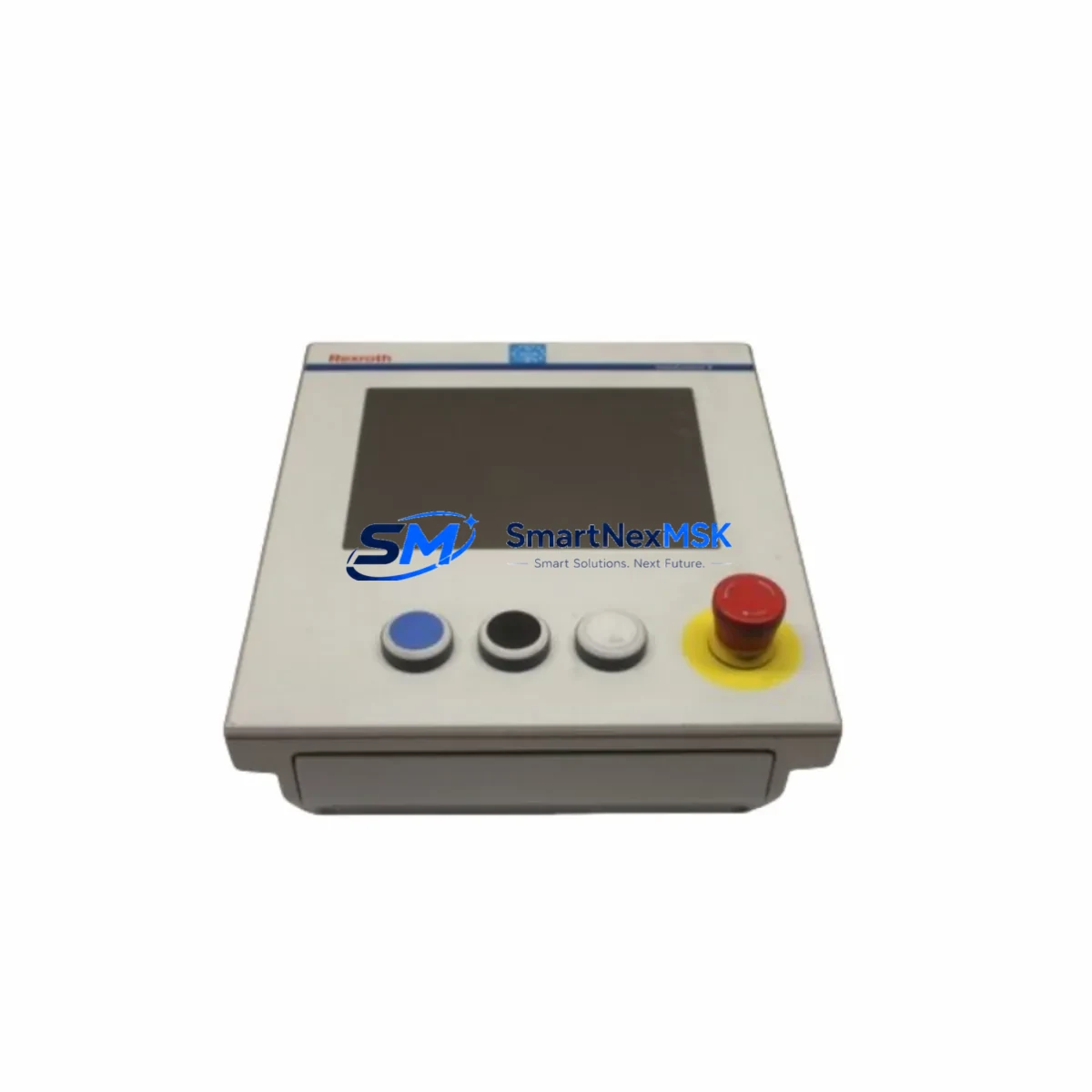
Bosch Rexroth VDP40.3DIN-D1-NN-CG Retrofit-Ready HMI for IndraControl V Control Systems
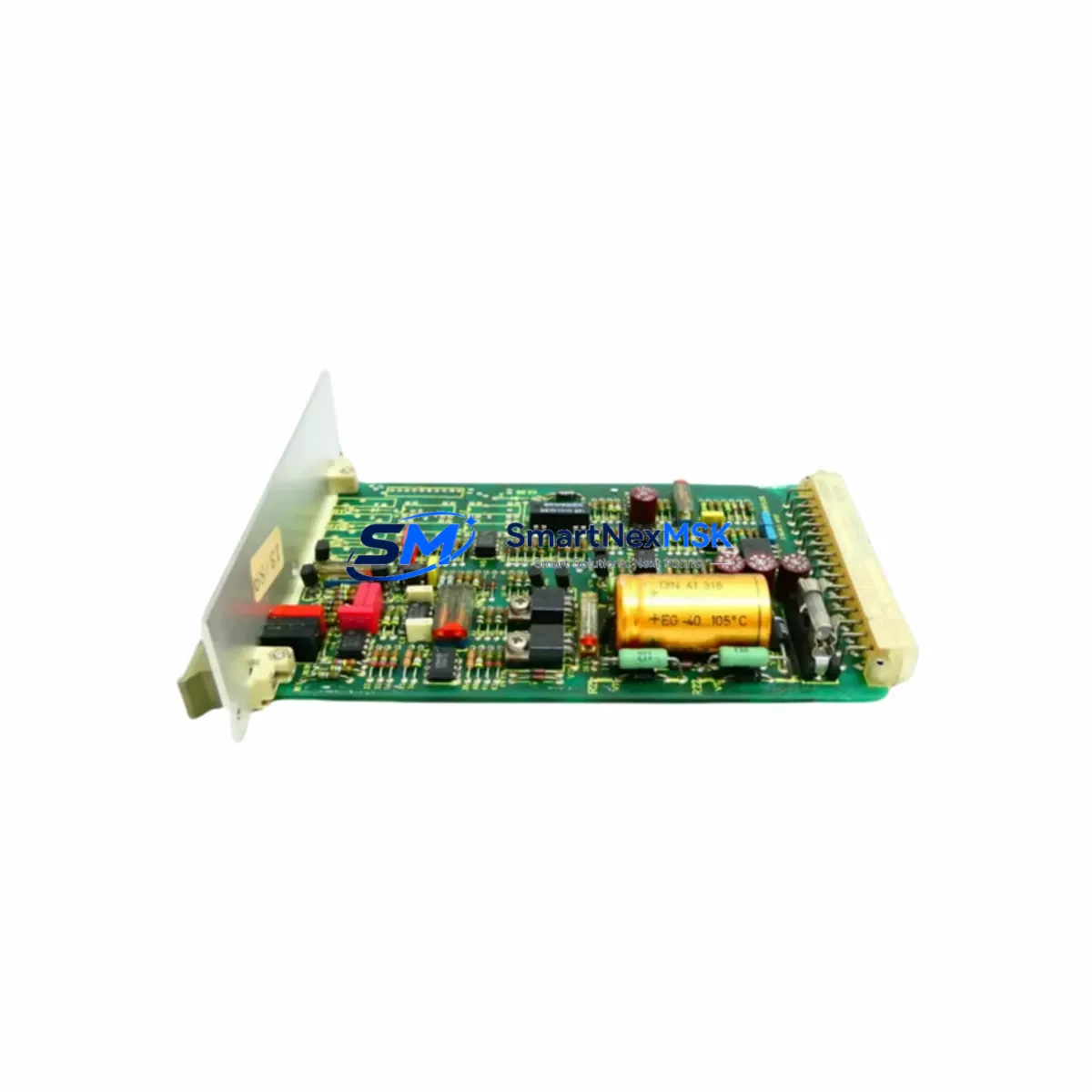
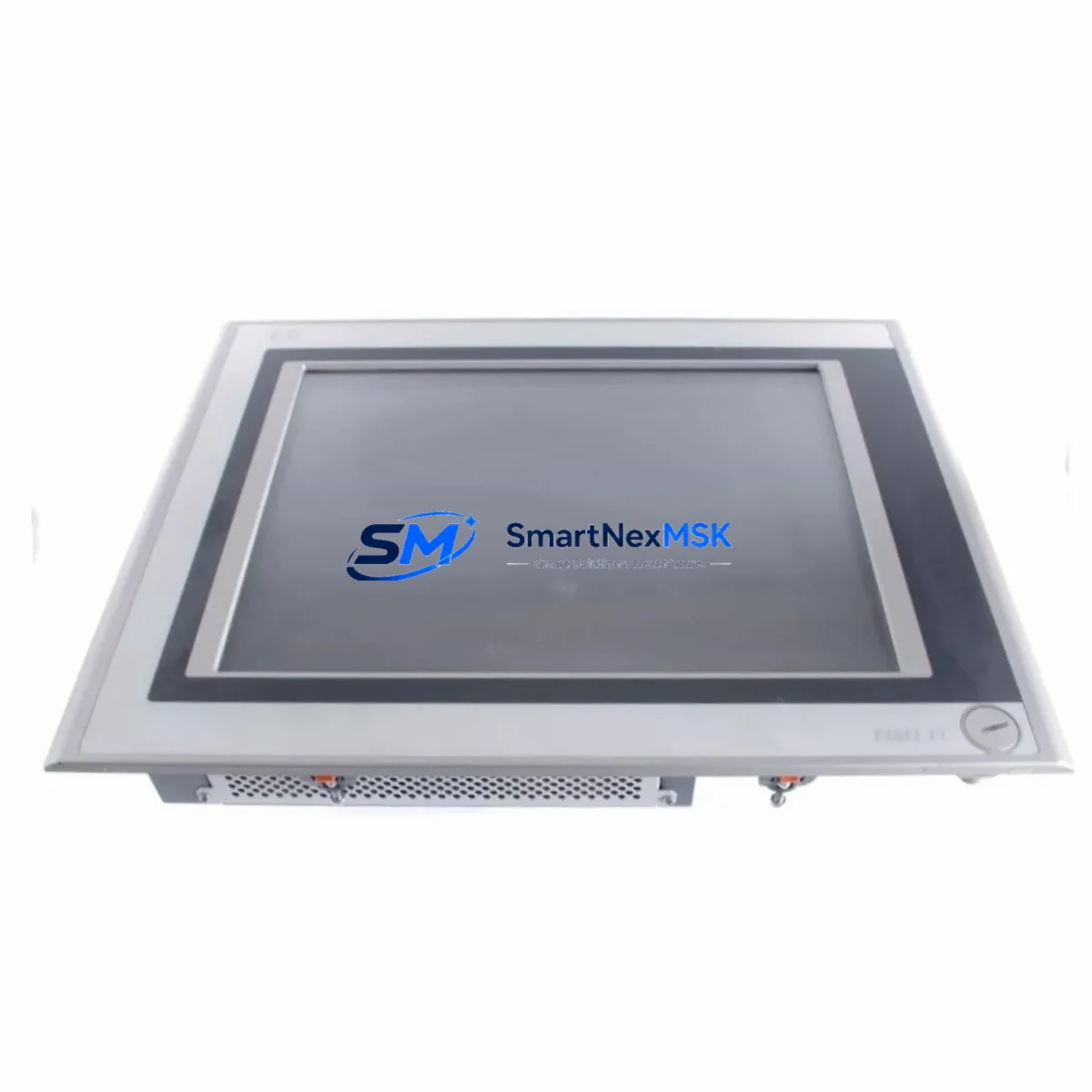
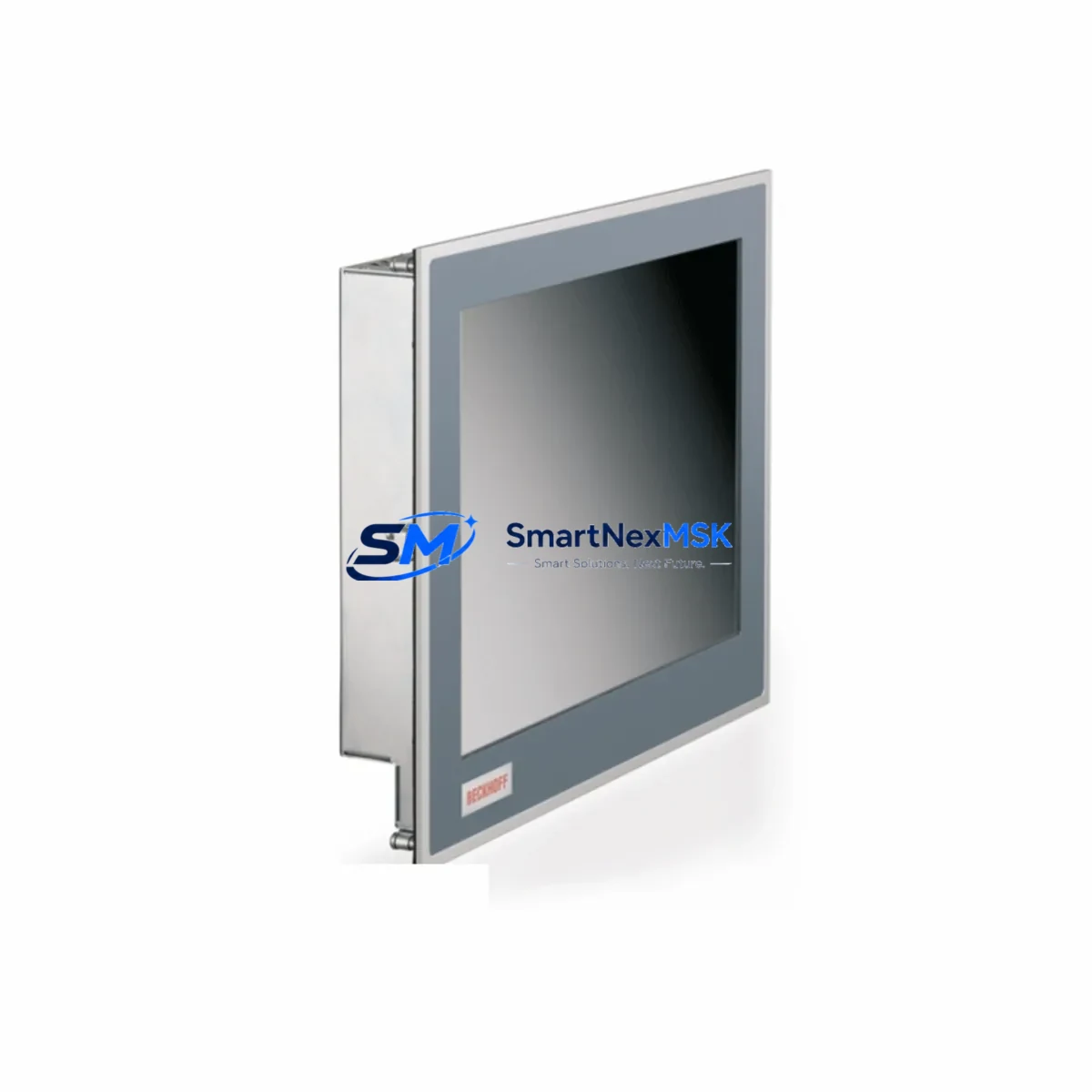
The Bosch Rexroth VDP40.3DIN-D1-NN-CG is a panel-mount operator display unit engineered for the IndraControl V control platform. As legacy IndraControl V installations approach end-of-service milestones, this unit serves as the primary retrofit solution for facilities seeking to modernize HMI infrastructure without replacing the underlying PLC architecture. Whether you are upgrading a discontinued VDP40.2 panel, recovering from a failed display module, or consolidating a multi-cabinet control system, the VDP40.3DIN-D1-NN-CG delivers a verified drop-in replacement path with minimal engineering overhead.
Designed to DIN-rail and panel-cut mounting standards, this display integrates directly with the IndraControl V backplane and communicates natively over the SERCOS III and Ethernet-based fieldbus protocols already present in most existing installations. Operators retain full access to existing HMI project files, screen layouts, and alarm configurations without requiring a full WinStudio or IndraWorks HMI project rebuild — a critical advantage when downtime budgets are measured in hours, not days.
For sites running mixed-generation hardware — for example, a rack combining an IndraControl VCP20 controller, an IndraControl VEP40 engineering panel, and legacy IndraDrive Cs servo drives — the VDP40.3DIN-D1-NN-CG slots into the operator station position without requiring firmware cross-flashing or backplane adapter plates. Facilities that have already standardized on the IndraControl L40 or IndraControl XM2 for motion coordination will find that the VDP40.3DIN-D1-NN-CG maintains visual and functional consistency across the operator interface layer.
All units are pre-tested against Bosch Rexroth factory acceptance criteria prior to shipment. Stock is maintained for immediate dispatch, and each unit ships with a 12-month warranty covering manufacturing defects and functional failures under normal operating conditions.
Upgrade Compatibility Table
| Parameter | VDP40.3DIN-D1-NN-CG | Notes / Retrofit Guidance |
|---|---|---|
| Display Type | Color TFT, 10.4″ DIN-format | Direct replacement for VDP40.2 series panels |
| Mounting Standard | DIN-rail / Panel cutout | Matches existing VDP40.2 cutout dimensions; no cabinet modification required |
| Communication Interface | Ethernet (RJ45), SERCOS III | Compatible with existing IndraControl V network topology; no protocol migration needed |
| Power Supply | 24 VDC (18–30 V range) | Verify existing PSU capacity; IndraControl VPB40 power supply modules are compatible |
| Backplane Interface | IndraControl V backplane connector | Direct plug-in; confirm backplane slot assignment in IndraWorks project |
| HMI Software Compatibility | WinStudio / IndraWorks HMI | Existing project files transfer without screen rebuild; verify resolution mapping |
| Operating Temperature | 0 °C to +55 °C | Suitable for standard control cabinet environments |
| IP Rating (Front Panel) | IP65 | Maintains ingress protection for wash-down or dusty environments |
| Replacement Path | VDP40.2DIN → VDP40.3DIN | Generation upgrade; confirm firmware version in IndraWorks before commissioning |
| Warranty | 12 Months | Covers manufacturing defects and functional failures under normal use |
Retrofit Planning for Existing Automation Systems
A successful VDP40.3DIN-D1-NN-CG retrofit begins well before the unit arrives on site. The first step is an audit of the existing control cabinet to confirm that the 24 VDC rail — typically supplied by an IndraControl VPB40 power supply module — can sustain the additional current draw of the new display without tripping the cabinet’s circuit protection. In most IndraControl V installations, the VPB40 provides sufficient headroom, but cabinets that have been expanded with additional I/O modules, such as an IndraControl VRS01 remote I/O station or supplementary Rexroth InlineIO terminal blocks, should be load-calculated before commissioning.
Terminal wiring for the VDP40.3DIN-D1-NN-CG follows the same 24 VDC positive and negative assignments as the predecessor VDP40.2 series. The Ethernet port connects to the existing managed switch or directly to the IndraControl VCP20 controller’s onboard Ethernet port. If the installation uses a SERCOS III ring topology — common in multi-axis IndraControl V motion systems coordinating IndraDrive Mi integrated servo drives — the display connects as a non-ring node on the standard Ethernet segment, leaving the SERCOS ring intact.
Module addressing is handled within the IndraWorks engineering environment. The VDP40.3DIN-D1-NN-CG is recognized as a standard HMI target device; engineers assign the device IP address within the project’s network configuration and download the existing HMI application. In most cases, screen projects developed for the VDP40.2 transfer without modification, though engineers should verify that any custom ActiveX or WinStudio plugin components are compatible with the updated display firmware. Where the original installation included an IndraControl VEP40 engineering panel used for dual-display configurations, the VDP40.3DIN-D1-NN-CG can be added as a secondary operator station without restructuring the HMI project hierarchy.
For facilities that are simultaneously upgrading their PLC logic — for example, migrating from an older IndraControl L25 to an IndraControl XM2 — the VDP40.3DIN-D1-NN-CG provides a stable HMI anchor point during the transition. The display’s compatibility with both legacy and current IndraWorks versions means that HMI screens can be validated against the new controller before the cutover date, reducing the risk of operator interface failures during the live switchover. Programming cables and USB-to-serial adapters used for legacy controller access remain unaffected by the HMI replacement.
Downtime Control During System Migration
Minimizing production downtime during an HMI replacement requires a structured pre-commissioning sequence. Before removing the existing VDP40.2 panel, engineers should export the complete HMI project from IndraWorks, back up the controller program from the IndraControl VCP20 or IndraControl L40, and document all active alarm setpoints and operator screen navigation paths. This backup ensures that if the commissioning window overruns, the original panel can be reinstalled and production resumed without data loss.
Physical replacement of the VDP40.3DIN-D1-NN-CG takes approximately 20–40 minutes for a trained technician: disconnect the 24 VDC supply, release the DIN-rail clips or panel-mount fasteners, unplug the Ethernet and I/O connectors, and reverse the sequence for the new unit. The identical connector layout between VDP40.2 and VDP40.3 generations eliminates the need for cable extensions or terminal rewiring in the vast majority of installations.
After physical installation, download the HMI project to the new display via the Ethernet connection using IndraWorks. Perform a functional check of all operator screens, confirm that alarm acknowledgment paths are intact, and verify communication status with the controller and any connected IndraDrive Cs or IndraDrive Mi drive units. A full I/O scan through the HMI — confirming that digital inputs, analog outputs, and safety relay status are correctly reflected on screen — completes the commissioning checklist. Total planned downtime for a straightforward VDP40.3DIN-D1-NN-CG swap in a well-documented IndraControl V system is typically under two hours.
Retrofit Support FAQ
Q: Is the VDP40.3DIN-D1-NN-CG a direct replacement for the VDP40.2DIN series?
A: Yes. The VDP40.3DIN-D1-NN-CG is the current-generation successor to the VDP40.2DIN panel. It shares the same DIN-rail mounting footprint, 24 VDC power input, and Ethernet interface, making it a drop-in replacement in the vast majority of IndraControl V installations. Engineers should confirm firmware compatibility in IndraWorks before downloading the HMI project to the new unit.
Q: Will my existing HMI screens and alarm configurations transfer to the new display?
A: In most cases, yes. HMI projects developed in WinStudio or IndraWorks for the VDP40.2 series are compatible with the VDP40.3DIN-D1-NN-CG. A project download via Ethernet is all that is required. Custom plugins or third-party ActiveX components should be tested in a staging environment before the live cutover to confirm compatibility with the updated display firmware.
Q: What pre-shipment testing is performed on each unit?
A: Every VDP40.3DIN-D1-NN-CG unit undergoes functional power-on testing, display calibration verification, and Ethernet communication checks before dispatch. Units are shipped with original or equivalent protective packaging. Each unit is covered by a 12-month warranty from the date of shipment, covering manufacturing defects and functional failures under normal operating conditions.
Q: Can this display be used in a system that also includes IndraDrive and IndraMotion components?
A: Yes. The VDP40.3DIN-D1-NN-CG is fully compatible with IndraControl V systems that incorporate IndraDrive Cs servo drives, IndraDrive Mi integrated drives, and IndraMotion MLD motion logic controllers. The display communicates with the controller over Ethernet and does not interact directly with the SERCOS III drive bus, so existing drive configurations and motion programs are unaffected by the HMI replacement.
© 2026 SMARTNEXMSK. All rights reserved.
Original Source: https://smartnexmsk.com
Contact: [email protected] | +86 18259474341