Control Techniques STDO32 Spare for Unidrive SP/M: Spare Replacement & Industrial Downtime Risk Control
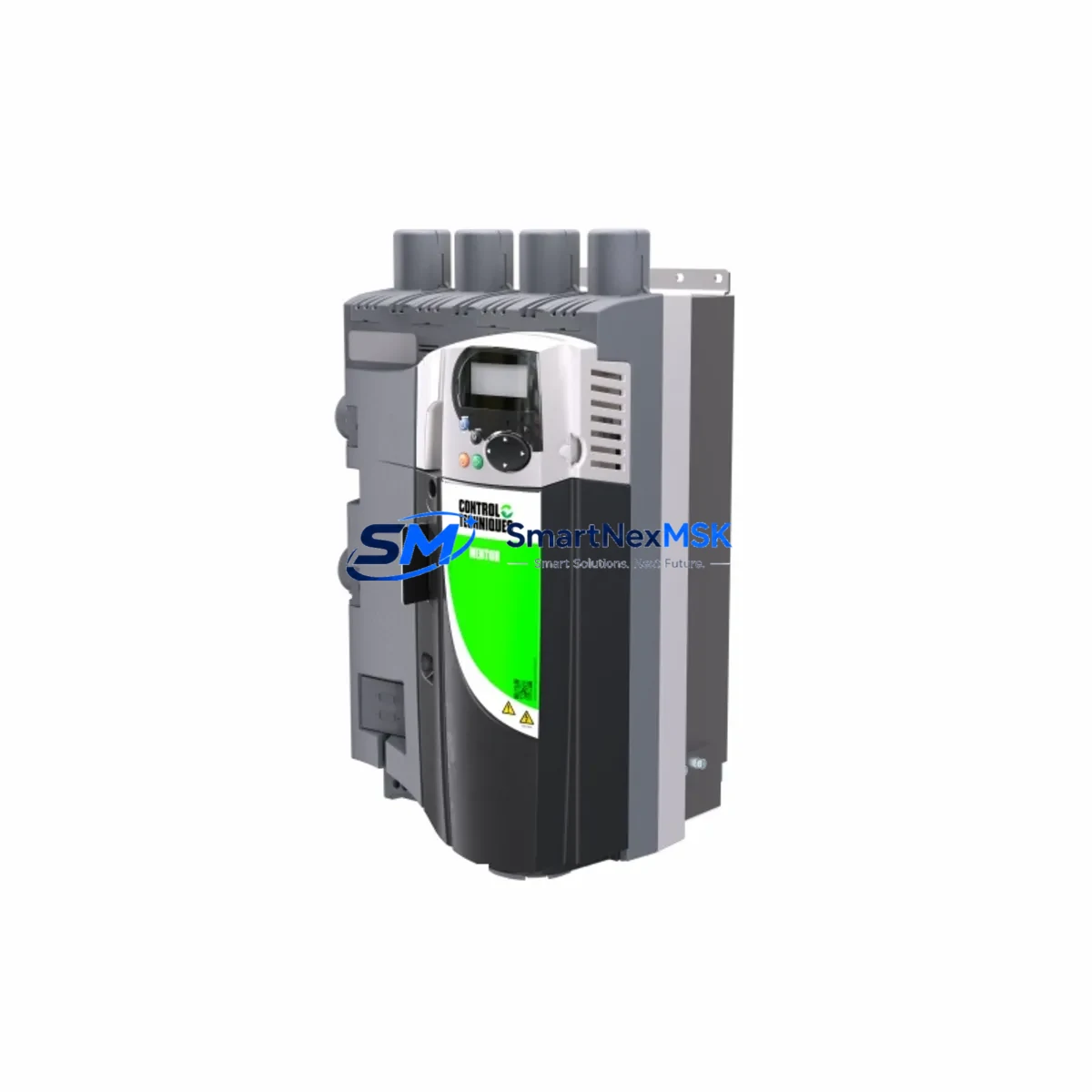
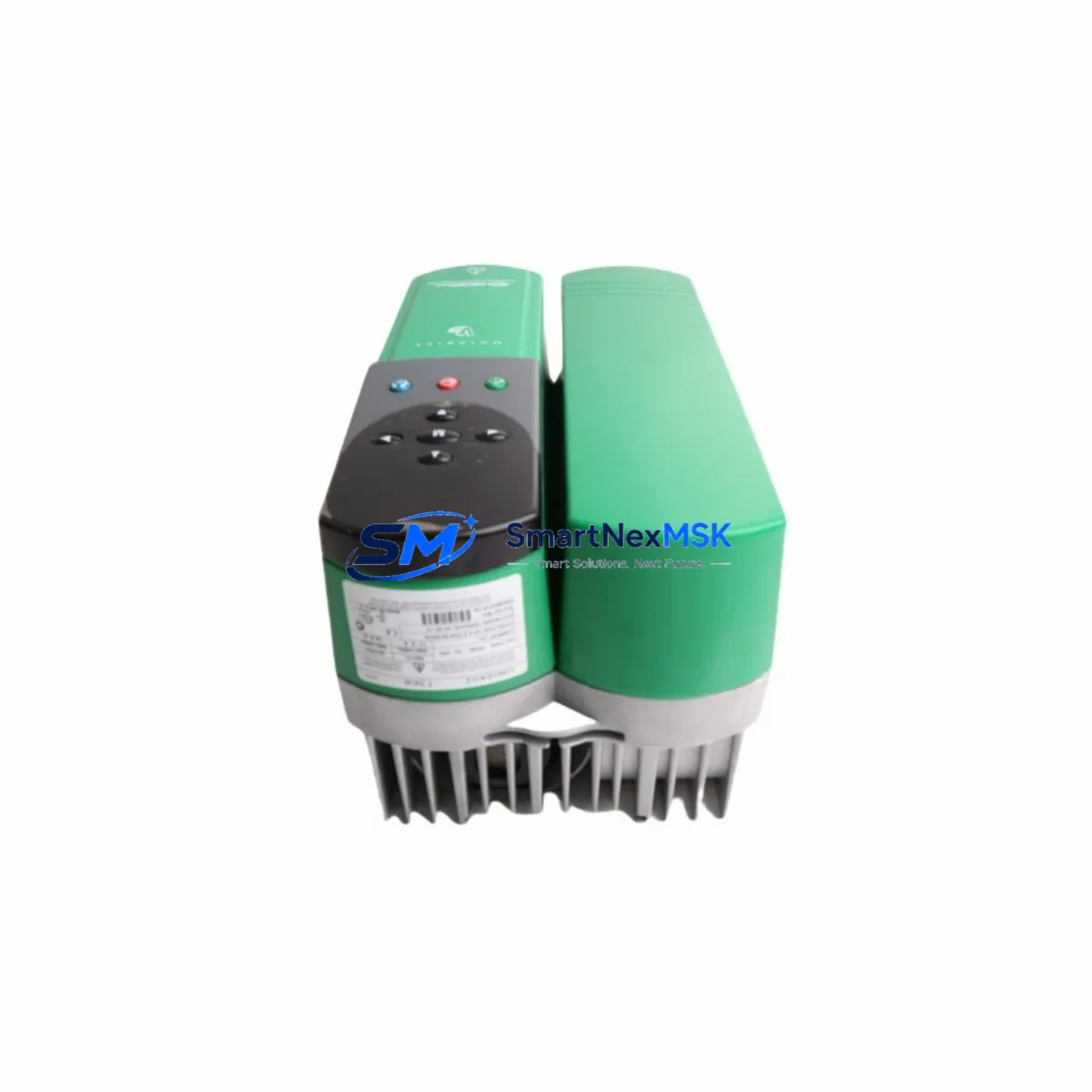
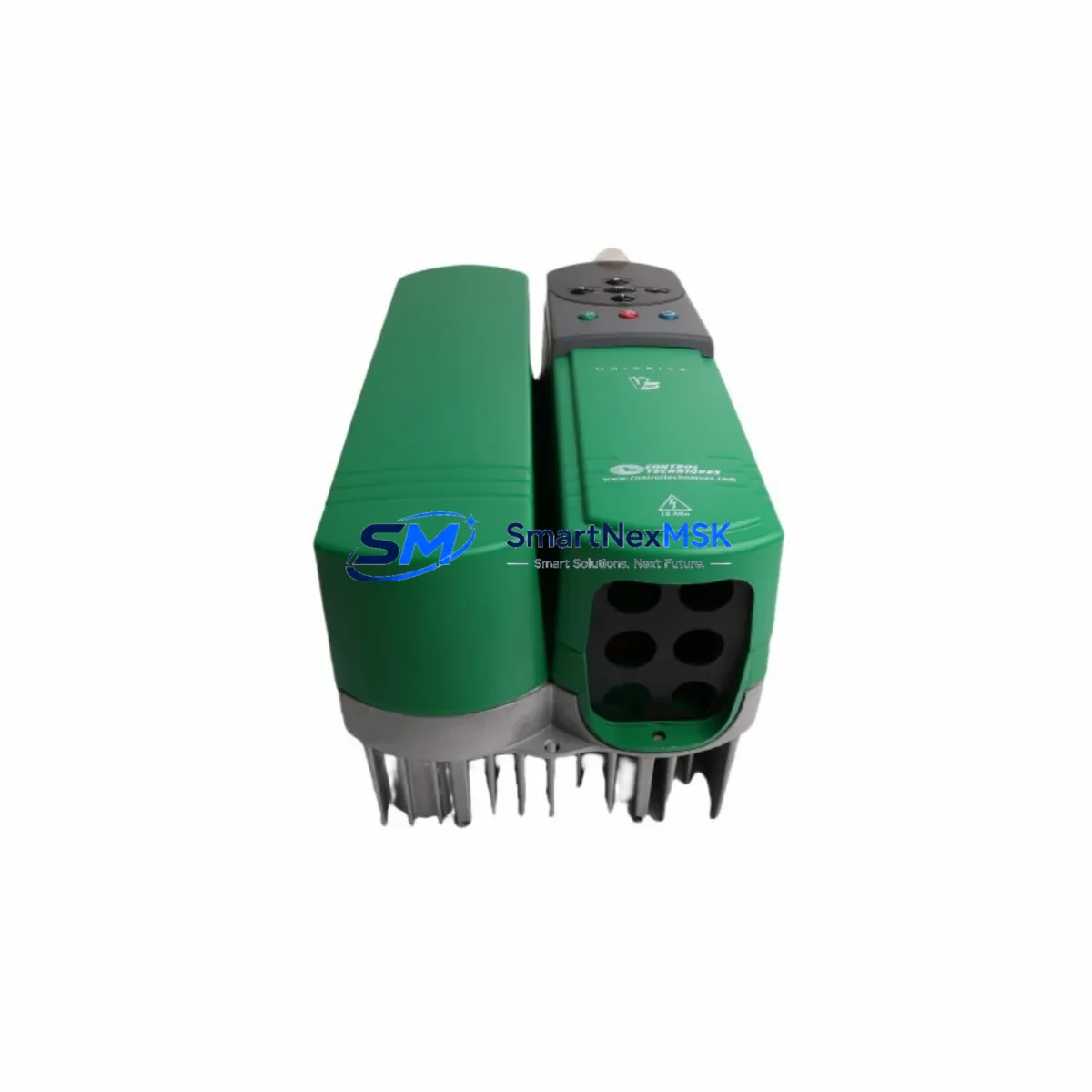
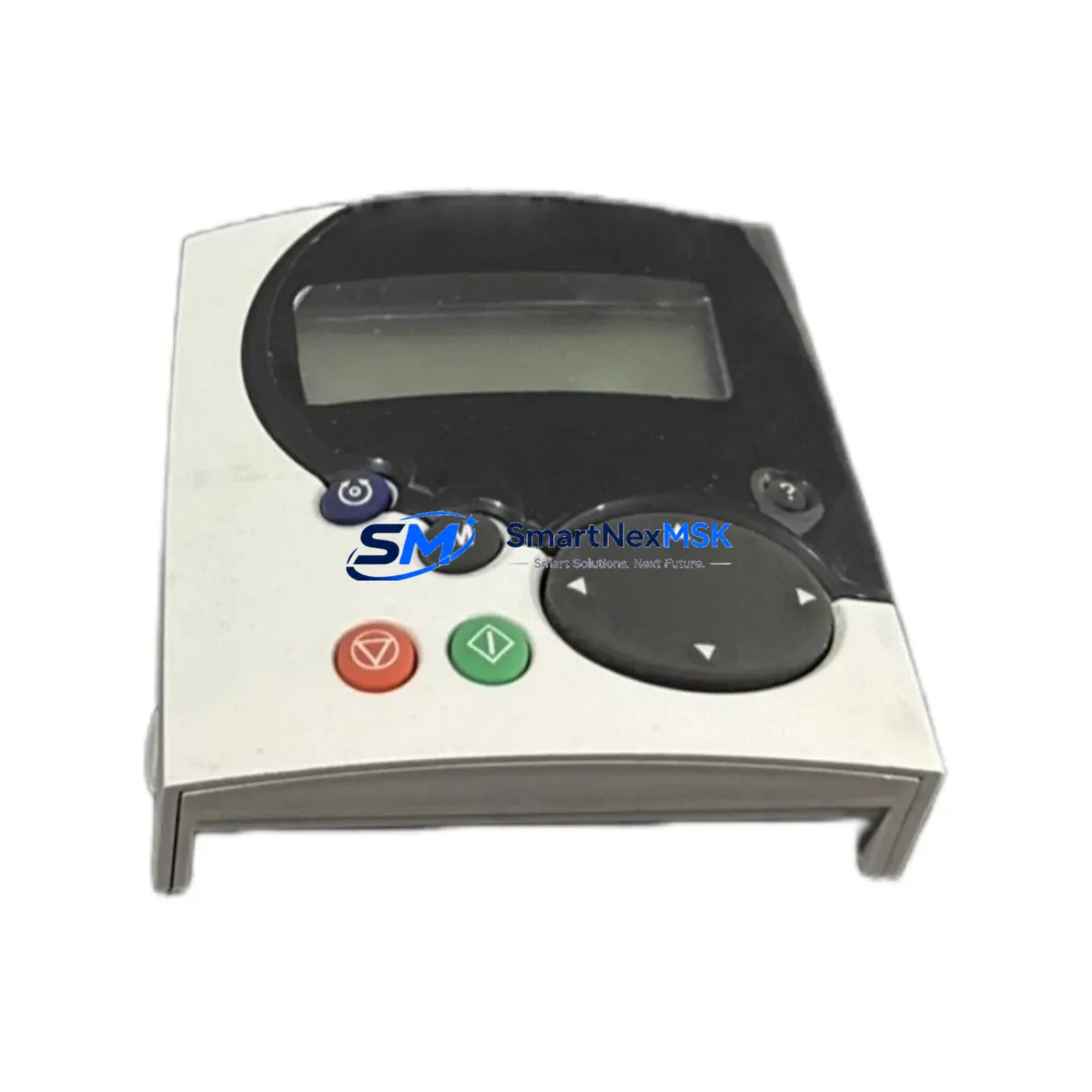
The Control Techniques STDO32 SM-Keypad Plus is a critical operator interface module designed for the Unidrive SP and Unidrive M series variable speed drives. In industrial automation environments — from continuous process lines to discrete manufacturing cells — the STDO32 serves as the primary parameter access and drive commissioning interface. When this module fails or becomes unresponsive, engineers lose the ability to monitor drive status, adjust parameters, or perform fault diagnostics at the drive level, directly increasing mean time to repair (MTTR) and risking unplanned production stoppages.
Sourced as an original Control Techniques component, each STDO32 unit supplied by SMARTNEXMSK is individually inspected and function-tested prior to shipment. All units carry a 12-month warranty covering manufacturing defects and operational failures under normal industrial use conditions. Our inventory is maintained to support both emergency replacement orders and planned maintenance procurement cycles.
Spare Maintenance Table
| Parameter | Specification / Detail |
|---|---|
| Part Number | STDO32 |
| Description | SM-Keypad Plus Operator Interface Module |
| Compatible Series | Unidrive SP, Unidrive M (all frame sizes) |
| Brand | Control Techniques (Nidec) |
| Interface Type | Plug-in option module, front-panel keypad |
| Display | Multi-line LCD with parameter navigation |
| Communication | Direct drive slot connection (no external wiring) |
| Supply Voltage | Powered via drive option slot (no separate supply required) |
| Operating Temperature | 0°C to +50°C (drive ambient rating applies) |
| Ingress Protection | IP54 front face (when installed in drive) |
| Installation | Snap-fit into Unidrive SP/M front option slot |
| Weight | Approx. 200 g |
| Country of Origin | United Kingdom |
| Warranty | 12 Months — tested before shipment |
| Availability | In stock — ready for immediate dispatch |
Maintenance Planning for Continuous Operation
When a maintenance or procurement engineer schedules replacement of the STDO32 SM-Keypad Plus, best practice dictates a concurrent inspection of all interfacing and co-dependent components within the same control cabinet or drive system. The STDO32 connects directly into the Unidrive SP or Unidrive M option slot, meaning any mechanical damage to the slot connector or contamination on the drive’s front panel should be addressed at the same time to avoid repeat failures.
Engineers should simultaneously verify the condition of the SM-Applications Plus module (if fitted in a second option slot), which handles PLC-style onboard logic and may share parameter data with the keypad. The SM-EtherCAT or SM-PROFIBUS communications module installed in the drive’s third option slot should be checked for firmware version compatibility after any drive parameter reset triggered during keypad replacement. If the drive is part of a coordinated multi-axis system, the SM-Drive Link module connecting drives in a master-follower topology warrants inspection for communication integrity.
At the power supply level, confirm that the 24 VDC auxiliary control supply feeding the drive’s control board is stable and within tolerance — an unstable auxiliary supply is a common root cause of keypad communication errors that are misdiagnosed as keypad hardware failure. The EMC filter and line reactor upstream of the drive should be inspected for signs of overheating or degraded connections, as these affect drive stability and indirectly impact keypad readout reliability.
For I/O integrity, inspect the digital input terminal strip (terminals T1–T6 on standard Unidrive SP wiring) and the analog input/output terminals for loose connections or corrosion. A faulty speed reference signal on the analog input can cause erratic drive behavior that appears as a keypad display anomaly. The relay output terminals used for run/fault signaling should be tested for contact resistance. If the installation includes a remote keypad mounting kit (RJ45 extension cable and remote bezel), inspect the cable and connectors for continuity and shielding integrity, as cable degradation is a frequent cause of intermittent keypad loss in field installations.
For sites running legacy Unidrive SP frames alongside newer Unidrive M installations, maintaining a consolidated spare parts inventory that includes the STDO32, a spare SM-Keypad (STDO31) for basic parameter access, and at least one Unidrive SP control board as a deeper-level spare is recommended to cover the full range of operator interface failure modes without requiring emergency procurement under production pressure.
Site Replacement Workflow
Step 1 — Preparation: Before removing the existing STDO32, use the keypad’s parameter copy function (if the unit is still partially functional) to upload all drive parameters to the keypad’s internal memory. This preserves the application configuration and eliminates the need for manual re-entry after replacement.
Step 2 — Safe Isolation: Isolate the drive from mains supply following local LOTO (Lockout/Tagout) procedures. Allow the DC bus to discharge fully (minimum 10 minutes after isolation, or confirm DC bus voltage below 50 V with a calibrated meter) before accessing the drive front panel.
Step 3 — Module Removal: Release the STDO32 by pressing the retention clips on both sides of the module and pulling firmly forward. Inspect the option slot connector on the drive for bent pins or debris before installing the replacement unit.
Step 4 — Installation: Align the STDO32 replacement with the option slot guide rails and press firmly until the retention clips engage. Restore power and confirm the keypad initializes correctly, displaying the drive firmware version and parameter menu.
Step 5 — Parameter Restore: If parameters were saved to the keypad memory, use the parameter download function to restore the full configuration to the drive. Verify key parameters including motor nameplate data, speed references, acceleration/deceleration ramps, and I/O assignments before returning the drive to service.
Step 6 — Functional Test: Run the drive through a no-load test cycle, confirming correct speed response, fault relay operation, and communications status on any connected SM option modules before resuming production.
This workflow minimizes downtime to under 30 minutes for a prepared maintenance team and eliminates the risk of configuration loss that can extend recovery time by hours in complex multi-drive installations.
Spare Parts Support FAQ
Q1: Is the STDO32 compatible with all Unidrive SP frame sizes?
Yes. The STDO32 SM-Keypad Plus is compatible with all Unidrive SP frame sizes (1 through 6) and all Unidrive M frame sizes. It connects via the standardized front option slot and does not require frame-specific variants. Confirm the drive’s firmware version is current to ensure full keypad menu compatibility.
Q2: How do you verify the STDO32 is the correct replacement for my existing keypad?
Match the part number printed on the label of the existing module. The STDO32 (SM-Keypad Plus) provides an extended parameter menu and copy function compared to the basic SM-Keypad (STDO31). If your existing installation uses parameter copy or multi-language display features, the STDO32 is the correct replacement. If in doubt, provide your drive nameplate data and we will confirm compatibility before shipment.
Q3: What testing is performed before shipment?
Each STDO32 unit is powered up and functionally tested on a compatible Unidrive SP test rig prior to dispatch. Display initialization, parameter navigation, and keypad copy function are verified. Units that fail any test stage are quarantined and not shipped. A test record is available on request for quality-critical procurement.
Q4: What does the 12-month warranty cover and how is it claimed?
The 12-month warranty covers all manufacturing defects and operational failures under normal industrial operating conditions from the date of shipment. It does not cover damage resulting from incorrect installation, overvoltage events, or physical impact. To make a warranty claim, contact [email protected] with your order reference and a description of the failure. Replacement units are dispatched within 3 business days of claim approval, and failed units are returned freight-prepaid for failure analysis.
© 2026 SMARTNEXMSK. All rights reserved.
Original Source: https://smartnexmsk.com
Contact: [email protected] | +86 18259474341