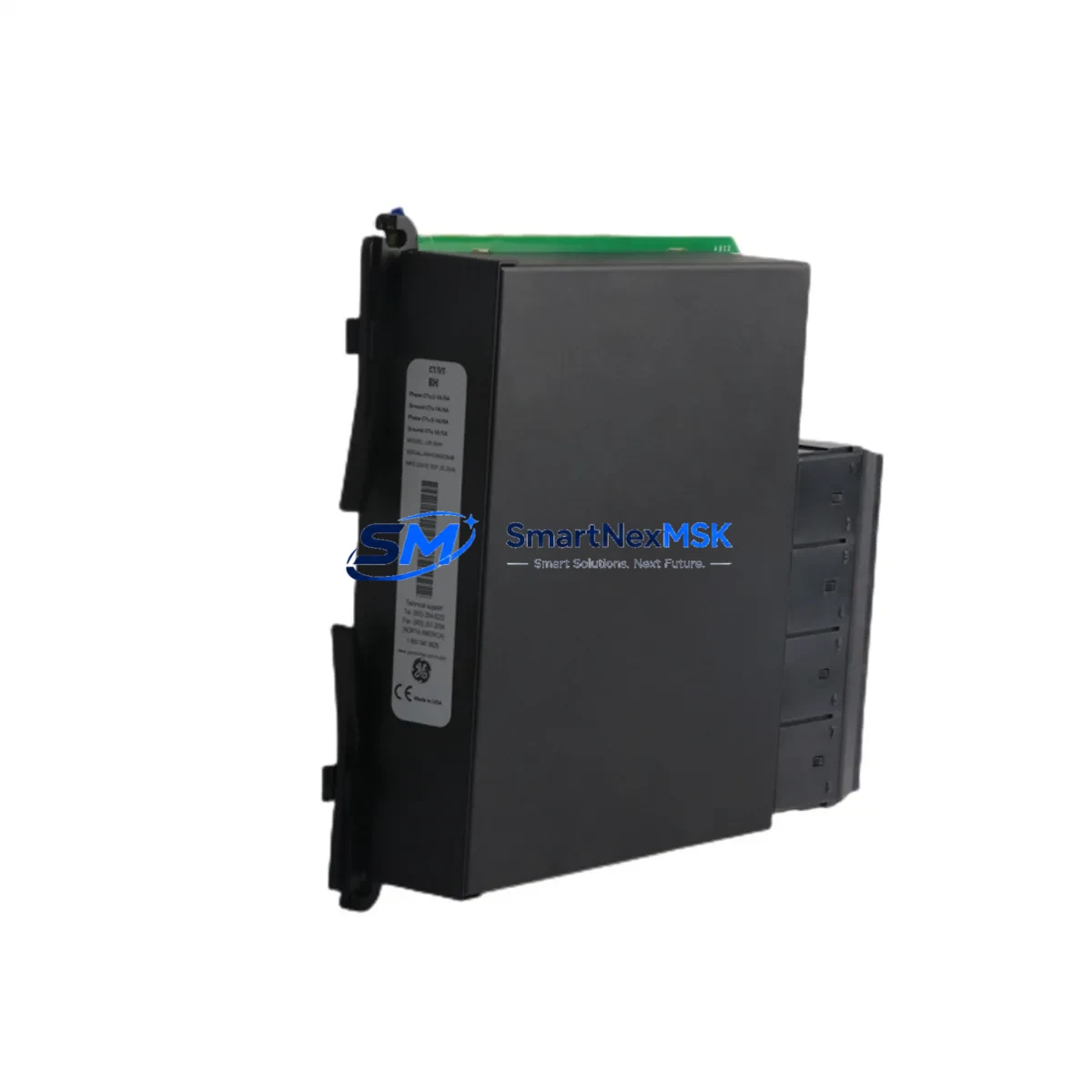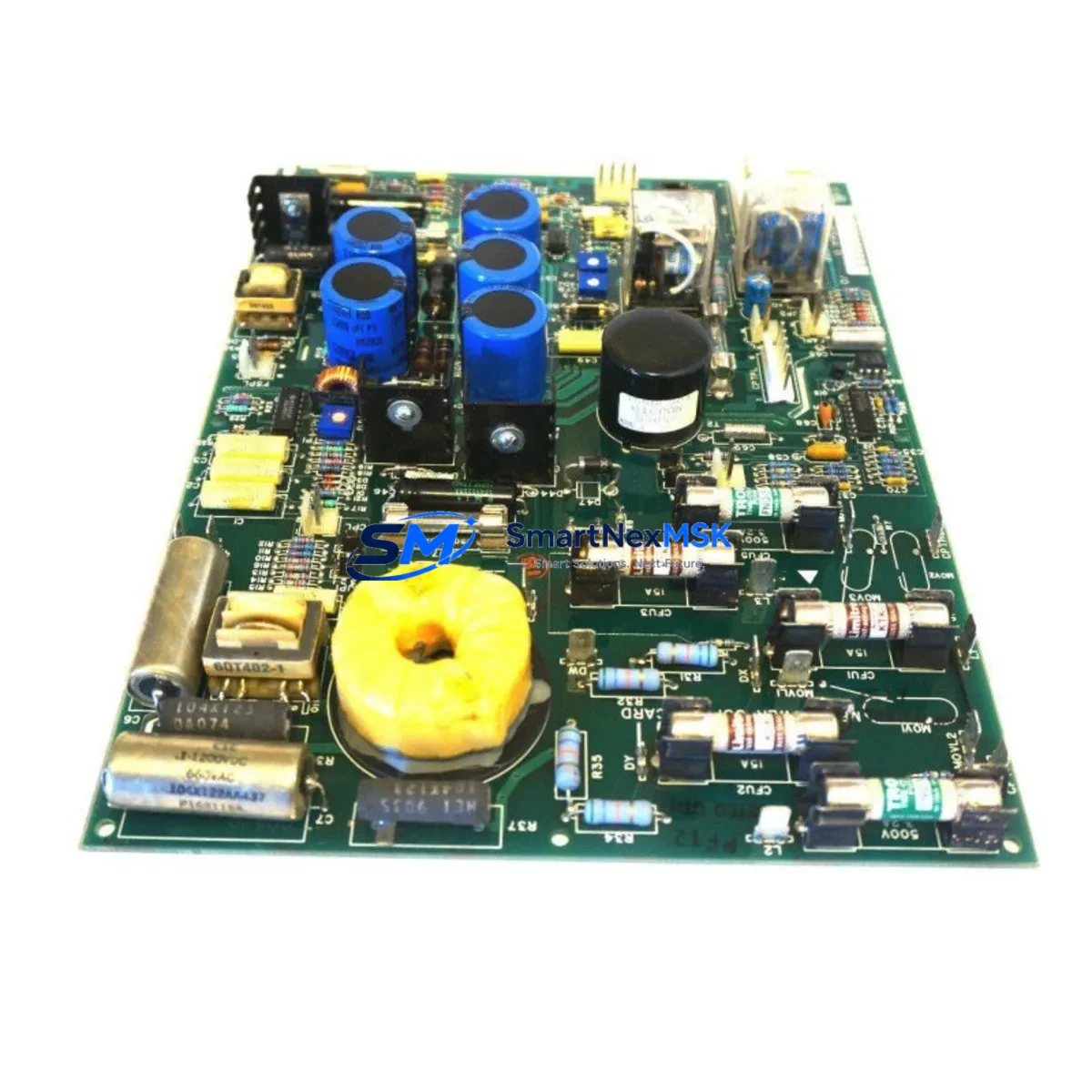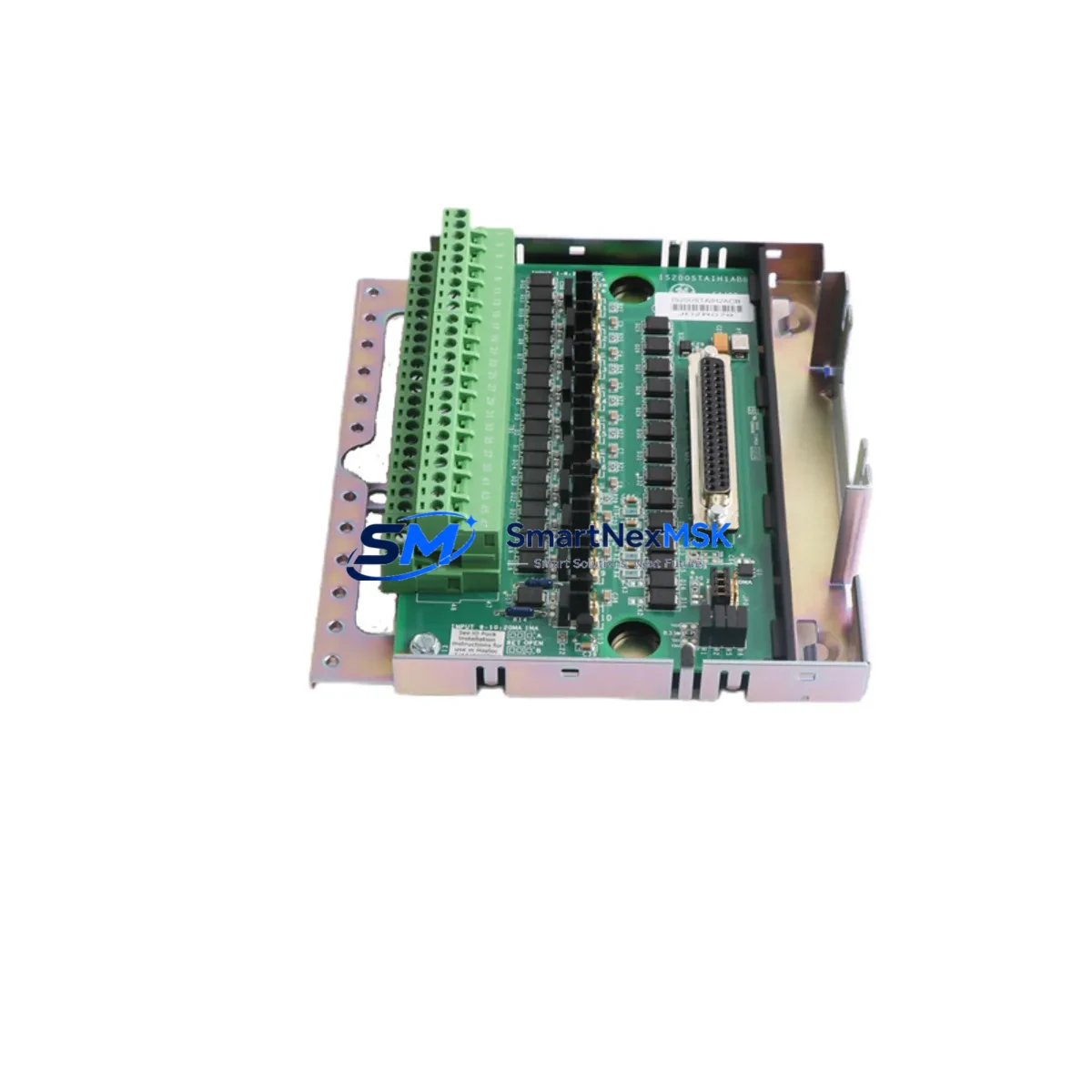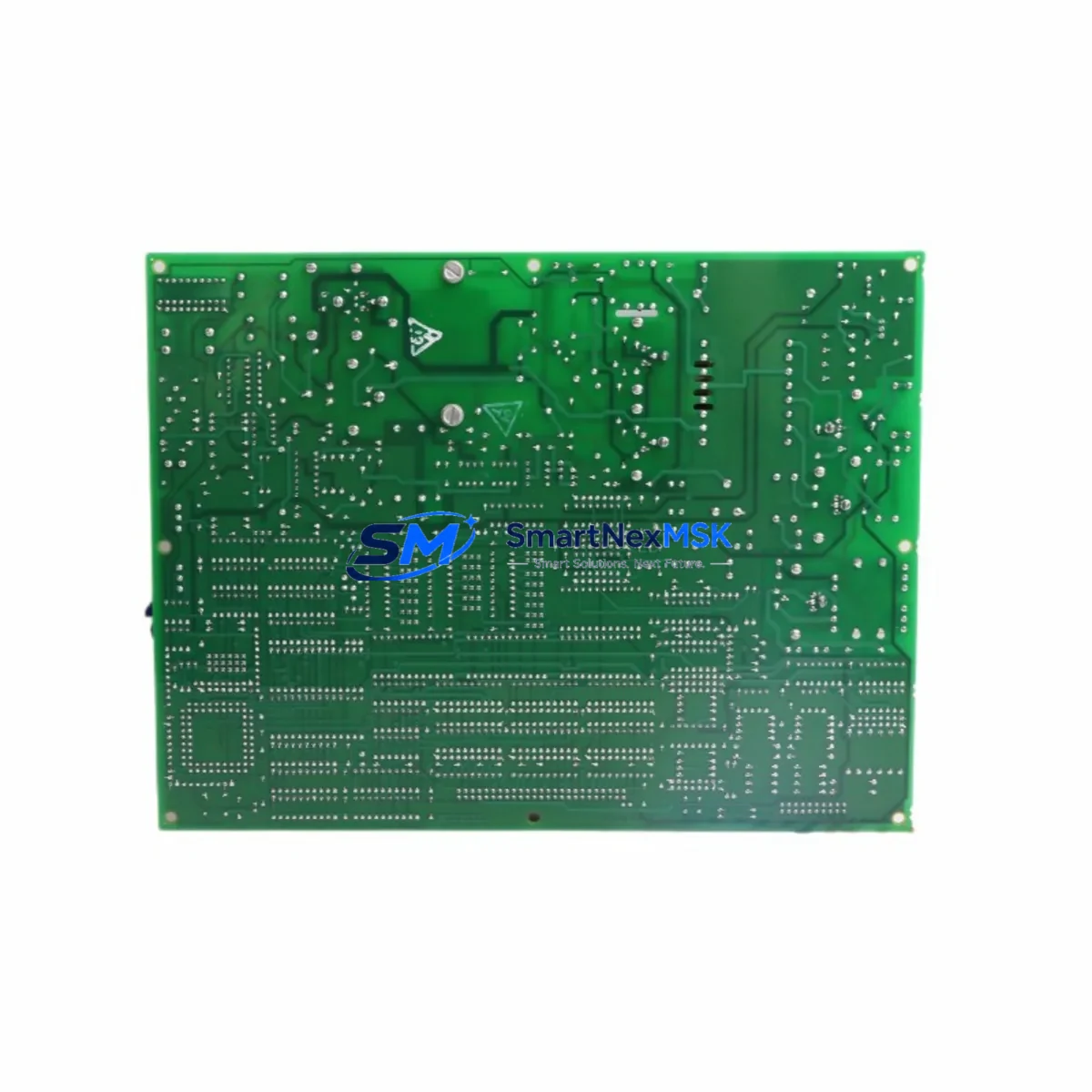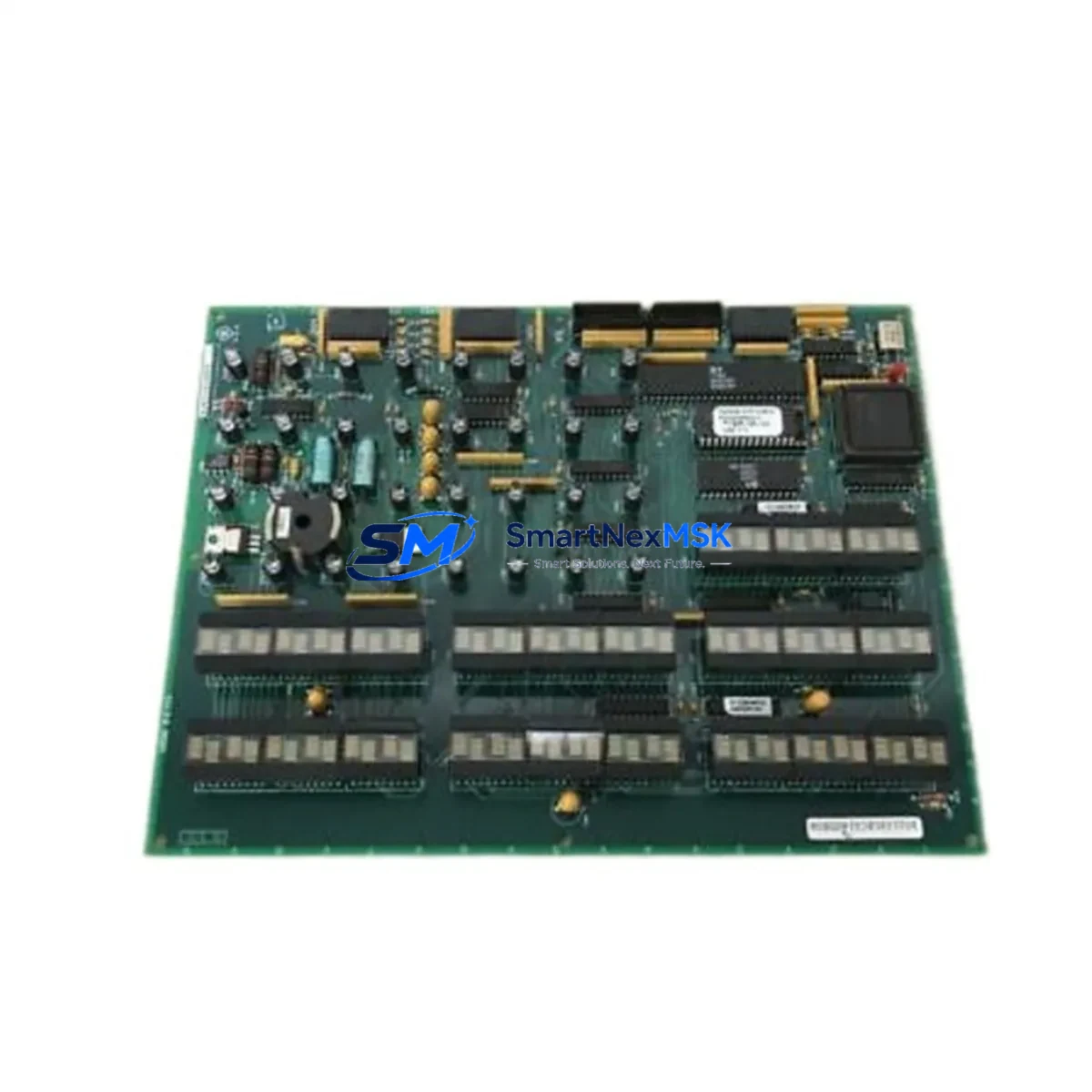
GE DS200KLDCG1AAA Maintenance-Ready Spare Mark VI Automation
The GE DS200KLDCG1AAA is an original HMI display board engineered for the Mark VI turbine control platform — one of the most widely deployed distributed control architectures in power generation, oil & gas, and heavy industrial facilities worldwide. For maintenance engineers managing aging turbine control cabinets, the DS200KLDCG1AAA represents a critical interface component: it bridges operator visibility with real-time turbine status, alarm management, and control loop feedback. When this board fails, the entire operator station goes dark, forcing an unplanned shutdown that can cost thousands of dollars per hour in lost production.
Sourcing a verified original DS200KLDCG1AAA spare — pre-tested, properly stored, and backed by a documented 12-month warranty — is the fastest path to restoring full system visibility and resuming safe turbine operation. Every unit shipped by SMARTNEXMSK undergoes functional verification prior to dispatch, with full traceability documentation included.
Spare Maintenance Table
| Parameter | Specification / Detail |
|---|---|
| Part Number / SKU | DS200KLDCG1AAA |
| Brand | General Electric (GE) |
| Series | Mark VI Turbine Control System |
| Product Type | HMI Display Board |
| Compatible Platform | GE Mark VI, Mark VIe (operator interface layer) |
| Application | Gas turbine, steam turbine, combined-cycle plant operator stations |
| Operating Environment | Industrial control cabinet; temperature-controlled enclosure recommended |
| Condition | Original OEM — tested, inspected, and verified before shipment |
| Origin | United States |
| Warranty | 12 months from date of shipment |
| Pre-shipment Testing | Functional verification performed on every unit |
| Lead Time | In-stock units ship within 1–3 business days |
| Packaging | Anti-static ESD packaging with foam cushioning |
| Documentation | Test report and traceability certificate included |
| Maintenance Recommendation | Inspect display connectors and ribbon cables at each planned outage; clean with dry compressed air; verify backlight integrity annually |
Maintenance Planning for Continuous Operation
Replacing the DS200KLDCG1AAA in a Mark VI control cabinet is rarely an isolated task. Experienced maintenance engineers know that an HMI display board failure is often a symptom of broader electrical stress in the operator station or the control cabinet power distribution network. Before returning the turbine to service after a DS200KLDCG1AAA swap, a thorough inspection of the surrounding components is strongly recommended.
Start with the Mark VI power supply module (such as the IS200EPCTG1A or equivalent EPCT-series board) that feeds the operator station. A degraded or fluctuating 24 VDC rail is a common root cause of HMI board failures and will destroy a replacement unit if left uncorrected. Verify output voltage stability under load before reinstalling the new DS200KLDCG1AAA.
Next, inspect the I/O terminal boards — particularly the IS200TBCIH1C or IS200TBCIH1BAA — that interface with the display board’s signal lines. Loose or corroded terminal connections can introduce noise into the display data bus, causing intermittent screen artifacts or complete loss of display output. Clean and re-torque all terminal screws to manufacturer specification.
The Mark VI communication gateway board (such as the IS200VCRCH1B) should also be checked. If the HMI board lost communication with the turbine controller prior to failure, the gateway may have logged fault codes that point to a deeper network issue — a problem that will persist even after the display board is replaced. Pull the diagnostic log from the UCSC controller card before closing the cabinet.
For plants running dual-redundant operator stations, verify that the IS200DSPXH1D DSP processor board on the secondary station is functioning correctly and that the redundancy switchover logic is intact. A failed primary HMI board that was not caught promptly may have already triggered an automatic switchover, leaving the secondary station as the sole operator interface.
Inspect the ribbon cable assemblies and backplane connectors that link the DS200KLDCG1AAA to the operator station chassis. These flex cables are subject to fatigue cracking in high-vibration environments and should be replaced proactively if any cracking, delamination, or pin corrosion is visible. Similarly, check the IS200VSVOH1B signal conditioning board for any signs of capacitor bulging or PCB discoloration that may indicate thermal stress.
Finally, review the UPS module supplying the operator station. An aging UPS battery that cannot sustain the operator station through a brief power dip is a frequent contributor to unexpected HMI board resets and data corruption. If the UPS has not been load-tested within the past 12 months, schedule a battery capacity test during the current maintenance window.
Keeping a minimum of one DS200KLDCG1AAA in your on-site spare parts inventory — alongside a spare power supply module and a set of replacement ribbon cables — is the most cost-effective strategy for minimizing turbine downtime caused by operator station faults.
Site Replacement Workflow
Step 1 — Isolate and document. Before removing the failed DS200KLDCG1AAA, photograph the existing cable routing, connector positions, and any visible fault indicators on adjacent boards. Record the current alarm list from the Mark VI historian if the system is still partially operational.
Step 2 — Power down the operator station safely. Follow the Mark VI shutdown sequence documented in GEH-6421 or the site-specific maintenance procedure. Do not simply cut power to the cabinet without following the correct sequence, as this can corrupt the HMI configuration stored on the board’s non-volatile memory.
Step 3 — Remove and inspect. Extract the DS200KLDCG1AAA using the board extraction handles. Inspect the board for visible damage — burnt components, cracked solder joints, or swollen capacitors — and document findings for the maintenance record. This information is valuable for root-cause analysis and for justifying spare parts budget to procurement management.
Step 4 — Install the replacement unit. Insert the new DS200KLDCG1AAA into the correct slot, ensuring all edge connectors are fully seated. Reconnect all ribbon cables and signal connectors in the order documented in Step 1. Verify that the board’s DIP switch or jumper configuration matches the removed unit before powering up.
Step 5 — Power up and verify. Restore power to the operator station and observe the boot sequence. Confirm that the display initializes correctly, that all turbine status screens are populated with live data, and that no new alarms are generated by the replacement procedure. Run a full I/O check if the site procedure requires it.
Step 6 — Update the maintenance record. Log the replacement in the CMMS, record the new board’s serial number, and update the spare parts inventory to trigger a replenishment order for the next DS200KLDCG1AAA unit. Maintaining a continuous spare parts cycle is the foundation of a zero-unplanned-downtime maintenance strategy.
Spare Parts Support FAQ
Q1: Is the DS200KLDCG1AAA compatible with both Mark VI and Mark VIe systems?
The DS200KLDCG1AAA is designed for the Mark VI operator station architecture. Compatibility with Mark VIe depends on the specific operator station configuration at your site. We recommend providing your full system configuration details — including the operator station chassis model and firmware revision — when placing your order so our technical team can confirm compatibility before shipment.
Q2: What testing is performed before the unit is shipped?
Every DS200KLDCG1AAA unit undergoes a functional verification test prior to dispatch. This includes power-on testing, display output verification, and connector integrity checks. A test report is included with each shipment. Units that do not pass all test criteria are not shipped.
Q3: What does the 12-month warranty cover?
The 12-month warranty covers manufacturing defects and functional failures under normal operating conditions. It does not cover damage caused by incorrect installation, overvoltage events, physical impact, or use outside the specified environmental parameters. In the event of a warranty claim, SMARTNEXMSK will provide a replacement unit or a full refund at our discretion.
Q4: How should I manage DS200KLDCG1AAA inventory for a multi-unit turbine fleet?
For fleets of three or more Mark VI-controlled turbines, we recommend maintaining a minimum of two DS200KLDCG1AAA units in on-site inventory. For larger fleets or remote sites where resupply lead times exceed 72 hours, a buffer of three to five units is advisable. SMARTNEXMSK offers long-term supply agreements and reserved stock programs for fleet operators who require guaranteed availability.
© 2026 SMARTNEXMSK. All rights reserved.
Original Source: https://smartnexmsk.com
Contact: [email protected] | +86 18259474341