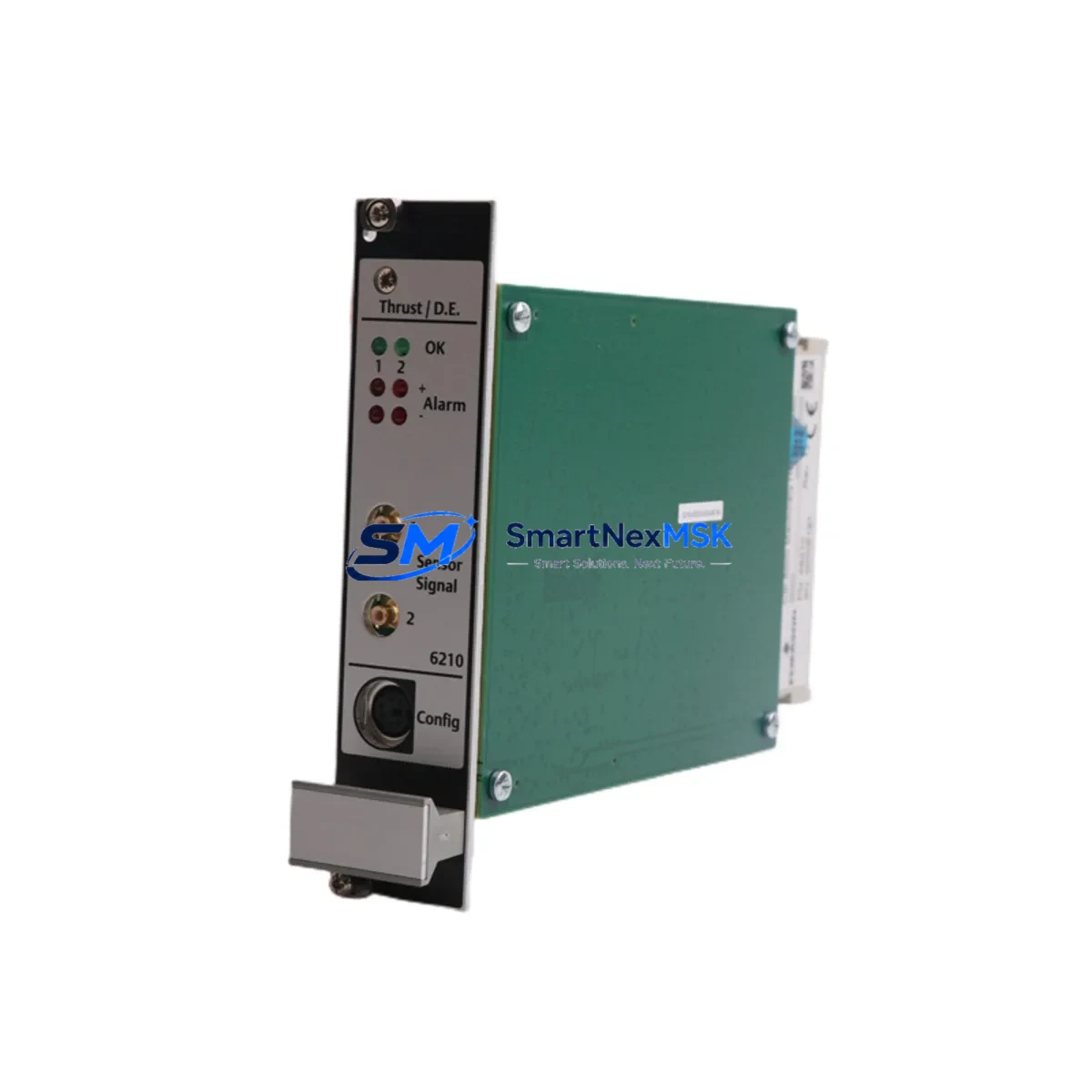
Emerson A6210 Retrofit-Ready Vibration Module for Ovation DCS: Compatible Modernization & Smooth System Upgrade
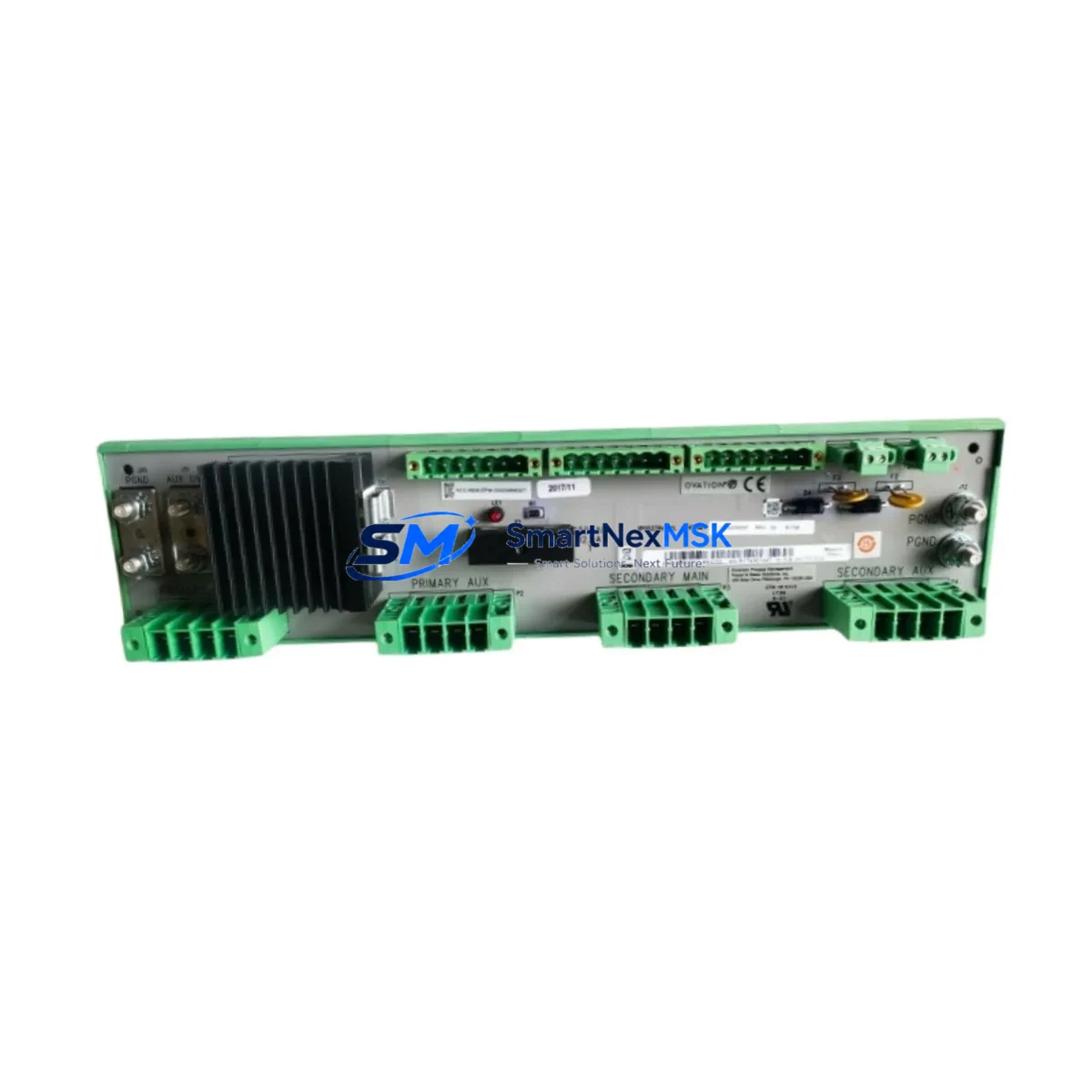
The Emerson A6210 is a high-reliability vibration monitoring module engineered for Ovation Distributed Control System (DCS) platforms. Designed as a direct retrofit replacement for discontinued or aging turbine protection and condition monitoring hardware, the A6210 delivers drop-in compatibility with existing Ovation controller racks, backplane wiring, and I/O channel assignments — minimizing engineering rework and reducing total migration cost for power generation and heavy industrial facilities.
Whether you are replacing a failed unit on an emergency basis, executing a planned outage upgrade, or modernizing a legacy turbine control cabinet, the A6210 provides the measurement accuracy, channel density, and communication compatibility required to maintain continuous plant protection without rewriting control logic or reconfiguring HMI display screens.
Upgrade Compatibility Table
| Parameter | Details |
|---|---|
| Compatible Platform | Emerson Ovation DCS (all generations) |
| Module Function | Thrust Position & Differential Expansion Monitoring |
| Backplane Interface | Ovation standard I/O backplane — direct slot replacement |
| Wiring Compatibility | Retains existing field terminal wiring; no rewiring required |
| Communication Protocol | Ovation proprietary network; compatible with Ovation OCR400/OCR1100 controllers |
| Channel Configuration | Module address and channel mapping preserved from original installation |
| HMI Compatibility | Existing Ovation Operator Station displays remain valid; no screen rebuild required |
| Program Logic | Control logic in Ovation Developer Studio compatible without modification |
| Installation Requirement | Standard Ovation I/O chassis; no additional mounting hardware |
| Commissioning | Module auto-recognized by Ovation controller on power-up; field calibration verification recommended |
| Replacement Recommendation | Direct replacement for original A6210; verify firmware revision compatibility with site engineer |
| Warranty | 12-Month Warranty — covers manufacturing defects and functional failure under normal operating conditions |
Retrofit Planning for Existing Automation Systems
Successful retrofit of the A6210 into an operating turbine control system requires a structured pre-outage engineering review. Before scheduling the replacement window, site engineers should confirm the power supply capacity of the Ovation I/O chassis — typically an Emerson PS6201 or equivalent redundant power supply module — to ensure the replacement module’s draw does not exceed available headroom, particularly in chassis that have been expanded with additional I/O cards over the years.
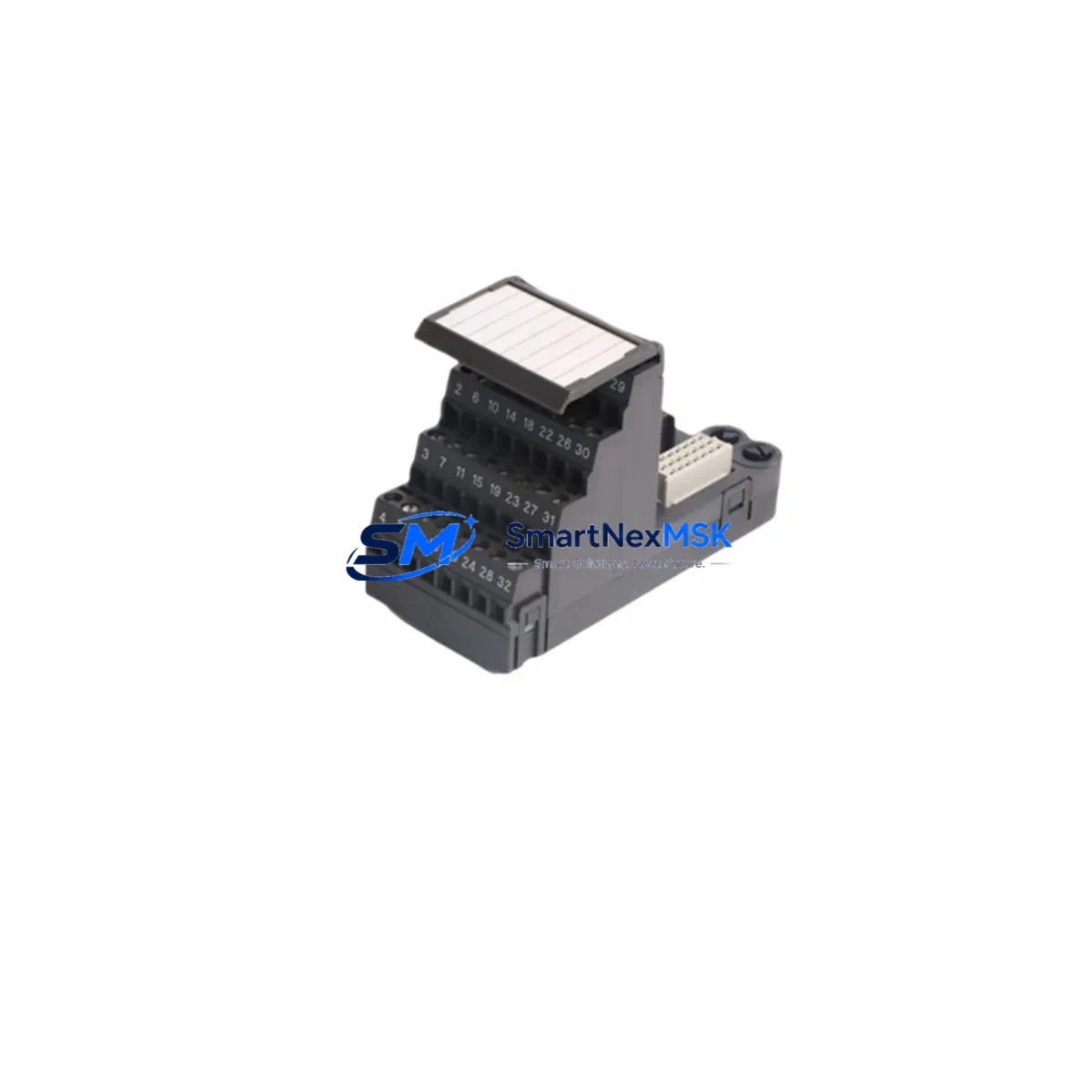
Terminal block wiring should be documented and photographed prior to removal of the legacy module. The A6210 uses the standard Ovation field termination assembly, and in most installations the existing wiring harness can be transferred directly. However, sites running older Ovation I/O expansion chassis may need to verify that the termination module revision matches the replacement card’s connector pinout.
Module addressing is handled automatically through the Ovation backplane slot assignment. Engineers should confirm the slot number in Ovation Developer Studio before the outage begins, ensuring the replacement A6210 will be recognized at the correct logical address without requiring a database download. In systems where the Ovation OCR400 or OCR1100 controller manages multiple I/O drops, the drop address and node configuration should be verified in the Ovation system database prior to installation.
For sites integrating the A6210 alongside newer Ovation I/O modules — such as the A6350 analog input card or A6550 digital output module — engineers should review the chassis load balance and confirm that the Ovation communication network (typically running on a dedicated Ethernet I/O bus) has sufficient bandwidth for the expanded module count. Sites that have added Modbus RTU or PROFIBUS DP gateways for third-party device integration should also verify that the communication module — such as an Ovation serial communication card — remains unaffected by the slot change.
HMI display screens on the Ovation Operator Station do not require modification when replacing a like-for-like A6210 module, as the tag database and point assignments remain unchanged. However, if the replacement is part of a broader upgrade that includes changes to measurement range or engineering units, the Ovation graphics engineer should update the relevant faceplate and trend displays before returning the unit to service. Control logic built in Ovation Developer Studio — including alarm setpoints, interlock logic, and historian tags — is fully preserved across the module swap.
Sites performing a broader control cabinet upgrade alongside the A6210 replacement may also be sourcing Emerson Ovation controller modules, redundant communication switches, or updated marshalling panels. In these cases, coordinating the delivery of all components — including any required programming cables for Ovation configuration — before the outage window begins is essential to keeping the maintenance period within the planned schedule.
Downtime Control During System Migration
Minimizing unplanned downtime during an A6210 module replacement begins with pre-staging the replacement unit and verifying its configuration before the outage window opens. SMARTNEXMSK ships all A6210 modules with a pre-shipment functional test report, confirming channel accuracy, communication handshake, and power consumption within specification. This allows site engineers to validate the replacement unit in a bench environment — using a portable Ovation I/O test chassis or a spare controller node — before committing to the live system swap.
During the actual replacement, the Ovation controller should be placed in manual control mode for the affected loops prior to removing the legacy module. This preserves the last known output state and prevents spurious trips or process upsets during the module exchange. The A6210’s auto-recognition feature means that once the replacement module is seated and powered, the Ovation controller will re-establish communication within seconds, allowing a rapid return to automatic control.
For critical turbine protection applications where continuous monitoring is required, sites should consider maintaining the original A6210 in a parallel monitoring configuration — using a spare chassis slot or a portable vibration analyzer — until the replacement module has been verified in service. This approach protects against unexpected compatibility issues and allows the control room team to compare readings between the legacy and replacement modules before fully committing to the new hardware.
Post-installation, a structured commissioning checklist should cover: channel-by-channel signal verification against field sensor outputs, alarm setpoint confirmation in the Ovation database, historian tag validation, and a 24-hour monitoring period before returning the unit to unattended operation. All commissioning records should be retained as part of the site’s maintenance documentation for future reference and warranty support.
Retrofit Support FAQ
Q1: Is the A6210 a direct drop-in replacement for the original Emerson Ovation vibration monitoring module?
Yes. The A6210 is designed as a direct slot replacement for the original Ovation vibration monitoring hardware. It uses the same backplane connector, field termination interface, and logical address structure, allowing installation without changes to wiring, control logic, or HMI displays in the vast majority of Ovation system configurations. Site engineers should verify firmware revision compatibility with the installed Ovation controller version before installation.
Q2: What commissioning steps are required after installing the A6210?
After seating the module in the Ovation I/O chassis, the controller will automatically recognize the A6210 and re-establish communication. Recommended commissioning steps include: verifying channel signal levels against known field sensor outputs, confirming alarm setpoints in Ovation Developer Studio, validating historian tag continuity, and performing a 24-hour in-service monitoring period. A pre-shipment functional test report is included with each unit shipped by SMARTNEXMSK.
Q3: Can the A6210 be used in Ovation systems that have been expanded with third-party communication modules or Modbus gateways?
Yes. The A6210 operates on the Ovation proprietary I/O network and does not interfere with third-party communication modules installed in separate chassis slots. Sites running Modbus RTU, PROFIBUS DP, or Ethernet/IP gateways alongside Ovation I/O should verify that the communication module slot assignments are not affected by the A6210 installation, but no protocol-level conflicts are expected in standard Ovation system architectures.
Q4: What does the 12-month warranty cover, and how is a warranty claim processed?
The 12-month warranty covers manufacturing defects and functional failure under normal operating conditions from the date of shipment. In the event of a warranty claim, SMARTNEXMSK will arrange return shipping, perform a failure analysis, and provide a replacement or repaired unit within an agreed lead time. Warranty claims should be initiated by contacting [email protected] with the original order reference and a description of the observed failure mode.
© 2026 SMARTNEXMSK. All rights reserved.
Original Source: https://smartnexmsk.com
Contact: [email protected] | +86 18259474341