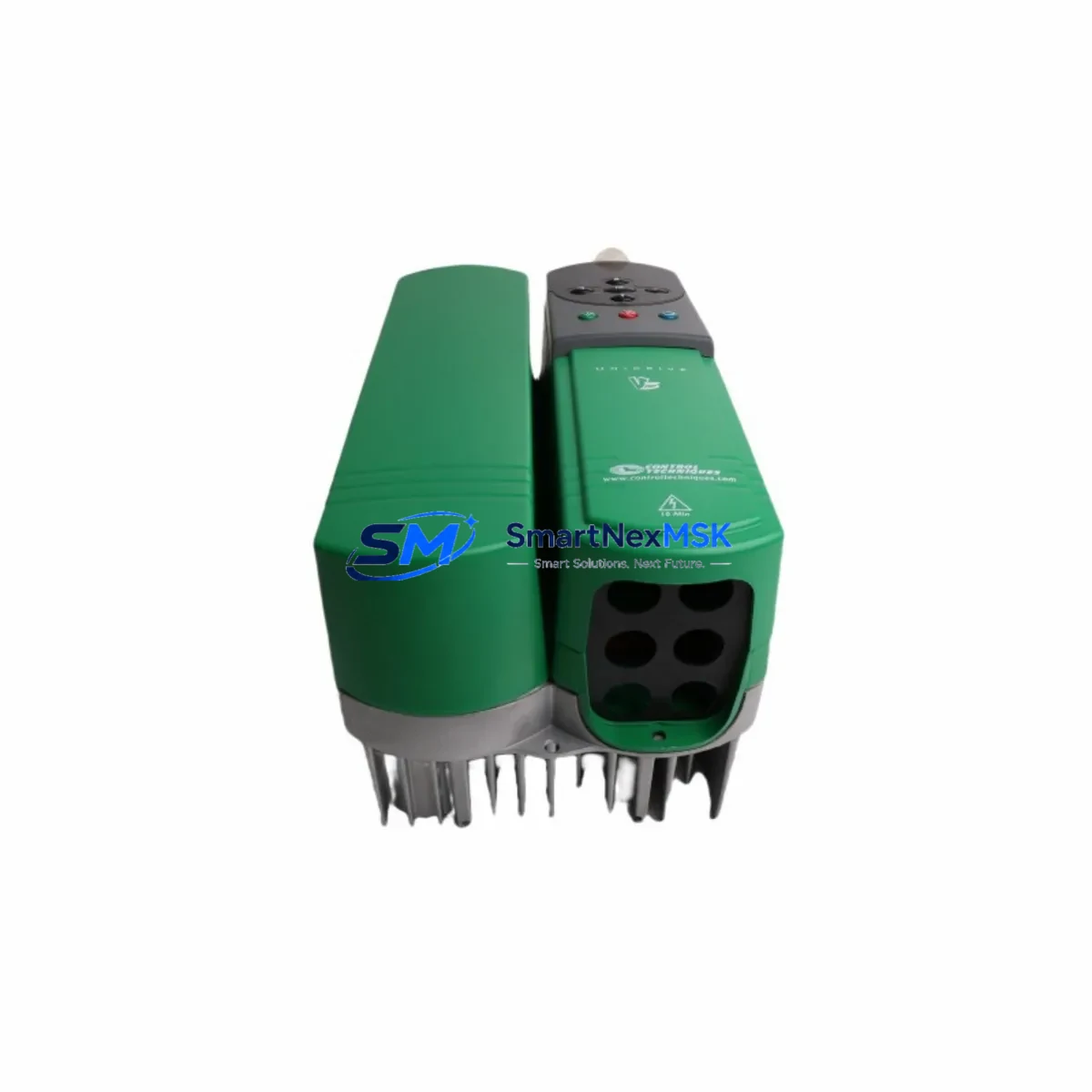
Emerson UNI3403 Retrofit-Ready Drive Board for Unidrive Classic Control Systems
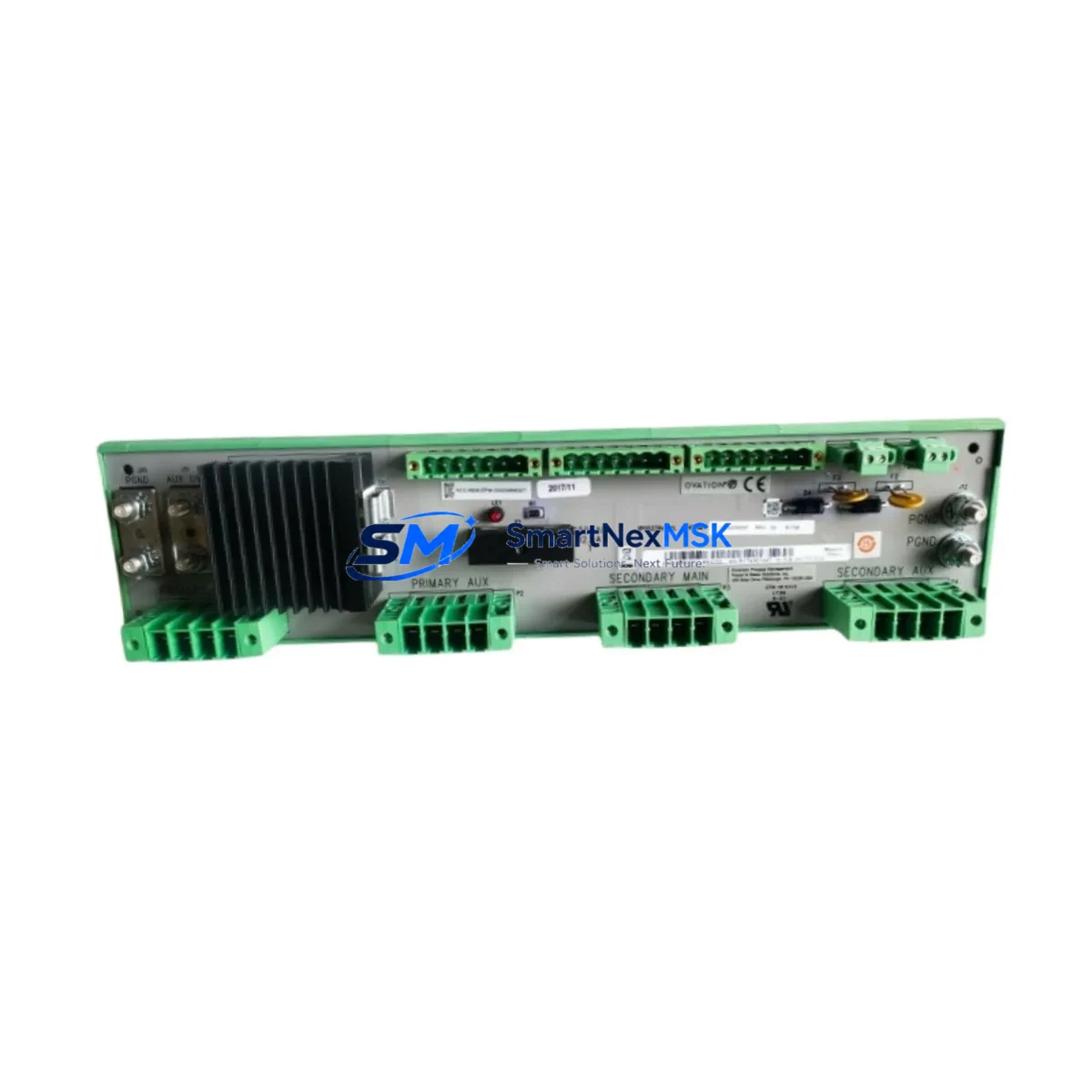
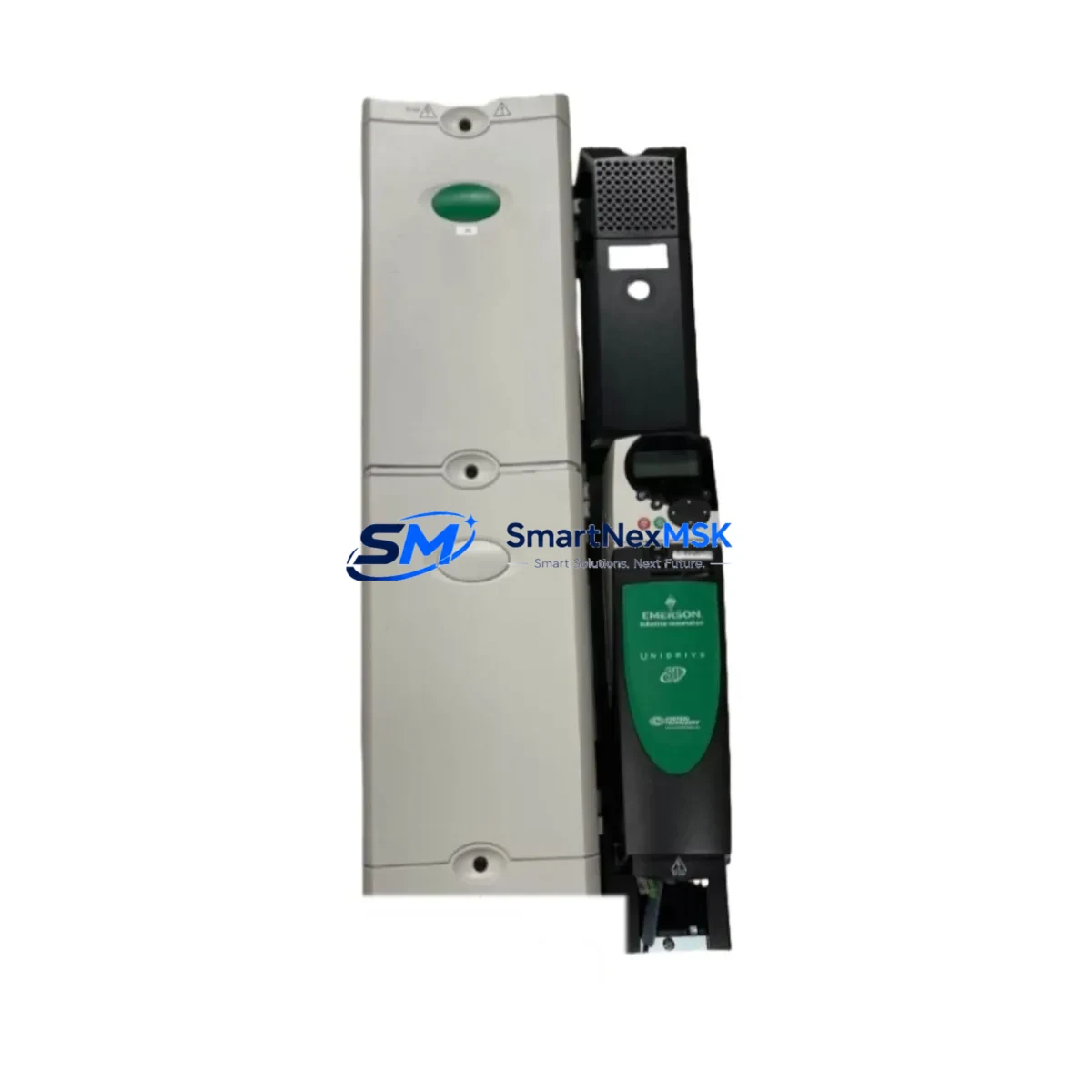
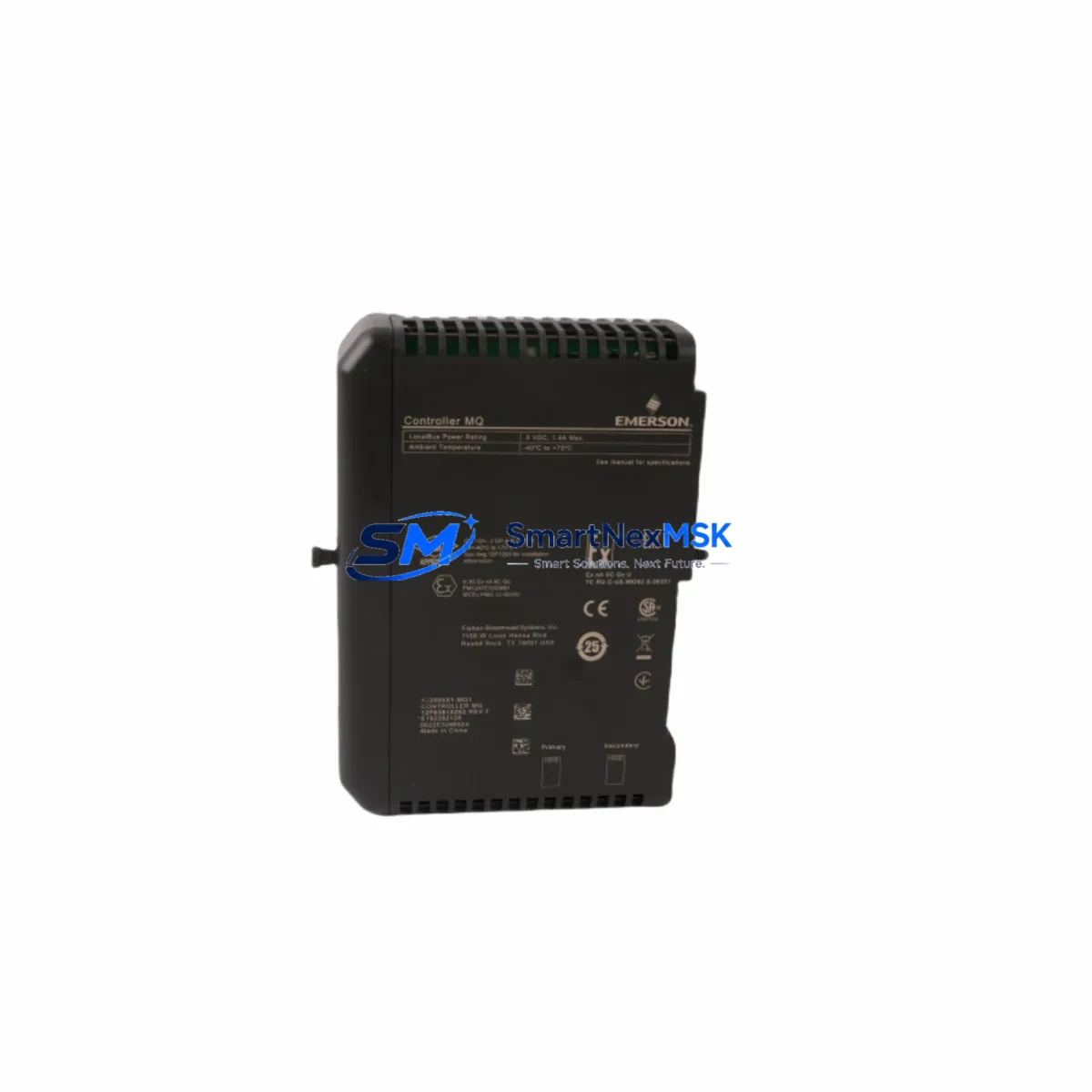
The Emerson UNI3403 is a retrofit-ready inverter drive board engineered for seamless integration into legacy Unidrive Classic series control systems. As industrial facilities face increasing pressure to modernize aging automation infrastructure without full-line shutdowns, the UNI3403 provides a validated drop-in upgrade path that preserves existing wiring topologies, backplane interfaces, and control logic while delivering improved drive performance and diagnostic capability.
Whether you are replacing a failed drive board in a running production line, upgrading a control cabinet as part of a planned modernization program, or sourcing a verified spare for a discontinued Unidrive Classic variant, the UNI3403 is stocked, tested, and ready to ship from our Xiamen facility with a 12-month warranty covering manufacturing defects and functional failures under normal operating conditions.
Upgrade Compatibility Table
| Parameter | UNI3403 Specification | Retrofit Notes |
|---|---|---|
| Series Compatibility | Unidrive Classic (UC series) | Verify frame size and power rating before installation |
| Backplane Interface | Standard Unidrive Classic backplane connector | No adapter required for same-frame replacements |
| Communication Protocol | CT Modbus RTU / ANSI / CTNet | Confirm existing comms module (e.g. SM-Profibus, SM-DeviceNet) is retained |
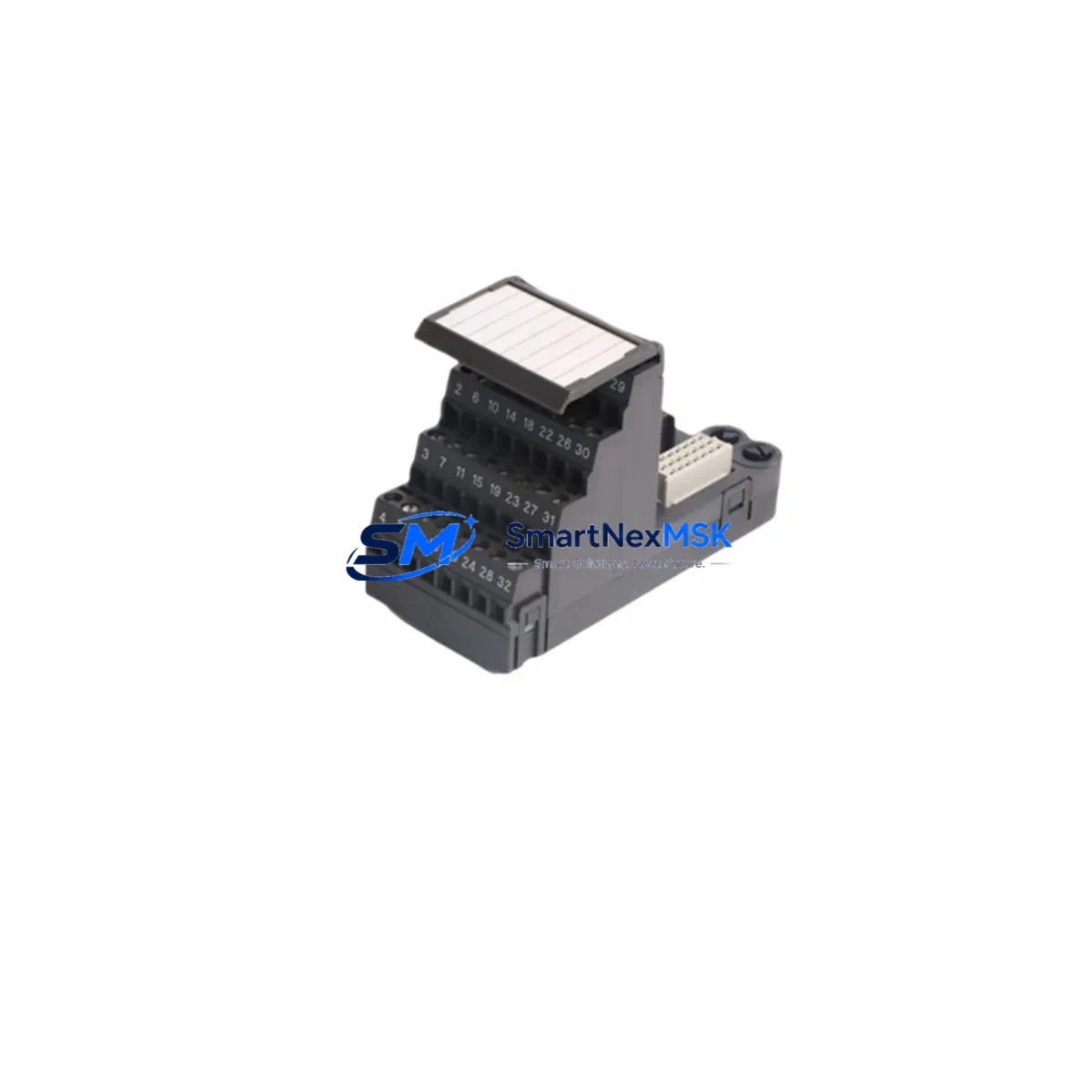
| Control Terminal Wiring | Standard 0–10V / 4–20mA analog, digital I/O | Re-verify terminal mapping against original wiring diagram |
| Power Supply Requirement | Per Unidrive Classic frame rating | Confirm PSU capacity before energizing; check 24V control rail |
| Module Address | Configurable via parameter menu | Re-enter drive address and node ID after board swap |
| Parameter Backup | Compatible with CT Soft / UniSoft parameter cloning | Back up parameters from original drive before removal |
| Installation Type | Panel-mount, DIN-rail compatible chassis | Confirm mounting orientation and ventilation clearance |
| Warranty | 12 Months | Covers manufacturing defects; excludes physical damage and misapplication |
Retrofit Planning for Existing Automation Systems
A successful UNI3403 retrofit begins well before the drive board arrives on site. Engineers responsible for the upgrade should first audit the existing control cabinet to document the full bill of materials in the affected drive section. In a typical Unidrive Classic installation, the drive board interfaces with a Unidrive Classic power stage, a dedicated 24V DC control power supply module, and one or more SM option modules — such as the SM-Profibus DP, SM-DeviceNet, or SM-CANopen — that handle fieldbus communication to the plant PLC or DCS.
Before removing the original board, use CT Soft or UniSoft to clone all drive parameters to a laptop or USB parameter backup device. This step is critical: the UNI3403 ships with factory default parameters, and restoring the original parameter set eliminates the need to re-commission ramp rates, current limits, speed references, and PID loop tuning from scratch. If the site uses a Control Techniques SM-Applications module or an embedded motion program, verify that the application firmware version is compatible with the replacement board before proceeding.
Terminal wiring on the Unidrive Classic uses a standard analog and digital I/O layout. When installing the UNI3403, cross-reference the original wiring diagram against the replacement board’s terminal designations. Pay particular attention to the analog reference input (terminal 7), the enable signal (terminal 31), and any relay output wiring used for fault signaling to the SCADA or HMI system. If the site runs a Wonderware InTouch or Siemens WinCC HMI, confirm that the drive tag addresses and alarm thresholds remain consistent after the board swap to avoid false alarms during the first powered test.
For systems where the Unidrive Classic communicates via Modbus RTU over RS485 to a Schneider Electric Modicon M340 or similar PLC, re-enter the drive node address and baud rate after installation. If the plant network uses CTNet for high-speed drive-to-drive coordination — common in multi-axis winding or conveyor applications — re-verify the CTNet node address and token ring configuration before enabling the network. A CT Comms cable or USB-to-RJ45 programming lead will be required for initial parameter upload and drive commissioning.
Where the original installation includes a Unidrive Classic braking resistor assembly or an external dynamic braking module, inspect the braking resistor connections and thermal cutout wiring before energizing the replacement board. Braking resistor faults are a common cause of drive trips during the first run after a board replacement and should be cleared before the commissioning test.
Downtime Control During System Migration
Minimizing production downtime during a drive board replacement requires a structured pre-outage preparation protocol. Before the scheduled maintenance window, stage the UNI3403 alongside a printed copy of the original parameter backup, the site wiring diagram, and a calibrated multimeter. Confirm that the replacement board has been visually inspected and that all connectors are undamaged.
During the outage, isolate the drive section from the main power bus and discharge the DC link capacitors fully before touching any internal components — this typically requires a minimum of five minutes after isolation. Remove the original drive board, document the position of any jumpers or DIP switches, and replicate those settings on the UNI3403 before seating it in the chassis. Reconnect all control wiring, restore the parameter backup via CT Soft, and perform a no-load motor test at reduced speed before returning the drive to full production duty.
For critical continuous-process applications — such as pump drives, compressor controls, or conveyor systems where even brief interruptions affect downstream processes — consider pre-configuring the UNI3403 on a bench test rig with a representative motor load before the outage window. This approach allows engineers to verify parameter integrity, I/O response, and communication link behavior in advance, reducing the live outage to a physical swap and final verification rather than a full commissioning exercise. All units shipped by SMARTNEXMSK undergo a functional power-on test prior to dispatch, confirming basic drive operation and eliminating infant-failure risk at the installation site.
Retrofit Support FAQ
Q1: Is the UNI3403 a direct drop-in replacement for all Unidrive Classic variants?
The UNI3403 is compatible with the Unidrive Classic frame range it was originally designed for. Frame size and power rating must be confirmed before ordering. Contact our technical team with your original drive nameplate data and we will verify compatibility before shipment.
Q2: Can I reuse my existing SM option modules with the UNI3403?
Yes. SM option modules — including SM-Profibus, SM-DeviceNet, SM-CANopen, and SM-Applications — are designed to be retained during a drive board replacement. Remove the modules from the original board, inspect the option slot connectors for damage, and reseat them in the UNI3403 after installation. Re-enter any module-specific parameters as required.
Q3: What commissioning steps are required after installation?
After physical installation, restore the parameter backup from the original drive using CT Soft or UniSoft. Re-enter the drive node address, baud rate, and any fieldbus-specific settings. Perform a no-load motor rotation test to confirm correct phase sequence and direction. Verify analog reference scaling and digital I/O response before returning to production. Our technical team can provide remote commissioning support if required.
Q4: What does the 12-month warranty cover?
The 12-month warranty covers manufacturing defects and functional failures under normal operating conditions from the date of shipment. It does not cover damage resulting from incorrect installation, overvoltage events, environmental contamination, or misapplication outside the drive’s rated parameters. All units are functionally tested before dispatch. Warranty claims are processed via [email protected] with proof of purchase and a fault description.
© 2026 SMARTNEXMSK. All rights reserved.
Original Source: https://smartnexmsk.com
Contact: [email protected] | +86 18259474341