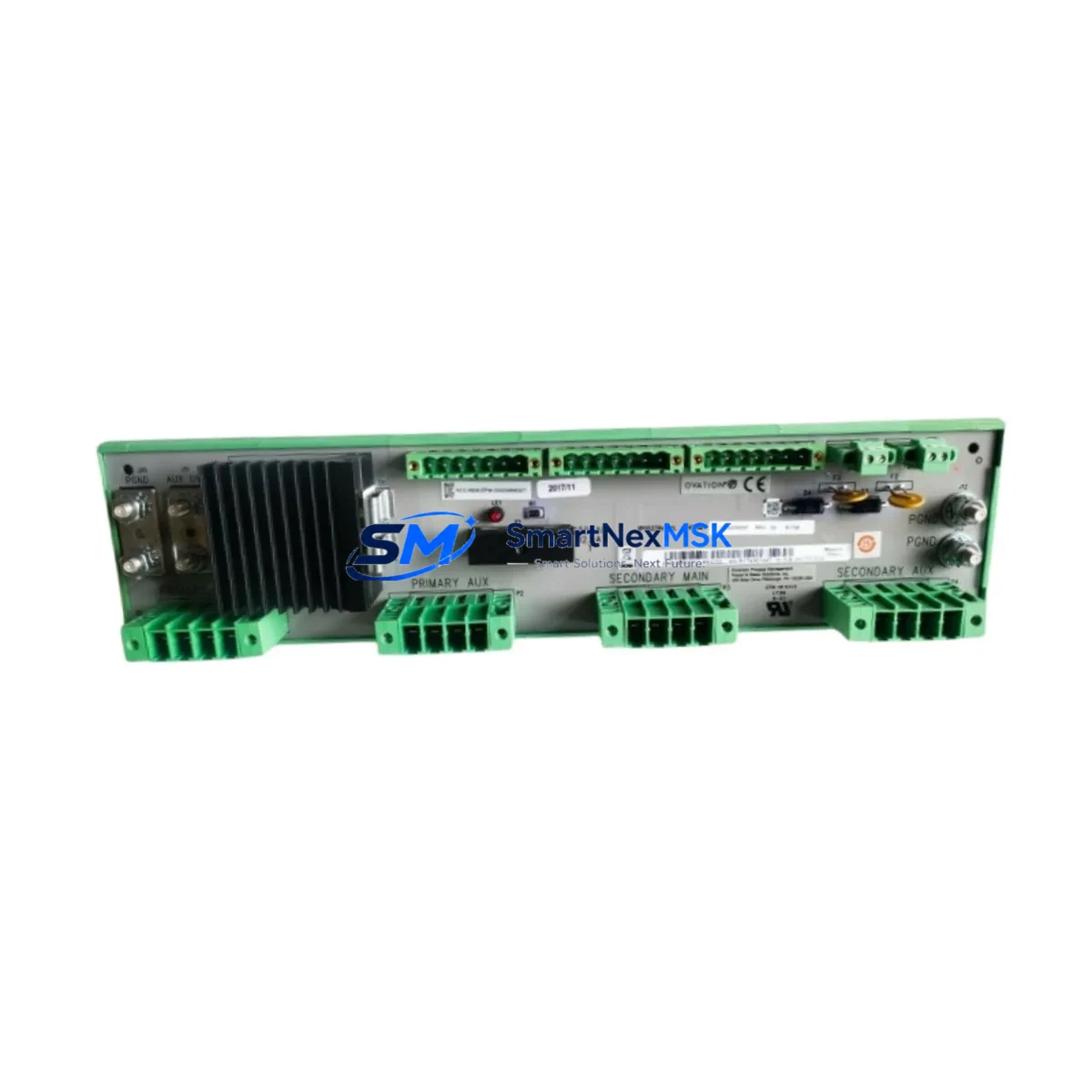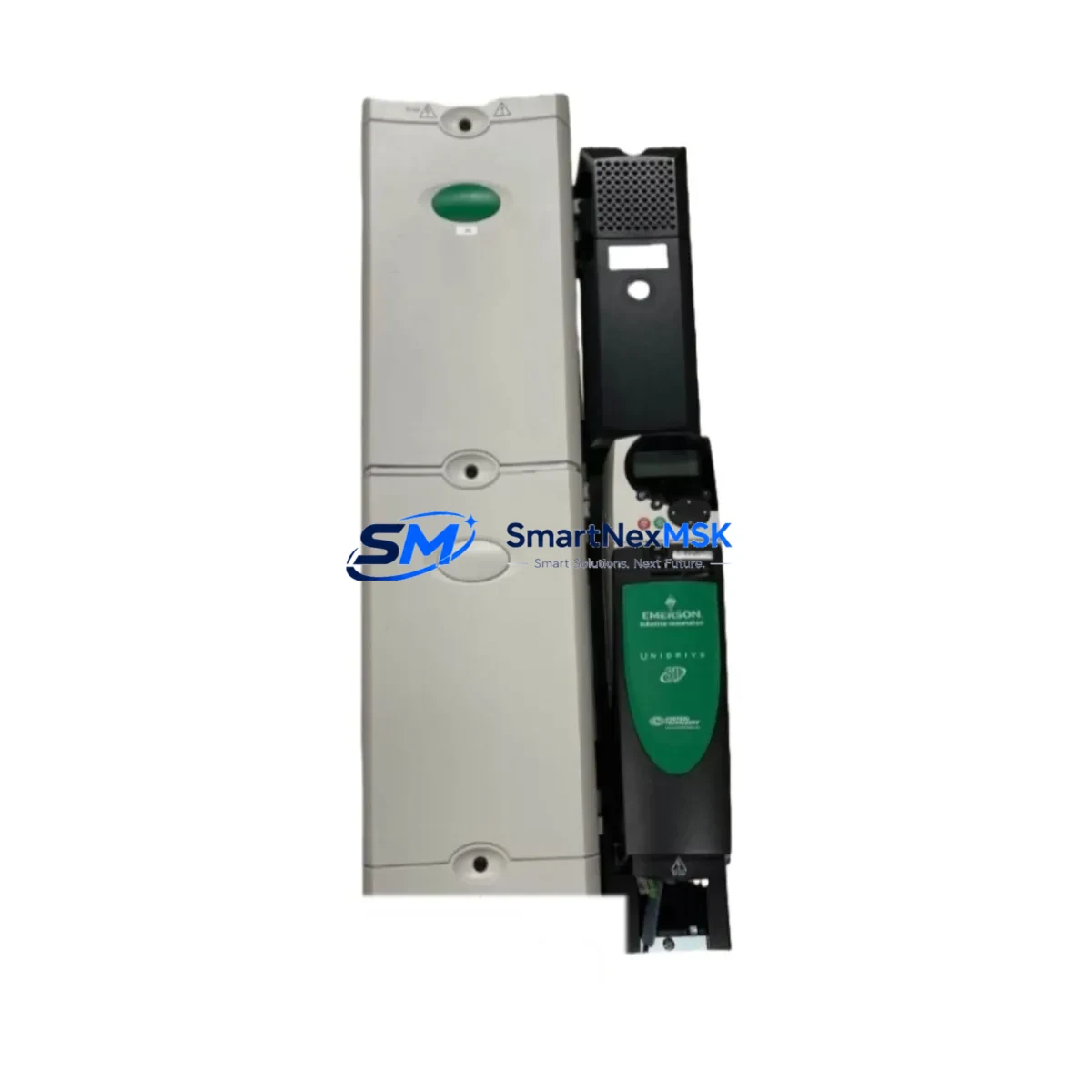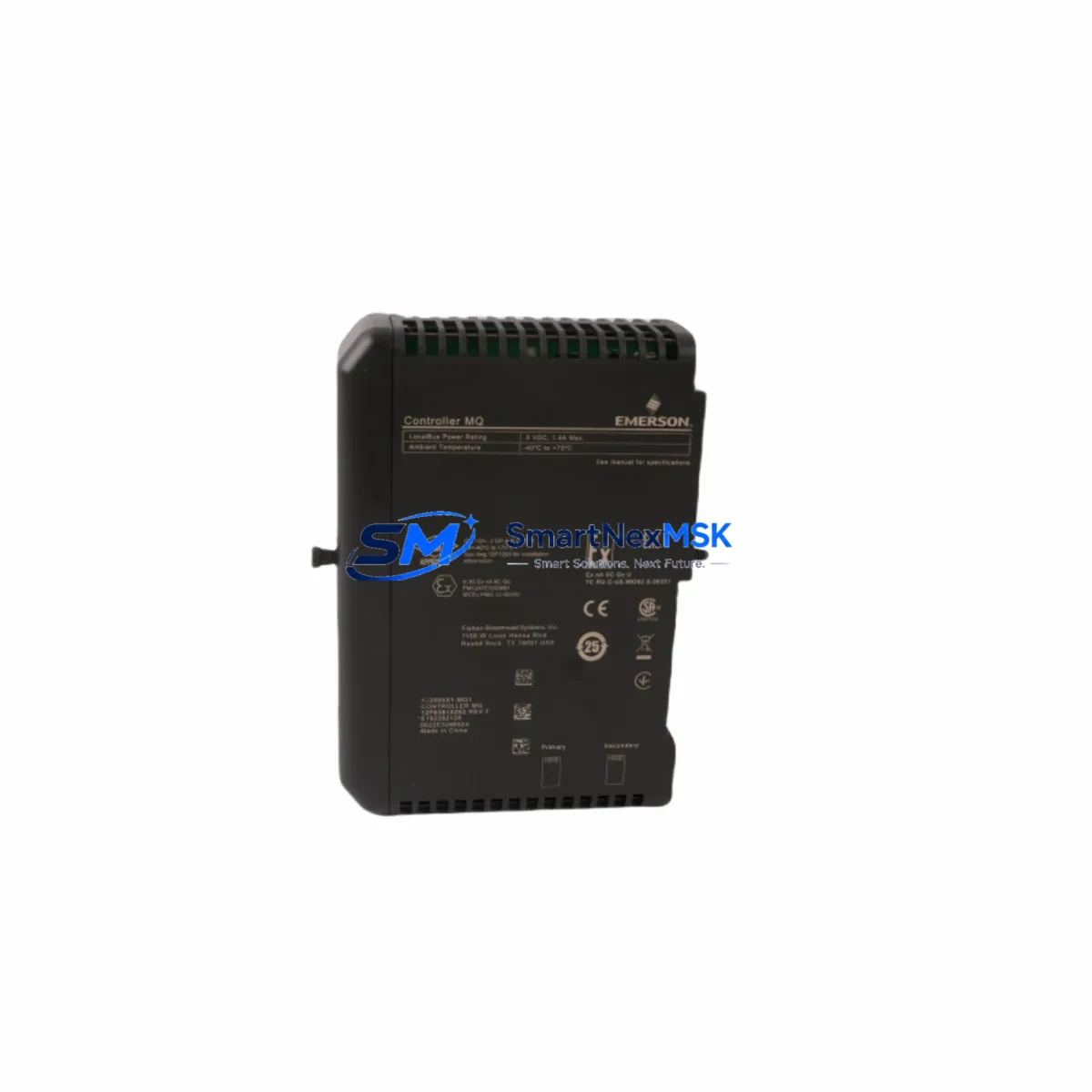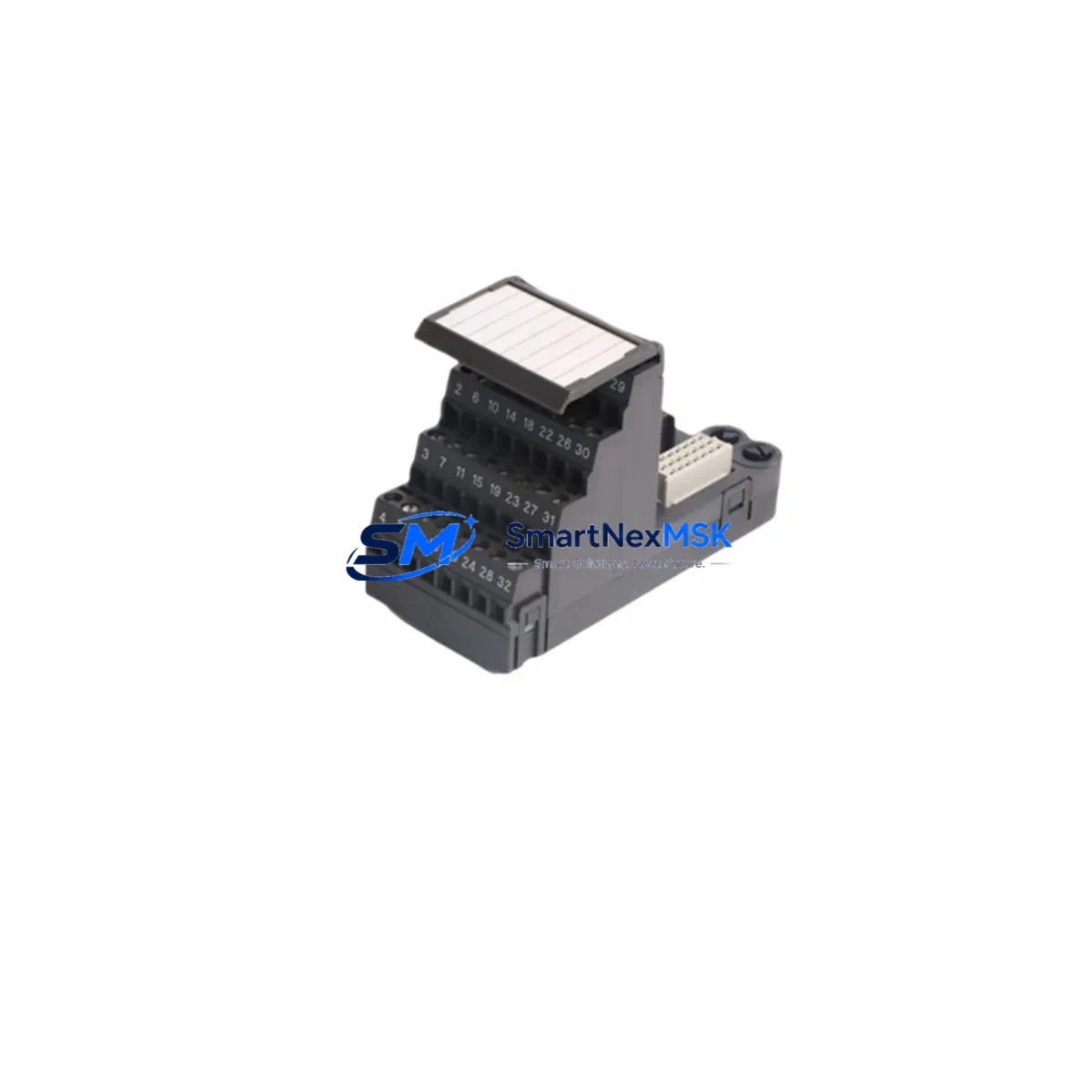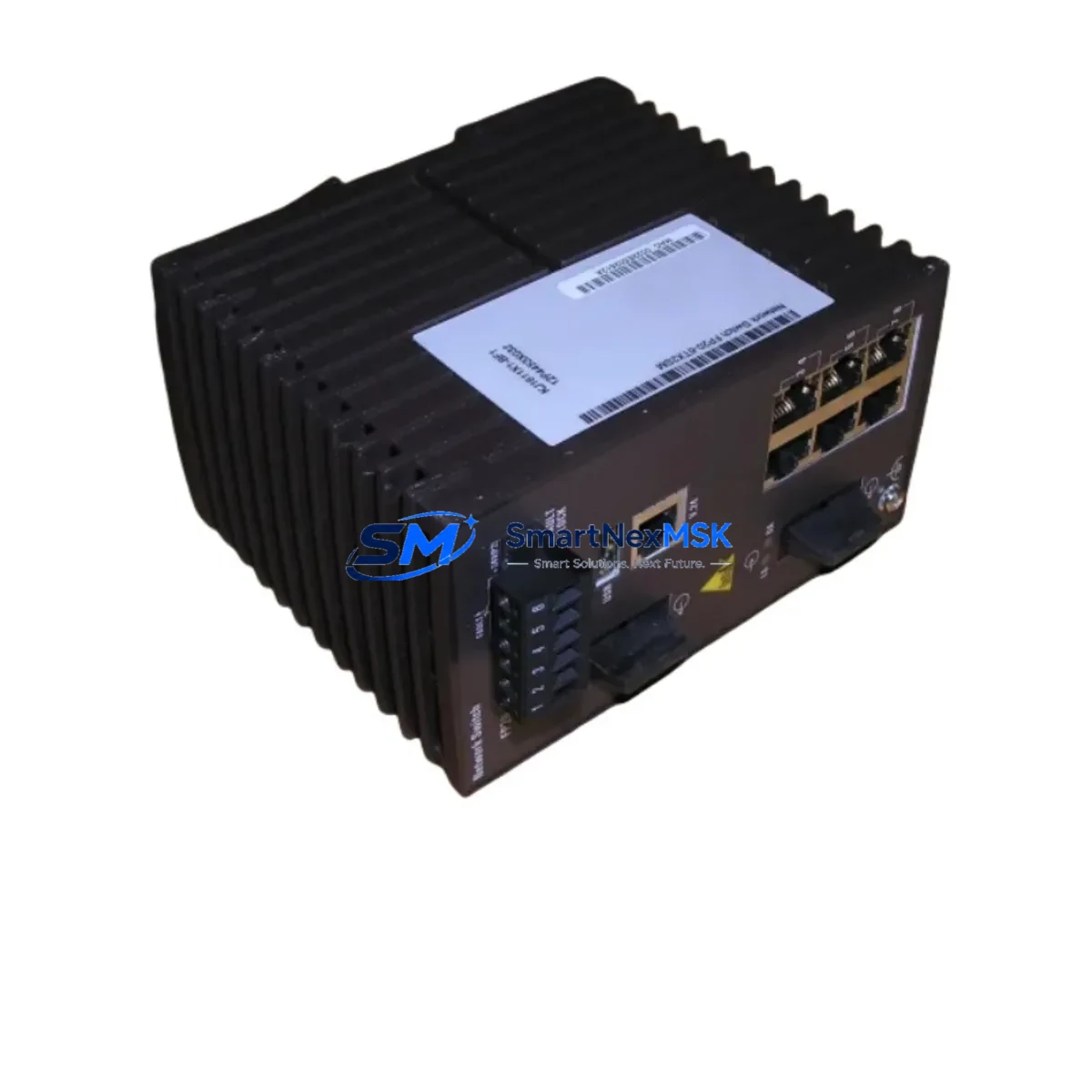
Emerson VE6041F06C1 FP20-6TX2SM Spare DeltaV Automation: Spare Replacement & DCS Downtime Risk Control
The Emerson VE6041F06C1 (FP20-6TX2SM) is a Wide Vertical I/O Carrier Module designed for the DeltaV FP20 distributed control system platform. In process-critical environments — refining, chemical, power generation, and pharmaceutical manufacturing — the failure of an I/O carrier module can cascade into full loop shutdown, unplanned downtime, and costly production loss. Maintaining a verified, tested spare of the VE6041F06C1 FP20-6TX2SM in your on-site spare parts inventory is a fundamental element of any proactive maintenance strategy.
This listing provides an original Emerson VE6041F06C1 FP20-6TX2SM I/O carrier module, sourced from authorized supply channels, individually inspected, and shipped with a 12-month warranty. Each unit undergoes functional verification prior to dispatch to ensure it meets OEM electrical and mechanical specifications. Whether you are executing a planned turnaround, responding to an emergency fault, or building out your DeltaV spare parts kit, this module ships ready for immediate installation.
Spare Maintenance Table
| Parameter | Specification |
|---|---|
| Part Number | VE6041F06C1 |
| Model / Config Code | FP20-6TX2SM |
| Manufacturer | Emerson Electric / DeltaV |
| Series | DeltaV FP20 Wide Vertical I/O |
| Module Type | I/O Carrier Module (Wide Vertical) |
| Compatible DCS Platform | Emerson DeltaV S-series, M-series controllers |
| I/O Channel Configuration | 6 TX channels, 2 SM slots (per model code) |
| Backplane Interface | DeltaV FP20 carrier bus |
| Operating Voltage | 24 VDC (system bus powered) |
| Operating Temperature | 0°C to 60°C |
| Mounting | DIN rail / DeltaV FP20 carrier frame |
| Origin | USA |
| Condition | Original / New / Tested Surplus |
| Warranty | 12 Months |
| Lead Time | In stock — ships within 1–3 business days |
| Maintenance Recommendation | Inspect carrier bus contacts and terminal block seating annually; replace if corrosion or intermittent I/O faults are detected |
Maintenance Planning for Continuous Operation
When a DeltaV FP20 I/O carrier such as the VE6041F06C1 FP20-6TX2SM is flagged for replacement during a scheduled inspection or emergency fault response, experienced maintenance engineers know that the carrier module is rarely the only component requiring attention. A thorough site assessment should include the following associated components within the same control cabinet and I/O loop:
Power Supply Module: Verify the DeltaV power supply module (such as the KJ3221X1-BA1 or equivalent PS-series unit) is delivering stable 24 VDC to the carrier bus. A degraded power supply is a common root cause of intermittent I/O carrier faults and should be inspected or replaced concurrently.
I/O Sub-modules: The FP20 carrier hosts plug-in I/O sub-modules (analog input, analog output, discrete I/O types). During carrier replacement, remove, inspect, and reseat each sub-module. Check for bent pins, oxidized contacts, or moisture ingress. If any sub-module shows fault history, replace it alongside the carrier.
Terminal Blocks and Field Wiring: Inspect all terminal block connections on the carrier. Loose or corroded field wiring terminations are a leading cause of signal drift and spurious alarms. Torque all terminals to specification and verify continuity on critical loops before returning the system to service.
Communication and Controller Modules: Confirm that the DeltaV controller module (M-series or S-series) communicating with this carrier is operating without fault codes. A carrier swap without verifying controller health can result in persistent communication errors post-replacement.
Signal Isolators and Barriers: For intrinsically safe or hazardous-area installations, inspect Zener barriers or galvanic isolators connected to the I/O channels on this carrier. Degraded isolators can introduce ground loops or signal noise that mimics carrier failure.
Relay Output Modules: If the carrier supports discrete output channels driving relay modules, inspect relay coil resistance and contact wear. Relay modules in the same cabinet often share service intervals with I/O carriers.
Fuses and Circuit Protection: Check all field-side fuses associated with the I/O loops served by this carrier. A blown fuse on a critical output channel is easily overlooked during fault isolation and can delay restart after carrier replacement.
Backplane and Carrier Frame: Inspect the FP20 carrier frame and backplane bus connectors for mechanical damage, contamination, or corrosion. A damaged backplane can cause repeated carrier failures if not addressed before installing the replacement VE6041F06C1.
HMI and SCADA Alarm Logs: Before and after replacement, review DeltaV Operate or the site SCADA historian for alarm patterns associated with this carrier’s I/O tags. Persistent alarms after replacement indicate a field-side issue rather than a module fault.
Building a structured spare parts kit around the VE6041F06C1 FP20-6TX2SM — including at least one spare power supply module, a set of I/O sub-modules, and a supply of terminal block connectors — is the most effective way to minimize mean time to repair (MTTR) for DeltaV FP20 systems in aging plant environments.
Site Replacement Workflow
Step 1 — Fault Isolation: Use DeltaV Diagnostics or the controller’s built-in fault reporting to confirm the VE6041F06C1 carrier is the source of the fault. Document all active alarms and I/O tag states before proceeding.
Step 2 — Safe Isolation: Place the affected control loop in manual mode at the DCS. Notify operations of the planned I/O interruption. Follow site LOTO (Lockout/Tagout) procedures for the relevant field devices.
Step 3 — Module Removal: Disconnect field wiring from the terminal block (photograph or label all connections first). Remove I/O sub-modules from the carrier slots. Unclip the VE6041F06C1 carrier from the FP20 frame.
Step 4 — Replacement Installation: Mount the new VE6041F06C1 FP20-6TX2SM carrier onto the frame. Reinstall I/O sub-modules. Reconnect field wiring per the documented termination schedule. Verify all terminal torque values.
Step 5 — System Commissioning: Power up the carrier and confirm DeltaV controller recognition. Check all I/O channel statuses in DeltaV Diagnostics. Return loops to automatic mode and verify process values are within expected range.
Step 6 — Documentation: Update the plant maintenance management system (CMMS) with the replacement record, including the new module serial number, installation date, and technician sign-off. This supports warranty tracking and future maintenance planning.
This workflow applies equally to planned turnaround replacements and emergency fault responses. Having the VE6041F06C1 FP20-6TX2SM pre-staged in your spare parts room eliminates procurement lead time from the critical path and can reduce total downtime from days to hours.
Spare Parts Support FAQ
Q1: Is this VE6041F06C1 FP20-6TX2SM compatible with all DeltaV FP20 carrier frames?
A: The VE6041F06C1 is designed for the Emerson DeltaV FP20 Wide Vertical carrier frame. Compatibility depends on the specific FP20 frame variant and controller series in your installation. We recommend confirming your existing frame part number and DeltaV system version before ordering. Our technical team can assist with compatibility verification upon request.
Q2: What testing is performed before shipment?
A: Every VE6041F06C1 FP20-6TX2SM unit is visually inspected for physical damage, connector integrity, and label legibility. Functional electrical checks are performed to verify bus interface continuity and module identification. Units that do not pass inspection are not shipped. A test report is available upon request for critical applications.
Q3: How should I manage spare parts inventory for DeltaV FP20 systems?
A: Industry best practice for DCS spare parts management recommends maintaining at least one spare carrier module per critical process unit, with a review cycle aligned to your planned maintenance intervals (typically annual). For aging DeltaV installations where OEM support has been reduced, holding two or more VE6041F06C1 units is advisable to cover both planned replacements and emergency failures without waiting for procurement.
Q4: What does the 12-month warranty cover?
A: The 12-month warranty covers manufacturing defects and functional failures under normal operating conditions. It does not cover damage resulting from incorrect installation, overvoltage events, or physical mishandling. In the event of a warranty claim, we provide a replacement unit or full refund after fault verification. Warranty support is handled directly by our technical team with a target response time of 24 hours.
© 2026 SMARTNEXMSK. All rights reserved.
Original Source: https://smartnexmsk.com
Contact: [email protected] | +86 18259474341