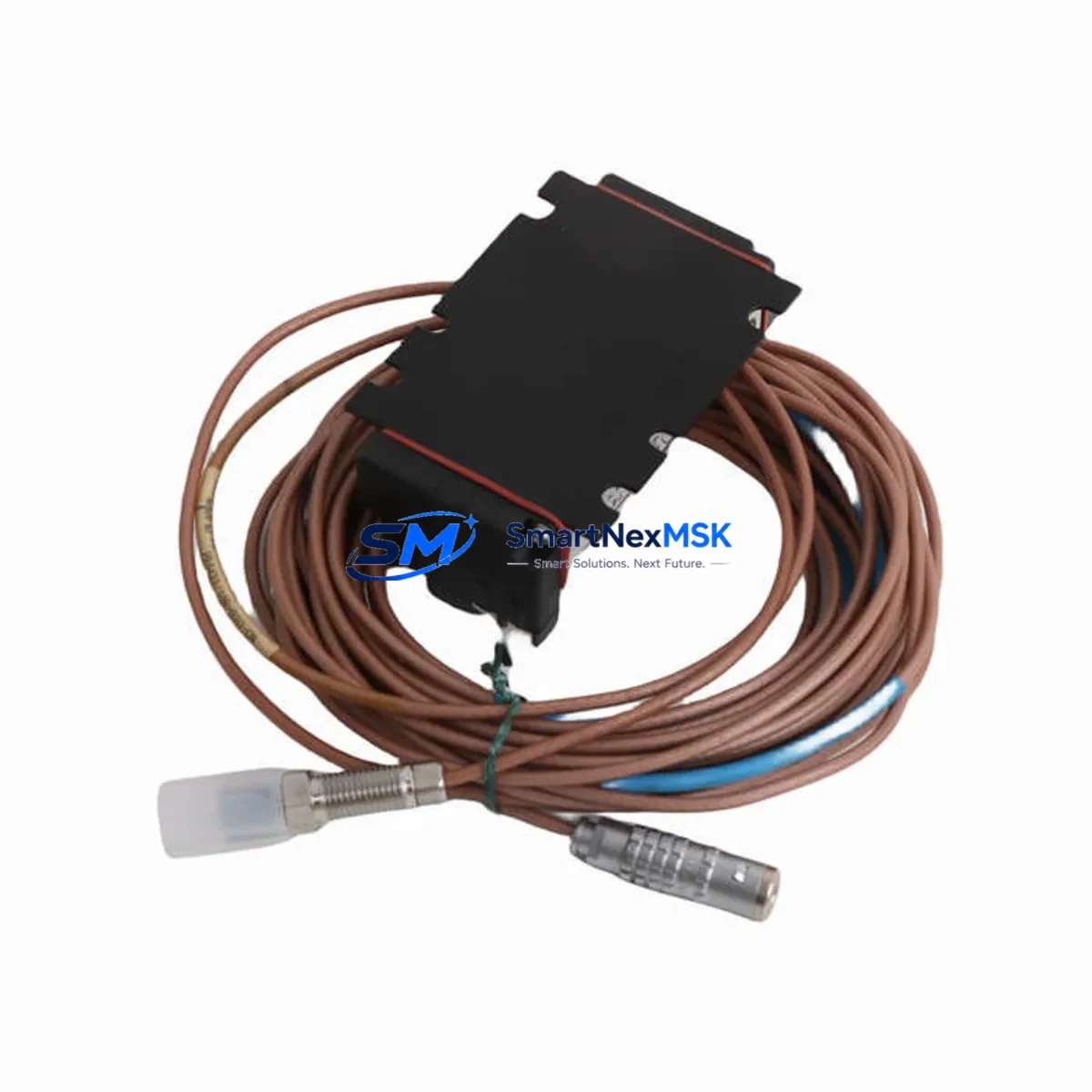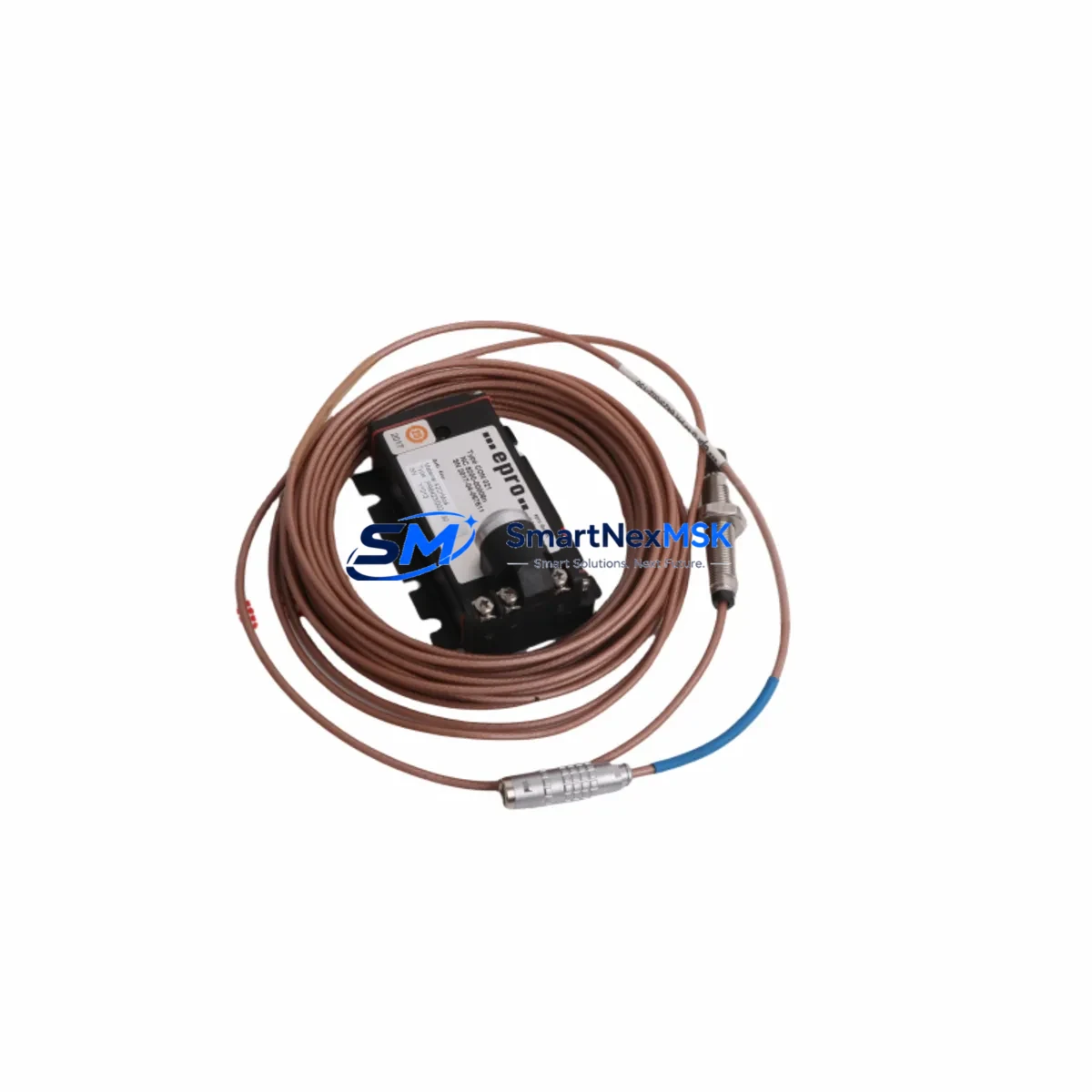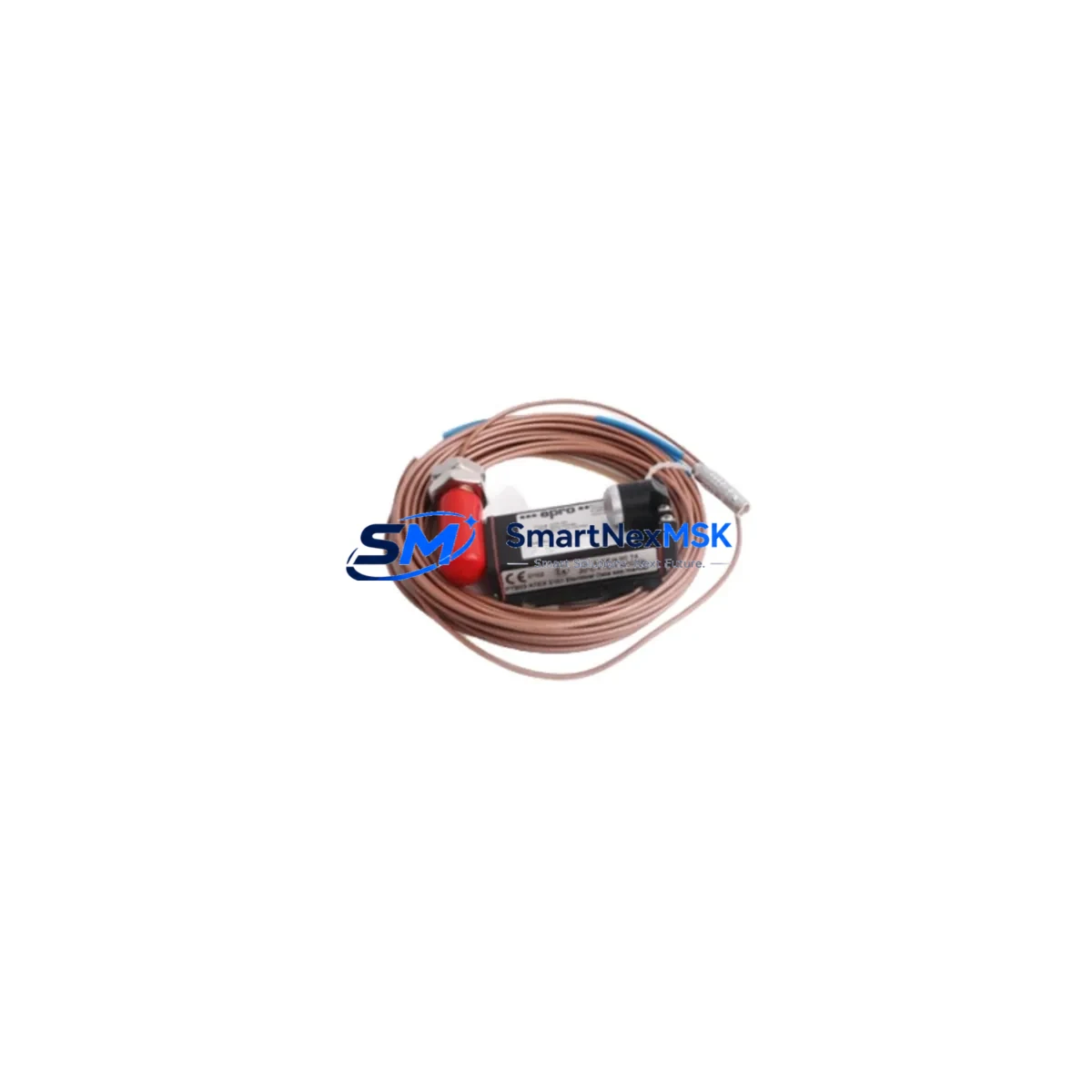
EPRO PR6424/010-000 CON021 Retrofit-Ready Proximity Sensor for PR6424 Series Control Systems
The EPRO PR6424/010-000 CON021 is an eddy current proximity sensor engineered for precision vibration and position measurement in rotating machinery protection systems. As legacy PR6424 Series installations age and OEM support diminishes, this unit serves as a verified retrofit-ready replacement that preserves existing wiring infrastructure, signal conditioning chains, and machinery protection logic without requiring a full system redesign. Whether you are upgrading a turbine monitoring rack, replacing a failed sensor in a compressor protection loop, or migrating from an obsolete Bently Nevada 3300 Series installation to a modern EPRO-based platform, the PR6424/010-000 CON021 delivers the dimensional accuracy, output linearity, and environmental resilience demanded by continuous industrial operation.
This sensor is designed to interface directly with EPRO CON021 extension cables and compatible signal conditioners such as the EPRO CON041 and CON011 series, maintaining the 5 mm nominal gap and standard 8 mm thread body that field technicians expect when performing like-for-like swaps. The output signal is fully compatible with EPRO MMS 6110, MMS 6120, and MMS 6350 monitoring modules, allowing seamless integration into existing machinery management system racks without reprogramming monitor cards or recalibrating alarm setpoints.
Upgrade Compatibility Table
| Parameter | PR6424/010-000 CON021 | Retrofit Notes |
|---|---|---|
| Sensor Body Thread | M8 × 1.0 | Direct fit to existing PR6424 mounting bosses |
| Nominal Gap | 5 mm (0.197 in) | No gap re-calibration required for like-for-like swap |
| Output Signal | –24 VDC (standard EPRO) | Compatible with MMS 6110 / MMS 6120 / MMS 6350 monitors |
| Extension Cable | CON021 (integral) | Mates with EPRO CON041 extension; verify total cable length |
| Communication Protocol | Analog (4–20 mA / voltage) | No protocol migration required; retains existing DCS input card mapping |
| Mounting Interface | Standard PR6424 bracket | Reuse existing bracket; inspect for corrosion before reinstallation |
| Monitor Compatibility | EPRO MMS 6110, MMS 6120, MMS 6350 | No monitor card replacement needed |
| Replacement Cross-Reference | Bently Nevada 330101 (with adapter) | Confirm gap and sensitivity scale factor before commissioning |
| Commissioning Check | Gap voltage, sensitivity, alarm setpoints | Verify via EPRO MMS configuration software or portable calibrator |
| Warranty | 12 Months | Covered from date of shipment; includes DOA exchange |
Retrofit Planning for Existing Automation Systems
Successful integration of the PR6424/010-000 CON021 into an aging machinery protection system begins well before the sensor arrives on site. Engineers should first audit the existing EPRO CON021 extension cable for insulation degradation, connector pin corrosion, and shield continuity, as a compromised cable will introduce noise into the signal chain even with a new sensor installed. If the extension cable run exceeds the rated length for the CON021 series, an EPRO CON041 intermediate extension should be inserted to maintain signal integrity over longer distances to the monitor rack.
At the monitor rack level, confirm that the installed EPRO MMS 6110 or MMS 6120 vibration monitor card is configured for the correct sensitivity scale factor (typically 7.87 V/mm for standard PR6424 sensors). If the rack also houses an EPRO MMS 6350 speed and phase monitor, verify that the keyphasor channel assignments remain unchanged after sensor replacement, as a miswired keyphasor reference will corrupt phase angle readings across all channels in the protection loop. For plants running a Bently Nevada 3500 Series rack in parallel for redundancy, cross-check that the analog output from the new EPRO sensor falls within the expected voltage window accepted by the 3500/42M position monitor card before declaring the loop healthy.
Power supply integrity is equally critical. The PR6424/010-000 CON021 draws its bias voltage from the monitor card’s internal –24 VDC supply rail. Before installation, measure the supply rail voltage at the monitor card terminal block to confirm it is within the –22 VDC to –26 VDC tolerance band. A sagging supply rail — often caused by an aging EPRO power supply module or excessive load from multiple sensor channels — will shift the sensor’s static output voltage and trigger spurious high-vibration alarms. If the supply rail is marginal, replace the EPRO power supply module concurrently with the sensor to avoid a repeat callout.
Terminal block wiring should be documented photographically before disconnection. The PR6424/010-000 CON021 uses a three-conductor arrangement: signal, common, and shield drain. Confirm that the shield drain is terminated at one end only (typically at the monitor card chassis ground) to prevent ground loop interference. After reconnection, perform a static gap check using a digital multimeter before spinning the machine, confirming that the DC output voltage corresponds to the 5 mm nominal gap per the sensor’s sensitivity curve. Only after the static check passes should the machine be brought to operating speed for dynamic vibration verification against historical baseline data stored in the plant’s condition monitoring historian.
Downtime Control During System Migration
Minimizing unplanned downtime during a PR6424 sensor replacement requires a structured hot-swap protocol. Where the machinery protection system permits channel bypass — available on EPRO MMS 6110 and MMS 6120 monitor cards via the front-panel bypass switch — activate the bypass on the affected channel before disconnecting the failed sensor. This prevents a spurious trip signal from reaching the emergency shutdown system (ESD) or DCS interlock logic while the channel is open-circuit. Coordinate with the control room operator to confirm that the bypass is acknowledged in the DCS alarm management system and that a manual watch is established on the machine’s other protection channels for the duration of the swap.
Preserve the original program logic in the DCS or PLC by exporting a backup of the relevant function block or ladder rung before any field work begins. For plants using a Siemens S7-300 or S7-400 PLC as the primary control platform, ensure that the analog input module address assigned to the vibration channel is not inadvertently remapped during the maintenance window. Similarly, if an HMI faceplate — whether running on a Siemens WinCC, Rockwell FactoryTalk, or AVEVA System Platform — displays the vibration trend for this sensor, verify that the tag binding remains intact after the sensor is recommissioned. A broken HMI tag will not affect machine protection but will blind operators to real-time vibration data during the critical post-startup monitoring period.
For sites where a bypass is not available, pre-stage the replacement PR6424/010-000 CON021 sensor, pre-cut and labeled CON021 extension cable, and all required hand tools at the sensor location before initiating the shutdown. A well-prepared crew can complete a PR6424 sensor swap in under 30 minutes, limiting the impact on production schedules. After startup, monitor the vibration trend for a minimum of two hours against the established baseline to confirm that the new sensor is tracking correctly before releasing the machine to normal operation.
Retrofit Support FAQ
Q1: Is the PR6424/010-000 CON021 a direct drop-in replacement for my existing PR6424 sensor?
Yes. The PR6424/010-000 CON021 shares the same M8 thread body, 5 mm nominal gap, and –24 VDC output convention as the standard PR6424 series. In most installations, no mechanical modifications or monitor card reconfiguration are required. However, always verify the total extension cable length and confirm the monitor card sensitivity setting before commissioning.
Q2: Will I need to reconfigure my EPRO MMS monitor card after installing this sensor?
In a like-for-like replacement scenario, no reconfiguration is needed. The MMS 6110 and MMS 6120 cards retain their stored configuration through a power cycle. If the replacement sensor has a different sensitivity specification from the original (e.g., due to a different target material or gap range), the scale factor in the monitor card must be updated using EPRO’s configuration software before the machine is returned to service.
Q3: What pre-shipment testing is performed on this unit?
Each PR6424/010-000 CON021 unit undergoes functional output verification, insulation resistance testing, and dimensional inspection prior to shipment. A test report is available upon request. The unit is covered by a 12-month warranty from the date of shipment, including dead-on-arrival (DOA) exchange within 30 days.
Q4: Can this sensor be used to replace a Bently Nevada 330101 proximity probe in an existing installation?
A cross-brand replacement is possible but requires careful verification. The Bently Nevada 330101 uses a different sensitivity scale factor and driver/extension cable system. An adapter or reconfiguration of the monitor card will be required. We recommend consulting your machinery protection system engineer and confirming the gap voltage and sensitivity curve before commissioning. Contact our technical team for application-specific guidance.
© 2026 SMARTNEXMSK. All rights reserved.
Original Source: https://smartnexmsk.com
Contact: [email protected] | +86 18259474341