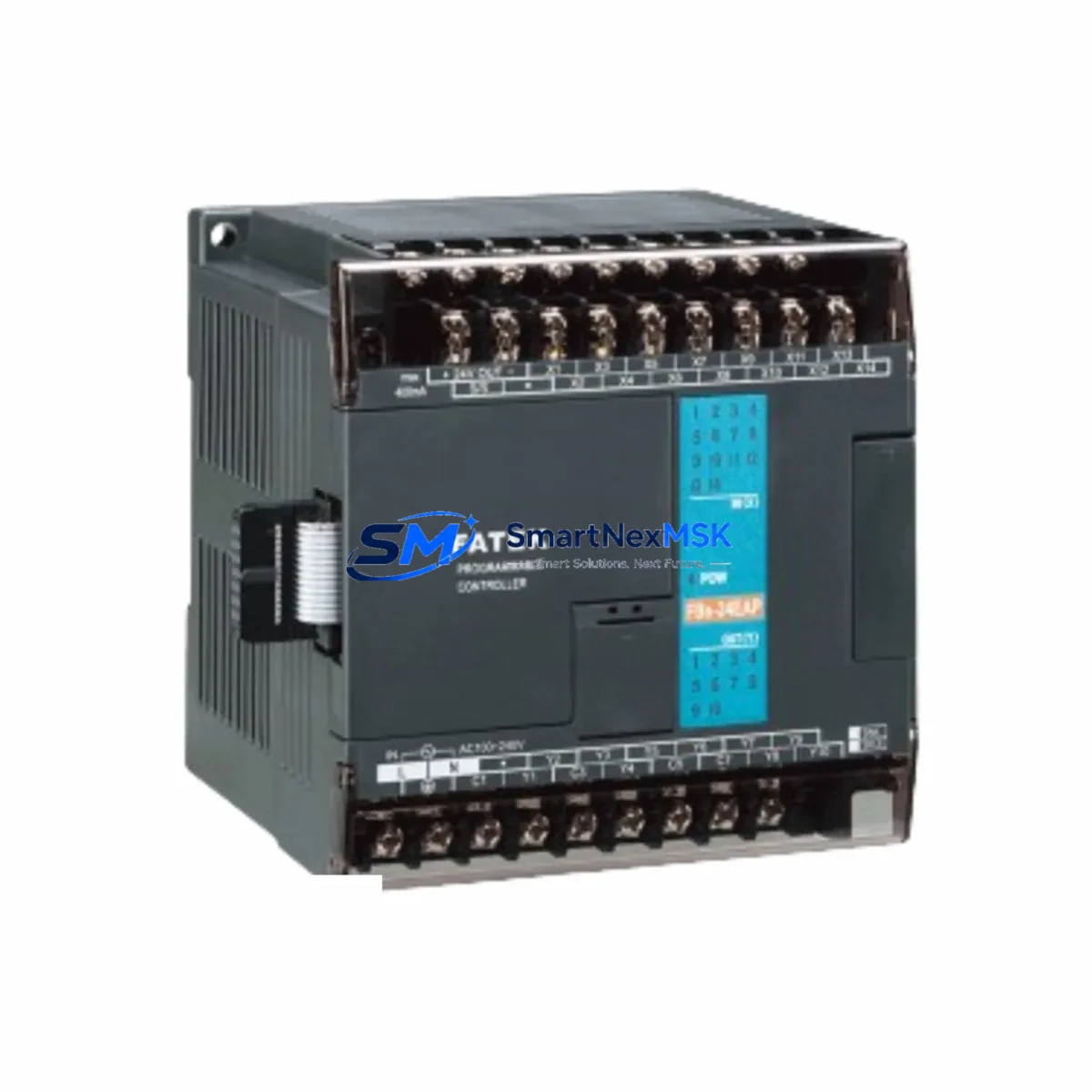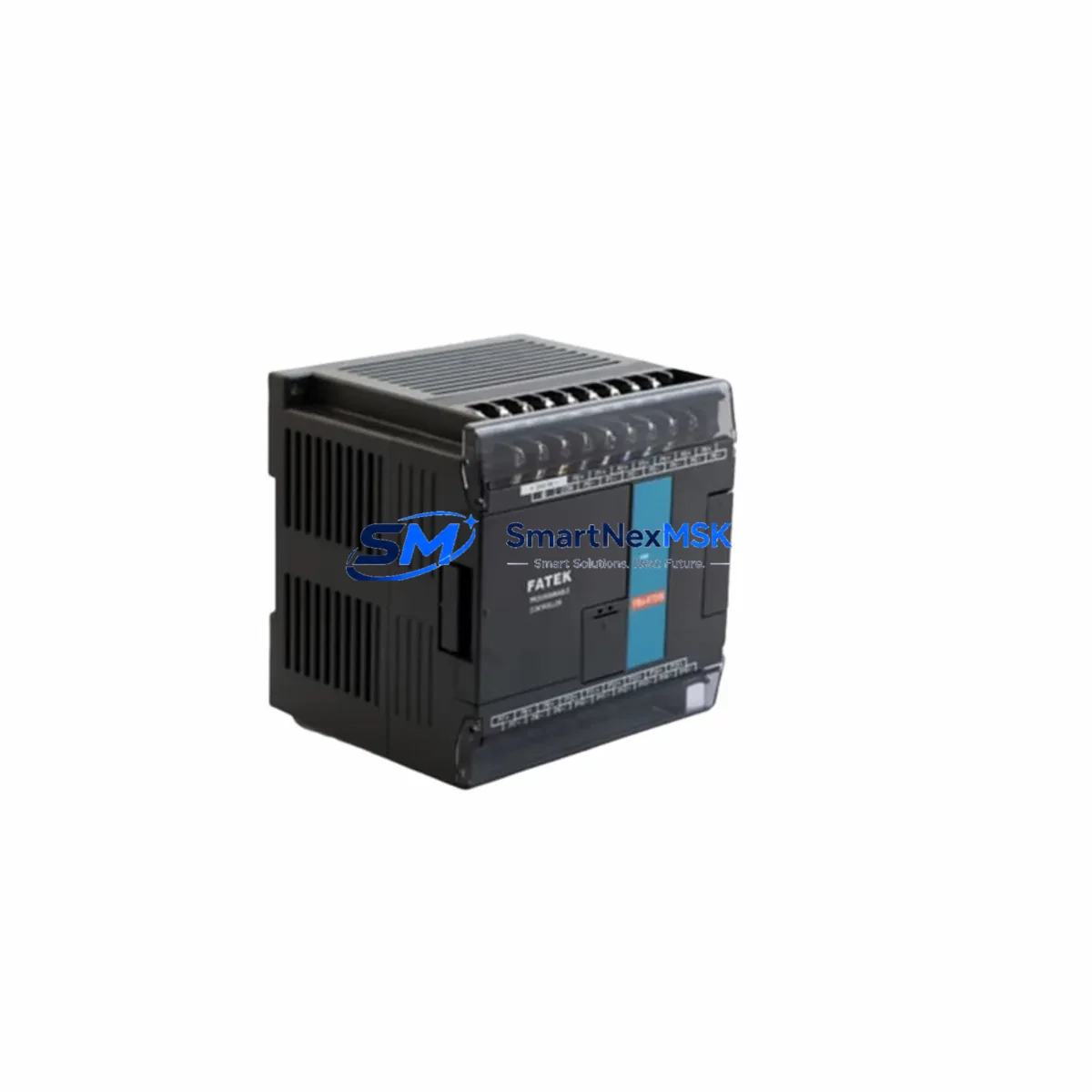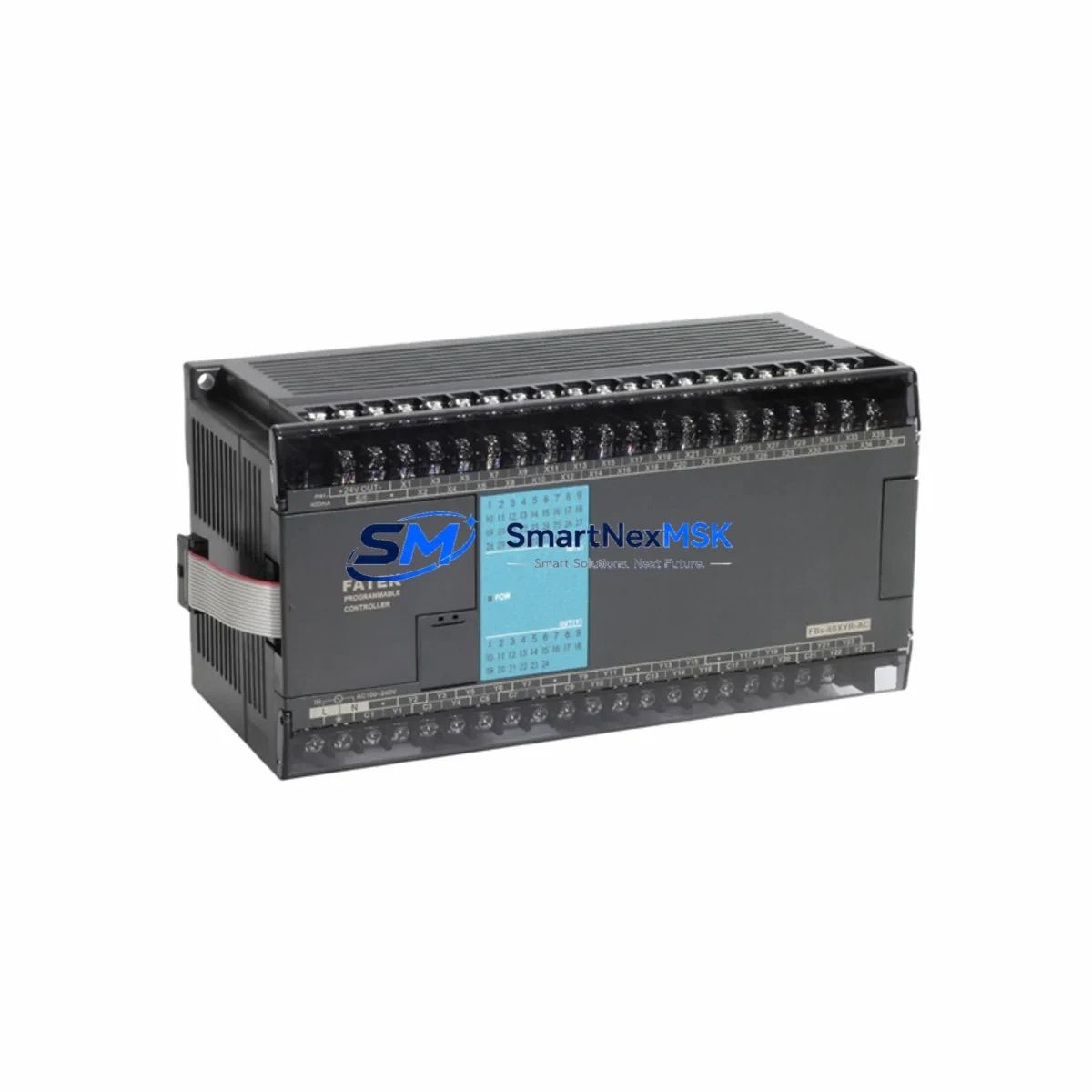
FATEK FBS-60XYR-AC Retrofit-Ready Relay I/O for FBS Control Systems
The FATEK FBS-60XYR-AC is a 60-point mixed relay output I/O expansion module designed for seamless integration into FATEK FBS Series programmable logic controller systems. With AC power input and a compact DIN-rail form factor, this module is the preferred drop-in replacement for aging or discontinued I/O expansion units in legacy FBS-based control panels. Whether you are modernizing a production line, recovering from a failed module, or expanding I/O capacity in an existing control cabinet, the FBS-60XYR-AC delivers verified compatibility, reliable relay switching, and a straightforward retrofit path that minimizes engineering risk and downtime.
Industrial facilities running FATEK FBS Series controllers — including the FBS-20MA, FBS-32MA, FBS-40MA, and FBS-60MA main units — frequently encounter the need to expand or replace I/O capacity as production requirements evolve. The FBS-60XYR-AC connects directly to the FBS backplane bus, requiring no additional interface adapters or protocol converters. Engineers familiar with FATEK WinProladder programming software will find that existing ladder logic programs, I/O address mappings, and HMI screen tag assignments remain fully compatible after module substitution, provided the replacement module occupies the same slot position and the I/O address range is preserved in the program configuration.
Before installing the FBS-60XYR-AC as a replacement, field engineers should verify the following: the AC power supply capacity of the control cabinet (the module draws from the shared AC bus), terminal wiring gauge and relay contact ratings for the output circuits, backplane slot availability and physical clearance within the rack or DIN-rail assembly, and the module address assignment in the PLC program. If the original module used a different I/O count or address offset, a minor program revision in WinProladder will be required to remap the I/O references before going live.
Upgrade Compatibility Table
| Parameter | FBS-60XYR-AC Details |
|---|---|
| Compatible PLC Series | FATEK FBS Series (FBS-20MA, FBS-32MA, FBS-40MA, FBS-60MA) |
| I/O Point Count | 60 points (mixed relay output) |
| Power Supply | AC input (100–240 VAC) |
| Backplane Interface | FBS standard expansion bus connector |
| Installation Method | DIN-rail or panel mount, direct backplane connection |
| Communication Compatibility | Native FBS backplane protocol; no additional gateway required |
| Replacement Recommendation | Direct drop-in for same-series relay output expansion modules |
| Program Compatibility | Existing WinProladder ladder logic compatible; verify I/O address mapping |
| Commissioning Notes | Confirm slot address, relay contact wiring, and AC power capacity before power-on |
| Warranty | 12-Month Warranty — covered against manufacturing defects from date of shipment |
Retrofit Planning for Existing Automation Systems
A successful retrofit begins well before the replacement module arrives on site. For control systems built around the FATEK FBS platform, the upgrade path typically involves auditing the existing FBS-60MA or FBS-40MA main unit to confirm available expansion slots, then reviewing the current I/O allocation in WinProladder to identify which relay output addresses are in active use. In many legacy installations, the control cabinet also houses an FBS-232CAB0 or FBS-485CAB0 programming cable interface, an FBs-CB5 communication board for RS-485 Modbus RTU links to SCADA or HMI panels, and an FBs-ENET Ethernet communication module for remote monitoring. All of these communication links remain unaffected by an I/O module swap, provided the main CPU unit and communication modules are not disturbed during the replacement procedure.
In retrofit projects involving older FBS-based control panels, it is common to find that the original relay output module is paired with a separate FBS-24XYT-AC transistor output module handling high-speed or DC-load outputs, and an FBS-16XY-AC digital input/output module managing sensor feedback circuits. When planning the replacement, engineers should document the terminal block wiring for all relay output circuits — including load voltage, current ratings, and normally-open versus normally-closed contact configurations — before disconnecting any field wiring. This documentation becomes the baseline for post-installation verification and acceptance testing.
For systems that also include an FBs-1HC high-speed counter module or an FBs-4DA analog output module, the I/O expansion bus load should be recalculated to confirm that adding or replacing the FBS-60XYR-AC does not exceed the backplane current budget. FATEK FBS backplane power distribution is shared across all expansion modules, and the AC power module feeding the rack must be rated to support the combined load of all installed expansion units. In most standard cabinet configurations, the existing FBs-PW24-1A or equivalent AC power supply unit provides sufficient headroom for a direct module replacement without requiring a power supply upgrade.
Downtime Control During System Migration
Minimizing production downtime during an I/O module replacement requires a structured pre-outage preparation process. Before scheduling the maintenance window, the engineering team should export a full backup of the current PLC program from WinProladder, including all I/O comments, symbol tables, and communication parameter settings. This backup serves as the recovery baseline if any unexpected compatibility issue arises during commissioning of the replacement FBS-60XYR-AC module.
During the outage window, the recommended sequence is: power down the control cabinet in the correct sequence (field loads first, then the PLC power supply), remove the failed or obsolete relay output module, install the FBS-60XYR-AC in the same backplane slot, reconnect all terminal block wiring using the pre-documented wiring schedule, and restore power in reverse order. After power-on, use WinProladder to perform an online comparison between the uploaded program and the backup to confirm that no I/O address conflicts have been introduced. HMI panels connected via the FBs-ENET module or RS-485 Modbus link should be verified for correct tag communication before returning the system to automatic mode.
For critical production lines where even a brief outage is costly, a parallel commissioning approach is recommended: install and pre-wire the replacement module in a test rack, load the existing program, and perform a full I/O simulation before the live cutover. This approach, combined with pre-tested replacement modules from verified stock, consistently reduces live commissioning time to under two hours for standard FBS-based control systems.
Retrofit Support FAQ
Q: Is the FBS-60XYR-AC a direct replacement for my existing FATEK relay output expansion module?
A: Yes, for FBS Series systems. The FBS-60XYR-AC uses the standard FBS backplane bus interface and is compatible with all FBS main units. Verify that the slot position and I/O address range in your WinProladder program match the original module configuration before power-on.
Q: Will my existing ladder logic program and HMI screens work without modification?
A: In most cases, yes — provided the replacement module occupies the same backplane slot and the I/O address mapping is unchanged. If the original module had a different I/O point count or address offset, a minor program revision will be required. We recommend performing an online program comparison in WinProladder after installation.
Q: How is the module tested before shipment?
A: Each FBS-60XYR-AC unit undergoes functional testing prior to shipment, including relay contact continuity verification, backplane interface check, and power-on self-test. Units are shipped with original or equivalent packaging to prevent transit damage. A 12-month warranty covers all manufacturing defects from the date of shipment.
Q: What is the lead time and warranty coverage?
A: In-stock units ship within 1–3 business days. All units carry a 12-month warranty against manufacturing defects. Warranty claims are supported by our technical team with replacement or repair at no additional cost. Contact us at [email protected] for stock confirmation and expedited shipping options.
© 2026 SMARTNEXMSK. All rights reserved.
Original Source: https://smartnexmsk.com
Contact: [email protected] | +86 18259474341