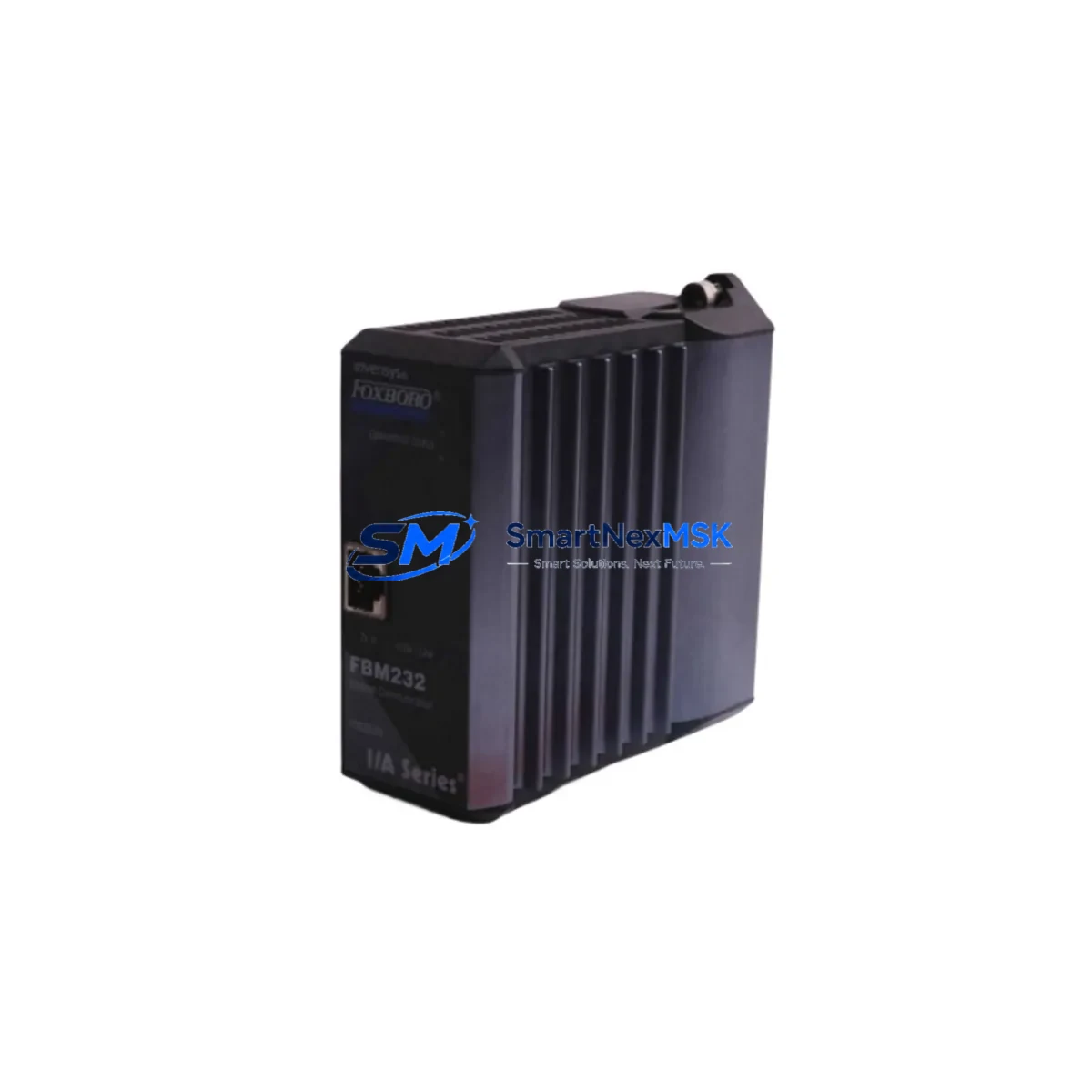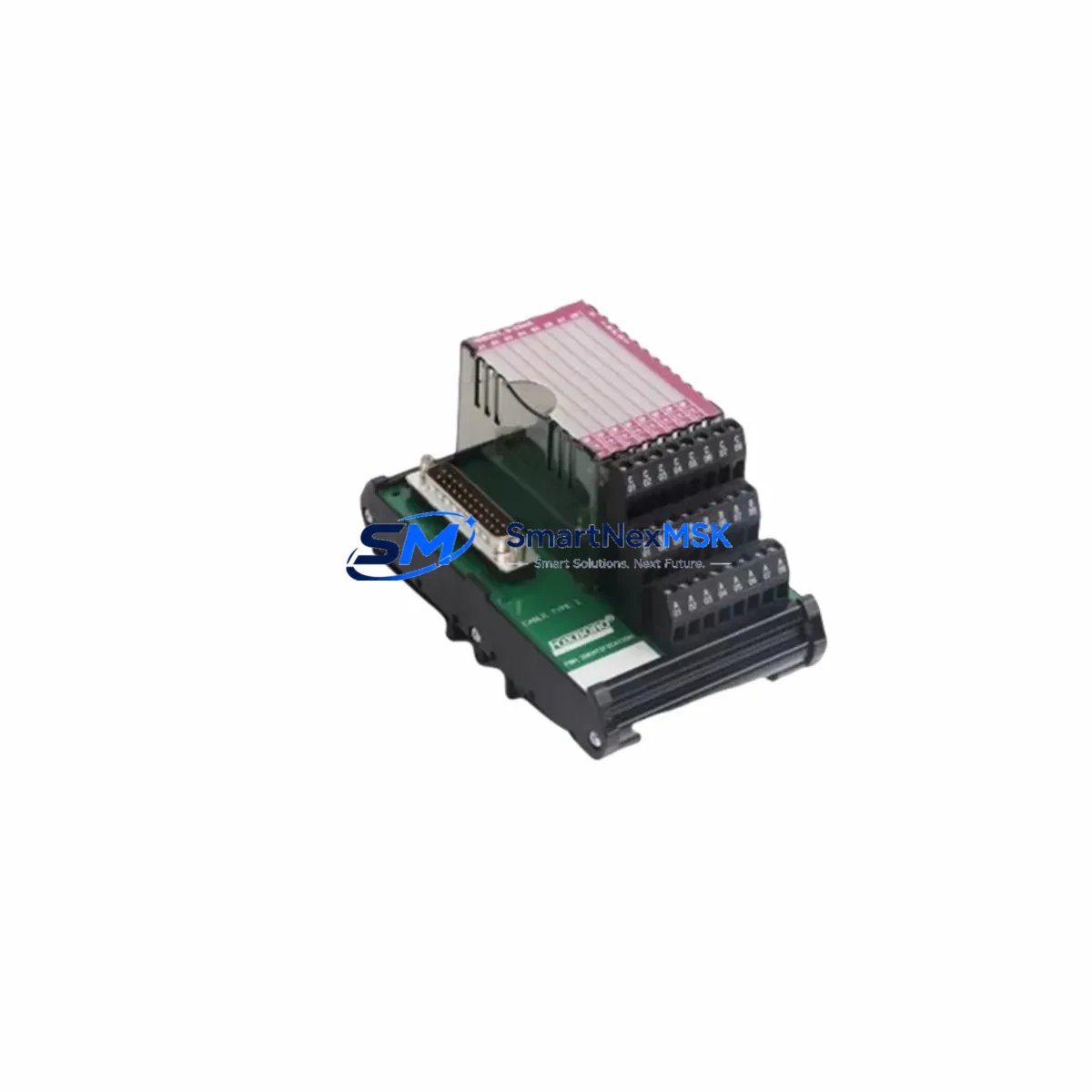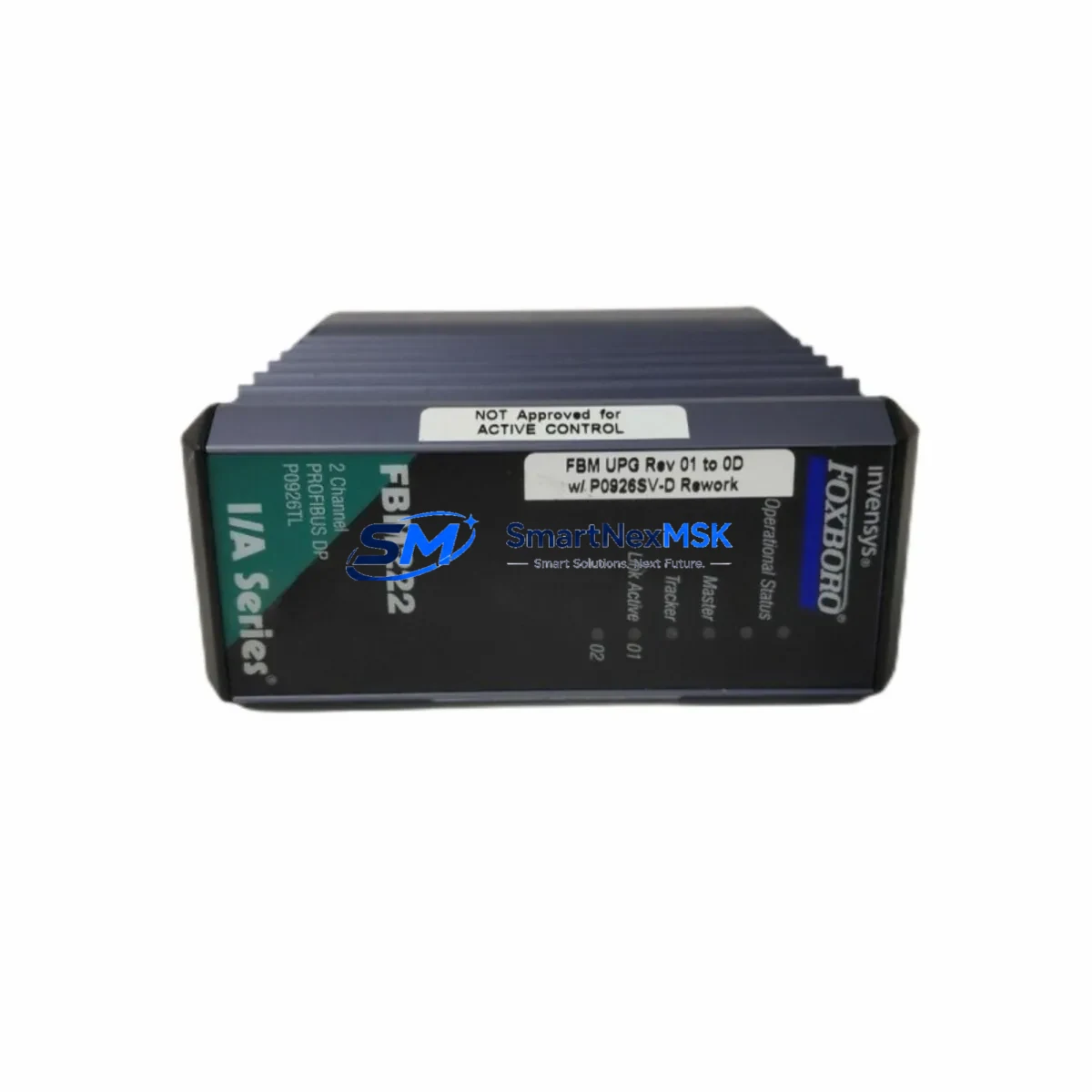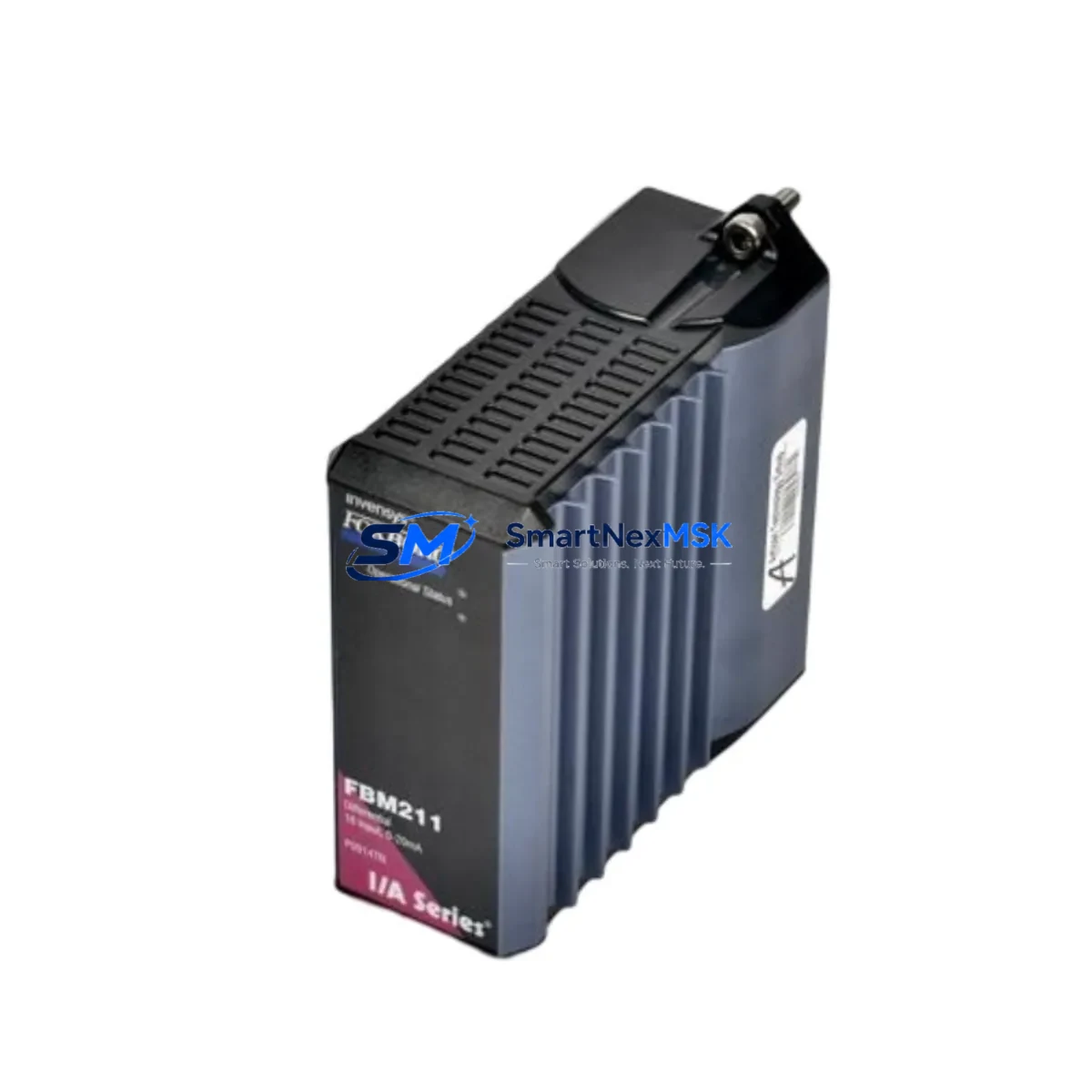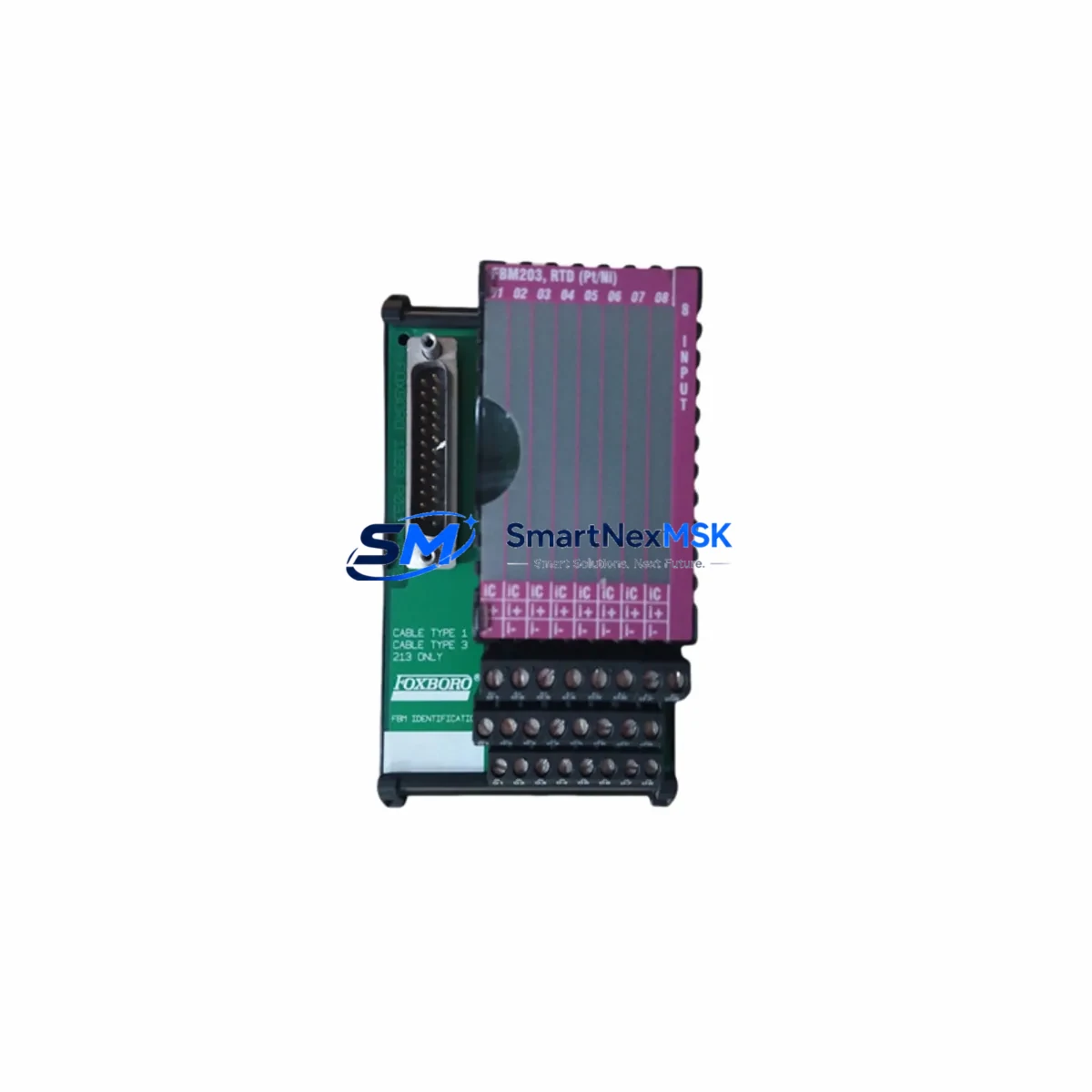
Foxboro FBM203 P0916AE0C Maintenance-Ready Spare I/A Series
The Foxboro FBM203 (P0916AE0C) is an original 8-channel analog input Field Bus Module designed for the Foxboro I/A Series Distributed Control System (DCS). In industrial facilities where continuous process control is non-negotiable — refineries, chemical plants, power generation units, and pulp and paper mills — an unplanned FBM203 failure can cascade into a full loop shutdown within minutes. Stocking a verified, tested FBM203 P0916AE0C spare is the single most effective measure a maintenance team can take to compress mean time to repair (MTTR) and protect production uptime.
Each unit supplied by SMARTNEXMSK is sourced from original manufacturer channels or certified secondary markets, individually inspected, and function-tested prior to dispatch. All units carry a 12-month warranty covering manufacturing defects and functional failure under normal operating conditions. Global shipping is available with full export documentation, and units are packaged in anti-static, shock-resistant enclosures to preserve module integrity during transit.
Spare Maintenance Table
| Parameter | Specification |
|---|---|
| Part Number | FBM203 / P0916AE0C |
| Brand | Foxboro (Schneider Electric) |
| Series | I/A Series DCS |
| Module Type | Analog Input Field Bus Module (FBM) |
| Channels | 8-channel analog input |
| Signal Type | 4–20 mA / 1–5 V (configurable per channel) |
| Communication | Nodebus / Fieldbus (I/A Series native) |
| Power Supply | 24 VDC via I/A Series baseplate |
| Mounting | I/A Series FBM baseplate (direct plug-in) |
| Operating Temperature | 0°C to 60°C |
| Humidity | 5–95% RH, non-condensing |
| Compatibility | I/A Series DCS — drop-in replacement for FBM203 variants |
| Condition | Original / Refurbished-to-OEM-spec (tested) |
| Warranty | 12 Months — functional failure coverage |
| Lead Time | In-stock: ships within 2 business days |
| Packaging | Anti-static bag, foam-lined export carton |
| Origin | USA (Foxboro / Schneider Electric) |
Maintenance Planning for Continuous Operation
When a maintenance or reliability engineer schedules an FBM203 replacement, the scope of inspection should extend well beyond the module itself. The FBM203 sits within a broader I/A Series control loop, and adjacent components are subject to the same aging, thermal stress, and vibration exposure. A disciplined site inspection during the replacement window should include the following:
Power and Baseplate: Verify the I/A Series FBM baseplate (P0916AE) for bent connector pins, corrosion, or cracked housing before seating the new FBM203. Inspect the 24 VDC power supply module feeding the baseplate — a marginal power supply will shorten the life of a new module. Check the P0914YE or equivalent power conditioner for output ripple and voltage stability.
Field Wiring and Terminal Blocks: Inspect field-side terminal blocks for loose terminations, oxidized contacts, and insulation degradation. On 4–20 mA loops, verify loop resistance and confirm that field transmitters — such as Foxboro 843DP differential pressure transmitters or equivalent HART-compatible devices — are within calibration. Corroded or undersized field cables are a common root cause of intermittent analog input faults that are misdiagnosed as FBM failures.
I/O and Signal Conditioning: If the process loop includes signal isolators or signal conditioners between the field device and the FBM203 input, inspect these components for drift or failure. Zener barrier assemblies and galvanic isolators used in hazardous-area loops should be tested for isolation resistance and clamping voltage. A failed isolator can inject noise or DC offset that corrupts analog readings even after a new FBM203 is installed.
Communication and Nodebus: After module replacement, verify Nodebus communication integrity using the I/A Series system management tools. Check the Nodebus cable connectors and terminators at both ends of the segment. If the facility runs a mixed I/A Series and FoxConnect architecture, confirm that the FBM203 firmware revision is compatible with the current CP60 or CP270 control processor software version. Mismatched firmware is a known cause of post-replacement communication faults.
Relay Outputs and Interlock Circuits: For loops where the FBM203 analog input feeds a relay output module — such as an FBM207 or FBM242 digital output module — verify relay contact condition and coil resistance. Relay contacts in high-cycle interlock circuits should be inspected for pitting and replaced proactively during the same maintenance window.
HMI and Historian Verification: After loop restoration, confirm that the DCS operator station (Foxboro IACC or equivalent HMI) is displaying correct engineering-unit values and that the process historian is logging the channel without gaps or quality flags. A quality flag of BAD or UNCERTAIN after FBM203 replacement typically indicates a wiring fault or configuration mismatch rather than a module defect.
Site Replacement Workflow
Step 1 — Pre-Replacement Verification: Confirm the replacement FBM203 P0916AE0C part number matches the installed unit exactly. Cross-reference the I/A Series hardware configuration database to verify baseplate slot assignment and channel configuration. Document current process values and alarm states before taking the loop out of service.
Step 2 — Safe Loop Isolation: Place the affected control loop in manual mode at the DCS operator station. Notify the process area operator and obtain a permit-to-work if required by site safety procedures. De-energize the baseplate slot if the site procedure requires hot-swap isolation, or proceed with hot-swap if the I/A Series configuration supports it for this baseplate type.
Step 3 — Module Extraction and Inspection: Extract the failed FBM203 by releasing the module latch and pulling straight out. Inspect the baseplate connector for damage. Record the failed module serial number and firmware label for failure analysis and warranty documentation.
Step 4 — New Module Installation: Insert the replacement FBM203 P0916AE0C firmly into the baseplate slot until the latch engages. The I/A Series system will automatically detect the new module and begin the initialization sequence. Monitor the module status LED — a steady green indicates successful initialization.
Step 5 — Loop Restoration and Verification: Return the control loop to automatic mode. Verify all 8 analog input channels are reading correctly at the DCS operator station. Confirm process historian data quality is GOOD. Update the maintenance management system (CMMS) with the replacement record, including part number, serial number, date, and technician ID.
Step 6 — Spare Stock Replenishment: Immediately initiate a purchase order for a replacement FBM203 P0916AE0C to restore the on-hand spare inventory to the minimum stocking level defined in the site spare parts strategy. A minimum of one cold spare per DCS cabinet is the industry-standard recommendation for critical analog input modules in continuous-process facilities.
Spare Parts Support FAQ
Q1: Is the FBM203 P0916AE0C a direct drop-in replacement for all FBM203 variants?
The P0916AE0C is the standard hardware revision for the FBM203 8-channel analog input module and is compatible with all standard I/A Series FBM baseplates. However, firmware compatibility with the site’s control processor (CP60, CP270, or CP270E) should be confirmed before installation. SMARTNEXMSK can provide firmware version documentation upon request to support pre-installation compatibility verification.
Q2: What pre-shipment testing is performed on each FBM203 unit?
Each FBM203 P0916AE0C unit undergoes a functional test protocol that includes power-on initialization verification, channel input response testing across the 4–20 mA range, and communication interface check. Units that do not pass all test criteria are not dispatched. A test report is available upon request for quality-critical procurement processes.
Q3: How should the FBM203 be stored if it is purchased as a cold spare?
Store the FBM203 in its original anti-static packaging in a climate-controlled environment: temperature 15–30°C, relative humidity below 60%, away from direct sunlight and electromagnetic interference sources. Inspect the spare annually for physical damage and verify the packaging seal integrity. Long-term storage beyond 3 years should include a power-on functional test before committing the unit to a live installation.
Q4: What is covered under the 12-month warranty?
The 12-month warranty covers functional failure of the FBM203 P0916AE0C under normal operating conditions consistent with Foxboro I/A Series installation specifications. Coverage includes module initialization failure, channel input failure, and communication interface failure. Damage resulting from incorrect installation, overvoltage, reverse polarity, or physical impact is excluded. Warranty claims are processed with return merchandise authorization (RMA) and include replacement or repair at SMARTNEXMSK’s discretion.
© 2026 SMARTNEXMSK. All rights reserved.
Original Source: https://smartnexmsk.com
Contact: [email protected] | +86 18259474341