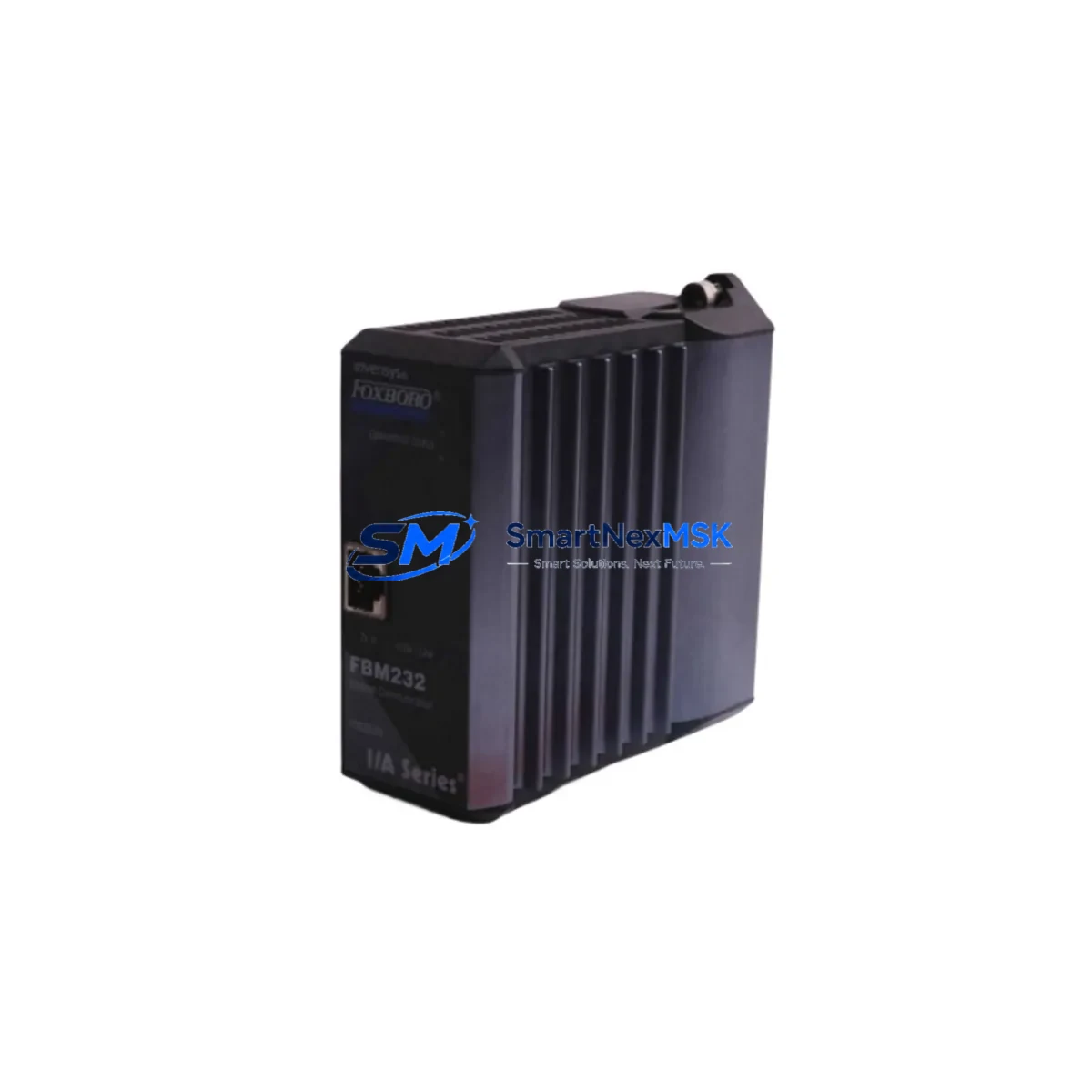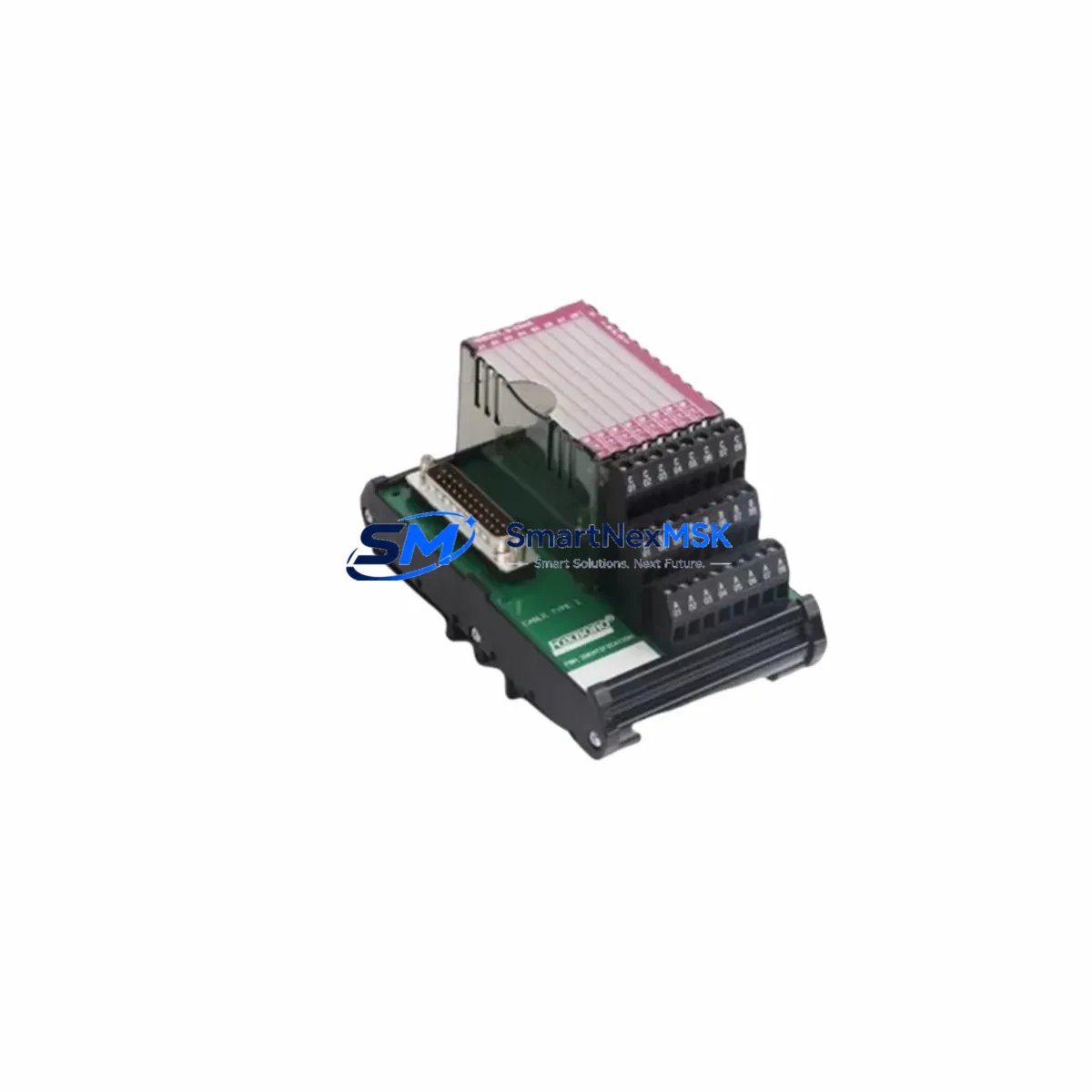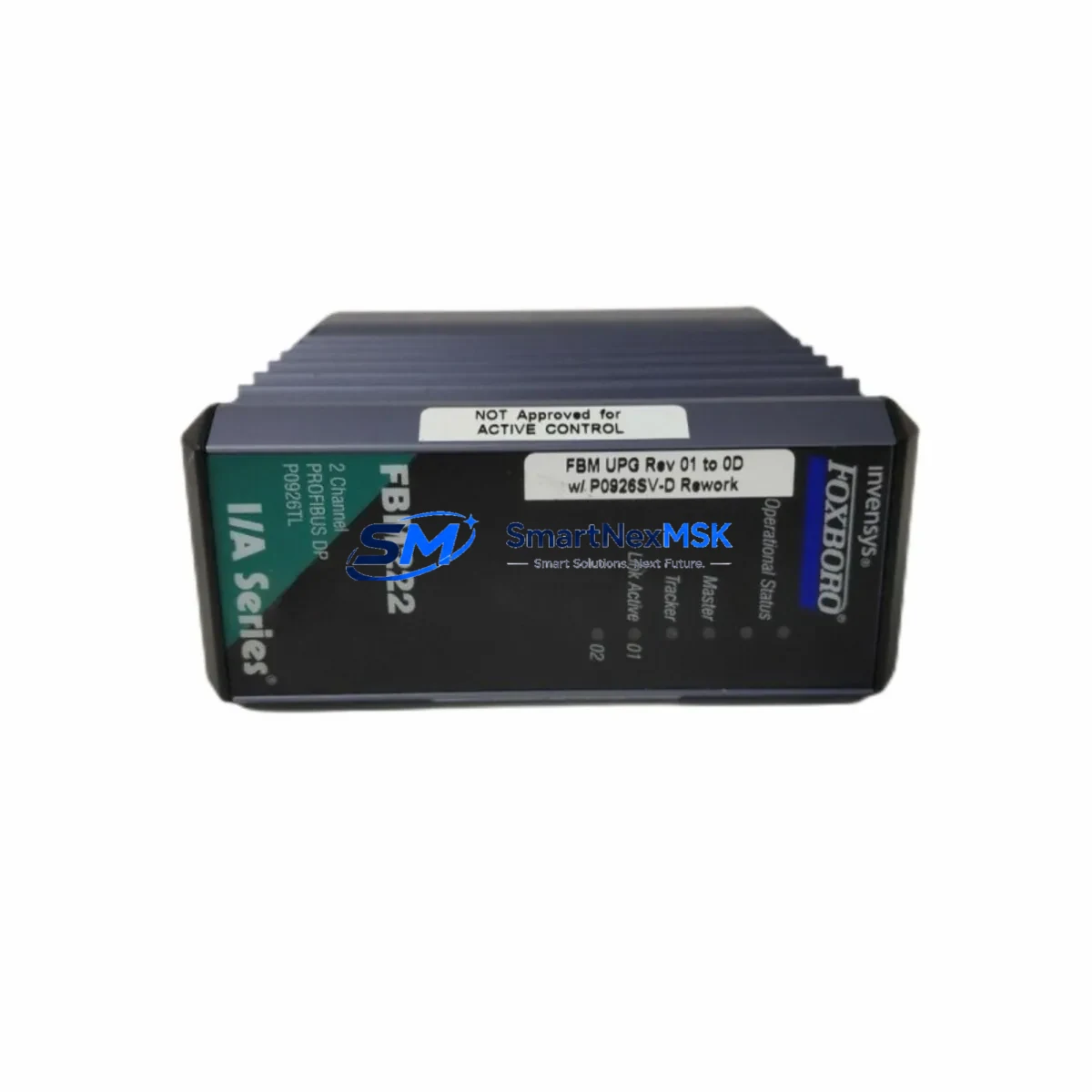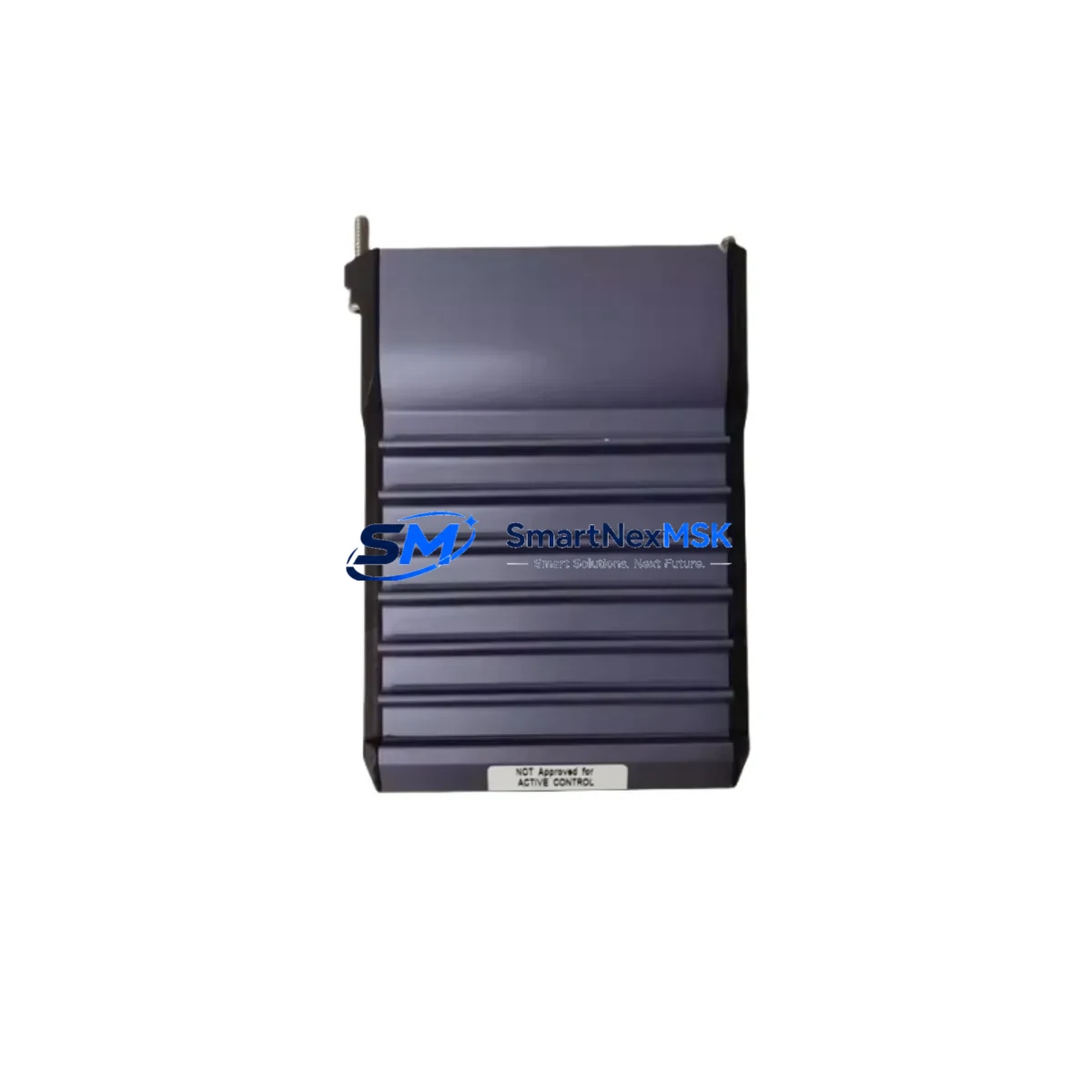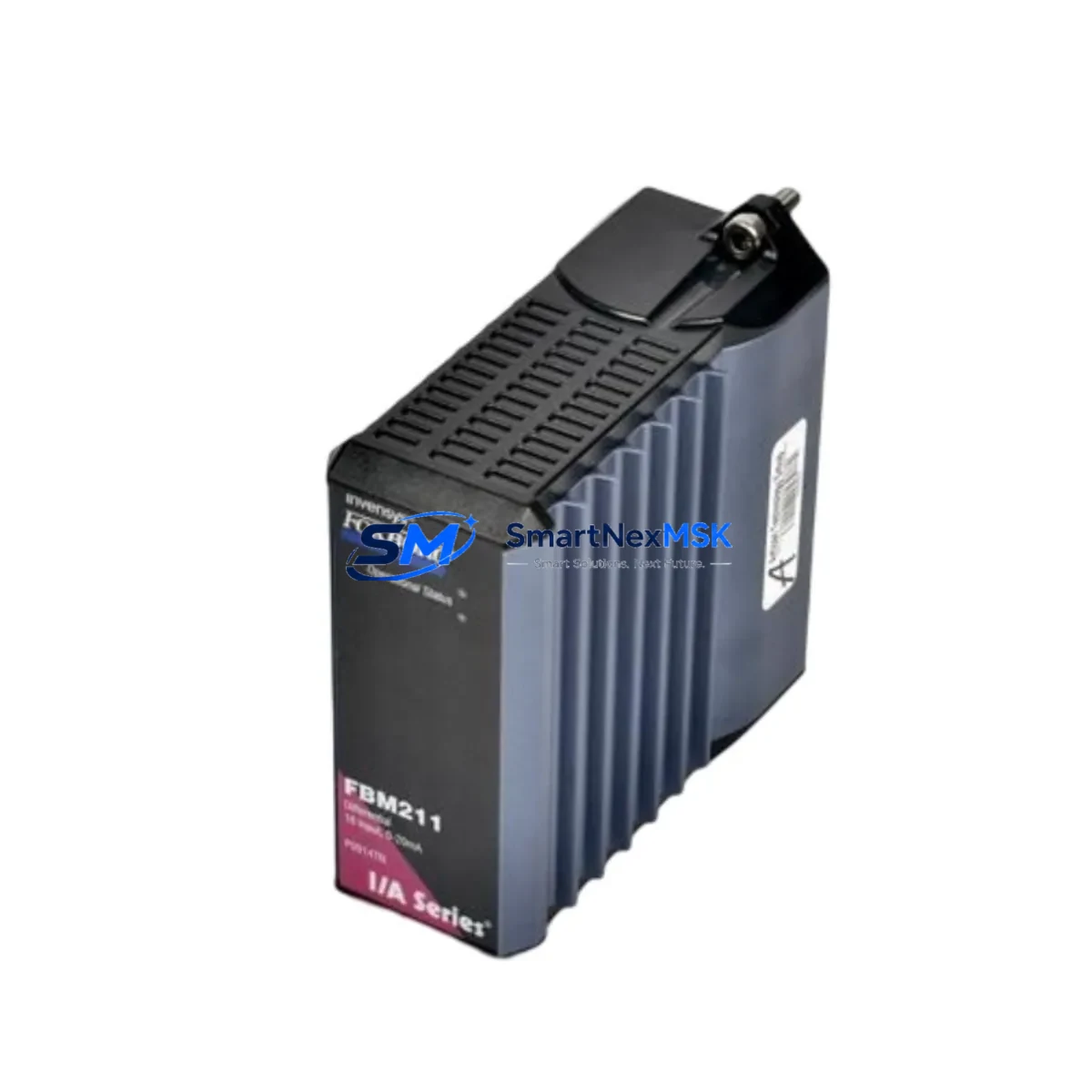
FOXBORO FBM211 Maintenance-Ready Spare for I/A Series Automation
The FOXBORO FBM211 is a field bus module designed for the Foxboro I/A Series Distributed Control System (DCS), widely deployed across oil & gas, petrochemical, power generation, and continuous process industries. As a critical analog input acquisition component, the FBM211 interfaces field transmitters and sensors with the I/A Series control network, making it a high-priority spare for any maintenance team managing aging or active Foxboro DCS installations.
Unplanned downtime caused by a failed FBM211 can cascade across an entire control loop, halting production and triggering costly emergency shutdowns. Stocking a verified, tested replacement unit is the most effective strategy to minimize mean time to repair (MTTR) and maintain process continuity. Each unit supplied by SMARTNEXMSK undergoes pre-shipment functional verification and is backed by a 12-month warranty, giving maintenance engineers and procurement teams confidence in both quality and long-term supply availability.
Spare Maintenance Table
| Parameter | Specification / Detail |
|---|---|
| Part Number / SKU | FBM211 |
| Brand | FOXBORO (Schneider Electric / Invensys) |
| Series | I/A Series DCS |
| Module Type | Field Bus Module – Analog Input |
| Signal Compatibility | 4–20 mA, HART-compatible field devices |
| Communication Interface | Nodebus / Fieldbus Module Bus (FBM Bus) |
| Power Supply | Supplied via I/A Series baseplate / carrier |
| Mounting | I/A Series FBM Baseplate (e.g., P0914YE, P0914YF) |
| Operating Temperature | 0°C to 60°C (standard industrial environment) |
| Origin | USA (Original Foxboro / Invensys manufacture) |
| Condition | Original spare – tested before shipment |
| Warranty | 12 Months |
| Lead Time | In stock – ships within 1–3 business days |
| Application | Oil & Gas, Petrochemical, Power, Pulp & Paper, Water Treatment |
| Replacement Compatibility | Direct replacement for FBM211 in existing I/A Series cabinets |
Maintenance Planning for Continuous Operation
When a maintenance or reliability engineer identifies the FBM211 as a failure point or schedules it for planned replacement during a turnaround, the replacement scope should extend beyond the module itself. A thorough inspection of the surrounding I/A Series control cabinet is essential to prevent repeat failures and ensure the restored loop performs reliably.
Begin by verifying the FBM Baseplate (such as the P0914YE or P0914YF carrier) for corrosion, bent connector pins, or mechanical damage — a degraded baseplate can cause intermittent faults even with a new FBM211 installed. Inspect the I/A Series Power Supply module (e.g., FPS0810 or equivalent) that feeds the baseplate; voltage sag or ripple is a common root cause of FBM instability. Check all field wiring terminations at the associated marshalling panel or junction box, paying particular attention to shield grounding and terminal torque on the 4–20 mA signal pairs.
For loops using HART-enabled transmitters, confirm that the HART Multiplexer or HART pass-through configuration in the I/A Series CP (Control Processor, e.g., CP60 or CP270) is correctly mapped after module swap. If the FBM211 feeds a critical interlock or safety-instrumented loop, coordinate with the SIS team before hot-swapping. Review the associated FBM Communication Controller (FCP270 or CP60) event logs for any pre-existing nodebus errors that may indicate a wider communication issue beyond the single module.
During cabinet inspection, also assess the condition of DIN rail terminal blocks and signal isolators on the field side — aged or discolored terminals are a leading indicator of high-resistance connections that degrade analog accuracy. If the installation includes intrinsic safety barriers (Zener or galvanic isolators) between the FBM211 and hazardous-area field devices, verify their entity parameters remain within specification. Fuse holders and miniature circuit breakers protecting the 24 VDC field loop power should also be tested for proper trip characteristics.
For sites running legacy I/A Series configurations with older FBM10, FBM12, or FBM14 analog input modules alongside the FBM211, this is an opportune time to audit the entire FBM population for end-of-life status and build a consolidated spare parts list. Proactive stocking of two to three FBM211 units — alongside a spare CP module and at least one baseplate — is a widely adopted strategy in facilities with long maintenance intervals or remote locations where emergency procurement is impractical.
Site Replacement Workflow
Step 1 – Pre-Replacement Verification: Confirm the failed module’s SKU (FBM211) against the cabinet label and I/A Series configuration database. Cross-reference the replacement unit’s firmware revision if the site enforces firmware-level compatibility policies.
Step 2 – Loop Isolation: Place the associated control loop in manual mode at the DCS operator station. Notify the field operator and, where required, obtain a permit-to-work. De-energize the field loop power if the installation is non-HART or if the site safety procedure requires it.
Step 3 – Module Removal: Unlatch the FBM211 from the baseplate using the standard Foxboro extraction tool or a flat-blade screwdriver at the module latch. Avoid pulling on the wiring harness. Label and photograph the wiring configuration before disconnection if field wiring is directly terminated on the module.
Step 4 – Replacement Installation: Seat the new FBM211 firmly into the baseplate until the latch clicks. Reconnect field wiring per the original termination diagram. Restore field loop power and verify 4–20 mA signal continuity with a loop calibrator before returning the loop to automatic control.
Step 5 – Post-Replacement Validation: Monitor the DCS faceplate for the restored analog input value. Check the I/A Series system log for any nodebus communication alarms. Perform a zero and span check on the associated transmitter if the loop had been in fault for an extended period. Document the replacement in the CMMS with the new module’s serial number and installation date.
This workflow minimizes downtime, preserves system compatibility, and creates a traceable maintenance record — all critical for facilities operating under ISO 55000 asset management or IEC 61511 functional safety frameworks.
Spare Parts Support FAQ
Q1: Is the FBM211 supplied by SMARTNEXMSK an original Foxboro part or a third-party equivalent?
All FBM211 units are original Foxboro (Invensys / Schneider Electric heritage) spare parts. We do not supply counterfeit, refurbished-without-disclosure, or third-party clone modules. Each unit is individually tested for electrical functionality prior to shipment.
Q2: What is the warranty coverage and what does it include?
Every FBM211 is covered by a 12-month warranty from the date of shipment. The warranty covers manufacturing defects and functional failures under normal operating conditions. It does not cover damage caused by incorrect installation, overvoltage events, or physical mishandling on site.
Q3: Can the FBM211 be used as a direct drop-in replacement without DCS reconfiguration?
In most I/A Series installations, the FBM211 is a direct hardware replacement — the I/A Series CP automatically recognizes the module upon reinsertion if the baseplate slot assignment and module type are unchanged in the system configuration. However, sites with customized module parameters or firmware-locked configurations should verify compatibility with their DCS engineer before installation.
Q4: How do you handle long-term or repeat procurement for maintenance programs?
SMARTNEXMSK supports blanket order arrangements and scheduled delivery programs for facilities that require guaranteed stock availability across multi-year maintenance contracts. Contact our sales team to discuss volume pricing, reserved inventory, and priority shipment agreements tailored to your plant’s maintenance schedule.
© 2026 SMARTNEXMSK. All rights reserved.
Original Source: https://smartnexmsk.com
Contact: [email protected] | +86 18259474341