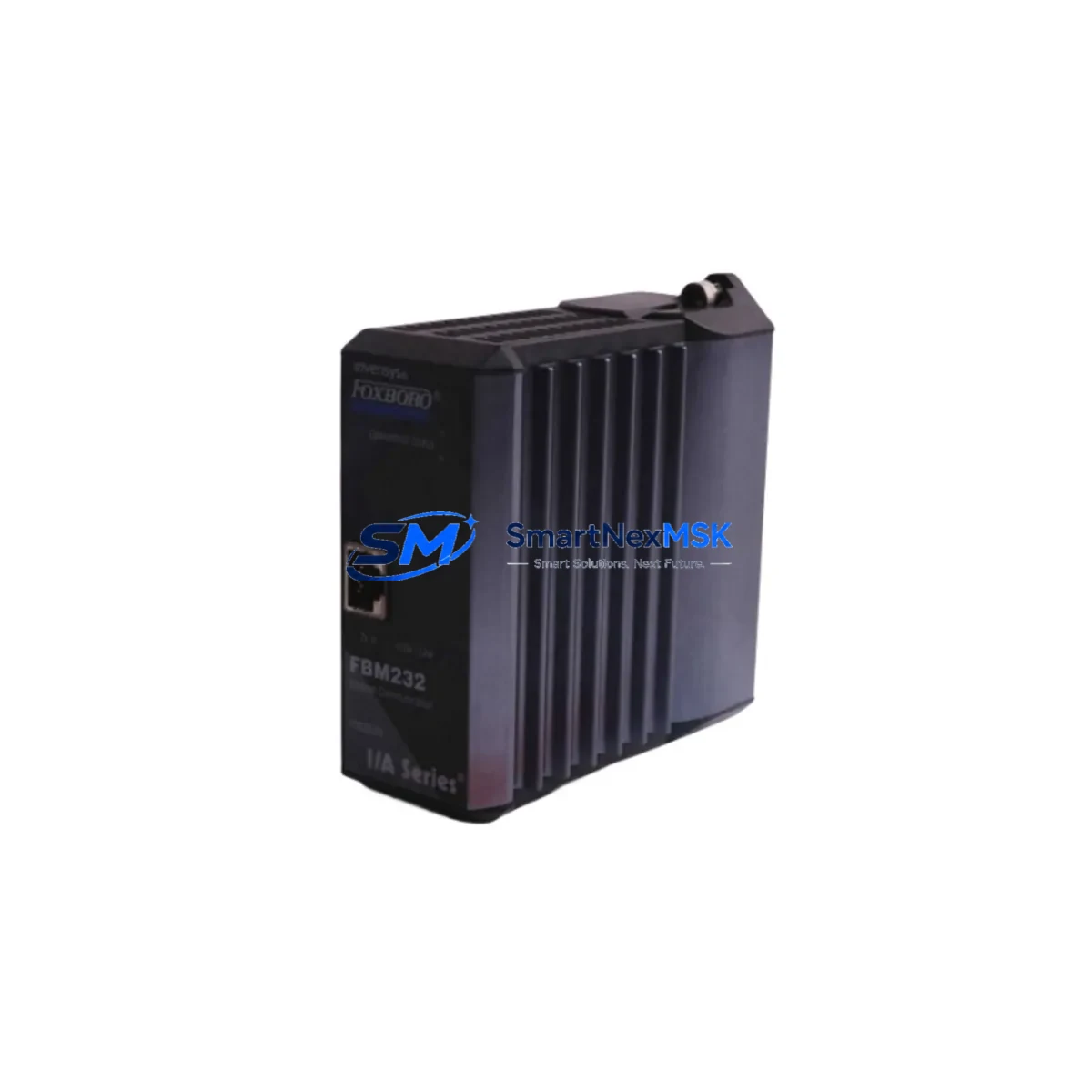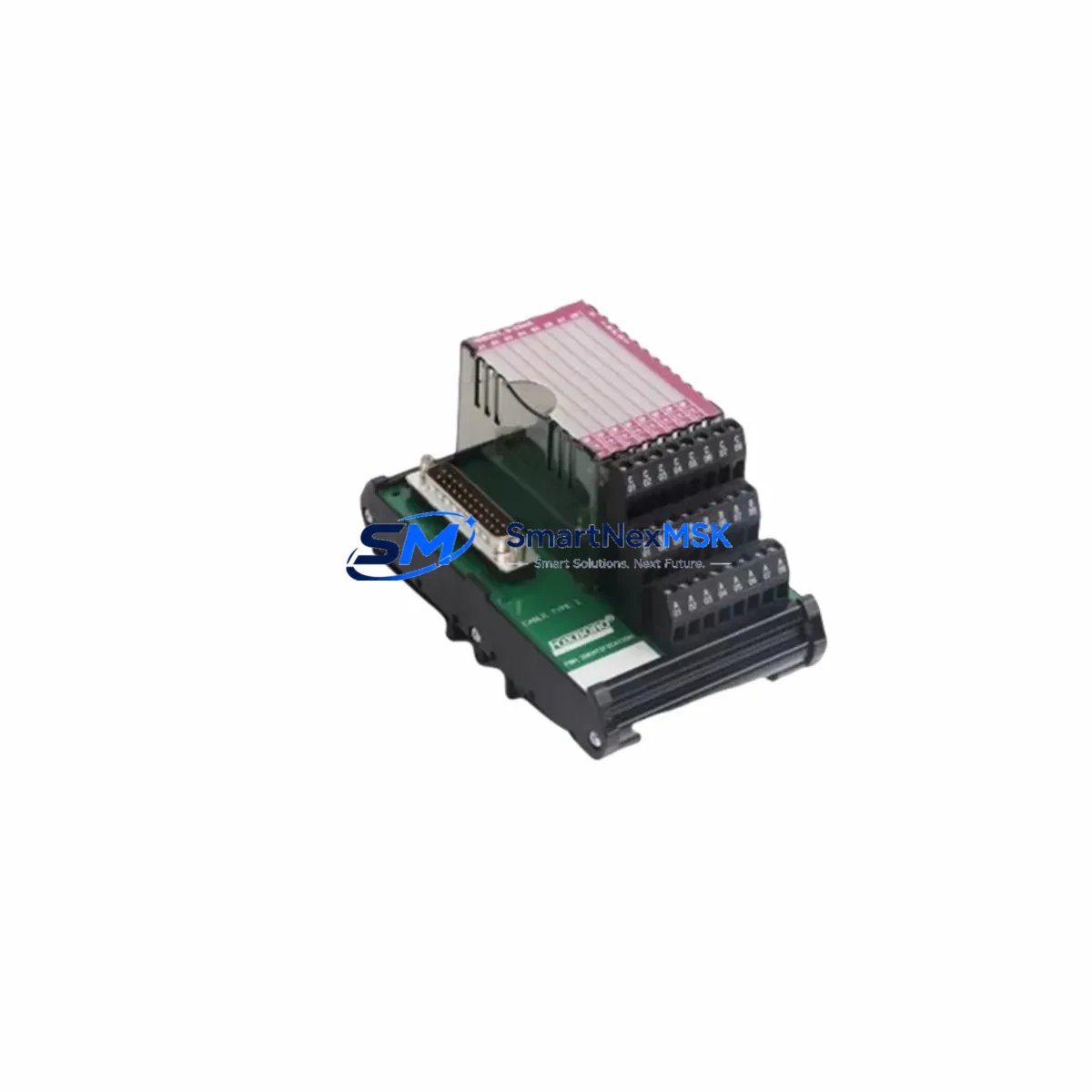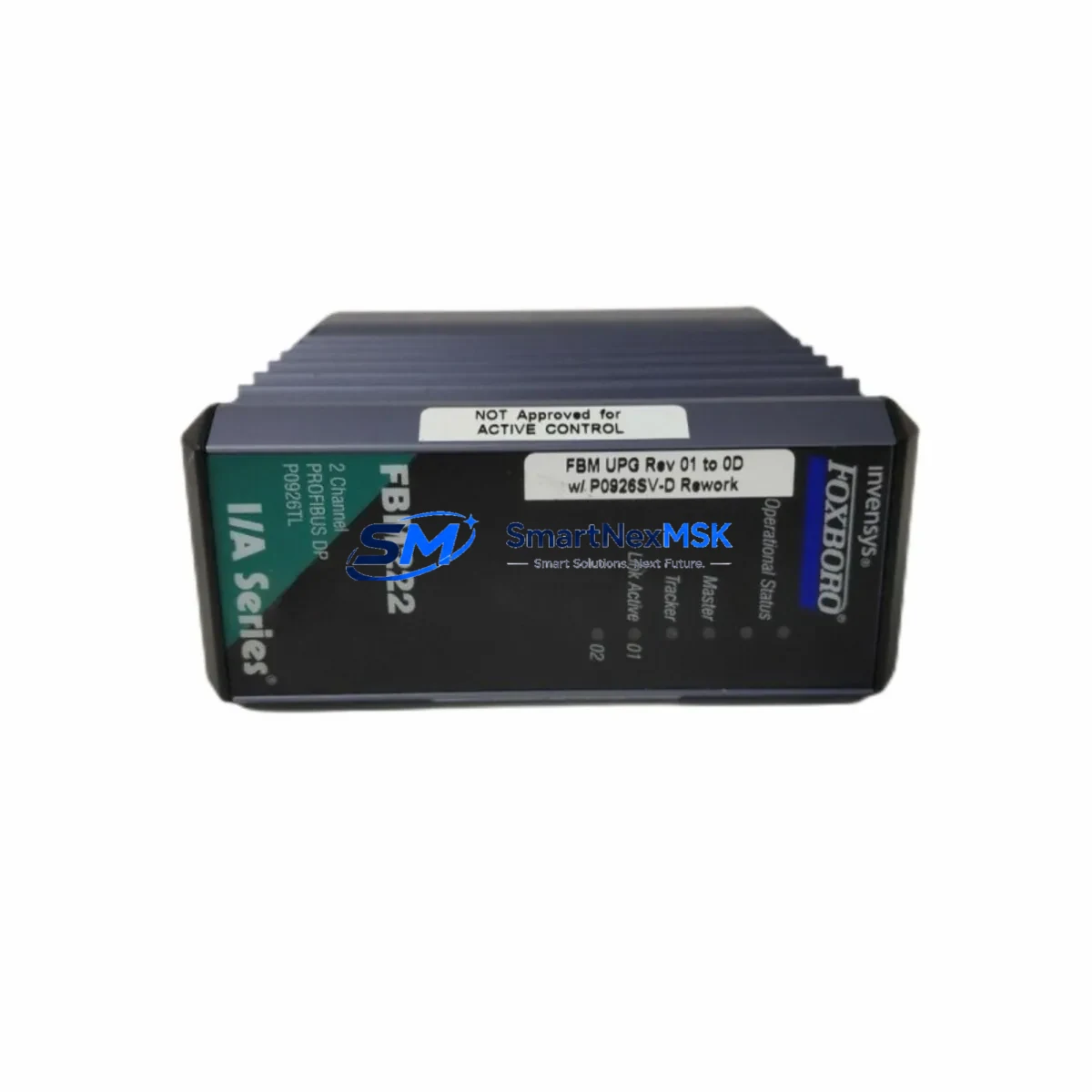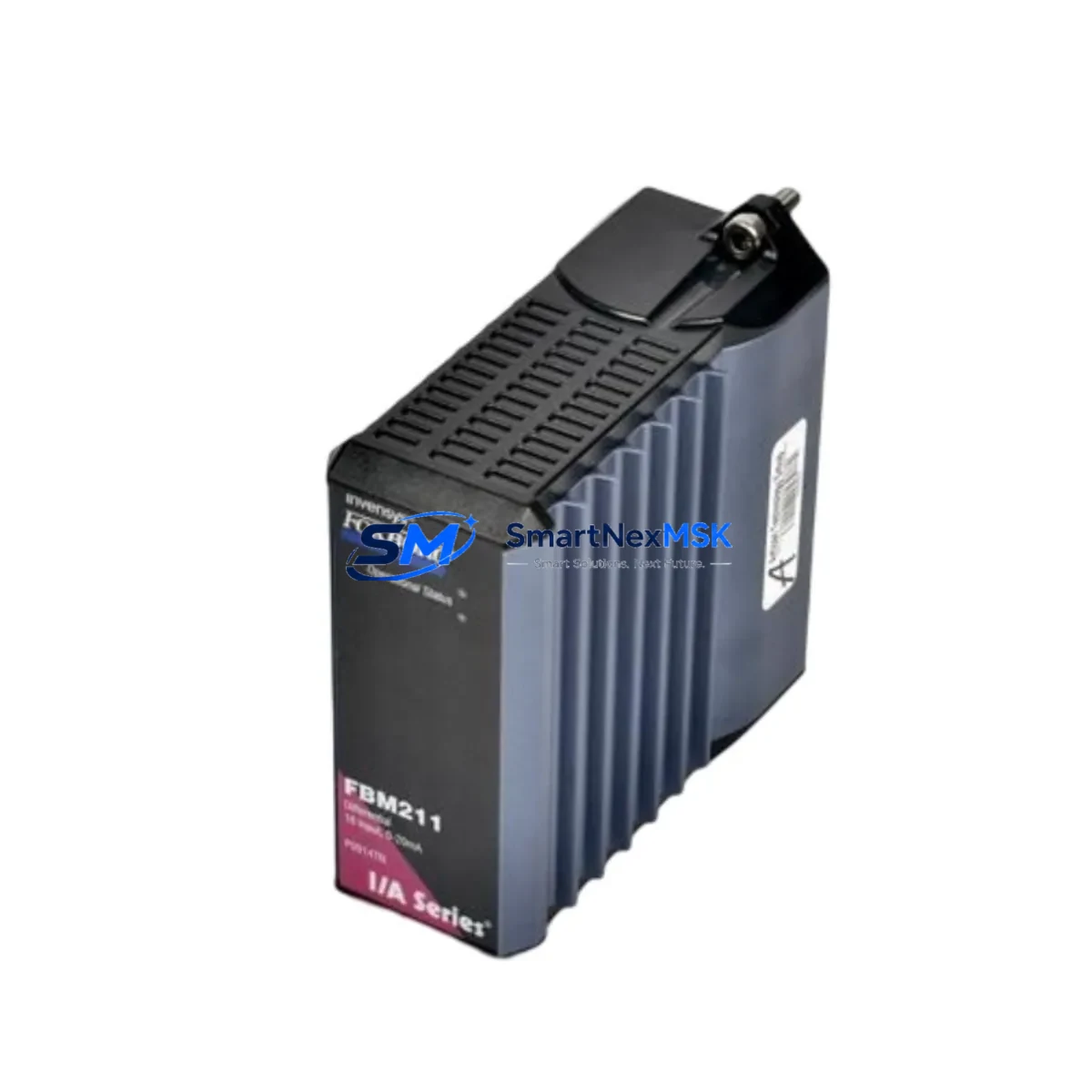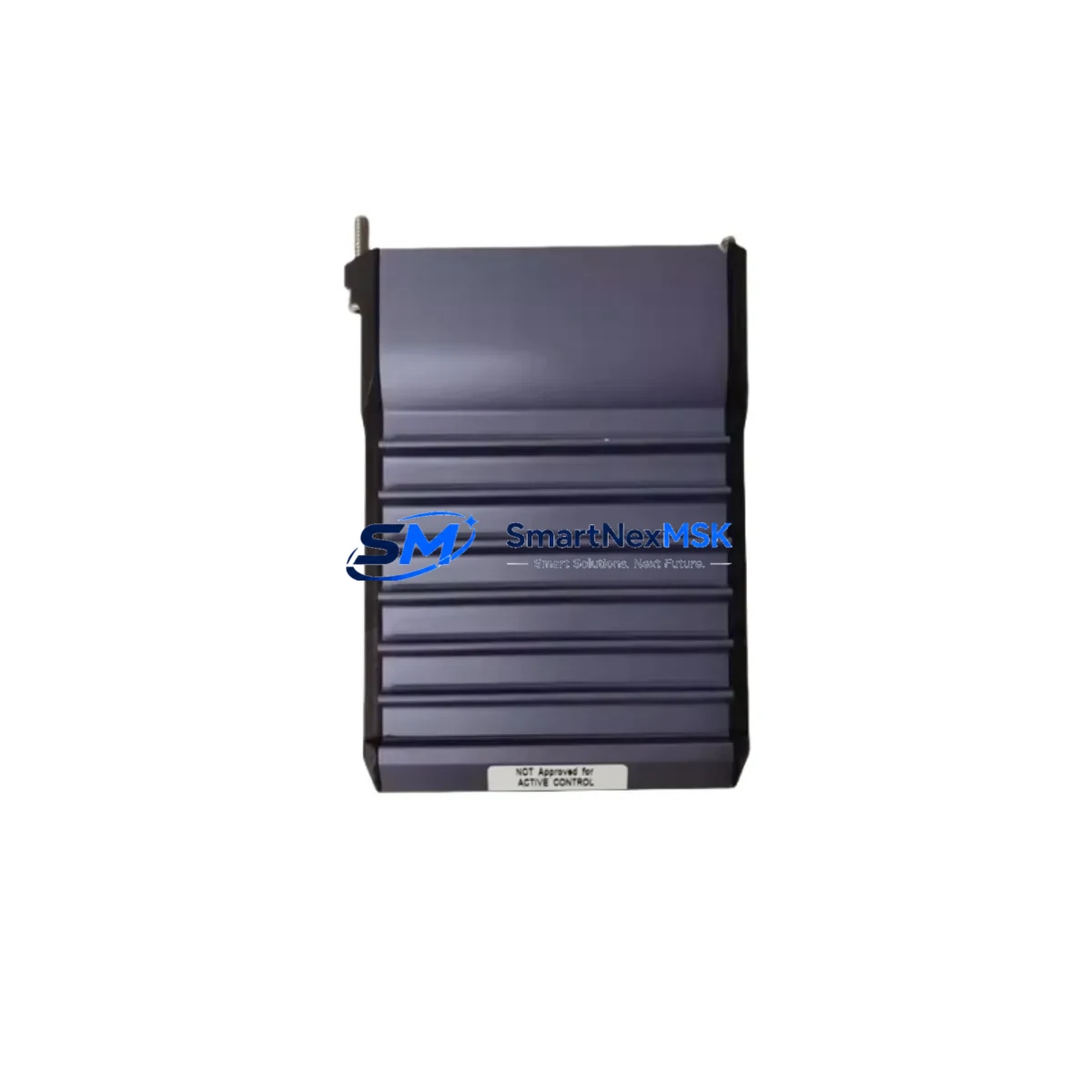
Foxboro FBM205 P0914XG Retrofit-Ready Analog I/O for I/A Series Control Systems
The Foxboro FBM205 (part number P0914XG) is a high-density analog input/output field bus module designed for seamless integration into Foxboro I/A Series Distributed Control Systems. As legacy DCS installations age and OEM support for discontinued modules becomes increasingly limited, the FBM205 P0914XG has become one of the most sought-after retrofit components for plants seeking to extend the operational life of their existing control infrastructure without committing to a full platform migration.
This module supports both analog input and analog output channels, making it a versatile solution for process control loops in refining, chemical, power generation, and pulp-and-paper applications. Its compatibility with the standard I/A Series fieldbus architecture means it can be installed into existing Nodebus or Mesh Control Network (MCN) environments without requiring changes to the control strategy or HMI configuration in most cases. Engineers planning a like-for-like swap from an FBM04, FBM05, or FBM14 should verify channel count, signal range (4–20 mA or 1–5 V), and HART pass-through requirements before finalizing the bill of materials.
Each unit shipped by SMARTNEXMSK undergoes pre-shipment functional testing, including channel-by-channel signal verification, backplane connector inspection, and firmware revision confirmation. Units are supplied with a 12-month warranty covering manufacturing defects and functional failures under normal operating conditions.
Upgrade Compatibility Table
| Parameter | FBM205 P0914XG | Notes / Retrofit Guidance |
|---|---|---|
| Module Type | Analog I/O Field Bus Module | Replaces FBM04, FBM05, FBM14 in most configurations |
| Backplane Interface | Standard I/A Series Nodebus | Compatible with existing FBM baseplate; no backplane modification required |
| Signal Range | 4–20 mA / 1–5 V DC | Verify field wiring termination block (FBT) signal type before installation |
| Communication Protocol | Foxboro Nodebus / MCN | Compatible with CP60, CP270, CP40B controllers; confirm firmware revision |
| Installation | Slide-in module, standard I/A Series enclosure | No tools required; hot-swap capable in redundant configurations |
| Module Address | Configured via I/A Series System Configuration | Re-use existing module address from replaced unit; verify in ICC/SCI |
| HMI Compatibility | FoxView, FoxDraw, IA Series Workstation | No HMI screen changes required for like-for-like replacement |
| HART Support | Confirm by firmware revision | HART pass-through available on select revisions; verify with plant HART multiplexer |
| Warranty | 12 Months | Covers manufacturing defects and functional failures under normal use |
Retrofit Planning for Existing Automation Systems
A successful FBM205 P0914XG retrofit begins well before the module arrives on site. The first step is a thorough audit of the existing I/A Series enclosure, including the FBM baseplate model, the number of occupied slots, and the current power budget of the ZCP270 or CP60 controller node. Power supply modules such as the FPS0200 or FPS0400 must be confirmed to have sufficient headroom to support the FBM205’s operating current draw, particularly in high-density enclosures where multiple analog modules share a single power rail.
Field wiring termination is the next critical checkpoint. The FBM205 connects to the process field via a Foxboro FBT (Field Bus Termination) assembly. Engineers should confirm that the existing FBT model — whether a standard screw-terminal type or a marshalling-panel variant — is compatible with the P0914XG’s connector pinout. In many older installations, the FBT may itself be a discontinued component, and sourcing a replacement FBT alongside the FBM205 is advisable to avoid delays during the maintenance window.
For plants running a Mesh Control Network topology, the FBM205 must be assigned a unique module address within the I/A Series System Configuration Integrator (SCI). This address should match the address previously assigned to the failed or removed module to ensure that the control database — including compound blocks, PID loops, and alarm setpoints — maps correctly to the new hardware without requiring a database rebuild. If the original module address is unknown, it can be recovered from the ICC backup or from the plant’s as-built documentation.
Communication link integrity should be verified after installation using the I/A Series diagnostic tools. The CP270 or CP40B controller will automatically detect the new FBM205 on the Nodebus and begin polling its channels. Engineers should monitor the module’s LED status indicators and confirm that all configured channels report valid process values within expected engineering unit ranges before releasing the loop to automatic control. For plants also upgrading their HMI infrastructure, the FoxView or IA Series Workstation displays will continue to function without modification, as the tag database and display faceplates reference the module address rather than the physical hardware revision.
Plants undertaking broader control system modernization — such as migrating from an older CP10 or CP30 controller to a CP270 or ZCP270 — should treat the FBM205 P0914XG procurement as part of a coordinated bill of materials that may also include replacement Nodebus cables, updated FBM baseplates, and a revised power distribution scheme. In some cases, the migration path also involves adding an FBM220 or FBM237 communications module to support Modbus RTU or PROFIBUS DP integration with third-party devices on the plant floor.
Downtime Control During System Migration
Minimizing unplanned downtime is the primary concern for any plant engineer executing an FBM205 replacement in a live production environment. The I/A Series architecture supports hot-swap module replacement in redundant configurations, meaning that a standby FBM205 can be inserted into a redundant slot while the primary module remains in service. This approach eliminates the need for a process shutdown in most analog I/O applications and is strongly recommended for critical control loops such as reactor temperature, column pressure, or flow control.
For non-redundant installations, the recommended procedure is to place all affected PID loops in manual mode before removing the failed module. The operator should note the current output values for each loop and hold those values at the field actuator level — either through the DCS manual output function or by physically locking the control valve in position — to maintain process stability during the swap. The replacement FBM205 P0914XG should be pre-configured and address-verified on the bench before being brought to the field, reducing the time the loop spends in manual to the minimum necessary for physical installation and channel verification.
Original program logic, compound configurations, and PID tuning parameters stored in the CP270 or CP40B controller are not affected by the module swap, provided the replacement FBM205 is installed at the same module address as its predecessor. This is a key advantage of the I/A Series architecture: the control strategy resides in the controller, not in the field module, so a like-for-like hardware replacement does not require any changes to the control database, alarm configuration, or historian tag mapping. Engineers should nonetheless perform a full channel scan and compare live process values against the historian trend before returning loops to automatic control.
Retrofit Support FAQ
Q: Is the FBM205 P0914XG a direct drop-in replacement for the FBM04 or FBM05?
A: In most I/A Series installations, yes — provided the baseplate slot, FBT termination assembly, and module address are compatible. Channel count and signal range (4–20 mA vs. 1–5 V) should be verified against the original module’s datasheet before ordering. SMARTNEXMSK can assist with compatibility confirmation based on your plant’s existing module list.
Q: What pre-shipment testing does SMARTNEXMSK perform on the FBM205 P0914XG?
A: Each unit undergoes channel-by-channel signal injection testing, backplane connector inspection, and firmware revision verification. A test report is available upon request. All units are covered by a 12-month warranty from the date of shipment.
Q: Do I need to modify my HMI displays or control database after installing the FBM205?
A: No, provided the replacement module is installed at the same module address as the original. The I/A Series control database references module addresses, not hardware serial numbers, so FoxView and IA Series Workstation displays will continue to function without modification.
Q: What should I check if the FBM205 does not come online after installation?
A: First, verify the module address matches the SCI configuration. Second, confirm the Nodebus cable connections at both the module and the controller end. Third, check the power supply output voltage at the baseplate. If the module LED indicates a fault, use the I/A Series diagnostic console to read the fault code and cross-reference with the FBM205 hardware manual. SMARTNEXMSK’s technical support team is available to assist with commissioning questions.
© 2026 SMARTNEXMSK. All rights reserved.
Original Source: https://smartnexmsk.com
Contact: [email protected] | +86 18259474341