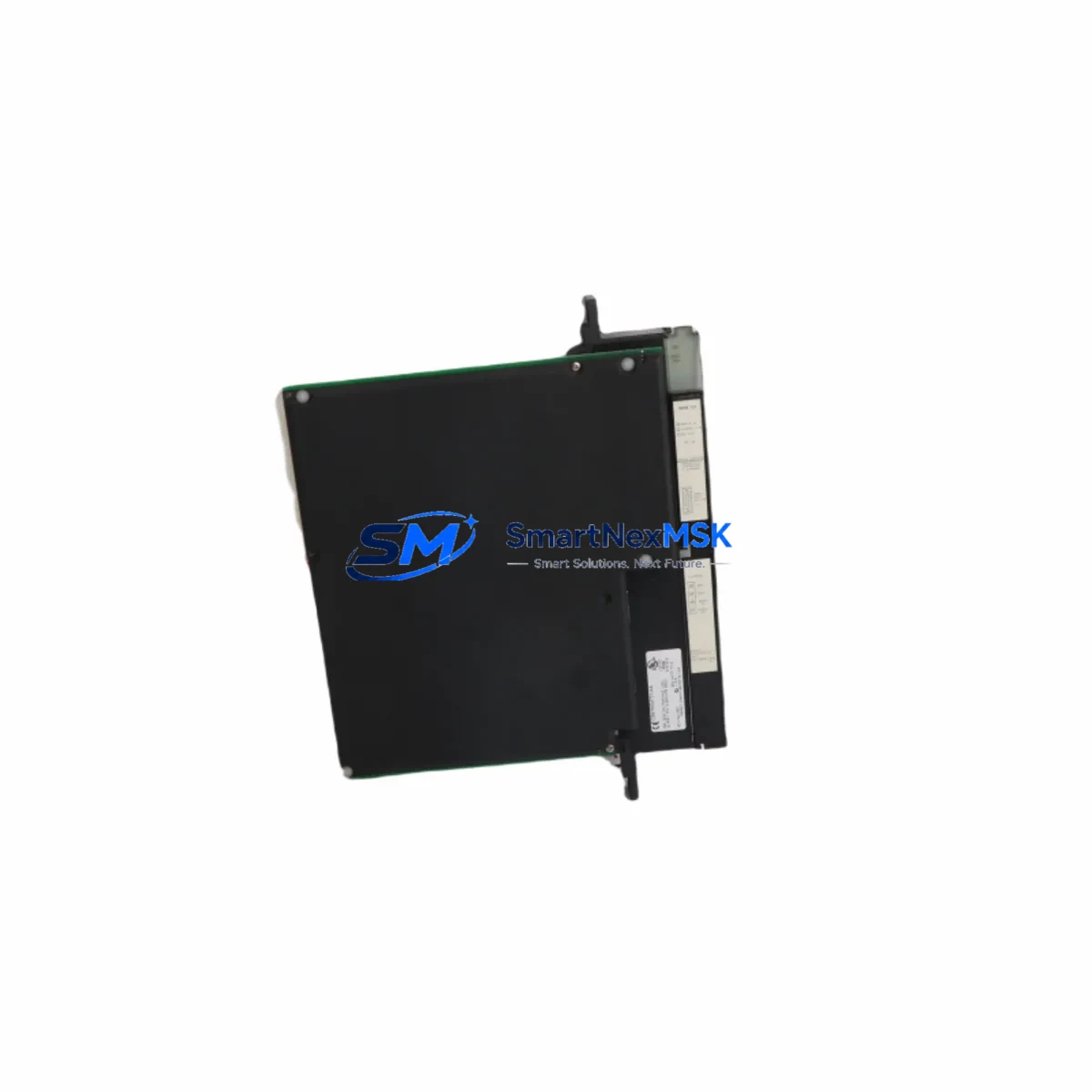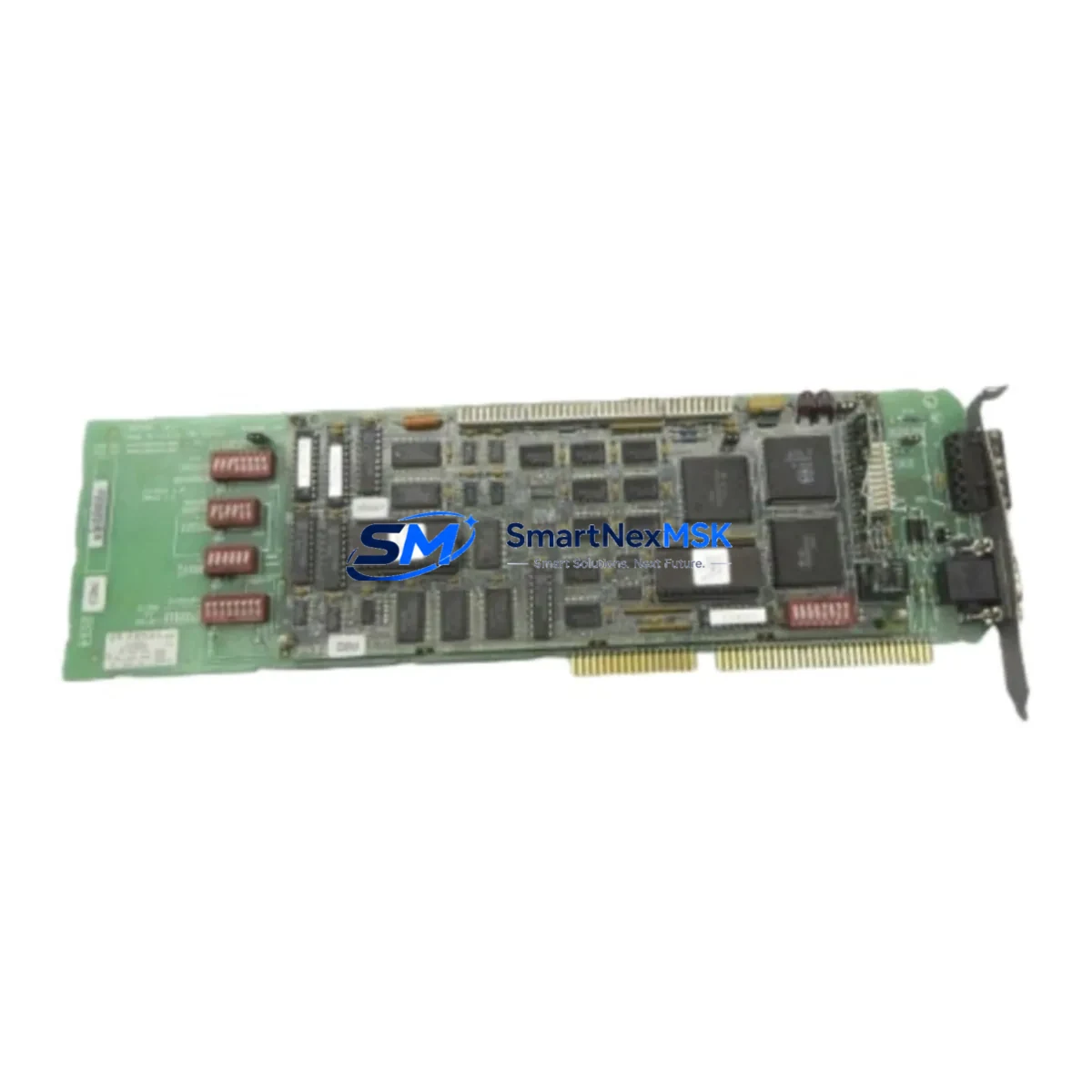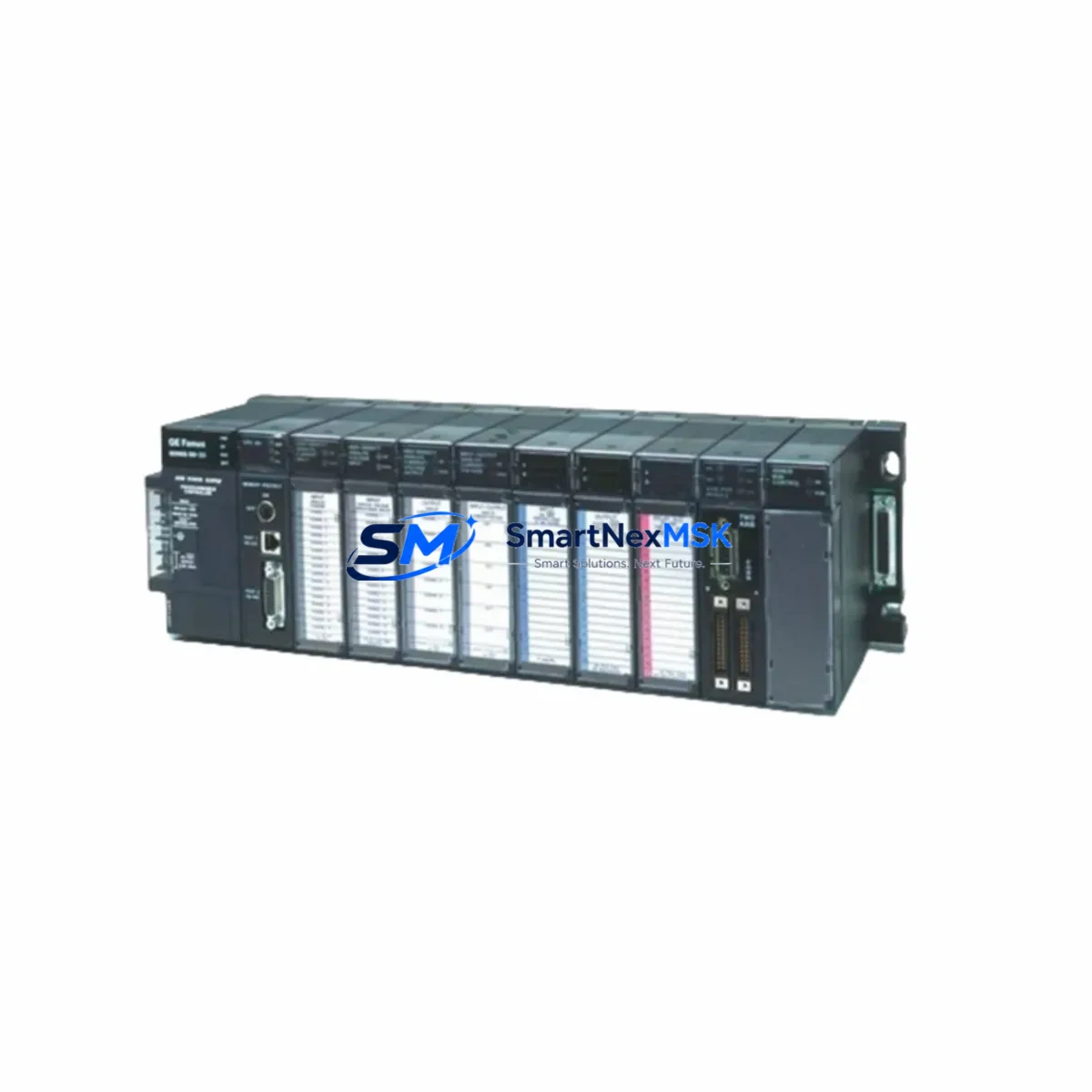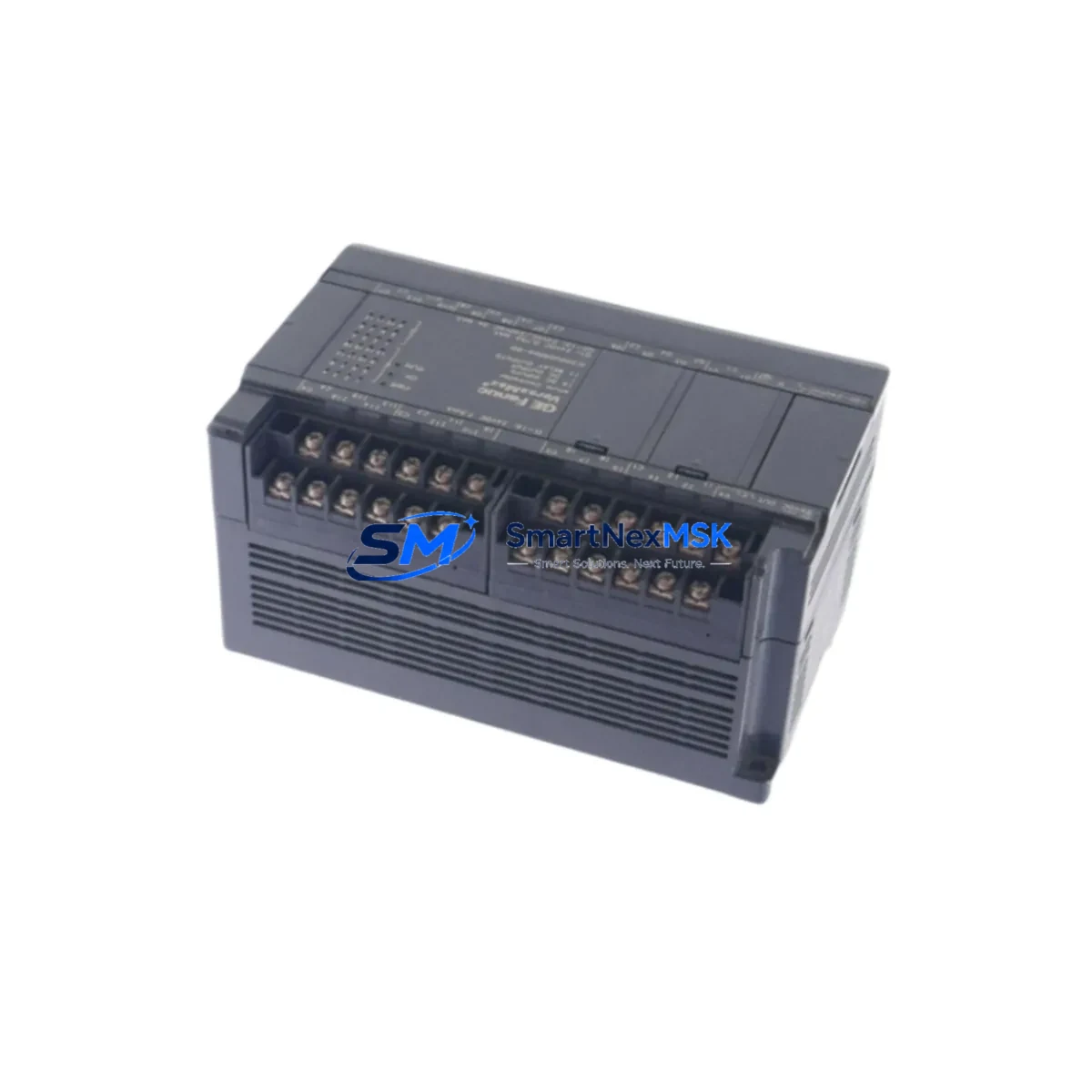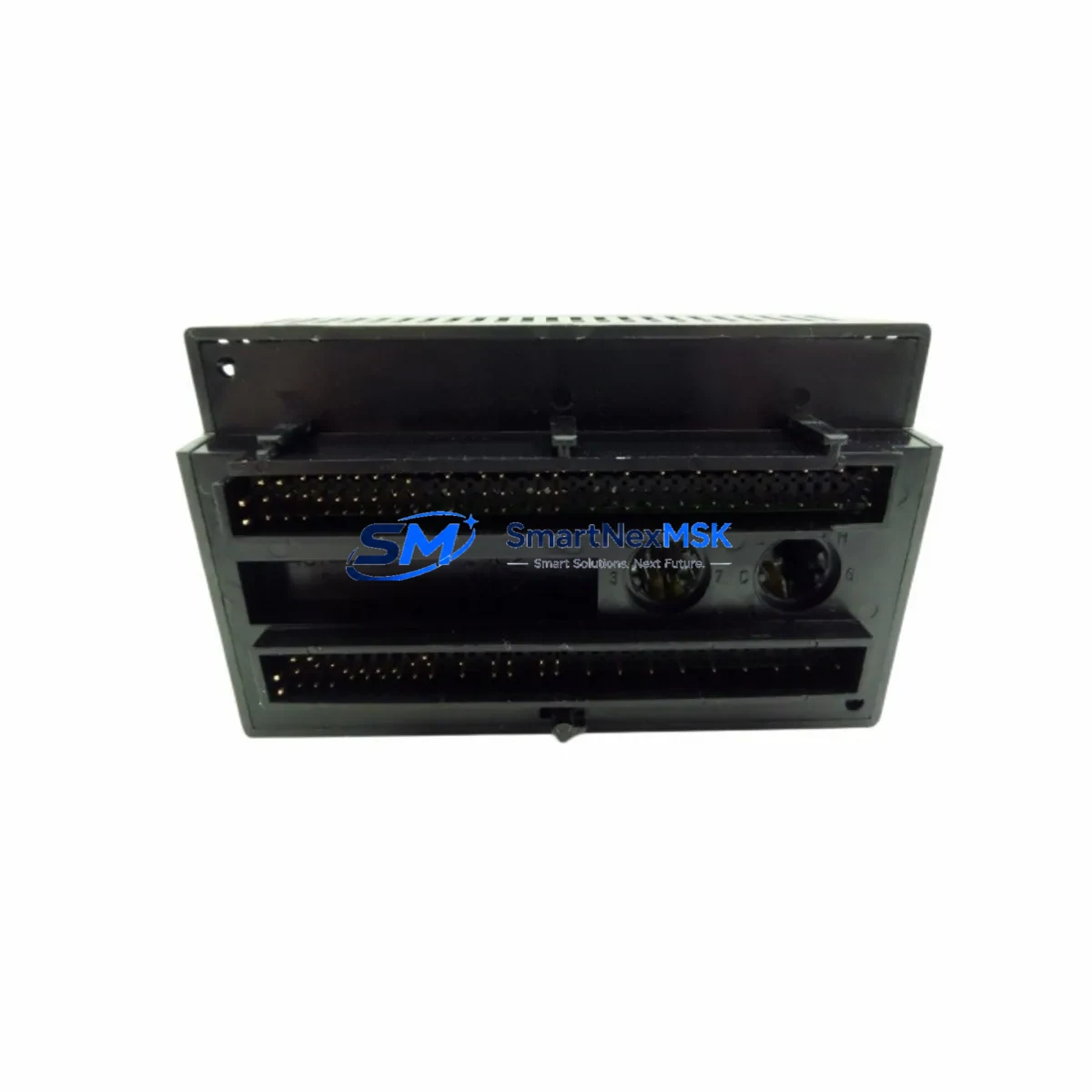
GE Fanuc IC200MDL640 Retrofit-Ready Digital Input Module for VersaMax Control Systems
The GE Fanuc IC200MDL640 is a 16-point, 24VDC DC digital input module engineered for the VersaMax modular PLC platform. As legacy VersaMax installations age and original spare parts become increasingly difficult to source, the IC200MDL640 remains one of the most sought-after retrofit and replacement components for engineers tasked with keeping aging production lines operational. Whether you are replacing a failed module in an active control cabinet, upgrading a discontinued I/O rack, or migrating an entire control system to a more maintainable architecture, the IC200MDL640 delivers the electrical compatibility, terminal layout, and firmware recognition that VersaMax-based systems demand.
Each unit supplied by SMARTNEXMSK is sourced from verified industrial channels, subjected to pre-shipment functional testing, and backed by a 12-month warranty. Our inventory is maintained specifically to support retrofit projects, emergency replacements, and planned system upgrades across manufacturing, utilities, oil and gas, and process automation sectors.
Upgrade Compatibility Table
| Parameter | IC200MDL640 Specification | Retrofit Notes |
|---|---|---|
| Module Type | 16-Point DC Digital Input | Direct replacement for same-slot DI modules in VersaMax racks |
| Input Voltage | 24VDC (Sink/Source) | Verify field wiring polarity before hot-swap; confirm 24VDC supply from IC200PWR002 or IC200PWR101 |
| Backplane Interface | VersaMax Local I/O Bus | Compatible with IC200CHS002, IC200CHS014, and IC200CHS022 carrier assemblies |
| Communication Compatibility | VersaMax CPU/NIU addressed I/O | Works with IC200CPUE05, IC200UDR005, and IC200NAL100 network interface units |
| Terminal Wiring | 20-terminal removable connector | Existing field wiring connectors are plug-compatible; no re-termination required in most installations |
| Module Address | Rack/Slot auto-addressed | Confirm slot address in Proficy Machine Edition or VersaPro before power-up |
| Installation Requirement | DIN rail or panel-mount carrier | No mechanical modification required for standard VersaMax carrier replacement |
| Replacement Recommendation | Drop-in for IC200MDL640 (same revision) | Cross-check firmware revision if CPU is running legacy VersaPro ladder logic |
| Commissioning Focus | I/O forcing, input status LEDs, logic scan | Use Proficy ME I/O diagnostics to verify all 16 points before returning to AUTO mode |
| Warranty | 12 Months | Covers functional failure under normal operating conditions; includes pre-shipment test report |
Retrofit Planning for Existing Automation Systems
Successful retrofit of the IC200MDL640 into an existing VersaMax control system requires a structured approach that addresses power budgeting, physical installation, program compatibility, and communication integrity before the replacement module is energized.
Power Budget Verification: Begin by auditing the power consumption of all modules currently installed in the affected rack. The IC200PWR002 and IC200PWR101 power supply modules each carry defined current budgets for the 5VDC backplane bus and the 24VDC field supply. Adding or replacing a digital input module changes the backplane load marginally, but in densely populated racks — particularly those also housing IC200MDL740 digital output modules, IC200ALG230 analog input modules, or IC200MDL650 high-density input modules — the cumulative draw must be recalculated to confirm headroom remains within specification.
Terminal and Wiring Compatibility: The IC200MDL640 uses a 20-terminal removable wiring connector. In most retrofit scenarios, the existing field wiring connector can be unplugged from the failed module and transferred directly to the replacement unit without disturbing individual wire terminations. This significantly reduces installation time and eliminates the risk of mis-wiring during re-termination. However, engineers should inspect connector contacts for corrosion or mechanical wear, particularly in installations that have been in service for more than ten years.
Backplane and Carrier Integrity: Before inserting the replacement IC200MDL640, inspect the backplane connector on the carrier assembly — typically an IC200CHS002 or IC200CHS014 — for bent pins, contamination, or heat damage. A damaged carrier will prevent reliable communication between the module and the VersaMax CPU or network interface unit, such as the IC200NAL100 Ethernet NIU or the IC200PBI001 PROFIBUS interface module. If the carrier shows signs of damage, replace it concurrently with the I/O module to avoid repeat failures.
Module Address and Program Compatibility: VersaMax systems address I/O by rack and slot position. After physical installation, connect to the CPU using Proficy Machine Edition or VersaPro and verify that the new IC200MDL640 is recognized at the correct %I reference address. If the replacement module is a different hardware revision than the original, review the program’s I/O configuration table to confirm that the reference map remains intact. In systems where the HMI — such as a QuickPanel or third-party SCADA connected via IC200USB001 programming cable — displays discrete input status, verify that all HMI tags continue to map correctly to the updated I/O addresses.
Communication Link Validation: For VersaMax systems operating in distributed configurations — where remote I/O racks communicate over Genius Bus, PROFIBUS, or Ethernet/IP — confirm that the network interface unit re-establishes communication with the replacement module within the expected scan cycle. Use the NIU diagnostic LEDs and Proficy ME online monitoring to confirm that no communication faults are logged after the module swap.
Downtime Control During System Migration
Minimizing unplanned downtime is the primary operational concern during any VersaMax I/O module replacement. A structured migration protocol protects both the production schedule and the integrity of the existing control program.
Pre-Replacement Preparation: Before removing the failed IC200MDL640, use Proficy Machine Edition to capture a full online backup of the CPU program, including all rung comments, variable tags, and I/O configuration data. Store this backup on a secure engineering workstation and verify the file integrity before proceeding. If the system is running a critical process, coordinate the replacement window with operations to align with a scheduled maintenance interval or a natural production break.
Hot-Swap Considerations: VersaMax modular systems support module removal and insertion under power in many configurations, but this capability depends on the specific CPU model and firmware version. Confirm hot-swap eligibility for your CPU — such as the IC200CPUE05 or IC200UDR005 — before attempting live replacement. If hot-swap is not supported, a controlled shutdown of the affected rack segment is required. Use the CPU’s I/O override or forcing capability to hold critical output states during the transition, preventing unintended machine movement or process upsets.
Post-Replacement Verification: After installing the IC200MDL640 and restoring power, perform a systematic point-by-point verification of all 16 input channels using the I/O forcing function in Proficy Machine Edition. Confirm that each input point responds correctly to field signals before releasing the system to automatic operation. Document the replacement in the site maintenance log, including the module serial number, installation date, and test results, to support future troubleshooting and warranty claims.
Program Logic Continuity: In systems where the IC200MDL640 inputs drive interlocks, safety permissives, or sequencing logic, verify that all downstream rungs execute correctly during the post-replacement test. Pay particular attention to any latched or retentive coils that may have changed state during the power interruption, and reset them to the correct operational state before returning the machine to production.
Retrofit Support FAQ
Q: Is the IC200MDL640 a direct drop-in replacement for an existing failed module of the same part number?
A: Yes. The IC200MDL640 is designed for direct slot-for-slot replacement within VersaMax carrier assemblies. The field wiring connector is transferable without re-termination in most cases. Confirm the hardware revision matches your CPU’s firmware expectations if you are running an older version of VersaPro or Proficy Machine Edition.
Q: What commissioning steps are required after installing the replacement module?
A: Connect to the CPU using Proficy Machine Edition via the IC200USB001 programming cable or Ethernet port. Verify the module appears at the correct %I address in the I/O configuration. Use the I/O diagnostics panel to force each of the 16 input points and confirm correct response in the ladder logic. Check HMI tag mapping if a QuickPanel or SCADA system is connected. Log all test results before returning to AUTO mode.
Q: Does the IC200MDL640 support both sink and source wiring configurations?
A: Yes. The IC200MDL640 accepts both sinking (NPN) and sourcing (PNP) field devices at 24VDC. Review the terminal wiring diagram in the VersaMax I/O Modules User Manual (GFK-1504) to confirm the correct common terminal connections for your field device type before energizing the circuit.
Q: What does the 12-month warranty cover, and what documentation is provided at shipment?
A: The 12-month warranty covers functional failure of the IC200MDL640 under normal industrial operating conditions, including backplane communication faults, input point failures, and connector integrity issues. Each unit ships with a pre-shipment functional test report confirming that all 16 input channels were verified operational prior to dispatch. Warranty claims are processed through SMARTNEXMSK’s after-sales support team at [email protected].
© 2026 SMARTNEXMSK. All rights reserved.
Original Source: https://smartnexmsk.com
Contact: [email protected] | +86 18259474341