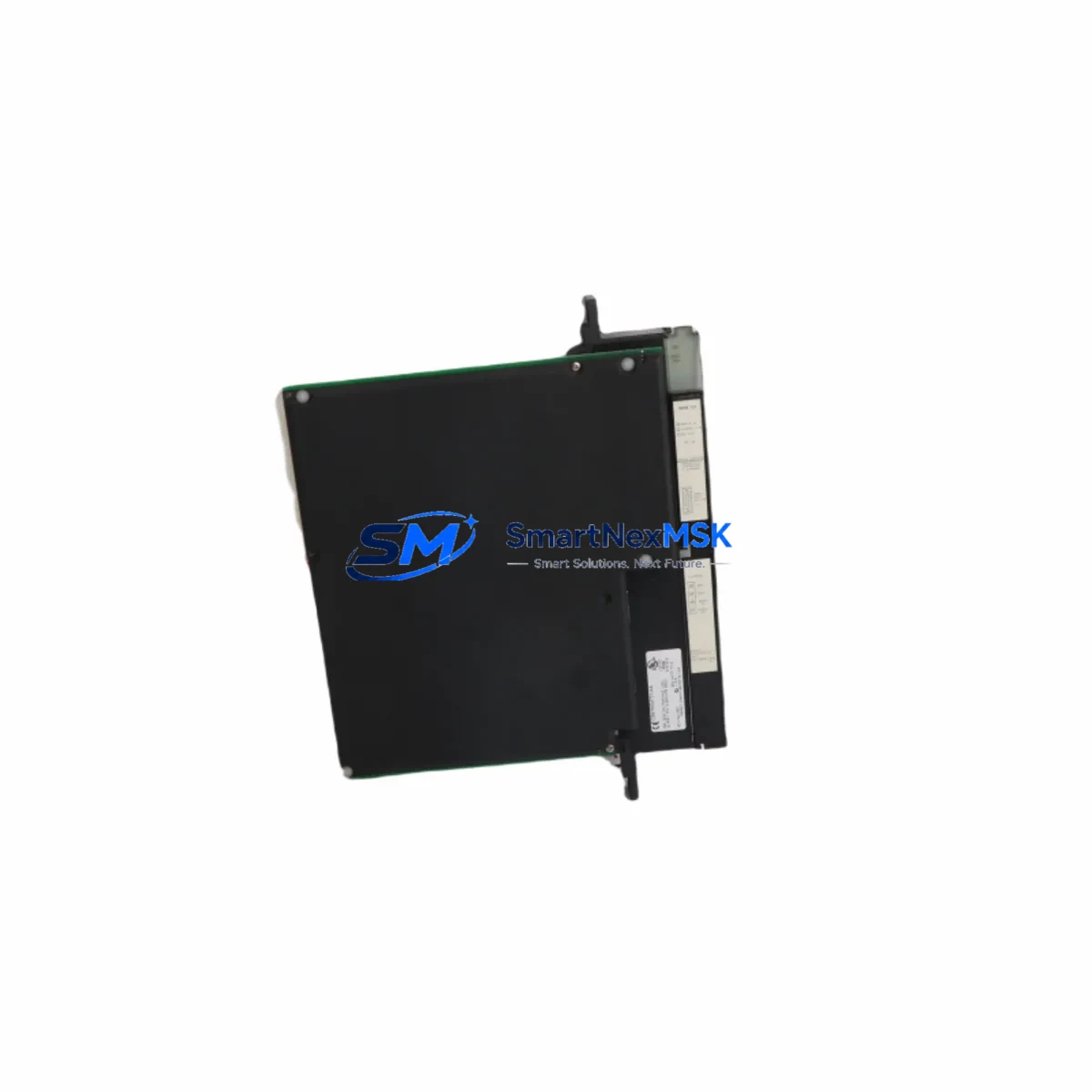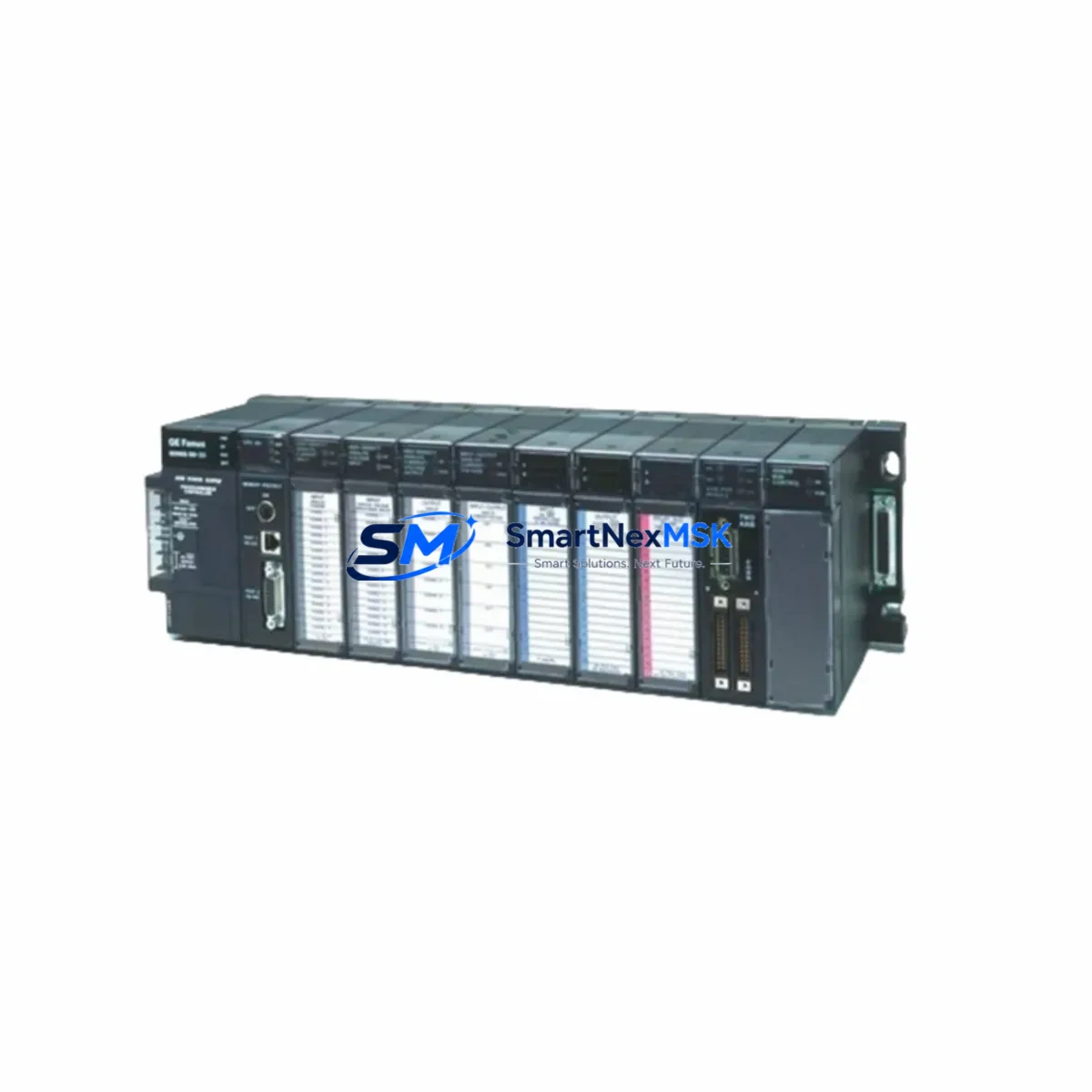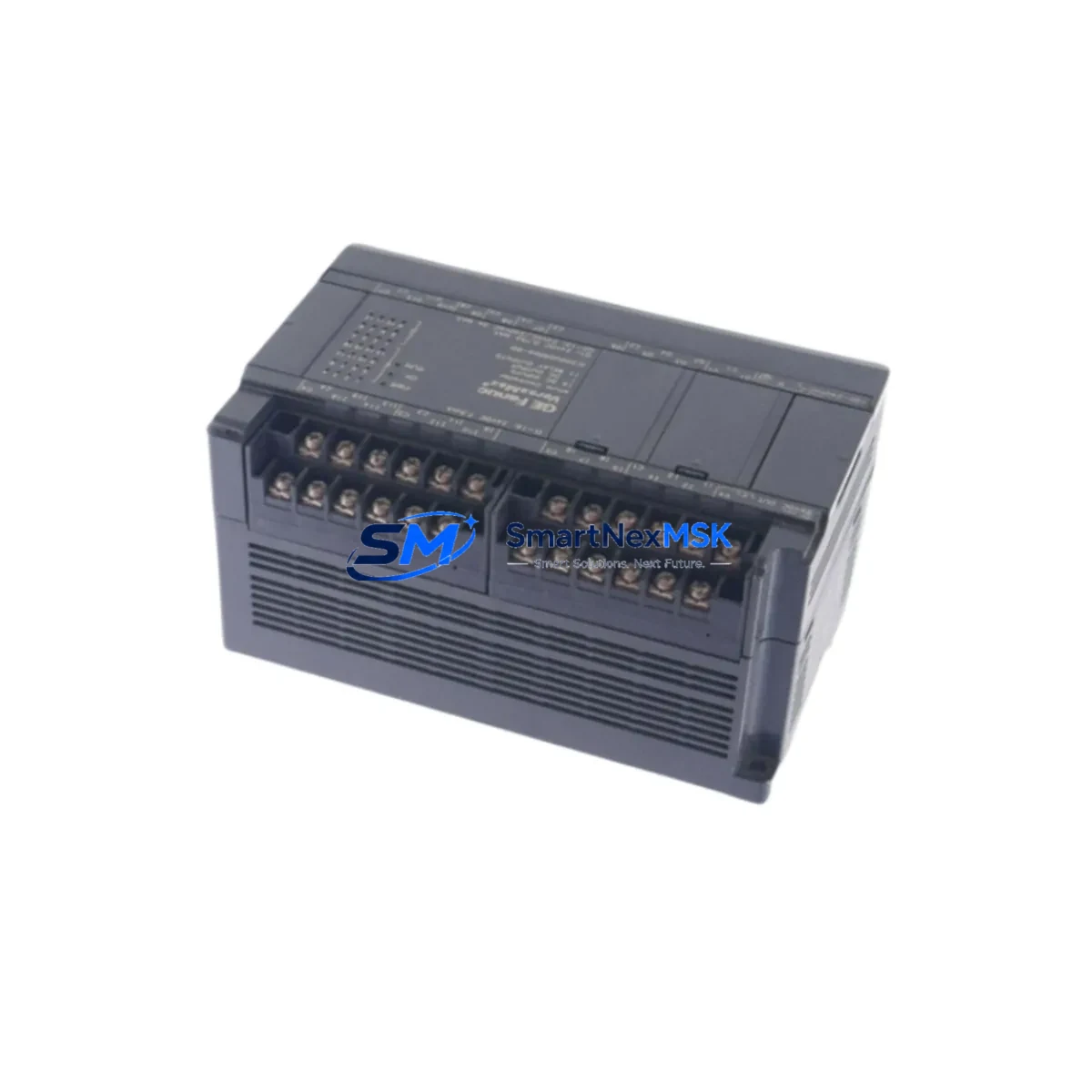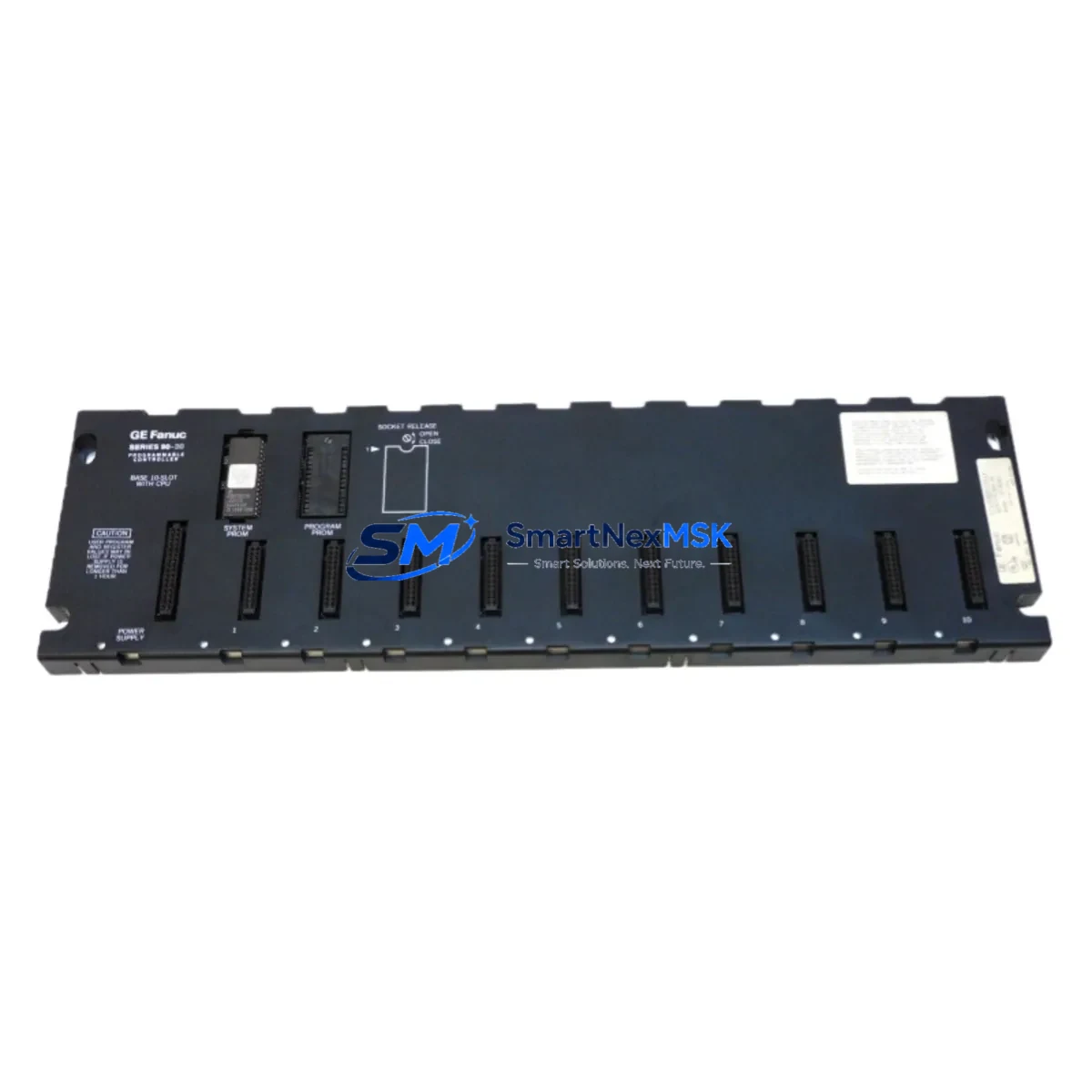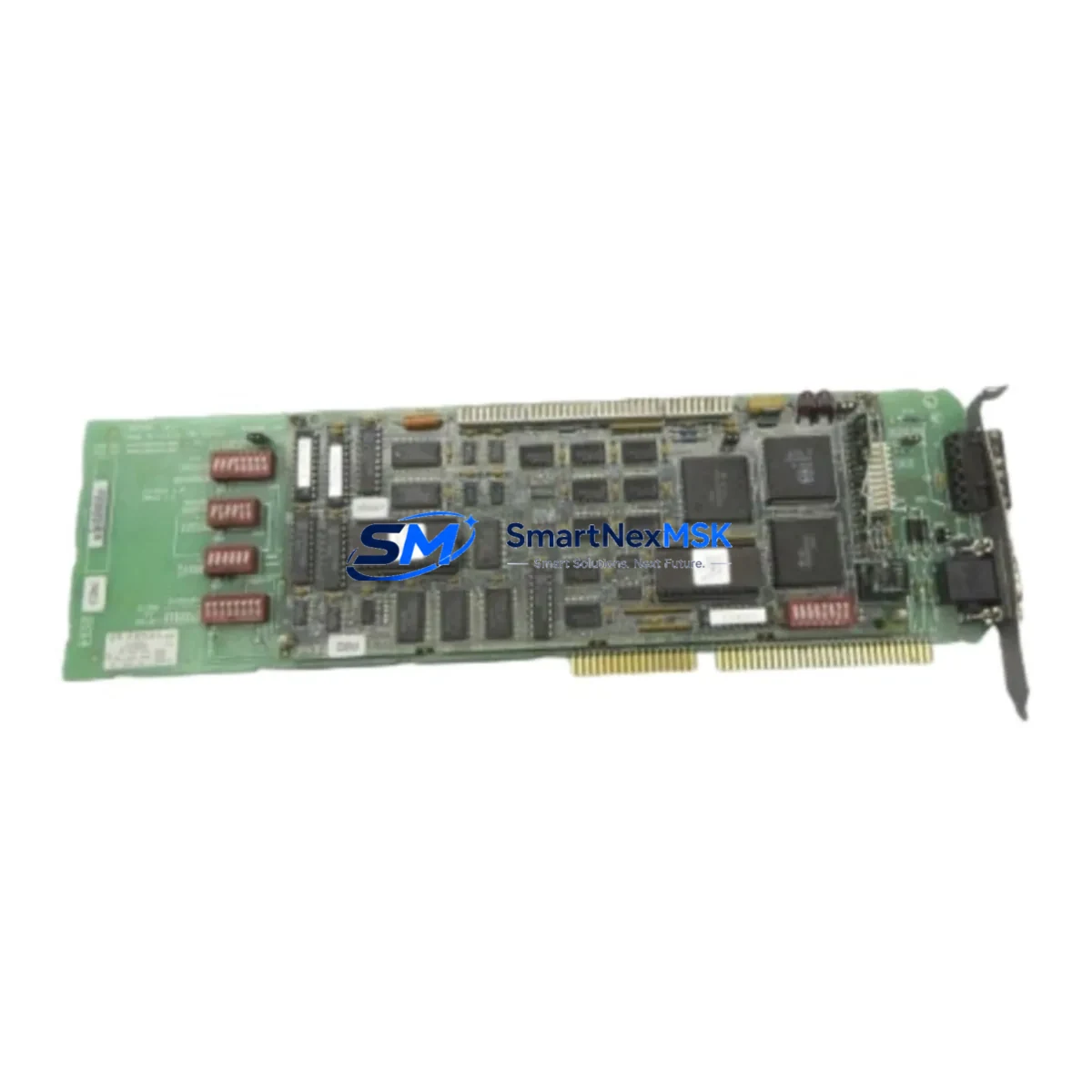
GE IC660ELB906R Spare for Series 90 Automation: Spare Replacement & Industrial Downtime Risk Control
The GE Fanuc IC660ELB906R is a Genius I/O Block Controller designed for integration within GE Series 90 PLC automation architectures. As a maintenance-ready original spare, this unit supports rapid field replacement in manufacturing lines, process control panels, and legacy automation systems where unplanned downtime carries significant operational cost. Whether you are executing a scheduled overhaul, responding to a fault alarm, or building a strategic spare parts inventory, the IC660ELB906R provides a verified drop-in solution that preserves system compatibility and minimizes reconfiguration time.
Maintenance engineers working with GE Series 90 PLC systems understand that the Genius I/O bus architecture depends on reliable block controller performance. A failed or degraded IC660ELB906R can disrupt the entire I/O segment, triggering cascading faults across connected field devices. Stocking this module as a ready spare — alongside complementary components in the same control cabinet — is a proven strategy for reducing mean time to repair (MTTR) and sustaining continuous production.
Spare Maintenance Table
| Parameter | Specification / Detail |
|---|---|
| Part Number | IC660ELB906R |
| Brand | GE Fanuc |
| Series | Series 90 / Genius I/O |
| Module Type | Genius I/O Block Controller (Ethernet Link) |
| Bus Interface | Genius I/O Serial Bus |
| Communication | Ethernet (10/100 Mbps, RJ-45) |
| Power Supply Voltage | 24 VDC (nominal) |
| Operating Temperature | 0°C to 60°C |
| Mounting | DIN Rail / Panel Mount |
| Compatibility | GE Series 90-30, 90-70, VersaMax PLC systems with Genius I/O bus |
| Application Environment | Industrial control panels, process automation, discrete manufacturing |
| Condition | Original spare, tested before shipment |
| Warranty | 12 Months |
| Lead Time | Ships within 1–3 business days |
Maintenance Planning for Continuous Operation
When replacing the IC660ELB906R in the field, a thorough maintenance inspection of the surrounding control cabinet is strongly recommended. The Genius I/O bus architecture connects multiple nodes in series; a single degraded component can affect the entire segment. Maintenance and procurement engineers should simultaneously evaluate the following associated components:
Begin with the 24 VDC power supply module feeding the I/O block — voltage sags or ripple can cause intermittent block controller faults that mimic hardware failure. Inspect the Genius Bus Controller (GBC), such as the IC660CBB902 or IC660CBB903, which manages bus arbitration and should be verified for firmware currency and communication integrity. Check all Genius I/O discrete and analog blocks on the same bus segment (e.g., IC660BBD100 discrete input blocks or IC660BBA020 analog output blocks) for signs of wear or communication errors.
Review the terminal block wiring and field-side I/O connections — loose terminals are a leading cause of intermittent faults in high-vibration environments. Inspect signal isolators on analog input channels to ensure signal integrity is maintained between field instruments and the I/O block. Verify the Ethernet communication cable and switch port connected to the IC660ELB906R, as link-layer errors can cause the block controller to drop off the network without triggering a hard fault alarm.
For systems with an IC693CPU374 or IC693CPU375 Series 90-30 CPU, confirm that the CPU’s Genius bus configuration table matches the replacement block’s device number and I/O map. If the control system includes a GE Fanuc HMI panel (such as a QuickPanel or Cimplicity workstation), verify that the HMI tag database reflects the correct I/O addresses after the swap. Additionally, inspect any surge protection devices and fuse holders on the 24 VDC rail — these are frequently overlooked during reactive maintenance and can be the root cause of repeated block controller failures.
Stocking the IC660ELB906R alongside a spare Genius Bus Controller, a 24 VDC DIN rail power supply, and a set of terminal block connectors provides a comprehensive first-response kit for Genius I/O segment failures, enabling most fault scenarios to be resolved within a single maintenance window.
Site Replacement Workflow
The IC660ELB906R is designed as a direct replacement for legacy Genius I/O Ethernet Link Block Controllers within the GE Series 90 ecosystem. To execute a site replacement with minimal downtime:
Step 1 — Isolation: Place the affected Genius I/O bus segment in a safe state. Notify the control room and inhibit the relevant PLC I/O group in the Series 90 CPU configuration to prevent spurious outputs during the swap.
Step 2 — Documentation: Record the existing device number, bus address, and Ethernet IP configuration of the failed unit before removal. Photograph the wiring and terminal assignments for reference.
Step 3 — Physical Replacement: Remove the failed block controller from the DIN rail or panel mount. Install the IC660ELB906R spare, reconnecting all field wiring and the Ethernet cable to the original terminals. Verify that the device number switch settings match the original configuration.
Step 4 — Configuration Restore: Using the GE Proficy Machine Edition or Series 90 programming software, download the original I/O configuration to the replacement block. Confirm that the Genius bus scan completes without errors and that all I/O points report correctly in the CPU’s fault table.
Step 5 — Functional Test: Restore the I/O group in the PLC, cycle through key I/O points with the process in a safe state, and confirm normal operation before returning the system to production. Document the replacement in the site maintenance log.
This workflow is compatible with GE Series 90-30 and 90-70 PLC platforms and supports a seamless transition from obsolete or end-of-life block controller variants without requiring hardware redesign or bus reconfiguration.
Spare Parts Support FAQ
Q1: Is the IC660ELB906R compatible with both Series 90-30 and Series 90-70 PLC systems?
Yes. The IC660ELB906R operates on the Genius I/O serial bus, which is shared across GE Series 90-30, 90-70, and VersaMax PLC platforms. Compatibility is determined by the bus configuration in the CPU, not the CPU model itself. Always verify the device number and I/O map match before installation.
Q2: How is the IC660ELB906R tested before shipment?
Each unit undergoes functional power-on testing and communication verification prior to dispatch. Units are inspected for physical integrity, connector condition, and firmware operability. A test report is available upon request for critical maintenance applications.
Q3: What is the warranty coverage and what does it include?
All IC660ELB906R units are covered by a 12-month warranty from the date of shipment. The warranty covers hardware defects and functional failures under normal operating conditions. Expedited replacement is available for production-critical downtime situations — contact our sales team directly for priority support.
Q4: Can this spare replace an IC660ELB906 (non-R suffix) unit?
The “R” suffix typically denotes a repair/remanufactured or revised hardware revision within GE Fanuc’s part numbering convention. In most Series 90 Genius I/O applications, the IC660ELB906R is functionally interchangeable with the IC660ELB906. However, we recommend confirming the hardware revision requirements with your system documentation or contacting our technical team before installation in safety-critical applications.
© 2026 SMARTNEXMSK. All rights reserved.
Original Source: https://smartnexmsk.com
Contact: [email protected] | +86 18259474341