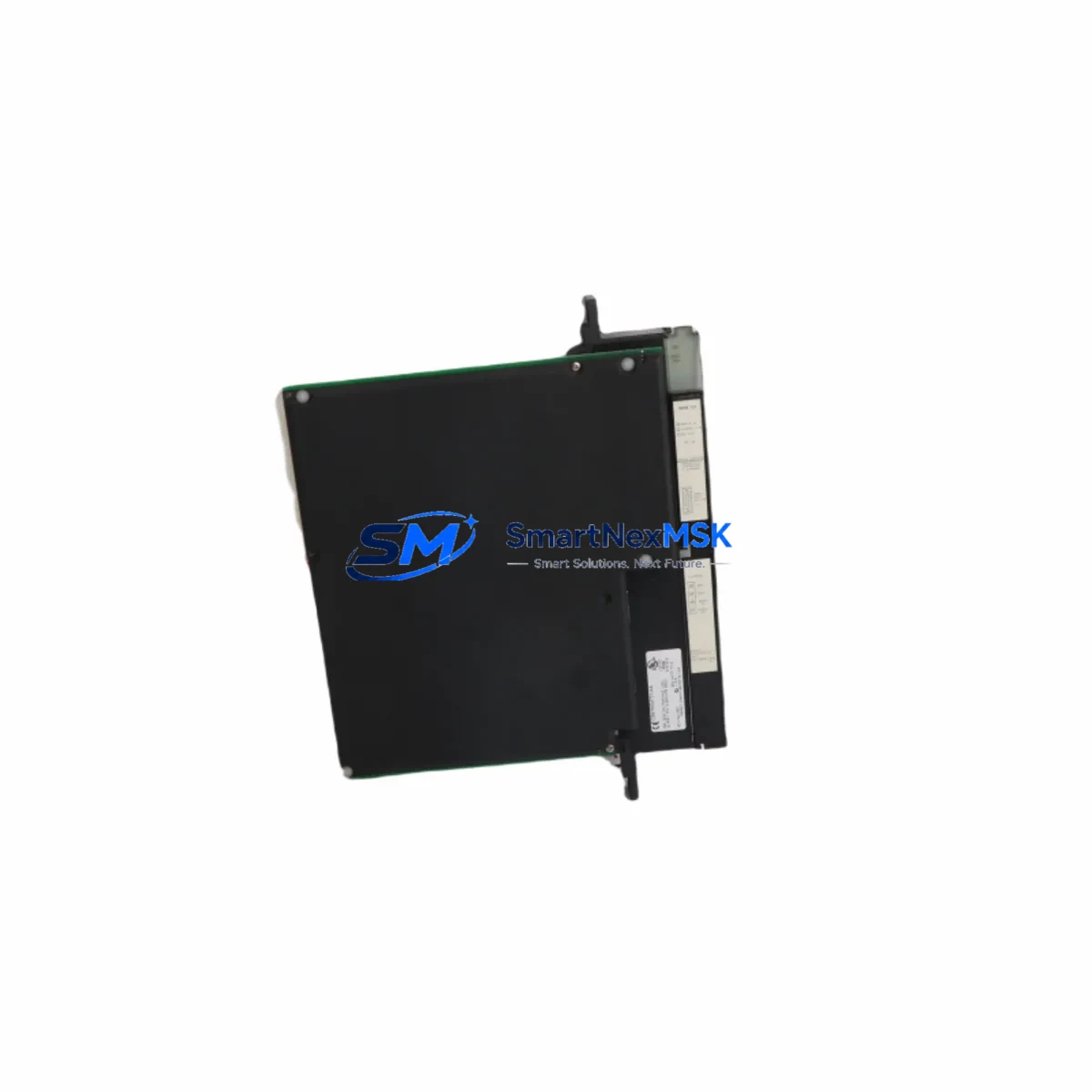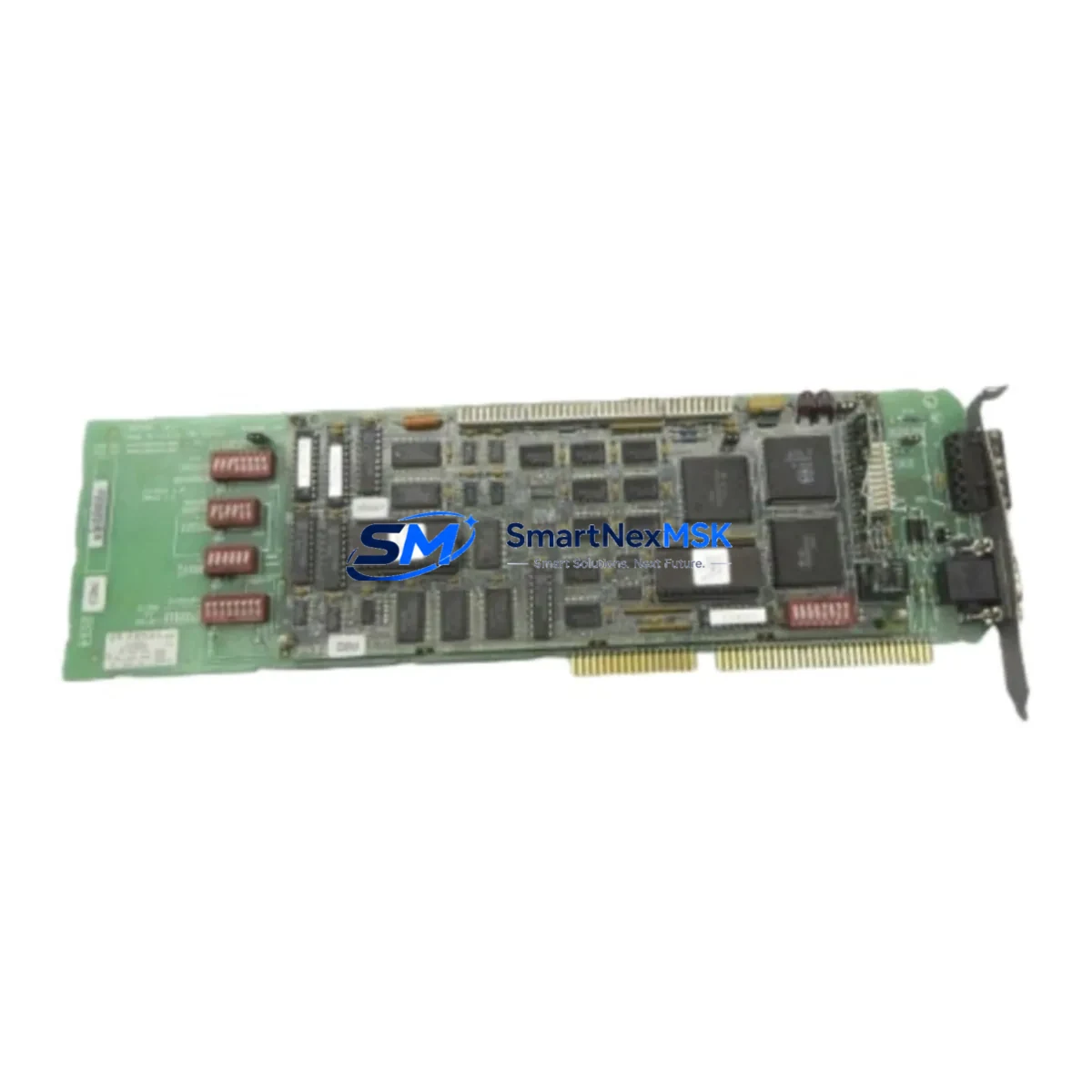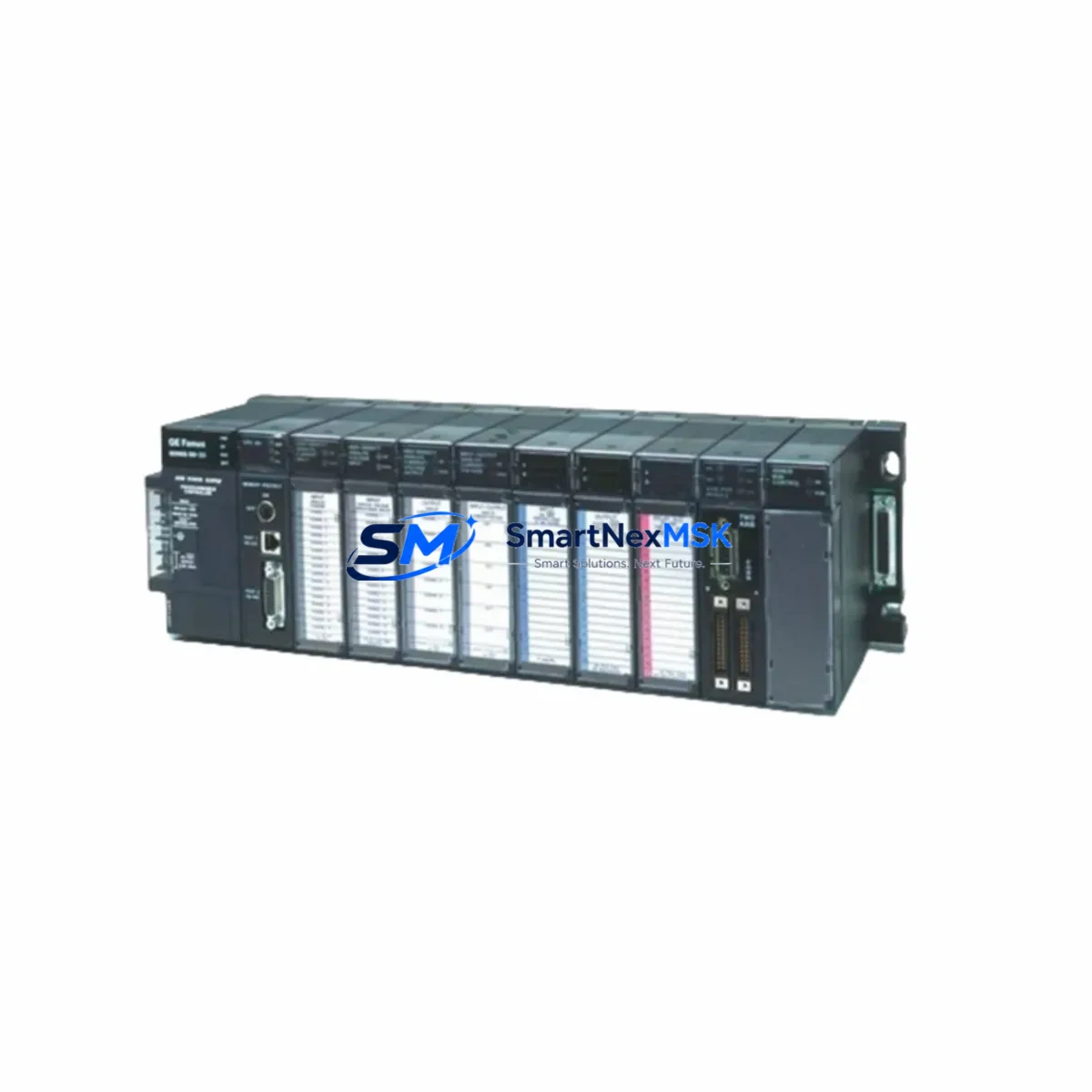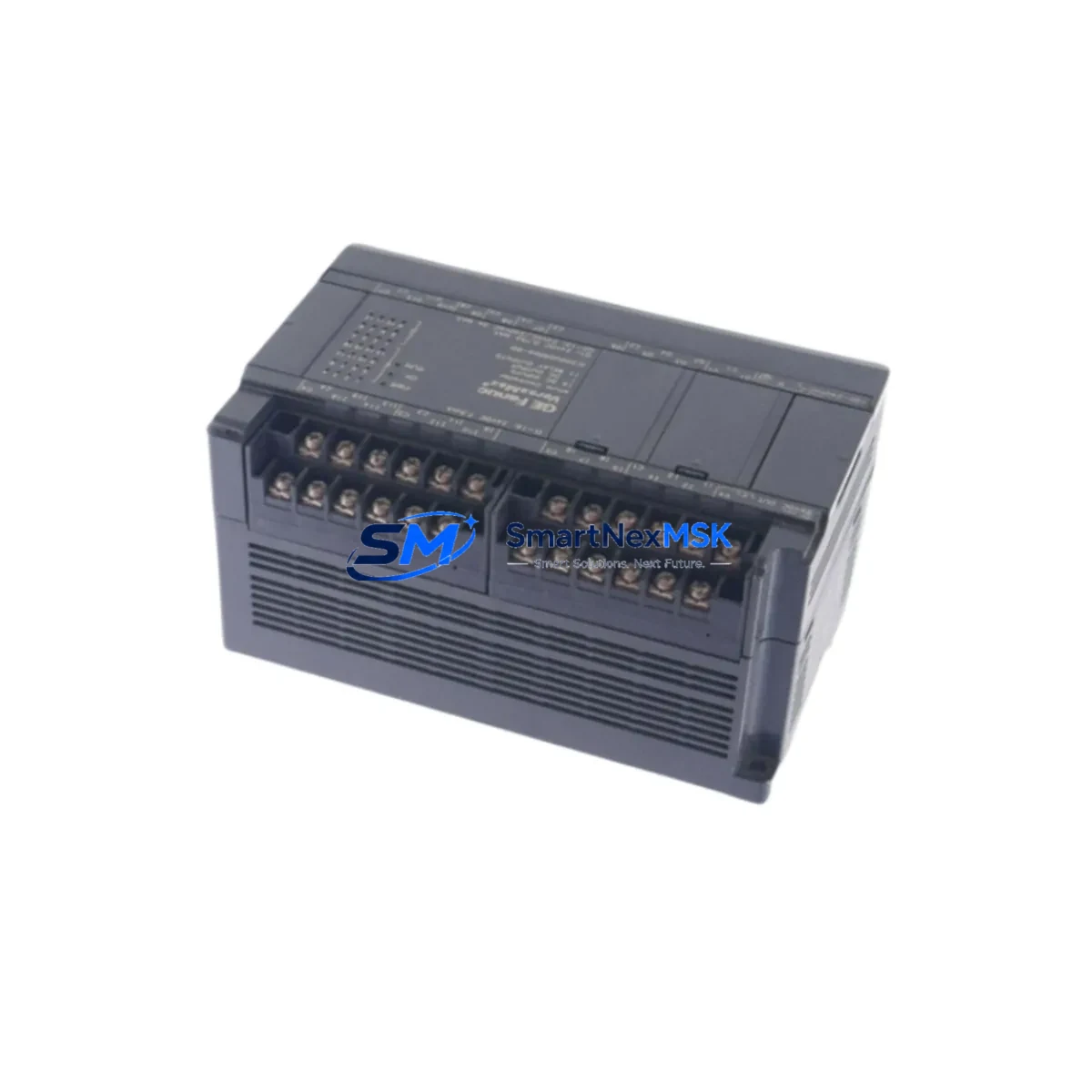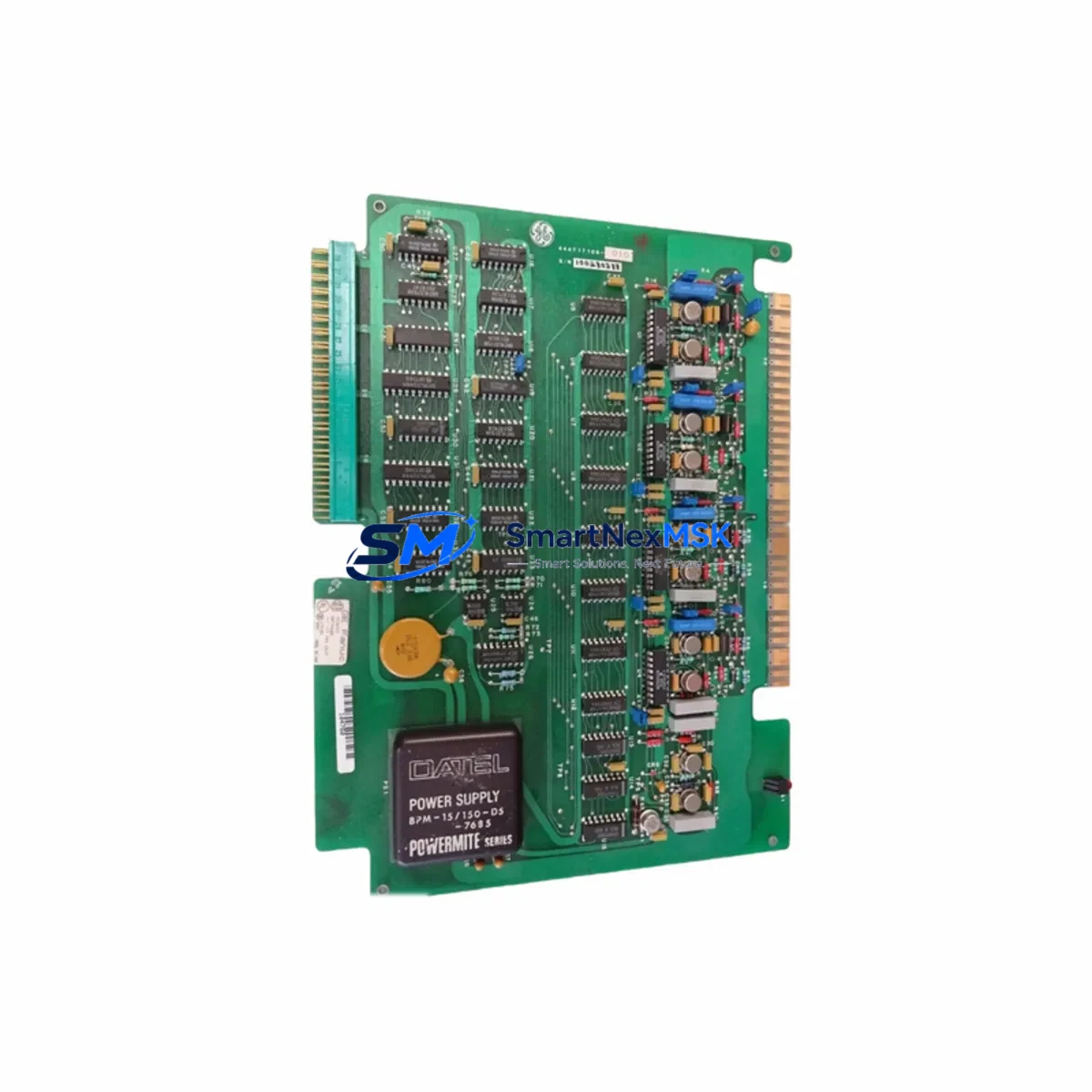
GE Fanuc IC600FP941K Retrofit-Ready Analog Output for Series Six Control Systems
The GE Fanuc IC600FP941K is a high-performance analog output module engineered for seamless integration into GE Series Six programmable logic controller platforms. As legacy Series Six systems approach end-of-life and original spare parts become increasingly scarce, the IC600FP941K serves as a critical retrofit solution — enabling plant engineers and system integrators to extend the operational life of existing control architectures without committing to a full platform migration.
This module delivers stable, precision analog output signals compatible with the Series Six backplane and rack architecture. Whether you are replacing a failed IC600FP940 or IC600FP941 unit, upgrading an aging control cabinet, or restoring a production line after an unplanned outage, the IC600FP941K provides the electrical and mechanical compatibility required for a reliable, low-risk swap.
All units supplied by SMARTNEXMSK are sourced from verified industrial channels, subjected to pre-shipment functional testing, and backed by a 12-month warranty. Stock is maintained in Xiamen for rapid dispatch to domestic and international customers.
Upgrade Compatibility Table
| Parameter | IC600FP941K Details |
|---|---|
| Compatible Platform | GE Fanuc Series Six PLC |
| Module Type | Analog Output |
| Backplane Interface | Series Six I/O Bus (direct slot insertion) |
| Replaces / Upgrades | IC600FP940, IC600FP941, IC600FP941A, IC600FP941B |
| Installation Requirement | Standard Series Six rack; no hardware modification required |
| Communication Compatibility | Series Six native I/O bus; compatible with Genius Bus gateway configurations |
| Wiring Compatibility | Terminal block wiring retained from predecessor modules |
| Retrofit Recommendation | Direct drop-in replacement; verify channel count and output range before installation |
| Commissioning Notes | Confirm module address via programmer; validate analog scaling in ladder logic |
| Warranty | 12 Months — covers manufacturing defects and functional failure |
Retrofit Planning for Existing Automation Systems
Successful integration of the IC600FP941K into a live or recently shut-down Series Six system requires careful pre-installation planning. Begin by auditing the existing rack configuration: confirm the slot assignment, verify that the IC600BF900 or IC600BF901 base unit has sufficient power budget to support the analog output module, and document the current terminal wiring before disconnecting any field cables.
In systems where the Series Six CPU — such as the IC600CPU772 or IC600CPU774 — is still operational, the module address must be confirmed using the IC600PM504 or IC600PM506 programming panel or equivalent Logicmaster 6 software session. Incorrect module addressing is one of the most common causes of post-replacement faults and can result in analog output channels remaining inactive despite correct wiring.
For control cabinets that also include IC600FP520 discrete input modules or IC600FP530 discrete output modules sharing the same rack, ensure that the backplane power distribution is balanced. Overloaded racks are a frequent root cause of intermittent module faults in aging Series Six installations. If the existing IC600PS501 power supply shows signs of voltage sag under load, consider replacing it concurrently with the analog output module to avoid repeat failures.
In systems where Genius Bus communication is used — for example, where a IC660BBD024 or similar Genius block interfaces field devices to the Series Six controller — verify that the analog output module’s channel assignments do not conflict with existing Genius I/O map entries. Genius Bus drop numbers and I/O reference addresses must be reconciled in the CPU configuration before the system is returned to automatic mode.
Where HMI screens built on Cimplicity or third-party SCADA platforms reference specific analog output tags, confirm that the tag addresses remain valid after the module swap. In many retrofit scenarios, the tag database requires no modification if the replacement module occupies the same rack slot and address as the original. However, if the slot position changes due to rack reconfiguration, all affected HMI displays and historian tags must be updated before restart.
For systems undergoing a broader migration — for example, transitioning from Series Six to a GE Fanuc 90-30 or VersaMax platform — the IC600FP941K can serve as a bridge module, maintaining analog output continuity on the legacy rack while the new controller platform is commissioned in parallel. This staged approach significantly reduces the risk of simultaneous multi-system failure during cutover.
Downtime Control During System Migration
Minimizing unplanned downtime is the primary concern for any plant engineer managing a Series Six retrofit. The IC600FP941K supports a hot-swap-aware replacement procedure when the system is placed in a controlled stop state: power down the rack, remove the failed module, insert the IC600FP941K into the same slot, restore power, and verify module status via the CPU diagnostic display before returning to run mode.
Before initiating the swap, back up the existing ladder logic program from the IC600CPU772 or equivalent CPU to a programming device running Logicmaster 6. This ensures that the program can be restored immediately if the CPU loses its memory state during the power cycle. In systems with battery-backed RAM, confirm that the backup battery in the CPU module is functional — a depleted battery is a common cause of program loss during maintenance windows.
Where production schedules do not permit extended downtime, consider pre-staging the IC600FP941K in a bench test environment using a spare Series Six rack and power supply. Verify that the module powers up correctly, that all output channels respond to test signals, and that the module address is correctly set before bringing it to the production floor. This pre-commissioning step can reduce on-site installation time to under 30 minutes for experienced technicians.
After the module is installed and the system is returned to run mode, monitor the analog output channels for a minimum of one full production cycle before declaring the retrofit complete. Log the output values at key process setpoints and compare them against the pre-failure baseline to confirm that the replacement module is performing within specification. Any deviation in output scaling should be investigated and corrected in the CPU analog scaling configuration before the system is handed back to operations.
Retrofit Support FAQ
Q1: Is the IC600FP941K a direct replacement for the IC600FP941 and IC600FP940?
Yes. The IC600FP941K is electrically and mechanically compatible with the IC600FP941 and IC600FP940 modules. It installs into the same rack slot, uses the same terminal wiring, and is recognized by the Series Six CPU without firmware modification. Verify the output channel count and analog range configuration match your application requirements before installation.
Q2: What commissioning steps are required after installation?
After physical installation, use Logicmaster 6 or the IC600PM504 programming panel to confirm the module address assignment. Verify that the CPU configuration table reflects the correct module type in the assigned slot. Perform a channel-by-channel output verification using a calibrated milliamp meter or voltage reference before returning the system to automatic mode.
Q3: Can this module be used in a mixed rack with discrete I/O modules?
Yes. The IC600FP941K is fully compatible with mixed-module Series Six racks. Ensure that the total rack power consumption — including discrete input modules such as the IC600FP520, discrete output modules, and the analog output module — does not exceed the rated output of the installed power supply. Consult the Series Six hardware manual for per-slot power budgeting guidelines.
Q4: What does the 12-month warranty cover?
All IC600FP941K units supplied by SMARTNEXMSK are covered by a 12-month warranty from the date of shipment. The warranty covers manufacturing defects and functional failure under normal operating conditions. Each unit undergoes pre-shipment functional testing. In the event of a warranty claim, contact our technical support team with the order reference and a description of the fault. Replacement or repair will be arranged promptly to minimize your system downtime.
© 2026 SMARTNEXMSK. All rights reserved.
Original Source: https://smartnexmsk.com
Contact: [email protected] | +86 18259474341