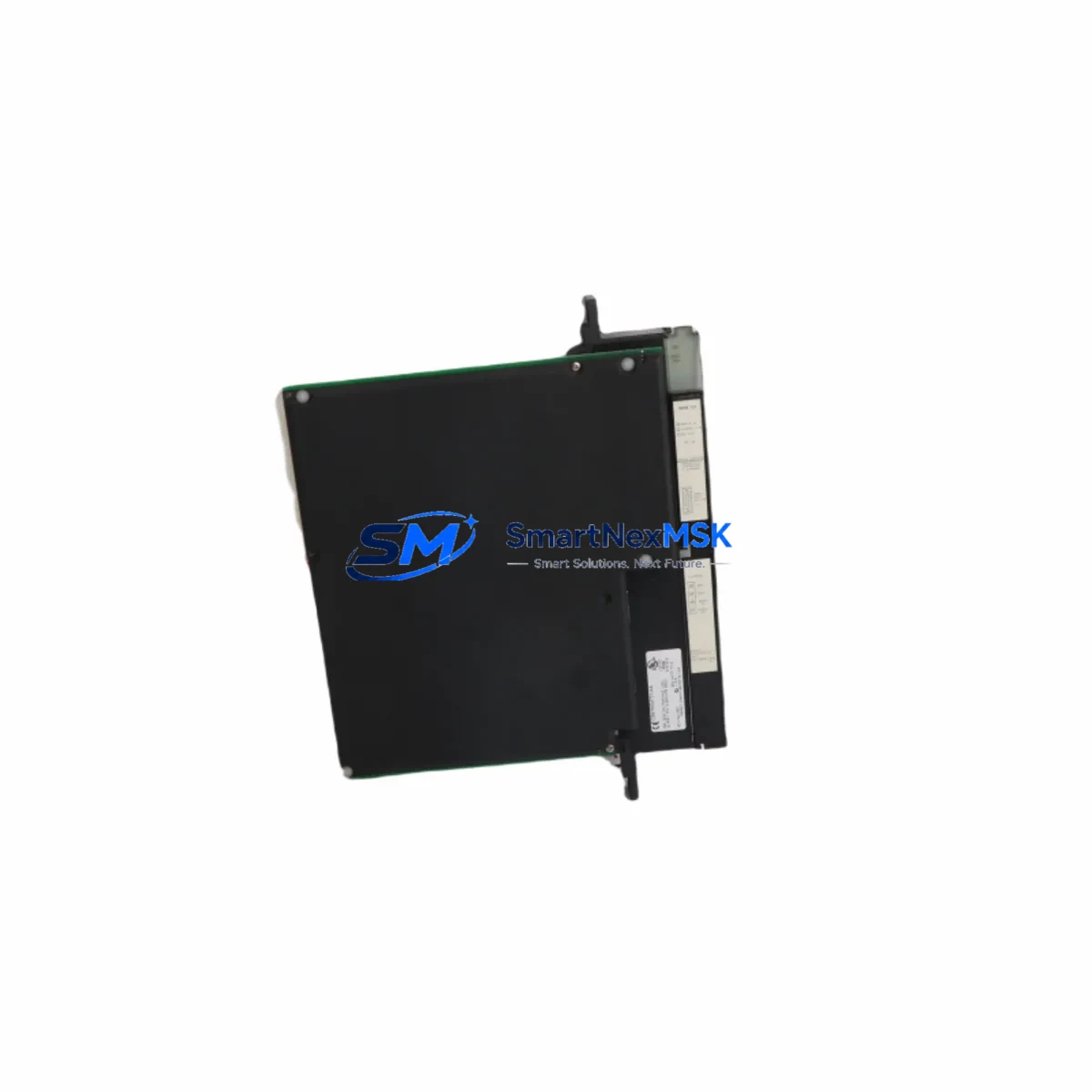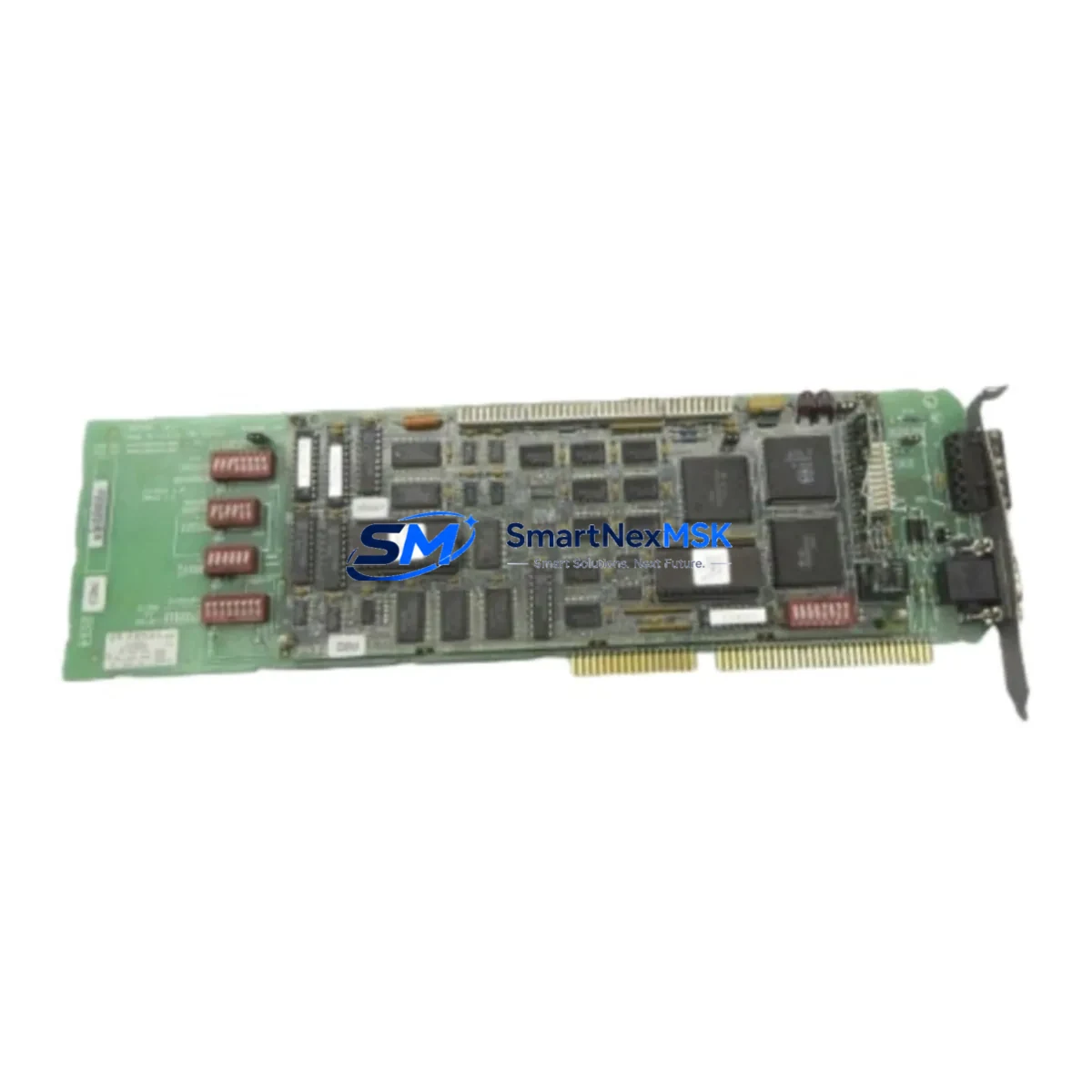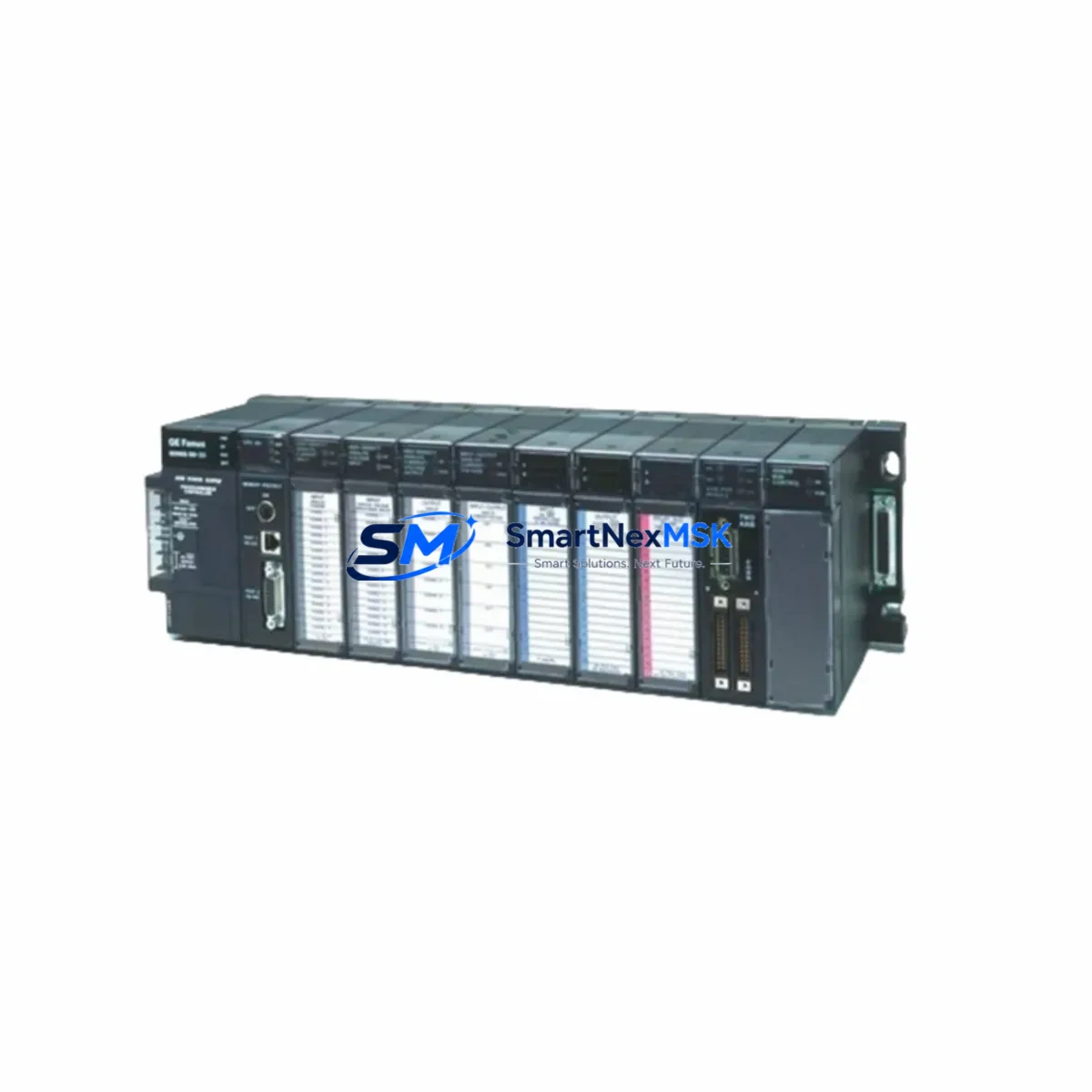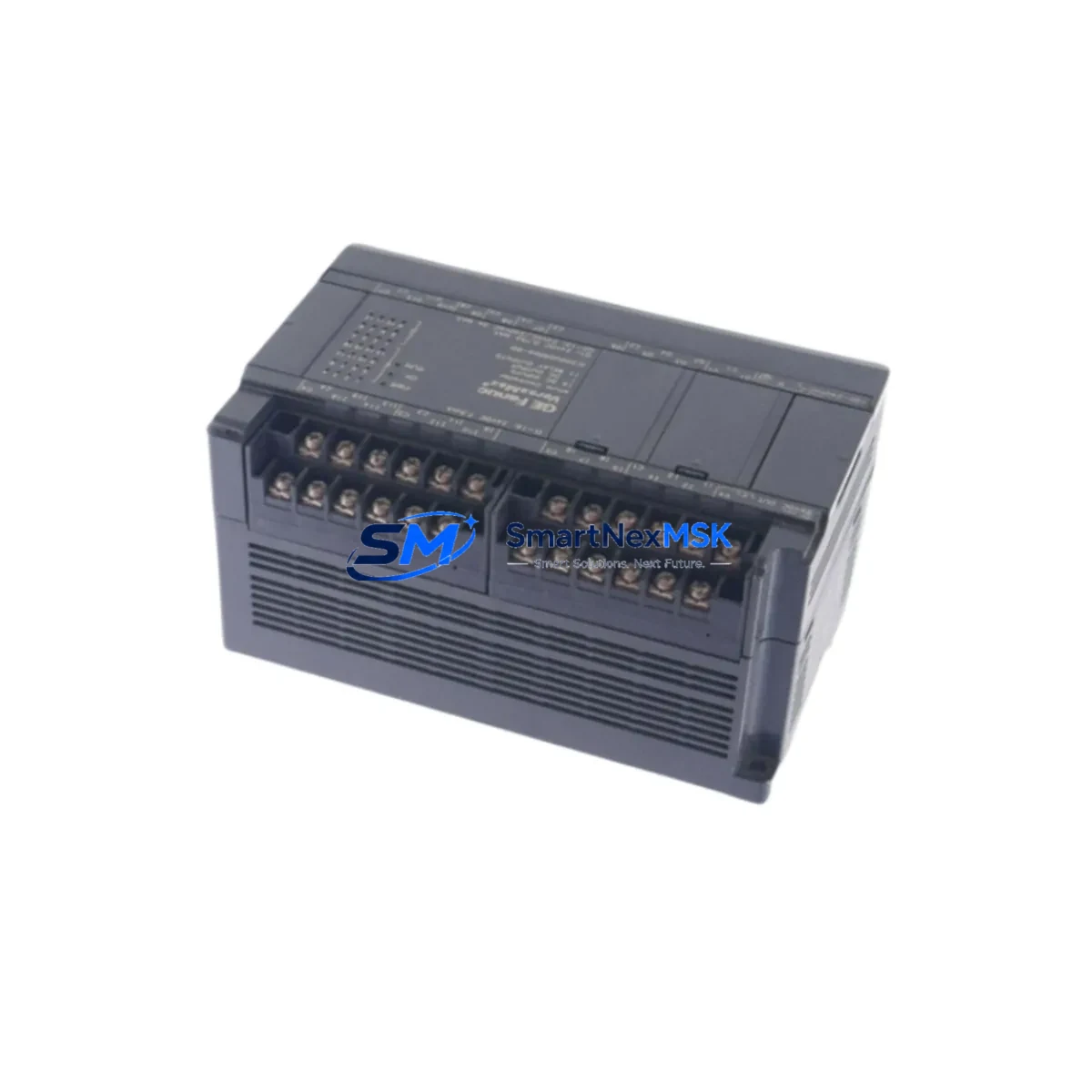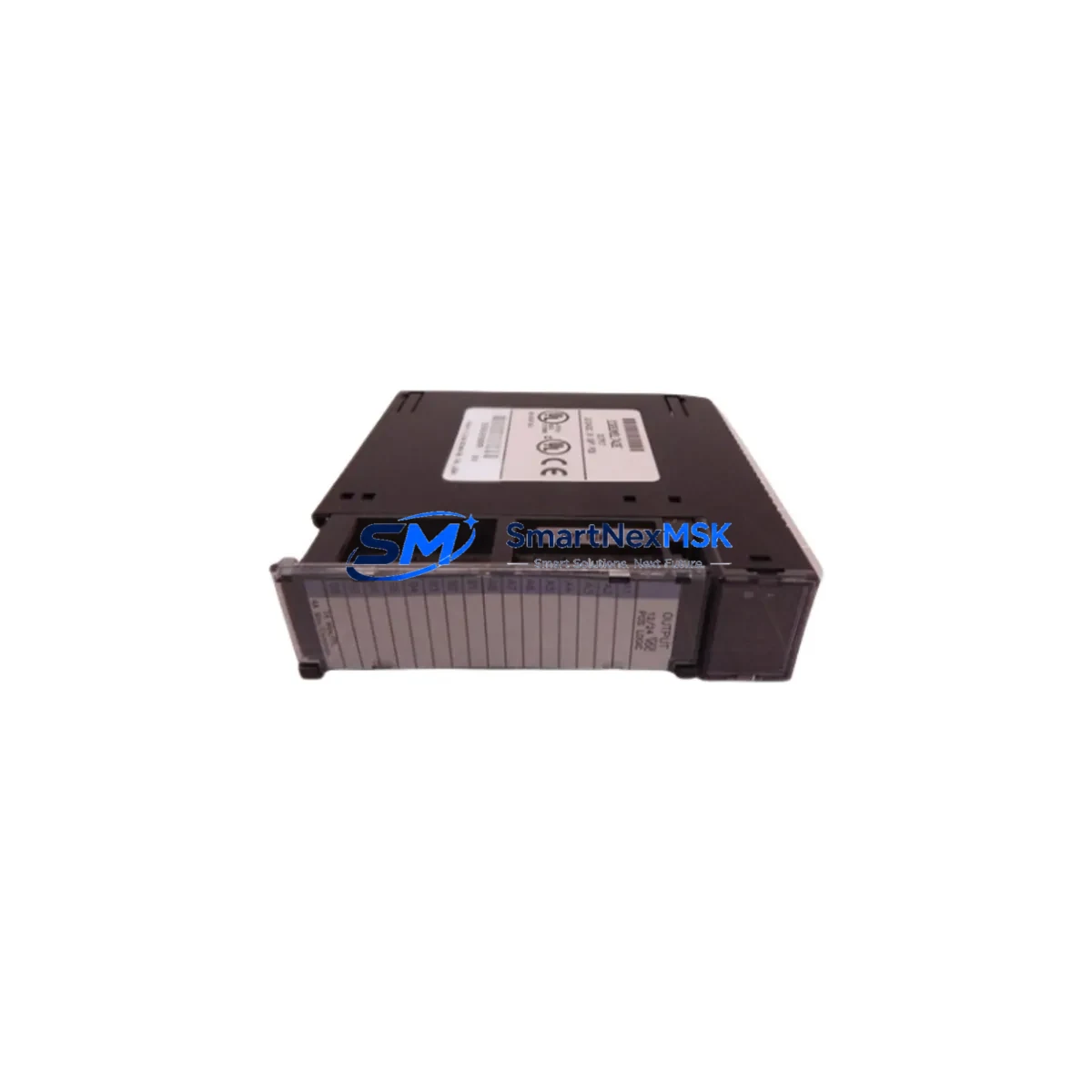
GE Fanuc IC693MDL742E Retrofit-Ready DC Output for Series 90-30 Control Systems
The GE Fanuc IC693MDL742E is a 16-point DC sourcing output module engineered for the Series 90-30 programmable logic controller platform. As legacy automation systems age and original spare parts become increasingly difficult to source, the IC693MDL742E has emerged as a critical retrofit component for facilities seeking to extend the operational life of their Series 90-30 control infrastructure without committing to a full platform migration. Whether you are replacing a failed output module on an active production line, upgrading an aging control cabinet, or restoring a system after an unplanned shutdown, this module delivers the electrical and mechanical compatibility required for a smooth, low-risk transition.
The IC693MDL742E occupies a standard Series 90-30 I/O slot and is fully compatible with the IC693CHS391 and IC693CHS397 baseplate configurations. It interfaces directly with the IC693CPU374 and IC693CPU375 central processing units without requiring firmware changes or logic rewrites in most retrofit scenarios. The module’s 16 sourcing output channels operate at 12–24 VDC, with each channel rated at 0.5 A continuous, making it suitable for driving solenoid valves, relay coils, indicator lamps, and motor starter contactors commonly found in legacy control panels.
Upgrade Compatibility Table
| Parameter | IC693MDL742E Specification | Retrofit Notes |
|---|---|---|
| Output Type | DC Sourcing (PNP), 16 Points | Verify field device polarity before wiring |
| Output Voltage | 12–24 VDC | Compatible with standard 24 VDC control circuits |
| Output Current | 0.5 A per point, 4 A per group | Check group fusing on existing terminal blocks |
| Backplane Interface | Series 90-30 I/O bus | Fits IC693CHS391 / IC693CHS397 baseplates |
| Installation | Hot-swap capable (with CPU in Stop mode) | Place CPU in Stop before module removal |
| Communication | Local I/O bus (no separate comm module required) | Address assignment via CPU configuration tool |
| Replacement Compatibility | Direct replacement for IC693MDL742, IC693MDL742C, IC693MDL742D | No wiring changes required for prior revisions |
| Commissioning | Module address auto-detected by IC693CPU | Verify I/O table in Proficy Machine Edition |
| Warranty | 12-Month Warranty | Covered from date of shipment; includes DOA replacement |
Retrofit Planning for Existing Automation Systems
Successful integration of the IC693MDL742E into an existing Series 90-30 system begins well before the module arrives on site. Engineers should start by auditing the current baseplate layout to confirm available slot positions. In systems using the IC693CHS391 five-slot baseplate or the IC693CHS397 ten-slot baseplate, slot assignments are fixed in the CPU’s I/O configuration table, and any change in physical slot position will require a corresponding update in the Proficy Machine Edition project file.
Power budget verification is equally important. The IC693PSA100 or IC693PSA040 power supply modules feeding the baseplate must have sufficient residual capacity to support the IC693MDL742E’s backplane current draw. In cabinets where multiple I/O modules have been added over time, the cumulative load may approach the supply’s rated output, and an IC693PWR321 expansion power supply may be necessary before the retrofit can proceed safely.
Terminal block wiring should be mapped against the original IC693MDL742 or IC693MDL742D field wiring diagram. Because the IC693MDL742E maintains the same 40-pin connector pinout as earlier revisions, existing IC693ACC300 or IC693ACC301 terminal assemblies can typically be reused without modification. This significantly reduces field labor time and eliminates the risk of miswiring during the changeover.
For systems that include an IC693CMM321 communications module or an IC693CMM311 Ethernet interface, the output module replacement does not affect the communication stack. The Series 90-30 CPU manages I/O scanning independently of the communications layer, so Modbus RTU or SRTP sessions remain active throughout the module swap provided the CPU remains in Run mode during a hot-swap procedure — though placing the CPU in Stop mode is always the recommended practice for safety-critical applications.
HMI screens connected via an IC693CMM302 or a third-party panel running GE’s CIMPLICITY or iFIX SCADA software will continue to display output status tags correctly after the replacement, as the I/O address mapping is preserved. If the original module was configured with forced outputs or diagnostic alarms, these settings should be documented and re-applied after the new module is seated and the CPU is returned to Run mode. An IC693CBL316 programming cable connected to a laptop running Proficy Machine Edition is the standard tool for verifying the I/O table, forcing individual output points during commissioning, and confirming that all 16 channels respond correctly before resuming production.
Downtime Control During System Migration
Minimizing unplanned downtime is the primary concern for any maintenance team executing a Series 90-30 output module replacement. The IC693MDL742E supports a structured hot-swap procedure that, when followed correctly, limits control interruption to the time required to physically seat the module — typically under two minutes for an experienced technician.
Before beginning, export the current Proficy Machine Edition project from the IC693CPU to a backup file. This preserves the complete ladder logic, I/O configuration, and data table values, ensuring that the program can be restored immediately if an unexpected fault occurs during the swap. Store the backup on both the programming laptop and a network share accessible to the maintenance team.
With the CPU placed in Stop mode, remove the failed IC693MDL742 or earlier revision module and insert the IC693MDL742E. The Series 90-30 backplane will recognize the new module automatically upon CPU restart. Perform a forced-output test on all 16 channels using Proficy Machine Edition’s online monitoring view before returning the CPU to Run mode. Confirm that each output energizes the correct field device — solenoid, contactor, or indicator — and that no diagnostic LEDs on the module face indicate a wiring fault or overload condition.
For facilities that cannot tolerate even brief output interruptions, a parallel commissioning approach is recommended: install the IC693MDL742E in a spare slot on an IC693CHS397 expansion baseplate, configure it as a shadow output module in the CPU’s I/O table, and validate all channel assignments under live conditions before cutting over from the original module. This approach eliminates the risk of a commissioning fault affecting the running process and is particularly valuable in continuous-process industries where a single output failure can trigger a plant-wide safety shutdown.
Retrofit Support FAQ
Q: Is the IC693MDL742E a direct drop-in replacement for the IC693MDL742 and IC693MDL742D?
A: Yes. The IC693MDL742E is the current production revision of the IC693MDL742 family. It shares the same 40-pin backplane connector, identical output channel count, and the same electrical ratings as earlier revisions. No wiring changes, baseplate modifications, or CPU firmware updates are required for a direct substitution.
Q: Do I need to update my Proficy Machine Edition project after installing the IC693MDL742E?
A: In most cases, no. If the module is installed in the same slot as the original IC693MDL742 or IC693MDL742D, the CPU will recognize it automatically and the existing I/O configuration remains valid. You should, however, go online with Proficy Machine Edition after the swap to verify that all 16 output points are mapped correctly and that no hardware fault codes are present in the CPU’s diagnostic log.
Q: What pre-shipment testing is performed on the IC693MDL742E?
A: Every IC693MDL742E unit is functionally tested prior to shipment. Testing includes backplane communication verification, individual channel output actuation across all 16 points, and insulation resistance checks on the output terminals. A test report is available upon request. All units are covered by a 12-month warranty from the date of shipment, with dead-on-arrival replacement processed within 48 hours of confirmed fault diagnosis.
Q: What is the lead time and are units available from stock?
A: The IC693MDL742E is maintained in stock for immediate dispatch. Standard orders ship within 1–3 business days. For urgent requirements, same-day dispatch is available for orders confirmed before 12:00 noon local time. Contact our team directly to confirm current stock levels and expedited shipping options for your region.
© 2026 SMARTNEXMSK. All rights reserved.
Original Source: https://smartnexmsk.com
Contact: [email protected] | +86 18259474341