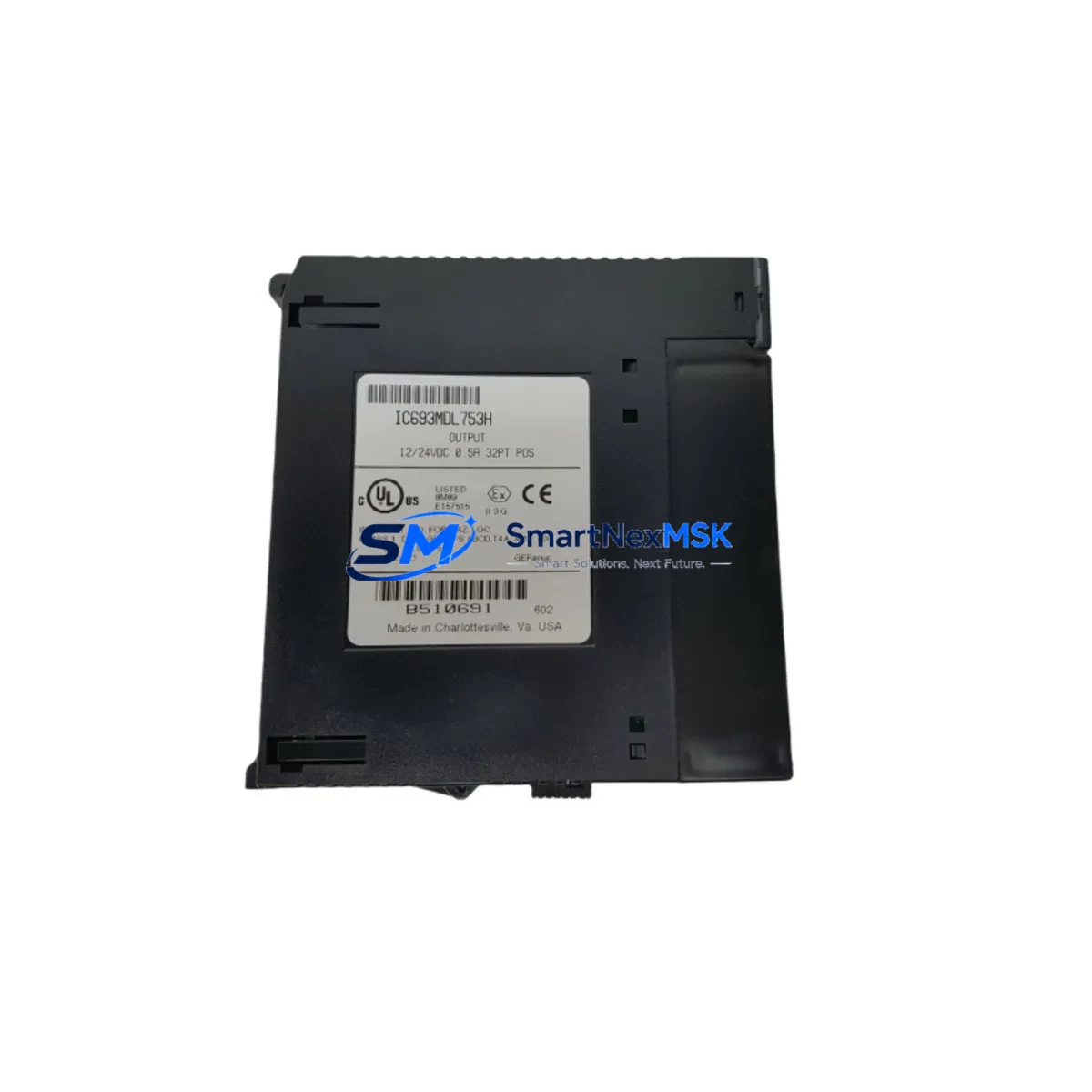
GE Fanuc IC693MDL753H Maintenance-Ready Spare for Series 90-30 Automation
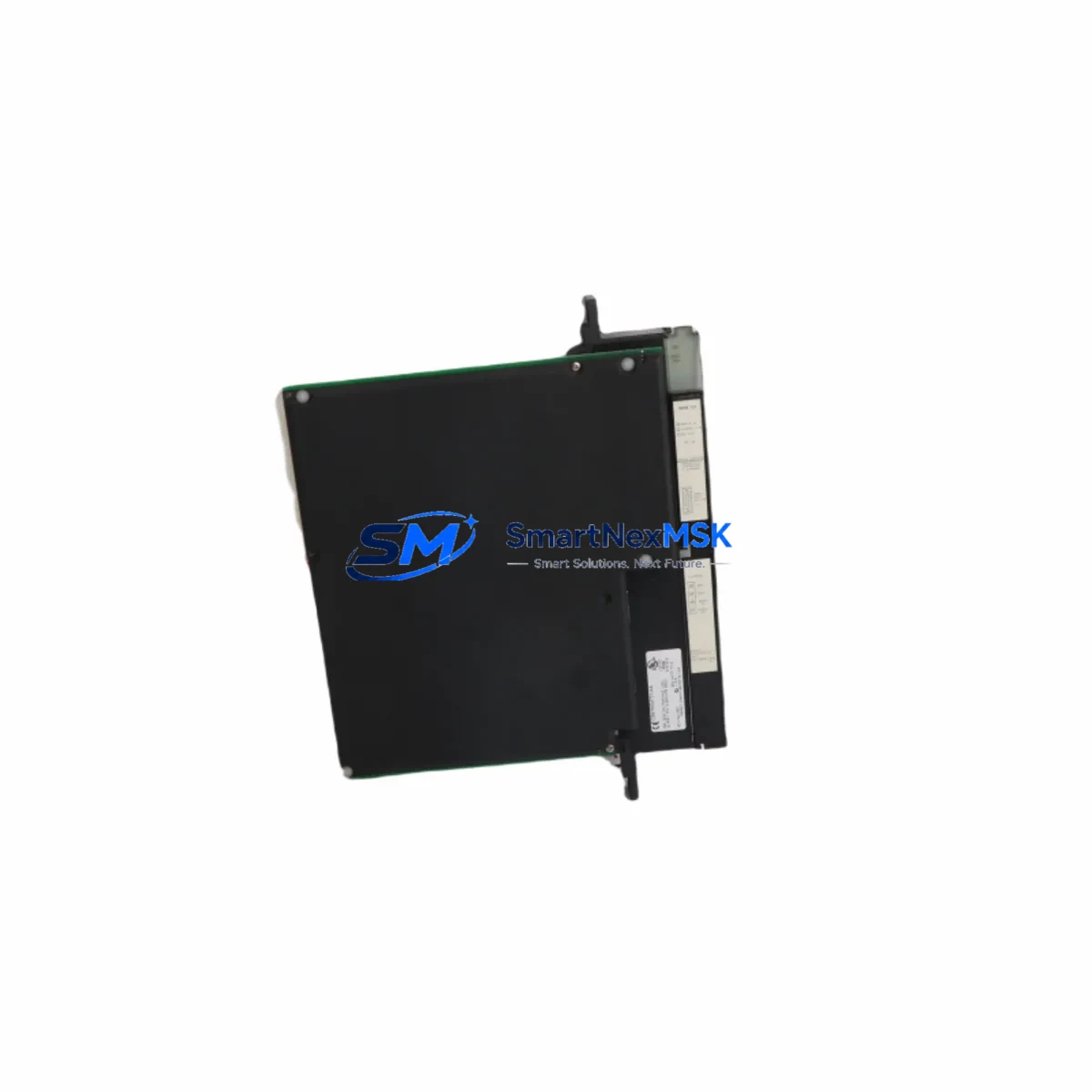
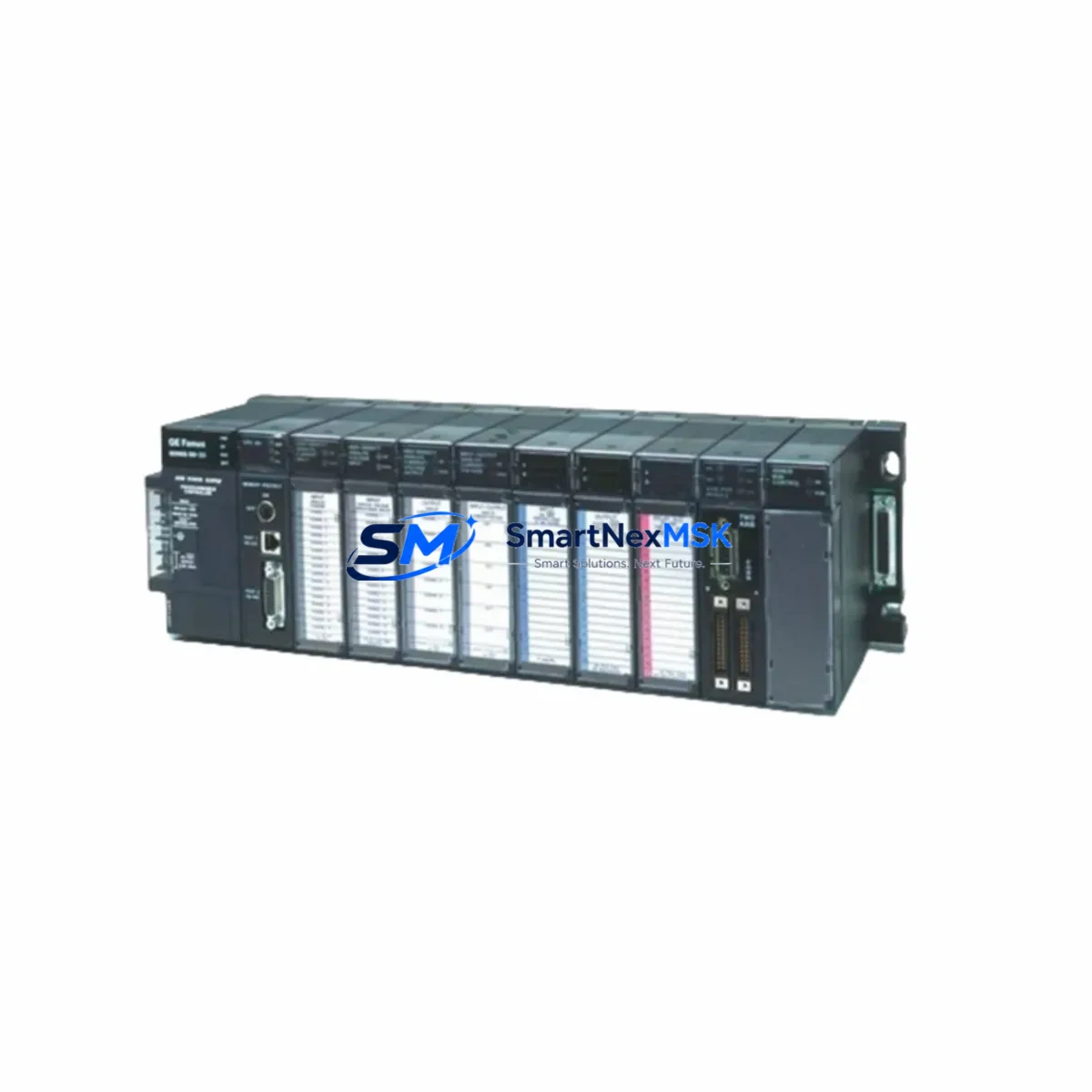
The GE Fanuc IC693MDL753H is a 32-point, 12/24VDC discrete output module designed for the Series 90-30 PLC platform — one of the most widely deployed programmable logic controller families in North American and global industrial automation. For maintenance engineers managing aging control systems, the IC693MDL753H represents a critical spare that directly impacts production uptime. Whether you are responding to an unplanned output module failure, executing a scheduled control cabinet overhaul, or building a strategic spare parts inventory for a multi-line facility, having a verified, pre-tested IC693MDL753H on the shelf is the single most effective way to reduce mean time to repair (MTTR) on Series 90-30-based control loops.
This module interfaces directly with the Series 90-30 baseplate backplane, communicating with the CPU via the internal I/O bus. It supports sinking output configurations and is compatible with standard 24VDC field devices including solenoid valves, motor starters, indicator lamps, and relay coils. The IC693MDL753H is a direct drop-in replacement for worn or failed units without requiring software reconfiguration in most Series 90-30 CPU environments, including IC693CPU364, IC693CPU374, and IC693CPU374-AD variants.
Spare Maintenance Table
| Parameter | Specification |
|---|---|
| Part Number / SKU | IC693MDL753H |
| Brand | GE Fanuc (GE Automation & Controls) |
| Series | Series 90-30 |
| Module Type | Discrete Output Module (Sinking, 32-Point) |
| Output Voltage | 12/24VDC |
| Output Points | 32 |
| Output Current per Point | 0.5A (max) |
| Total Module Current | 4A (max) |
| Backplane Compatibility | IC693CHS391, IC693CHS392, IC693CHS393, IC693CHS398, IC693CHS399 |
| CPU Compatibility | IC693CPU364, IC693CPU374, IC693CPU374-AD and compatible Series 90-30 CPUs |
| Installation | Hot-swap capable on supported baseplates; module slot insertion |
| Operating Temperature | 0°C to 60°C (32°F to 140°F) |
| Storage Temperature | -40°C to 85°C |
| Relative Humidity | 5% to 95% non-condensing |
| Application Environment | Industrial control panels, manufacturing lines, process automation, utilities |
| Condition | Original, pre-tested, functional verification before shipment |
| Warranty | 12 Months from date of shipment |
| Origin | United States |
Maintenance Planning for Continuous Operation
Effective maintenance planning for a Series 90-30 control system extends well beyond the IC693MDL753H output module itself. When a discrete output module fails or is flagged during a routine control cabinet inspection, experienced maintenance engineers know that the root cause is rarely isolated to the module alone. A comprehensive site assessment should include the following associated components and subsystems:
Begin with the IC693PWR321 or IC693PWR330 power supply module feeding the baseplate. An aging or undersized power supply is a common upstream cause of output module instability, particularly in high-density I/O configurations. Verify output voltage stability under load before condemning the IC693MDL753H. Next, inspect the IC693CHS391 or equivalent baseplate for backplane connector wear, corrosion, or mechanical damage at the module slot — a degraded backplane can cause intermittent output faults that mimic module failure.
On the field wiring side, check the terminal block assemblies and field wiring harnesses connected to the IC693MDL753H output connector. Loose terminations, insulation breakdown, or corroded field terminals are frequent contributors to output channel failures. If the control loop includes interposing relay modules (such as Phoenix Contact or Weidmüller relay terminal blocks), inspect coil continuity and contact condition — relay coil burnout driven by the IC693MDL753H outputs is a common co-failure mode.
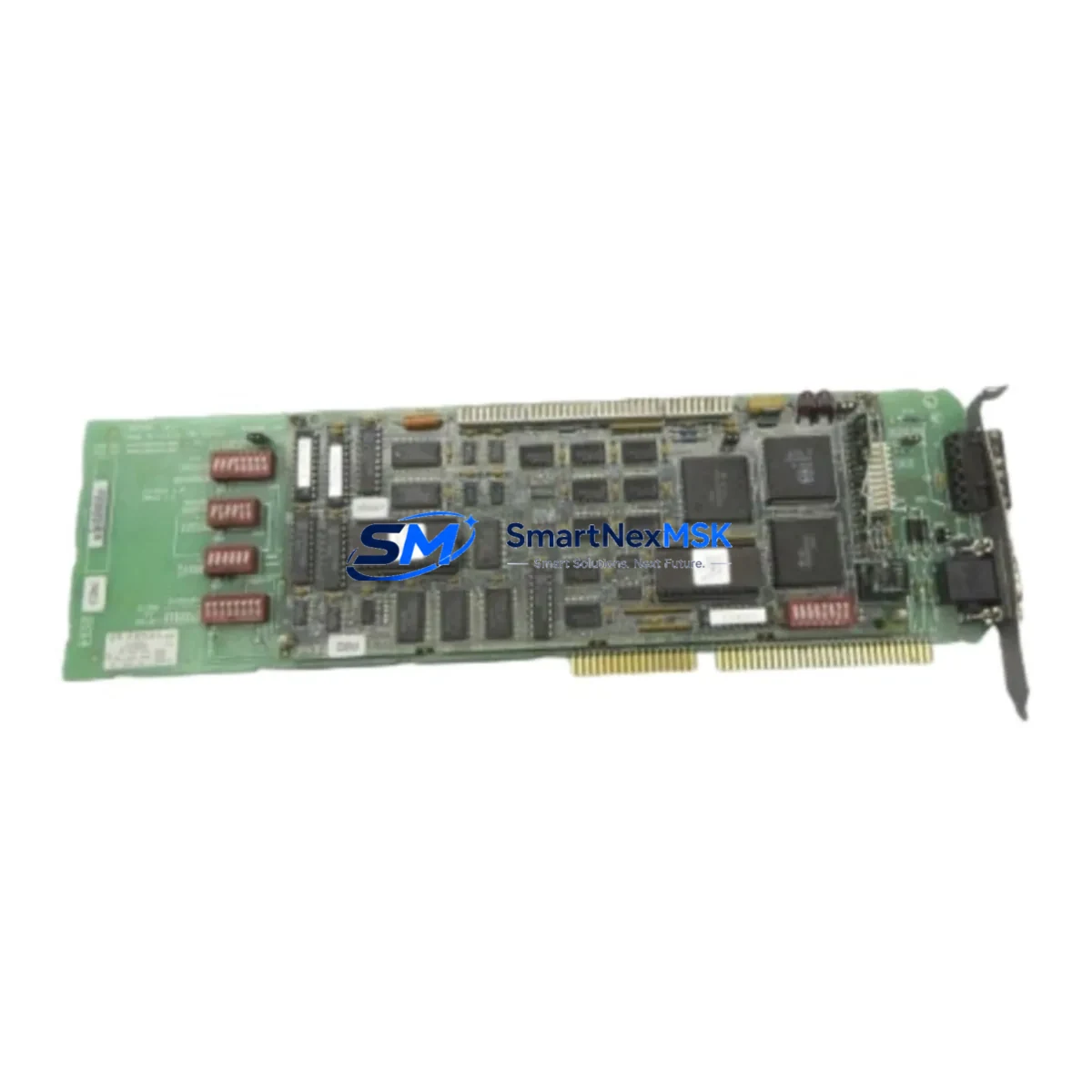
For systems with mixed I/O, also review the adjacent IC693MDL654 or IC693MDL655 discrete input modules sharing the same baseplate. A shorted field device on an input channel can generate transient noise that affects output module behavior. Similarly, if the control cabinet includes IC693CMM321 or IC693CMM311 communications modules for Genius Bus or serial communications, verify that communication integrity is maintained after the output module replacement — some CPU configurations require a rack power cycle to re-initialize the I/O map.
For analog-intensive applications, check any IC693ALG390 or IC693ALG391 analog output modules in the same rack for signal drift or calibration issues that may have been masked by the discrete output fault. Finally, if the system includes an IC693MDL940 relay output module in a parallel control path, verify its contact ratings and cycle count as part of the same maintenance event. Proactive replacement of high-cycle relay outputs during a planned outage is far more cost-effective than an emergency replacement during production.
Maintaining a minimum spare parts kit for a Series 90-30 installation should include at least one IC693MDL753H, one compatible power supply module, one spare baseplate, and a set of CPU and communications modules matched to your installed firmware revision. This approach ensures that any single-point failure in the control cabinet can be resolved within one shift without waiting for expedited freight.
Site Replacement Workflow
Step 1 — Pre-replacement verification: Before removing the failed IC693MDL753H, document the slot position, wiring connector label, and any LED fault indicators active on the module and CPU. Cross-reference the CPU fault table via the programming software (Proficy Machine Edition or Logicmaster 90-30) to confirm the fault is isolated to the output module and not a CPU or backplane fault.
Step 2 — Safe isolation: De-energize the field output circuits controlled by the IC693MDL753H using the appropriate field isolation switches or MCBs. Do not rely solely on the PLC output disable command — physically isolate field power to prevent inadvertent actuation of connected devices during module swap.
Step 3 — Module removal and inspection: Remove the IC693MDL753H by releasing the module latch and sliding it from the baseplate slot. Inspect the backplane connector pins for damage or contamination. Clean with appropriate contact cleaner if required before installing the replacement unit.
Step 4 — Replacement installation: Insert the new IC693MDL753H into the same slot. The Series 90-30 platform supports slot-based I/O addressing, so no software reconfiguration is required provided the replacement module is the same type and revision. Reconnect the field wiring connector and verify terminal seating.
Step 5 — Power-up and functional test: Re-energize the baseplate and monitor the CPU I/O fault table. Force individual output channels from the programming terminal to verify field device response before returning the system to automatic control. Document the replacement in the maintenance log with the new module serial number and date.
This workflow minimizes downtime to under 30 minutes for a prepared maintenance team with a verified spare IC693MDL753H on hand, compared to 24–72 hours or more when waiting for emergency procurement.
Spare Parts Support FAQ
Q: Is the IC693MDL753H a direct drop-in replacement for earlier hardware revisions?
A: Yes. The IC693MDL753H (revision H) is backward compatible with earlier hardware revisions of the same part number within the Series 90-30 platform. No software changes are required in standard slot-addressed configurations. We recommend verifying firmware compatibility with your specific CPU revision if you are running Logicmaster 90-30 software older than version 9.x.
Q: How is the IC693MDL753H tested before shipment?
A: Every IC693MDL753H unit undergoes functional verification prior to shipment, including backplane communication check, output channel continuity test, and visual inspection for physical damage. Units are shipped in anti-static packaging with individual test documentation available upon request.
Q: What is the recommended spare parts stocking strategy for Series 90-30 systems?
A: For facilities with three or more Series 90-30 racks, we recommend maintaining a minimum of two IC693MDL753H units in local spare stock, along with one power supply module and one CPU module matched to your installed revision. For single-rack installations, one spare output module is the minimum recommended holding. Long-term supply availability is confirmed — contact us for blanket order pricing on multi-unit spare kits.
Q: What does the 12-month warranty cover?
A: The 12-month warranty covers manufacturing defects and functional failures under normal operating conditions from the date of shipment. It does not cover damage resulting from incorrect installation, overvoltage events, or physical mishandling. Warranty claims are processed with priority turnaround — replacement units are dispatched within 3 business days of confirmed fault diagnosis.
© 2026 SMARTNEXMSK. All rights reserved.
Original Source: https://smartnexmsk.com
Contact: [email protected] | +86 18259474341